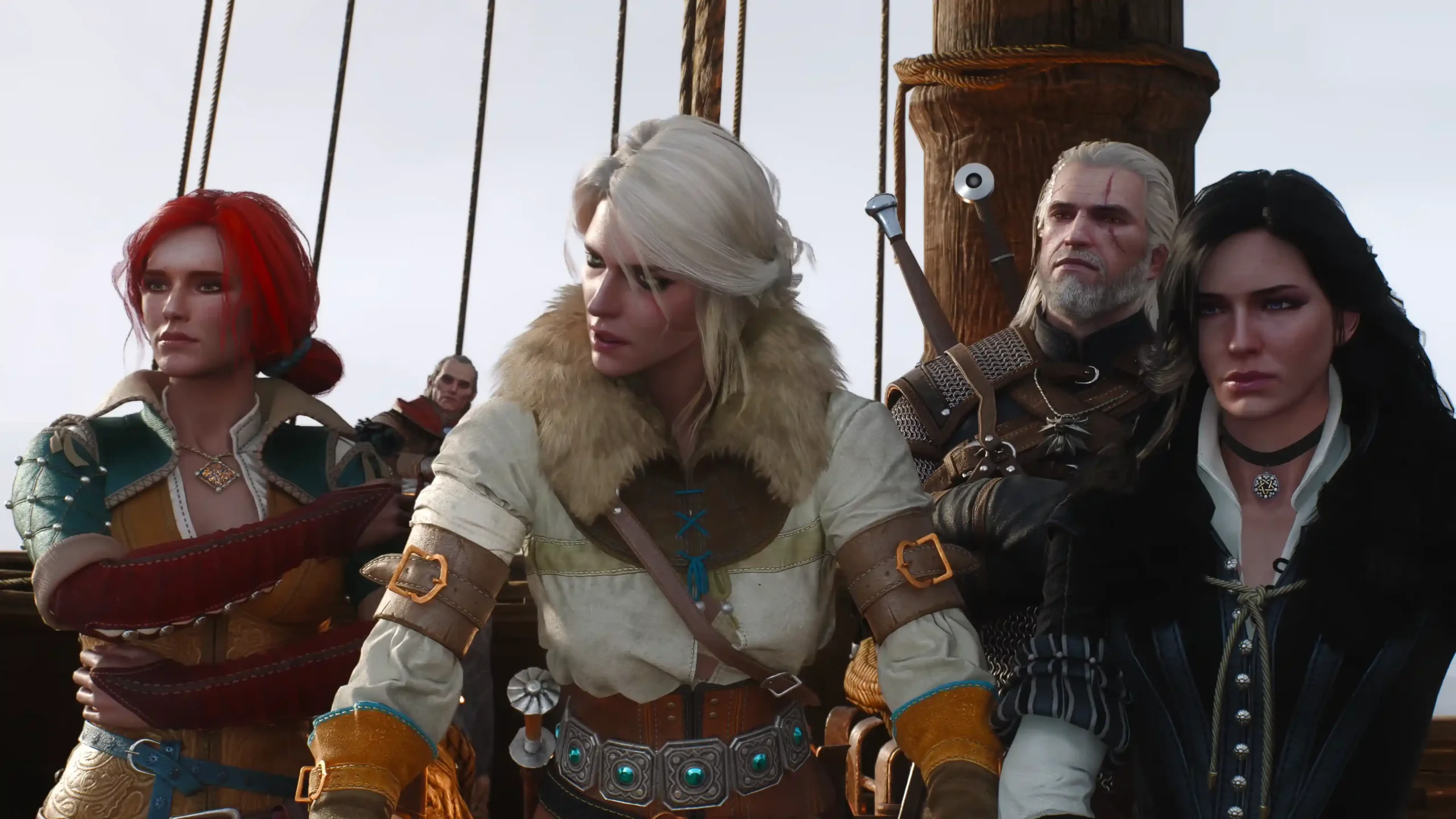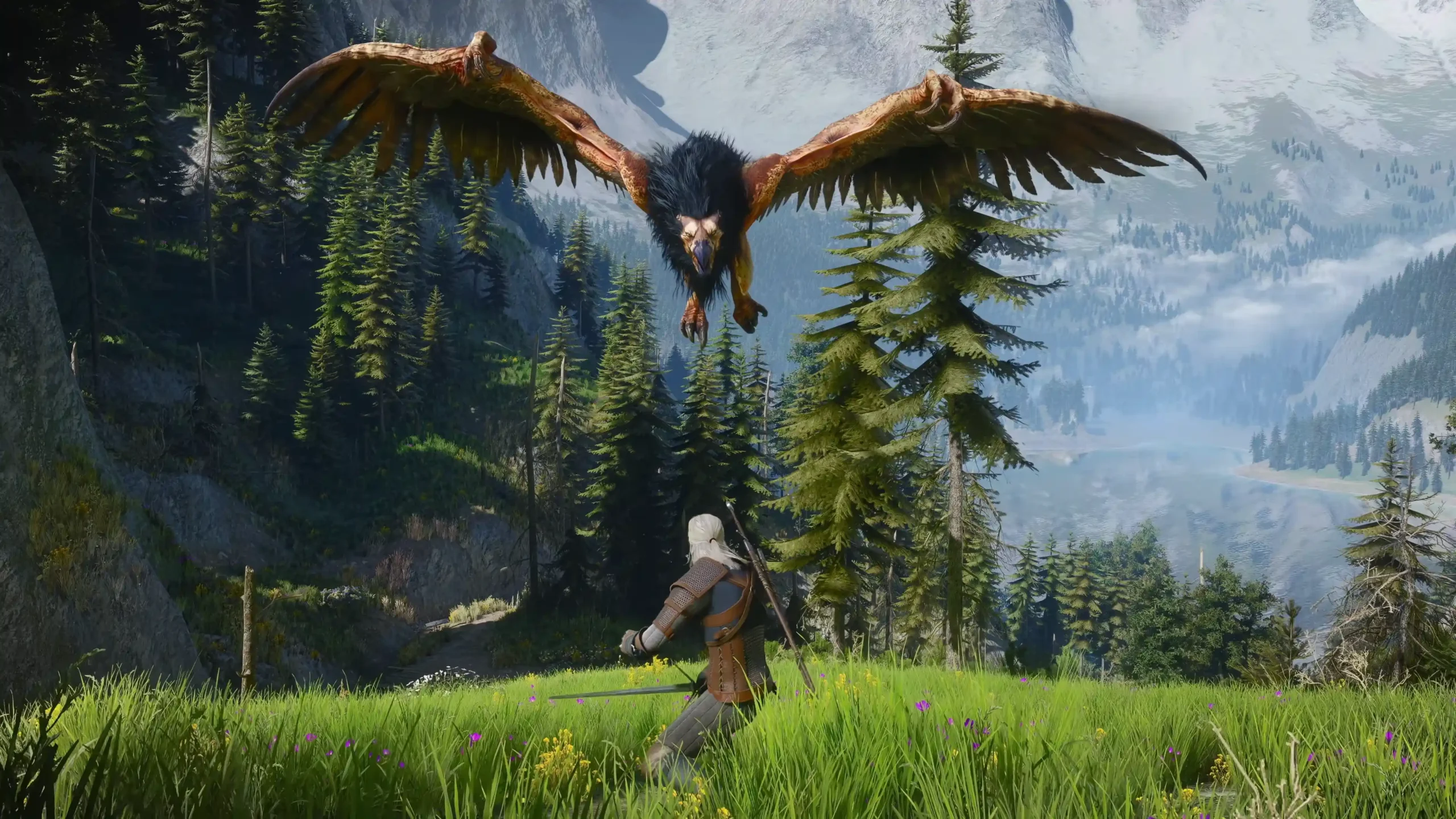


Witcher 3 Remastered black screen reports started almost immediately after the release. The thing is, “black screen” isn’t a single bug. Radeon players are getting black grass and missing textures. Others see a black world with the HUD floating on top, or a dead screen while the audio plays. It’s a mess, like how you can’t save. It’s a rough launch for a free upgrade. Let me be clear from the start. There’s no universal fix, so find your symptom below and start with the driver update.
What You’ll Read:
Which Witcher 3 Remastered Black Screen Do You Have
Half the fixes in this guide fail because you target the wrong problem. So match your symptom first.
| What you see | Likely cause | Go to |
|---|---|---|
| Black grass, black squares, missing trees | Radeon driver bug | Fix AMD Black Grass |
| Black world, HUD and menus still visible | DLSS, Ray Reconstruction, or ray tracing state | Fix a Black World With the HUD |
| Fully black display, but you hear audio | Unclear. Possibly GPU or monitor routing | Fix a Black Screen on Startup |
| Won’t launch, or crashes on Play | Launcher, files, or overlays | Fix the Game Not Launching |
| Stuck on a dark loading screen | Unknown | Stuck on the Loading Screen |
| Black window on Mac or Linux | Compatibility layer | Mac and Linux sections |
Update Your GPU Driver First
CDPR named exact driver versions for launch, so check yours against this table.
| GPU | Driver |
|---|---|
| NVIDIA | 617.14 |
| AMD | Adrenalin 26.9.2 |
| Intel | 32.0.101.8993 |
Don’t just click “update” over your old driver. Do a clean install. Use DDU for NVIDIA and Intel, or the AMD Cleanup Utility for Radeon, then install the new one fresh. It wipes out leftover files from older versions.
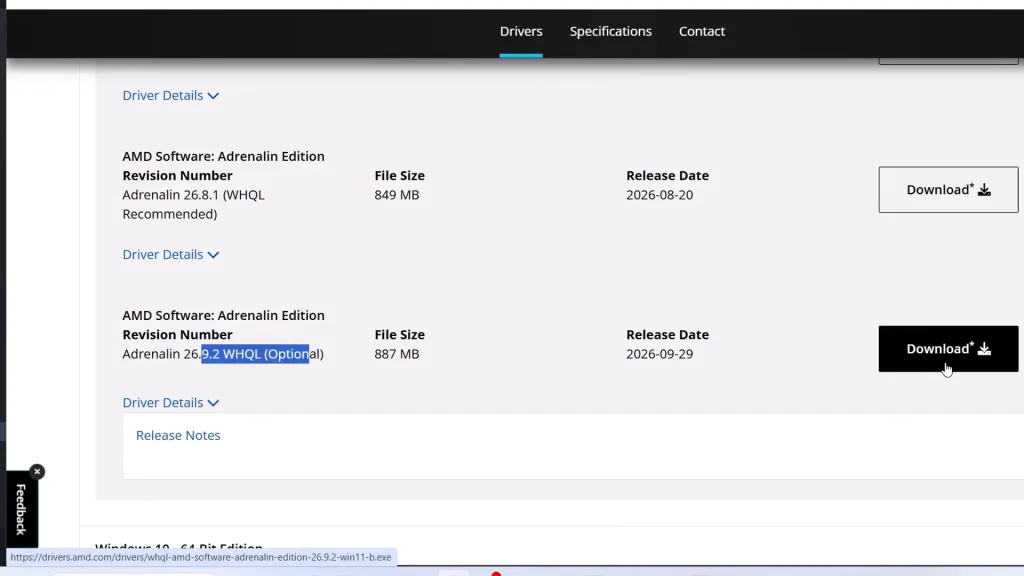
AMD’s 26.9.2 is an Optional driver, so your Radeon app may not show it yet. Get it from AMD’s website instead.
Treat 617.14 as the starting point, not a cure. Some RTX 5070 Ti owners still got black screens after updating. If that’s you, move on to the symptom sections below.
Fix AMD Black Grass and Missing Textures
Install Adrenalin 26.9.2, and you’re probably done. The culprit was the public 26.9.1 driver. It is effectively unusable and has severe glitches on RX 9000 cards. RX 7000 owners aren’t safe either. Players with an RX 7800 XT, 7900 XT, and 7900 XTX reported black grass and missing assets.
Don’t waste time on settings. I tried turning off ray tracing and clearing shader caches; I even reinstalled the game. The corruption stayed until the driver changed. One player’s black polygons where smoke and fire should be (Blood and Wine intro) vanished after the update.
It isn’t a cure-all, though. One player still had a transparent Roach tail afterward.
Fix a Black World With the HUD Still Visible
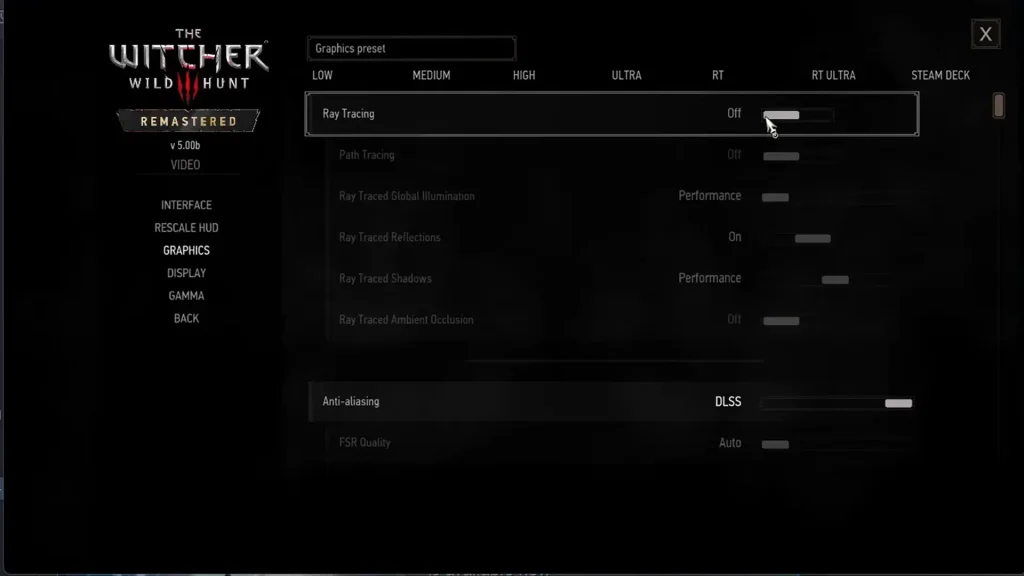
Your HUD and menus show up, but the world is pitch black. Players on Steam link this to changing DLSS modes or turning on Ray Reconstruction. You can try to fix it in this order:
- Set DLSS back to Quality.
- Turn off Ray Reconstruction.
- Apply a full graphics preset (Medium, High, or Ultra), then change your settings back.
- Toggle ray tracing off and on again.
One player has to repeat step 4 on every boot. Annoying, but it gets the image back. Another player said fully closing the NVIDIA app made DLSS behave normally, so it’s worth a shot if the rest fail.
Fix a Black Screen on Startup (Audio Still Playing)
This one is the strangest. The screen stays black, but you hear the cinematic audio and menu clicks, so the game is running. Players with an RX 9060 XT, GTX 1080, and RTX 3060 Ti all report it, and several say the latest driver and file verification changed nothing.
Your best lead is display routing. Try these:
- On a desktop, plug your monitor into the graphics card, not the motherboard.
- Unplug any extra monitors.
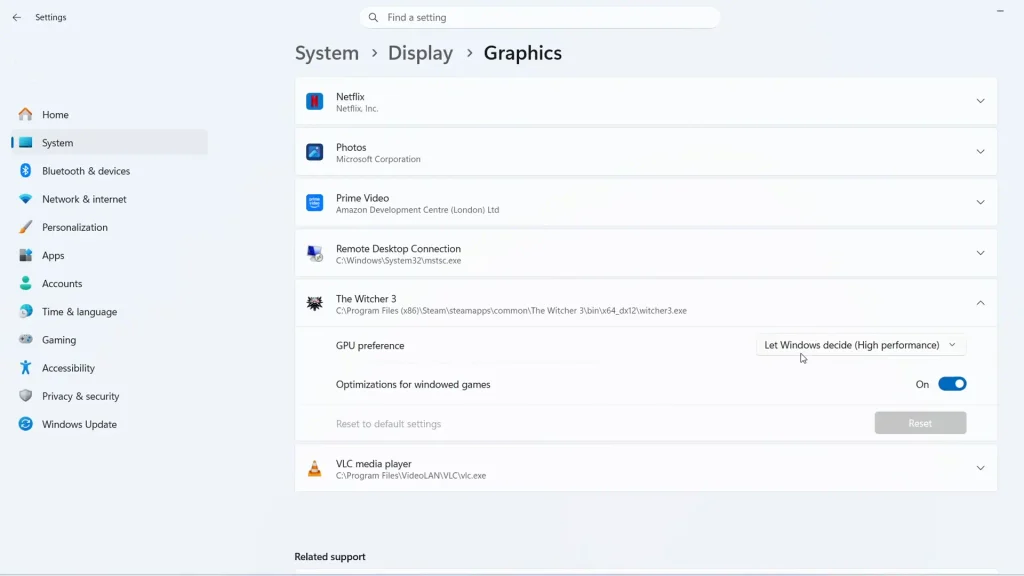
- Add the game’s .exe in Windows Graphics settings and assign it to your dedicated GPU.
Fix the Game Not Launching or Crashing on Play
There are two ways to fix this. You can try the official fix by CDPR that was posted before the Remastered, or you can try the unofficial fixes players found themselves. I recommend the second one.
Official Fixes
These come from CDPR’s support pages. They predate Remastered, so treat them as general fixes. They’re boring, but they’re what CDPR itself recommends.
- Verify your game files. On Steam: right-click the game, Properties, Installed Files, Verify integrity.
- Close overlays and monitoring tools like MSI Afterburner, RivaTuner, Fraps, and GeForce Experience.
- Reinstall the Microsoft Visual C++ redistributables, oldest first, and run the installers as Administrator.
- Try a Windows clean boot.
Player Fixes
None of these are official, but players keep reporting them.
- REDlauncher crashes when you click Play: Two players fixed it by running the REDlauncher .msi and choosing Repair. In Steam, go to Browse local files, find the installer, repair, then launch through Steam.
- Steam as Administrator: Several YouTube viewers say exiting Steam and relaunching it as admin worked. Don’t set everything to admin, though. One guide tells you to clear that flag on the game and launcher.
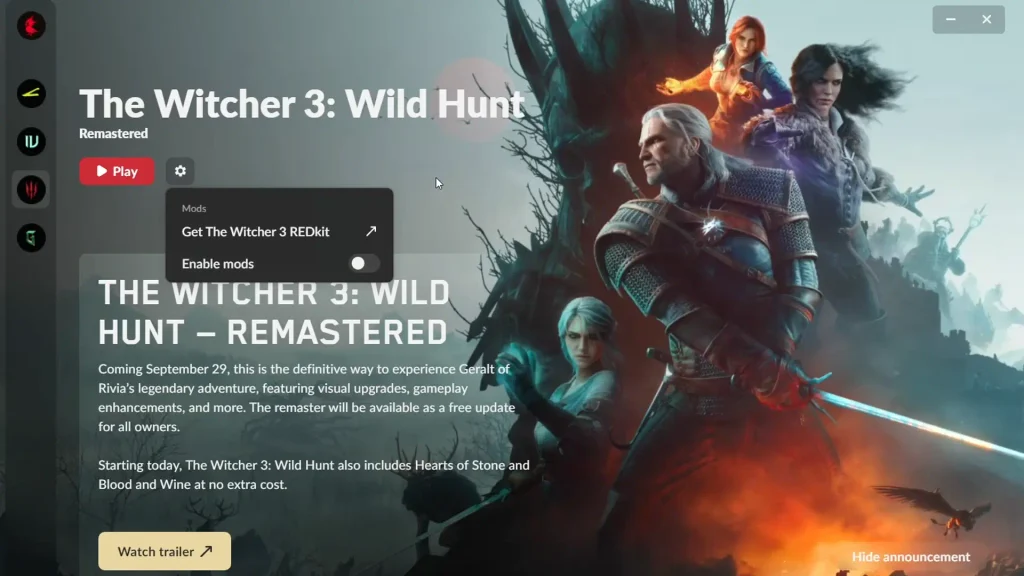
- Mods: Disable them in REDlauncher. One viewer said that alone fixed it.
- Ray tracing: If you can reach the graphics menu, turn it off. Several viewers say that did it.
Stuck on the Loading Screen
This one hurts the most, because it hits after you’ve already sunk hours into the game. Players report getting stuck on a dark loading screen on both new games and old saves. It’s on RTX 4090, RX 9060 XT, and even Switch 2, where it happened mid-quest.
I’m sorry to say that I don’t have a real fix for you, and nobody else does yet. Verifying files and removing mods didn’t help the players who tried them. One player got unstuck by verifying files and then loading an older save. It’s a single report, but it costs you nothing to try.
Black Screen on Mac (CrossOver)
Mac players are getting a black window that hangs on launch. A Reddit user traced it on CrossOver 26.3. The game still looks for an old DX11 executable that version 5.00b doesn’t have, and a startup shader then crashes Apple’s D3DMetal. His fix is a small DLL that blocks the shader, plus a symlink so CrossOver finds the right file. It’s on GitHub.
It’s unofficial, and CDPR, Apple, and CodeWeavers haven’t verified it. Still, players on M1 Pro, M2 Pro, M4 Pro, and M5 Macs say it worked on both Steam and GOG, including external drives after the installer update. It failed for at least one M2 with 8 GB.
If a game update restores the original file, run the installer again.
Black Screen on Linux (Proton)
Linux reports are all over the place, and it’s really two separate problems.
The launcher won’t start. Players on Bazzite and CachyOS couldn’t get past the launcher with GE-Proton or CachyOS Proton. One person got in with Proton Experimental and these launch options:
%command% --launcher-skip -disablemods
Audio plays, but the screen stays black. A CachyOS user hit this on Proton 10.0.1. Launcher skip isn’t shown to fix it.
Some players report no problems at all. A Manjaro user on an RX 7800 XT said the game ran without the Windows-style corruption. Results change with your distro, Proton version, and GPU, so none of this counts as official compatibility advice.
Other Black Screen Fixes
Roll back to 4.04: CDPR officially lets you switch back to version 4.04, depending on your platform. Classic 1.32 is listed too. It doesn’t fix Remastered, but it lets you keep playing while CDPR and the GPU makers sort things out.
Report it: CDPR’s visual-issue workflow says to clean install your drivers, verify files, and try an earlier save first. If the screen is still black after that, file a report. Record a video if you can, and include any error code the game shows. A clip of the bug is much harder to ignore than a written description.
FAQ
Does Windows 10 cause the black screen?
CDPR dropped official support and says the game may still run, but compatibility and performance aren’t guaranteed. Nobody has shown that Windows 10 itself causes the black screens.
Can I switch to DX11?
Not as a verified fix. Remastered runs on native DirectX 12, and CDPR’s patch notes don’t offer a DX11 option for Windows.
Should I roll back to AMD driver 26.3.1?
No. It was a launch-day stopgap before 26.9.2 arrived. CDPR’s current guidance points to 26.9.2 instead.
The Witcher 3: Wild Hunt