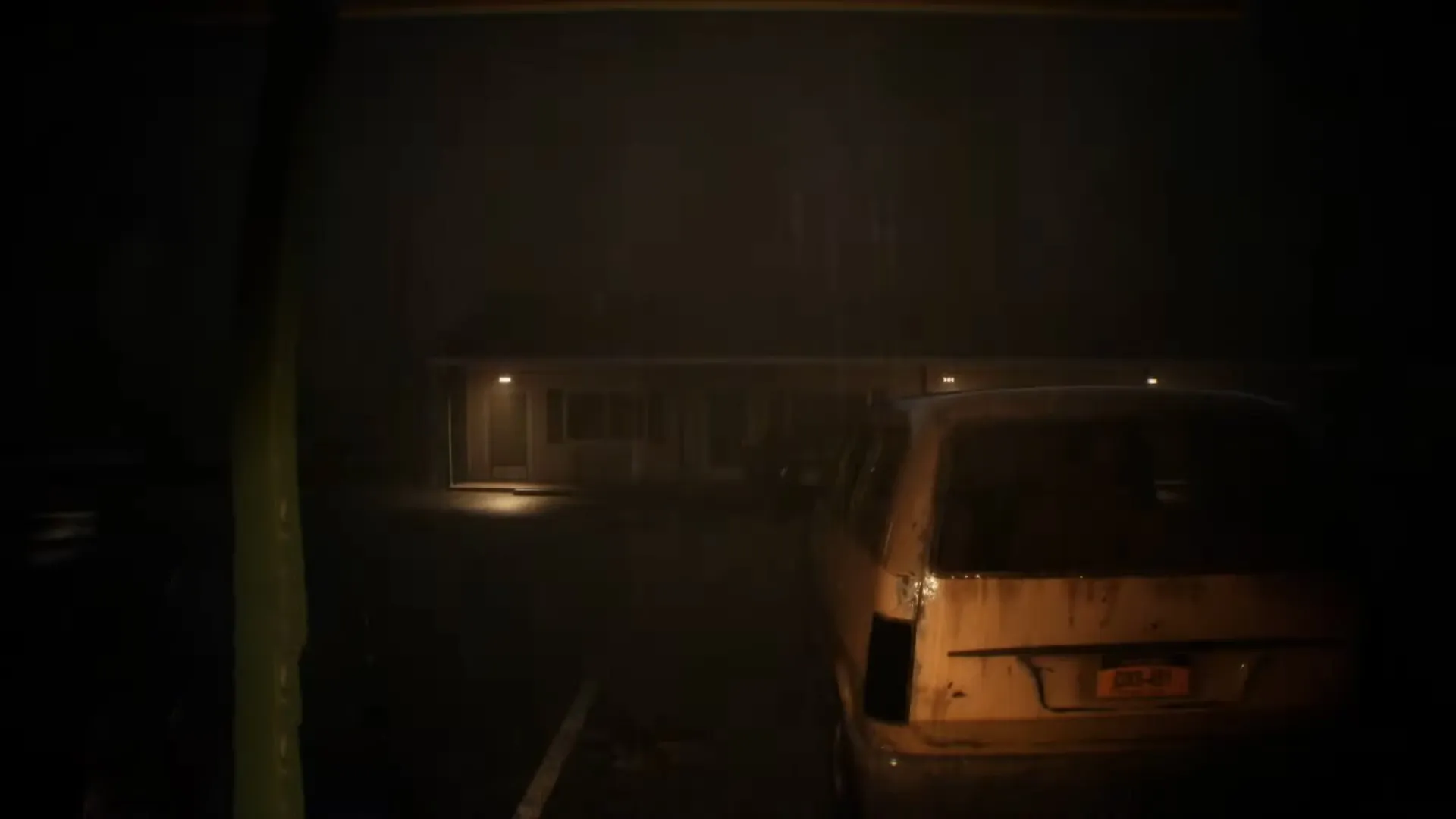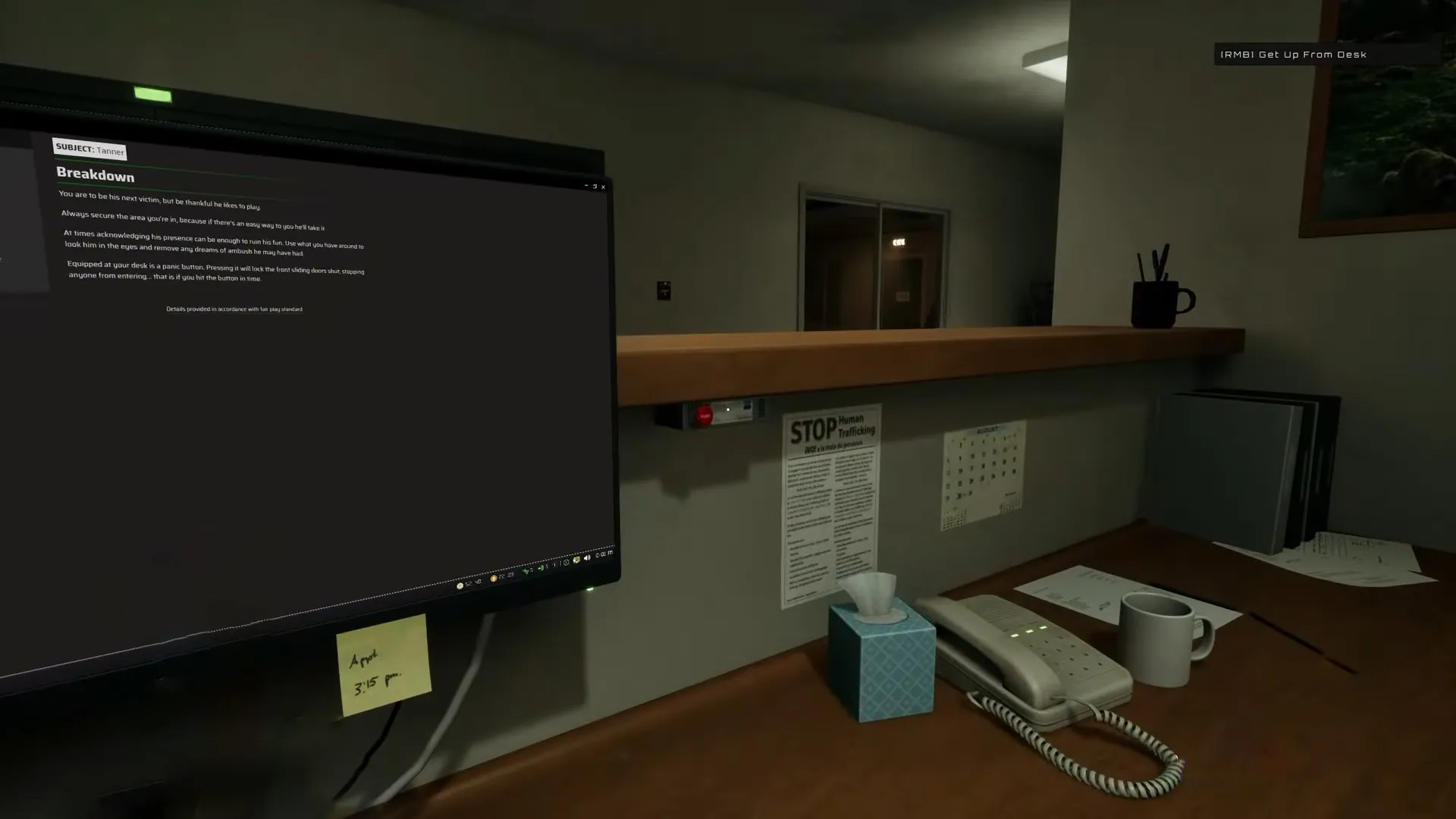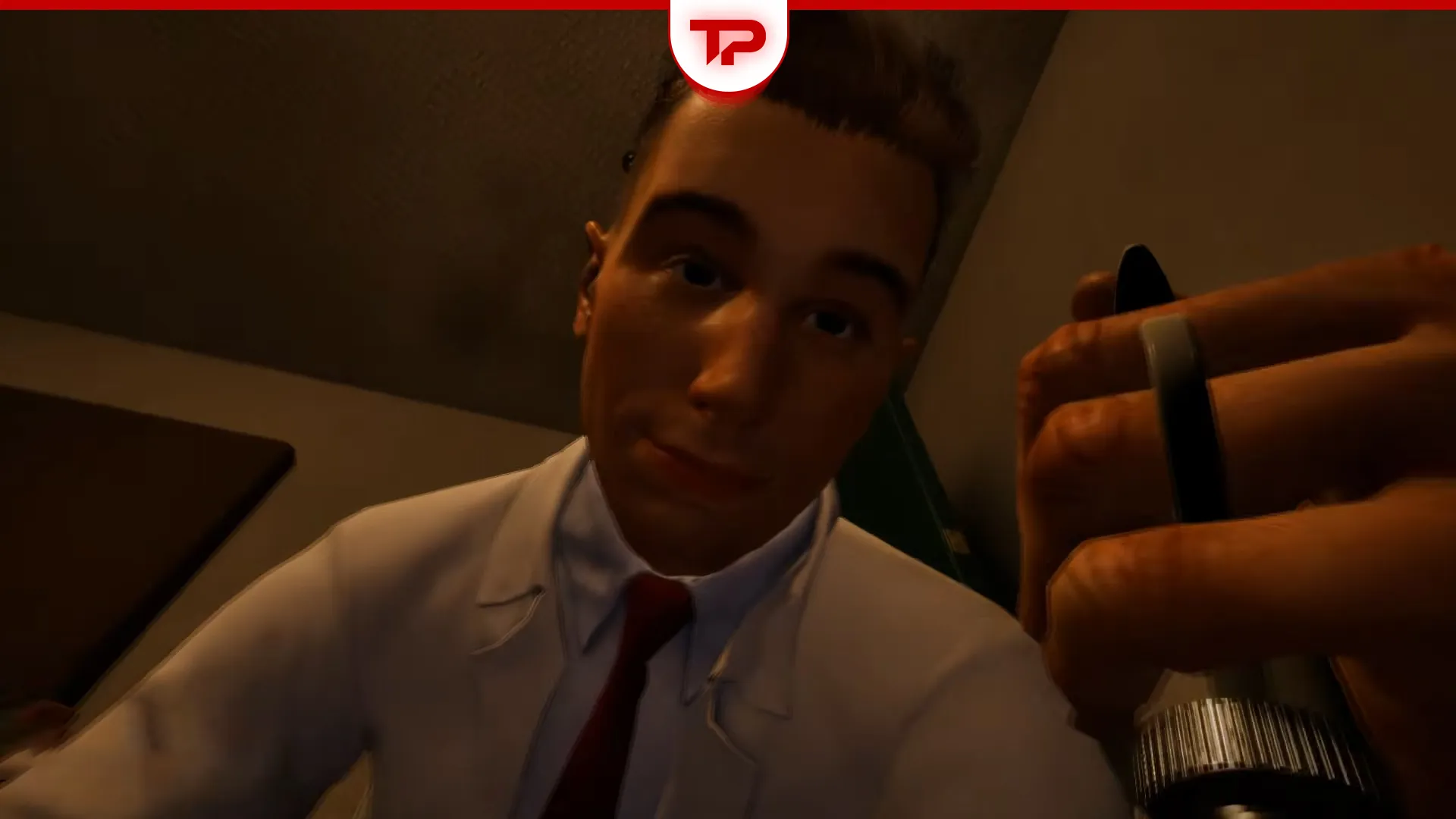


Tanner is one of the deadliest threats in Welcome to the Game 3, and he kills from two directions: a straight rush at your front sliding door or a silent grab from behind while you’re distracted. The panic button locks that front door if you hit it in time, and a camera near the door gives you enough warning to catch him coming. Get comfortable listening for him before you see him, because by the time he’s on screen, you’re already close to a Game Over.
He’s not a new face. Tanner Grayton is a returning antagonist from Reflect Studios’ earlier game Scrutinized, who is back now as one of Welcome to the Game 3’s main killers.
Here’s everything the community has figured out so far, including a patch that changes how the panic button behaves.
What we cover:
How Tanner Attacks You
Tanner has two separate kills and they catch you in different situations. One warns you if you’re watching for it. The other doesn’t warn you at all.
The Front Door Rush
Tanner spawns near the property and heads for your front sliding door. You’ll usually spot him running toward it from a distance if you’re watching a camera pointed that way, or catch him at the last second through the door itself. Either way, you have to hit the panic button before he reaches it. The button locks the sliding door shut and keeps him out, but only if you press it in time. Wait too long, and he gets a free kill.
Getting Killed From Behind
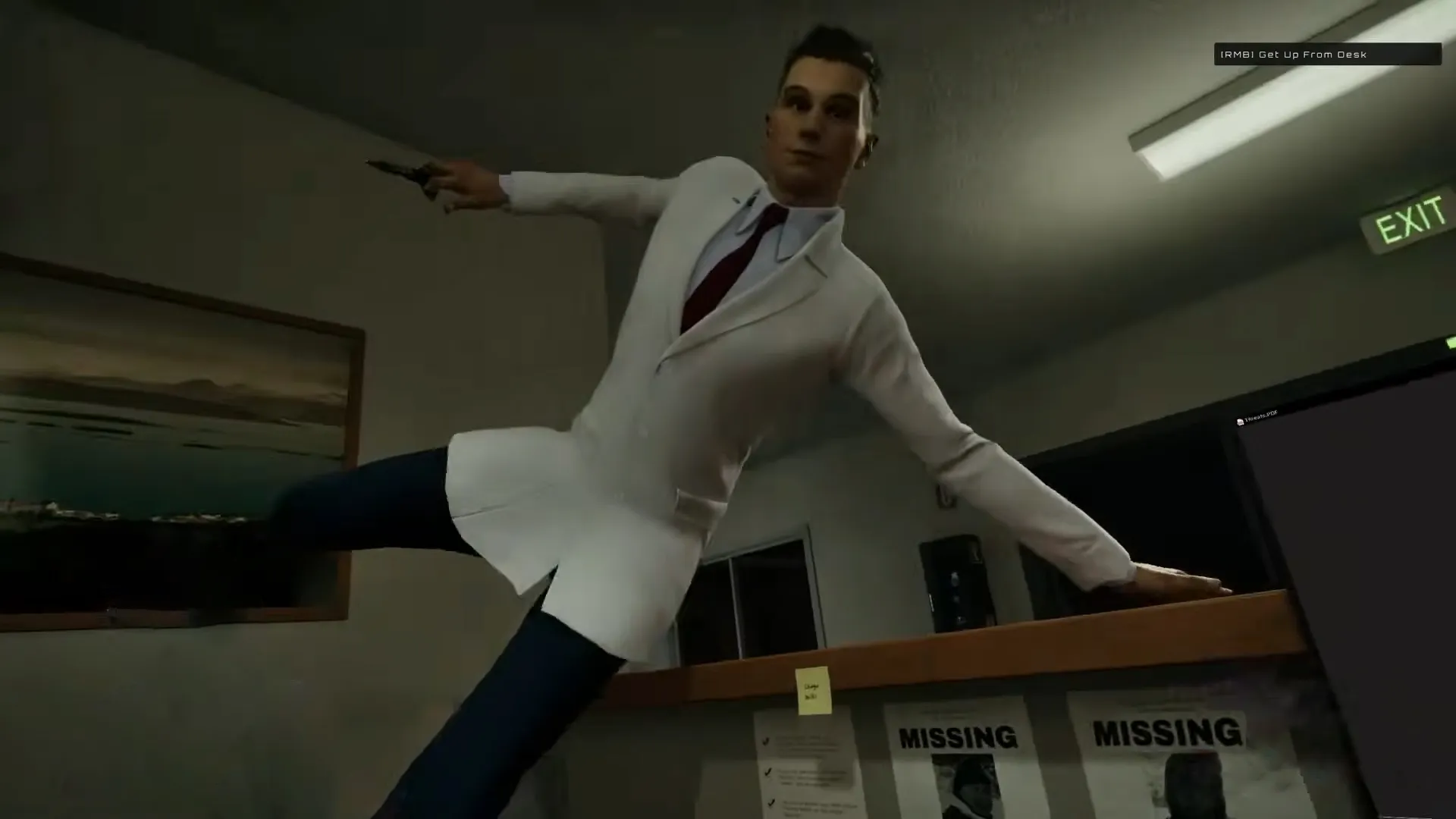
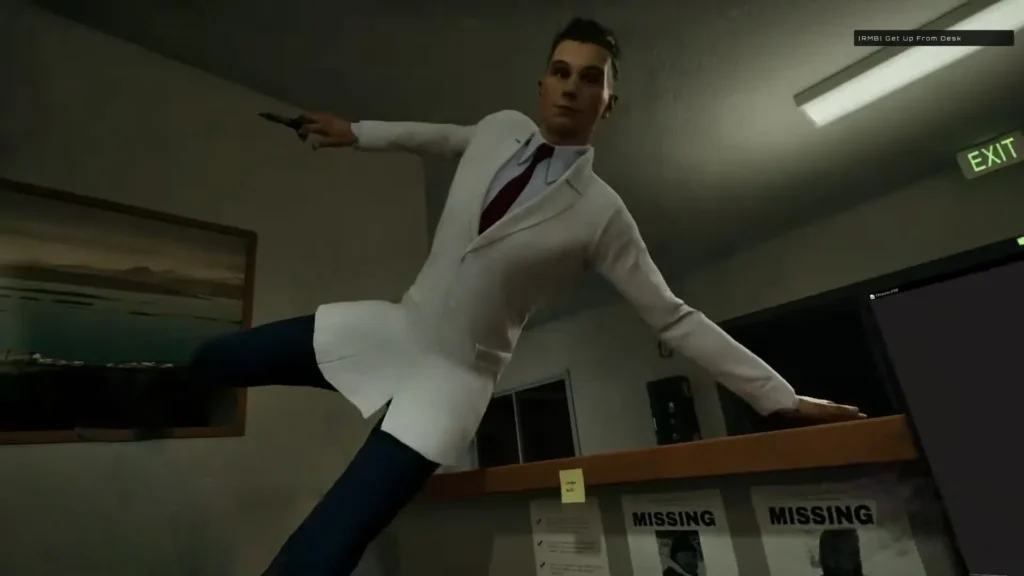
This is the death that trips up most players, sometimes called the “eye-stabby” kill because of the animation. You’re sitting at your computer, fully absorbed in a hack or a task, and Tanner grabs you from behind with no warning on screen. Players on Steam have reported this happening even when they thought they’d locked every door.
The most common explanation from the community is that Tanner already got in through the front while you weren’t watching. If you’re locked into computer mode for too long without glancing at a camera or the door, he closes the distance and gets you before you ever see him coming. A few players have also pointed to unlocked back doors, so don’t assume the front is the only entry point.
How to Counter Tanner
- Buy a camera and point it at the front door or parking lot. Multiple players say they can spot Tanner running through the area from far away once they have one placed. Without a camera, you’re relying on the door itself, which gives you almost no reaction time.
- Check in often, even mid-task. Don’t stay locked into a hack or the computer screen for too long without breaking to look. This is the single biggest cause of the from-behind kill.
- Hit the panic button the moment you see him. It locks the front door, but timing matters. A late press does nothing.
- Lock every door, not just the front. A few reports suggest an unlocked back entrance can let him in without the usual front-door warning.
- If you’re caught outside and need to check for him, look through the crowd or open area before you commit to moving. If he’s not visible, you’re generally safe to proceed.
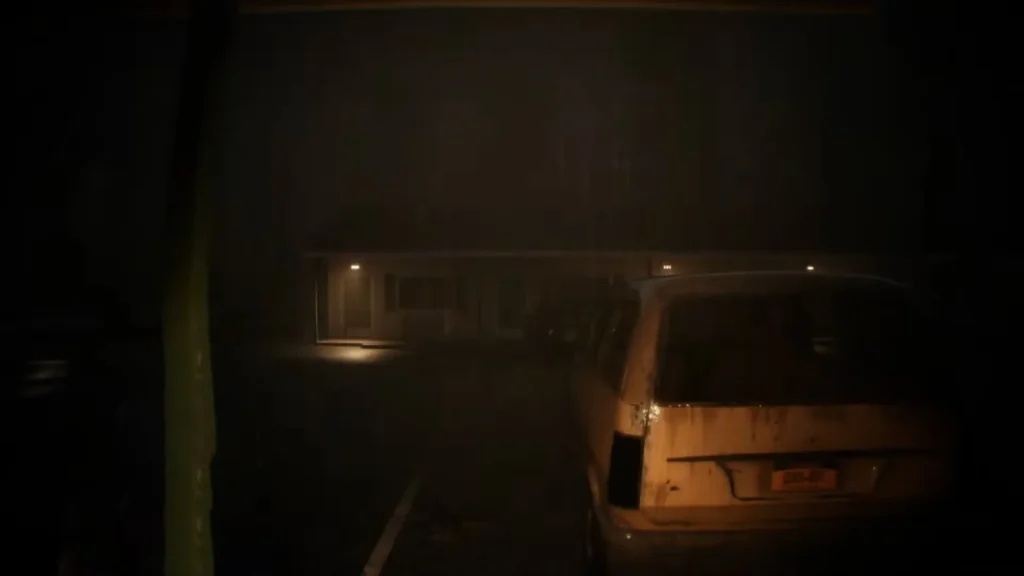
Most players agree on the steps above, but nobody’s fully cracked the from-behind kill yet. Motion sensors are a good example. A camera near the door is proven, but people are split on the sensors. Some swear a sensor gave them a heads-up before Tanner appeared. Others placed one right by a door and still got killed with zero warning. Until that gets sorted out, don’t lean on a sensor alone. Stick to checking the camera and door yourself, often, even when it feels excessive.
The Panic Button Patch You Need to Know About
Right after launch, players started complaining that the panic button had become “over-punishing.” A hotfix tied the button too closely to checking for Tanner. Use it too often and it started destroying your network boxes, a mechanic that’s supposed to be completely separate from dealing with him. The button was supposed to let you both check for Tanner and block him, but the hotfix made using it for its intended purpose costly.
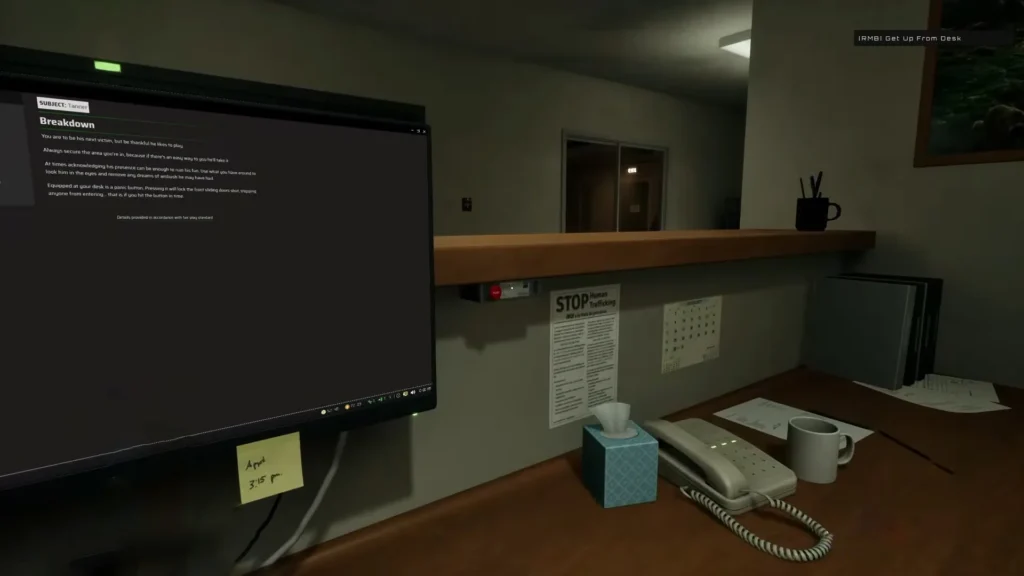
Reflect Studios developer Bill Simmons responded on the steam forums and confirmed the change would be reverted in the next patch because it was “too punishing in its current state.”
That fix has since landed. The official steam patch notes for Welcome to the Game 3 confirm: “Successfully blocking Tanner’s entry will now prevent him from turning around mid-run away and killing you.” In other words, a well-timed panic button press now reliably stops him, instead of occasionally getting you killed anyway even after you blocked him correctly.
If you played in the first day or two after launch and got burned by Tanner despite doing everything right, that was likely this bug. It’s worth updating before you blame your own reaction time.
Tanner in Normal Mode vs 1337 Mode
Welcome to the Game 3 launched with two difficulty options and how forgiving Tanner is depends on which one you’re playing.
- Normal mode saves your progress with a checkpoint every in-game hour. Dying to Tanner sets you back, but not all the way to the start.
- 1337 mode unlocks only after you beat Normal, and it drops checkpoint saving entirely. Every mistake with Tanner in this mode can cost you the whole run. It’s also confirmed to be harder across the board, with its own unique ending.
If you’re still learning Tanner’s patterns, Normal mode is the better place to do it. 1337 mode punishes the kind of trial-and-error most players still need against him.
Tanner Outfit DLC
Reflect Studios also released a set of cosmetic outfits for Tanner alongside launch. These only change how he looks and have no effect on his behavior or the difficulty. The outfits are these: Maid, Swim Trunks, Classy, Cat, and Mankini which is coming soon.
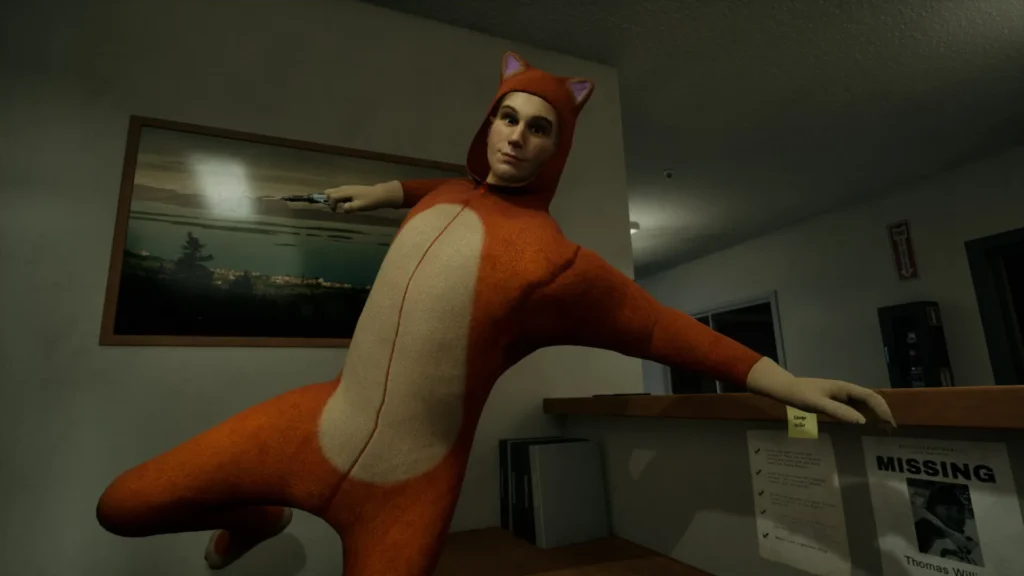
None of these make him easier or harder to survive. They’re purely a way to support the developer if you want to.