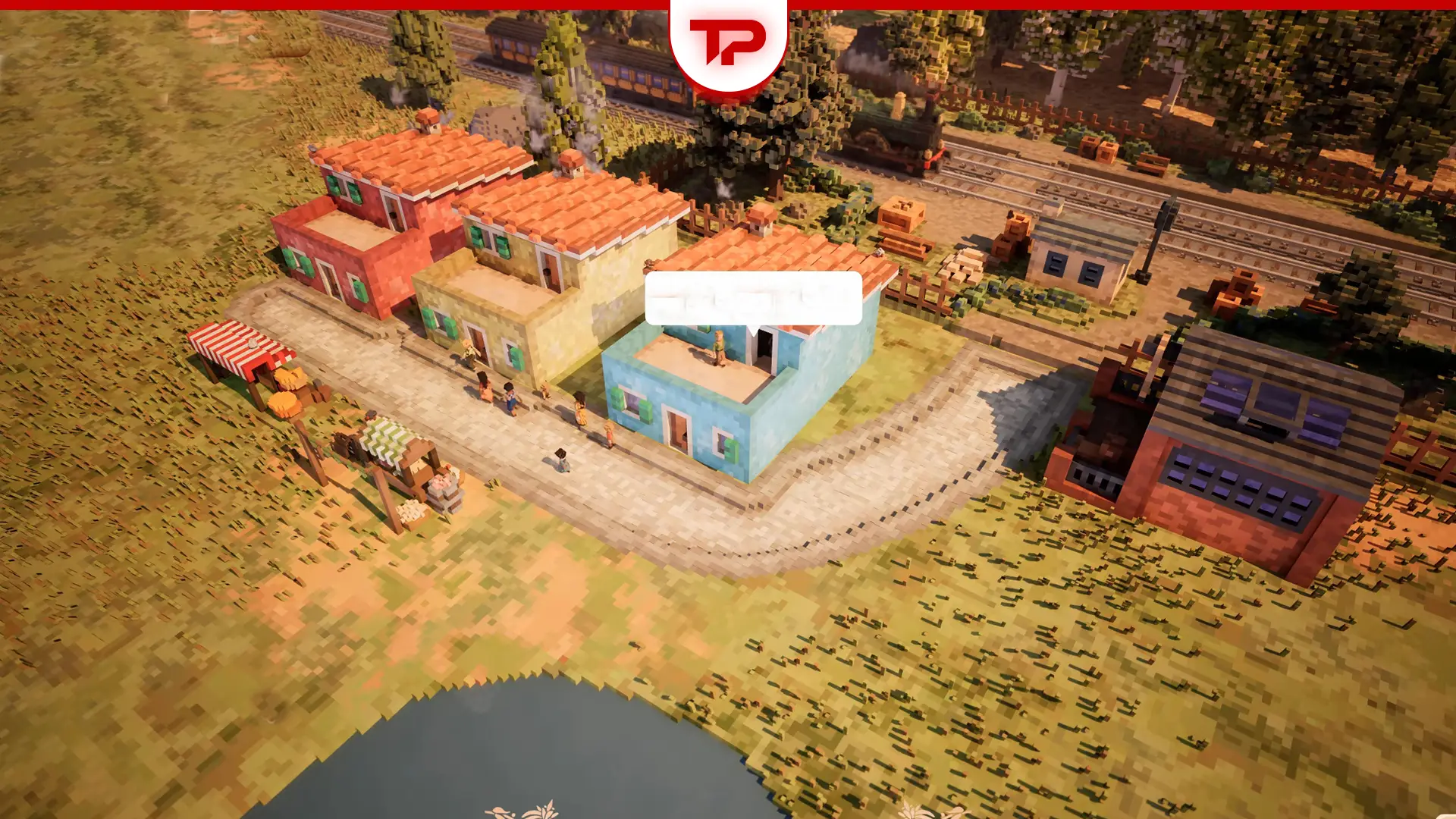


In this game you’ve got a blank map and a train station, and you’re supposed to turn it into a real city, where do you even start? This Town to City guide is your straight-to-the-point manual. It’s just practical tips I’ve learned and community fixes for the most annoying bugs. Let’s build something.
The Text:
First 30 Minutes in Town to City
Early game, many players get confused. So read this if you’re a beginner. In first minutes you need market stall, small farms, mill, well and woodcutter.
Immediately place the market stall near the center. It auto-sells basic goods and brings in your first gold. Wheat or small farm is the backbone of early food and later trade. Plant it right next to your stall. Then you need to Process wheat into flour. Flour sells for more than raw wheat, even before you have a bakery.
And of course, water supply dictates everything from farm efficiency to later production chains. Build it before your first winter or risk a drought penalty. Finally, Place the woodcutter near a forest. You’ll need planks for almost every early building.
A Step-by-Step Beginner Guide
No matter which mode you’re playing, the core objective is the same: attract new people and meet their needs. So, this Town to City guide is useful for all players. Here’s what you should do after that 30 minutes of playing.
Step 1: Build Houses & Connect Roads
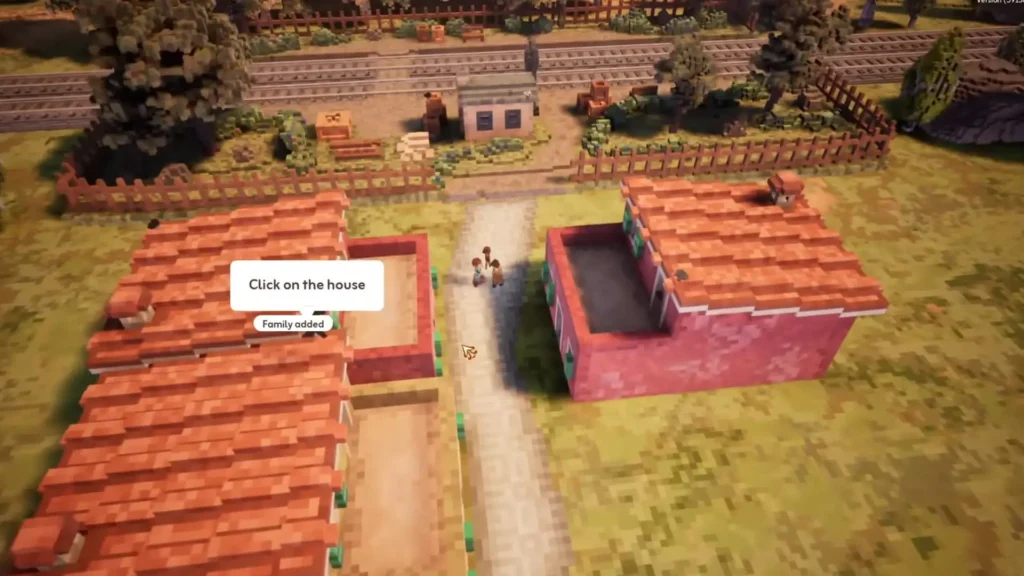
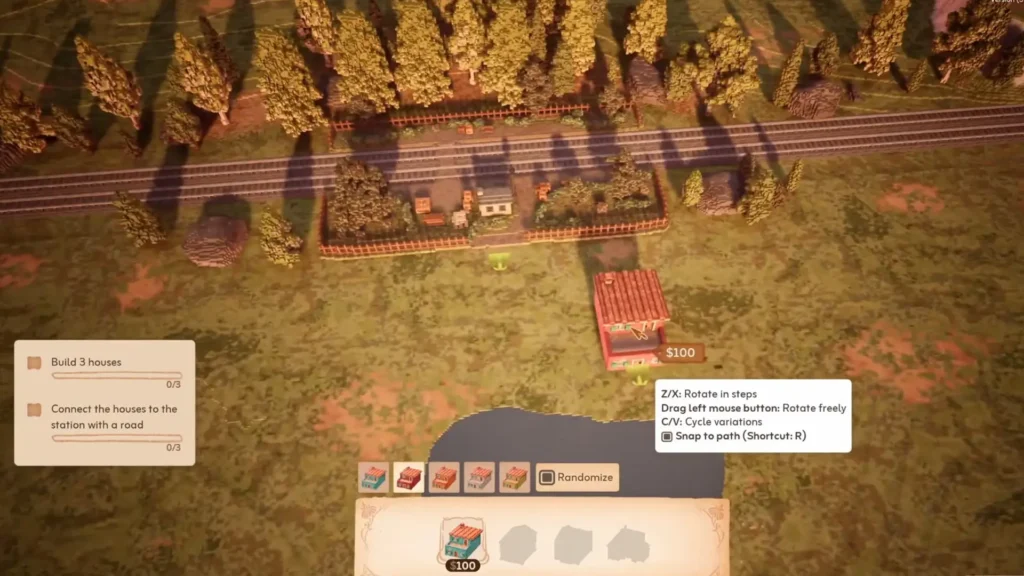
Your first families will arrive by train. Before anything, select a few houses from the bottom menu and place them near the station. Then, select the “Draw Roads” action and paint a road starting from the station and leading past the front of your new homes.
Step 2: Provide Food & Create Jobs
People need to eat. Go to the “Commerce” section and build food stalls close to the houses. After placing them, click on the stall and use the + button to add a laborer. Stalls too far from homes will make people unhappy.
Now, food needs to get from the station to the stalls. Go to the “Special” section and build a Warehouse close to the station, connected by a road. Add a couple of laborers here to make the whole food delivery system functional.
Step 3: Keep People Happy with Decorations
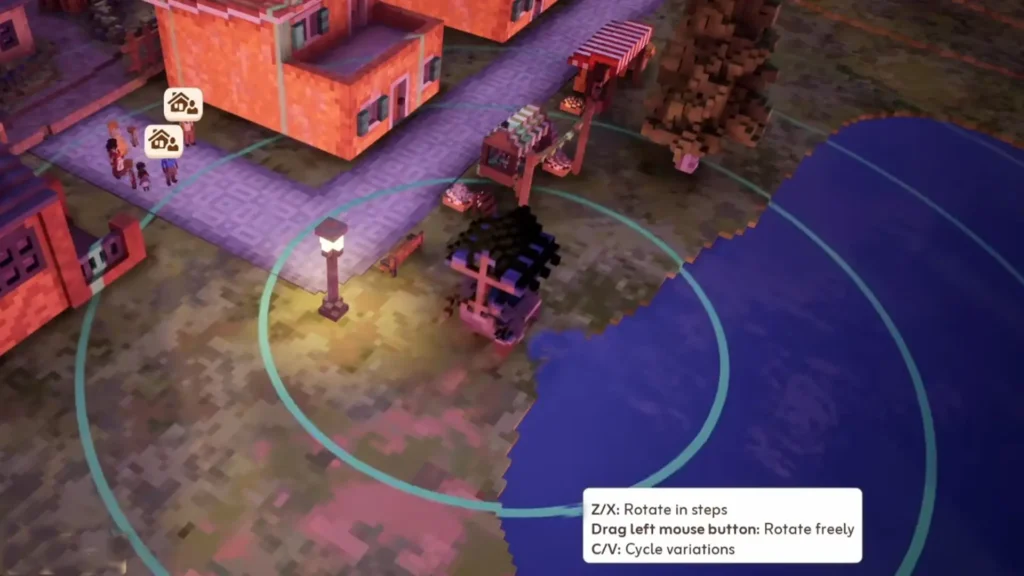
A house and a job are just the beginning. People need a beautiful environment to be truly happy. Go to the “Decorations” tab and start placing items.
Step 4: Unlock the Future with Research
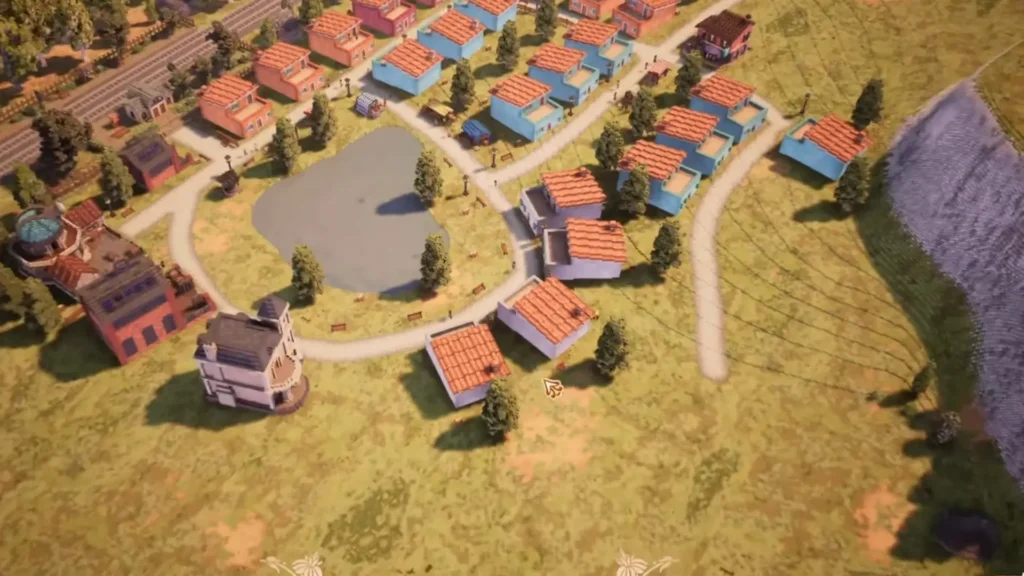
One of the most important buildings is the Research Center. Find it in the “Special” section, place it in your town, and connect it with a road. Add laborers to generate Research Points over time. You’ll spend these points in the Research Menu which is essential for growth.
A Brief Progression Walkthrough
Your town will grow through a series of eight stages, from a simple Dwelling to a Large City. Each stage has new requirements and unlocks new possibilities.
- Dwelling to Hamlet: This is your tutorial town. Your goal is to reach a population of 50 with an average happiness of 60%. Focus on building homes, providing food, and decorating.
- Hamlet to Village: You’ll now have access to a Mayor’s Home, where citizens will start giving you requests. This stage introduces the need for apparel, so you must build structures like a Clothing Store to meet their demands.
- Village to Small Town: Now your townsfolk want leisure activities. You’ll need to build entertainment venues to keep them happy.
- Small Town to Town: A new class of citizen arrives: Artisans. They require their own separate residential area and have more specific needs than regular townsfolk.
- Town to City: As you expand, your citizens will now demand public services. You’ll need to build structures to meet these new needs to keep growing.
- City to Large City: The Bourgeoisie arrive. You must research this class in the tech tree to unlock their unique, larger residences. Your goal here is to house 25 Bourgeoisie citizens while maintaining a 60% average happiness across all classes.
Large City and Beyond
Once you have a thriving Large City, the new tourism mechanics unlock. You can now build hotels and designate landmarks.
Tourists are a transient population class that visit your town and spend money there. They contribute to the economy but don’t count as permanent residents. To satisfy them, you’ll need to set up tourist routes connecting hotels to landmarks and scenic spots. Managing tourists well can provide a huge income boost.
Advanced Strategy
When you reach the Small Town stage, you’ll unlock a new campaign map called Fontebrac. This map introduces a full farming system and is the key to unlocking more complex production chains.
The core objective here is to earn Farm Points. You do this by placing Farmer Residences, assigning them, and then selecting which crop (like wheat or corn) you want them to grow.
As they harvest, you’ll earn Farm Points which unlock new crops in this order: Wheat (default), then Corn at 50 points, Grapes at 150 points, and Olives at 300 points. Plan your farmer residences accordingly to reach these thresholds.
A critical building for this map is the Granary. Place it near a Warehouse and connect the two so your laborers can properly store all the harvested crops.
Production Chains and Luxury Goods
Materials matter in this game because you can make stuff with them. These stuff can be regular or Luxury. Luxuries make more money:
| Items | How to Make Them |
| Bread | Wheat → Mill (flour) → Bakery (bread) |
| Clothing | Wool (sheep farm) → Weaver (cloth) → Tailor (clothes) |
| Furniture | Wood → Sawmill (planks) → Carpenter (furniture) |
| Luxury Food | Bread + Cheese (cow farm + dairy) + Spices (imported or greenhouse) |
| Jewelry (120 gold profit) | Gold ore + Gems |
| Perfume (95 gold profit) | Flowers + Alcohol |
| Porcelain (80 gold) | Clay + Coal + Dye |
| Clocks (110 gold) | Iron + Gears + Glass |
The Shop Connection Reset Bug and Its Solution
When you manually set up which houses a shop delivers to, those connections might reset every time you load your saved game. The shops will then connect automatically, but often in a less efficient way.
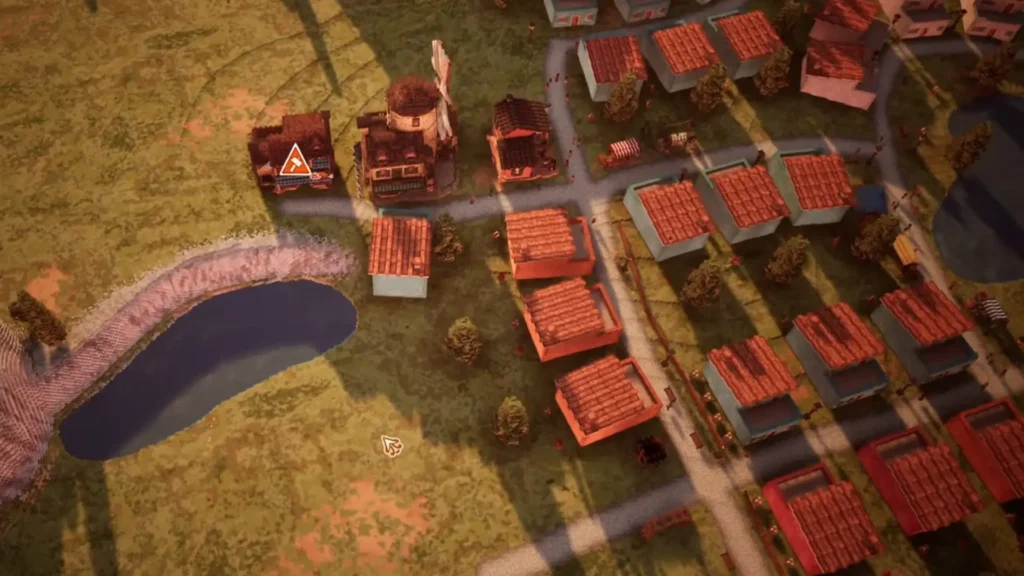
For now, the best solution is to check your shop connections after loading your game and manually reset them.
You can also build separate little towns around the map so that no two shops of the same type have overlapping ranges. This can be expensive in terms of workforce, but it prevents the game from making bad automatic connections.
The Game-Changing Tourism Update
The game left Early Access and launched into 1.0 on May 26, 2026, with a massive tourism update.
You can now build a variety of hotels and plan tourist routes between them and your town’s landmarks.
The update also added a beautiful new seaside campaign map called Rocemarée with monumental ruins, and a new City Hall with departments and policies.
Town to City Guide: Build well
Building your dream town in Town to City is all about taking it slow and solving one problem at a time. Keep your people fed, give them jobs, and decorate like crazy because happiness is the real currency here.
Don’t stress about perfection; you can move any building anytime, and half the fun is reworking your city as it grows.
FAQs
My food stalls are built and have a worker, but they’re always empty. Why?
You’re missing the delivery chain. You need a Warehouse (under the “Special” tab) near the train station.
How do I move a building I already placed?
Press the M key on your keyboard (the default move shortcut) and then click on the building you want to relocate.
I unlocked a new map. How do I get resources between my two towns?
You can’t directly transfer money or physical goods between maps. However, each map’s income contributes to your global balance.
I’m stuck and can’t seem to unlock any new buildings. What am I missing?
You probably need to spend your Research Points. Build a Research Center, staff it with laborers, and then open the Research Menu (the beaker icon) to unlock new stalls, decorations, and building types.

