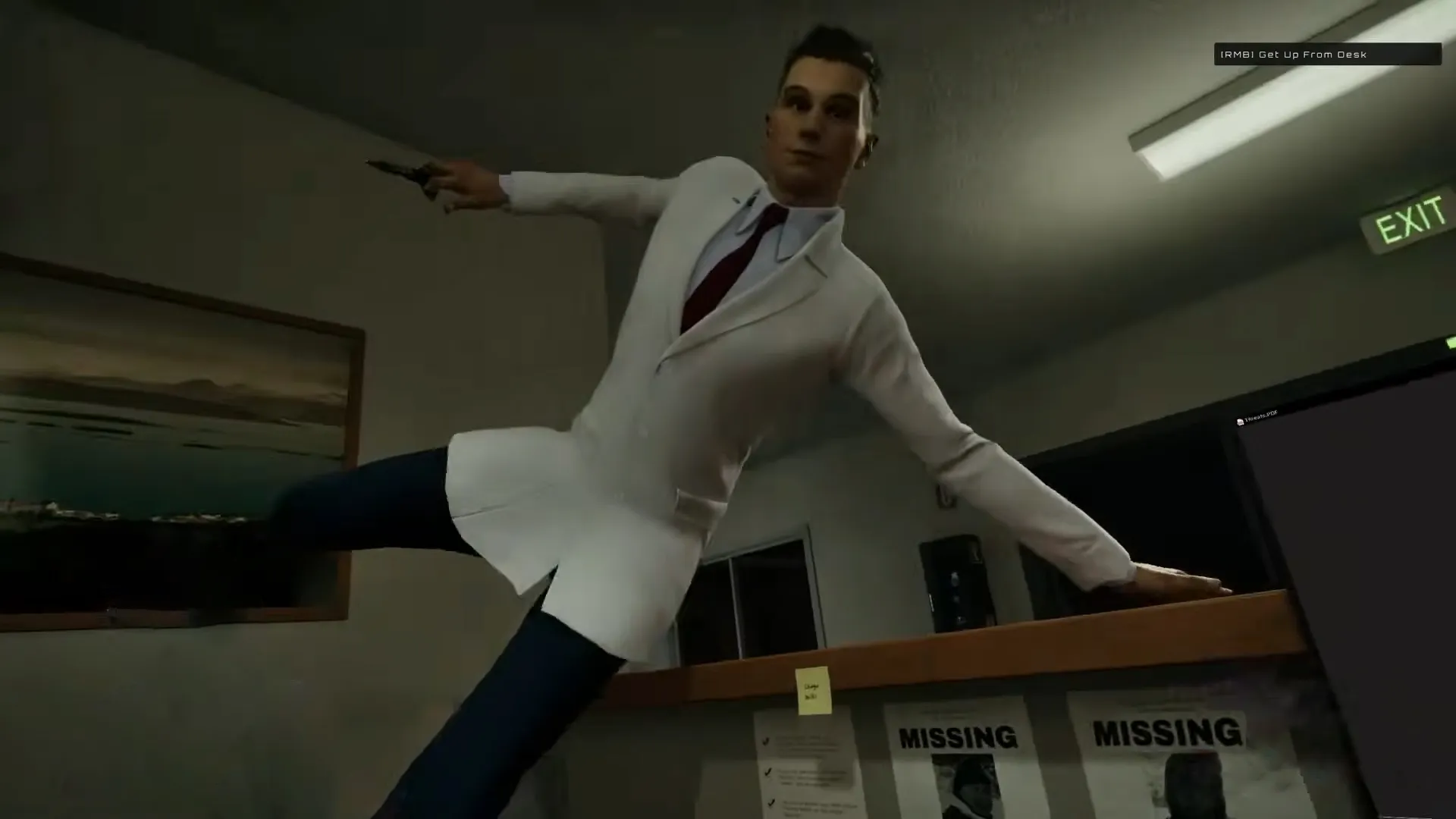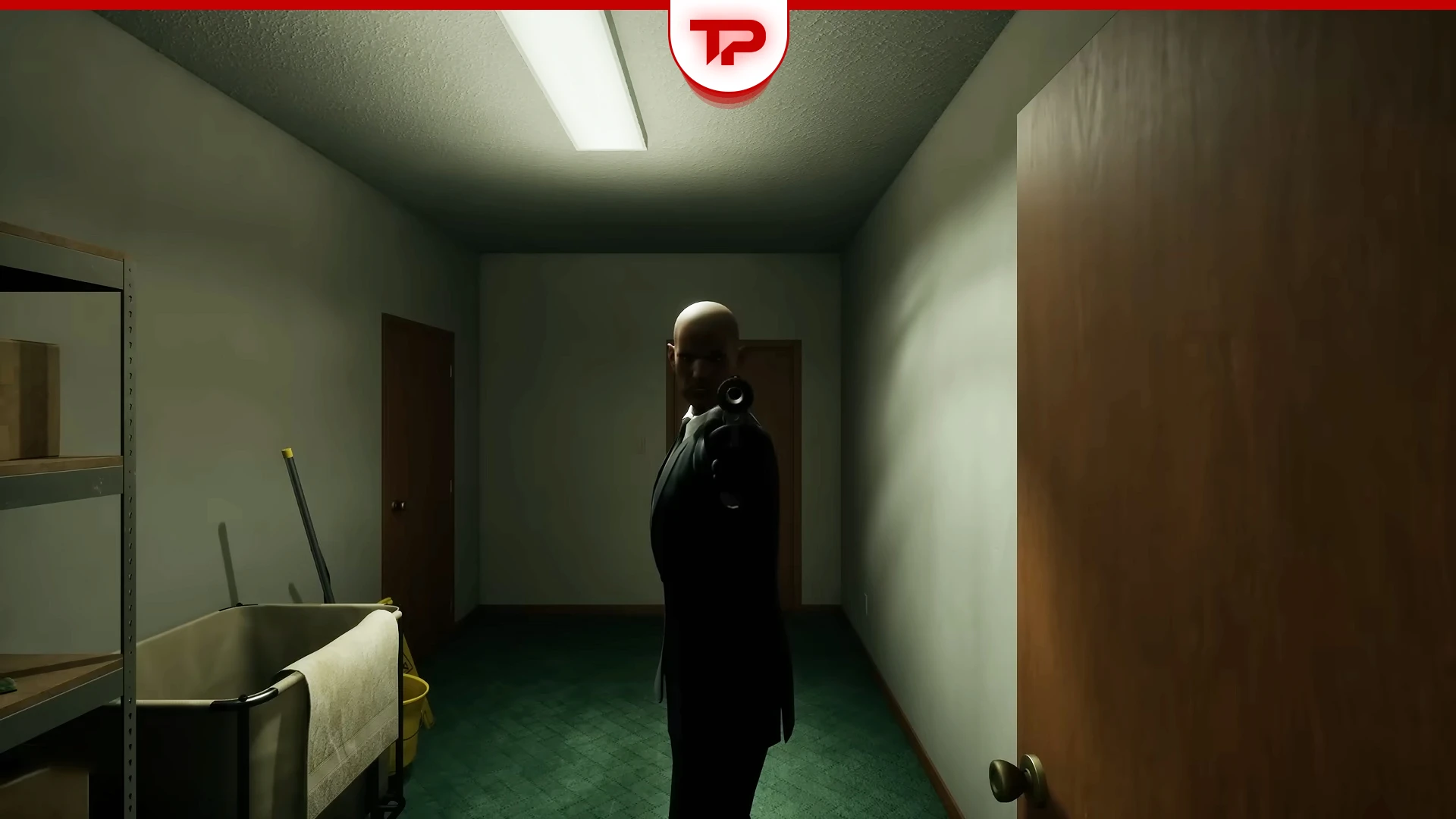


Lucas Kumiega is the stereotypical hitman you see in movies; lean and sharp with a cold voice and most importantly bald. He was added to WTTG 2 and his menace still hunts players in WTTG 3. If you are having trouble noticing his attack and don’t know what you should do, Welcome to The Game Lucas Guide helps you figure out where to hide and what to do for an early detection of his attacks.
What you find in this guide:
From where does Lucas Attack in WTTG 3
Lucas’ signature is to enter the building through the back door. His lockpicking skill is excellent but not noiseless. So you have to pay attention to sound cues. You’ll hear a sort of squeaking noise when he’s trying to enter the apartment.
What to do when Lucas attacks
First of all you always have to keep the back door locked from the beginning of each run. Unlock the door with caution only if you have to (for example to fix the internet) and then immediately lock it again.
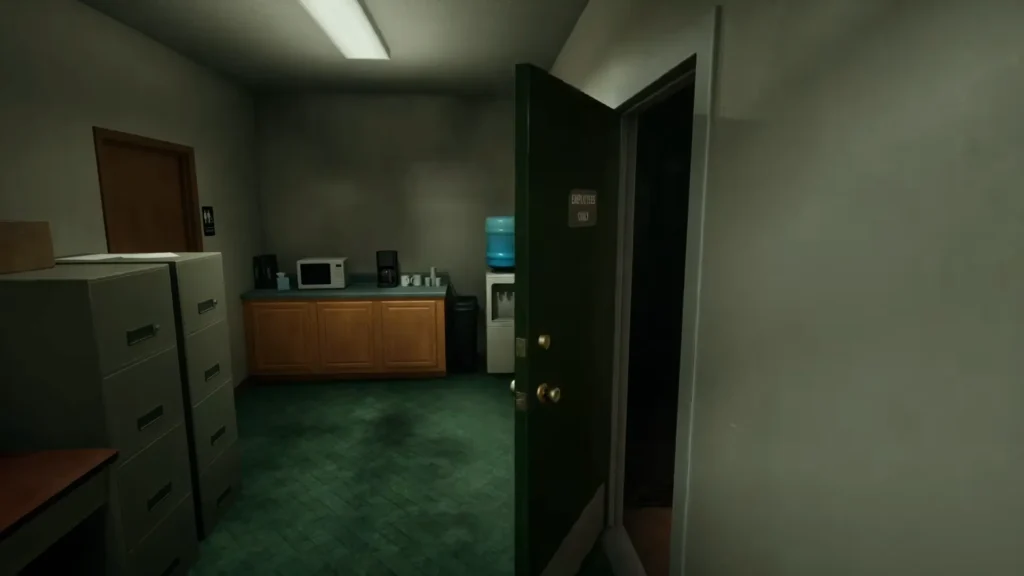
Locking the door doesn’t guarantee your safety. Lucas isn’t stupid; he can open the door with lock picking skills but locking the door slows him down and gives you time to turn off your computer and hide. If the door is unlocked Lucas comes in straight away, and there would be no time for you to hide.
Avoid the peephole mistake
One mistake a lot of the players make is to look into the peephole when they hear his noise. Keep in mind that if you look into the peephole while he is right behind the door or is walking directly towards it, it would be good night for you. So, don’t do that.
Where to hide
When you find out that Lucas is entering the motel, the best thing you can do is to turn the computer off and hide either in the bathroom behind the curtain or in the laundry bag. Which one is better? The one closest to you.
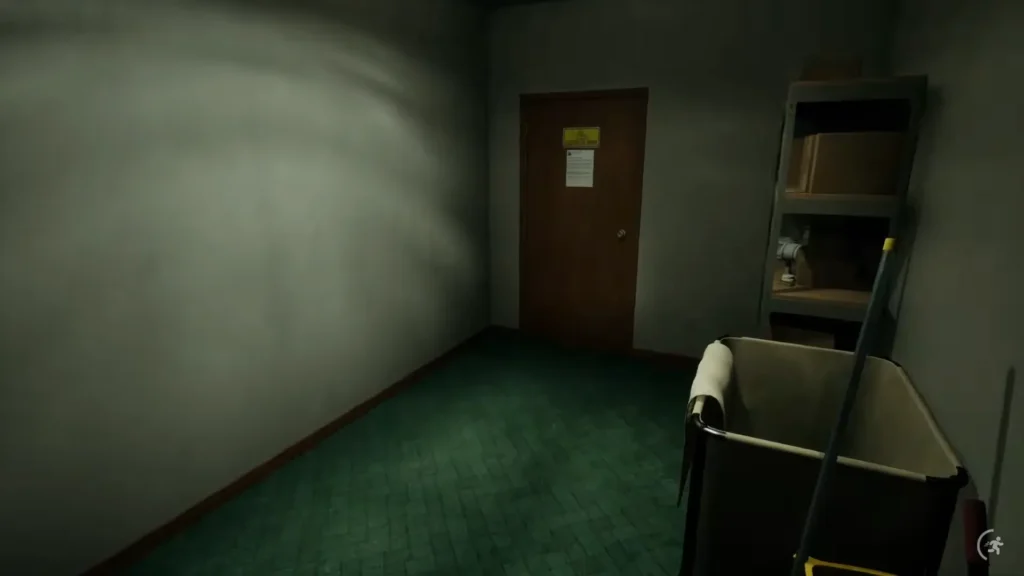
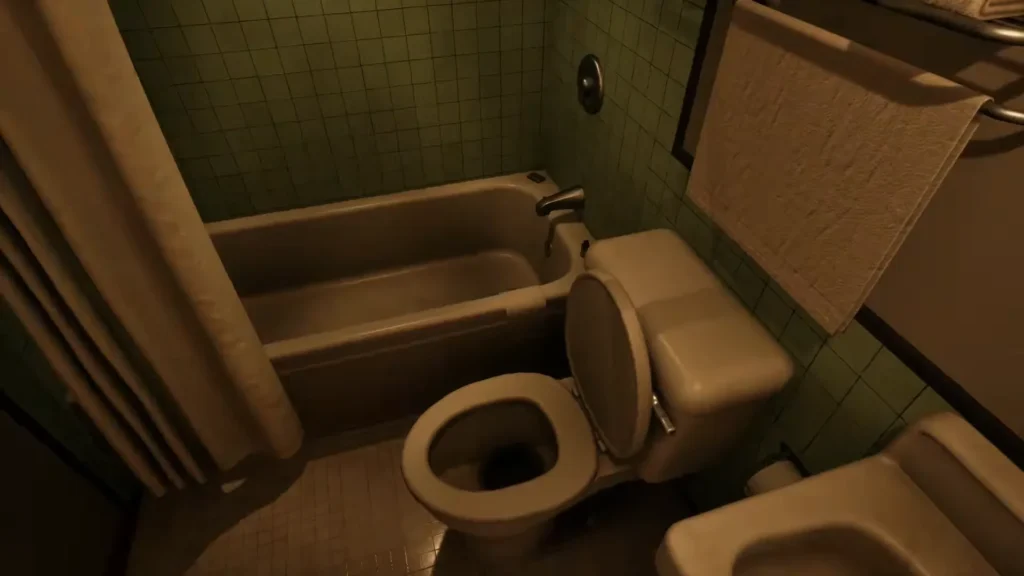
While hiding try not to peek at Lucas; you are going to get caught probably. Also if your mic is connected stay quiet.
The Minigame
While you are hiding You have to play a minigame. Hold the space button and release it to keep the circle between the two dotted lines. It’s very easy and you should have no problem doing this.
Shortening Lucas’ search time
Lucas’ searches can be as long as 5 minutes. How can you reduce this time? By turning off lights and internet connection. In this case Lucas will think that nobody is there and leave sooner. Upon leaving, he always locks the door again to cover up his tracks.
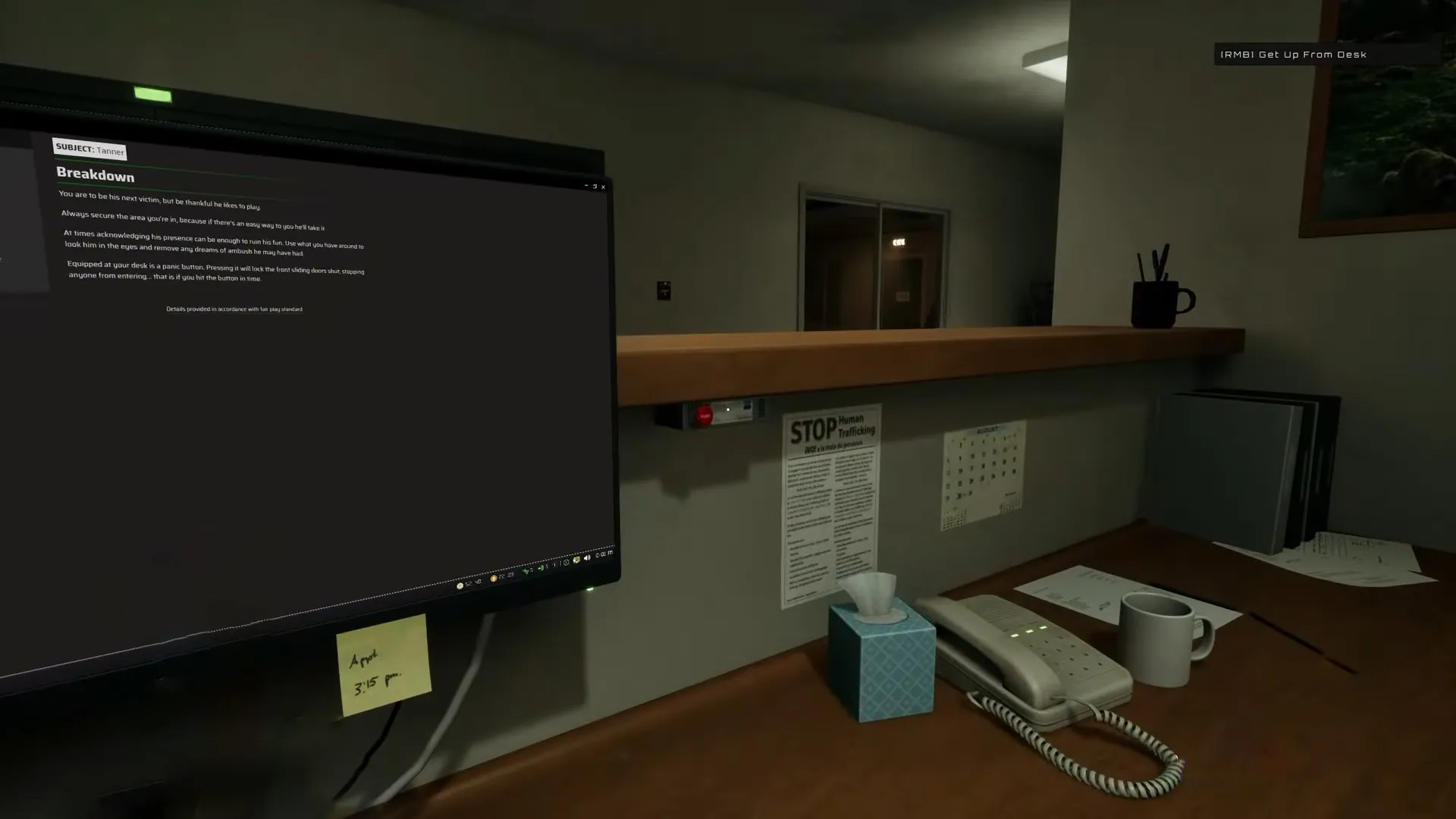
Useful Tip: Lucas is not only after you but he’s also after your DOS coins. If you hide without turning off your computer he is going to steal all your DOS coins. So try to turn off your computer as soon as you hear the sound cue, then hide.
Precautionary measures against Lucas
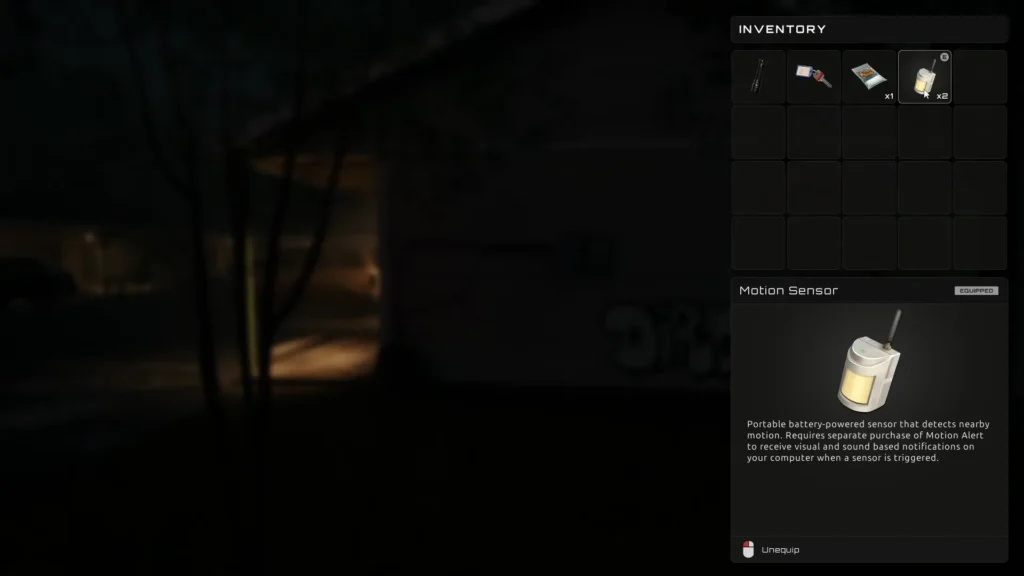
Being always sharp and noticing the sound of Lucas’ lock picking might not be possible. But don’t worry. There is a solution. You have to get some motion sensors and sound alerts. Where to put the motion sensor?
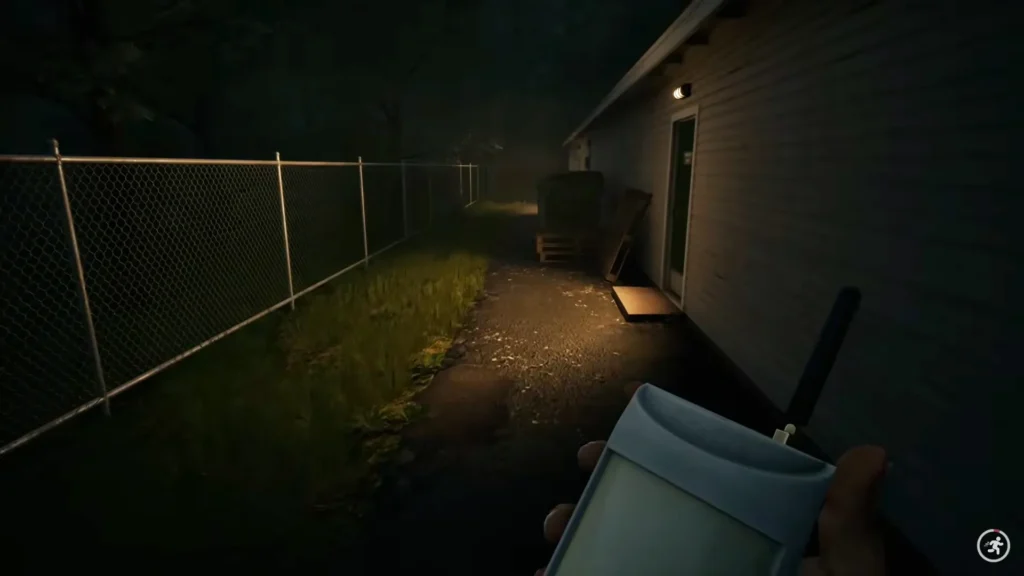
Remember that I told you Lucas uses the back door. So you have to put the motion sensor in the alley leading to the back door. That way you’ll be notified when he approaches, not only you’ll have enough time to hide but you also have time to turn your computer off.