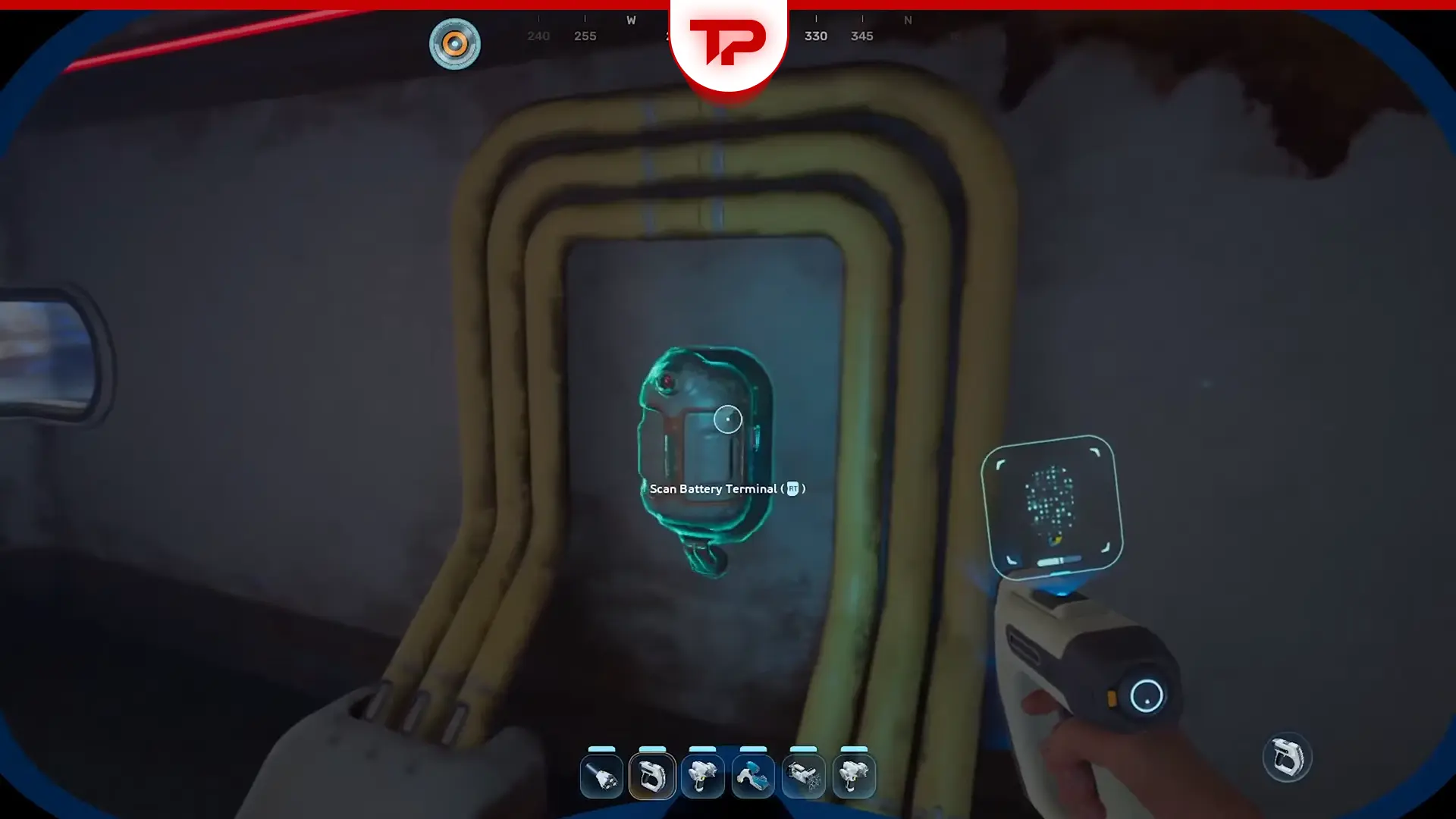


The Subnautica 2 Battery Charger or the Battery Terminal is an essential tool for powering your gadgets. But you need to build it first, and you need its blueprints to do so. The blueprints are near the old habitat, north of your life pod, and can be easy to miss. Fortunately, you do not need any breathing gear to reach them. I will show you exactly where to find the fragments and how to build the terminal. So stick with me.
What You’ll Read:
Where to Find Battery Charger Subnautica 2
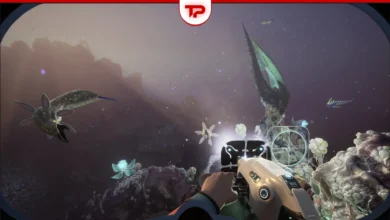
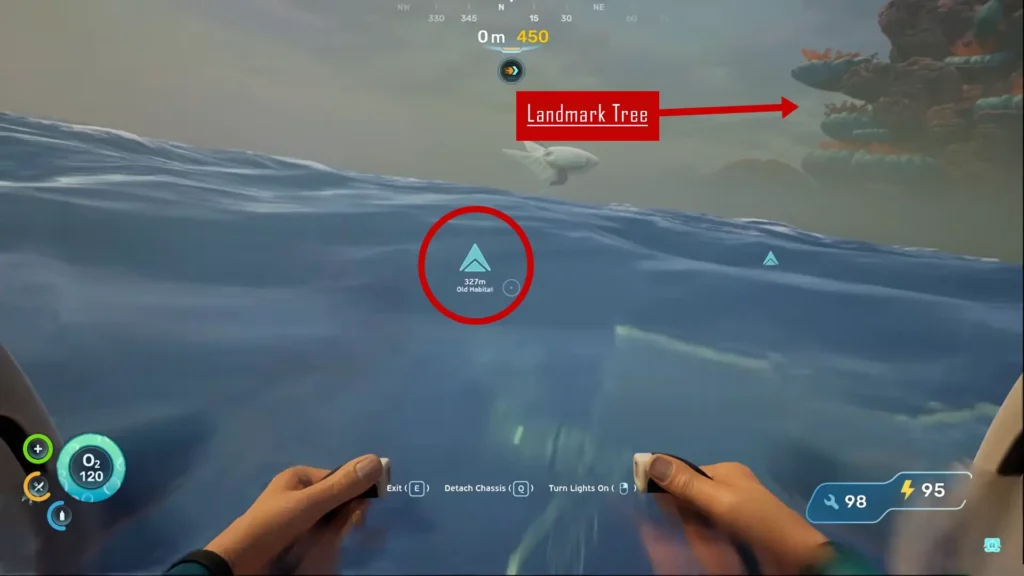
Head straight north from your life pod. The old habitat is about 400 meters away. Keep an eye out for a distant tree as a landmark (Check out the picture below). You are getting close when you see giant jellyfish.
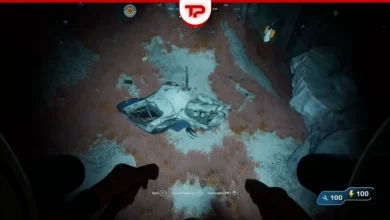
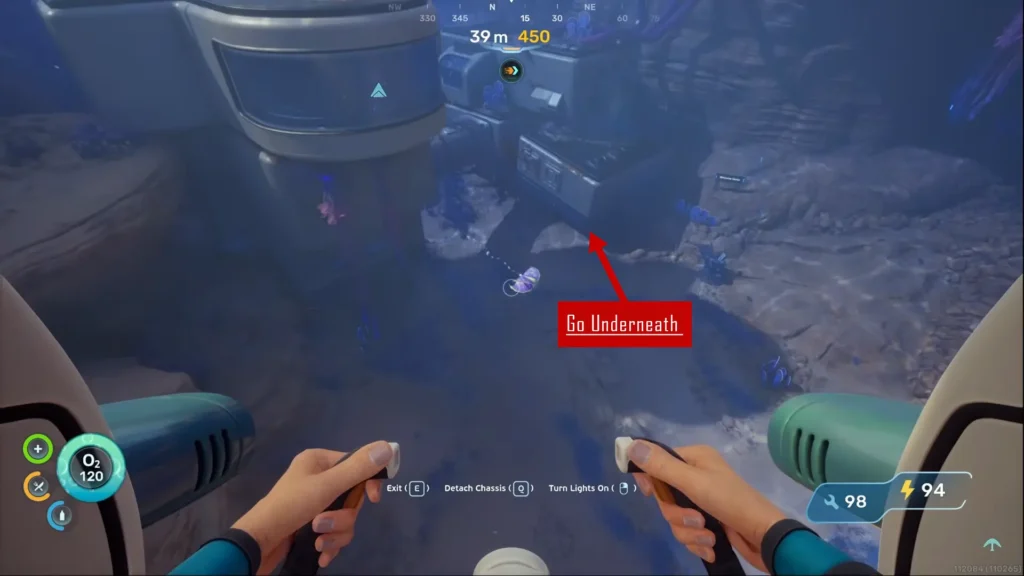
The main doors are locked. Once there, exit your vehicle and swim underneath the structure like the picture below. Look for a small hole there to get inside. Alternatively, you can go inside through another hole on the other side of the structure.
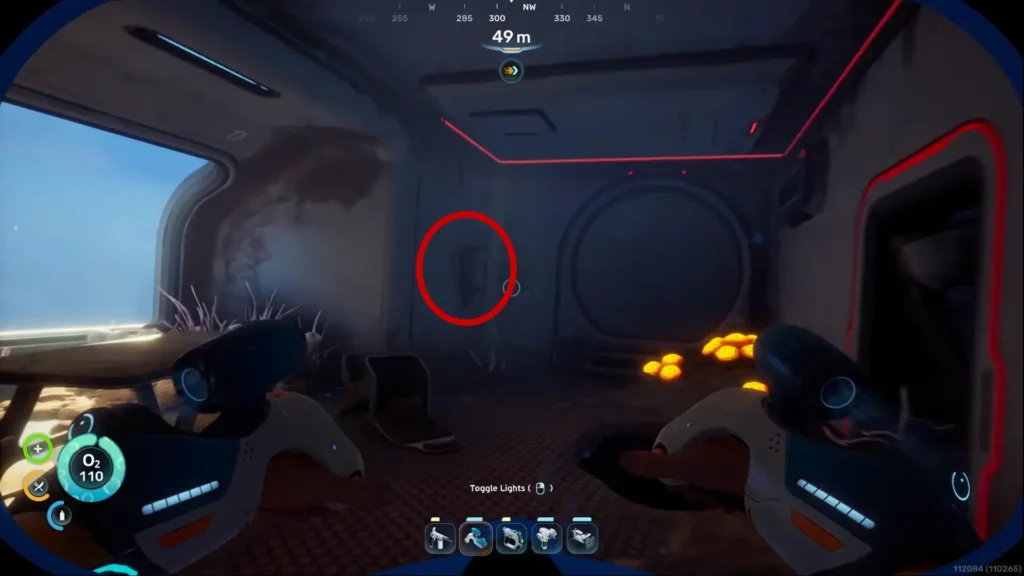
Scanning Fragment 1
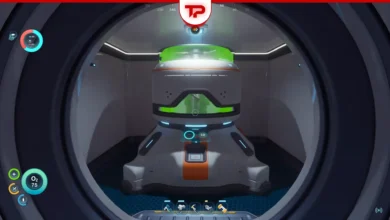
Move into the main room and look to your right side. (The second fragment is on your left, but we’ll talk about it in a second) You will see a ladder there. Climb all the way up and take another right. The first battery terminal fragment is right on the wall. Scan it.
Pro-tip: Take your time in the Old Habitat. There are other useful items you can loot here, too.
Scanning Fragment 2
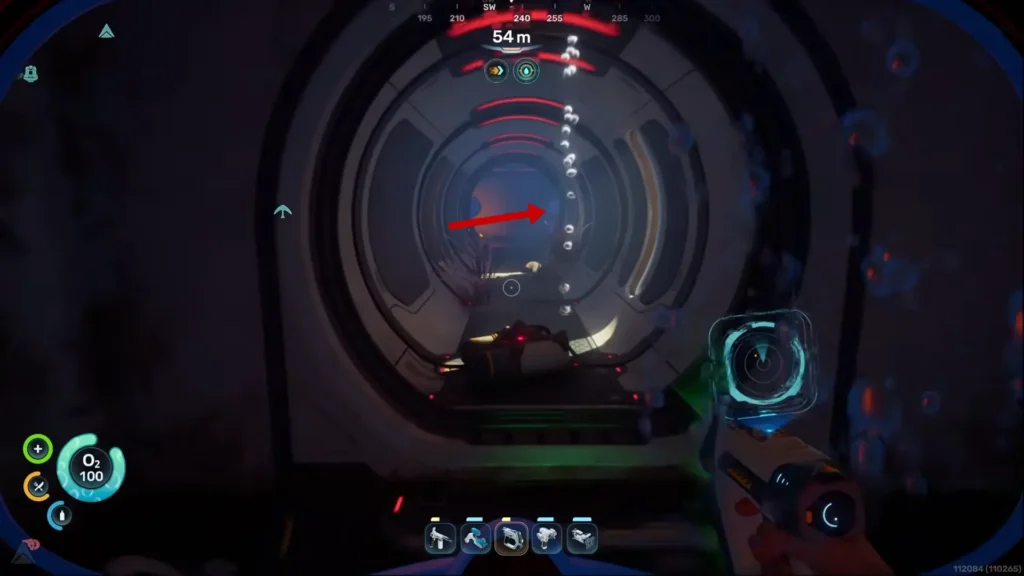
Climb back down the ladder. Go straight forward and make your way across the room to the opposite side. Stop by the air bubbles (in the picture below) along the way if you need oxygen. The second fragment is waiting on the wall just to the right. Scan it to finish the blueprint.
By the way, if you want to craft and use the Power Transmitter, check out our Subnautica 2 Power Transmitter guide.
How to Craft the Subnautica 2 Battery Terminal
Before building the terminal, you need a base that you should create with your Habitat Builder. Make sure it has power. After that, you can mount the charger on any interior wall.
You need a few basic materials to craft it:
- 2 Titanium: Find this scattered all over the ocean floor.
- 2 Quartz: Look inside round coral structures to get these.
- 1 Copper Wire: Print this using copper that you gather from caves.
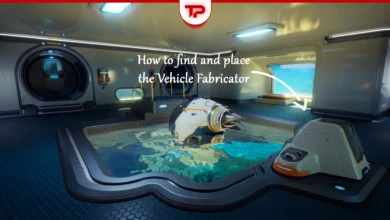
Check out our Subnautica 2 Vehicle Fabricator Guide to learn how to find and place this essential item.
How to Swap and Charge Batteries in Subnautica 2
Your gadget should be on the hotbar. On PC, press R to open the swap menu and right-click to take the dead battery out. On a controller, press up on the D-pad and hit the X button. The dead battery goes straight into your inventory. Click the battery charger to open its inventory and place the dead battery inside to charge.
Take a fresh battery from the charger. To load it into your device, press R and left-click on PC. For controllers, press up on the D-pad, then press the A button. Now you have a new set of batteries, while the drained ones are recharging in the inventory.
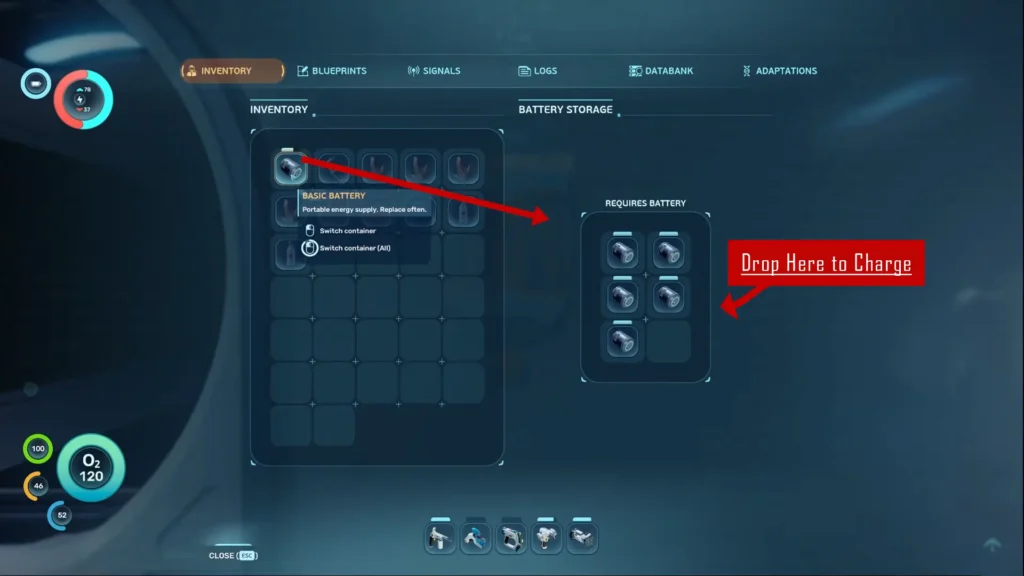
Pro-tip: Craft six spare batteries and keep them housed in the charging station at all times. This lets you swap dead batteries out immediately without waiting around.
Why Is My Battery Charger Disabled in Subnautica 2
If your battery terminal is disabled in Subnautica 2, it is probably not broken. The Battery Terminal has an on/off toggle, and you may have clicked it by accident. Look at the terminal screen and click Disabled to switch it back to Enabled. This is the most common solution, but if you still have problems, read my Subnautica 2 Battery Charger Disabled Guide to learn all possible problems and solutions.
Another common issue fans face is with the Power Transmitter. If this is your case, read my Subnautica 2 Power Transmitter Not Working guide to learn how to fix it.
That’s everything you need to know about the Subnautica 2 Battery Charger. Now charge your batteries. Do you have more questions? Leave them in the comments below, and I’ll find the answer for you.
FAQ
Why are my batteries not charging?
Check the round button at the top of the terminal. It turns the machine on and off. It is very easy to tap this by mistake. If that is not the problem, your base might just lack power.
Do printed gadgets come with batteries?
Yes. Every new gadget you print comes pre-loaded with a fully charged battery.
Do I need special gear to reach the old habitat?
No. You do not need a specific breathing apparatus or advanced gear to make the trip.