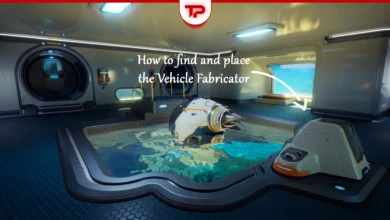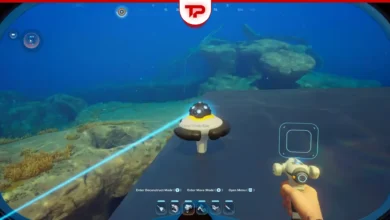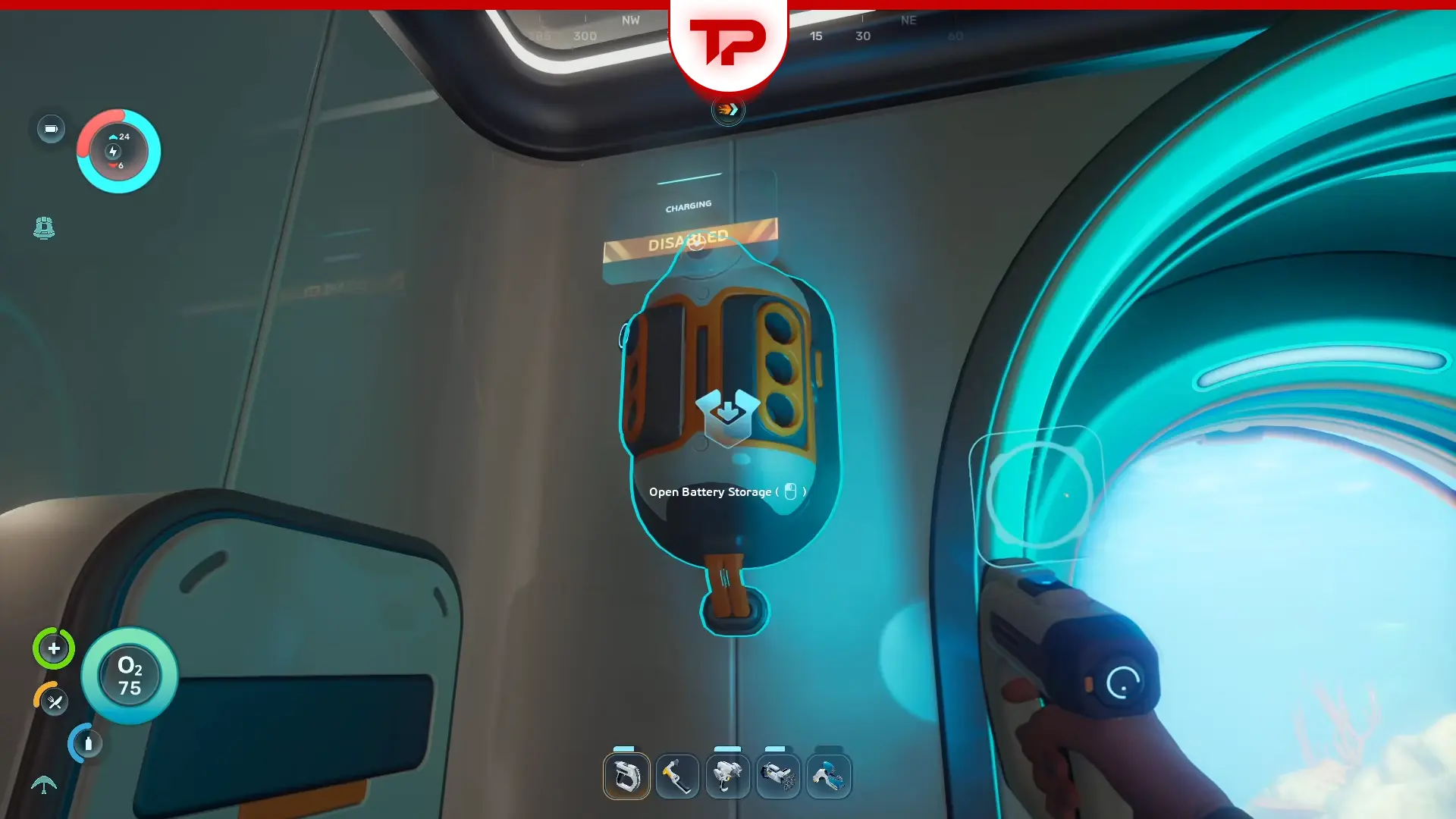


Subnautica 2 battery charger disabled issue is one of the most frustrating errors fans get. Many players assume the feature is bugged. It usually is not. The issue is usually that you have accidentally toggled off the disable/enable button on top of the battery storage. But there could be other reasons as well. Keep reading to learn exactly how to fix the disabled warning and keep your gear running.
What You’ll Read:
Subnautica 2 Battery Charger Disabled Quick Guide
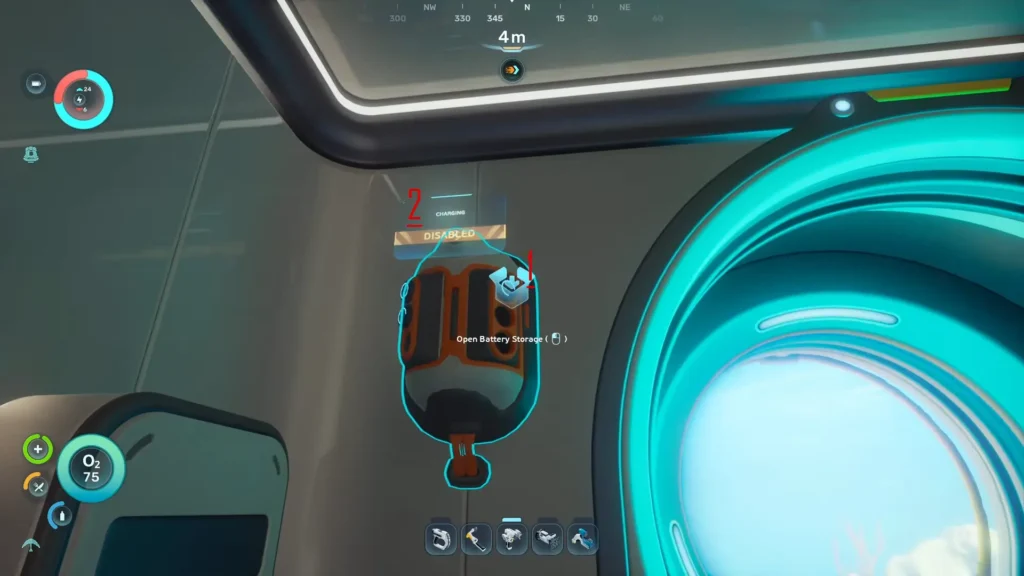
The charger has a manual toggle built into the UI as an electricity-saving feature to keep your base running. To fix it, look directly at the top of the charger. The charger has two distinct interaction zones: one opens your inventory, and the other controls the power. interact with the top one to fix it.
This is the most common issue among Subnautica players. If you still have an issue, keep reading to find your solution.
Another common issue fans face is with the Power Transmitter. If this is your case, read my Subnautica 2 Power Transmitter Not Working guide to learn how to fix it.
Why is My Battery Charger Disabled Subnautica 2?
The “Battery Storage Disabled” issue is almost never an actual bug. It happens for one of the three main reasons below:
Base Power Shortages
If your base runs low on power, the Battery Storage system shuts down automatically. This keeps essential base operations online. Early-game bases usually run on weak solar panels or starter generators. If you run fabricators, lighting and oxygen filtration at the same time, your chargers will shut down to save power.
The Manual Electricity Toggle
This is the most common cause of this issue. The battery charger has a manual toggle feature. It is designed as an electricity-saving tool. You can turn it off to let the rest of your base run normally. Many players accidentally hit this toggle zone when they are just trying to open the battery inventory.
The Full Battery Mistake
Another common mistake is placing newly crafted batteries into the storage unit. They are already fully charged the moment you make them. The charger only refills depleted batteries. If you insert full ones, the system appears inactive because there is no energy to refill.
How to Fix the Subnautica 2 Battery Charger Disabled
The fix depends on why your charger stopped working. Here are the easiest ways to get your batteries charging again.
The Enable/Disable Toggle
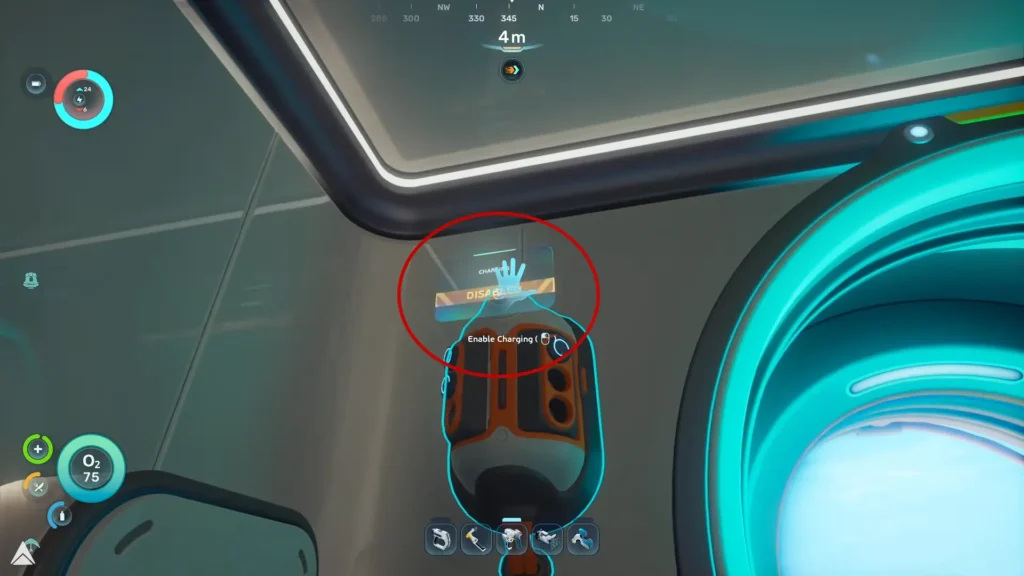
The charger has two different interaction zones. One opens the inventory, and the other controls the power. Look at the top of the charger unit. Look on top until the word “disabled” appears, like the picture below. Click it. This immediately re-enables the device.
Upgrading the Power Grid
If your unit shuts off automatically, your habitat needs more power. Add more power generation to your grid. You can also disable non-essential devices to free up electricity. Expand your power generation early to prevent most issues before they even begin.
The Rebuild Solution
You might get stuck and be unable to click the toggle button. If that happens, grab your habitat builder. Completely deconstruct the battery storage unit. Build it again in the exact same spot. This is like a forced restart and can sometimes fix the issue.
Subnautica 2 Battery Storage Bugs
Sometimes the battery charger actually is bugged. Here are the two most common visual glitches.
The Black Bar Glitch
There is a known visual glitch with the power storage indicator. The green bar goes completely black or dark. This makes the charger look broken. This happens even when your base is fully powered.
Disappearing Batteries Sync Bug
Your batteries might disappear visually from the unit. This is just a UI sync bug. Your items are still safely inside. Reopen the storage interface to fix the issue.
If you’ve done everything, you shouldn’t have any more problems with the Subnautica 2 Battery Charger disabled. If you have any other questions, feel free to ask them in the comments.
FAQ
How many batteries can the unit hold?
You can insert up to six drained batteries at once for passive charging.
Why are my newly crafted batteries not charging?
Freshly crafted batteries already contain full energy. The charger only accepts depleted batteries. The unit will appear inactive because there is zero energy left to refill.
What are the signs of low base power?
Flickering lights and fabricator delays indicate low energy reserves. Slower oxygen generation points to a severe power shortage. The system will also disable chargers automatically to save the remaining electricity.