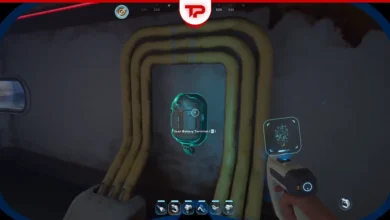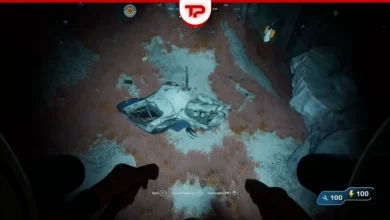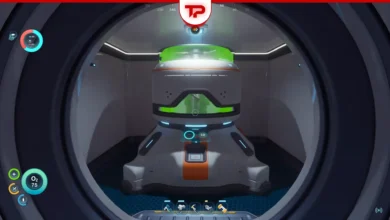


Many fans face the same problem in Subnautica 2: Power Transmitter not working! You connected your turbines to your base. You placed the power transmitters perfectly. But the power does not work. This is an annoying issue. It happens a lot. Fortunately, I’ve researched the community and found all of the solutions. Read on to get your base powered up right now.
What You’ll Read:
Subnautica 2 Power Transmitter Not Working Quick Guide
If you just want a quick answer without any details, check out the table below:
| The Problem | How to Fix It |
| Green line shows, but no power | Move the last transmitter down or around the hull until it snaps directly onto the base. (It works like placing solar modules ). |
| Transmitter is stuck “floating” | The game thinks it is a middle node. Grab it, drag it over your base’s surface, and force it to snap into a new connection mode. |
| Lines are bugged or frozen | Use “Move Mode” on the transmitters. This forces the game to refresh and redraw the connection line. |
| Turbines aren’t sending power | Check that every node is connected by a light-line. A proper setup of 3 turbines gives exactly 36 energy. |
Why Is the Power Transmitter Not Working?
The game might show a green connection line in the build menu. You think the setup is done. But it is just a visual bug.
The final transmitter needs a direct connection. It often gets stuck in a “floating” state instead. The game uses this floating state for the nodes between the generator and the base. Your base stays dark until you fix this last node.
Solution 1: Snap the Transmitter Directly to Your Base
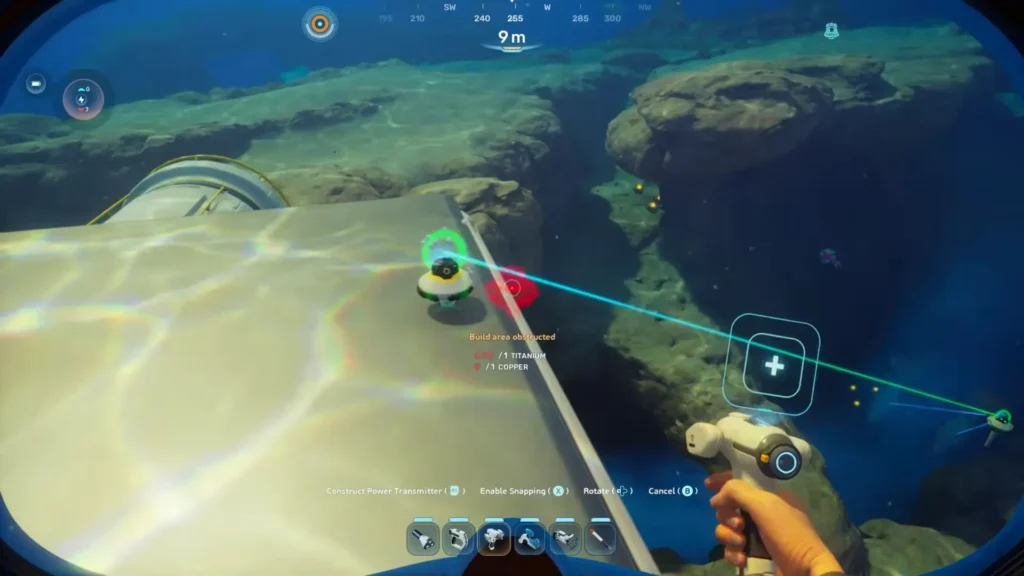
You have to snap the last power transmitter to your base physically. It works exactly like placing solar modules. If you just leave it nearby, it stays in a floating state used for in-between nodes.
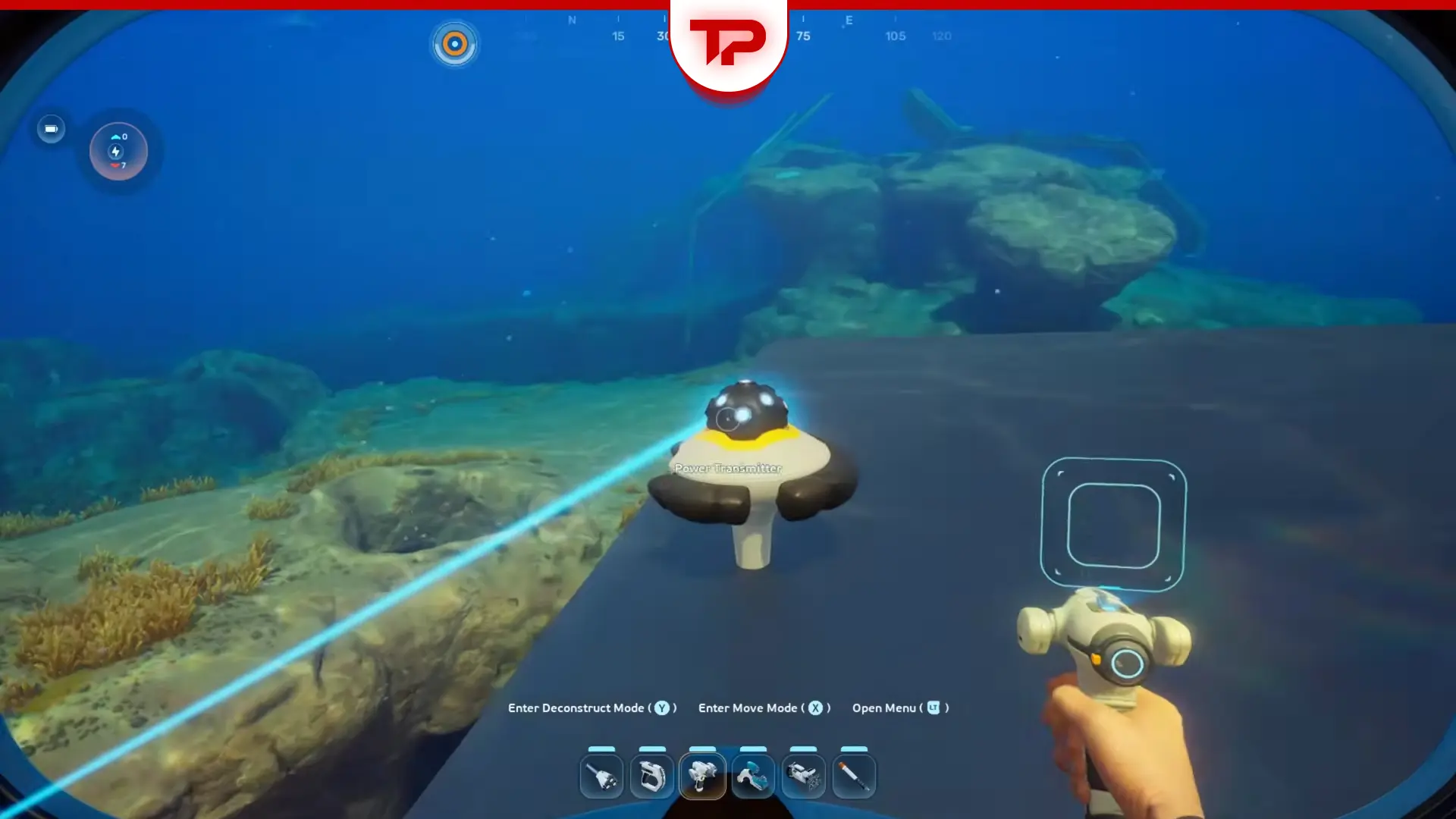
Grab the transmitter and move it further down. Try sliding it around the hull. Keep moving it until it snaps onto the base in a different connection mode. You know it is fully connected when you see that circle thing at the bottom. This directly connects the end-point and powers your base.
Solution 2: Use the “Move Mode” Fix
Sometimes the game just bugs out. Players call it early access jank. The connection lines fail to update on their own.
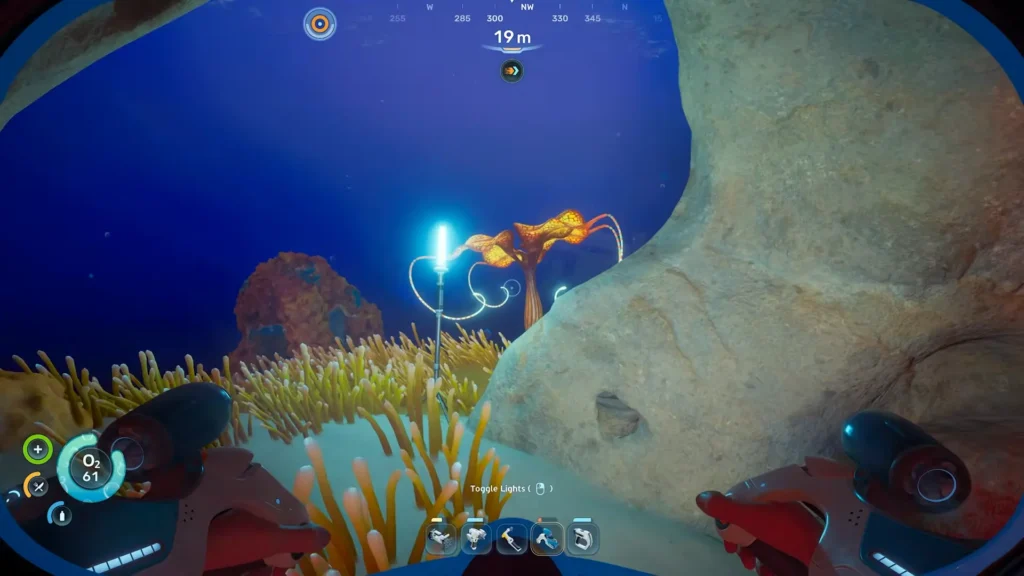
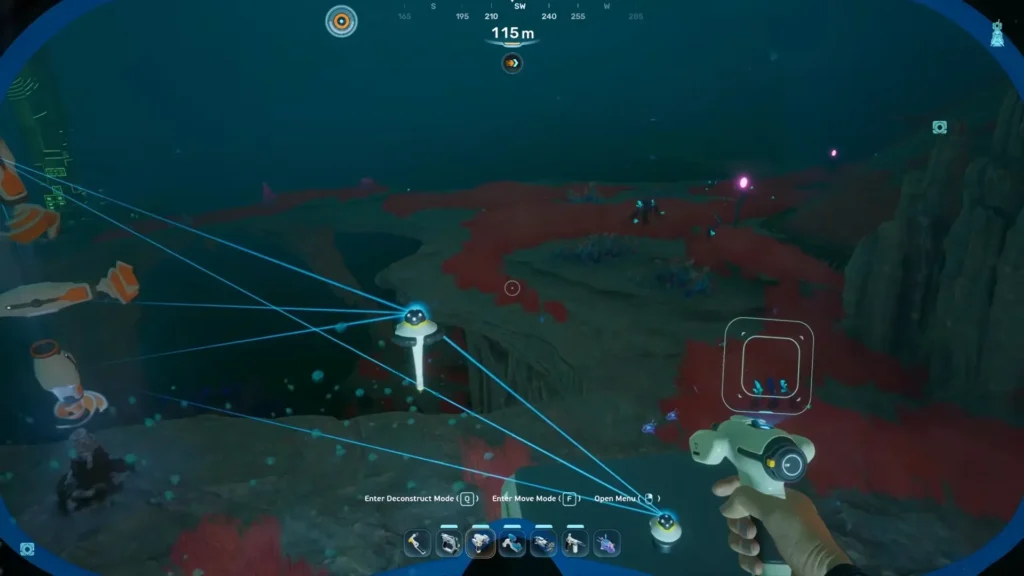
You can force an update with the move mode. Just select move mode on your pylons. This forces the game to redraw the connection line. It usually fixes the issue right away.
Solution 3: Build Directionally From the Generator
The direction you build matters. Always start your connection right at the power generator. Place your first transmitter there. Lead the line of transmitters straight toward your base. This helps the game register the flow of power and prevents dead connections.
This should fix the problem of your Power Transmitter not working in Subnautica 2. Do you have more issues in the game? Let me know in the comments below, and I’ll help you fix them.
FAQ
How do you properly connect the power transmitter?
Start at your power generator. Build the line of transmitters straight toward your base. Make sure the light line links them all together. Take the final transmitter and snap it directly onto your base. It will not work if you leave it in the floating state.
How much power do turbines give?
Three turbines will give your base a total of 36 energy. The game counts this energy for your base as soon as you snap the final transmitter into place.