

ROB RUN stuck on compiling shaders? You can try restarting Steam and verifying your game files before jumping straight to a reinstall. Kefir recommends these checks for loading freezes. However, I couldn’t find a confirmed fix for the Compiling Shaders error.
I have gathered some possible fixes for the error so you can try them and let me know which one works for you. I have not encountered that error myself.
Jump to
ROB RUN Stuck on Compiling Shaders: Try These Fixes
Start with the straightforward checks rather than deleting folders and hoping for the best.
Restart ROB RUN and Steam, then check for updates. Close both applications and install any available game update before trying again.
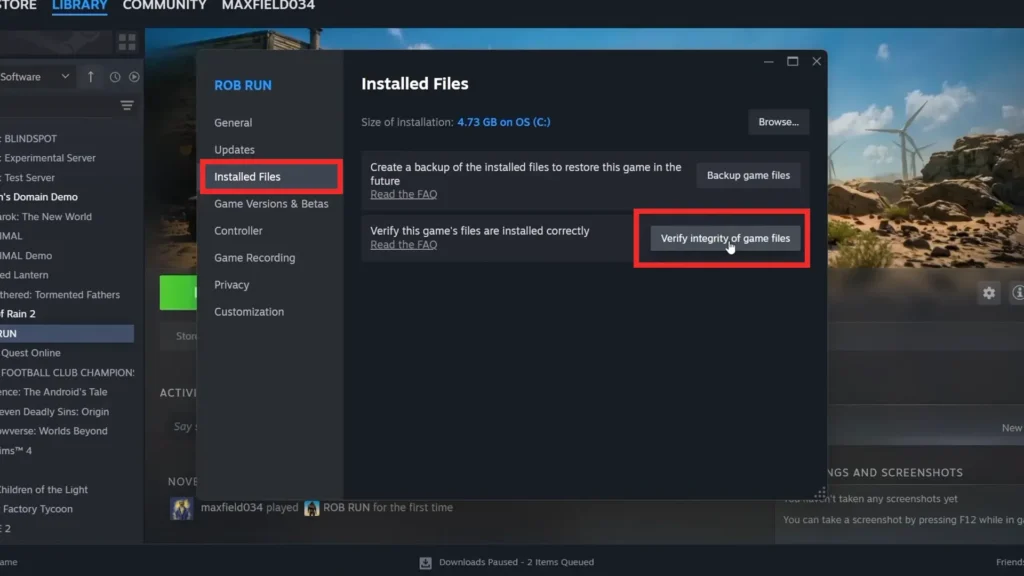
Verify your game files. In Steam, right-click ROB RUN and open Properties > Installed Files > Verify integrity of game files. Let the check finish before relaunching.
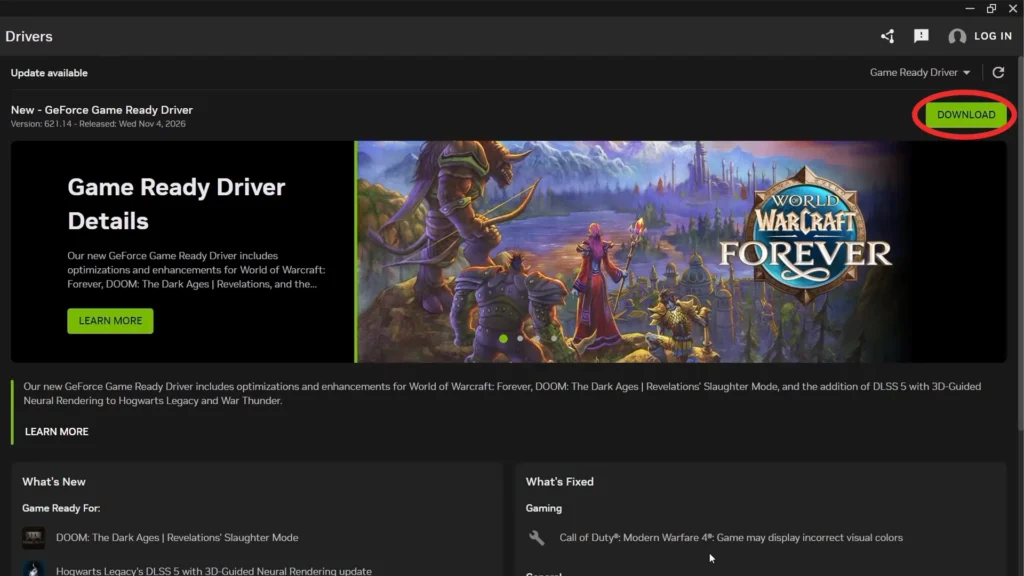
Check your connection and graphics driver. Confirm websites load normally and update your graphics driver. These are loading-freeze checks, not a guarantee that the problem is graphics-related.
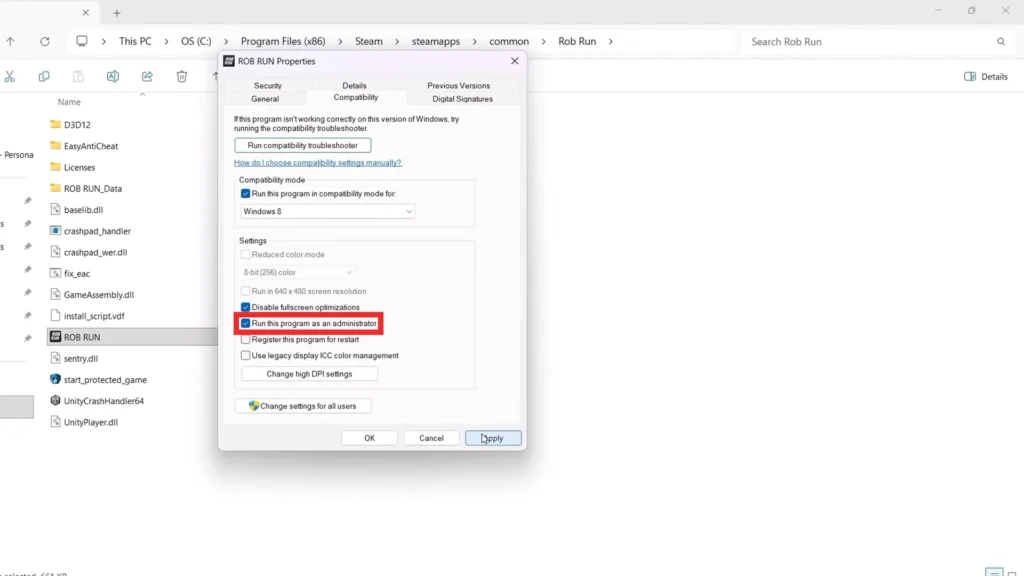
If the game crashes, close unused applications and restart your PC. You can also run the game as an administrator.
If the shader screen keeps freezing after these checks, look for recent ROB RUN server announcements. Similar loading problems have affected multiple players, and changing your graphics settings won’t necessarily help if the issue is server-side.
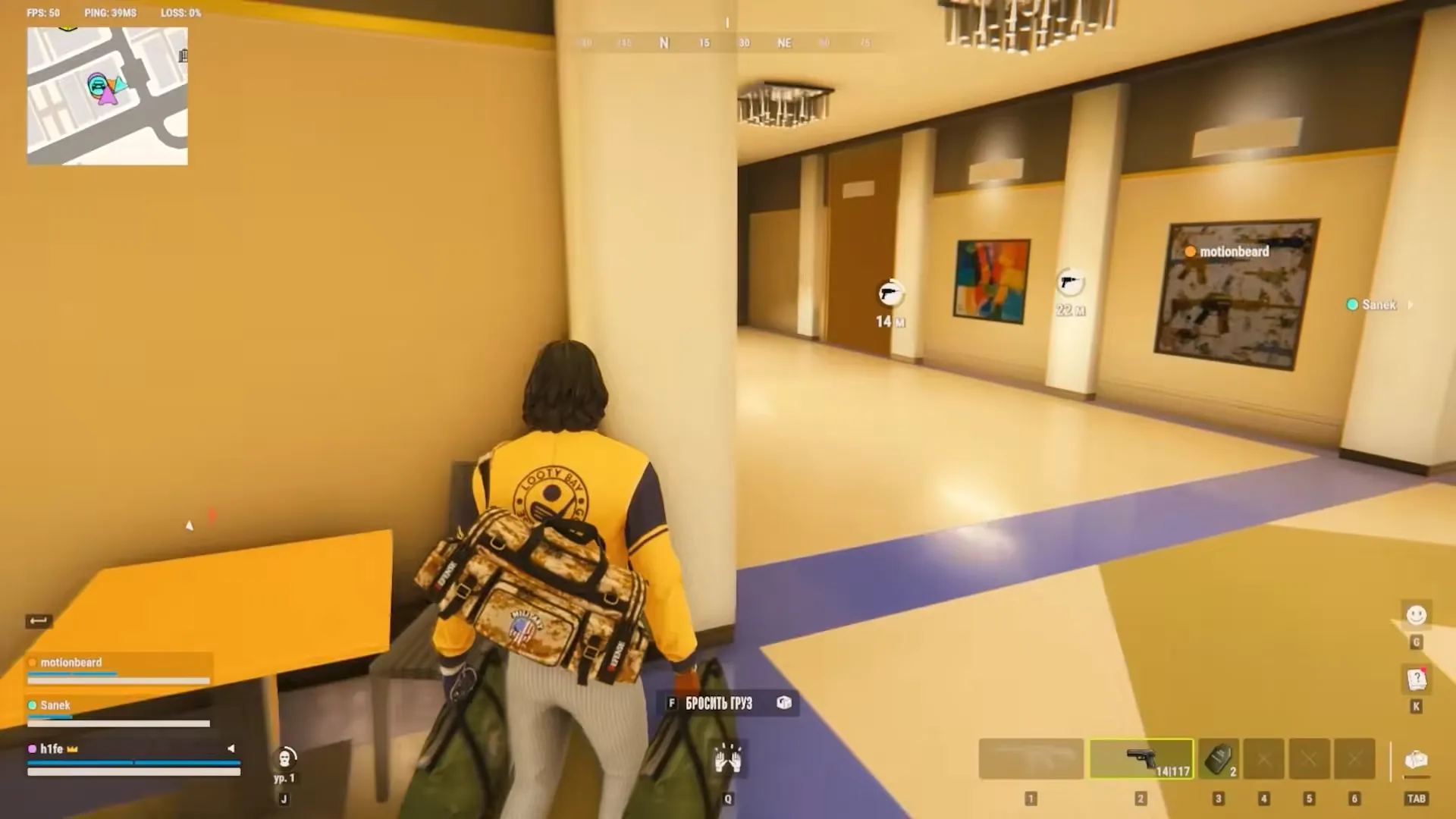
If you manage to get past the loading screen, our ROB RUN guide covers the basics of surviving Looty Bay, including heists, progression, and the weekly wipe.
Check the Error Code Before Trying More Fixes
An error code is more useful than guessing from a frozen progress bar. These are general ROB RUN startup errors.
| Error code | Meaning | What to try |
|---|---|---|
| E-0101 / E-0110 | Cannot retrieve server configuration or startup data. | Check your connection and that websites load. |
| E-0124 | Asset-loading failure. | Verify game files. |
| E-0301 / E-0302 | Outdated game client. | Restart Steam and update ROB RUN. |
| E-0303 / E-0304 | Corrupted download or game-version mismatch. | Wait 10–15 minutes, turn off any proxy, verify files, and update. |
| E-0401 | Steam authentication failure. | Use Steam online mode and the correct account; restart Steam and ROB RUN. |
Check ROB RUN’s PC Requirements
Before digging through graphics settings, compare your PC with Kefir’s published requirements:
| Component | Minimum | Recommended |
|---|---|---|
| Processor | Intel Core i5-6600K / AMD Ryzen 5 1600 | Intel Core i5-9600K / AMD Ryzen 5 3600 |
| Memory | 12 GB RAM | 16 GB RAM |
| Graphics | GTX 1050 Ti / RX 580 / Arc A380 | RTX 2070 / RX 5700 XT / Arc B570 |
Does Clearing the Shader Cache Fix ROB RUN?
It isn’t a confirmed ROB RUN fix. AMD documents a Reset Shader Cache option under the Advanced section of its global graphics settings. It deletes stored shader-cache files, but the menu can differ by hardware and software version. NVIDIA also notes that installing a new driver deletes its shader cache and can cause first-run gameplay stutters. That describes possible stuttering after an update, not an endless ROB RUN loading screen.
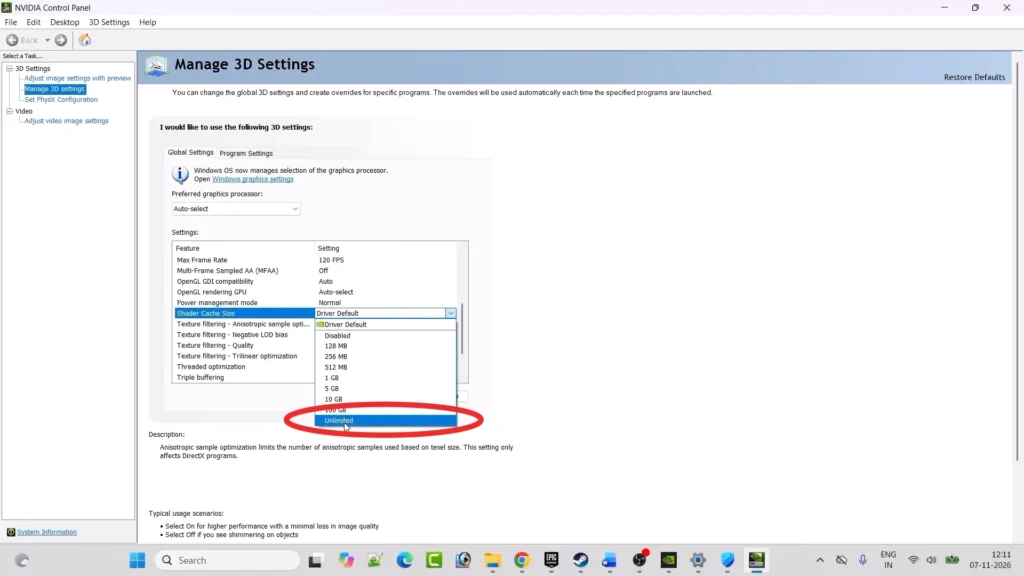
If you’re using an NVIDIA GPU, you can also check Shader Cache Size in the NVIDIA Control Panel. Unlimited is available, but it isn’t a confirmed fix for ROB RUN’s loading problem.
I treat a reset as an optional experiment, not a magic button, and avoid deleting entire game-settings folders. Once you’re back in the game, you can check my ROB RUN guns guide for weapon stats, prices, and ways to get better equipment before your next heist.
How Long Should You Wait?
There’s no verified ROB RUN shader-compilation time in the support documentation checked on November 7, 2026. The 10–15-minute advice applies to E-0303 and E-0304, not every shader screen. I cannot turn that into a universal countdown.