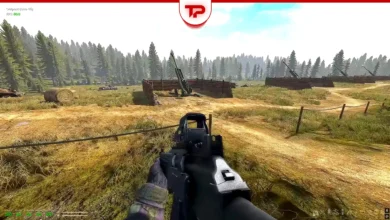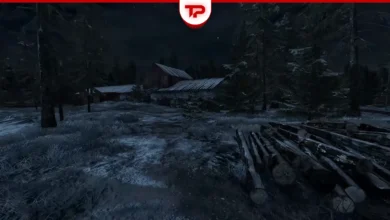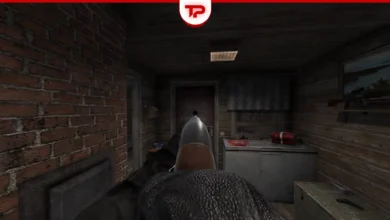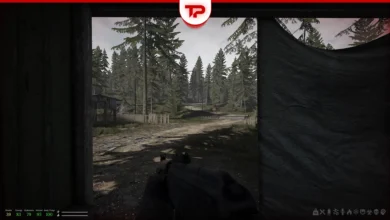


Road to Vostok is not a simple extraction shooter. The game reveals deep survival mechanics when you explore more. Every choice matters. I prepared this guide after playing the game for a while. The key to success is learning the hidden systems. We will cover saving, combat, looting, and survival tricks.
Jump to Section:
The Best Starting Settings
You must pick a difficulty and season when you start a new run. Choose the standard difficulty and the summer season. The summer sun makes learning the ropes much easier. Ironman mode deletes your entire save file if you die from something small like a random bleed. The darkness of winter is too harsh for your first run.
How to Save the Game
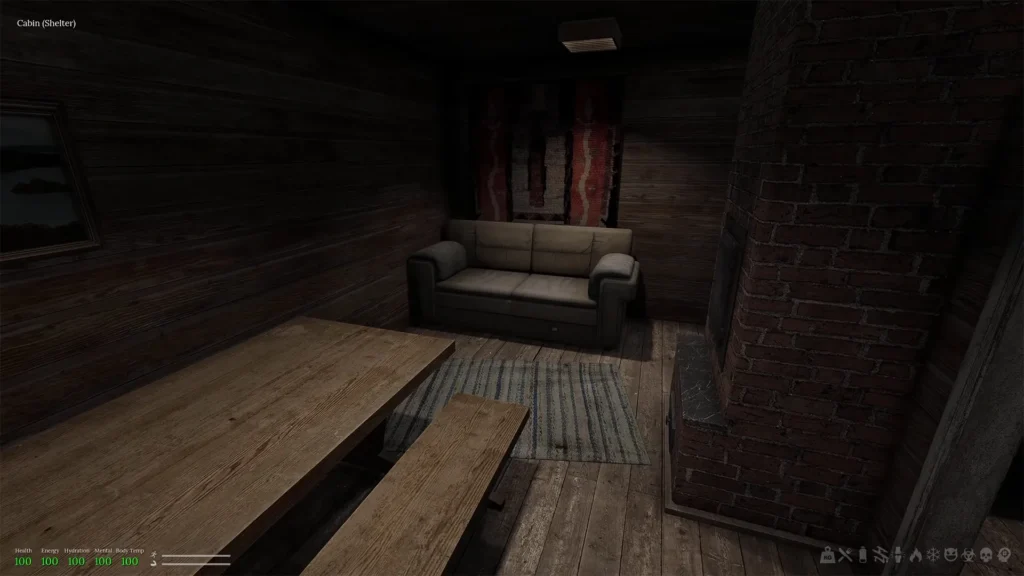
One of the biggest confusions for beginners is how to save your progress. Unlike many games, you cannot save whenever you want. Your save state is directly tied to safe zones, known as shelters.
- Auto-save: The game saves automatically as soon as you step inside a shelter.
- Starter Cabin: You start in a wooden cabin. This is your first and safest point to save.
- Unlock New Shelters: You can find other shelters like the Attic or School. You usually need to finish specific trader quests to get their keys.
There are also some other ways, like save the game manually, and some advanced tricks hidden inside the save folder.
Understand the Permadeath
It is important to know where you are. Death has different consequences depending on the map. The game has two main parts with completely different rules:
| Zone | Danger Level | What Happens When You Die? | Best Loot |
|---|---|---|---|
| Area 05 (Start) | Medium | You lose only the gear you carry. Your shelter stash stays completely safe. | Standard and basic loot |
| Vostok (Border) | Very High (Permadeath) | You lose absolutely everything. Your save file is deleted, and you start from zero. | End-game and high-tier loot |
Weather Trick: You should only enter the Vostok zone when it rains or during heavy fog. Bad weather reduces military detection drastically. The safest time to cross the border is between 10 AM and 4 PM.
How to Manage Your Survival Stats
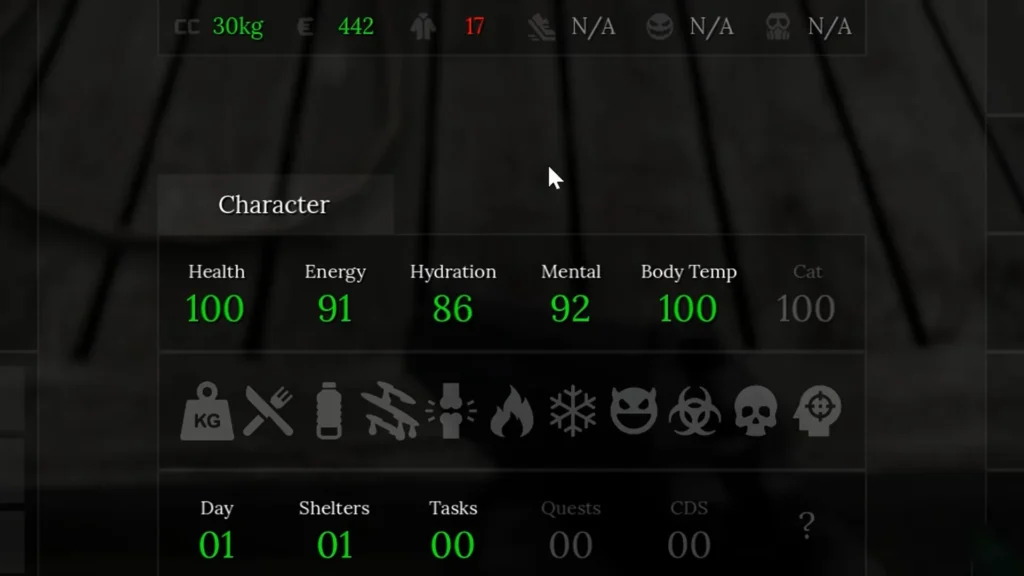
At the bottom of your screen, you have indicators you must constantly check. These include Health, Energy, Hydration, Mental, and Body Temp.
The Water Problem
Many players report that finding a water bottle is extremely hard. Water is considered a very rare loot item. Sometimes you can buy it from traders for a 300 base price.
Alternative: Don’t waste time searching for water. Drink juice boxes or eat canned fruits like peaches and pineapples to fix your hydration.
Mental Health and Physical Stamina
Your mental state is very important. Eating bad food, surviving bad weather, or getting hurt lowers it. This can lead to Insanity. To treat this:
- Eat chocolate or use snus and cigarettes to heal your mind.
- You can sleep in a shelter to recover your sanity safely.
- Your arm stamina drains fast when you aim down sights. You must manually lower your weapon to recover stability.
- Untreated bleeds will drain your health constantly. Always check residential bathroom cabinets for rare bandages.
Weapon Controls and Combat System
Gunplay in Road to Vostok is highly realistic and unforgiving. You must know real weapon mechanics to survive.
How to Reload Pump and Bolt-Action Weapons
If you find a pump shotgun or a bolt-action like the Mosin Nagant, they shoot differently. You must cycle the action manually.
- Hold Ctrl and press Left Click to activate the mechanism (manual chambering).
- Press R to load the bullet into the chamber.
- You must repeat this after every single shot!
Important Weapon Keys
- Examine: Press X to look at your weapon from different angles.
- Fire Mode: Press F to switch between firing modes (like single or auto).
- Check Mag: Press V to see your remaining bullets. There is no exact UI, so you must look closely at the animation.
- Flashlight: Press T to toggle your flashlight in dark areas.

How to Outsmart the AI
Bandits have terrible hearing but amazing eyesight. They will spot you through thick bushes easily.
- If enemies spot you in an open field, do not shoot back immediately. Turn around and sprint to hard cover to break their line of sight.
- Military units are much smarter. They communicate and call heavy reinforcements. You must use stealth to survive against them.
- The game limits enemy spawns. A standard map only holds 10 enemies total, and only 3 spawn at the same exact time.
How to Loot and Trade Effectively
Looting is the beating heart of Road to Vostok. But the loot system has specific rules. The default loot button is the Middle Mouse Button, which might feel weird at first.
The Infinite Loot Exploit
The game resets the entire town every time you leave your cabin. The loot respawns and enemies return. You can use this to your advantage. Sprint into the village, grab a few items, and run back to the cabin. You can farm the immediate area indefinitely to build your early stash.
Inventory and Bartering
Cabinet space is very limited. Do not put rifles inside your drawers. You can open your inventory, right-click a weapon, and place it physically on the floor next to your sofa. Save your cabinets for medicine and valuable electronics.
The trader lives in the red barn next to your cabin. He does not accept cash. You must trade items of equal value.
- Collect suppressors and ACOG sights. They hold massive value.
- Trade your scrap to get a reliable scoped rifle as soon as possible. You need optics to scout ahead.
- Deliver quest items immediately. If you find Toilet Paper (for the TV) or Oil Samples (found only in the Terminal map), store them in your cabin right away.
Most importantly, don’t be afraid to experiment. Some of the most powerful runs come from unexpected actions. Anyway, you are free to find your own path to Vostok!
FAQs
Are the weapon names real?
Some guns keep their real names, like the M4A1. The developers changed others for legal reasons. The G7 is simply the MP5 with a fake name.
How deep is the fishing mechanic?
Fishing is a relaxing feature, but it is not very complex. Fish do not swim randomly. They stay inside specific invisible boxes in the water. If you do not cast exactly there, you will catch nothing.
What is Decor Mode?
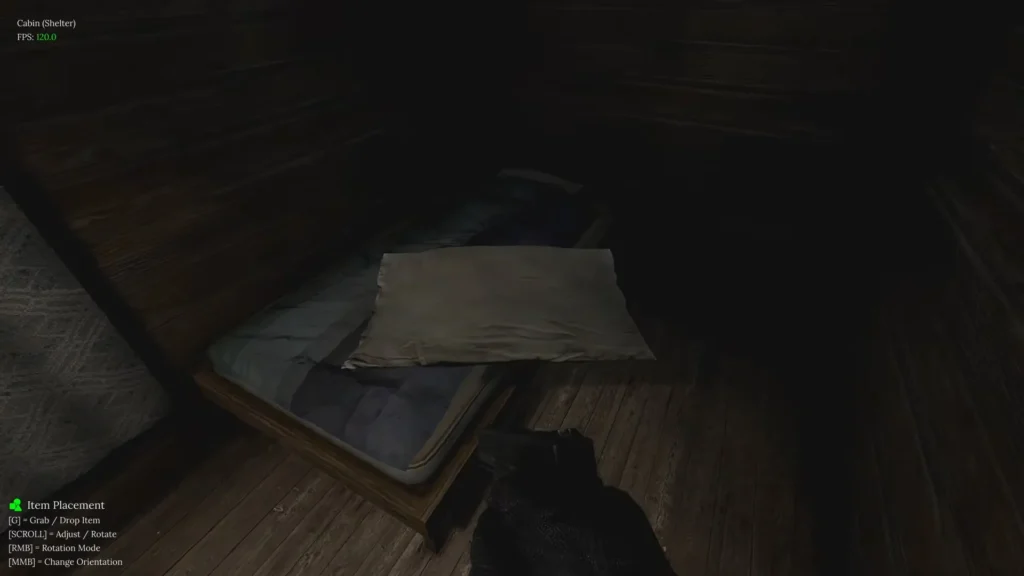
You can customize your shelter layout. Press F1 to enter Decor Mode. Here you can place furniture or items bought from traders. Use Right Click and the Middle Mouse Button to rotate items perfectly.