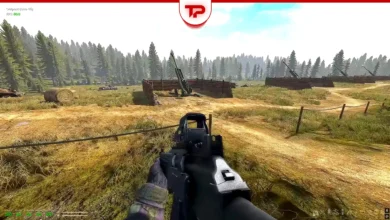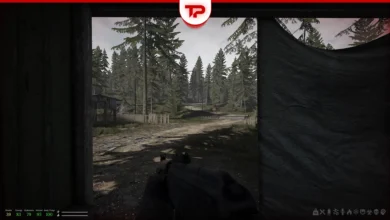


You hear footsteps outside and raise your 12-gauge. Then, click. Your shotgun is empty. In the wasteland of Road to Vostok, an empty chamber is not just an inconvenience. It is a death sentence. Surviving the zone requires deliberate, tactical inventory management.
In short, for reloading your shotgun, you have to press Left CTRL Key and the press the Left Click button. Then, press CTRL to close. At the end, press R to rack the pump. Do not forget to check the ammo by pressing V.
If you are holding a handful of shells and an empty gun, lock in. Here is exactly how to load shotgun in Road to Vostok so you can make it across the border alive.
Table of Contents
How to Load Shotgun in Road to Vostok?
Loading shotgun in Road to Vostok can be challenging. Here is a simple step-by-step guide to manually load your shotgun:
First, prepare the weapon by pressing the Left CTRL key. This changes your grip and allows manual loading (it depends on your keybinds, it could also be Right Alt or P, but CTRL is the default).
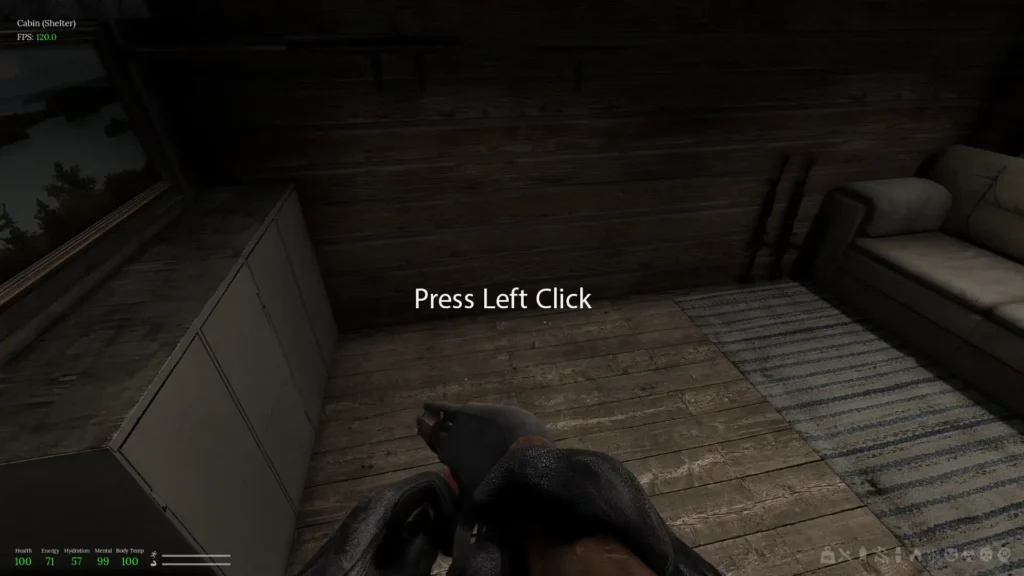
Click the Left Mouse Button to insert shells one by one. Keep clicking until the tube is full. Make sure you have the correct ammo (Buckshot or Slugs) in your inventory.
Once loaded, press R to rack the pump. Finally, check your ammo by pressing V. Your character will inspect the weapon. This shows how many shells are loaded so you do not go into a fight unprepared.
See also: Road to Vostok Beginner Guide
How to Reload RM-870 Shotgun?
This shotgun uses two key inputs for reloading. The first key opens the receiver and prepares the weapon for loading. The second key inserts cartridges into the receiver.
Here is how to reload RM-870 shotgun:
- Equip the RM-870, then press CTRL once to open the action.
- Next, press LMB to load shells one at a time. You can load up to 8 shells into the weapon.
- After loading, press CTRL again to close the action and complete the reload.
- Important: After each shot, you must press R to chamber the next shell or the gun will not fire.
How to Reload Mosin Weapon?
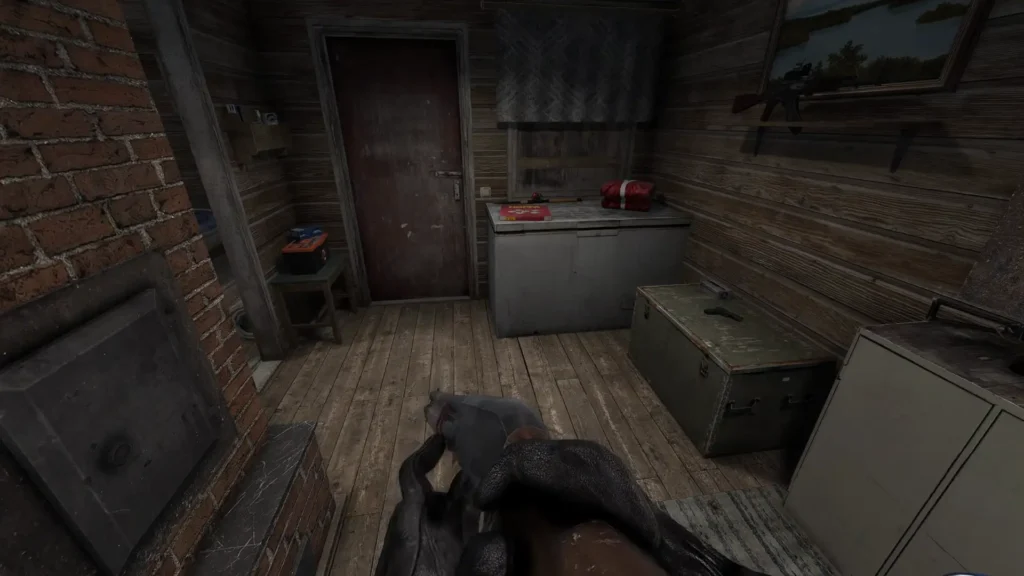
Generally, reloading Mosin in Road to Vostok is different from RM-870. Press CTRL to equip the weapon and then prepare the rifle. Next, press LMB to load rounds into the internal magazine one at a time. The Mosin holds up to 5 rounds.
After loading, press CTRL again to close the bolt and finish the reload. Once you fire, press R to work the bolt and chamber the next round before firing again.
FAQ
How do you reload the shotgun in Road to Vostok?
Press CTRL, then click LMB to load shell and press CTRL to close. Finally, press R to chamber a round. This will finish the process so the shotgun is ready to fire.