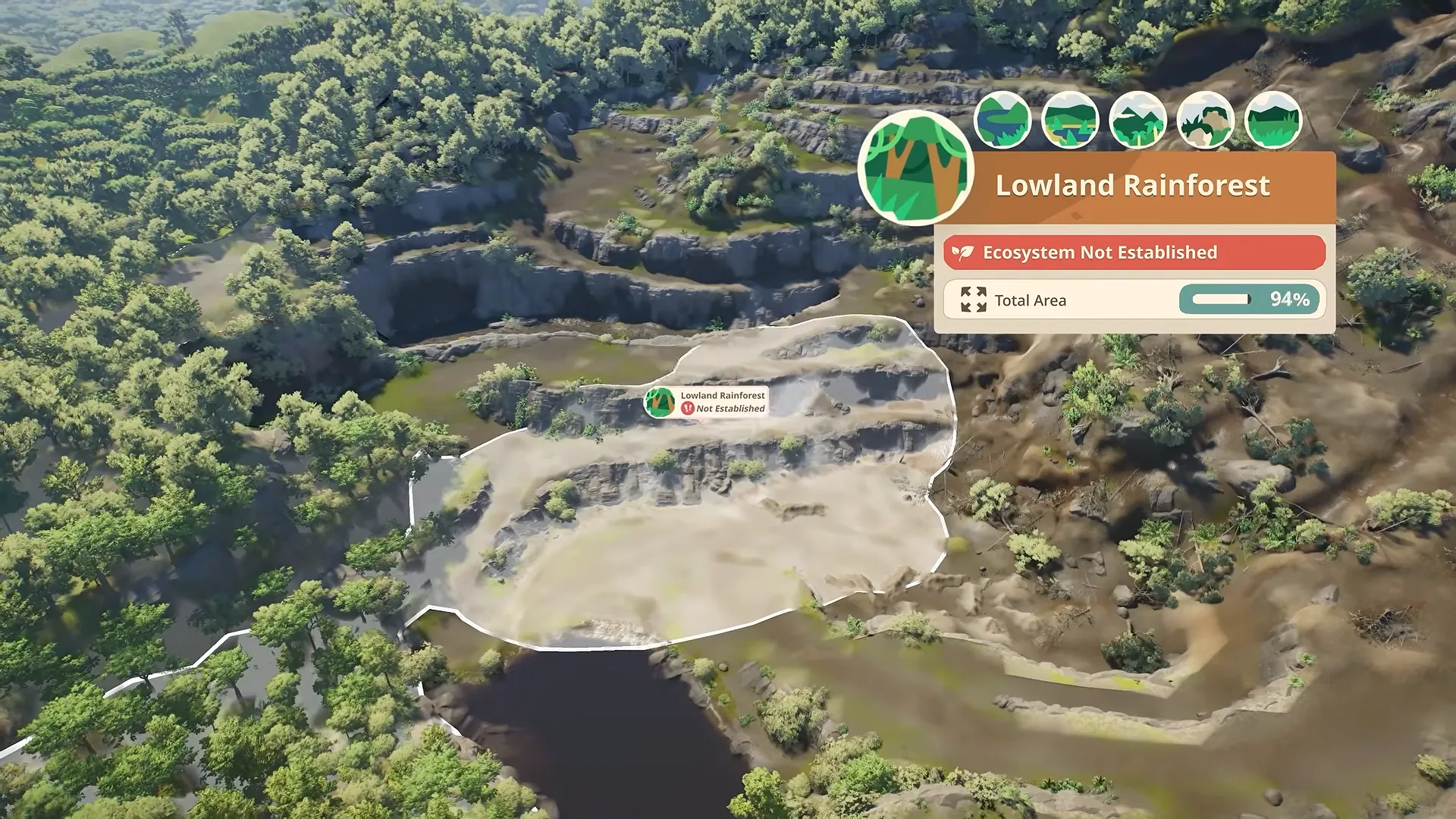


Planet Zoo 2 water problems can leave a finished habitat needing more work than expected. Before you try to spend more money, check what actually needs cleaning.
Dirty water and a dirty aquarium are separate issues. Therefore, another filter is not always the answer. Sometimes, the missing piece is a keeper rather than more plumbing.
Jump to
Place Water in Planet Zoo 2 Habitat
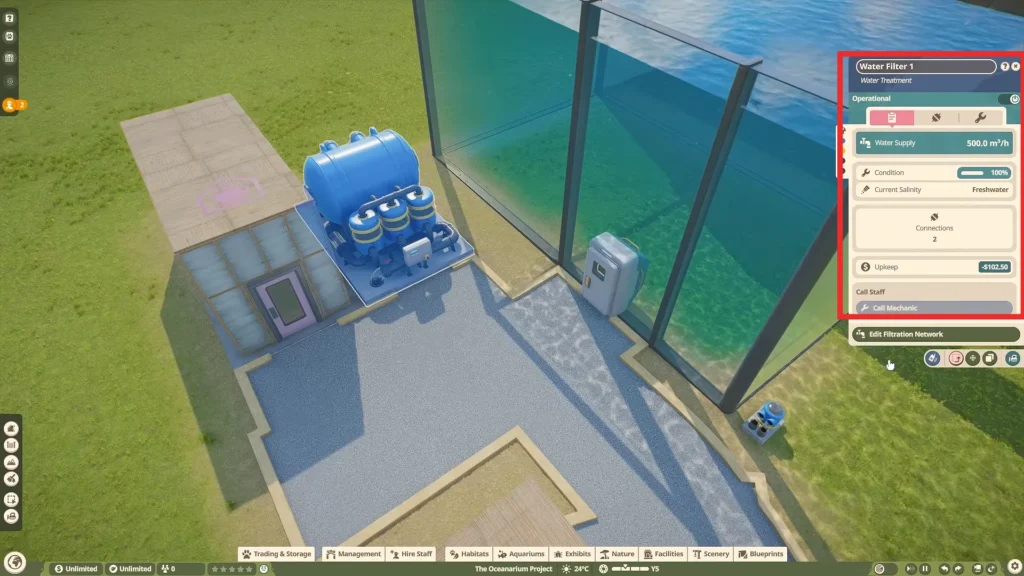
Start by lowering the ground with the terrain tools to create a basin, then add water inside it. Open Facilities to position a Water Pump beside the water body. Link that pump to your filtration network.
Give animals a gradual slope down to the shoreline. Once the shoreline is ready, you can focus on building animal shelters for animals in Planet Zoo 2.
Steep banks can prevent them from reaching a pond, even when the habitat looks fine from your camera angle. When you only need to provide drinking water, a water trough is an alternative to building a pond.
I’d leave the decorative rocks until the approach is sorted out. Reshaping a bare shoreline is less frustrating than dismantling the scenery around it.
How to Set Up Aquarium Filtration
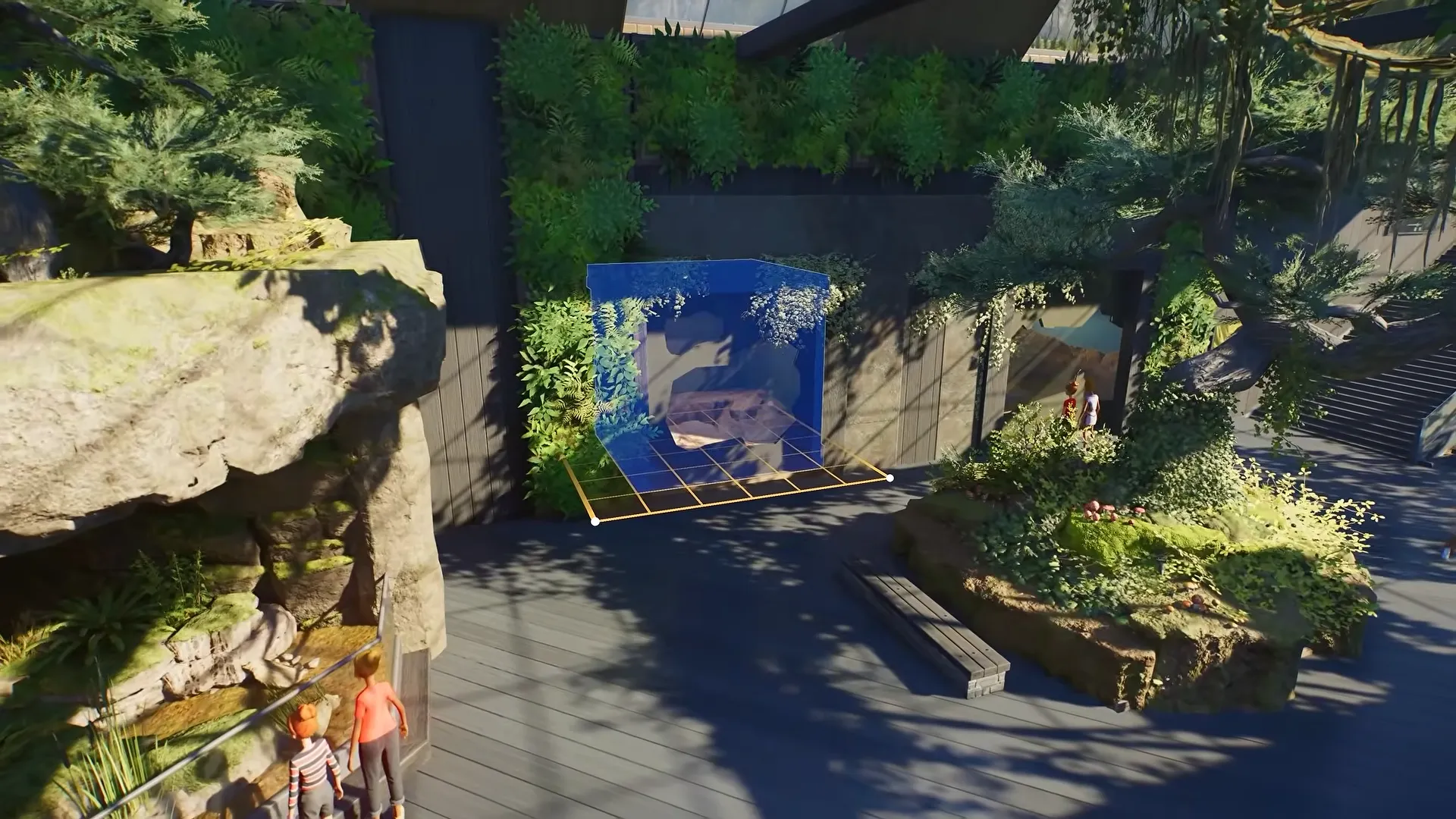
An aquarium connects to filtration through its staff entrance rather than through a pump beside a natural pond. Enclose the habitat with Aquarium Barriers and install an Aquarium Staff Gate.
Find the Water Filter under Facilities > Utilities and place it somewhere with power.
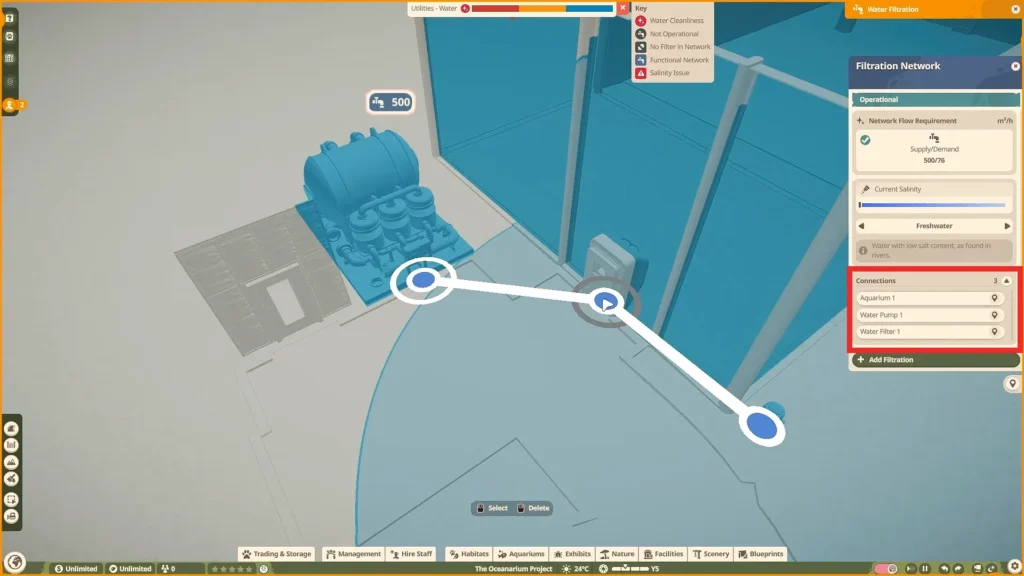
Open Edit Filtration Network to link the filter’s connection node with the node on the aquarium’s staff gate. Use the gate’s node as the connection point. Selecting an ordinary glass panel won’t provide the connection described in this setup.
How to Set the Correct Planet Zoo 2 Water Salinity
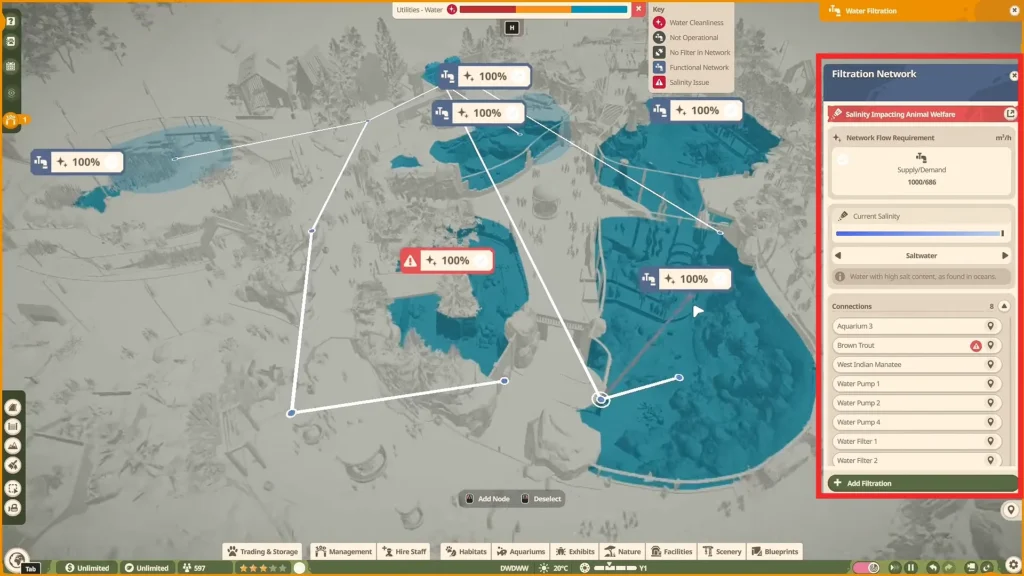
The filtration network’s settings determine the water type. Select Freshwater or Saltwater according to the animals you intend to keep. Species with different requirements may need the Brackish option instead.
Check those requirements before adjusting an existing network. The salinity setting affects connected water bodies, not just the habitat you happen to be working on.
An adjustment for one aquarium can therefore change conditions elsewhere. Use separate filtration networks when habitats need incompatible salinity settings.
Change Water Temperature
Look up the species in the Zoopedia to find its suitable temperature range before making adjustments.
For aquariums, the temperature settings are tied to the habitat and its staff gate. Natural water bodies use the Water Pump’s temperature controls.
Don’t assume that good cleanliness means the water is suitable in every other respect. Temperature needs its own check, even when filtration is working properly.
How to Fix Dirty Water and Dirty Aquariums in Planet Zoo 2
Look at the aquarium’s Water Cleanliness and Tank Cleanliness indicators separately.
Each points to a different part of the maintenance system. A low Water Cleanliness reading calls for a filtration check. Make sure the Water Filter receives power and remains connected to the network. Then check if the available filtration capacity meets the network’s demand.
Low Tank Cleanliness requires attention from a keeper. Confirm that staff can reach the aquarium’s gate, then review the keeper’s workload. Extra filtration equipment cannot take over that cleaning job.
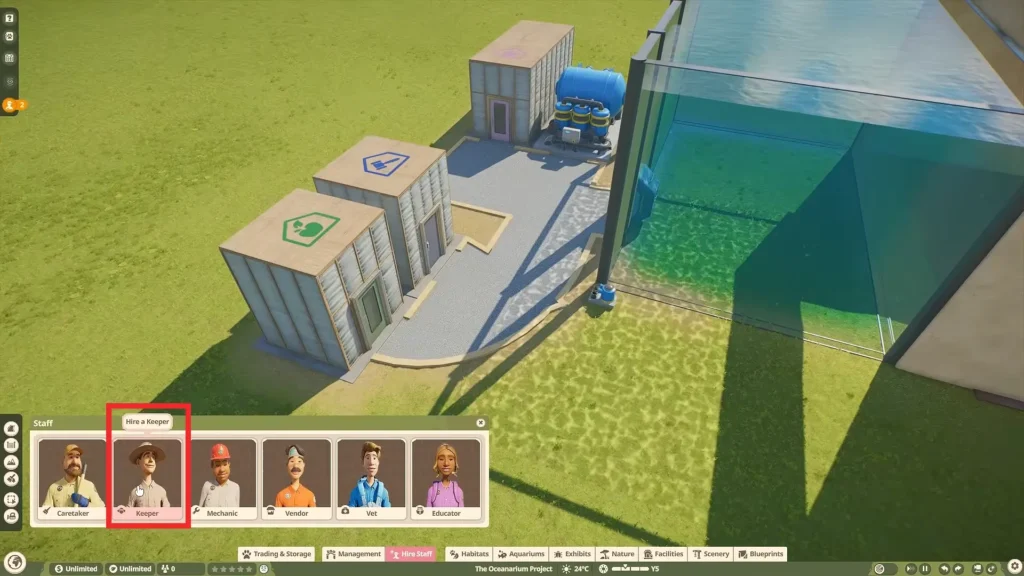
The amount of water affects filtration demand, as does the animal population. Revisit the network after enlarging an aquarium or introducing more residents. A setup that handled the original habitat may no longer have enough capacity.
How Water Depth Affects Aquarium Design
Aquatic habitats have usable depth as well as floor space. Different species favor different parts of the water column, so depth deserves attention while planning the enclosure.
Check the intended animals’ requirements before settling on the aquarium’s dimensions. I’d rather revise an empty enclosure than discover a problem after building the entire viewing area. If the species you want are still locked, check our Planet Zoo 2 Accreditation guide.

Planet Zoo 2