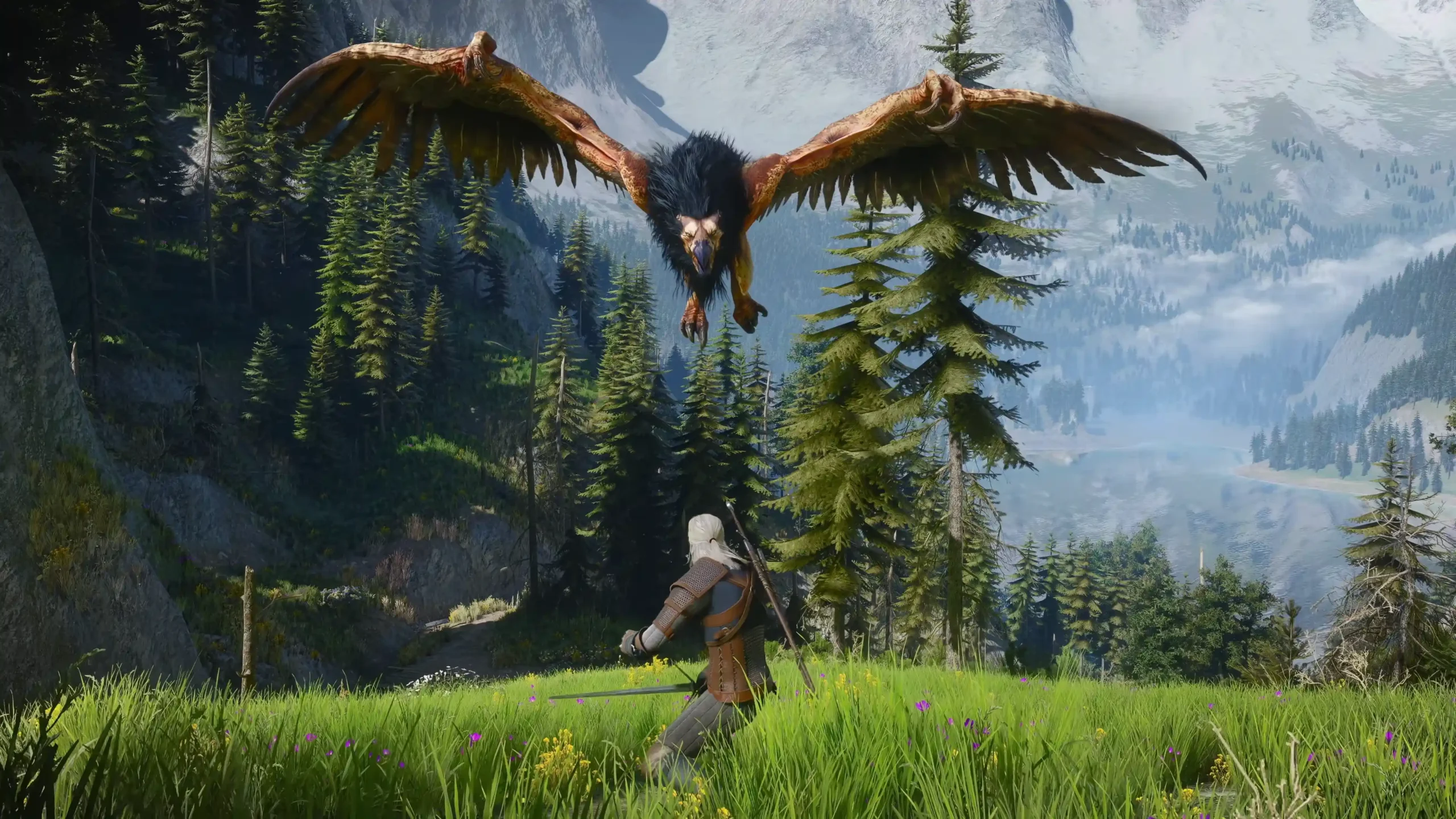


You might be desperately smashing the Dodge button in The Witcher 3: Wild Hunt Remastered and nothing happens, or all of a sudden, dodging feels sluggish and delayed. A lot of other players are experiencing the same thing too.
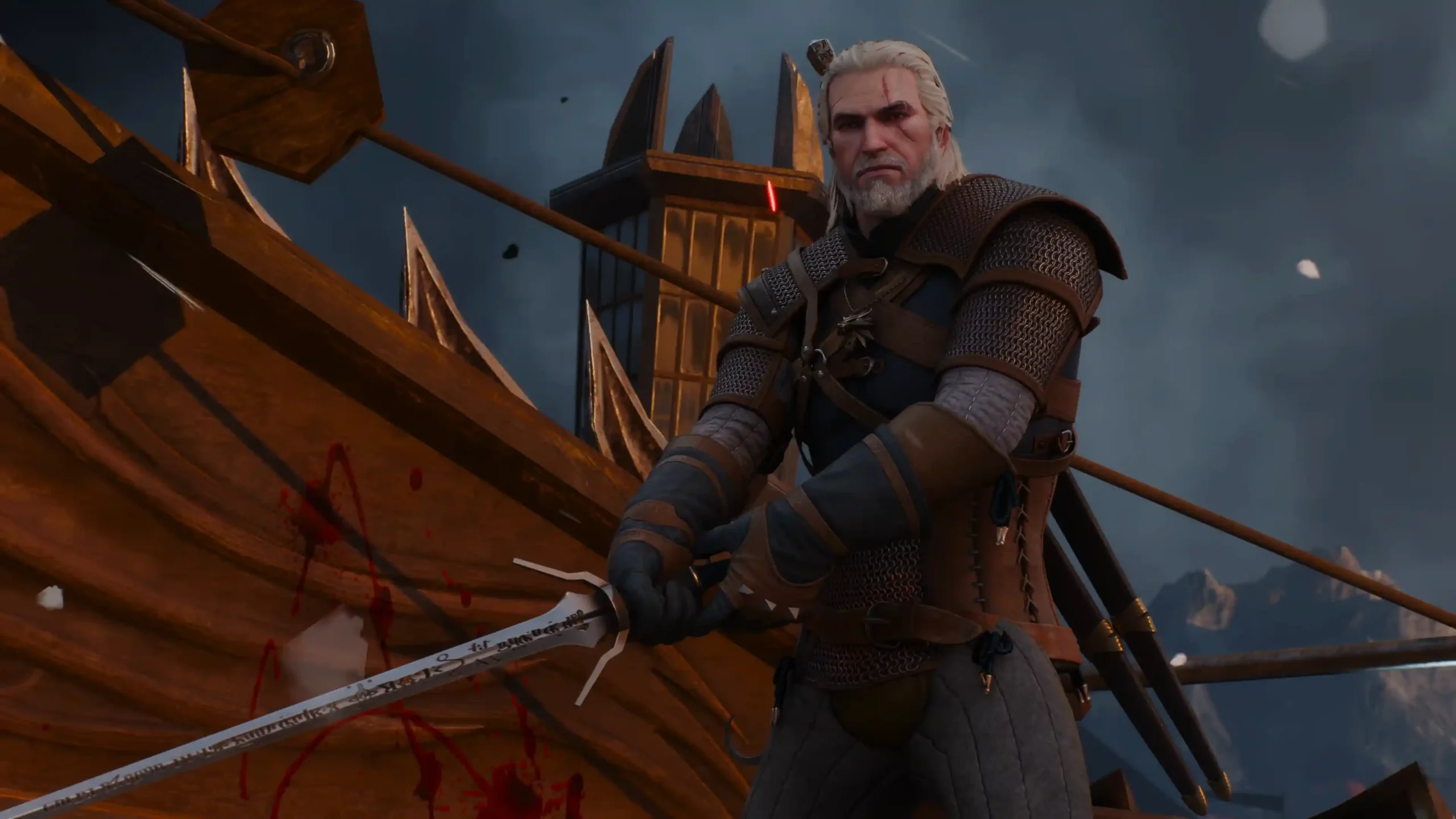
A lot of console and PC players took to social media to let it be known that, after the Remastered update, there’s a noticeable delay when you press the Dodge button and sometimes it doesn’t at all. The first thing worth trying is changing the new Combat Style setting back from Modern to Standard, although that might not work either.
Let’s see what the fuss is all about and, until CD Projekt Red releases an update, how we may fix it.
Table of Contents
How Was Dodge Improved in The Witcher 3 Remastered?
CD Projekt Red specifically includes dodging among the combat actions meant to feel better in Remastered.
The official detailed change list gives us a little more context. Geralt’s movement and player control are improved. Remastered also adds a dynamic combat camera for better visibility and improves target-lock switching while moving the camera.
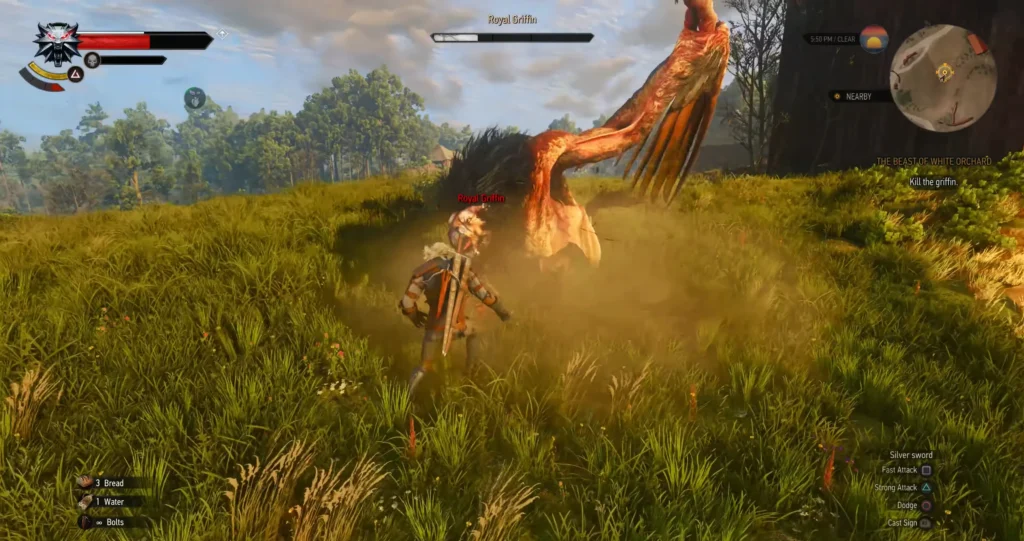
However, CDPR doesn’t specify any change to the normal Dodge itself. There’s no official mention here of changes to Dodge speed or anything in that regard. That means dodging is clearly part of the intended smoother combat experience, but I’ve seen a lot of players complain about Dodge unresponsiveness or delays and I’ve experienced it myself.
Why Does Dodge in The Witcher 3 Remastered Feel Delayed or Unresponsive?
CD Projekt Red did make several changes to combat and movement in Remastered. Geralt now benefits from a new function that’s tied directly to the Dodge button: if you hold the Dodge button, he can now disengage from a locked target before sprinting away.
However, from what I’ve experienced and seen on the internet so far, Dodge inputs can feel slower and sometimes the game just doesn’t seem to understand when you push the Dodge button, so you have to smash it repeatedly so you can dodge.
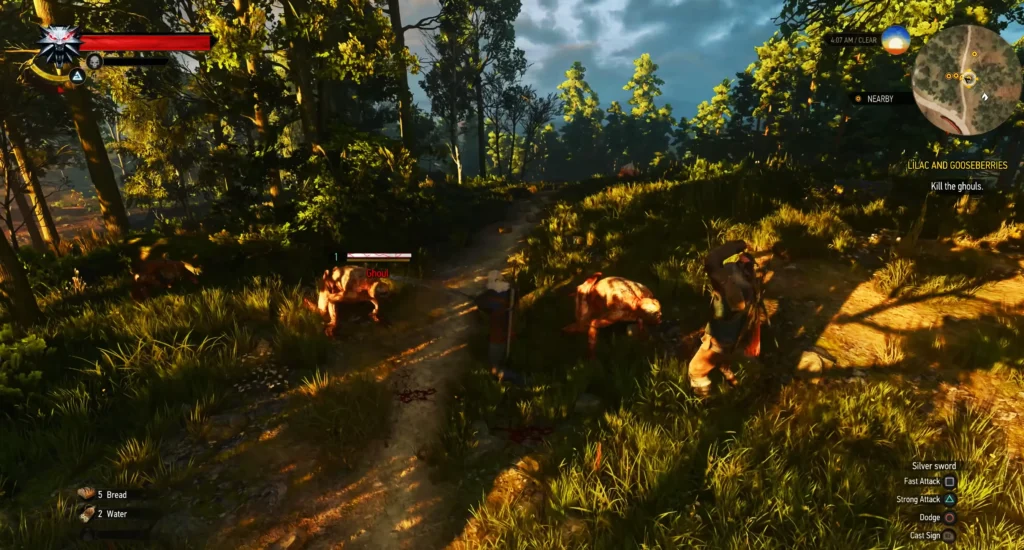
This lack of proper responsiveness in attacks, blocking, parrying, dodging, and whatnot can make the game less engaging. But what can we do in the meantime?
Switch Combat Style Back to Standard
First things first, change Combat Style from Modern back to Standard in the gameplay settings. That’s the simplest first step. What’s for sure is that you shouldn’t expect a guaranteed fix, because it may help some console or PC players but do nothing for others and vice versa.
So if Standard improves dodging for you, that’s great. If it doesn’t, then your experience also matches what other frustrated Remastered players (again, me included) are reporting.
Dodge Still Not Registering?
At this point, the sluggish Dodge problem that often happens doesn’t appear to be limited to a controller or keyboard problem. You may press Roll or Dodge, but nothing may happen. If you double-tap, though, dodging might work. You might try a couple of different controllers and the unresponsiveness could still be there.
I wouldn’t call double-tapping a proper fix, but it gives you something to work with if you press it once and nothing happens.
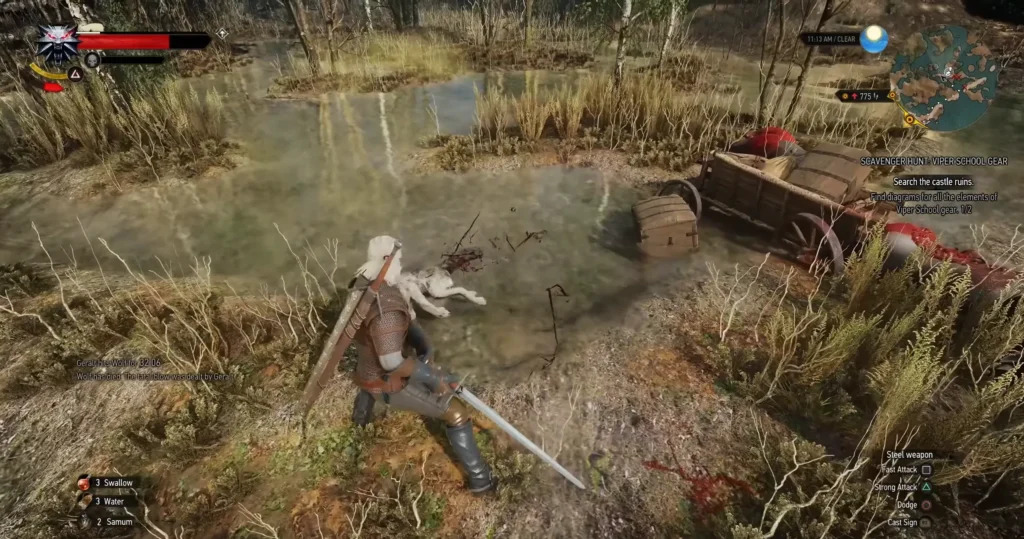
On the other hand, there are players who have reported no problem at all when it comes to dodging and the overall experience. Saving is another Remastered issue some players are running into and I’ve covered the current Game Save Failed fixes separately and If the update also messed with your sound, we’ve also covered the current Witcher 3 Remastered audio issues and fixes separately.
At the end of the day, if Dodge feels wrong when you play The Witcher 3 Remastered, switching Combat Style back to Standard is the most straightforward setting to test. If you’re smashing the Dodge and Roll buttons but Geralt’s hesitant to move sometimes, then we need more information from CD Projekt Red before we know exactly what is causing it and hopefully they fix it.
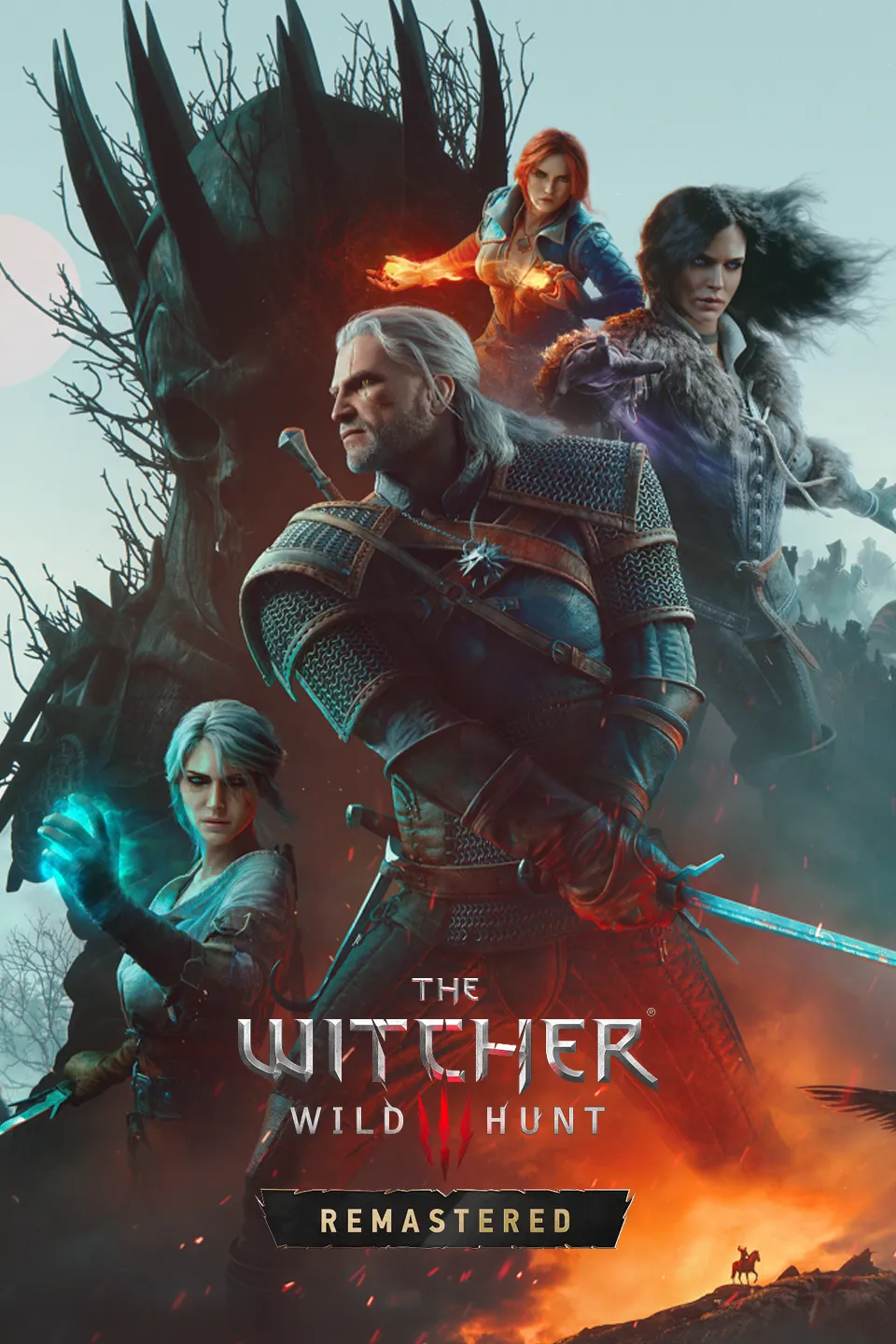
The Witcher 3: Wild Hunt