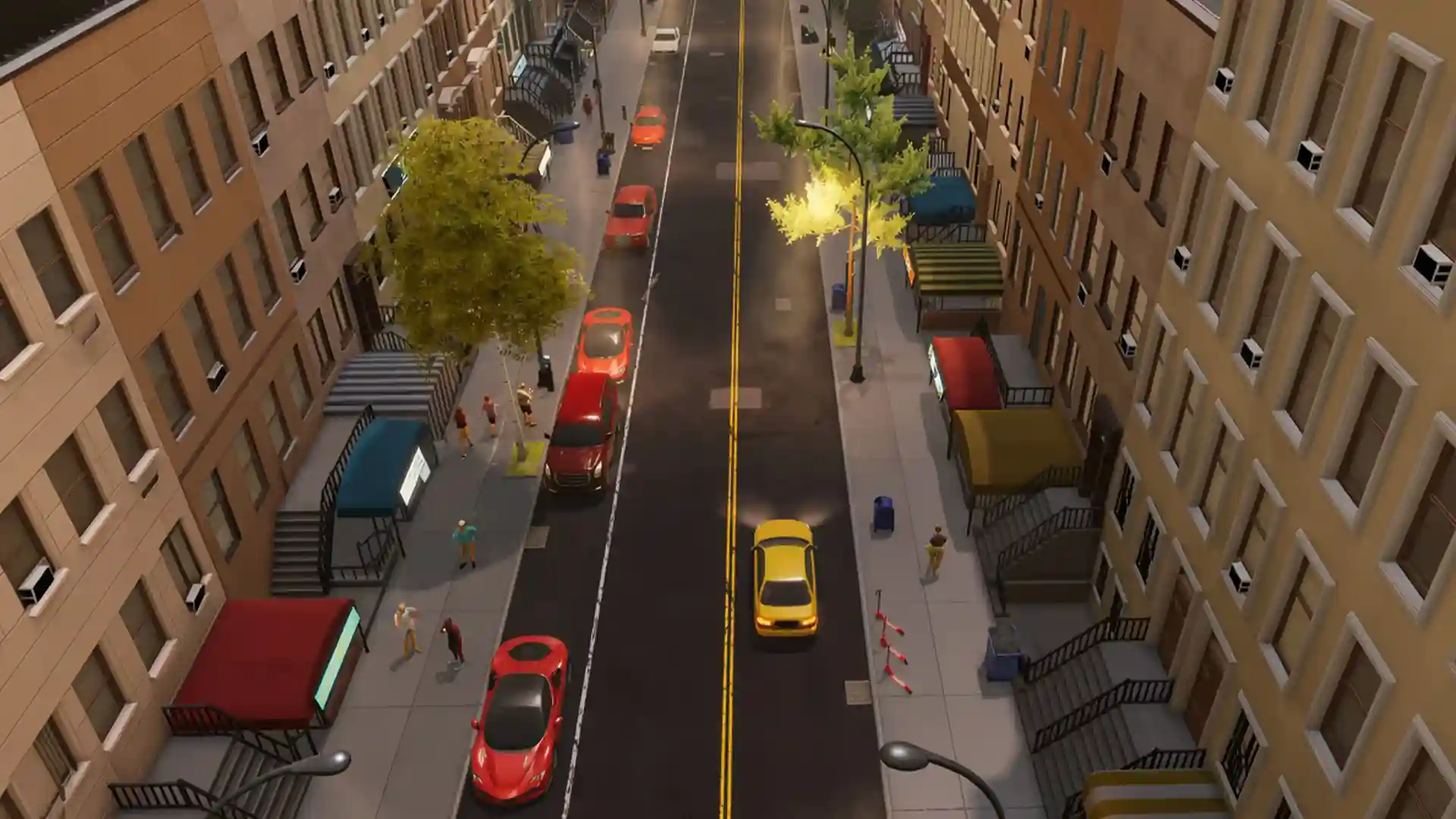


This Big Ambitions Warehouse guide walks you through the complete warehouse setup in the current 1.0 version, from the moment you realize you need one, all the way to a fully automated delivery network.
You’ll learn which warehouse to rent, which vehicles actually matter, how the Logistics Manager and Purchasing Agent work together and the exact skill requirements and destination limits that most players get wrong.
All About Warehouse:
When You Should Get a Warehouse
You don’t need one for your first store. You start really needing one once you have two or three retail locations and the manual restocking starts feeling like a second job. The moment you catch yourself thinking I just restocked this place yesterday, why is it empty again? It’s time.
When the need for a warehouse arises, follow the 4 steps I’ll explain:
Step 1: Rent the Actual Warehouse
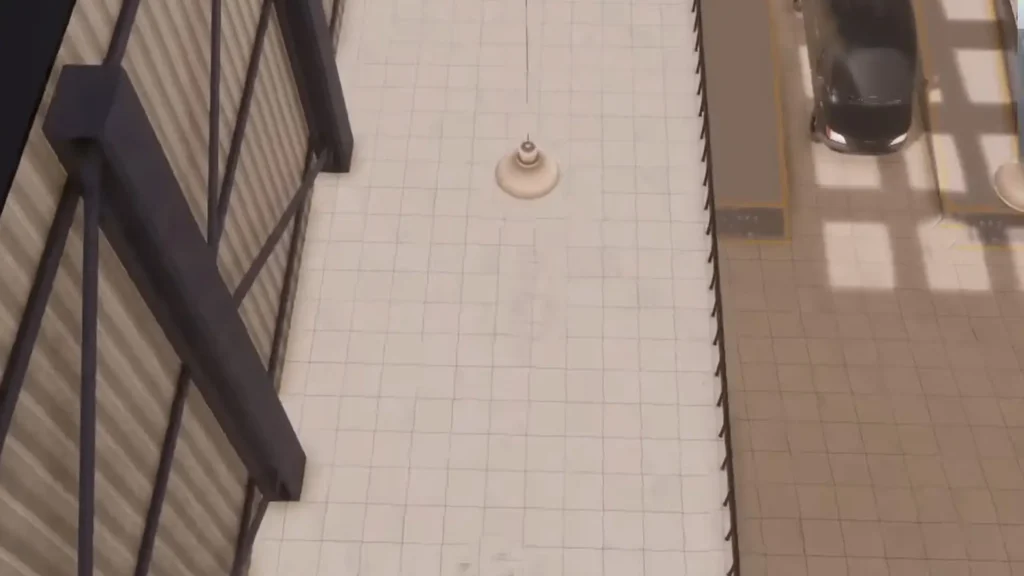
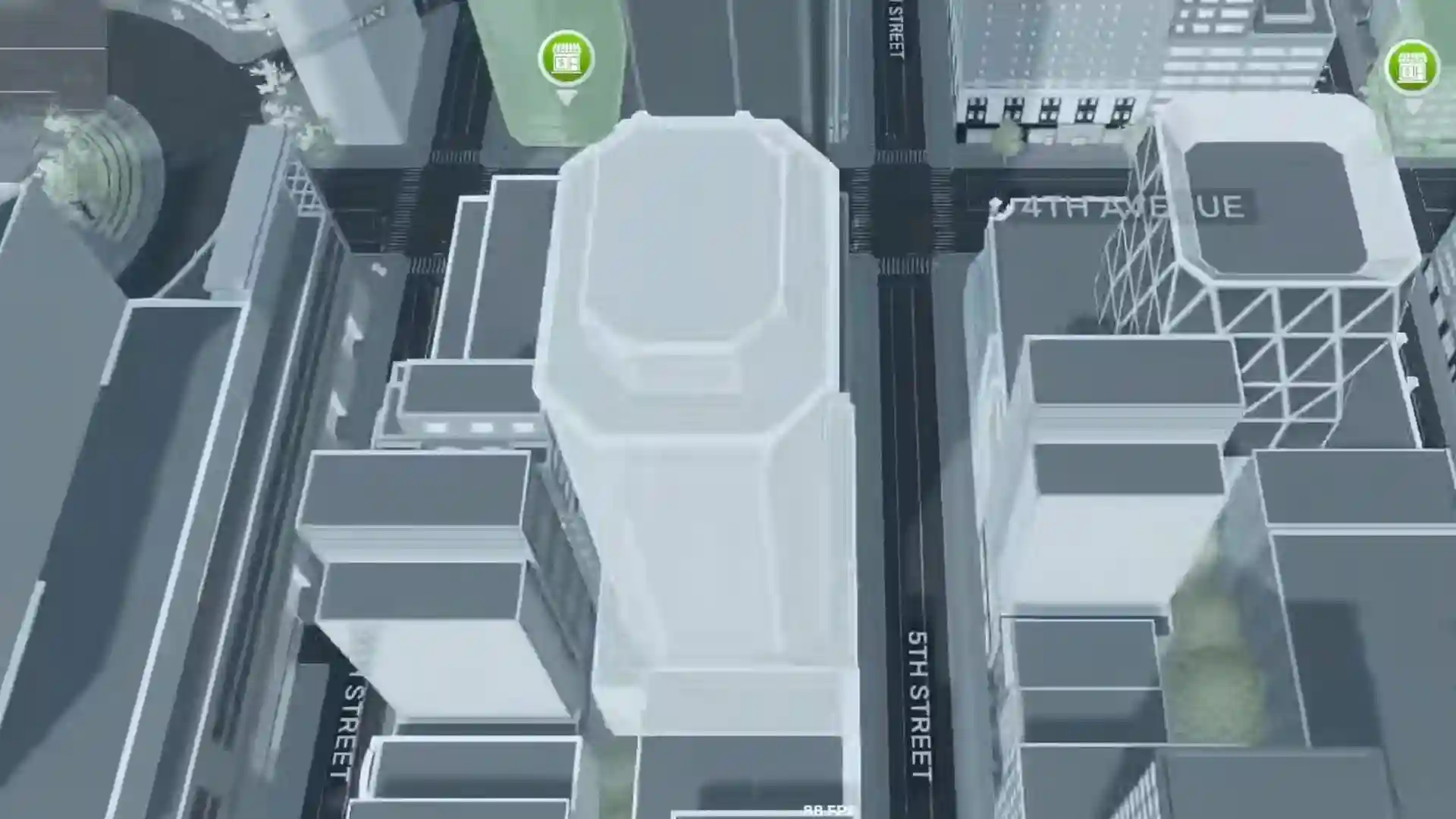
Open your phone go to Maps, Buildings for Rent, filter for warehouses.
Go for a two-vehicle-lane warehouse if you can afford it. The single-lane ones fill up and become a pain easily. You’ll outgrow them the second you start expanding.
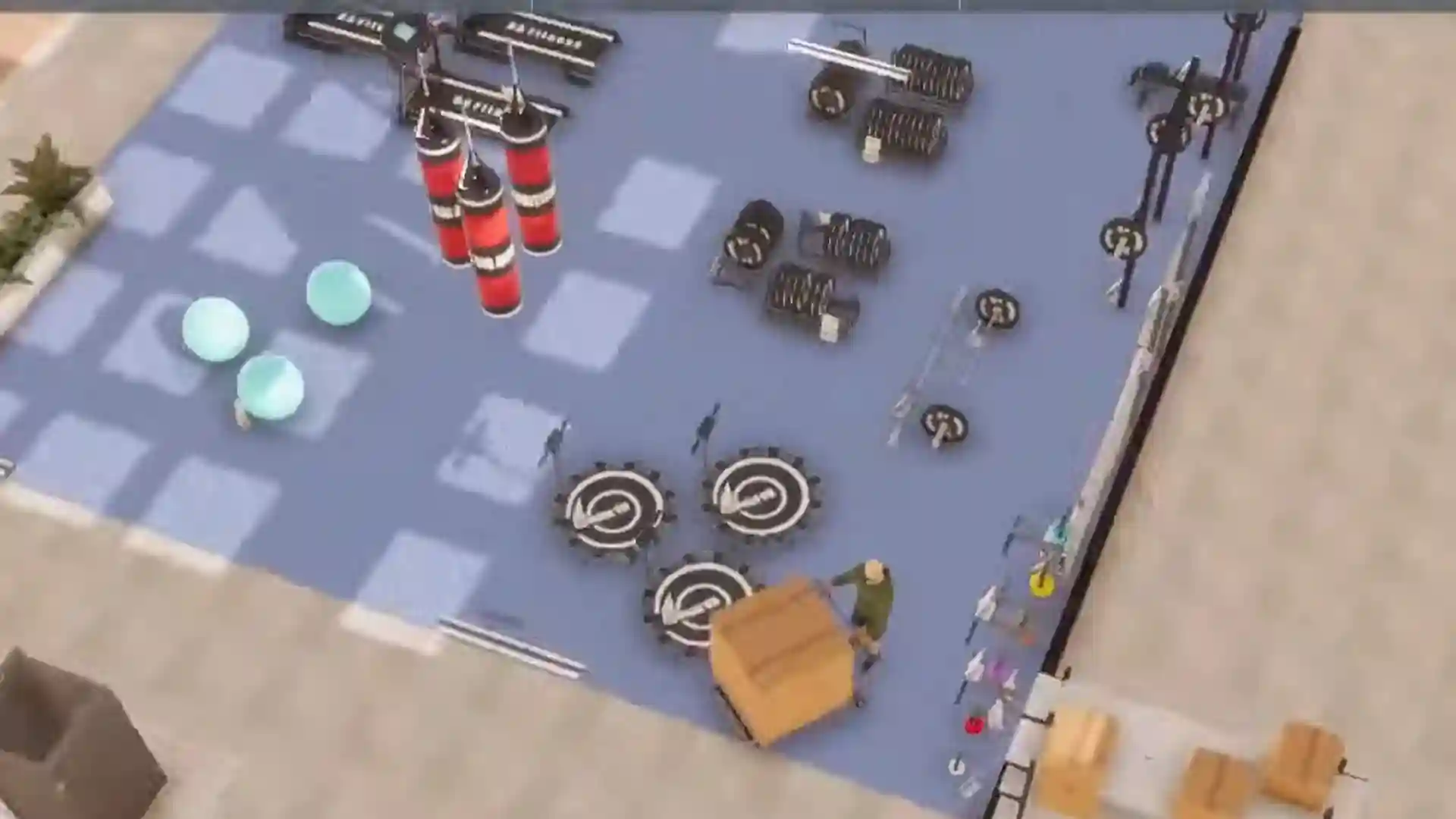
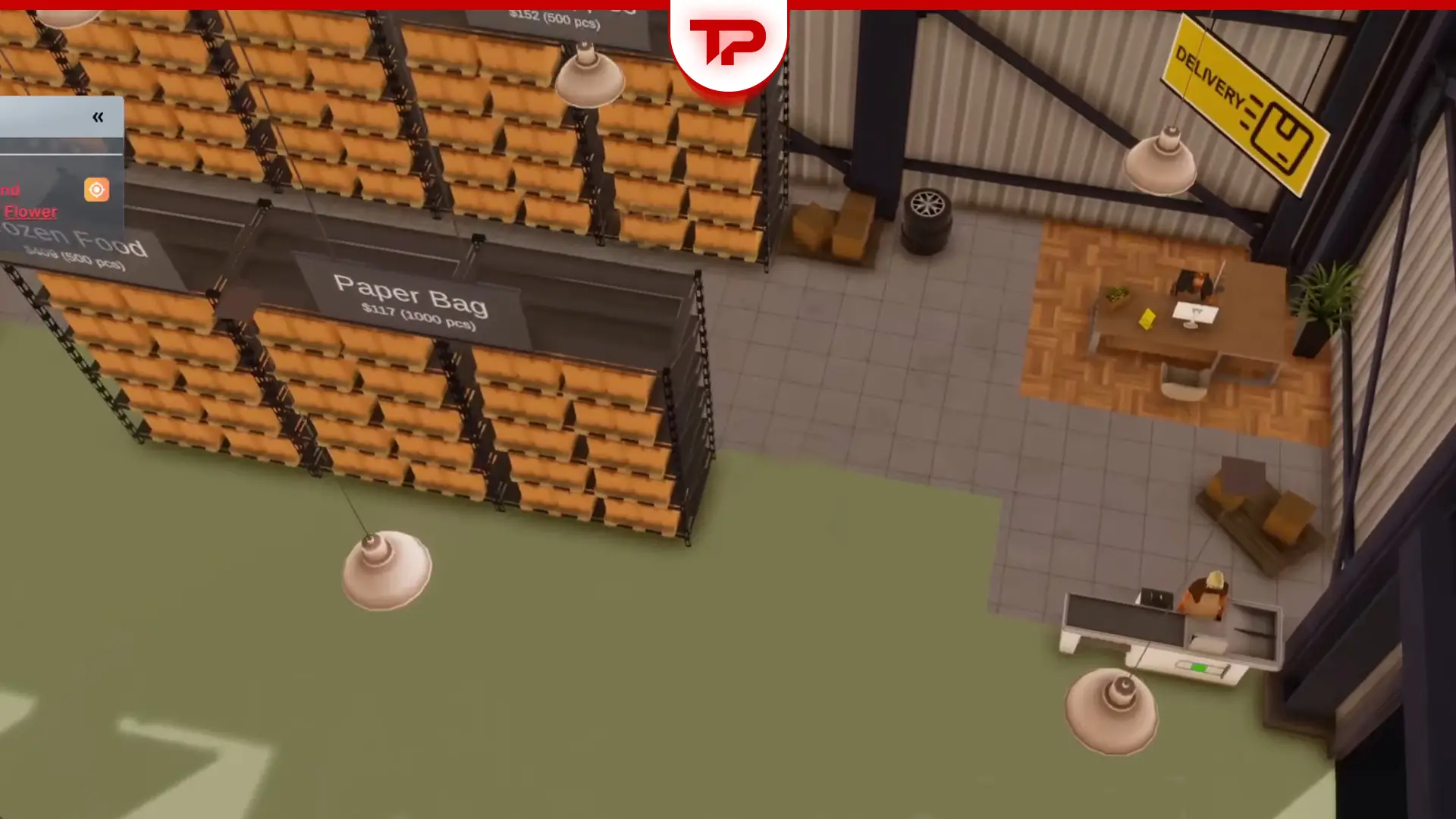
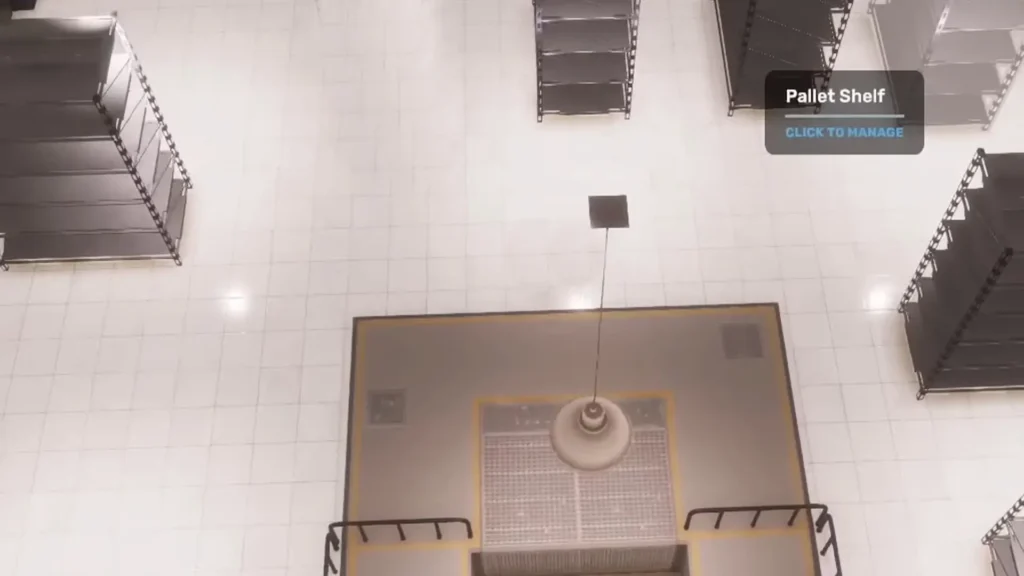
Once you rent it, treat it like any other building. Just walk in and start placing pallet shelves. These are the warehouse version of regular storage shelves. Put down as many as you reasonably can. Space is your friend here.
Step 2: Get a Delivery Vehicle and Driver
You need a vehicle that actually belongs to the warehouse. Buy a van or, better, a proper freight truck. Drive it (or have it delivered) into one of the warehouse’s vehicle slots. Hire a Delivery Driver and assign him to that warehouse.
Note: Delivery Drivers are hired from Anderson Recruitment Corp. Logistics Managers and Purchasing Agents, on the other hand, come from City Workforce Inc. Don’t mix them up, Anderson is for warehouse floor staff (drivers), City Workforce is for the HQ office roles.
Important detail a lot of people miss:The driver needs enough skill to operate the vehicle. Bigger trucks have higher skill requirements. If the driver doesn’t have the required skills, send him for training. It only takes a day or two.
| The Truck | Required Skill |
| Freight Truck T1 | 95% |
| Vord Courier D500 | 75% |
| Mersaidi Dash | 50% |
| UMC Nunavet | 50% |
| Vord V150 | 50% |
The Best Vehicles for a Warehouse
The best vehicles for warehouses are:
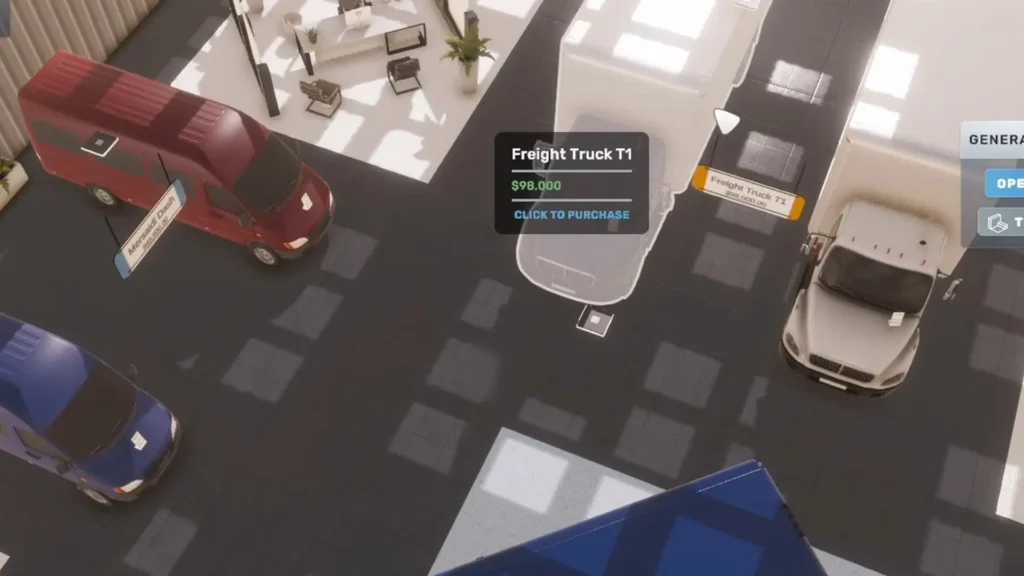
- Freight Truck T1: baseline 4 destinations, 8 destinations at 100% Logistics Manager skill
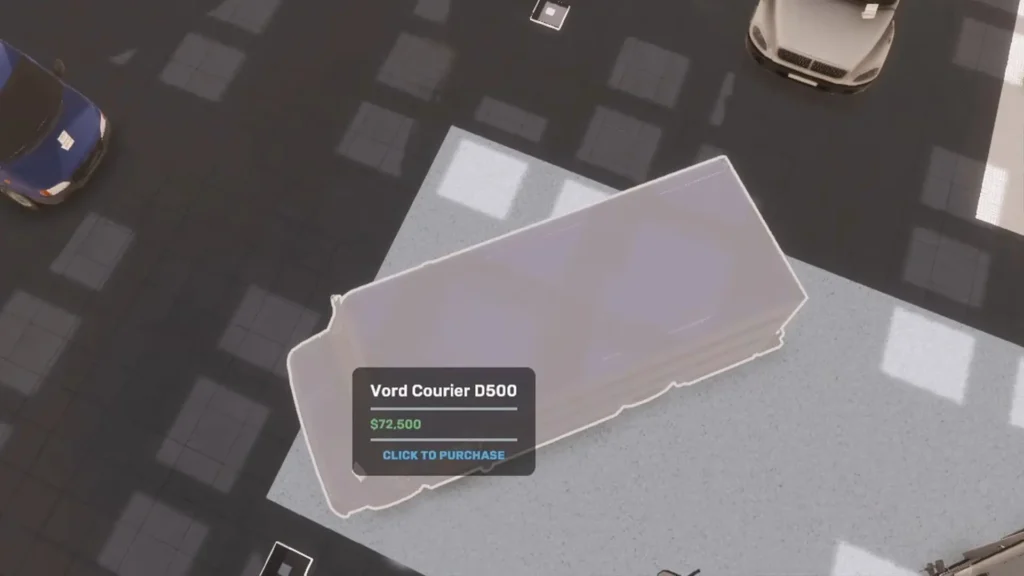
- Vord Courier D500: baseline 3, 7 destinations at 100% skill
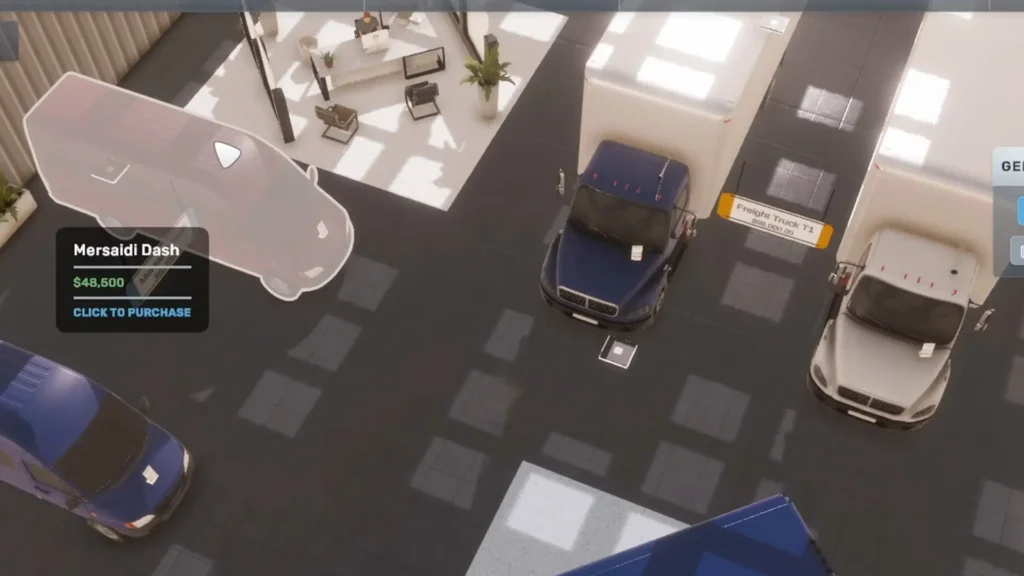
- Mersaidi Dash or UMC Desert: baseline 2, 6 destinations at 100% skill
A single-lane warehouse with one Freight Truck T1 and a 100% Logistics Manager can supply 8 stores and a double-lane warehouse with two Freight Truck T1s can supply up to 16 stores. So, this is the best choice when you can afford to buy one. Early game, choose a cheaper option.
Step 3: The HQ Side (The Real Magic)
A warehouse by itself does nothing. You need two HQ employees working together:
- Purchasing Agent: This person orders goods from importers/wholesalers and has them delivered into your warehouse. You set target stock levels (e.g. keep 10,000 energy drinks for your gym in the warehouse). The smart delivery system only orders what you actually need to reach that target.
- Logistics Manager: This is the one who ships from the warehouse to your stores.
One Logistics Manager means one warehouse. Their skill level, the type of vehicle and the number of vehicle slots the warehouse has decide how many stores they can supply.
You have to place a computer workstation in your HQ, assign the Logistics Manager to that desk and put them on the schedule.
Step 4: Creating the Delivery Plan
For this step, first open Bisman, go to your warehouse and Deliveries (or Logistics Plan).
Here you add destinations (your stores), set how much of each item should be kept at that store and turn on smart delivery if available.
Once this is running, the Logistics Manager will automatically send trucks out (usually once per day). Your stores need proper storage shelves ready to receive the goods, otherwise the delivery fails and you’ll get an angry alert.
The Beautiful Moment
When everything is set up correctly, you can stop placing manual orders at individual stores. Everything flows. Importer, warehouse, Your stores.
It feels amazing the first time it works. You wake up and see that all your locations got restocked overnight without you lifting a finger.
Scaling Up the Warehouse
Here’s the hard limit most people hit:
One Logistics Manager can only handle a certain number of destinations. When that number is maxed out, you cannot just hire a second Logistics Manager for the same warehouse. You need a second warehouse and therefore a second Logistics Manager. You also need more vehicles and drivers.
This is the natural expansion point. A lot of players run one central warehouse for their first 4–6 stores, then open a second warehouse when they start spreading into new districts. If you need more hints like this, a Big Ambitions complete guide can help you a lot, and guess what? That guide’s already been written by me!
Bonus: Warehouses aren’t only Storage
Warehouses aren’t only for storage. You can also set up simple production lines inside them. If you want to do production inside the warehouse (or turn it into a full factory), you’ll need materials from Factory Supply Depot in Industry City.
Factories use the same Logistics Manager system as normal warehouses, but they can also produce goods instead of just storing them.
Some players use this to produce things like tea or other processed goods instead of buying the finished product. It’s not mandatory, but it can save money long-term once you understand the recipes.
Remaining Warehouse Tips
I’ve tried to cover everything, but some random tips may be missed and I hate this. So, I list every remaining tip you should know about warehouses in Big Ambitions:
- Always leave extra pallet space. You’ll need it.
- Train your drivers early. Skill requirements sneak up on you.
- Keep an eye on the Logistics Manager’s skill. Higher skill means more destinations.
- Use the target stock system. Don’t just spam huge orders.
- When a delivery fails, the alert usually tells you exactly why (out of stock in warehouse, no storage space at the store, etc.).
- Your first warehouse doesn’t need to be fancy. It just needs to work.
That’s the whole loop in one glance: get the warehouse, put shelves in it, get a vehicle and driver, hire a Purchasing Agent and a Logistics Manager in the HQ, set the delivery plan and never manually restock again.
Once this system is humming, the game changes. You stop being a delivery driver and start being an actual business owner. And that feeling is exactly why the warehouse is one of the most satisfying systems in Big Ambitions 1.0.