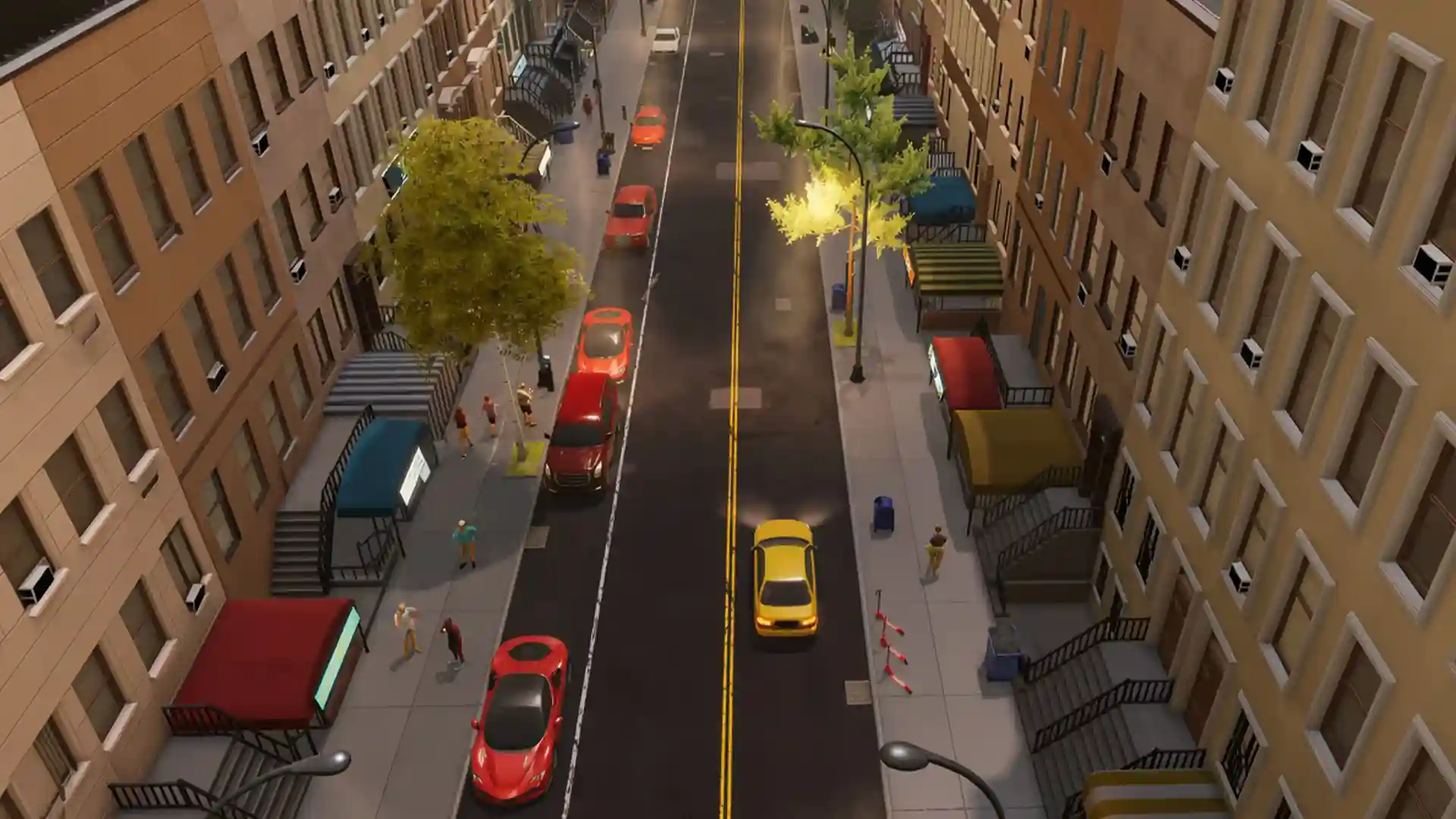


Big Ambitions music is split into two separate systems: a car radio and a store stereo, and each one works completely differently. Add in speakers and DJ Booths that work at Nightclubs, and it’s easy to get stuck. This Big Ambitions guide is current for the 1.0 update (released August 28, 2026), which added new content but left the music system itself untouched. Here’s how it all works.
What You’ll Read:
How Music Works in Big Ambitions
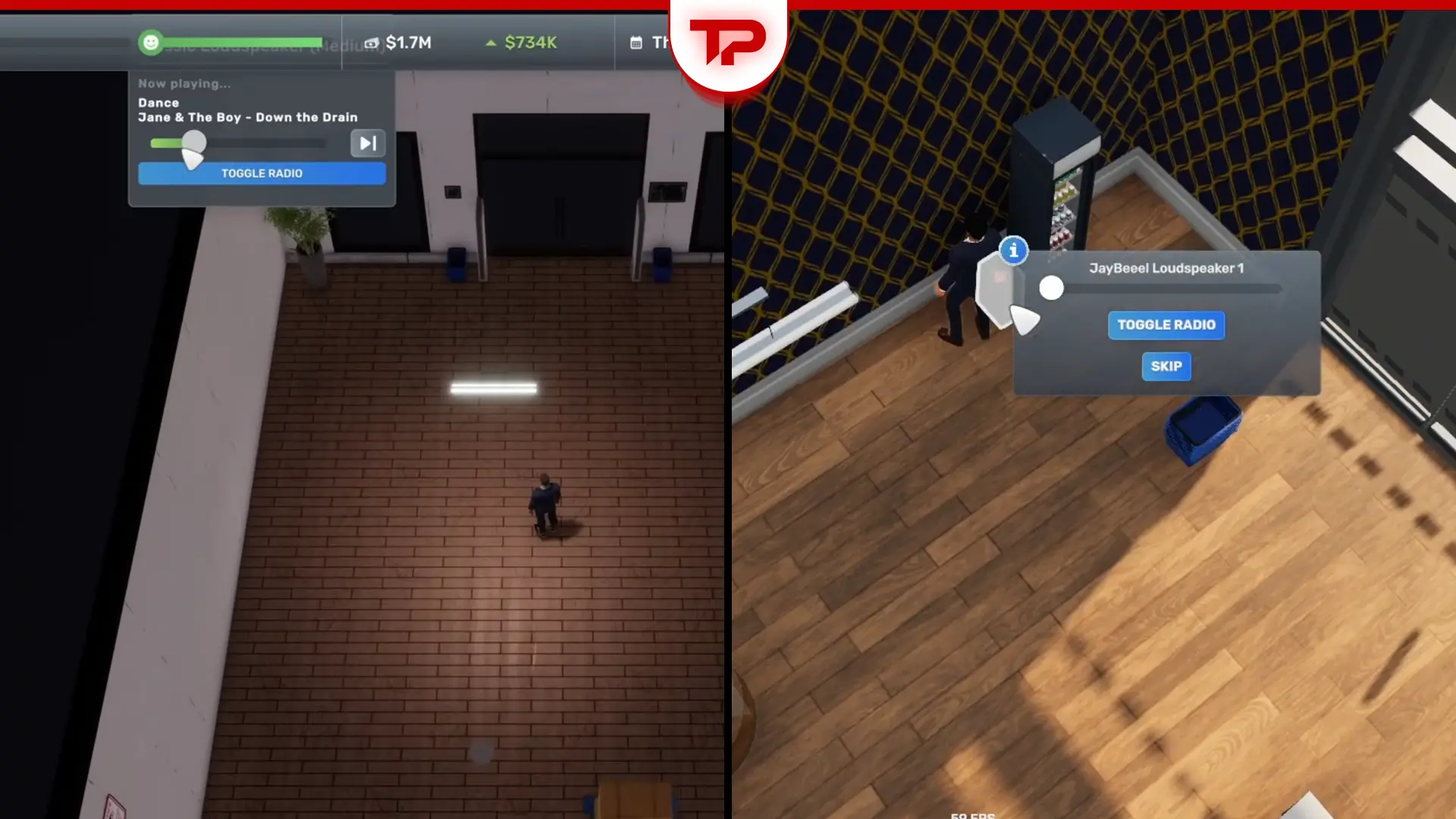
Big Ambitions handles music through two separate systems. Your car has a radio you hear while driving, and any business you own can run a store stereo that plays in the background. They’re not connected; swapping stations in one doesn’t touch the other.
The store stereo isn’t there for you. It exists to keep customers happy while they shop, which is why it plugs into interior score instead of counting as background noise. If you’re running a business with no walk-in traffic, don’t bother chasing that interior-score bump. It’s built for stores customers physically enter.
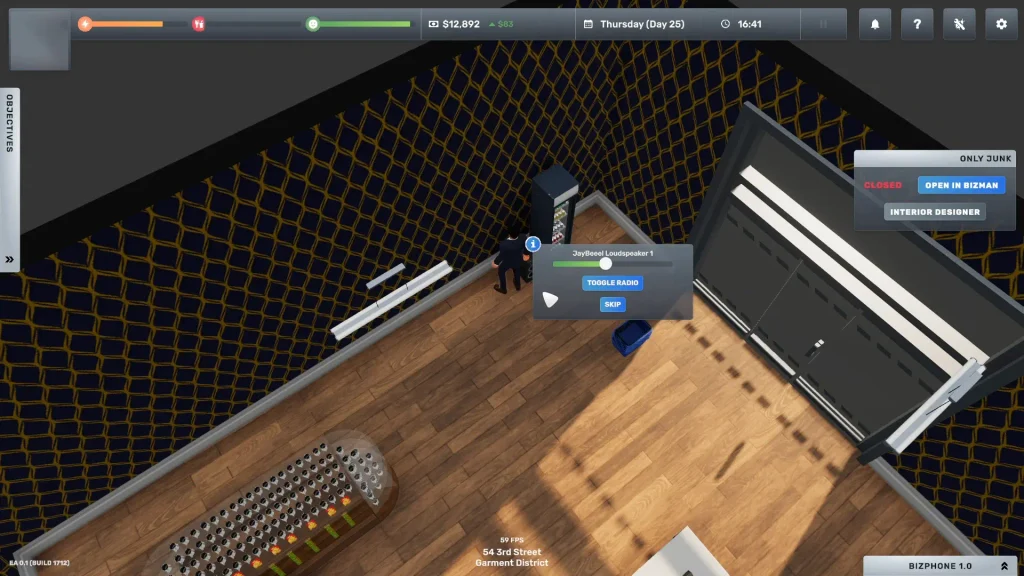
How to Add Your Own Music
Keep in mind, this method is for Windows only:
Go to Options, then Audio, and click Open Folder. That takes you straight to: %USERPROFILE%\AppData\LocalLow\Hovgaard Games\Big Ambitions\Radio
MP3, MP2, OGG (Ogg Vorbis), or WAV files are the supported formats. Copy or paste them straight into the Radio folder.
Note: Only loose files sitting directly in the Radio folder get read. If you drag in a folder full of songs, even one folder, the game won’t pick any of it up.
Back in the Audio menu, the file count should match how many songs you added. If it doesn’t, hit refresh first. Still wrong? Restart the game. In-game, switch your car radio or building stereo to “Local Files” to actually hear them.
Where to Buy Speakers
There are two speaker families in these two shops:
Classic Loudspeakers, in Small, Medium, and Large, come from Essentials Appliances. JayBeeel Loudspeakers, also in Small, Medium, and Large, come from Ika Bohag, the game’s IKEA equivalent. They’re not interchangeable stock.
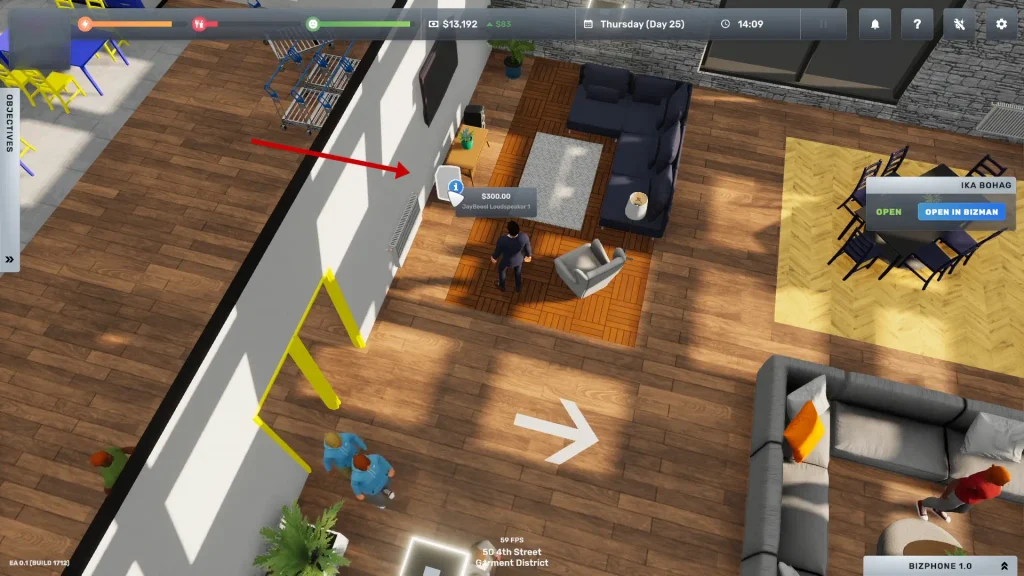
Speakers are floor-standing, and you can place them anywhere: corners, open floor, wherever fits. Coverage scales with size and price. A bigger, pricier unit covers more of your store. So one small speaker won’t cut it once your floor plan grows. You can’t be stingy and have big ambitions!
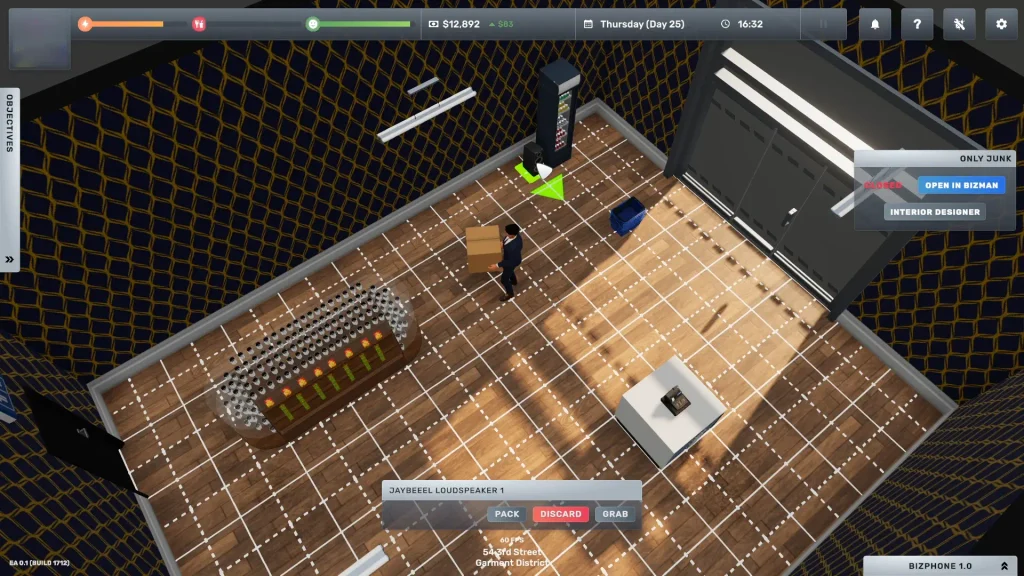
Note: Placing a speaker plays music for customers, but you won’t necessarily hear it yourself. Adjust your personal sound setting on the right side of the display. Otherwise, you’ll assume the speaker’s broken.
How Music Affects Customer Satisfaction
Customer satisfaction caps how many customers a business can attract. It’s built from customer service quality, pricing versus the neighborhood, and interior score, and music lives inside that last one.
The developer names music as one of three specific things customers complain about, alongside wall/floor condition and uniforms. Buying a speaker checks that box. The other two run on a separate spending threshold, not a decor check. So don’t expect a speaker to move those numbers.
DJ Booths and Nightclubs Explained
Nightclub is the one business type where music equipment isn’t optional. Required fittings include a DJ Booth, a Speaker, a Coat Check, and a working cash register. If you skip the DJ Booth, you can’t open.
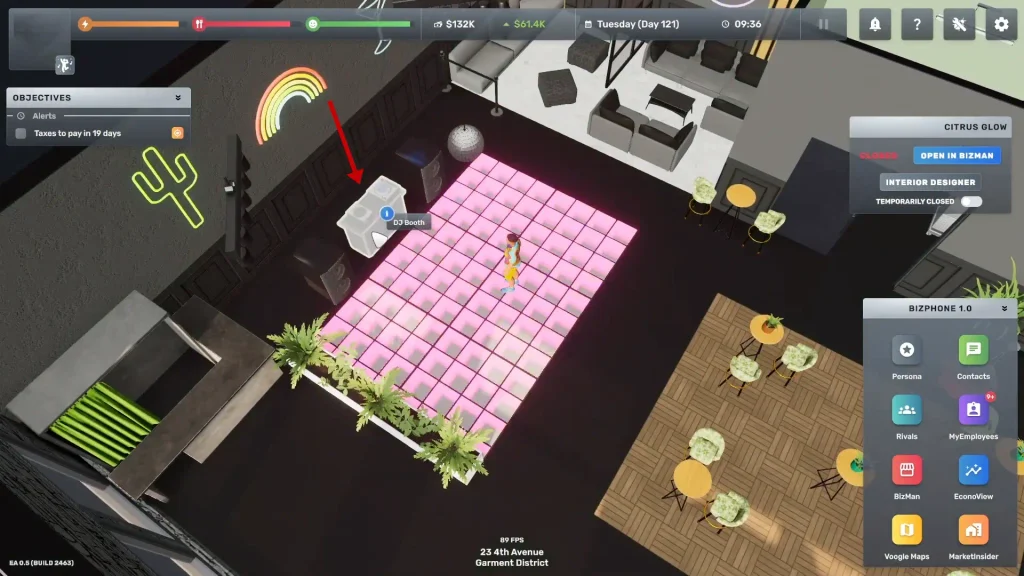
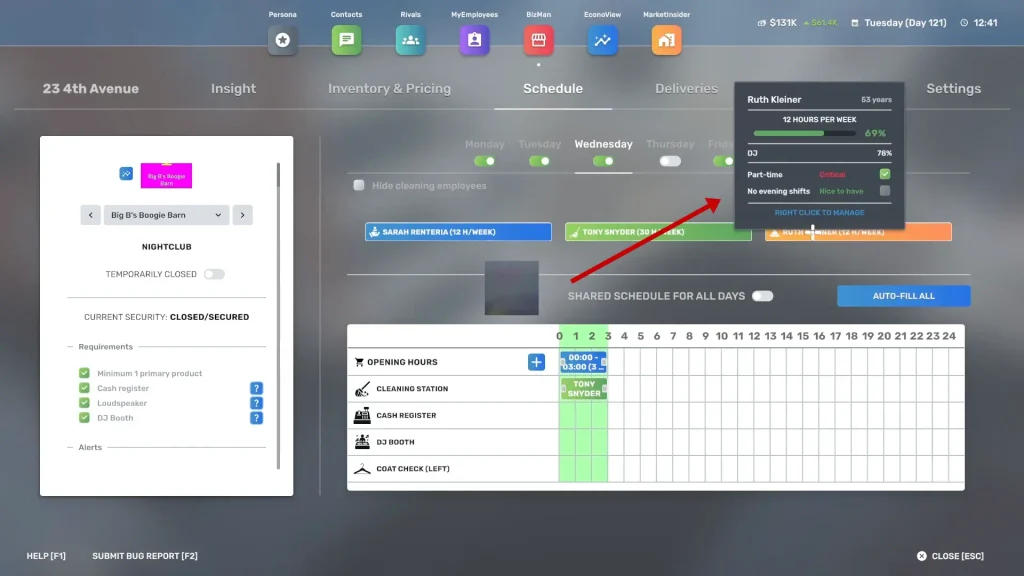
DJ is a hireable skill used only in nightclubs. Source candidates through Anderson Recruitment Corp or headhunters, then assign them to an open booth. DJ skill percentage controls how long customers stick around, and that has an effect on revenue.
For example, I read that one player running three clubs found drink sales were low until DJ skill reached 100%, at which point customers actually started buying.
Pro-Tip: You can personally hop on your own DJ Booth for a happiness boost, reportedly around +25%.
How to Control (or Mute) Music Volume
The music slider doesn’t control everything you hear. It only controls player music, meaning the radio in your car and whatever plays while you’re personally DJ-ing.
Everything else, including the music inside your own shops and gyms, falls under a separate “world” audio layer. The only way to kill that is the global volume slider, which mutes the entire game, not just the music. It’s annoying, I know. But it is what it is, unless the developers change this in future patches.
And that’s how Big Ambitions music works. Questions? Write them in the comments, and I’ll get back to you ASAP.
FAQ
Is there a record store or music shop business type?
No. Big Ambitions has no music-focused business. Nightclub, built around a DJ Booth, is the closest thing available.