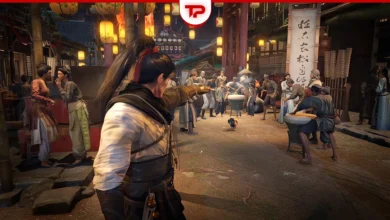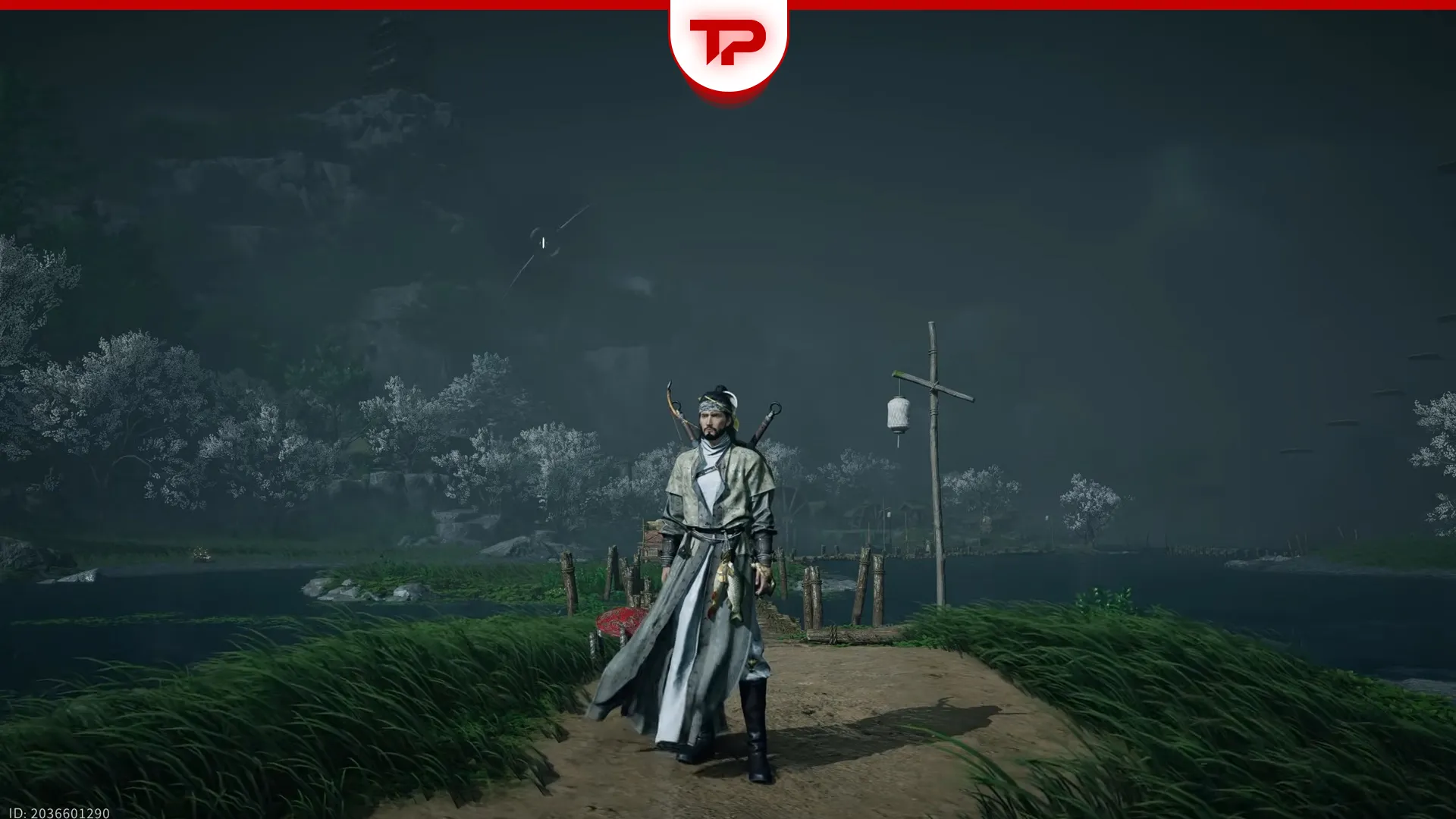


Where Winds Meet provides players with a rich, distinctive customization system. From the very beginning of the game, you can create the character based on your preferences. However, character creation process is a bit complex and can be confusing for some players.
In Where Winds Meet Customization guide, we will cover a complete instructions for creating character in the game. Moreover, some fun and interesting customization codes will be provided in the article.
Table of Contents
Where Winds Meet Character Creation Guide
In the game, you can create your character in 5 different levels including Body type, style, face, Hairstyle and make up. You can choose and modify any item and generate your own especial character.
Smart Customization in Where Winds Meet
After selecting your body type, you can use Smart Customization to create a character face based on a voice recording or an image.
- Voice: Record yourself reading the provided reference text. The game analyzes vocal traits to help shape your character’s appearance.
- Image: Click the Upload Image button and allow the game to access your files. While there are no strict image requirements, it is best to use a clear photo of your face.
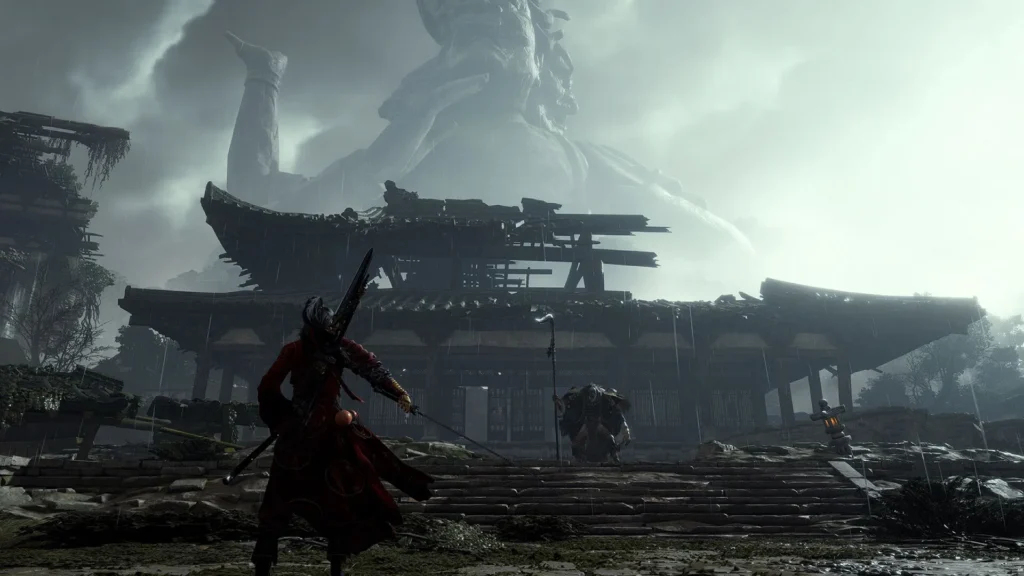
How to Change the Character Appearance?
You can change any aspect of character’s appearance including hairstyle, body type and makeup, usually by spending certain items. If you want to change your character look, simply revisit the customization section in the settings.
You can also change the appearance of your clothing, weapons and mount. All customization options are available in the Appearance section of the main menu.
Best Customization Codes in Where Winds Meet
There some customization codes for Where Winds Meet by which are created by other players. Upon entering these codes, your character gain the same without any further effort.
Among thousand of codes and preset looks, some of them are are really interesting and alludes to games, movies and pop culture. In this section, we will cover the best customization codes in Where Winds Meet.
Characters Code
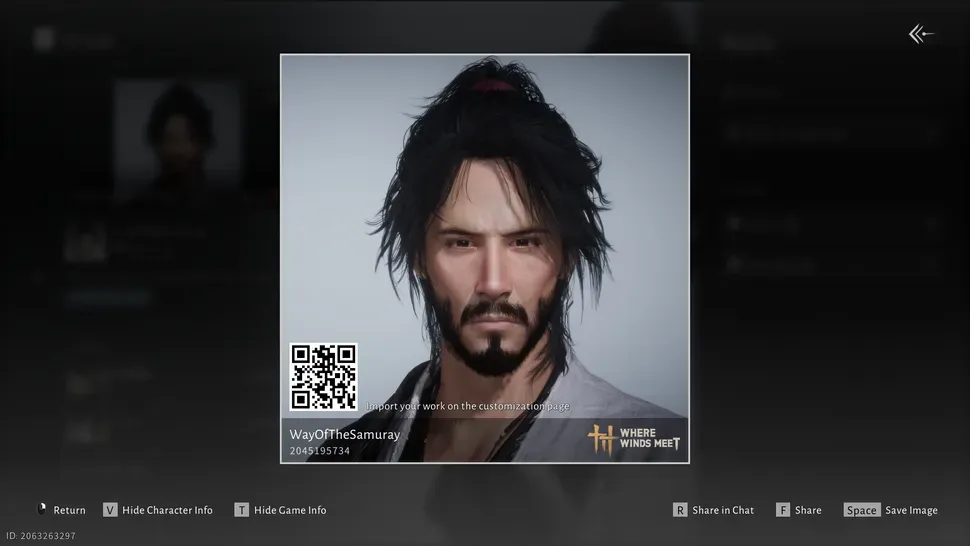
- Code: ARTaRiBmXFg6ipeQfyA
- Created by: WayOfTheSamuray
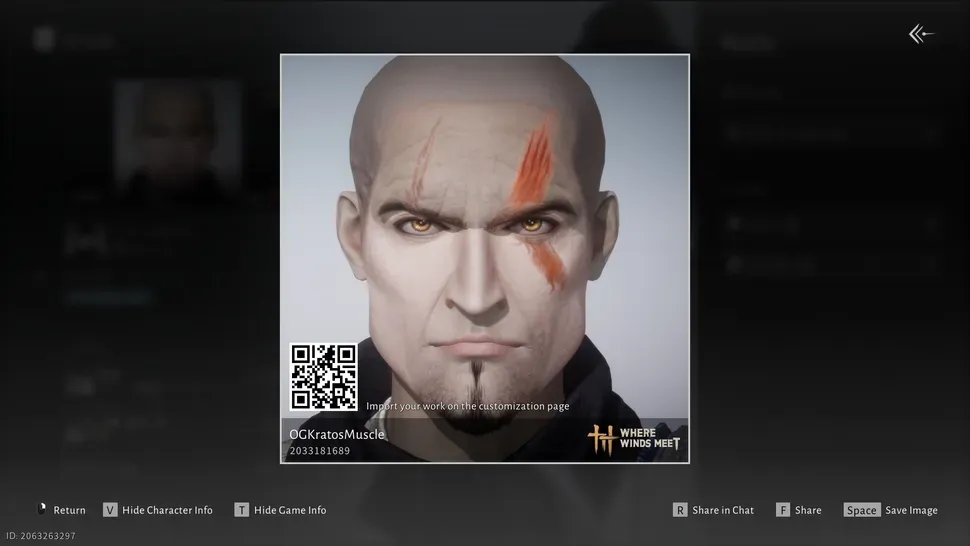
- Code: ARTaRiKK5cZ1bwgYr6M
- Created by: OGKratosMuscle
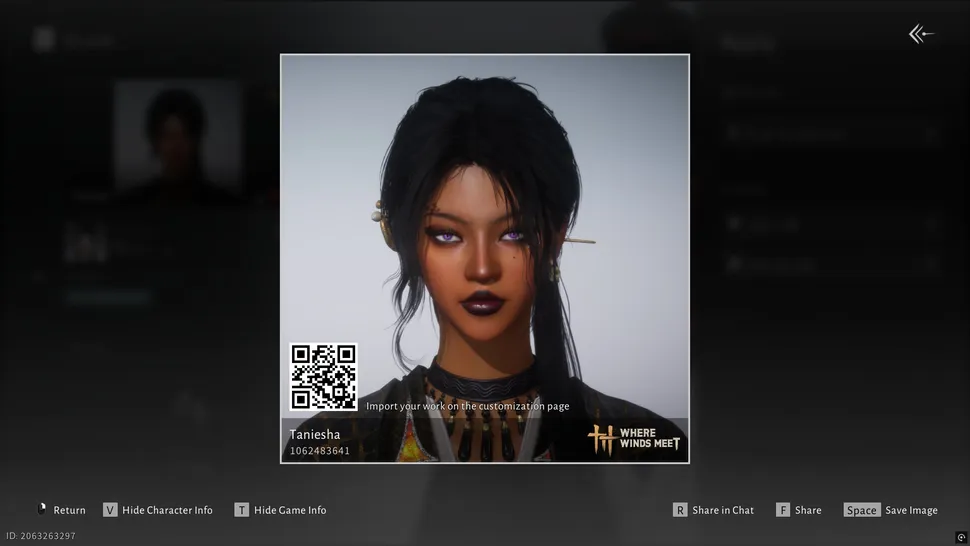
- Code: ARTaRp5MlnGMudOI82T
- Created by: Taniesh
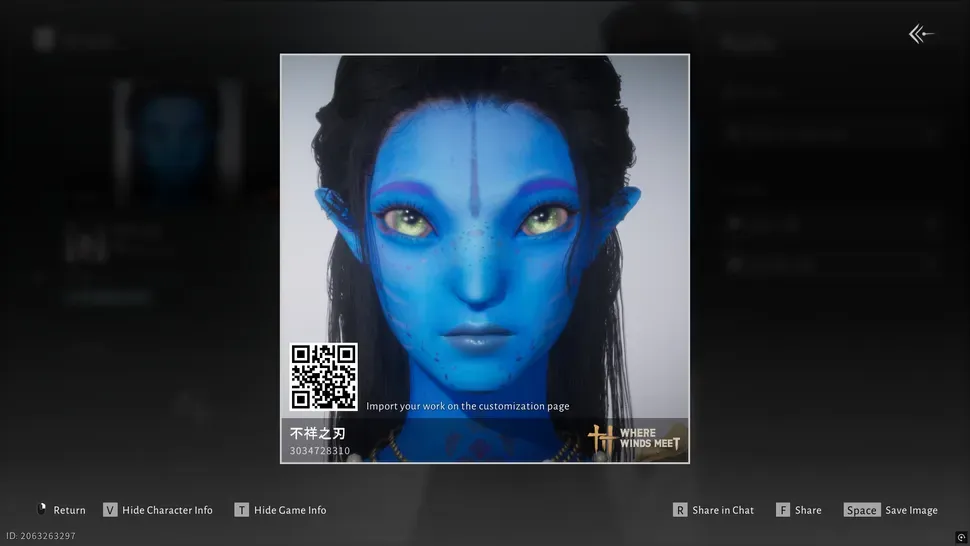
- Code: ARTaR6swD4aLk15RCQx
- Created by: 不祥之刃
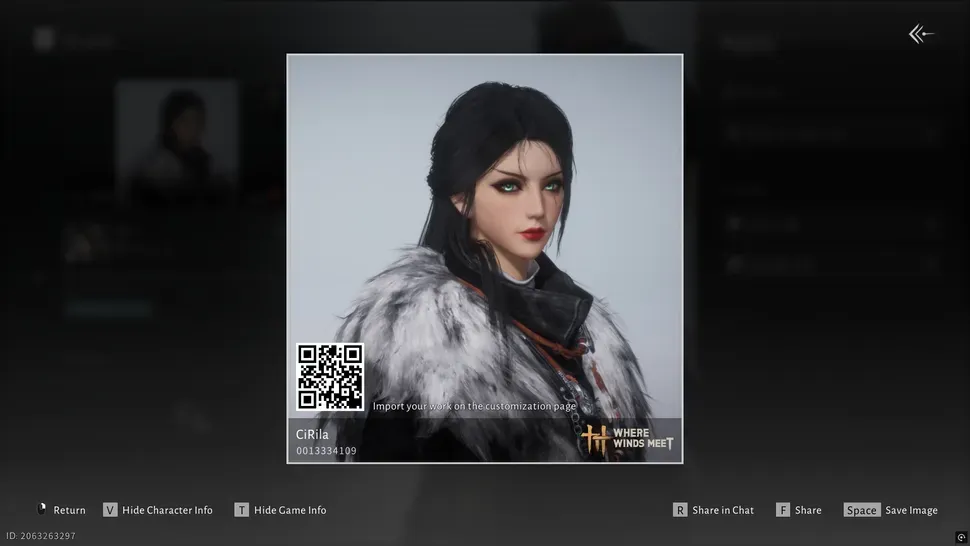
- Code: ARTaRfGJo18y8hZMGa8
- Creator: CiRila
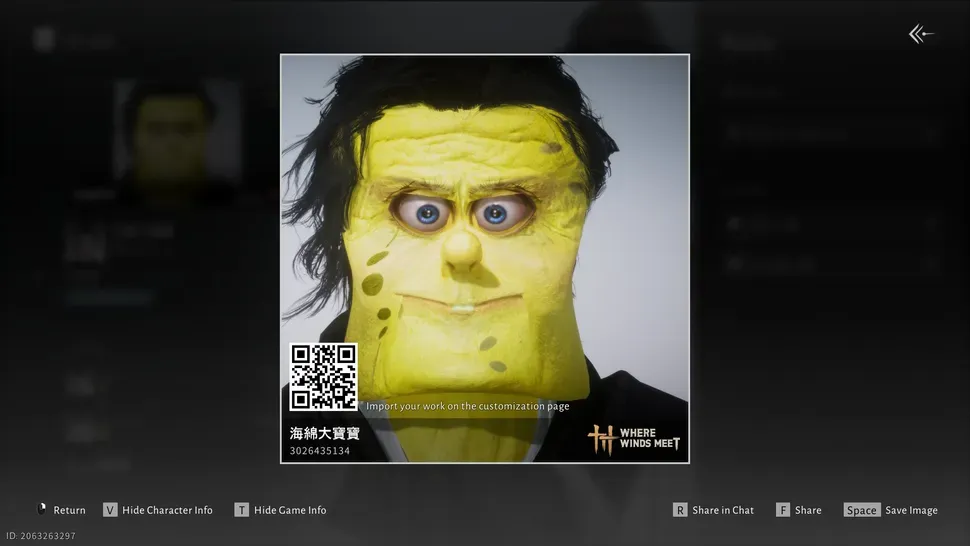
- Code: ARTaRfk3jHAH48JB7ru
- Creator: 海綿大寶寶
How to Enter Customization codes in Where Winds Meet
To use a character code in Where Winds Meet, simply press the V key while customizing your character. A pop-up will appear on the right side of the screen where you can paste the character code you want to use. Then, click the two-page icon at the bottom of the box to apply the look.
Alternatively, you can upload an image containing a QR code for the style you want. You can use these character codes as a starting point to further customize your character, or just press Complete to begin your journey with the preset look.
If you need more guide on Where Winds Meet, feel free to check our hub page for the game which includes everything you need in one place.