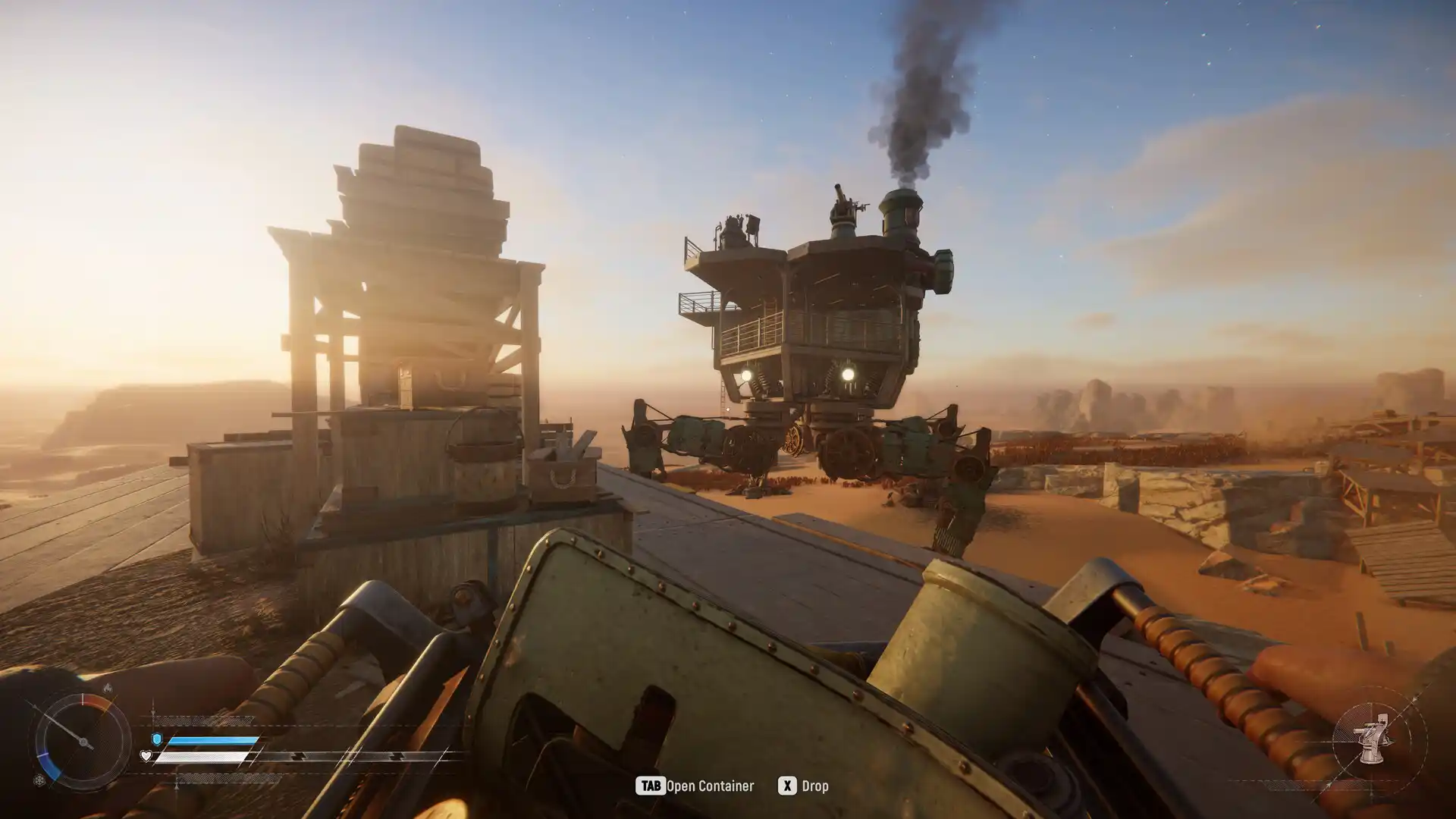
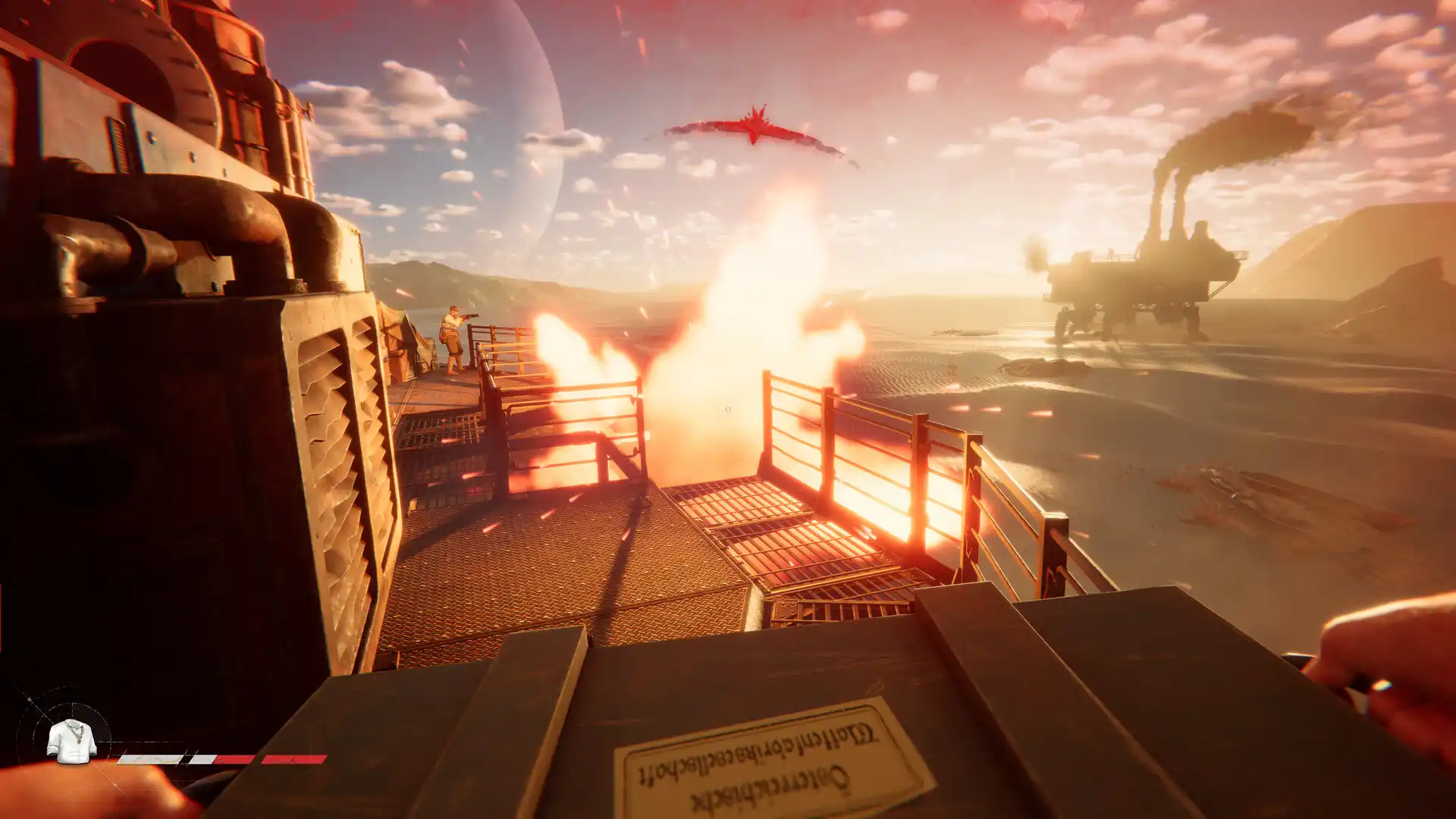
Losing your hard-earned loot to the desert or a rival crew sucks. Extraction in SAND: Raiders of Sophie isn’t complicated once you know the steps, but the game doesn’t exactly hold your hand. Miss one step, and everything you looted stays behind on Sophie’s surface forever. Read this Sand Guide to learn how to extract, what to do with the Box with Radio Beacon, and avoid mistakes that cost you everything.
What You’ll Read:
How to Find the Evacuation Zone
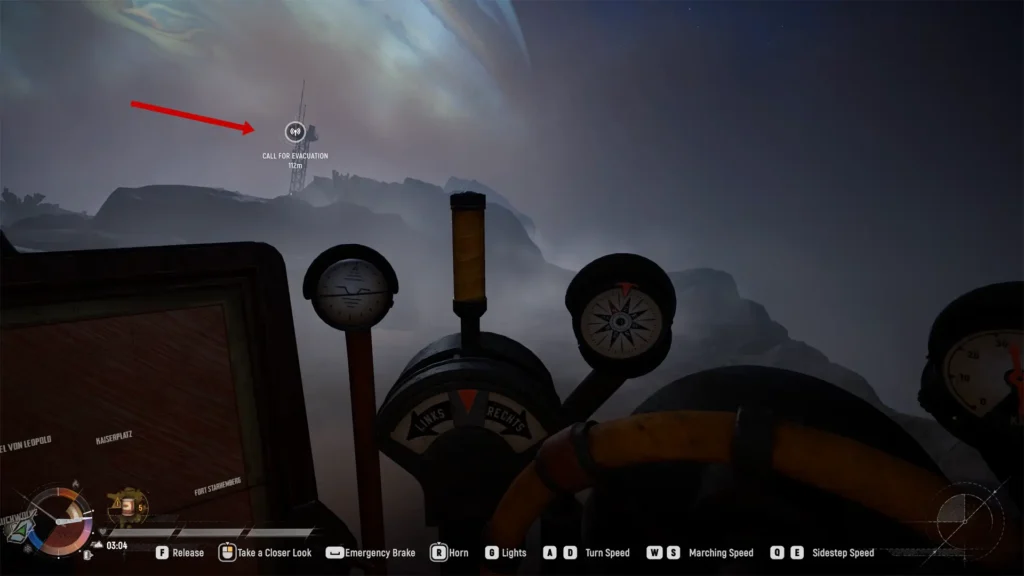
You won’t see extraction zones labeled with huge text. You need to look for specific, unnamed icons. Check your map for large white circles that look like a door-and-arrow symbol. When you get near an extraction point, you will see an icon that says “CALL FOR EVACUATION”.
The game usually gives you a few different exit options at the same time. Pick your spot based on how close you are or where enemy players might be.

Note: Do not bother looking for exits when you first drop in. These icons stay hidden at the start of a match. They only show up late in the session after the sandstorm shrinks a few times. If your map is empty, just wait for the storm to tighten up.
How to Extract in Sand Raiders of Sophie (Step-By-Step)
Once you find and arrive at the extraction zone, do the steps below to extract your loot:
1. Park Your Trampler Correctly
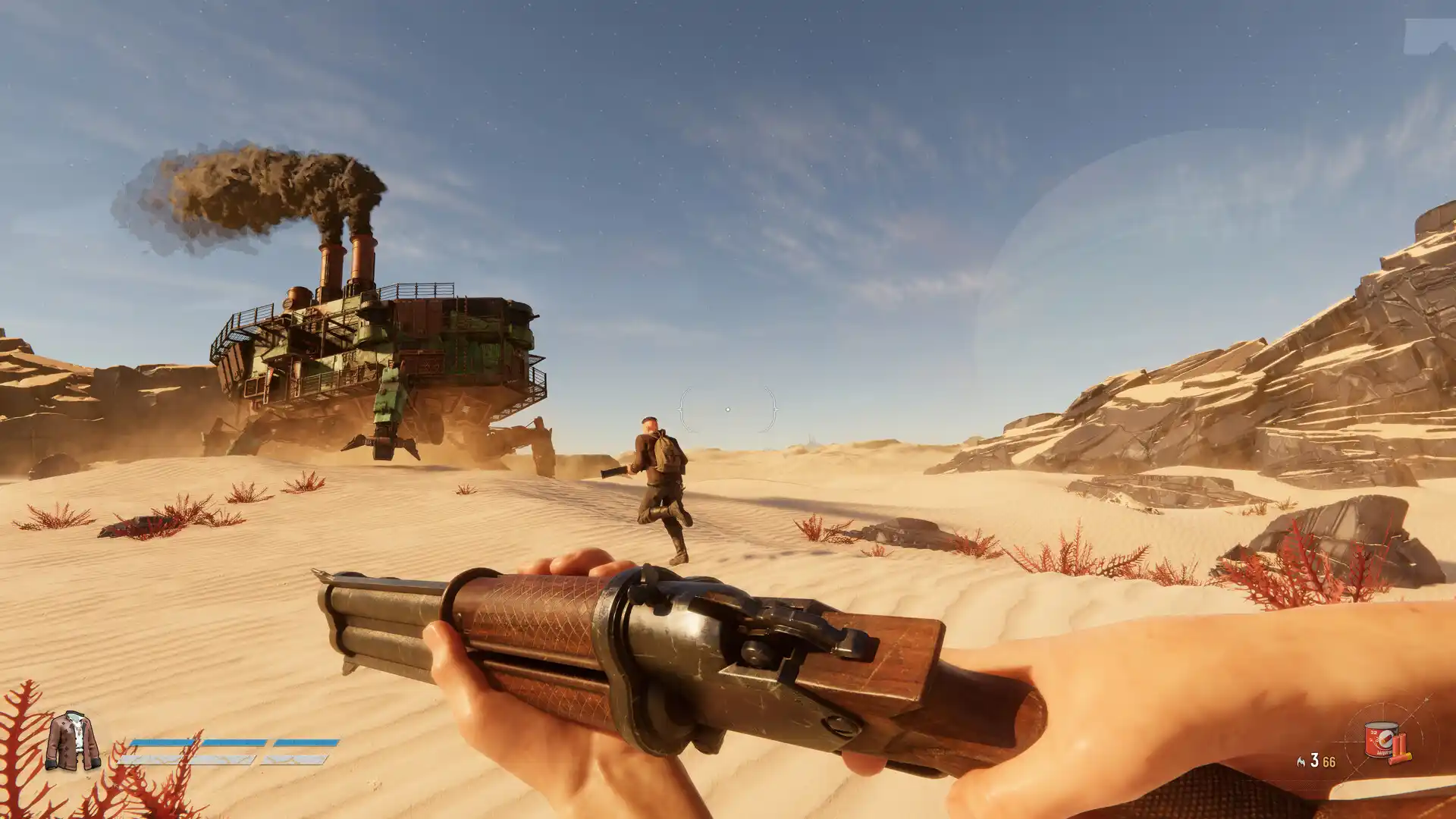
Get your Trampler into the designated zone. You must park on flat terrain. Avoid stopping on rocks. Uneven ground can block you from reaching the zipline later. But try to get as close to the tower as possible to minimize wasted time.
2. Make the Radio Call
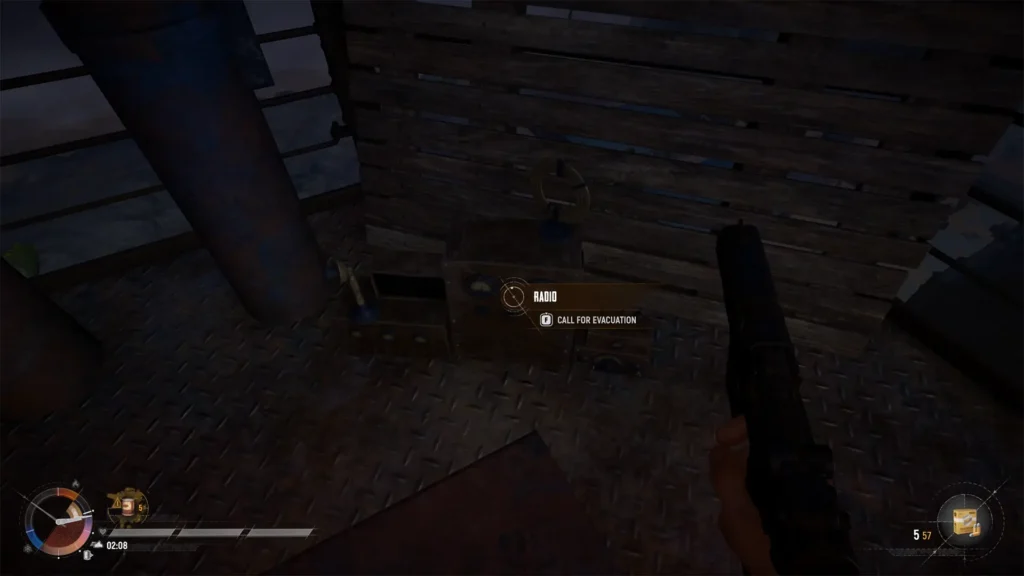
Leave your Trampler and climb the standing tower. Hold the ‘F’ key on the radio to “Call For Evacuation”. A greyed-out button means you parked outside the zone, or the storm needs to shrink more. Otherwise, green smoke will immediately pour out of your Trampler to mark the pickup.
3. Survive for 90 seconds and Board
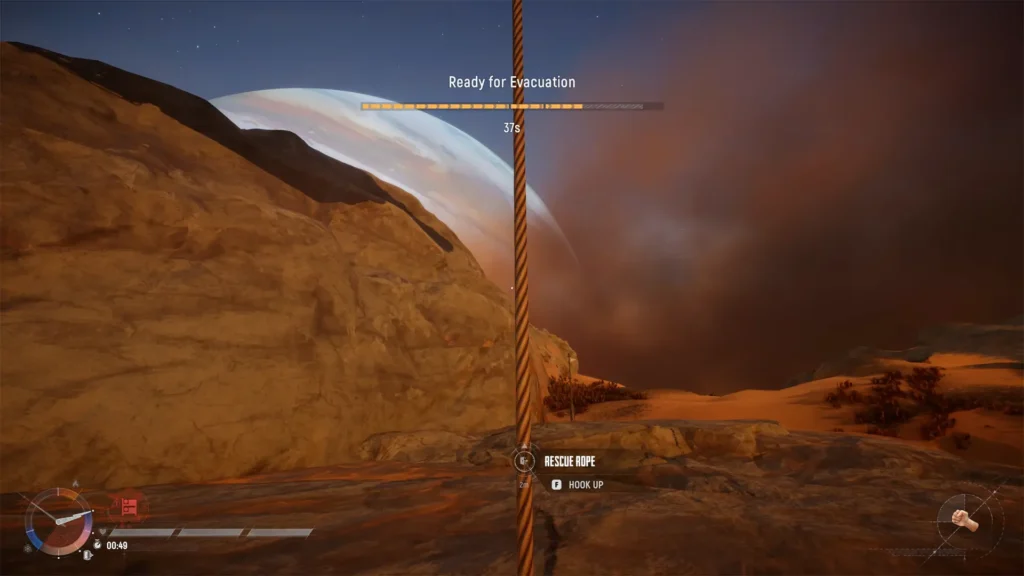
Now the stressful countdown begins. The ship takes about 90 seconds to arrive and calibrate. Enemy scavengers will see your green smoke and try to ambush you. Defend your position and survive these vital minutes. The extraction aircraft will eventually fly in and drop ropes from the front.
Grab a rope to zip up to safety. The ship hoists your Trampler up separately. Stay alert until you physically grab that rope. If enemies kill you before boarding, you lose everything. If you board the ship, then congratulations! Your expedition was successful.
Sand Raiders of Sophie Extraction Rules
There are some rules for extracting in Sand. You have some limitations that make you miss the airport luggage limit! Review them so that your efforts are not wasted.
Where to Secure Your Cargo
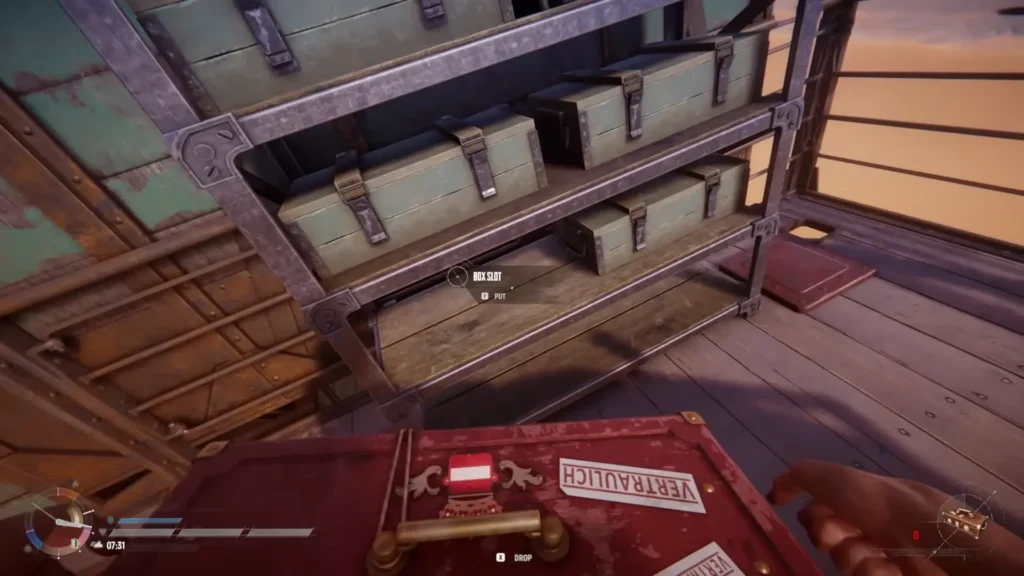
You must store your gear correctly to keep it. Throw resources into boxes on the storage racks or shelves outside the deck quarters. The current Demo also lets you extract items kept in the bedroom refrigerators. Anything in your personal inventory and what you carry in a single box in your hands comes back with you.
Loaded turret ammo is safe and extracts automatically. But never leave items loose on the floor. Unsecured items are lost forever. You will use this surviving loot back at the hangar to upgrade gear, build new Tramplers, and unlock customizations.
What Loots to Extract
Valuables like chardonnay and documents automatically convert to crowns when you extract. Always grab orange scrap metal mechanical parts. These items let you rebuild a basic Trampler after a loss, so you will always have a safety net.
Destroyed enemy Tramplers drop Black Boxes. These sell for 500 crowns and help unlock the tech tree. Look out for green box icons on your map. These mark player radio beacon boxes. Extract one in the required timetable to score a massive 2,000 crowns.
Does Extraction Work the Same in Storm Dive and Voyage
Not exactly, and this is where a lot of players get caught off guard. In Voyage mode, evacuation zones are available from the start. Find a door icon on the map, head there, and extract whenever you’re ready.
In Storm Dive, radio towers are locked until the first two timer segments in the bottom-left corner fill up. You’ll see the same white door icon on that timer. Once the bar passes it, multiple towers unlock at the same time. The catch? Each tower is single-use. Once another player activates it, that tower is gone. Get there fast or find the next one.
What to Do With the Box With Radio Beacon
If you’ve found a beeping box in a settlement or abandoned town, that’s a Box with Radio Beacon, one of the most valuable items on Sophie’s surface. But don’t pick it up right away, because your location gets pinned on every other player’s map. So finish looting the area first, then pick it up.
Here’s what to do with it once you do:
- A quest called “Box with a Radio Beacon Delivery” with a 2-hour real-time timer starts.
- Stow the box inside your Trampler’s cargo
- Head to the nearest extraction point and extract normally.
- Back at base, go to the Shop tab, find the box in your inventory, and sell it for 2,000 Crowns!
I know. It’s really risky, and you are walking a dead man until you are not. But that 2,000 Crowns per box is too tempting. So pick wisely and consciously.
How to Extract on Foot (No Trampler)
Losing your Trampler does not mean you are dead in the water. You can still extract on foot without a Trampler parked in the zone. Just sneak your way to the active extraction site, climb the standing radio tower to call the radio. However, you still have to survive that brutal two-minute wait for the ship to arrive.
Keep in mind that being on foot severely limits your haul. Without your deck storage, you can only escape with the gear inside your personal inventory and a single box held in your hands.
Common Mistakes to Avoid
I researched the community and found out that most players (probably you included) usually face one of these issues when extracting in Sand. Check them out to find your solution:
The Radio Button Greyed Out?
If you cannot click the button, your Trampler is probably out of range or parked outside the pickup zone. Double-check that you parked on level ground. Sometimes the button stays locked because the sandstorm has not contracted enough to let you make the call yet.
No Extraction Icons on the Map
Don’t panic if your map is completely blank early on. Extraction points do not load at the start of a match. They only trigger after the sandstorm shrinks a few times. Keep scavenging and wait for the storm to tighten up.
The Radio Call is Made, but No Ship Arrived
The extractor ship is not instant. It takes less than two minutes to fly into the zone once you hit the radio. Keep your weapons ready and hold your ground. You have to wait out the full timer while the ship makes its way to your green smoke.
And that’s how to extract in Sand Raiders of Sophie. Any more problems? Write them in the comments, and I’ll get back to you ASAP.