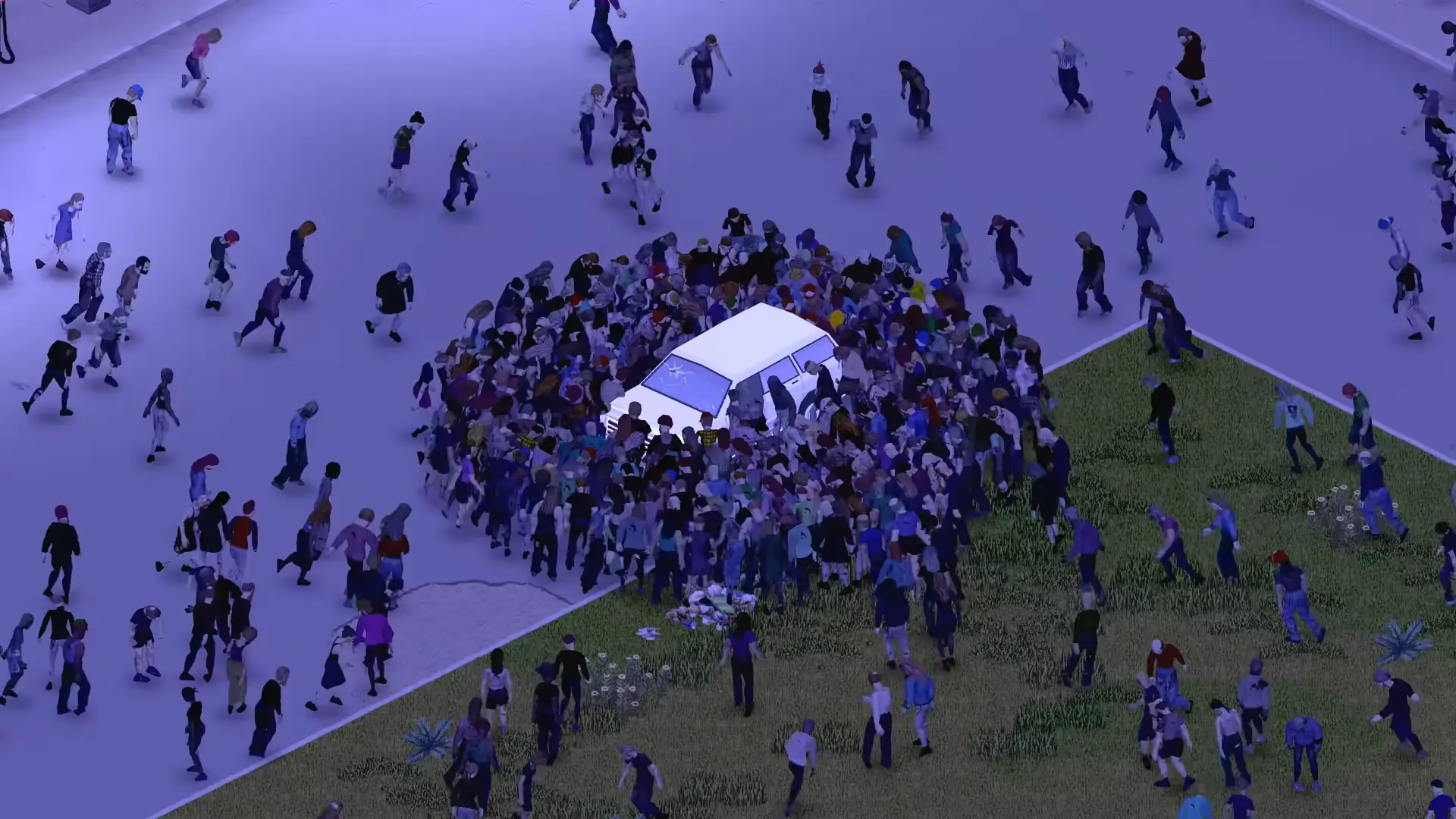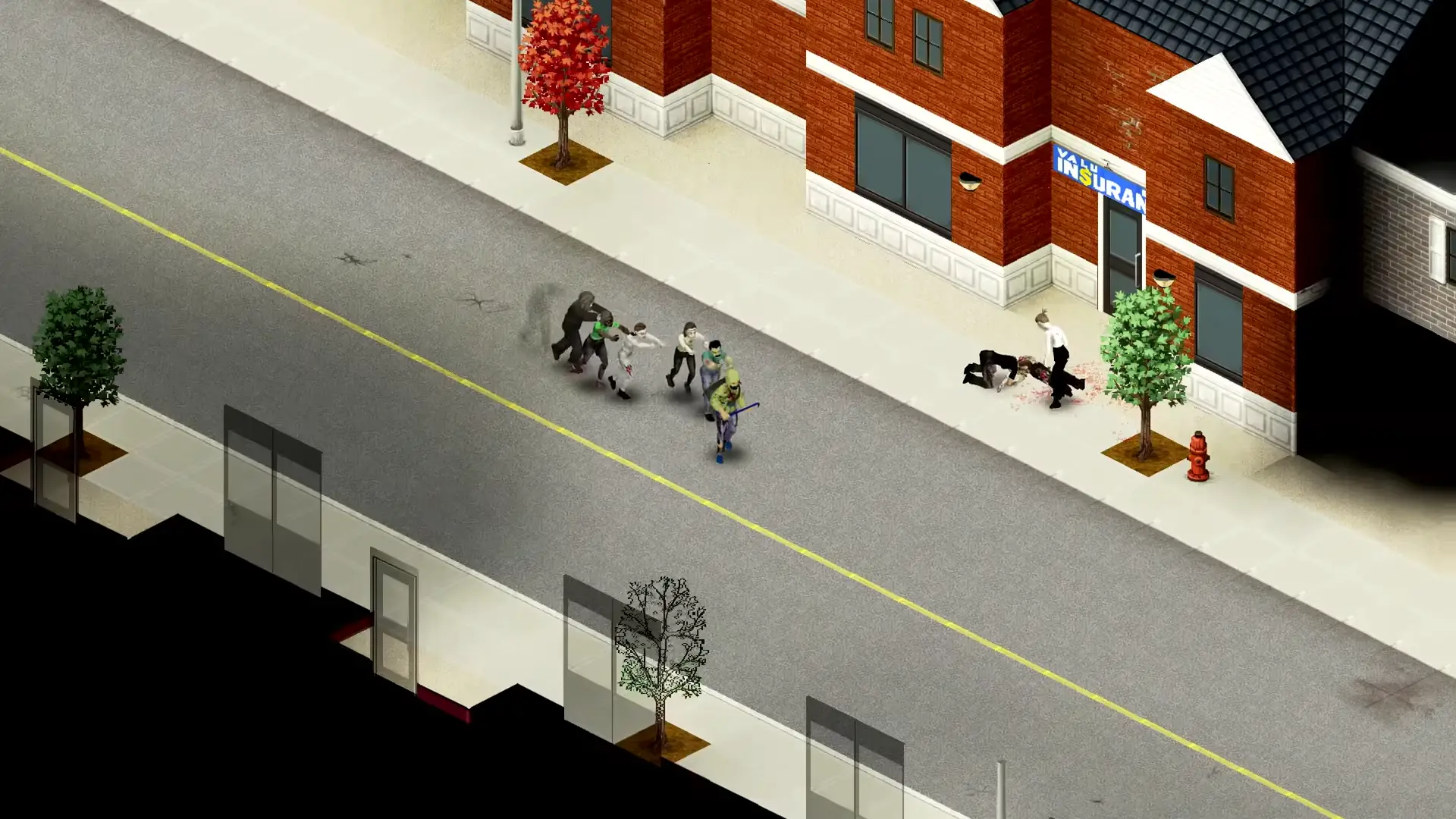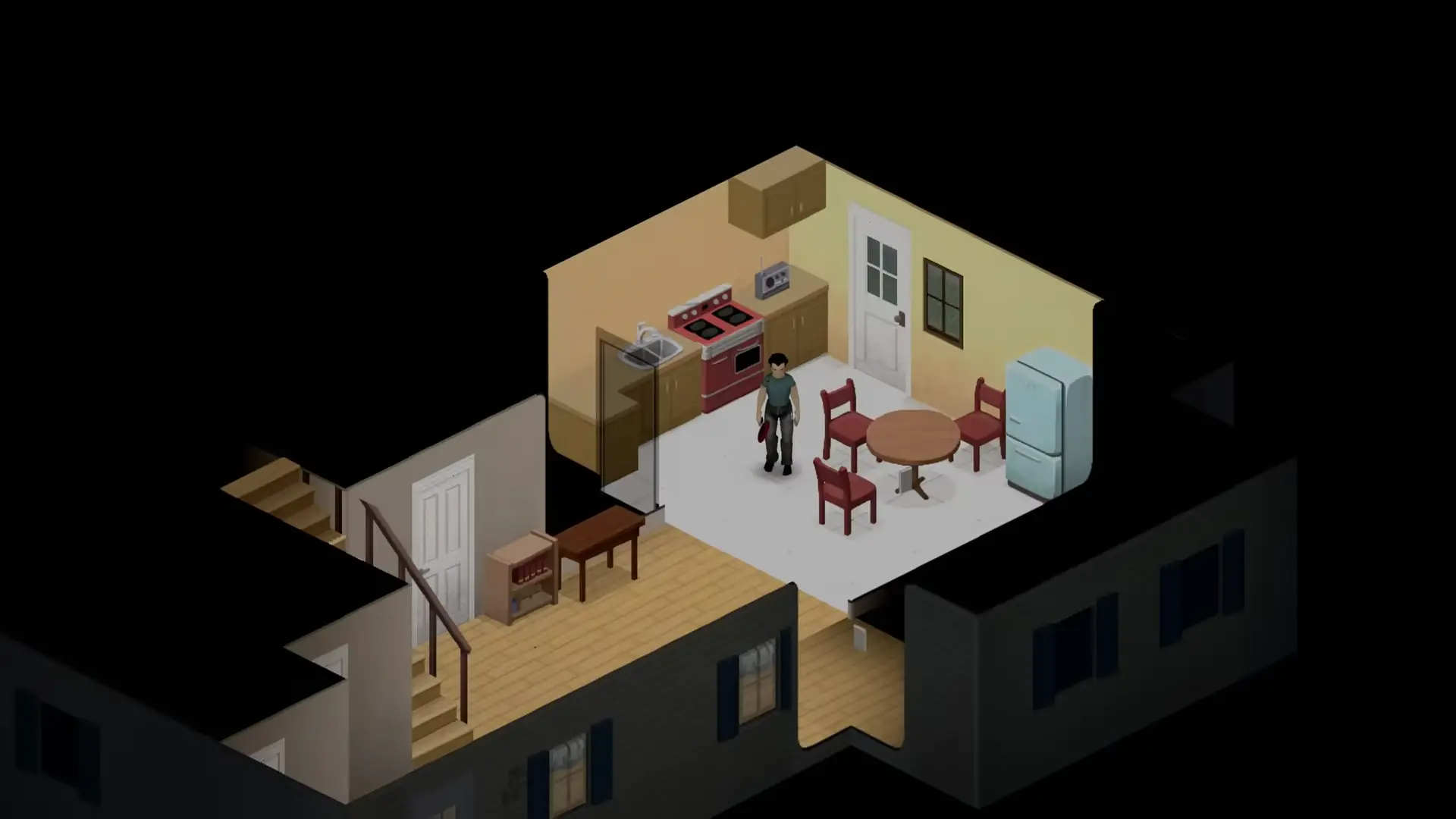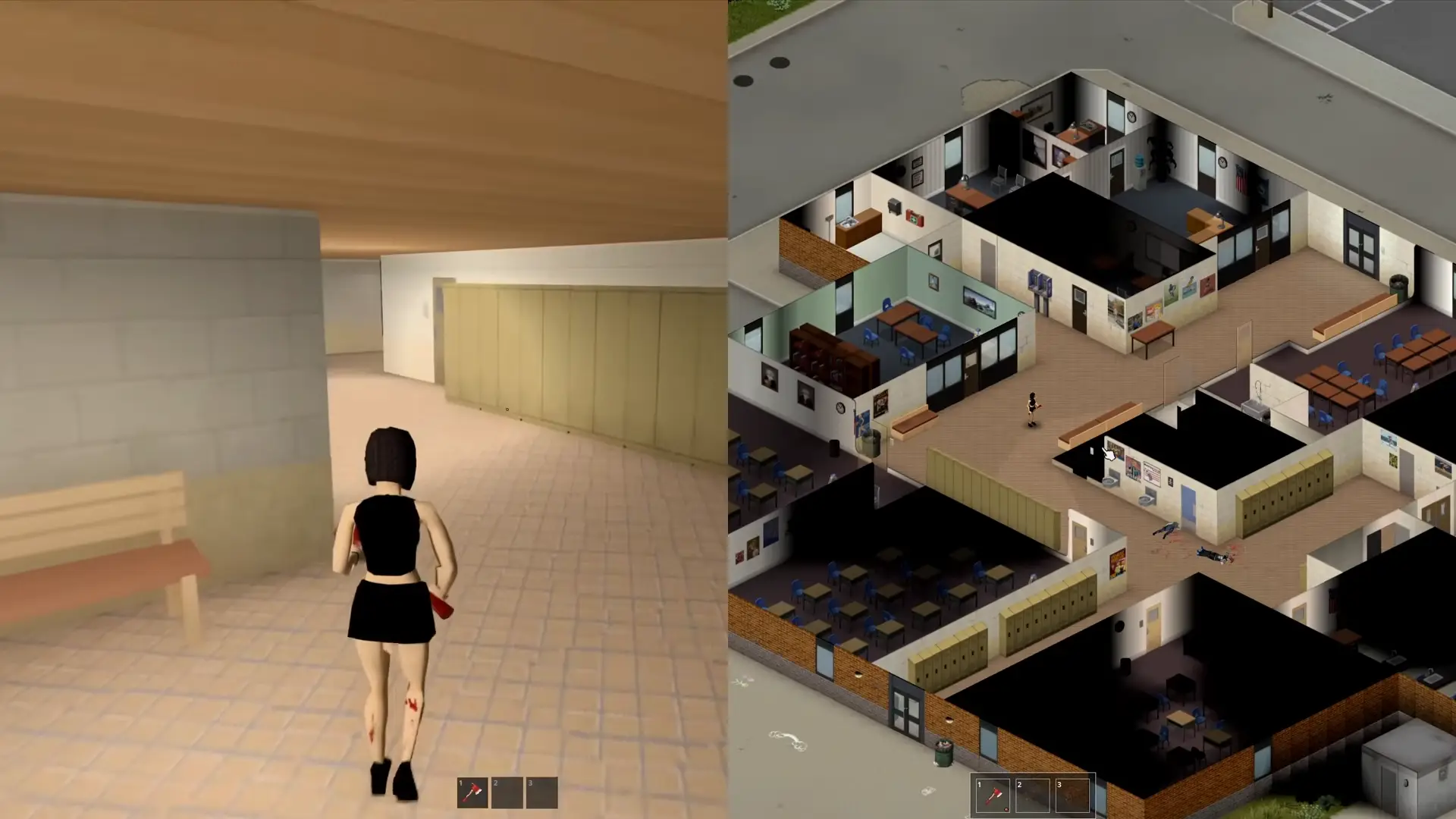


Project Viewpoint is a promising mod introduced for the zombie survival game Project Zomboid. PZ utilizes an isometric camera for the game, and Project Viewpoint adds two new cameras to it: a first-person and a third-person camera.
All about Project Viewpoint
What is Project Viewpoint in Project Zomboid?
Project Viewpoint is a new mod made for PZ that allows you to change the usual isometric camera and experience the game from the first or third person camera.
How to Install Project Viewpoint in Project Zomboid
If you are searching for this mod, you probably want to try it. But installing mods is always a daunting task that would give anyone cold feet. Here, I’ll try my best to give you clear instructions on how to easily install this mod for your game.
Project Viewpoint Requirements
Project Viewpoint runs on Build 42, and the devs have claimed that it works with most other mods. There are no clear system requirements for this mod, and the devs have claimed that the mod should run on a system that runs the vanilla game without any problems.
However, with the recent update, certain mods like Several “fix mods” and “Third Person Camera for Project Viewpoint,” or some graphical settings like DLSS, DLAA, or VSYNC, can crash the mod or make FPS drop to the point of unplayability, so add this mod with the expectation that it will need some fine-tuning on your side.
Install the ZombieBuddy Loader
ZombieBuddy Loader is a mod manager for modders that allows them to execute Java code and make Java mods much easier than before. It is essential for Project Viewpoint to run. Download this mod’s installer from GitHub, install it on your system, and subscribe to the mod on the Steam Workshop. This will allow you to download and enable Project Viewpoint from the Steam Workshop.
Simply install ZombieBuddy, and if it asks for launch configuration, choose both. Review the changes it makes, allow it and close Steam when the installer asks you.
Enable the Mods in Project Zomboid
After launching the game again, go into the mods folder and enable both ZombieBuddy and Viewpoint. If a game restart is prompted, do so. When ZombieBuddy asks permission to load Viewpoint, approve it.
You can confirm that the loader is running by looking for the ZombieBuddy version and “loaded” message near the top-left corner during loading or on the main menu.
Project Viewpoint Controls and Camera Settings
Let’s get into the meat of the mod, the controls and interaction changes to the game. Here’s the list of interactive buttons to use in-game with this mod.
| Key | Action |
|---|---|
| Middle mouse button | Cursor on or off |
| O | First person on or off |
| Shift + O | Switch between first and third person |
| Insert + O | Free Cam |
| Shift + Insert + O | Physical Free Cam |
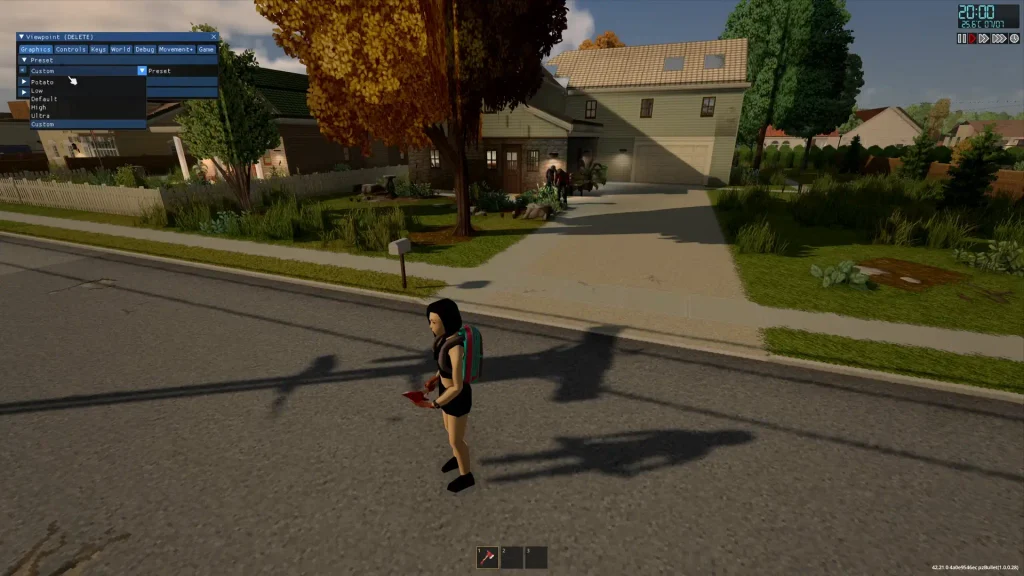
| Delete | Settings: presets, shader pack, mouse, field of view |
Using the button O, you can get a first-person view of the game.
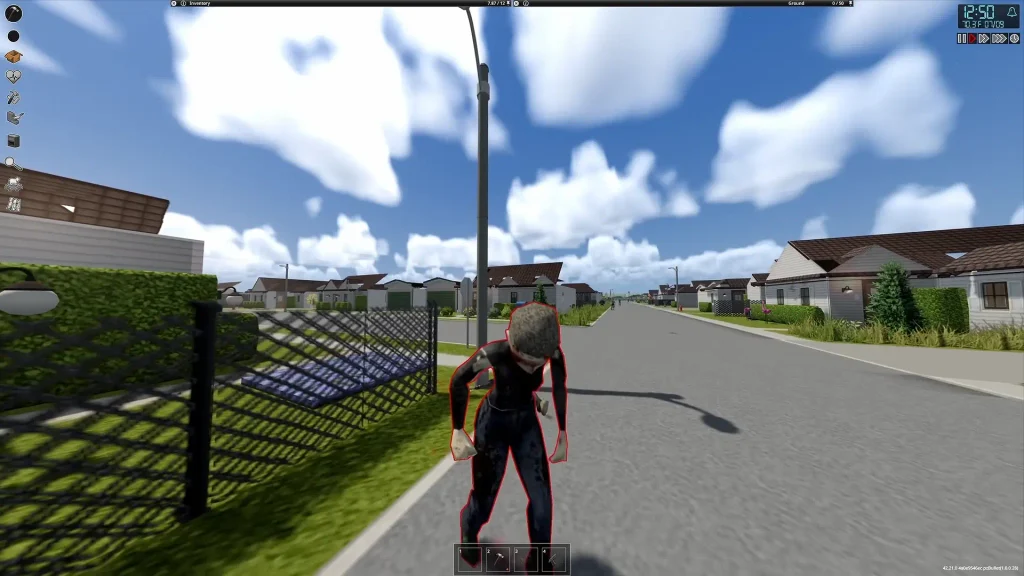
And using Shift + O, you can switch to a third-person view.
Project Viewpoint Graphics Settings and 3D Model Packs
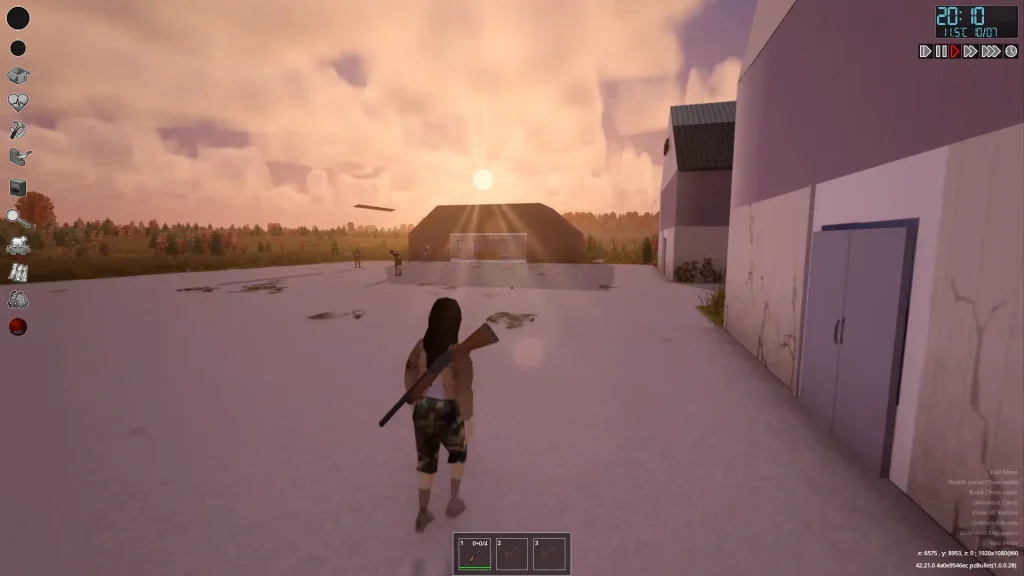
This mod pack isn’t a simple change of the camera view and brings with it several graphical changes as well.
Do You Need a 3D Model Pack?
It isn’t necessary to run the mod; however, it is highly recommended that you download and add some 3D model packs to the game so it looks nicer and not just a 3D model character in a mostly 2D world. A lot of videos and pictures of this mod on the internet also use additional mods to make it look nicer. So if your game doesn’t match the YouTube video you watched about the mod, it’s the extra mods.
I won’t be adding a huge list of mods; you can consult the community for their recommended lists, but I will add some handpicked mods that the community thinks would greatly help Viewpoint.
Project Viewpoint Complimentary Mods
If you want your world to be more alive and easily interactable, 6244 3D models for Viewpoint is essential. (Keep in mind that this mod requires at least 4 GB of RAM allocated to the game.)
If you want more realism and accuracy for your guns, Project Viewpoint: Recoil & ADS & Viewpoint True Ballistics are must-haves.
And for those of you who like the construction and base building aspect of Zomboid a lot, Construction 1P Viewpoint & Viewpoint Tile Fix – Complete Roofs V1.2 is recommended to increase immersion.
Project Viewpoint Crashing
With the latest update of project Viewpoint, a lot of players are experiencing crashes. What the community seems to have found is that some older complimentary mods are now obsolete and shouldn’t be used in tandem with Viewpoint and some graphic options can also result in the crash/h3
Graphic Options
Players have reported that DLSS-DLAA, upscaler and VSYNC is affecting their performance badly and should be turned off.
Interfering Modpacks
Several older Viewpoint add-ons are now breaking the mod, so it is recommended that you uninstall and unsubscribe from them until they catch up with the main mod. Below is a list of confirmed mods that have caused issues for players:
Car Fix – Project Viewpoint
Fire Fix – Project Viewpoint
Menu Fix – Project Viewpoint
Third Person Camera for Project Viewpoint
Other Potential Fixes
Some players report that completely uninstalling, then clearing the cache of the mod, and then reinstalling the newest update has helped them fix the problems. Others have done the same for the ZombieBuddy mod and got results. Occasionally, people reported that by allocating more RAM to the game, they got over the stuttering and crashing that the game has brought up. Try these solutions as well and tell us in the comments if they helped you out or not.
FAQ
Is Project Viewpoint playable in multiplayer?
Yes, you can play this mod on a server with your friends. Just check whether the server’s mod list is compatible with Viewpoint.
Is Project Viewpoint complete?
No, the devs are pretty active and constantly update it.