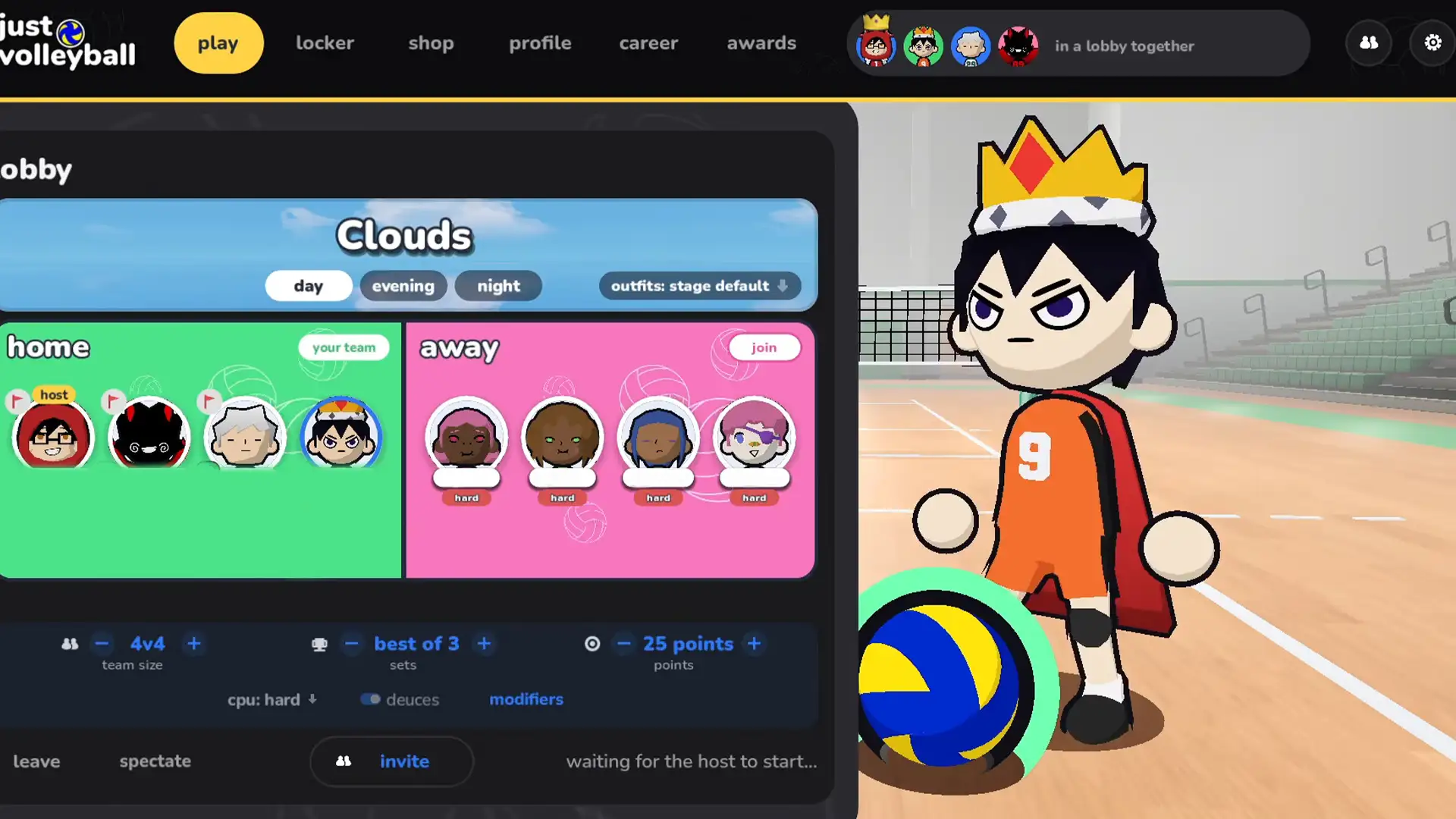


Team selection in Just Volleyball is straightforward until you load into a match and find yourself on the opposite side from your friends. Custom lobbies let you set teams before the match starts, and you can switch sides during an online game if there’s space.
Create a custom lobby, share the room code and make sure everyone is assigned to the same side before starting. If you’re already in an online match, press Esc, Team and select the side you want (if a slot is open).
Find What You Want:
How to Join a Team in Just Volleyball
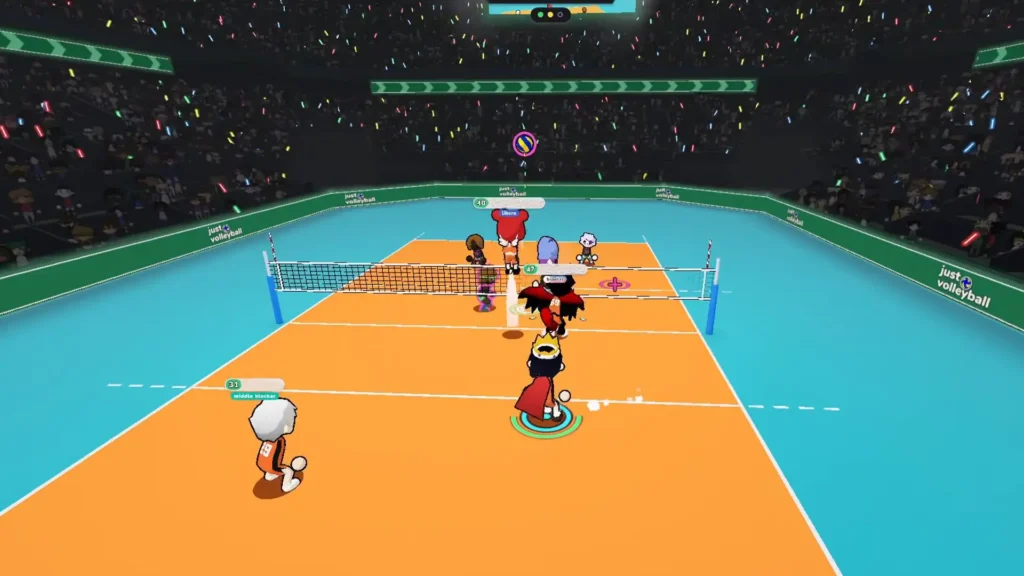
You don’t need a permanent team or any unlocks. Just join a side that has an open spot.
To play with friends:
- Open online multiplayer and create a custom lobby.
- Choose the format (2v2, 3v3, etc.).
- Share the lobby code.
- Check team assignments so everyone is on the same side.
- Start the match.
As host you can see the room code and hide it if you’re streaming. Custom lobbies are the reliable way to stay together, Quickplay often splits people up.
How to Play on the Same Team as Friends
The party system groups friends for matchmaking. Teams decide which side of the net you actually play on. Always double-check the assignments before starting, especially with larger groups.
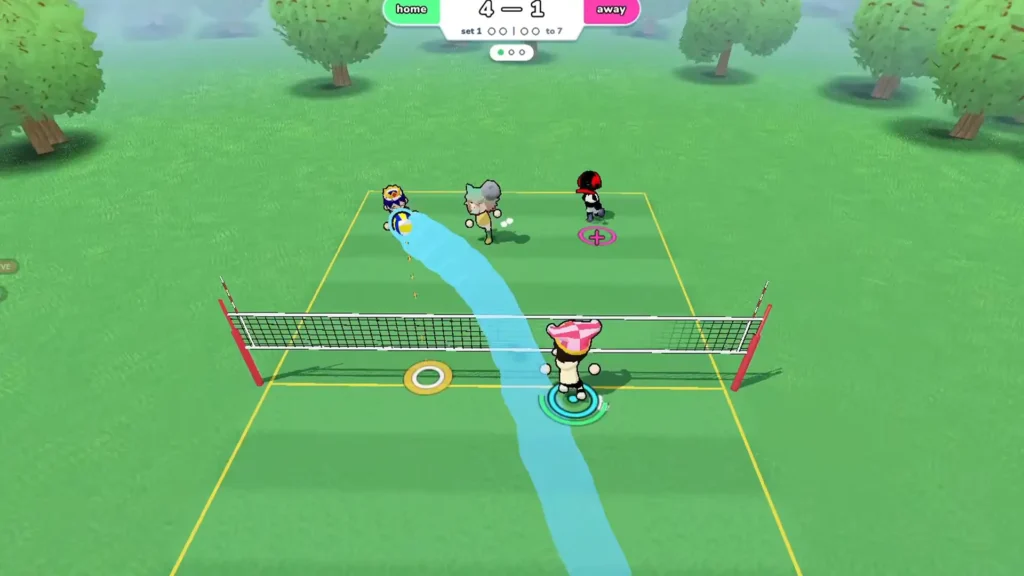
A 3v3 lobby gives three friends room on the same side. You can fill the opposite team with other players or CPUs. Custom lobbies also let the host control CPU Fill and player collision.
And how to switch teams?
- Press Esc during the match.
- Select Team.
- Choose the other side if a slot is open.
- Return to the match.
Spectator mode is also available from the same menu. When you leave a side, a CPU takes over that character so the match continues. If the target team is full, you’ll need a larger format or a new lobby.
How to Shuffle Teams in a Custom Lobby
The Shuffle Teams button re-arranges sides without everyone leaving. Useful for mixing things up, but check the assignments afterward if you want specific people to stay together.
All Team Sizes in Just Volleyball
You can make teams of 1 to 6 players:
| Match format | Players per team | Total players |
| 1v1 | 1 | 2 |
| 2v2 | 2 | 4 |
| 3v3 | 3 | 6 |
| 4v4 | 4 | 8 |
| 5v5 | 5 | 10 |
| 6v6 | 6 | 12 |
CPU teammates and the CPU Fill option let you run full 6v6 without twelve real players. 2v2 is the easiest place to start; 6v6 needs more communication.
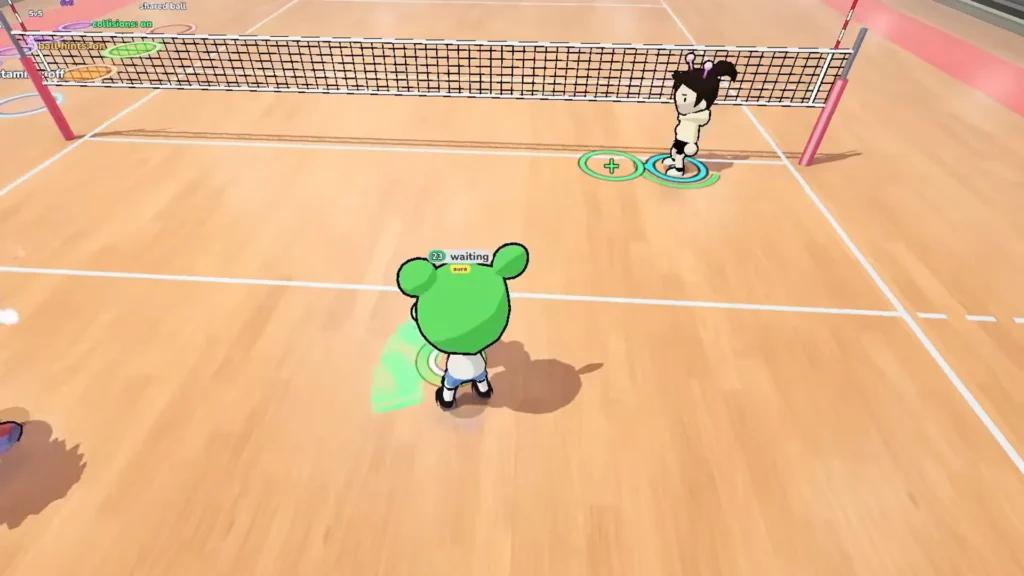
Does Just Volleyball Have Team Positions and Roles?
There’s not any locked positions. You start each rally in a spot but can move freely afterward. Someone near the net isn’t forced to stay there as a blocker.
Agree on simple responsibilities beforehand (one receives, one sets, etc.). Use the quick-chat system: press 1 for “I got it!” or T for text chat to avoid colliding on the same ball.
Why Can’t You Join Your Friend’s Team?
Usually, the side is already full. Try a larger format or ask the host to adjust the lobby. Make sure everyone is on the same game version. Steam updates are required for online play. Restart Steam or verify game files if needed. Creating a fresh lobby and sharing a new code often fixes stubborn rooms.
Can You Create a Permanent Team in Just Volleyball?
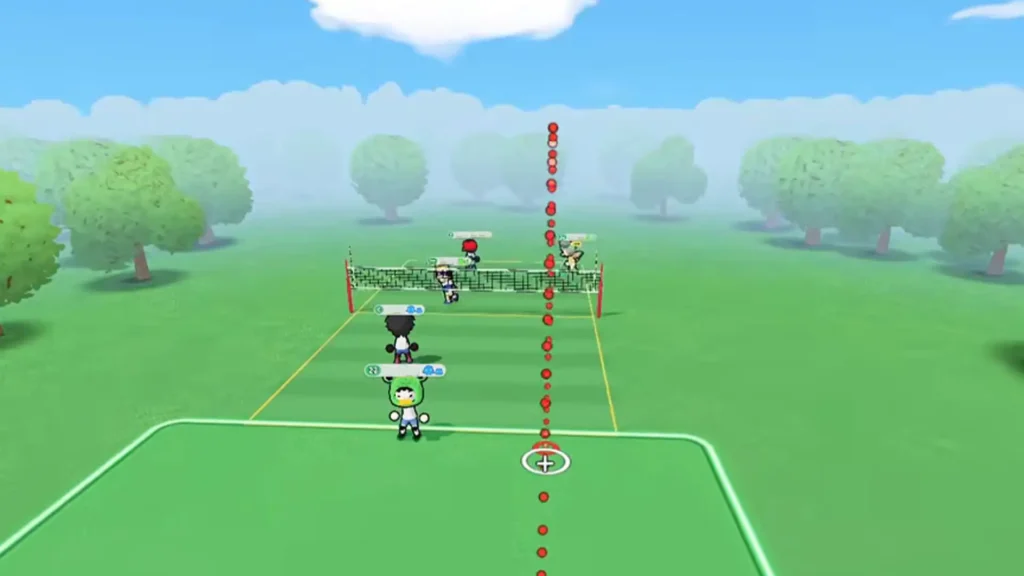
No confirmed permanent clan or club system yet. You organize teams per match in custom lobbies. Anyway, character customization is available so you can personalize your avatar.
Does Just Volleyball Support Local Teams?
Yes. Local co-op, shared/split-screen, and LAN multiplayer are supported, plus Steam Remote Play Together. For players on separate PCs over the internet, a custom online lobby is still the simplest way to control teams.
Pick the right format, keep your friends on the same side and avoid accidental 1v3 matches.