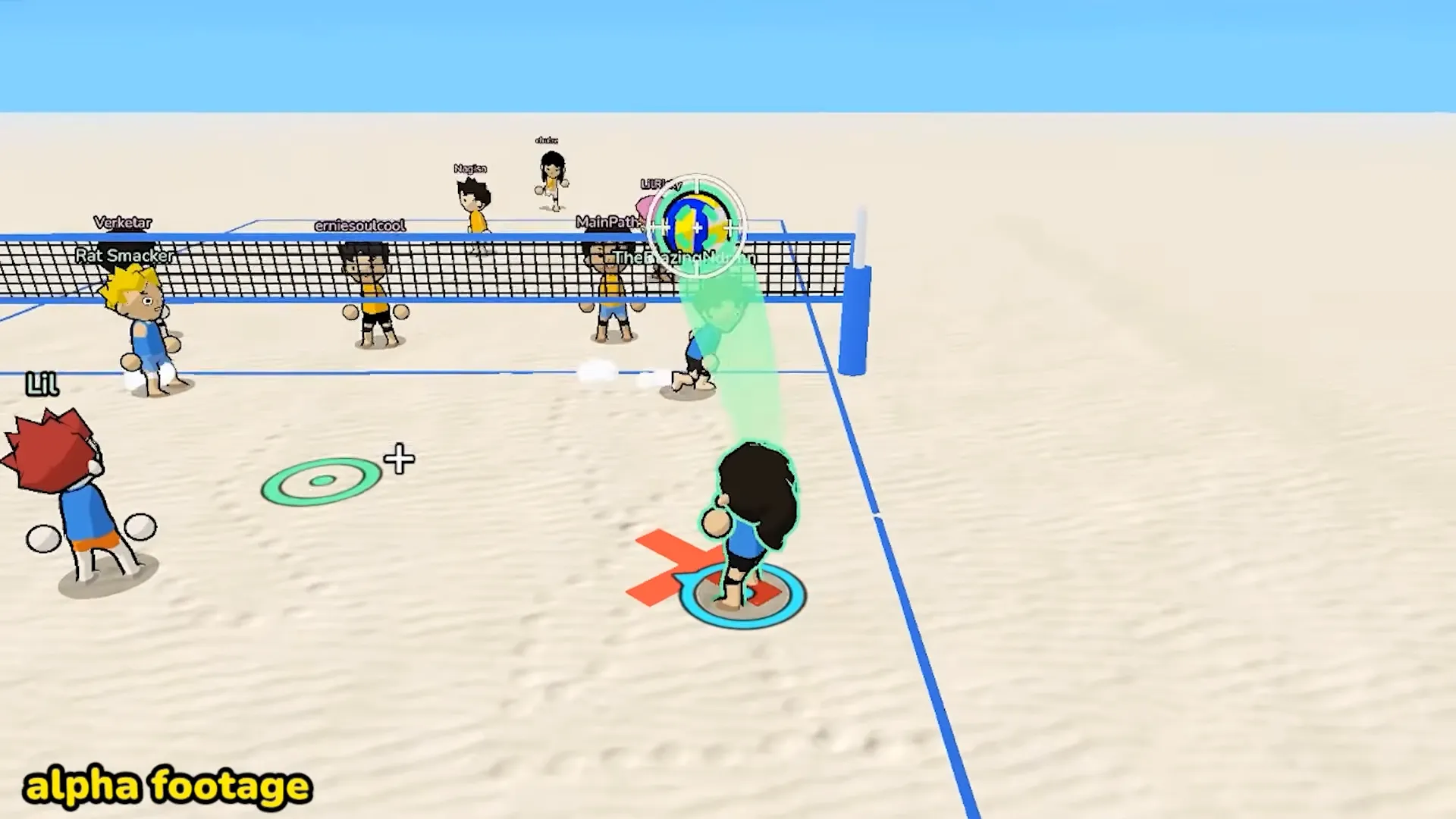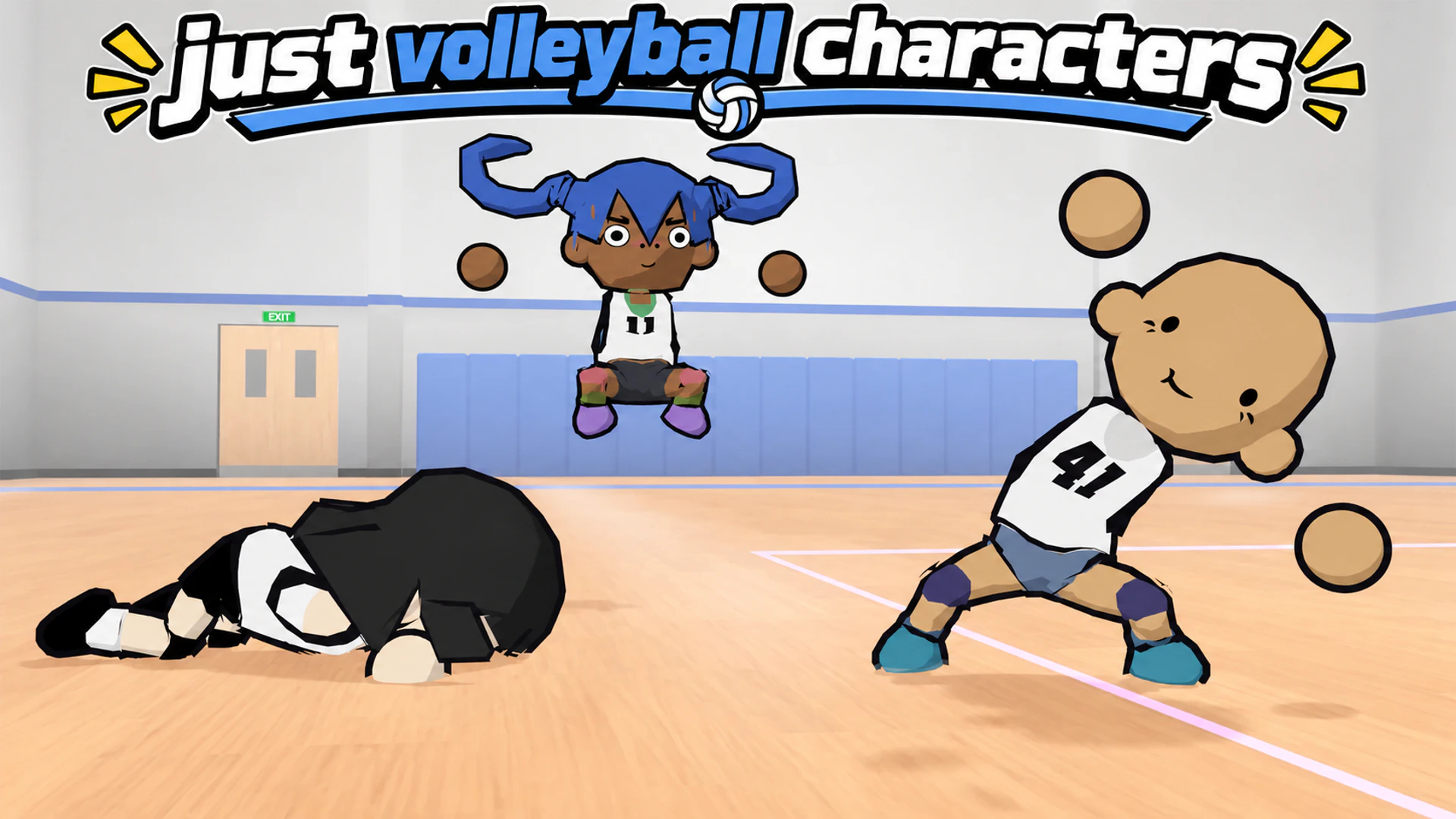

Just Volleyball characters aren’t named characters or a fixed roster of athletes you get to unlock. They’re more like Miis in terms of appearance and you get to create your own character in the Locker, where you can change their appearance and save different looks. You can even recreate characters from Haikyuu!!, including Kenma, Bokuto, and Hoshiumi. Below, I’ll explain how the character creator works, where to find presets made by the community, and what to do if a character code doesn’t work.
Spike your ball to:
Does Just Volleyball Have Playable Characters?
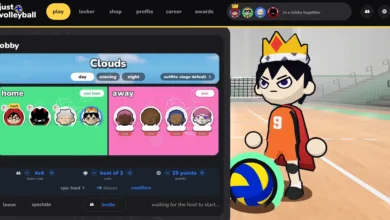
The playable character in just volleyball is the one each player makes in the character creator (avatar creator). It doesn’t have specific character stats, skills, or anything like that. You simply decide what your player looks like before heading onto the court. The place where you do this is The Locker.
In the Locker you adjust your character’s face and body. You can also choose their hairstyle, voice, and outfit. Some players have recreated some adorable anime characters with these tools.
How to Create Just Volleyball Characters
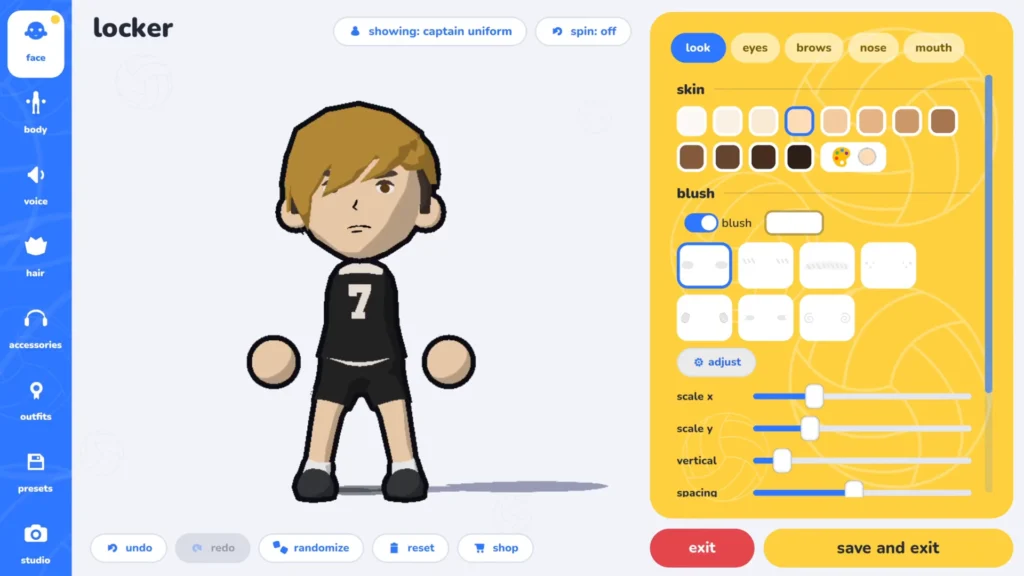
To create a character, open the Locker from the main menu. This is where you can edit your avatar and save its appearance. There are seven customization sections.
| Locker Section | What You Can Customize |
|---|---|
| Face | Skin color, eyes, eyebrows, nose, mouth, and facial details |
| Body | Height, build, head shape, ears, and preferred hand |
| Voice | Voice pitch and speed |
| Hair | Hairstyles, facial hair, colors, and gradients |
| Accessories | Head accessories, face accessories, and additional items |
| Outfits | Captain uniform, gym outfit, jersey colors, and clothing details |
| Presets | Save, wear, share, or clear saved character appearances |
The Locker also has Undo, Redo, Randomize, Reset, Shop, and Save and Exit as its options.
How to Customize Your Character’s Face and Body
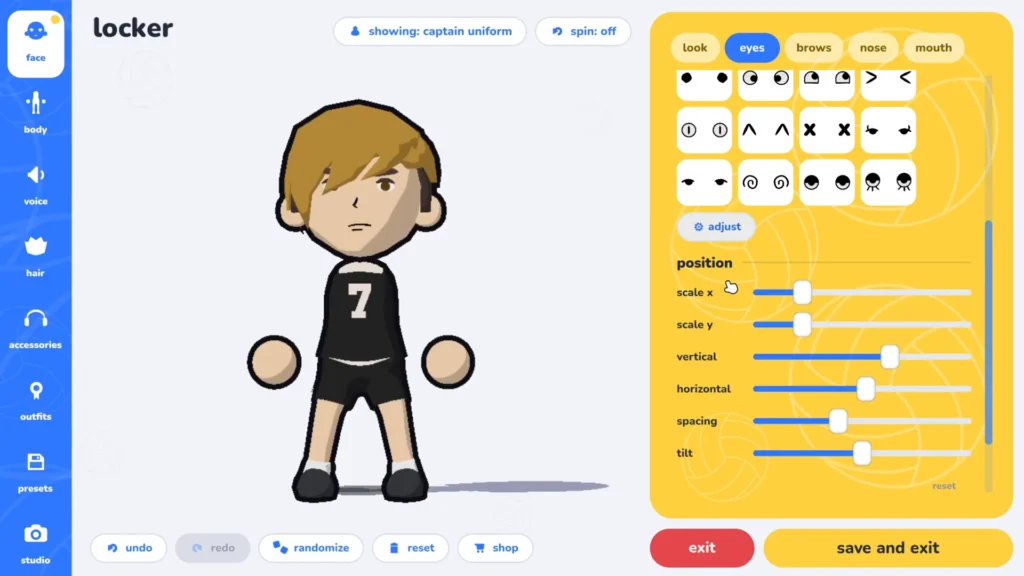
The Face section has five editing areas: Look, Eyes, Brows, Nose, and Mouth. You can select different feature shapes and adjust their appearance to your liking. Depending on the feature, the editor provides controls for scale, position, spacing, or tilt.
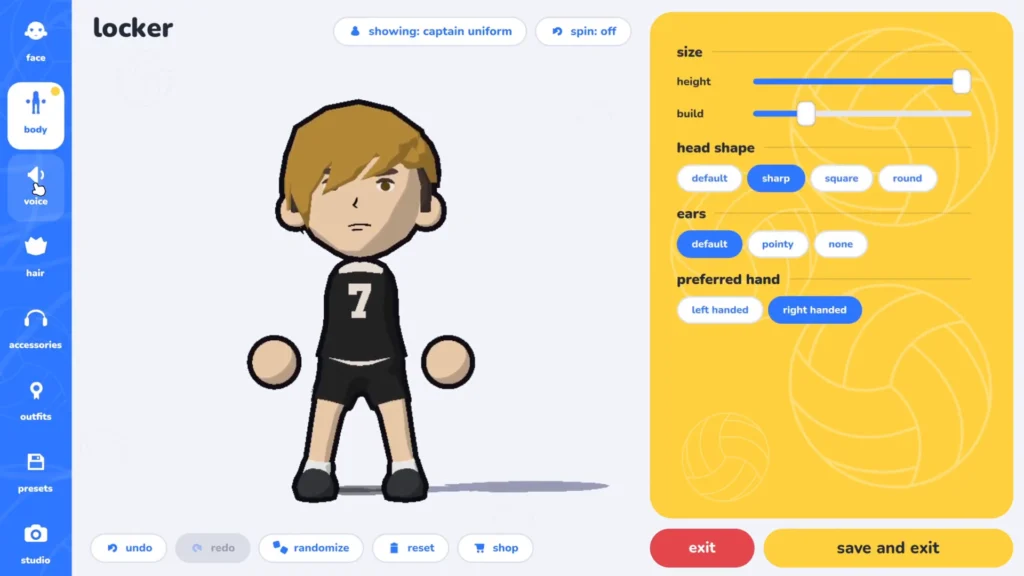
The Body section includes height and build settings. These are the head shape options: Default – Sharp – Square – Round
Funnily enough, you also get to choose your character’s ear style and then you even get to pick whether you want your character to be left handed or right handed.
How to Change Hairstyles and Colors
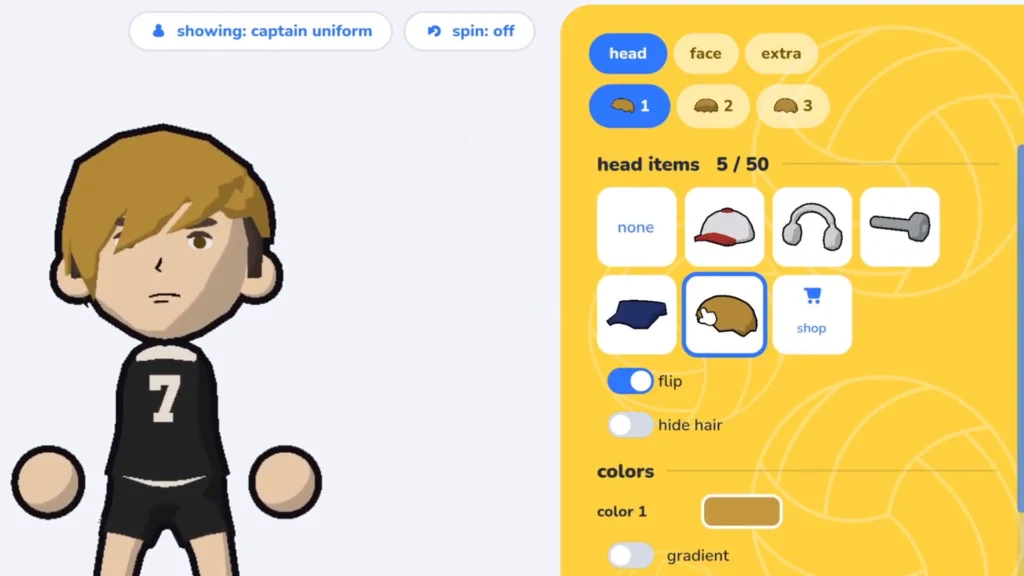
Probably everyone’s favorite section. The Hair section lets you select a hairstyle and adjust its colors. Some designs also support multiple color areas and a gradient. You can use the Position and Softness controls to adjust how a gradient appears. This is especially useful for recreating anime hairstyles. A few of the hairstyles I often used were hos, kage, kasa, spiky, and ponytail, and then weirdly enough, there were numbered styles such as hairf20 and hairm19.
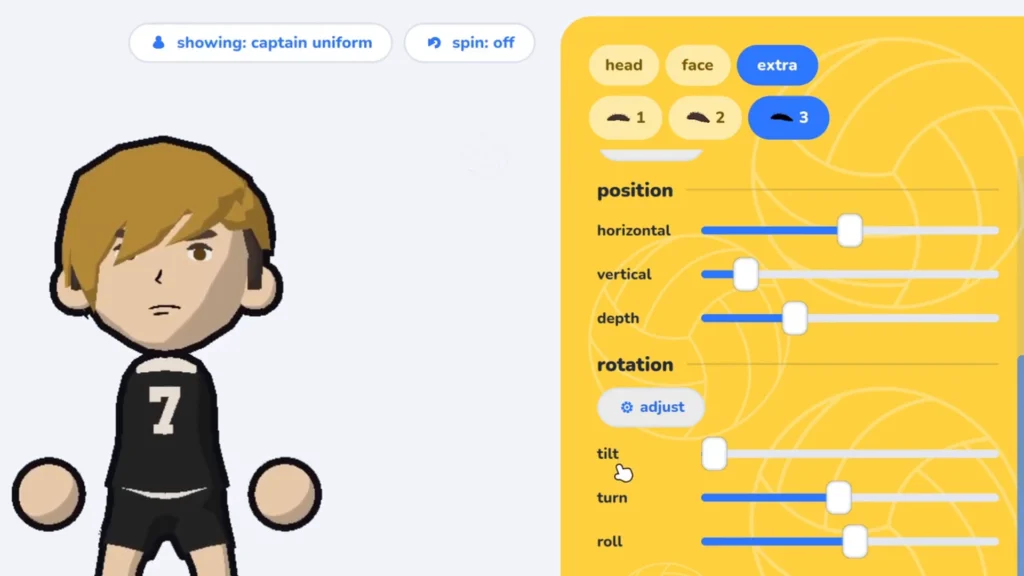
If you want to go even more advanced, use accessories to add extra layers of hair. For example, a hat or accessory piece can be positioned to resemble bangs that the normal hairstyle selection doesn’t provide. The good news is that the Accessories section has options available for color and placement.
How to Customize Your Character’s Uniform (Outfit)
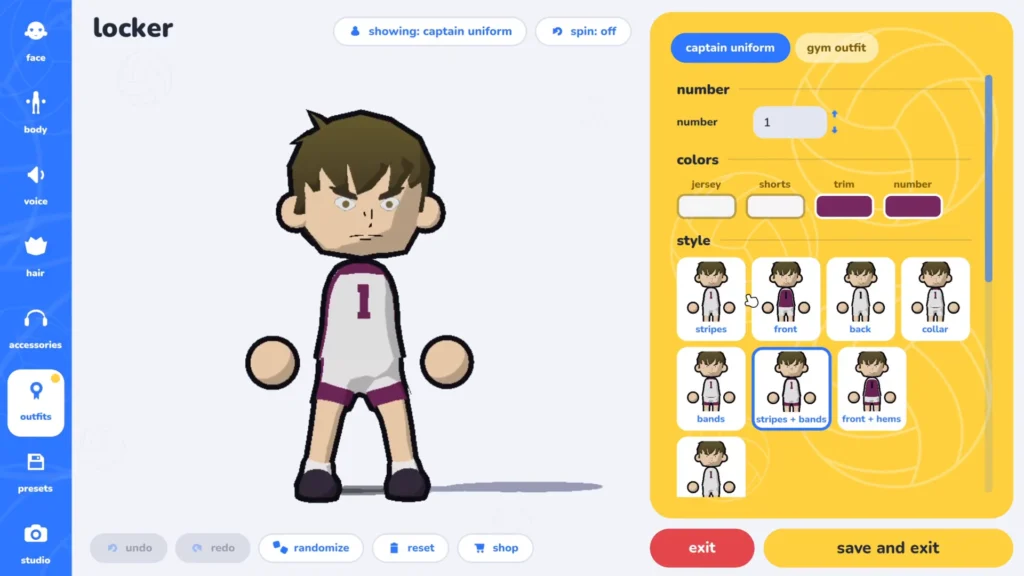
You open Outfits to edit your character’s clothing. The options here quite varied, actually. From jersey number and jersey color to shorts and uniform trim. From jersey style and socks to kneepads and shoe colors. You can use any of these options to replicate uniforms from your favorite anime (we all know you’re here because of Haikyu!!) or simply create an original team design that you like. The jersey numbers start from 0 and go up to 99. There are also several shorts lengths and separate kneepad color controls.
A black jersey with orange accents can help recreate a Karasuno look, for instance. I’ll go into the details of how to create specific anime characters further below, so stick with me.
How to Save and Share Character Presets
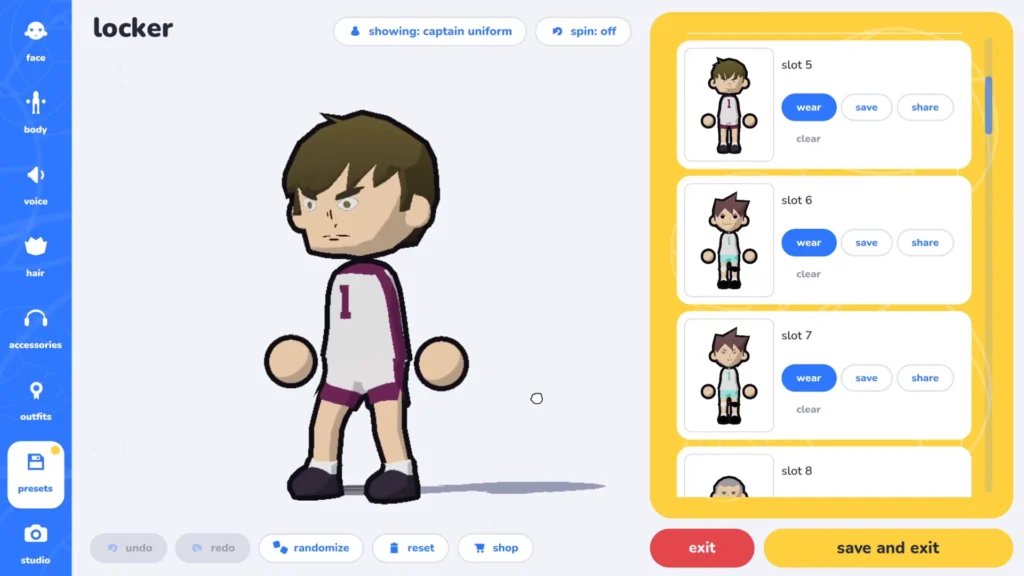
You don’t have to rebuild a character every time you want a different appearance. Open the Presets section in the Locker.
| Control | Function |
|---|---|
| Wear | Select a saved appearance |
| Save | Store the character’s appearance in a slot |
| Share | Open the character-sharing interface |
| Clear | Remove a saved preset |
The fun thing about the presets section is that you can save the character you’ve made as a preset. That way, you can safely have that character as a solid foundation and start messing with it however way you want, so from one preset alone, many characters can be made, without losing the original character’s design!
How to Share a Character Code
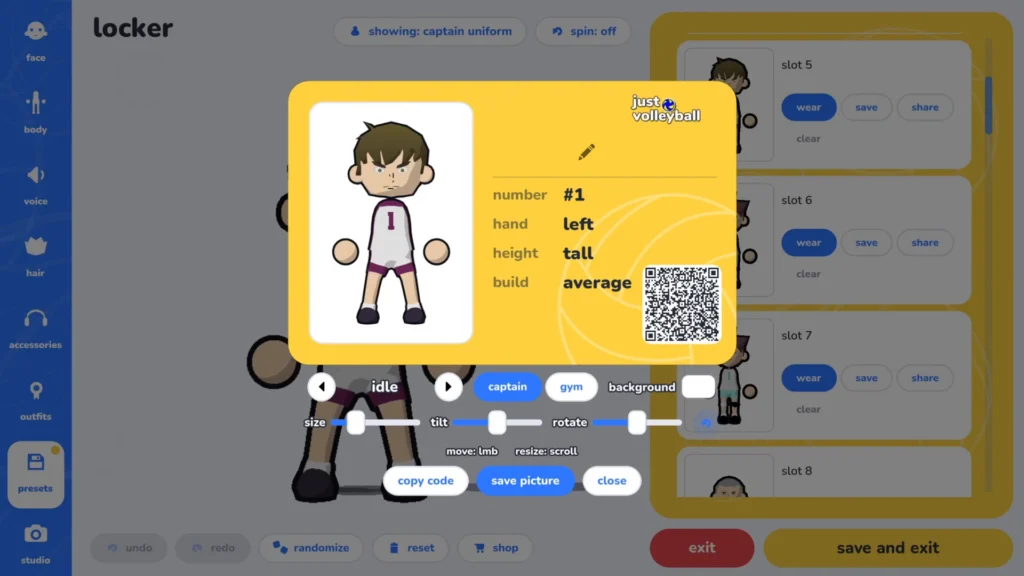
When you click on share, the sharing interface will show you a character card with information about your avatar and its creator. The details include the creator’s name, the jersey number, left or right hand, height, and the build type.
You can also see three important buttons: Copy Code which copies the character preset string, Save Picture which exports a picture of the character card, and Close which gets you back to the previous screen. The card also contains a QR code, which you can scan to easily access the character module instead of writing the long preset string.
How to Import Just Volleyball Character Codes
You have to get your hands on the community-made preset strings. The best way to do that is to either search for the character’s name on youtube with “just volleyball” placed either in front or behind the name, or go straight to just volleyball’s discord server and ask or search for the character you want there.
Haikyuu Characters You Can Recreate in Just Volleyball
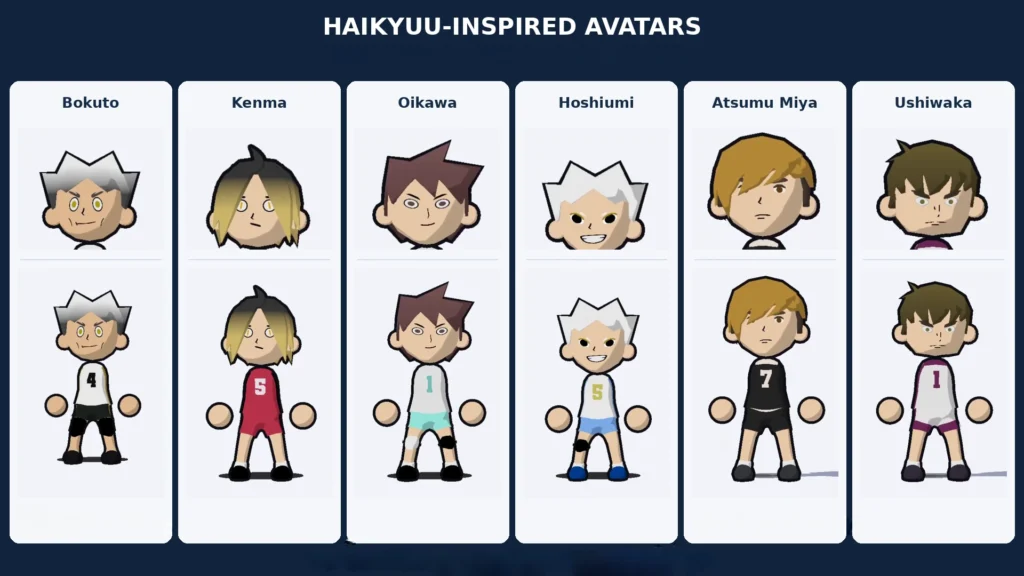
You won’t be making exact replicas of the characters you’d like, but honestly, they come pretty close. To create the character you’ve selected, put in the details I’ve provided below for each character into your character creator’s sliders and options. Kenma, Hoshiumi, Oikawa, Bokuto, Ushiwaka, Atsumu are all included.
Kenma Kozume
Kenma’s iconic look includes dark hair with blond tips and a Nekoma-inspired uniform.
| Setting | Data |
|---|---|
| Skin | Third skin swatch |
| Eyes | Cat-like eyes, #9BA500 |
| Eyebrows | Flat angled brows, #000000 |
| Height | Approximately 25% |
| Build | Approximately 35% |
| Head Shape | Default |
| Hairstyle | Center-parted long bob |
| Root Color | #3B3B3B |
| Hair Tips | #E0C875 |
| Gradient | Position around 65%, softness around 30% |
| Jersey Number | 5 |
| Jersey and Shorts | #B83751 |
| Trim | #000000 |
| Number Color | #F7F7F7 |
| Socks | Short, white |
| Kneepads | Off |
| Shoes | #000000 |
Korai Hoshiumi
Hoshiumi is naturally famous because of his spiky white hair and well… his “compact” build.
| Setting | Data |
|---|---|
| Skin | Second skin swatch |
| Eyes | Upturned eyes, #000000 |
| Lash Color | #978B10 |
| Eyebrows | Thin angled brows, #ECECEC |
| Height | Approximately 25% |
| Build | Approximately 30% |
| Head Shape | Sharp |
| Preferred Hand | Left |
| Hair | spiky or hos |
| Hair Colors | #FFFFFF and #BDBDBD |
| Gradient | Position around 35%, softness around 25% |
| Jersey Number | 5 |
| Jersey | #FFFFFF |
| Shorts and Trim | #6ABCFF |
| Number Color | #C6CF69 |
| Kneepads | Right knee only, short, black |
| Shoes | #00429B |
Toru Oikawa
You’d recognize Oikawa through his brown hair, a tall body, and an Aoba Johsai-inspired uniform.
| Setting | Data |
|---|---|
| Skin | Second skin swatch |
| Eyes | #604243 or #000000 |
| Lash Color | #865E5F |
| Brows | #000000 |
| Nose | Flip enabled |
| Height | Approximately 75% |
| Build | Approximately 50% |
| Head Shape | Sharp |
| Hair | Medium swept spikes, flipped |
| Hair Colors | #865E5F and #5C4041 |
| Gradient | Position around 35%, softness around 25% |
| Jersey Number | 1 |
| Jersey | #E6E6E6 |
| Shorts | #A5F6F1 |
| Trim | #F5F5F5 |
| Number Color | #82D2CB |
| Kneepads | One white, one black |
| Shoes | #000000 |
Kotaro Bokuto
Bokuto’s look is all about his two-tone spiky hairstyle and Fukurodani-inspired uniform.
| Setting | Data |
|---|---|
| Skin | Third skin swatch |
| Eyes | Wide eyes, #AA9B11 |
| Brows | #434242 |
| Height | Approximately 75% |
| Build | Approximately 60% |
| Head Shape | Default |
| Hair | Wide, horn-like spikes |
| Hair Colors | #FFFFFF and #4B4B4B |
| Gradient | Position around 35%, softness around 20% |
| Jersey Number | 4 |
| Jersey | #F7F7F7 |
| Shorts | #202522 |
| Trim | #A29F3C |
| Number Color | #F7F7F7 |
| Kneepads | Both knees, long, black |
| Shoes | #191616 |
Wakatoshi Ushijima (Ushiwaka)
Ushiwaka should look like a tall character with dark hair and a Shiratorizawa-inspired uniform. You can also use extra accessory slots to form the bangs over the forehead. I even suggest adding the face bandage accessory to complete the look.
| Setting | Data |
|---|---|
| Skin | Second skin swatch |
| Eyes | #746635 |
| Brows | #362F27 |
| Height | Tall; Gemini estimates about 90% |
| Build | Average; Gemini estimates about 55% |
| Head Shape | Round |
| Preferred Hand | Left |
| Hair | hairm19 |
| Hair Colors | #746635 and #362F27 |
| Gradient | Position around 30%, softness around 35% |
| Jersey Number | 1 |
| Jersey Style | Stripes + Bands |
| Jersey | #F5F5F5 |
| Shorts | #F9F7F7 |
| Trim and Number | #782B61 |
| Shoes | #3A3141 |
Atsumu Miya
For that Atsumu Miya laid-back look, use blond hair with darker sections and an Inarizaki-inspired uniform.
| Setting | Data |
|---|---|
| Skin | Second skin swatch |
| Eyes | #5C3C0E |
| Brows | #493C35 |
| Height | Approximately 75% |
| Build | Approximately 50% |
| Head Shape | Sharp |
| Preferred Hand | Right |
| Hair | hairf20 |
| Main Hair Color | #B6983F |
| Secondary Color | #493C35 |
| Jersey Number | 7 |
| Jersey and Shorts | Black |
| Trim and Number | White |
| Kneepads | Short, white |
| Shoes | Black |
Other Anime Characters and Custom Looks
These are also anime characters that the community has implemented successfully into the game. I couldn’t pin down the exact data for each character, but I tried to create them as close as possible to the original anime character. I included the data (including their preset code) for the ones I successfully recreated. For the other ones, you can try following the appearance details and mess around with the creator a bit to see if you can make these too. Let me know in the comments if you managed to successfully create them.
Shoyo Hinata
| Setting | Data |
|---|---|
| Character | Shoyo Hinata |
| Appearance | Black and orange Karasuno variant |
| Jersey Number | 10 |
| Preferred Hand | Right |
| Height | Short |
| Build | Slim |
| Preset Code | JV2:fOE2W_9awGBA3qX_FAaW3FWG8ta80XTnJx85qgalQkD8-iuj4t7DSpHHBTu1LfKb_oKDEiT8nJxv3MVhAQkyx_soBjgg24Fubm5rq6usw6UeCszMzAA |
Shoyo Hinata — Green Scarf Variant
| Setting | Data |
|---|---|
| Character | Shoyo Hinata |
| Appearance | Green scarf variant |
| Jersey Number | 10 |
| Preferred Hand | Right |
| Height | Average |
| Build | Average |
| Preset Code | JV2:7YMm-N_BDeXZJp6Ox9FmpRM1_2VjArdFMSbcCtVa0VHgV1jigUalsYrCUlJVVVatVpqtbW1uurXgAeMWzpeZyuQIcCKjMBwUxwLZ0vM5XIEOBFx3FSVYxjjoHqrYGxfnI2Lz1UfL7gmQHGCJ3Lq0mvXJgA |
Tobio Kageyama
| Setting | Data |
|---|---|
| Character | Tobio Kageyama |
| Appearance | Karasuno variant |
| Jersey Number | 9 |
| Preferred Hand | Right |
| Height | Tall |
| Build | Slim |
| Preset Code | JV2:IOY2u_7l5HlA0acBLgXFWG8ta80XTnJx8ERDSs1bcC3Sq2tMWjHu4Z9q3kOYccFO5Lt0pv84OMSJPyVXG_cxOEBCTKn-ygGOCDXga66urrUdKPBWZmZg |
Monkey D. Luffy — Straw Hat Version
| Setting | Data |
|---|---|
| Character | Monkey D. Luffy |
| Appearance | Standard straw-hat variant |
| Jersey Number | 1 |
| Preferred Hand | Right |
| Height | Short |
| Build | Slim |
| Preset Code | JV2:AfDBUX-ofgwIGjjgY8COGjf5clNY7JhiAbdurdvVnxbV20sWOKvcrV-l3rwz0LpOmnZzgAAAE__z_oQDwaZ7X4KMzwUdvXUioKzs17jyDAIMEfiEcFZGiUgAAA |
Mikasa Ackerman & Sunset Aesthetic Outfit
| Character or Look | Appearance Details |
|---|---|
| Mikasa Ackerman | Dark kasa bob, red scarf, light-colored jersey |
| Sunset Aesthetic Outfit | Orange-to-pink hair gradient, pink visor sunglasses, matching peach uniform |
How to Fix Character Codes That Don’t Work
They’re probably from an older version of the game, back when it was still a demo. The only solution is to either ask the creator directly what stats they used for their sliders and such in the Locker, or get an older version of the game, use the code there and see what the data shows, then memorize or write down that data and use it in the up-to-date version of the game.
How to Use Photo Studio
The November 16 full release added Photo Studio Mode inside the Locker. It’s designed for taking custom photos of your character in different backgrounds and poses.
The options include Size, Tilt, and Rotate. They each change how the character picture is presented. These picture controls should not be confused with the separate height and build settings used in the character editor. You can use Photo Studio to see your created character in better lighting or funny poses, or showcase characters you’ve created by taking photos of them and sharing them online.
Does Character Height Affect Gameplay?
You can change your player’s height and build in the Locker, but I didn’t experience any buffs or debuffs playing as characters with a tall or short height, or different builds even. In my opinion, the height and build options are there for cosmetic reasons, nothing more. If you want to get good at the game, you should our Full Guide on just volleyball.
Can You Unlock More Characters?
There’s no “unlocking” involved. You simply create more characters or ask the community for preset codes.
Are There Character Achievements?
There are actually four achievements related to the character creator: Actual Giant (Save a character at maximum height) – Little Giant (Save a character at minimum height) – Wardrobe (Save 10 character presets) – Decoy (Choose jersey number 10).