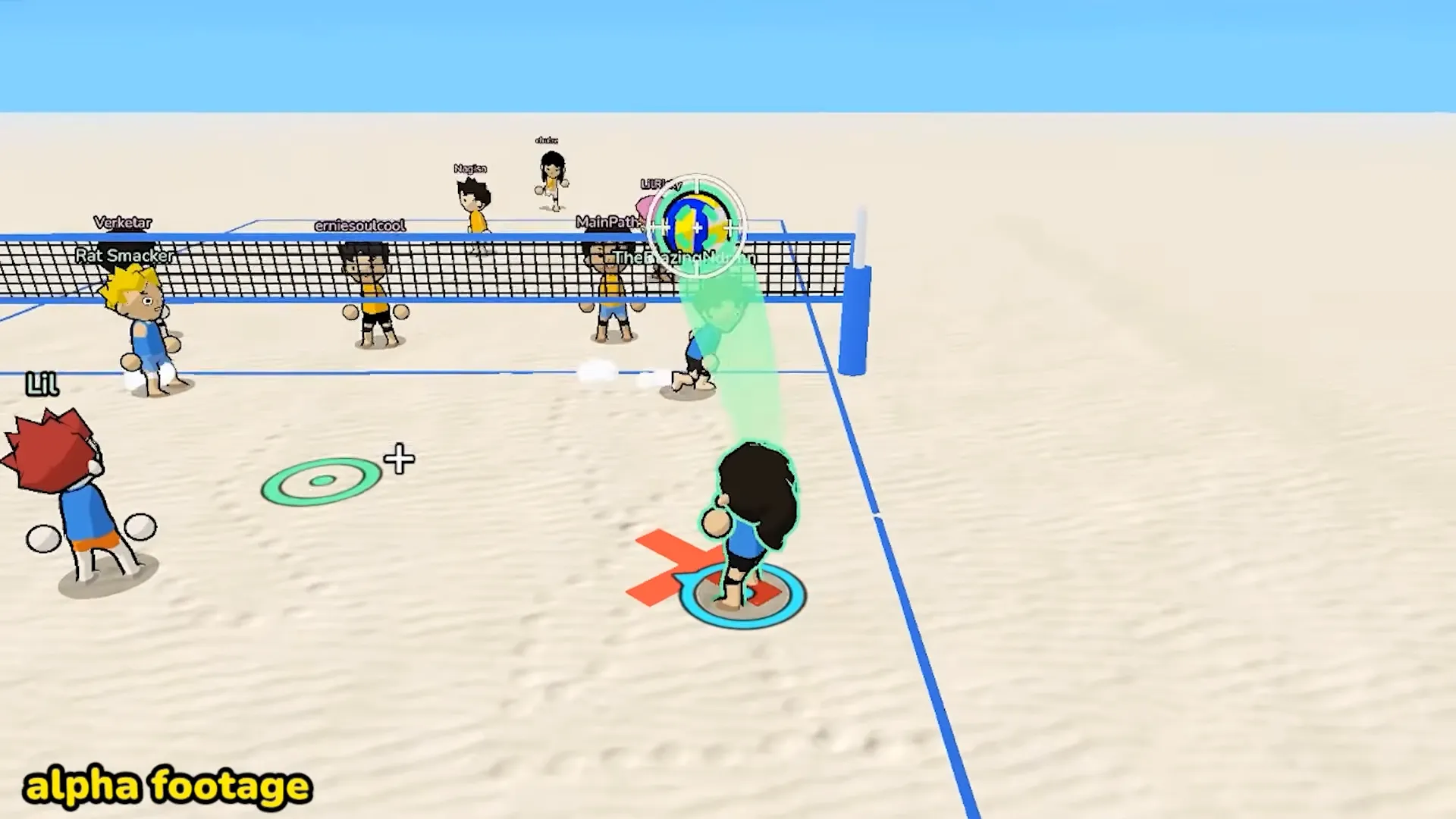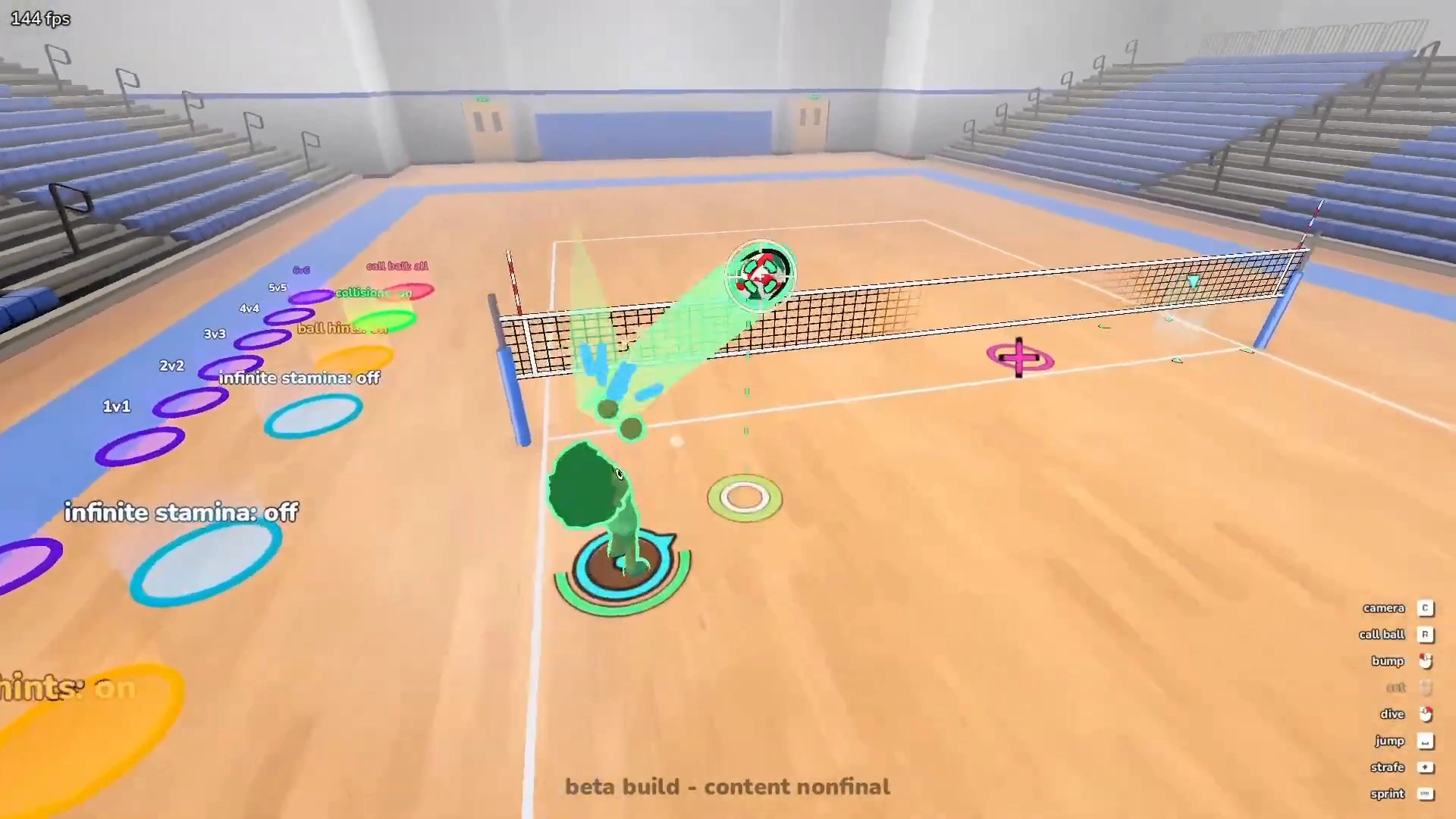


Setting is the touch that decides whether your team actually scores or just flails the ball back over the net. A good Just Volleyball set turns a messy receive into an easy spike. A bad one puts the ball somewhere your hitter can’t reach. The key is E, but the key is the easy part. Where your cursor sits matters just as much.
In This Guide:
What Is a Set in Just Volleyball?
The set is the second touch. Your team gets three touches per rally, a block doesn’t use one up, and the set is the one in the middle that feeds your spiker. The dedicated key is E, which is separate from left click (bump, receive, spike) and right click (dive, block). That separation matters. In a lot of volleyball games setting happens automatically. Here you choose it, so you can set whenever you want, including at times you probably shouldn’t.
How to Set: Controls and Cursor Aim
Press E to set the ball. You can charge the set by holding E instead of just pressing it. That’s the whole input.
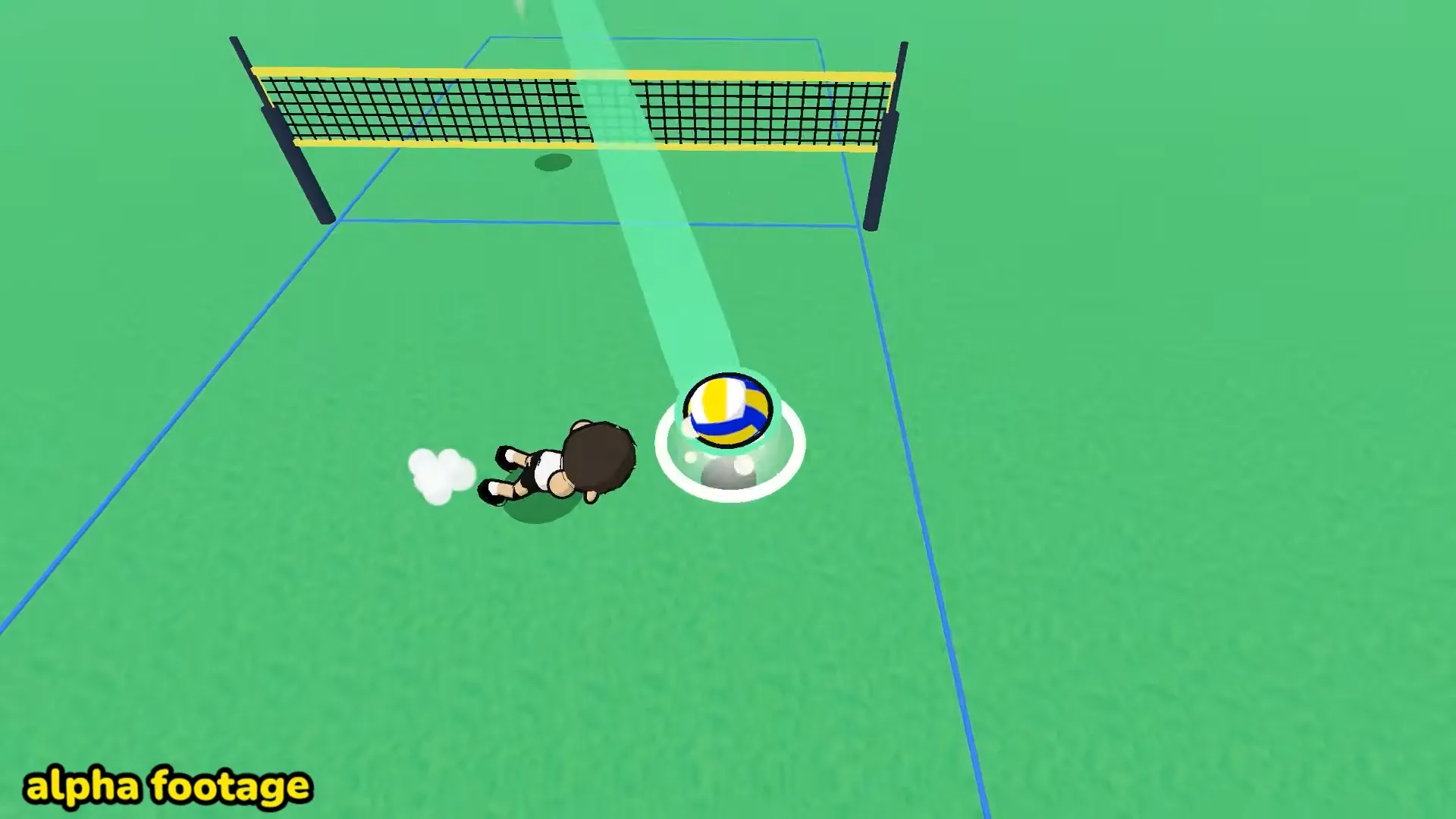
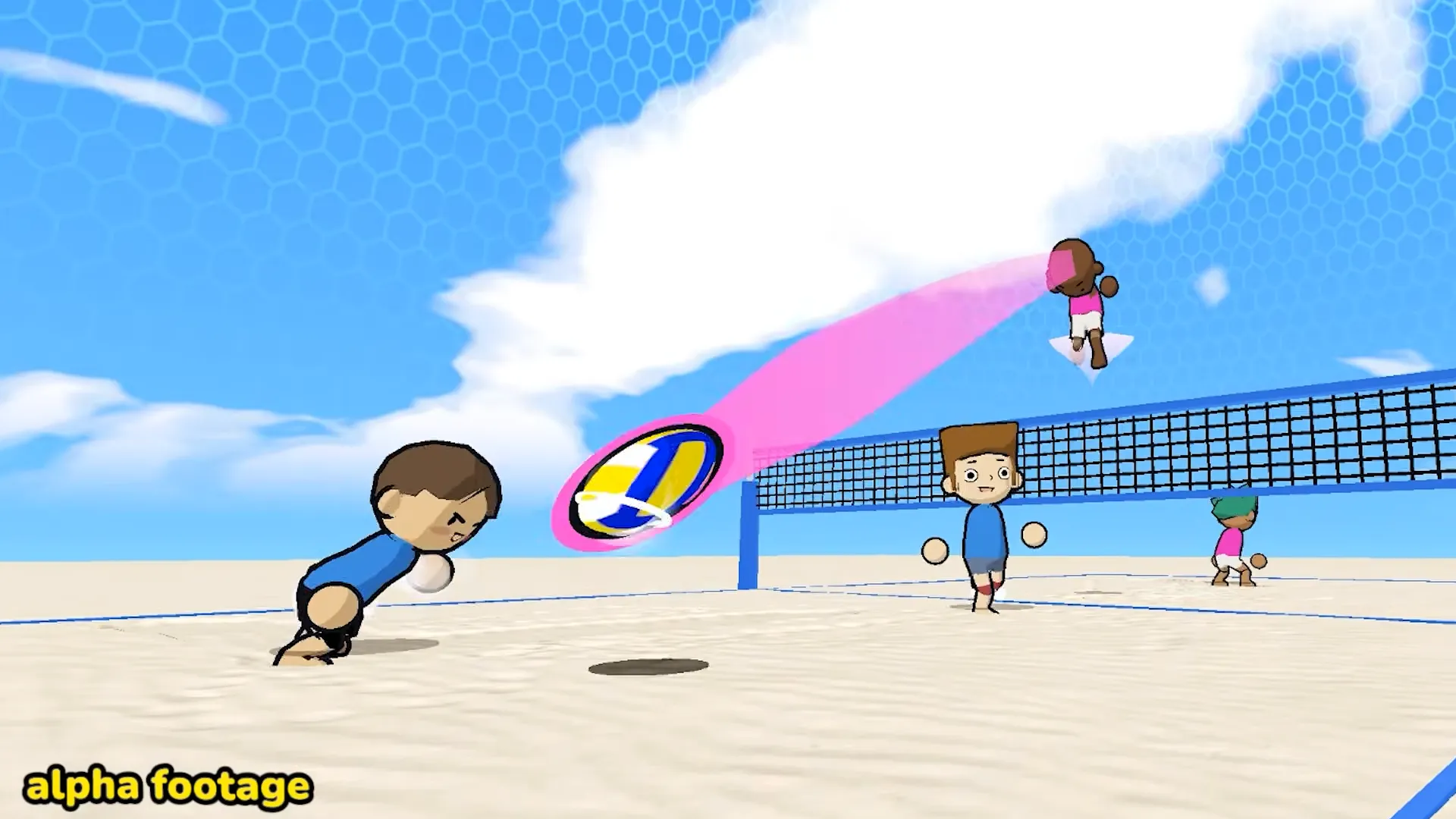
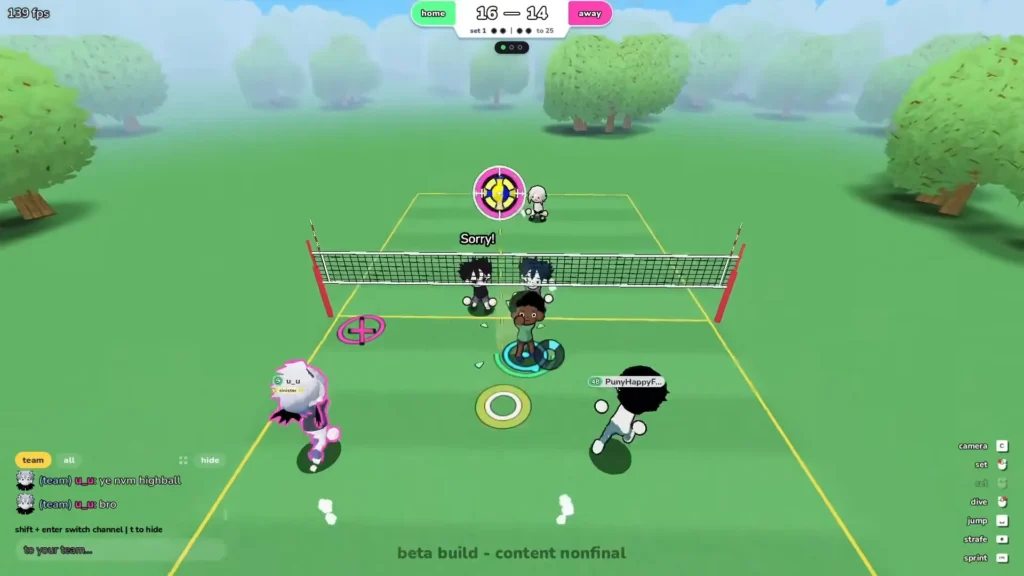
Aiming however, is the difficult part. Every touch in this game follows your cursor, not your character’s facing. Receive, set, spike, serve, all of it. So the ball goes exactly where the cursor is pointing when the touch happens, and if your cursor is still sitting where you last spiked, that’s where your set goes.
I got into the habit of moving the cursor before the ball reaches me, not while I’m touching it. Look at your hitter, put the cursor there, then press E. It feels slow at first and then it feels obvious.
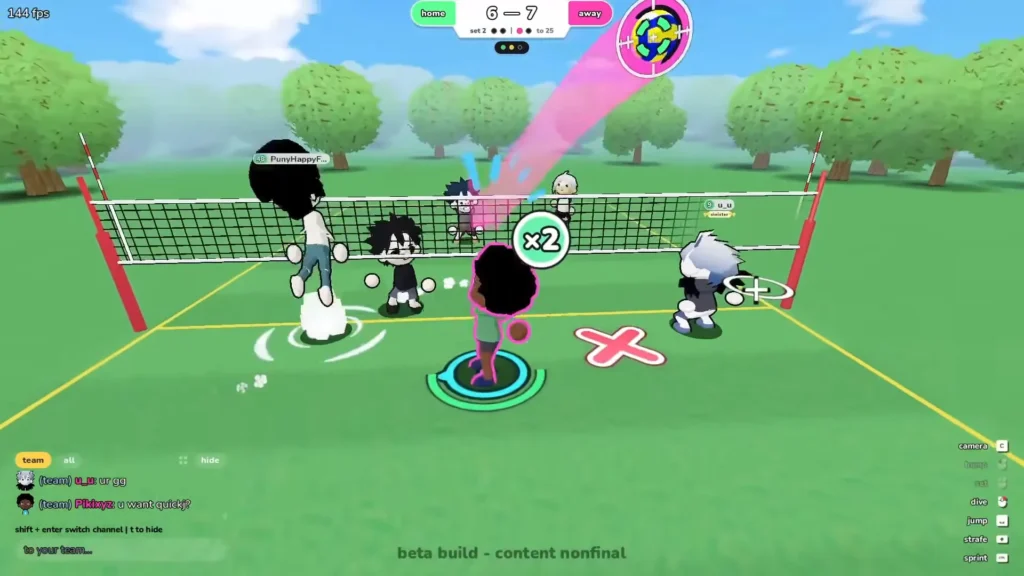
One other thing you can do is charging E while you’re still running to intercept the ball, so the charge is ready the moment you arrive.
Quick Set vs. High Set
A high set floats up and gives your hitter time to walk under it, line up an approach and swing. If your teammate is out of position, or you have no idea what they’re doing, set it high. A tapped, uncharged E seems to produce this kind of soft, high ball toward your cursor.
A quick set is flatter and faster and it only works if your hitter is already moving. It arrives before the block does, which is the point, but it also arrives before an unprepared teammate does. I recommends a full charge for a quick set rather than a light tap.
Here’s the thing nobody should state as a rule: charge doesn’t simply mean “lower”. Apparently a charged set aimed at a close target goes higher, while a charged set aimed far away goes faster and flatter. So charge and cursor distance appear to work together.
If your team is in voice-less chaos, the quick chat has calls for quick and high sets so your hitter knows which one is coming.
How to Aim Sets for Your Teammate
Don’t aim at your hitter. Aim where your hitter is going to be.
This is the single most useful tip I can give you: put the cursor on the space where they’ll be rising into the attack, not on their feet right now. They’re running, the ball is travelling, and by the time it arrives the spot you picked is empty.
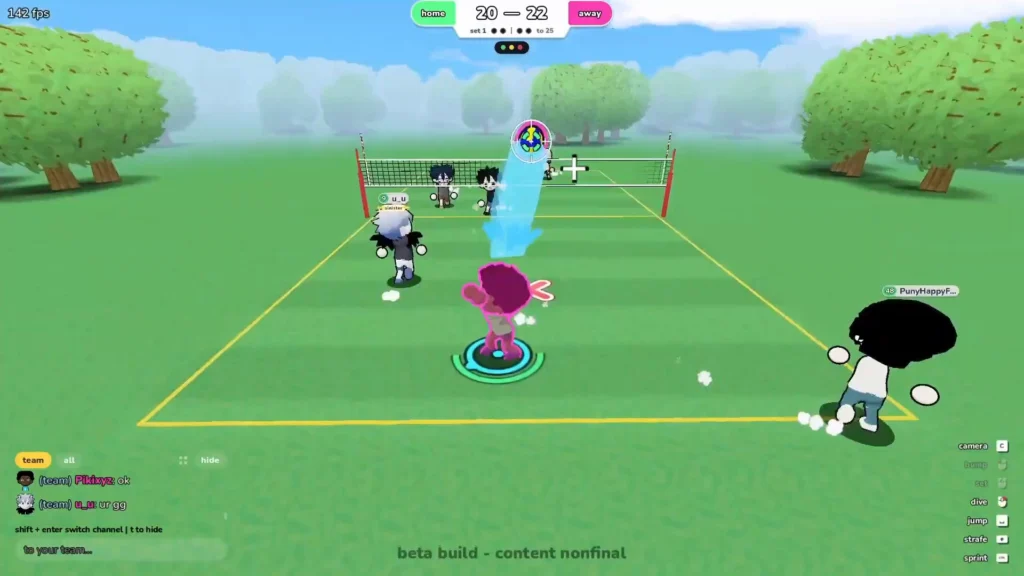
Chaos makes this harder than it sounds. Players knock each other over in this game constantly, including their own teammates, so your hitter might get flattened on approach. When the rally has already gone sideways, stop trying to be clever and put the ball high and near the net. Something is better than nothing. Setting with friends in a full 6v6 team makes the traffic worse, not better.
Can You Jump Set or Fake a Set?
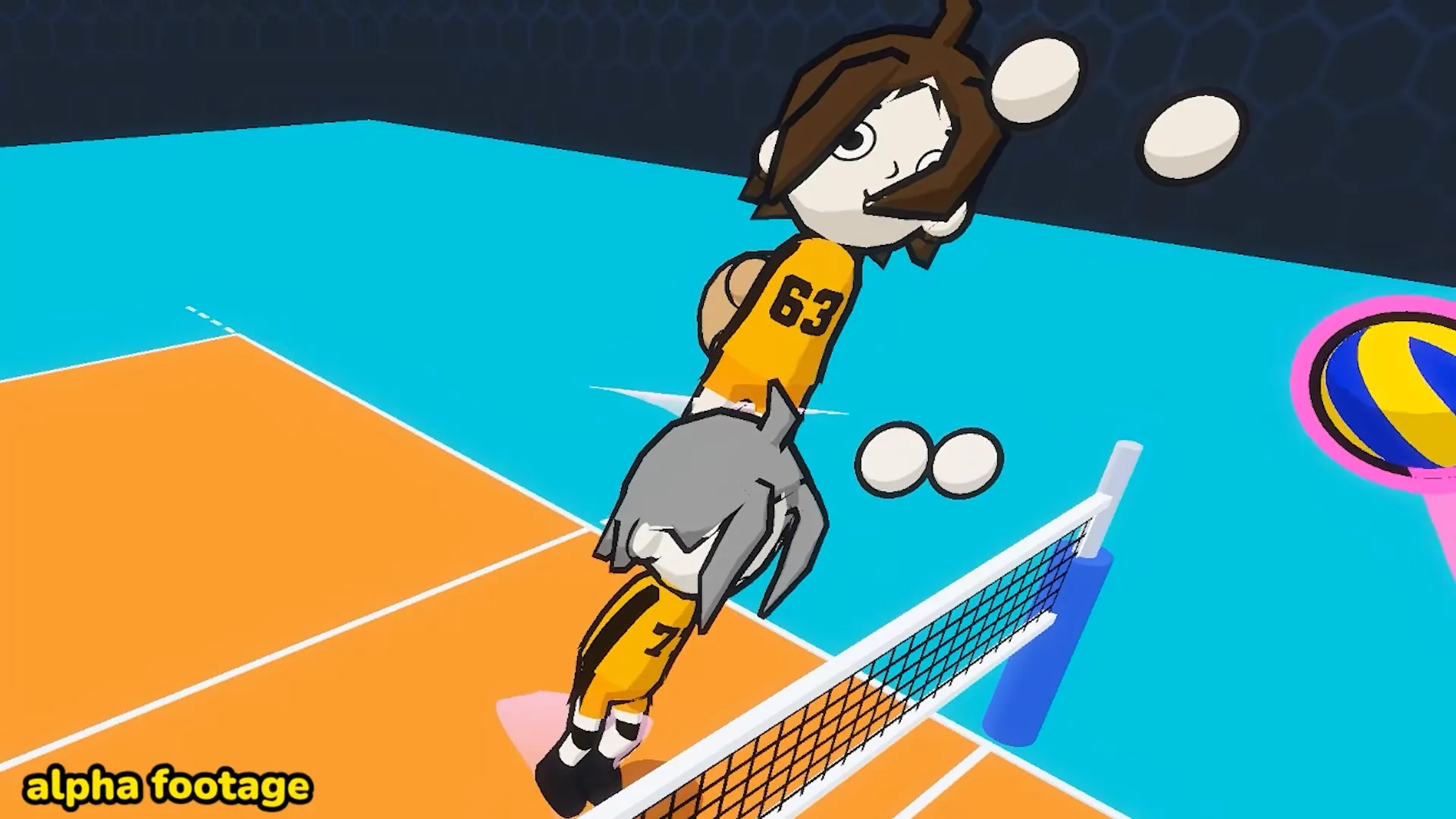
Jump setting looks like it works. You can set while airborne, and that a charge you started on the ground carries through the jump, so you can hold E, jump, and release in the air.
Faking a set is shakier. One recent guide describes using a charged set as a fake during a jump, but the exact inputs aren’t nailed down and nobody has demonstrated it clearly in the release build. It might be a real technique, it might be a quirk of how charge release works. I’d call it unconfirmed for now.
Why Your Sets Are Too Low or Too Fast
If your sets keep arriving flat and hard, the usual cause is charging while aiming at a distant target. Short cursor, charged = up. Long cursor, charged = fast and low. Shorten the distance or release earlier.
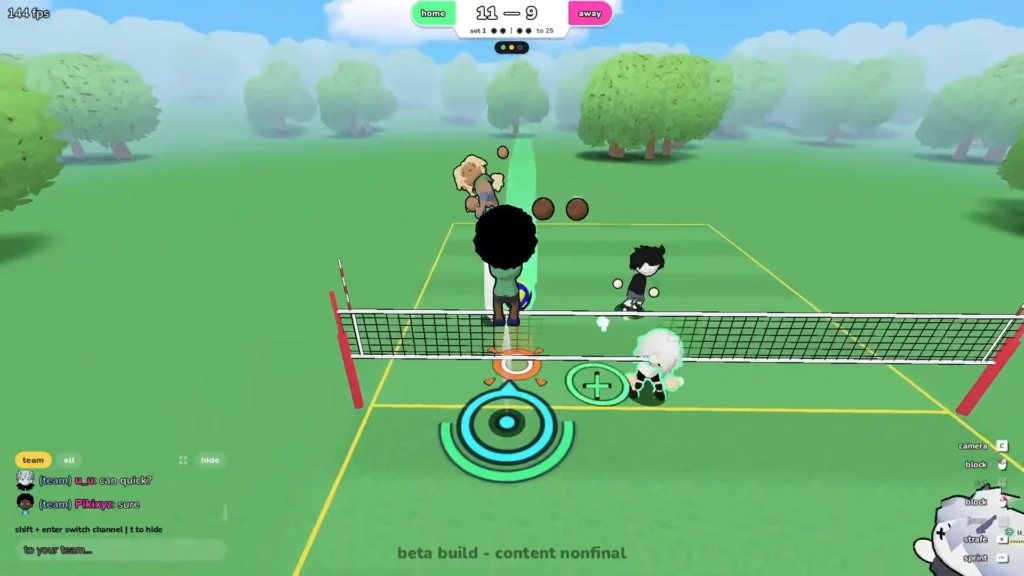
If your sets die right in front of you, the opposite problem: you tapped E with the cursor parked somewhere close, maybe still on your own side from the last touch. Reset the cursor between touches.
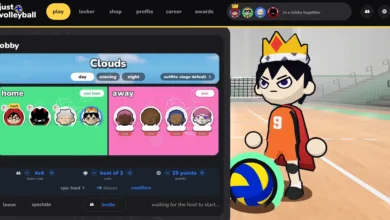
If the ball goes over the net when you wanted it to stay on your side, that’s a cursor problem too, not a power problem. There’s a Set Assist option in the profile settings that stops the set cursor from crossing the net.
Shout out to Pikixyz for making many useful videos for Just Volleyball. All the screenshots in this guide is from his videos.