The open-world racing genre is evolving once again. Forza Horizon 6 puts creativity front and center. Playground Games is massively expanding the EventLab sandbox. It gives players more freedom than ever before to create custom races, stunt arenas, drift zones and massive sky tracks.
From real-time co-op building to advanced editing tools, this covers everything you need to know about the upgraded Forza Horizon 6 EventLab system.
Table of Contents
What Is Forza Horizon 6 EventLab?
EventLab is the game’s advanced creative mode that allows players to build and share custom racing experiences using props and gameplay modifiers.
In previous Horizon titles, the feature became one of the community’s most popular modes thanks to custom circuits, roleplay servers, drift parks and giant stunt maps. Now, Forza Horizon 6 is taking those ideas even further with larger creative freedom and better editing tools.
What’s New in FH6 EventLab? Every New Feature Explained
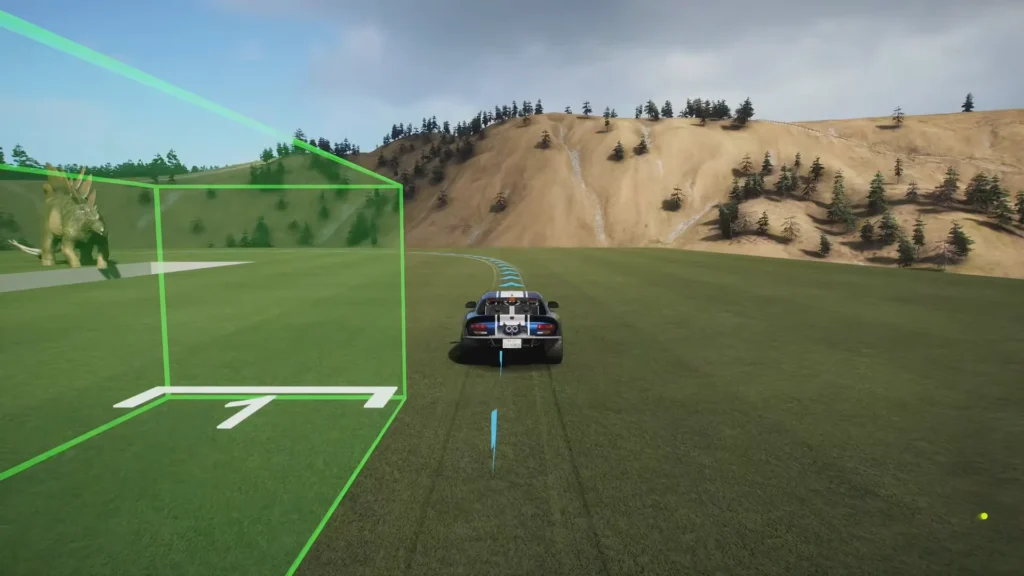
One of the biggest changes is the removal of preset build locations. In older Horizon games, creators had to begin events from existing race markers.

In Forza Horizon 6, players can simply open the Creative Hub and select EventLab. Then, they can start building almost anywhere in the open world.
Horizon CoLab: Real-Time Multiplayer Building
The new Horizon CoLab system introduces live multiplayer editing.
Instead of building solo, players can now join shared creation sessions with friends to:
- Place props together
- Design race routes collaboratively
- Test tracks in real time
- Build massive community projects faster
This feature turns EventLab into a true collaborative sandbox experience.
Huge Quality-of-Life Improvements
The EventLab editor now includes several long-requested tools from the community.
Undo & Redo
Creators can instantly reverse or restore recent edits, making experimentation far less frustrating.
Prop Stamping
Players can duplicate and repeatedly place identical objects quickly, which is perfect for barriers, stadium walls, or repeating structures.
Free Drive Mode
You can now freely test your map’s physics and drivability without affecting the official race route.
Custom Garages
The improved EventLab system also powers new customization features outside racing.
Walkable Custom Garages
Player homes now include fully customizable garage interiors where you can:
- Showcase up to four cars
- Decorate with props
- Apply custom themes
- Use drone cameras
- Download community garage layouts
How To Create Your First EventLab Map
1. Open EventLab
Go to: Pause Menu / Creative Hub / Event Lab / Create / Create New Route.
Then select the vehicle you want to use during creation.
2. Build Your Environment
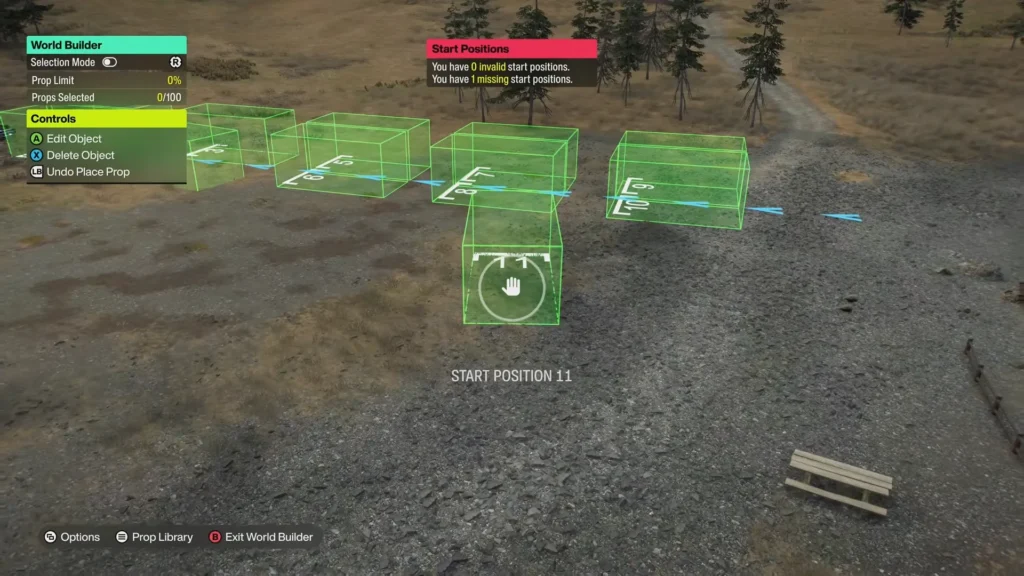
Enter World Builder mode to place: Buildings / Track pieces / Props / Obstacles / Decorative assets
Players can use snapping nodes and magnetic placement tools to align structures cleanly.
Note: Selection Mode also allows multiple props to be moved or deleted at once.

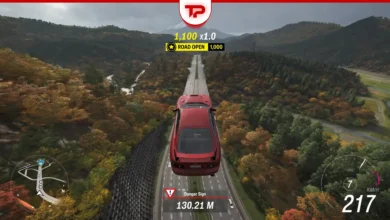
How to Build Floating Sky Tracks in Forza Horizon 6
For elevated tracks:
- Build a temporary ramp upward
- Drive your car onto the floating platforms
- Open the options menu
- Select “Redraw Route From Here”
This moves the starting grid into the sky. Afterward, you can remove the temporary ramp and manually adjust starting positions.
Placing Checkpoints and Finish Lines
Switch to Route Creator mode and drive your route while placing checkpoints.
Players can: Resize checkpoints, create narrow technical sections, build wide stunt zones and use up to 250 checkpoints per route. For lap races, loop back to the starting line. On the other hand, for sprint races, manually place a finish line through the options menu.
Validation and Event Settings
Before publishing, every Event Lab map must pass a validation run to prove the track is fully completable.
After validation, creators can customize:
- Vehicle restrictions
- Performance classes
- AI difficulty
- Weather
- Time of day
- Seasonal conditions
Players can also create custom poster art directly through Photo Mode for their event thumbnail. Special thanks to Ducain23, whose comprehensive video guide helped inform parts of this article.
How To Share EventLab Maps
Every published event receives a unique Share Code.
Finding Your Share Code
Open your created events list and view the event description to locate the code.
Playing Community Maps
Go to: Event Lab / Search / Enter Share Code. The game will instantly load the custom event.
Why EventLab Could Define Forza Horizon 6
The upgraded Forza Horizon 6 Event Lab tools push the game closer to becoming a full creative platform rather than just a racing game.
Features like co-op editing, sky tracks, prop stamping and fully customizable player spaces remove many of the limitations from previous Horizon titles. In general, Event Lab looks set to become one of the biggest features in the next generation of Horizon racing.