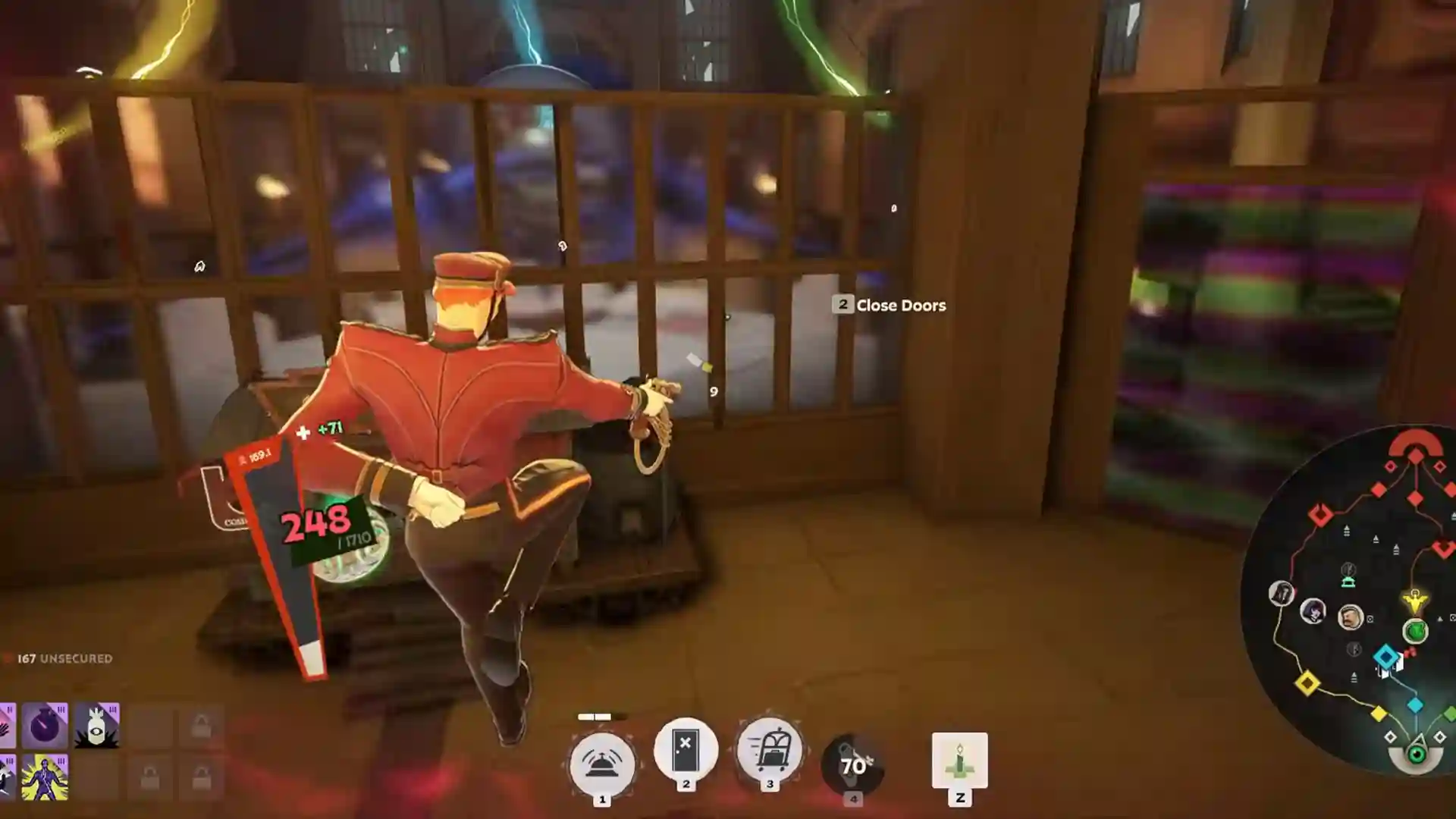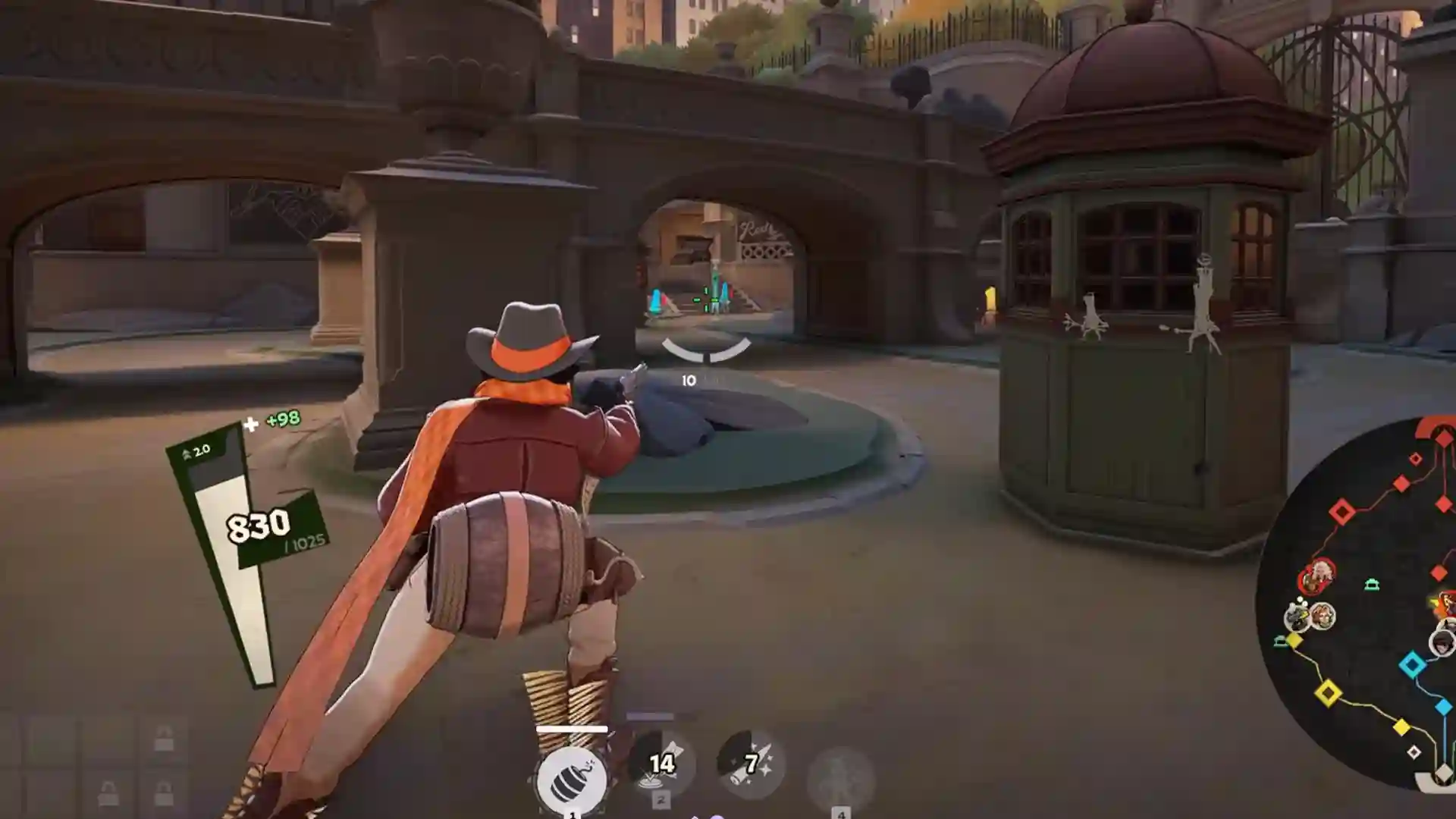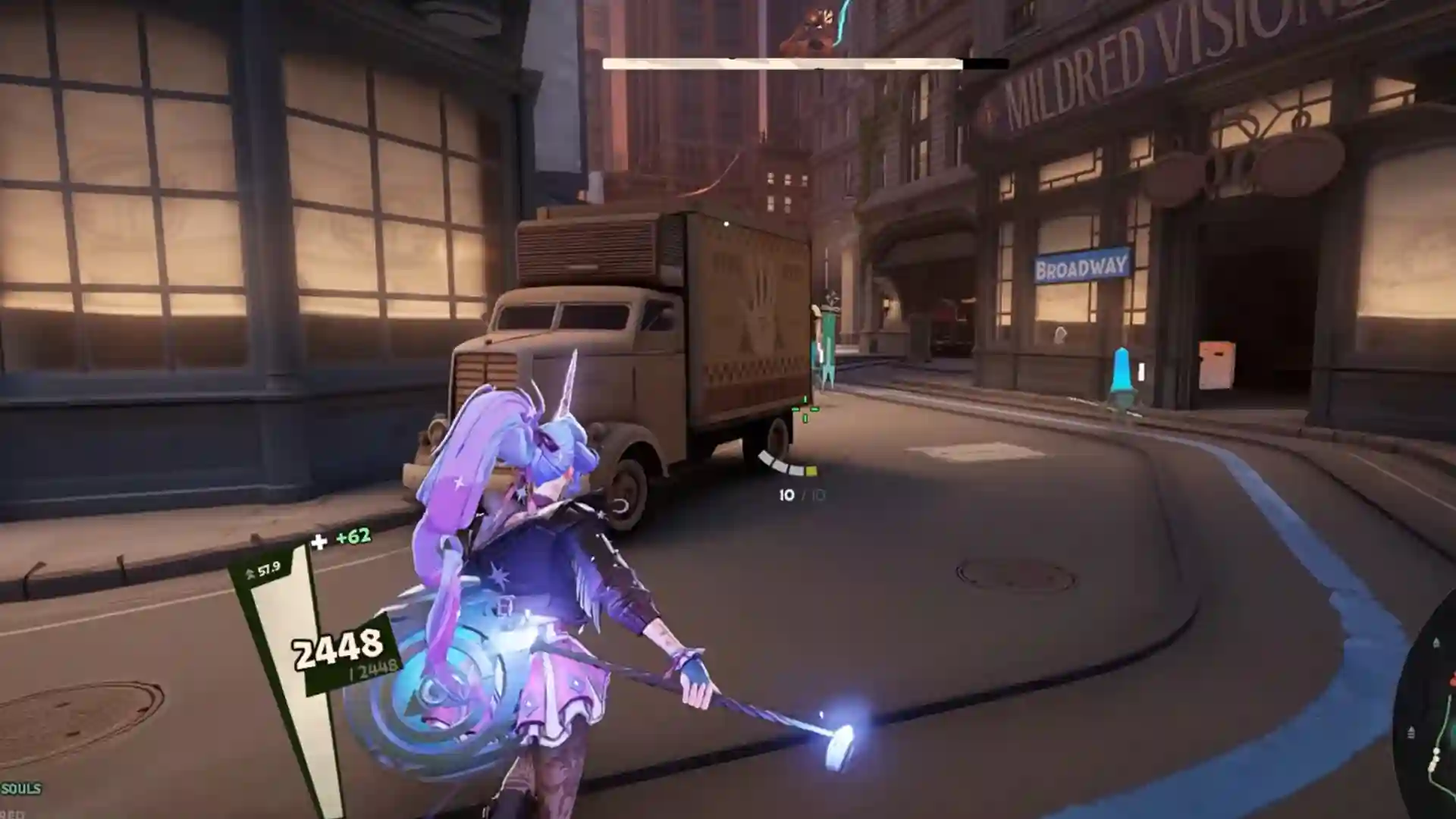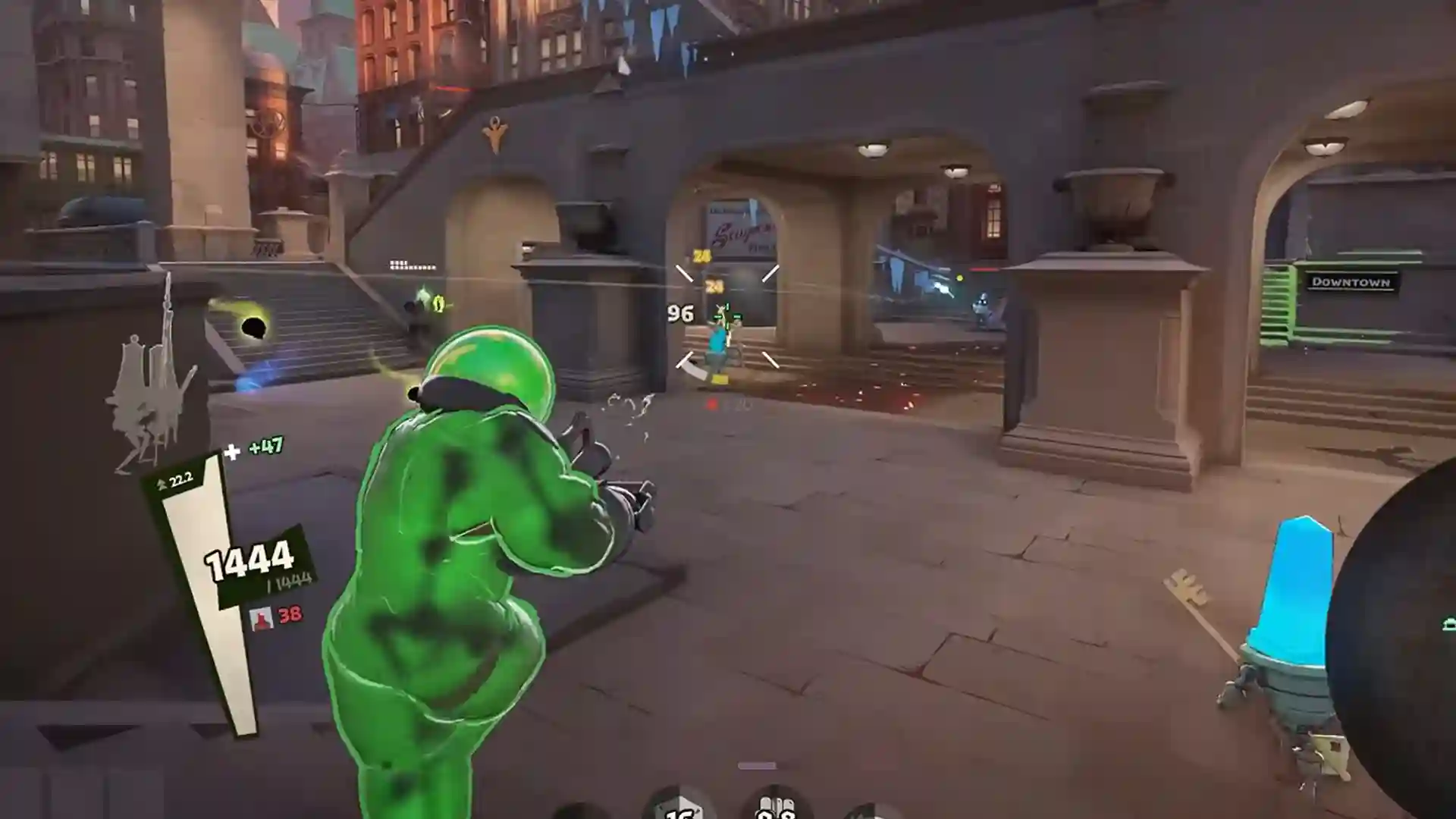


The Deadlock camera bug showed up around October 16, right when Violet launched, and it’s really annoying. Some players get a camera stuck inside their character. Others get a Deadlock zoomed in bug that makes the game unplayable. Most reports trace back to outdated skin mods, but not all of them. Valve hasn’t announced a fix, and Deadlock is still an invite-only playtest. So I went through the threads to sort out what actually worked, symptom by symptom. Here is every fix you should try.
What You’ll Read:
Which Deadlock Camera Bug Do You Have
Players are lumping four different bugs together, and a fix for one won’t work for the others. Match your symptom first.
| Symptom | Likely Cause | Go To |
|---|---|---|
| Camera inside your hero, or frozen at a spot on the map | Outdated skin mods | Camera stuck inside character |
| View stays zoomed like right-click is held | Held controller zoom input | Zoomed in bug |
| Camera jumps when you crouch, or ADS zooms way too far (mostly Hideout) | Custom Spectator Camera setting (player-reported) | Zoomed-in bug |
| Camera stuck high or zoomed after an ultimate | Hero ability glitch | Hero-specific glitches |
If you run skin mods, start with the first row.
How to Fix Deadlock Camera Stuck Inside Character
I found three ways to fix this bug. Try them in this order:
Launch Without Mods First
Check if mods are the problem before you touch any files. Several players said disabling their mods fixed the camera. So relaunch without mods.
If you use Grimoire, hit the “Launch Vanilla” button. It moves your mod files out, starts the game, and puts them back after about ten seconds. Nothing gets uninstalled. Using another manager? Disable all your mods and relaunch.
Launch Vanilla doesn’t remove every Hero Locker override. Custom hero cards, ability sounds and colors, and some special skins stay active, so turn those off yourself for a clean test. Test in the lobby, though, not a live match.
Use Grimoire’s Camera Fix
This is the most solid fix right now. Grimoire’s developers say the latest Deadlock update changed the camera position on every hero. Skins built before that update still carry the old camera and aim points, so your view lands inside the model.
Update Grimoire to v1.32.0 (released October 17) and open the Installed tab. Outdated skins are marked “Old camera.” Click “Mods need a camera fix” at the top to repair them in one go. The devs say it leaves unrelated mod content alone.
Don’t confuse it with “Fix Configuration,” which is only for mods that stop loading.
Settings Players Are Trying (Unverified)
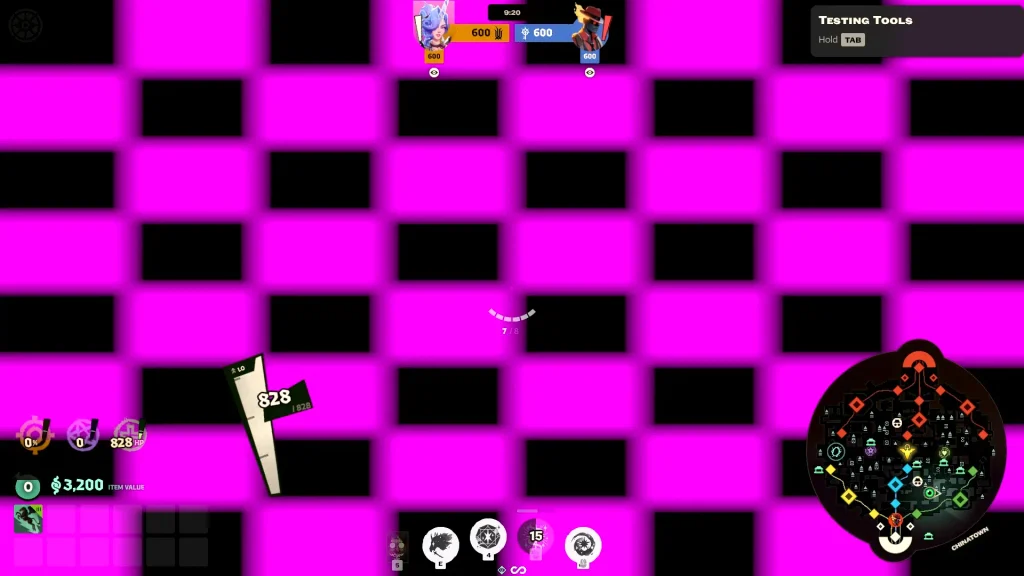
If your camera follows badly or zooms too far on modded heroes, one Reddit commenter suggested two changes on October 17. Turn Custom Spectator Camera ON to restore camera follow, and set Zoomed Field of View to 90 to cut the excess zoom.
Treat this as a stopgap. A player said flipping an unnamed camera option ON made modded heroes usable, then admitted crouching still broke the camera and some heroes sat at a strange height. I can’t tell you it’s the same setting.
I’d only try this if the Grimoire fix isn’t an option for you. It’s also the reverse of the OFF fix for Hideout crouch bugs, which comes up below.
Deadlock Zoomed In Bug Fixes
The two fixes are the only ways I found that players have fixed this bug.
Check for a Held Controller Input
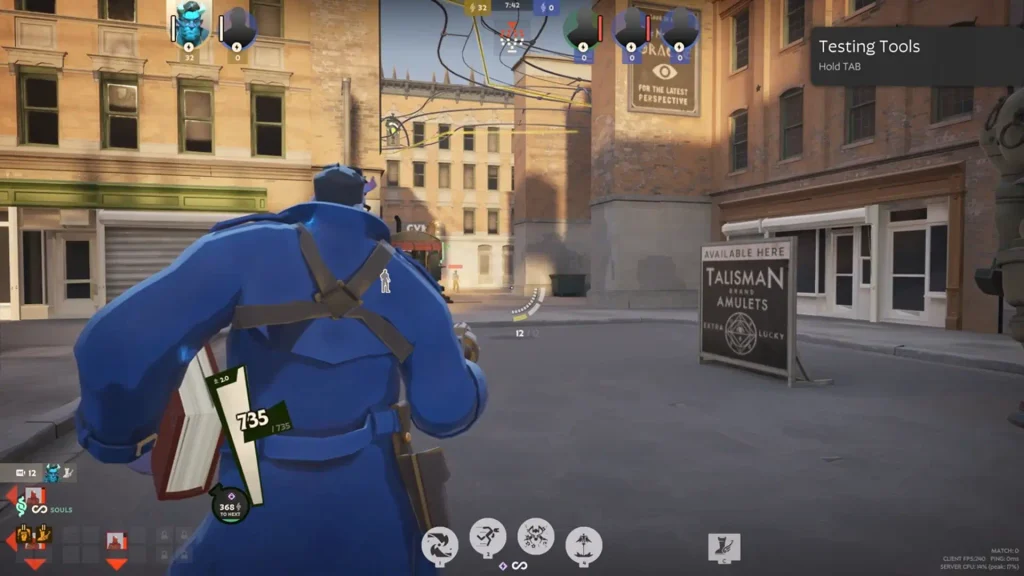
Look at your hardware before you blame the game. It costs nothing to check. A connected controller with its zoom button physically pressed could be the whole problem. I have seen a lot of similar cases where the cradle holding the controller kept pressing the left trigger.
So unplug every controller and check your mouse buttons. Do this before verifying files or reinstalling.
Hideout and Explore Crouch Zoom
If your camera jumps to a faraway spot for a split second every time you crouch, and ADS zooms in way too far, check where it happens. Several of these reports came from the Hideout and Explore, not live matches.
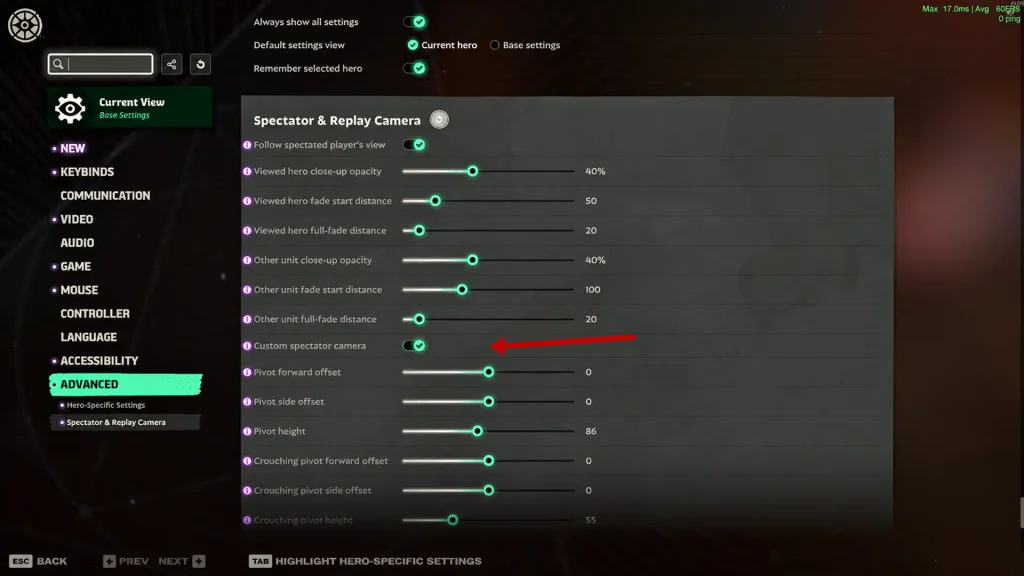
Go to Settings and turn Custom Spectator Camera OFF. That fixed it for some players. The setting came with the September 29 City Never Sleeps update, which added the new spectator camera options. I would also recommend resetting all settings to default.
Yes, this is the opposite of the ON tip for modded heroes. Different symptom, different direction. Don’t flip it in a modded game and expect the crouch bug to go away.
Hero-Specific Camera Glitches
These are separate from the mod bug. They start after an ability gets interrupted, and each fix is tied to one hero.
| Hero | What Happens | How to Fix |
|---|---|---|
| Rat King (ult) | Camera stays high after you’re hit mid-ult, even through death | Plant the flag properly on your next ult. Two Oct 6 match reports. |
| Rat King (framing) | View sits too close | Set citadel_camera_use_vmdl_flatten_horizontal and _vertical to “true”. Custom-config users only. |
| Yamato | Zoomed out after CC during ult startup | Use the ult again. One February report. |
| Apollo | Stays zoomed like right-click is held | Ability 3 helped briefly, then it cleared after a few deaths. One report. |
If the Bug Still Happens Without Mods
If the camera is still broken after all that, report it.
Post on the Deadlock bug forum at forums.playdeadlock.com. Include your hero, where it happened (Hideout, live match, or spectating), the patch date, the match ID, and a clip. The October Rat King reports listed match IDs and exact steps, which made them easy to follow.
That’s everything there is about Deadlock camera bugs so far. Do you know a fix I forgot to mention? Write them in the comments below, and I’ll add them here.