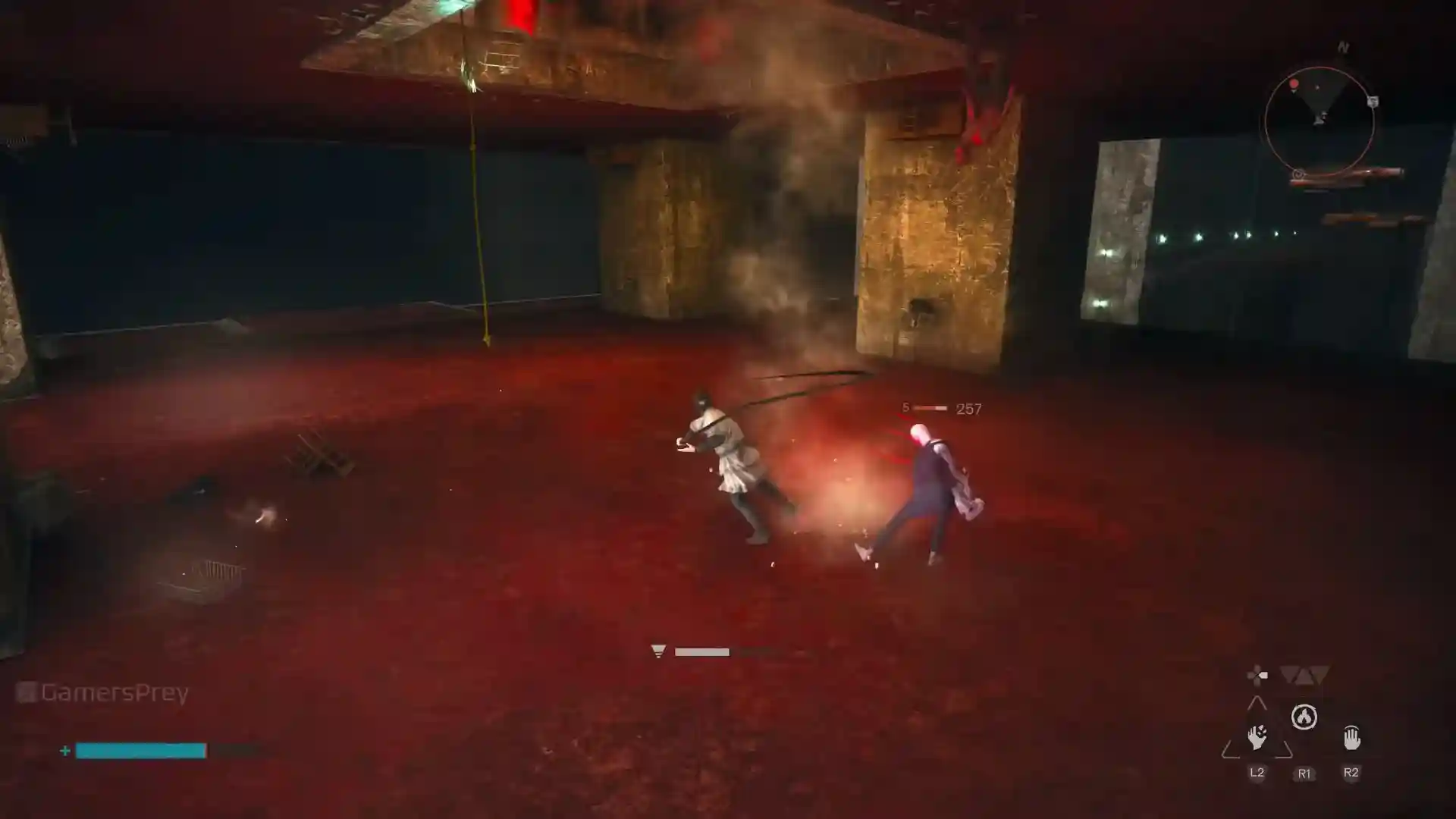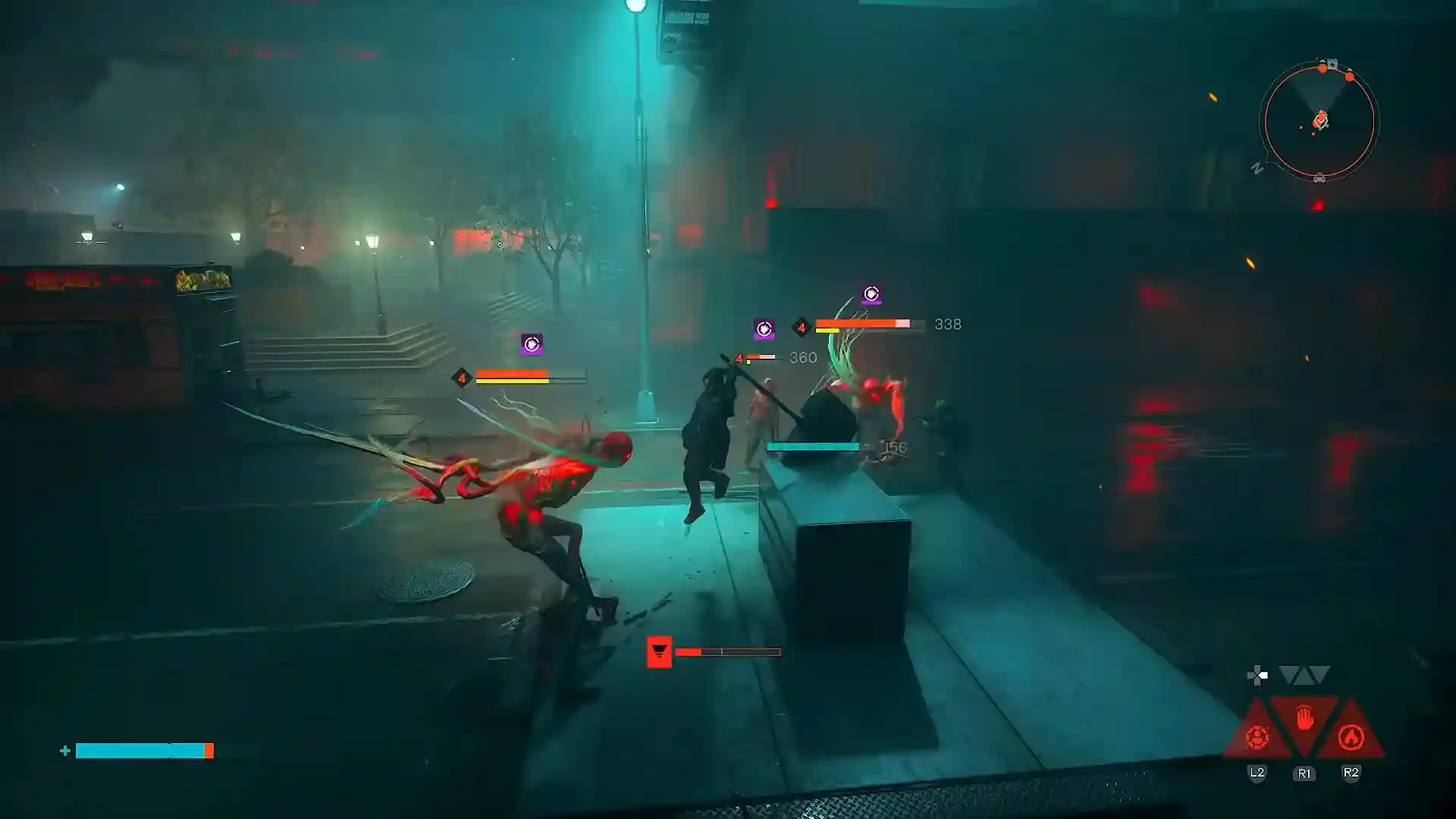


Recently, a great number of players who bought and booted up Control Resonant have faced a common issue that borders on making the game unplayable. I was one among such players, so I’m not here to do the cliché and tell you to update your drivers or clear your download cache. Control Resonant audio stutter issue happens either when launching it or just in the middle of the game. In the case of the latter, it could occur during gameplay or cutscenes. Sadly, this problem isn’t specific to one platform; reports have appeared from PC, Xbox, and PS5 users.
The exact cause isn’t clear yet, but if I had to make a guess, I would say the game can’t properly handle the audio streaming while the system is under load.
I hate to tell you this, but there isn’t one universal fix. Changing the game’s location to an SSD is the solution that seems to have worked most often, according to feedback from players. This is also the method that worked for me. If even that didn’t solve the problem, try moving the game to an NVMe drive. Still, this might not work for all cases. Remedy has confirmed audio issues exist, but has yet to offer anything beyond generic technical advice.
So here are all the fixes players have reported so far, plus the official troubleshooting steps from Remedy. Hopefully, you’ll find one that’ll fix this annoying bug. If not, report the issue directly to Remedy.
Table of Contents
Move the Game to an SSD
Since the game launched, many complaints regarding Control Resonant audio stutter issue have popped up on platforms like Steam and Reddit. Discussions about the Control Resonant audio stutter run rampant even days after its release.
You might have run into this problem from the moment you started the game, or simply later were faced with this frustrating glitch. It will probably take a while for the issue to be patched by the developers so here is a solution that actually works:
Simply move or reinstall the game on a SDD. Its higher processing power should help make the game run smoother and also fix the audio stuttering.
I’m not recommending this method just because it worked for me. The common resolution for most PC users seems to have been the same. Just don’t install the game on an HDD.
Transfer the Game to an NVMe
In my experience, even an SSD can prove to be a drag when you’re playing new AAA titles like Control Resonant. So if you have the financial means to do it, it would be better to even transfer the game to an NVMe drive since it helps the game run faster.
You may remove DLSS 5, verify the integrity of your game files, update drivers, etc. The issue will probably still remain. You will eventually resort to moving the game from your SSD to a NVMe m.2. And then boom, the audio issues will be gone.
Change the Audio Bitrate
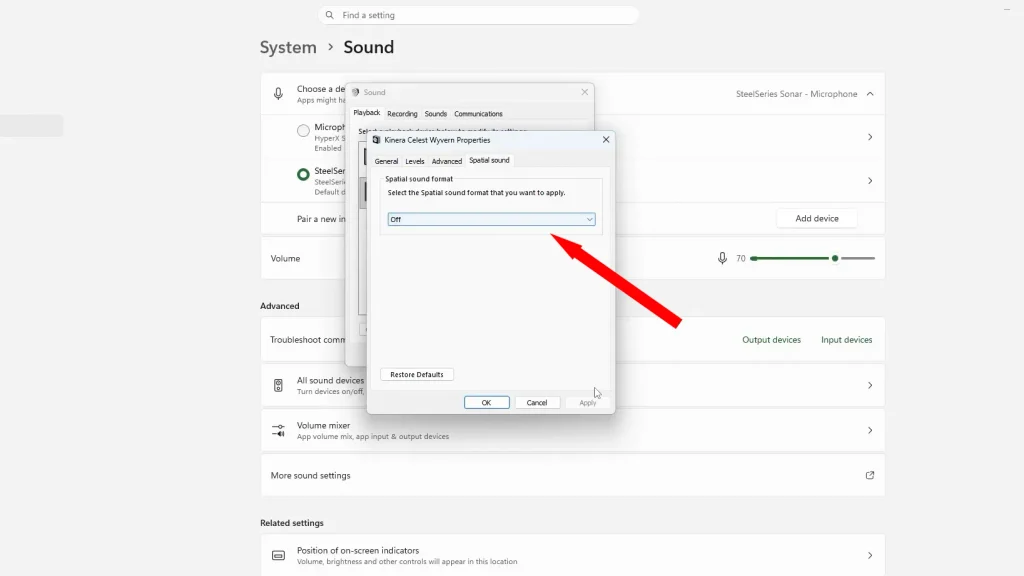
After talking to some users, I found out this method has also worked. To do this, go to your PC’s Control Panel, Hardware and Sound, then Sound, check your Speakers’ properties (the Advanced section), set it to 24 bit, 48000 Hz. If it didn’t have any effect, try lowering the bitrate and Hz more and more and check if it finally works.
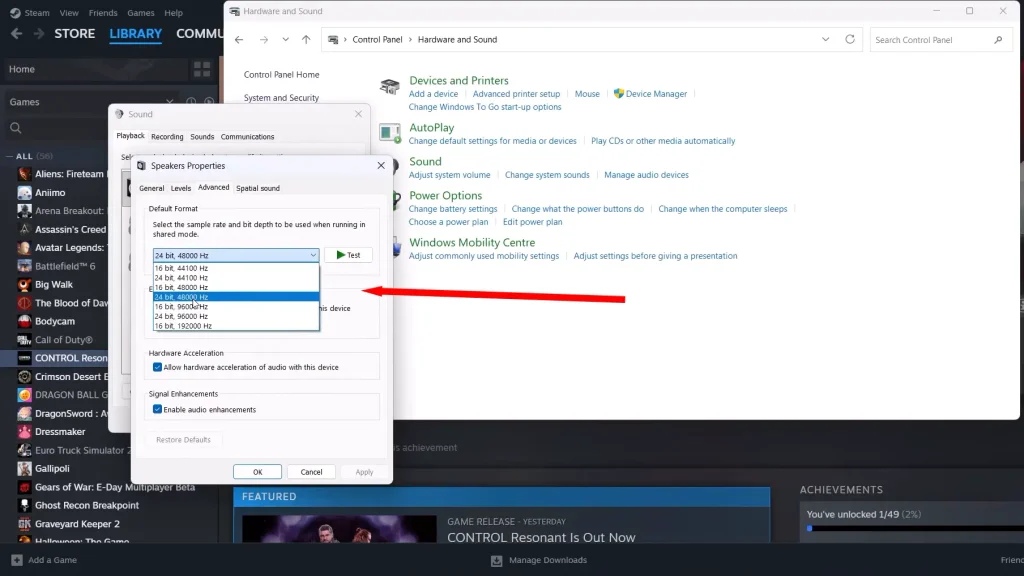
In addition, don’t forget to set the spatial sound format to OFF.
Using a DualSense Controller? Disable its Audio Device
Some players naturally use controllers to play Control Resonant. From among those players, there are those who plug in a PS5 controller (I did the same). Now this might cause the audio stutter. Here is what you should check: how did you connect the controller?
You would be right to be suspicious of the USB wire. Try changing the PC’s sound settings by disabling the DualSense audio device in Windows (System > Sound). I also suggest going entirely Bluetooth with your controller.
PS5: Try Switching to Linear PCM and Disable 3D Audio
If you’re playing on PS5, unfortunately there aren’t that many solutions provided in the community. So in case you face this issue, I recommend you follow the official fix procedure. You should at least try these two methods:
- Test Linear PCM: Go to your PS5’s settings, open Sound, click on Audio Output, then check the Audio Format (Priority), and lastly set it to Linear PCM and test the game.
- Disable 3D Audio: Go to Settings, click Sound again, look for 3D Audio for TV Speakers/Headphones and temporarily turn it off.
Xbox Series X: Change Graphics Settings
There seem to be fewer cases for audio stuttering on the Xbox. I could only find one user who had this issue and also found a fix for it. I recommend changing your graphics quality from Quality to Performance.
Still Unresolved? Try Remedy’s Official Fixes
If none of the fixes above worked for you, I am afraid your only chance lies in contacting Remedy directly. I advise you to ask the community for help too, especially on Steam and Reddit.
Performance issues aren’t the only type of problems players have faced with Control Resonant. Many are stuck with one infamous quest, but there is a guide for The Complete Set. Some others faced difficulty with the Switch Attack mechanic, even thinking it might be bugged.
I even noticed some of you have trouble unlocking certain outfits in the game. There is a full outfit unlock guide for that too.
CONTROL Resonant