

Mina the Hollower is a great adventure game, but I noticed many players get confused about the save mechanics. If you are looking for a way to record your progress, keep your currency safe, or fix a broken file, you are in the right place. In this guide, I will explain everything you need to know about these issues.
What we cover:
How to Save Your In-Game Progress
Some players worry when they look at the menu and find no button to record their adventure. The good news is that the game handles this for you automatically. The system updates your progress whenever you walk into a new area or trigger a screen transition. If you quit the game, it loads your character on the exact screen where you left off.
You can also secure your spot by walking over a hideout. If you die or reload, the game returns you to the last underground lab you visited. To know exactly when the system records your data, look at the bottom right corner of your screen. A tiny scroll with a quill will appear.
If you feel the distance between checkpoints is too long, you can enable Modifiers in the settings. These options double your walking speed and reduce backtracking. However, you should know that enabling them disables your achievements.
How to Save and Bank Bones
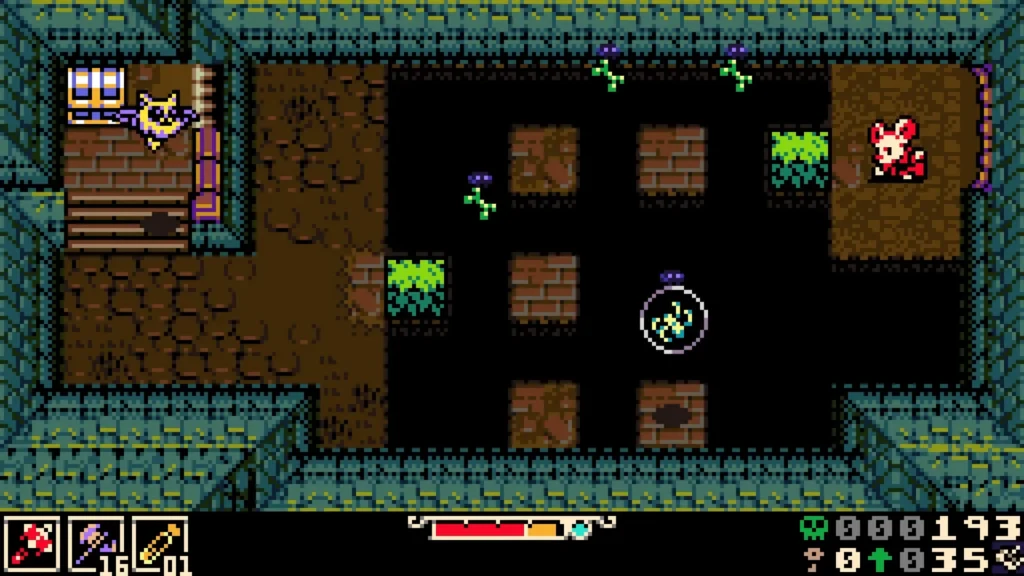
Death is punishing in this game. If you fail in combat, you will lose a large amount of your bones. You get one chance to recover them. You must return to the location of your death and collect the blue Spark Orb or defeat the enemy there.
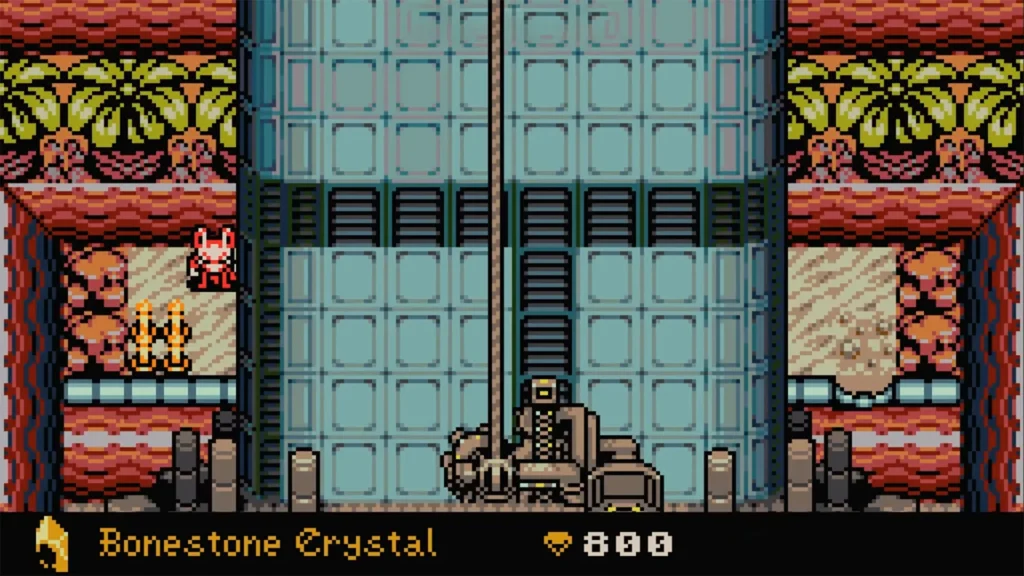
To avoid losing them permanently, you should use the game’s banking system. You can purchase Bonestone when you Bone Up, or find Bonestone Dust and Bonestone Flakes in hidden chests. Once you collect these materials, head down to the underlab.
Look for a machine in the top right corner called the Bonestone Sinterer. You can interact with it to convert your stored materials back into Bones. This method keeps your currency completely safe from death.
If you do not have enough materials yet, your best strategy is to spend your currency constantly before a hard fight. Invest in these early upgrades to make your survival easier:
- Spark count (This is the most important choice because it unlocks new shops).
- Max health upgrades.
- Plasma vial count.
- NPC donations.
- Weapons and their upgrades.
Mina the Hollower Save File Location & Steam Cloud Fix
Some players on PC lose hours of gameplay because of a Steam Cloud sync error. This usually happens if you open the game directly from its folder instead of launching it through the main Steam app. The system creates a Local save and then overwrites it with an older file later.
If this happens to you, do not panic. You can restore your progress by finding the correct folders on your computer. You just need to copy the saveData.yc and saveData.bak.yc files from your recent local folder and paste them into your steam folder.
Here are the exact directory paths you need to check:
| File Type | Windows Directory Path |
|---|---|
| Cloud Save | C:\Program Files (x86)\Steam\userdata\<steam ID>\1875580\remote |
| Local Save | C:\Users\[your username]\AppData\Roaming\Yacht Club Games\Mina the Hollower |
Mac users will find similar folders under their Library and Application Support directories. Just move the files over, launch the game properly, and your lost hours will be back.