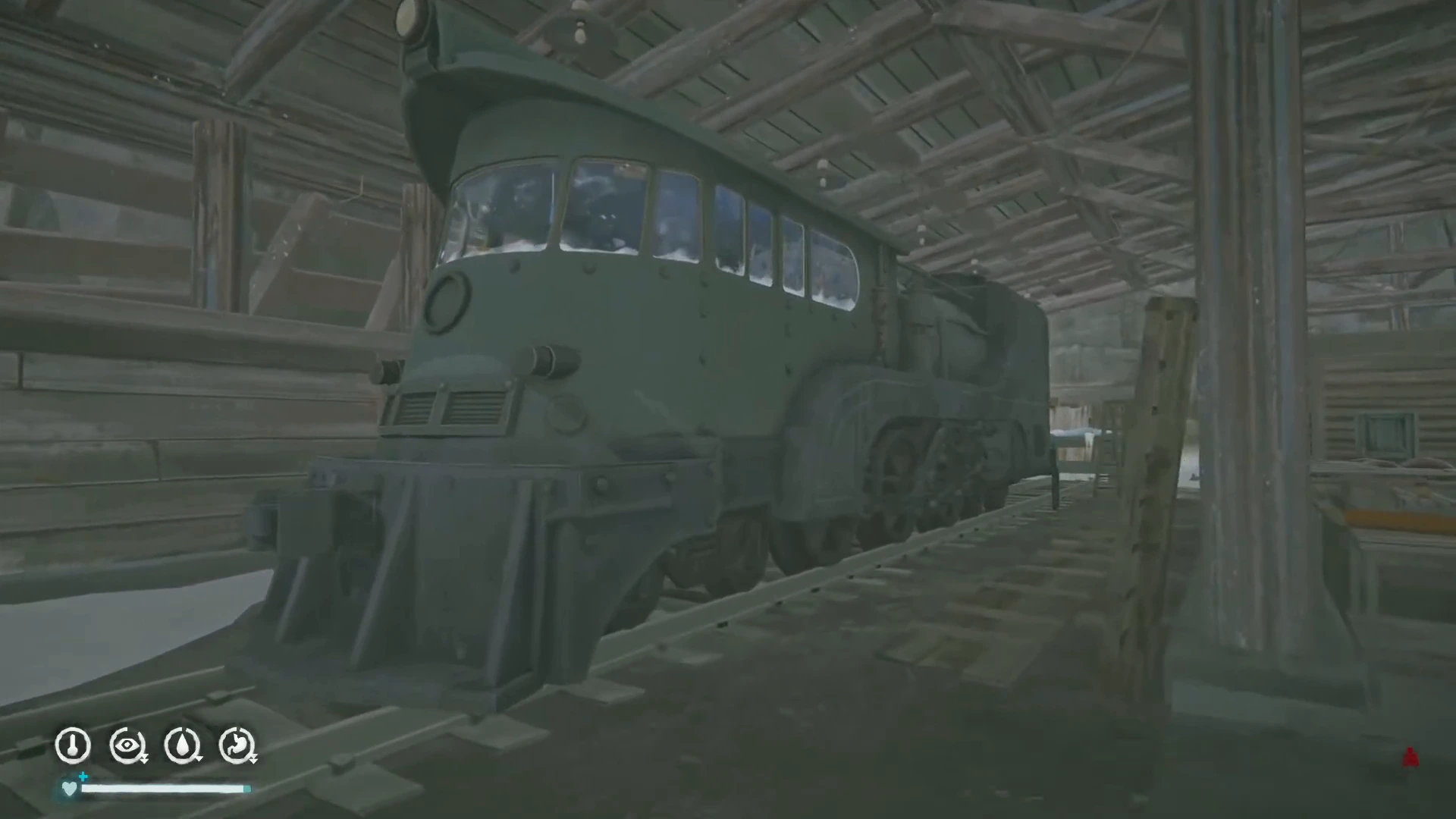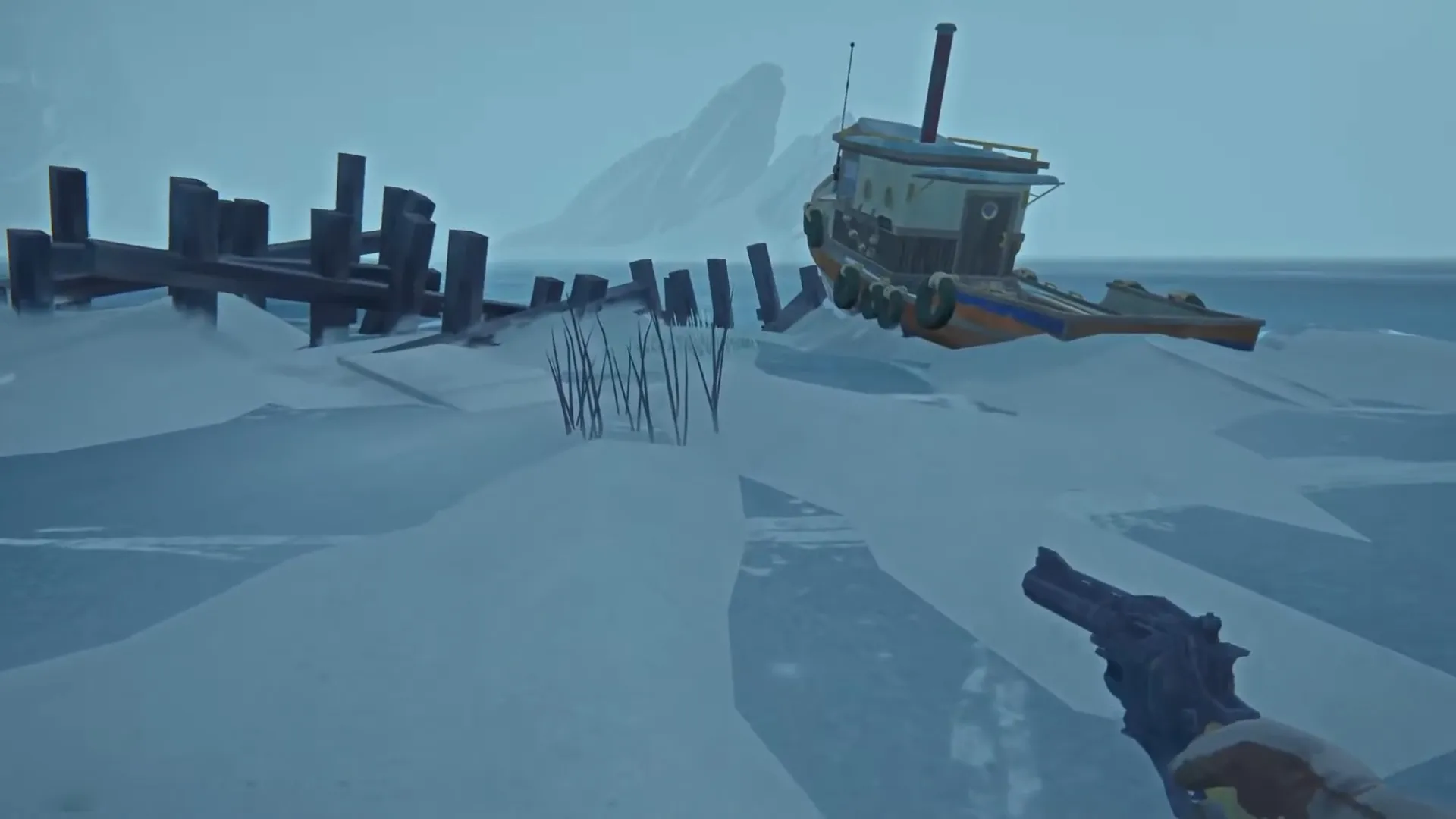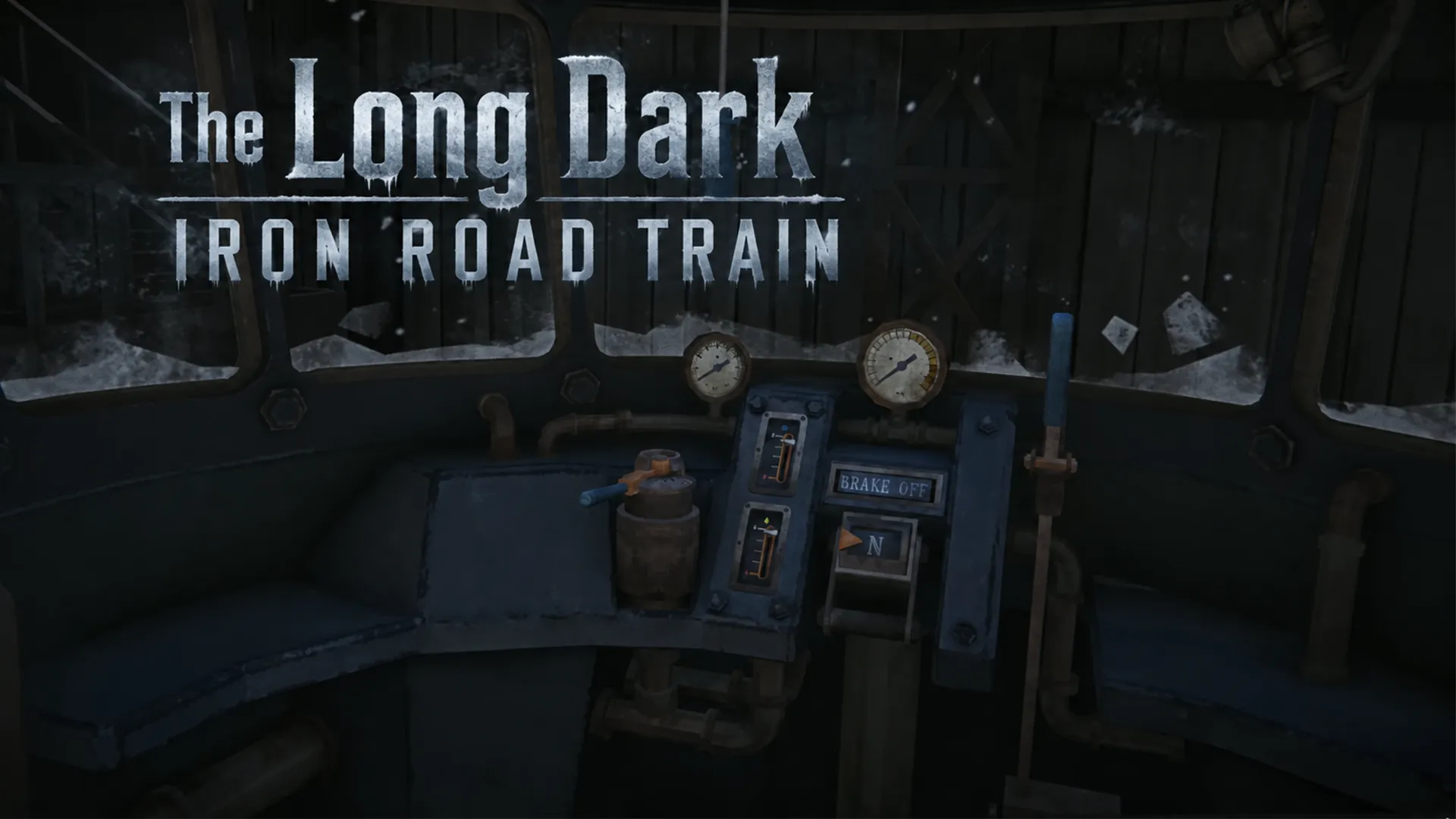


The Long Dark Iron Road train takes some work to reach. Your first journey on Anna Island follows a trail of paper maps, with a lengthy walk before you reach the Prototype Train. Once aboard, the cabin controls and the railway’s refueling stations become part of your survival routine.
Start with the route below if you are still searching for the locomotive. If you already have it, jump to the cabin controls, reversing instructions, or the green alignment indicator used at fuel and water stations.
Jump to
Reaching Port Remnant
Begin at the Hibernia Processing docks in Desolation Point, on Great Bear Island. The Fulmar takes you to Cauldron Island. You can use an existing Survival save or begin a new run, but Cauldron Island cannot be selected as your starting region. Check the boat’s departure requirements before leaving. Your destination is Port Remnant on Anna Island, the first island available in Iron Road.
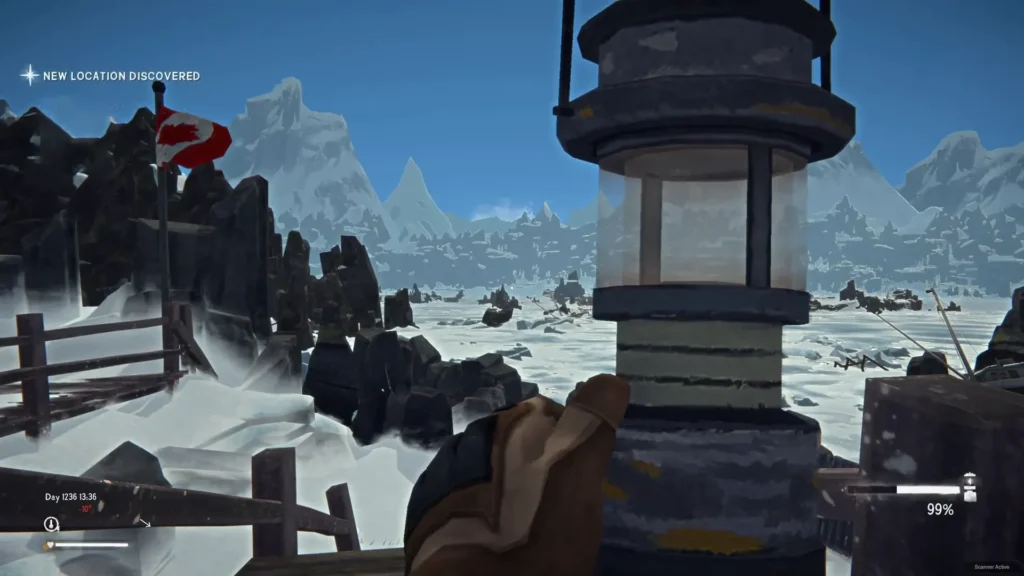
Arrive ready to explore on foot: reaching the harbour is only the beginning of the search for the train. Leave room to collect supplies on the approach.
Food and drinking water deserve space in your pack, and a light source is useful when investigating unfamiliar interiors. Take the opportunity to rest before committing to the longer railway walk.
Finding the Prototype Train
Collecting the Lighthouse Map
Visit the lighthouse in Port Remnant and find the Wax Cylinder recording that mentions the church. Pick up the paper map beside it.
Open your Notes tab to examine the drawing. These collected maps do not fill in the ordinary regional map opened with M. If your region map still looks empty, check Notes before assuming that you missed another map piece.
Following the Cave Route to the Church
Follow the first map to the church before continuing the clue trail into the next region. The church and its approach cave are in the Port Remnant area; finish investigating this location before setting off along Track Section 5.
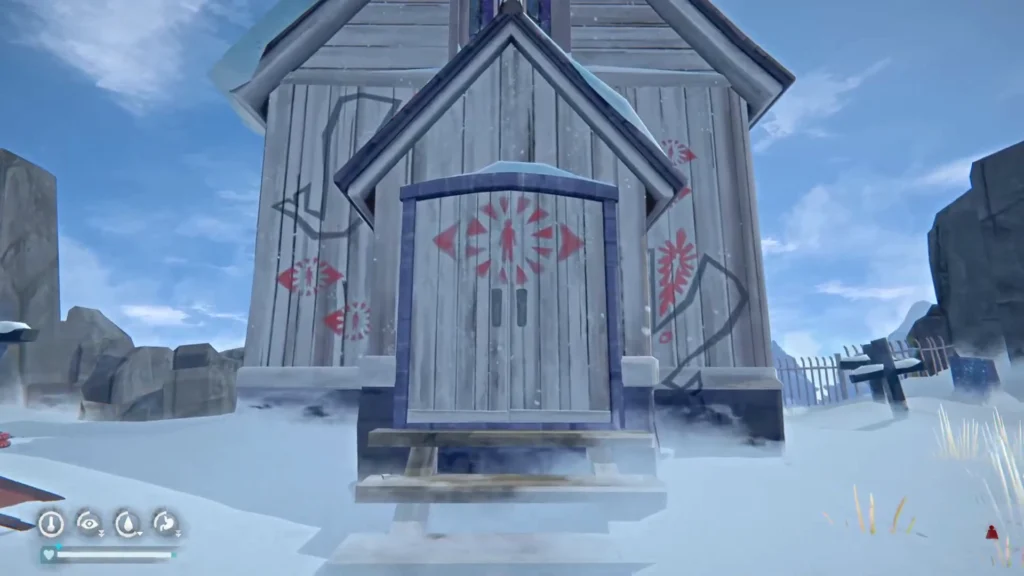
Look for the cave approach near the railway. The entrance described in the launch route is past the destroyed camp, along the cliff edge. Follow the passage toward the church and collect the second hand-drawn map there. Use the sketches alongside the terrain. They are rough drawings, so match the main landmarks instead of treating every gap or angle as an exact measurement.
Continuing Along Track Section 5
With the second drawing collected, follow the railway into Track Section 5. This is a long approach on foot. Do not turn back simply because you have been walking for a while without seeing the locomotive. Continue past the waterfalls and look for the rope route. After climbing, follow the mountain path back toward the railway and continue toward the train. Stay on the established route instead of trying to climb directly up the slopes shown in the sketch.
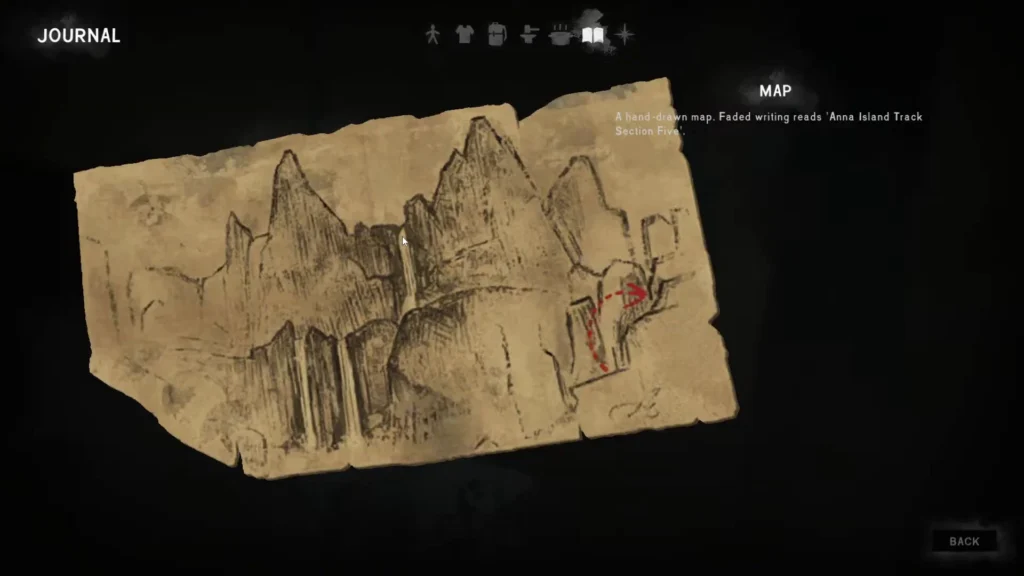
Watch your warmth and fatigue during this stretch. If your condition is deteriorating, deal with it before pressing farther into an unfamiliar area.
Finding the Train Key
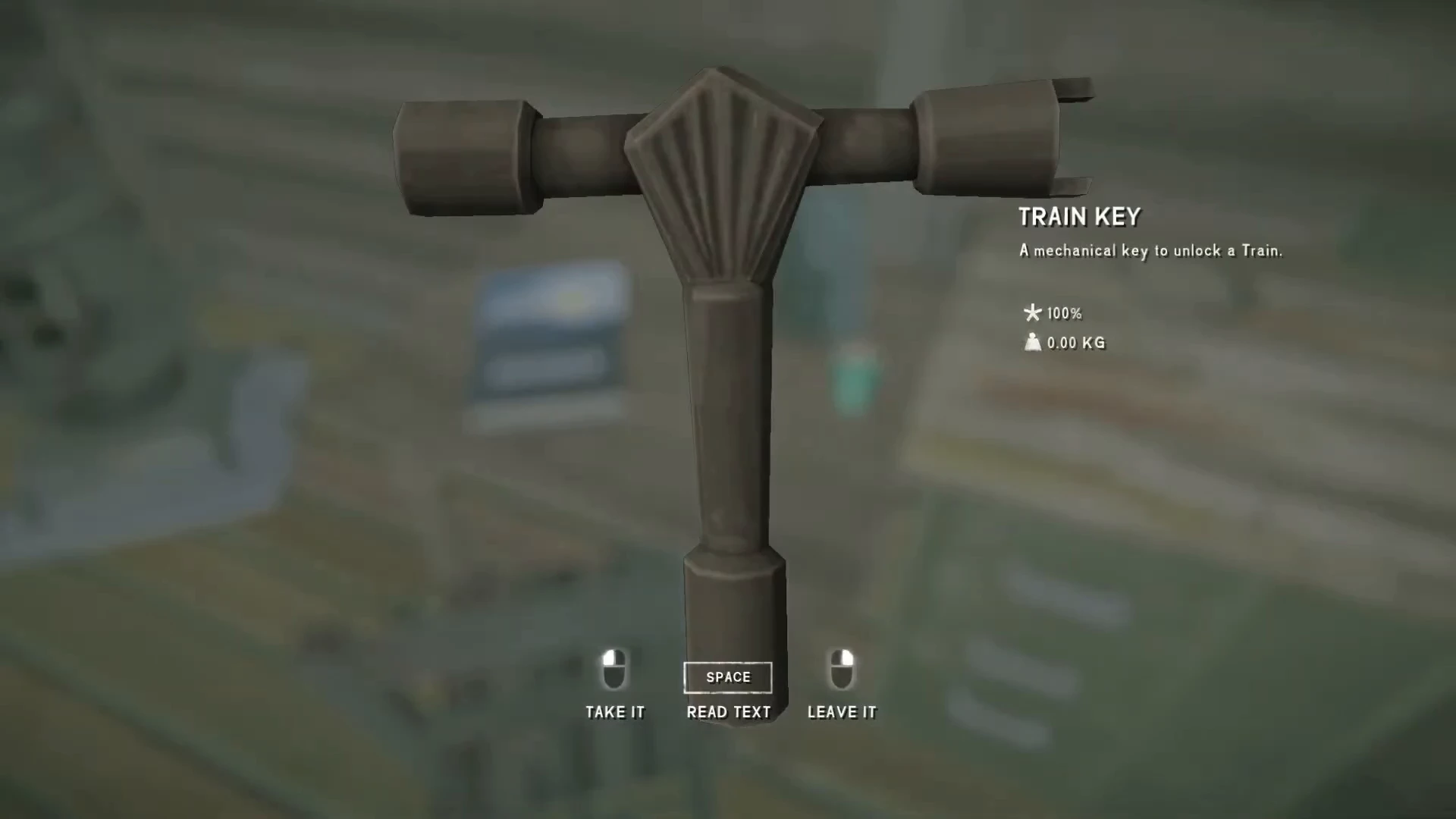
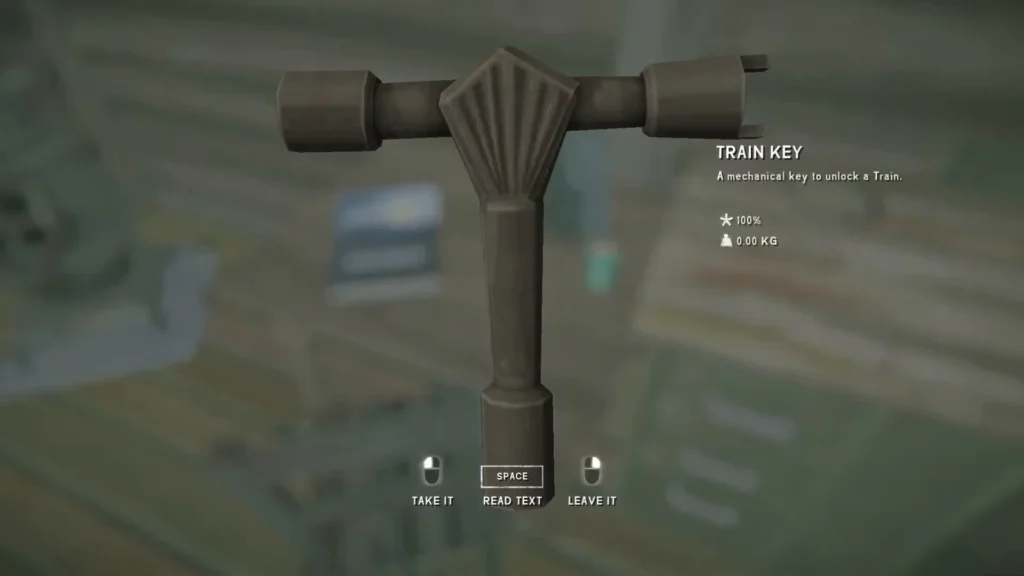
The Prototype Train Key is beside Alice’s Journal in the train tunnel.
Getting Familiar with the Cabin Controls
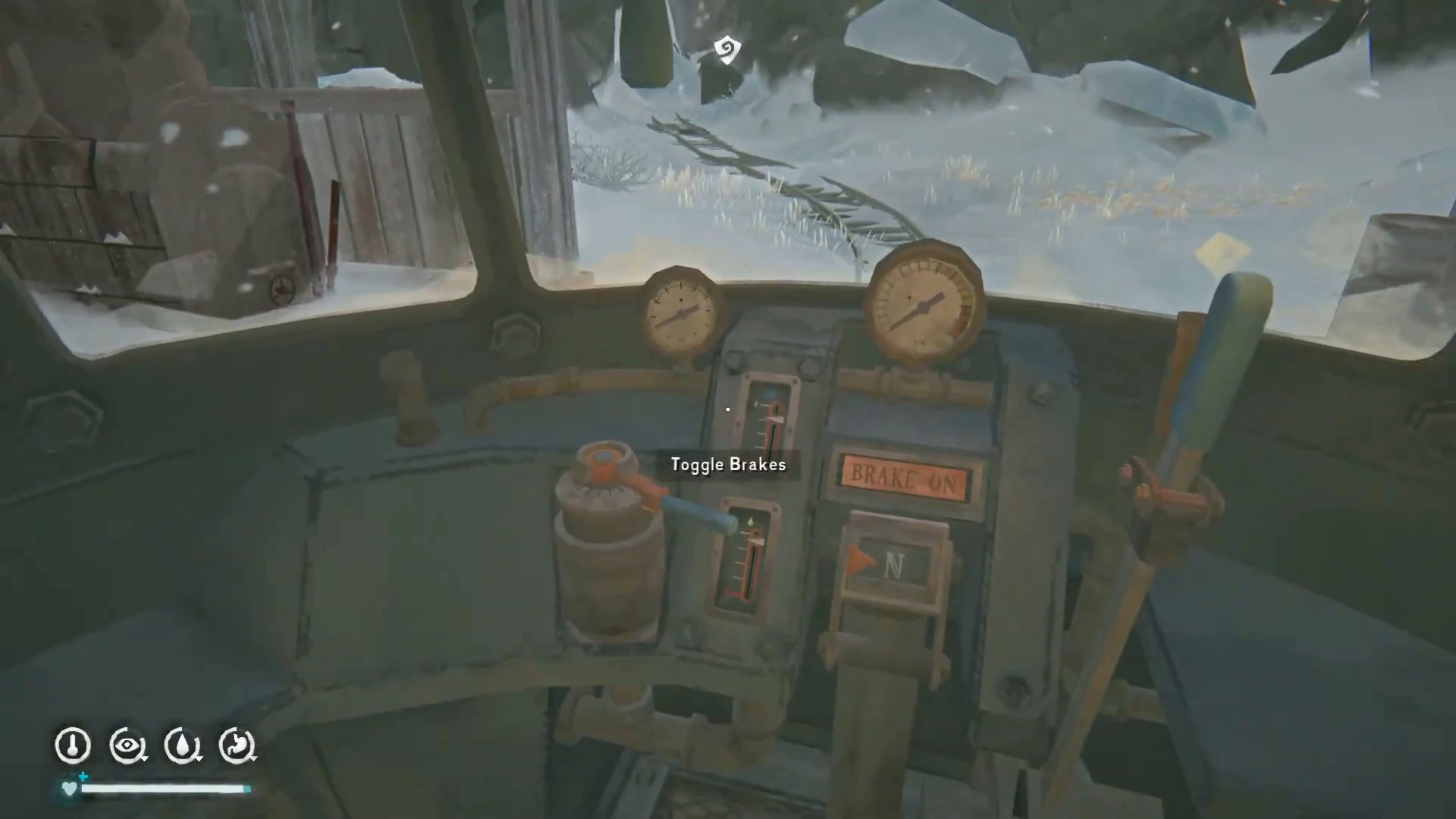
Once aboard, locate the engine control, gear selector, and brake. Each has its own interaction, and the front panel has separate resource gauges.
| Control | What to look for |
|---|---|
| Engine | A running engine displays the Shut Down Engine interaction. |
| Gear Selector | Look for Shift Gear and check the numbered gear indicator. |
| Brake | Use Toggle Brakes and read the brake-status sign. |
| Resource gauges | Check the separate fuel and water indicators before departure. |
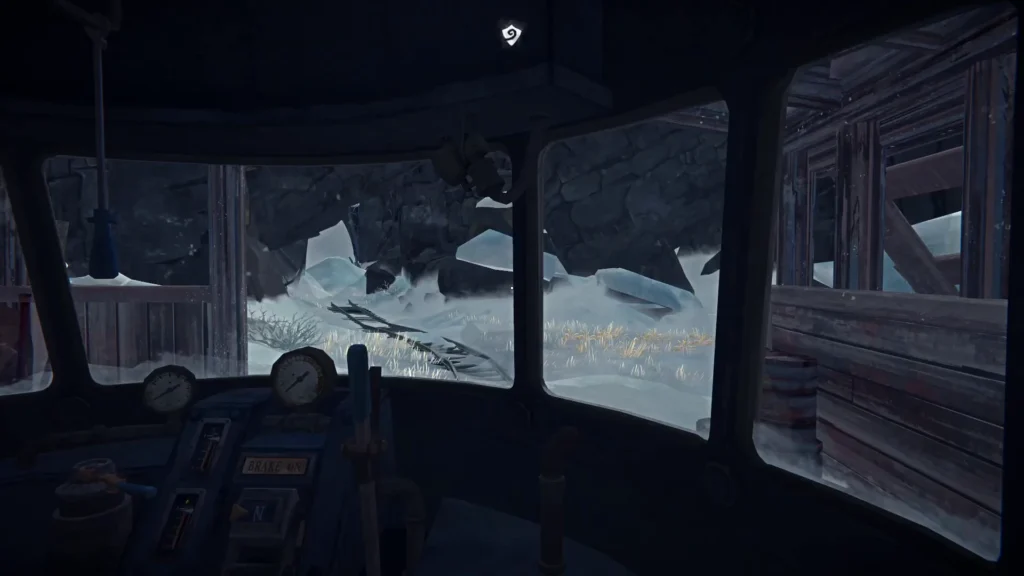
A selected forward gear does not tell you that every other control is ready. Before moving off, check the engine state and confirm that the brake indicator reads BRAKE OFF. Make one change at a time so you can see which control affects the train.
Preparing the Engine for Travel
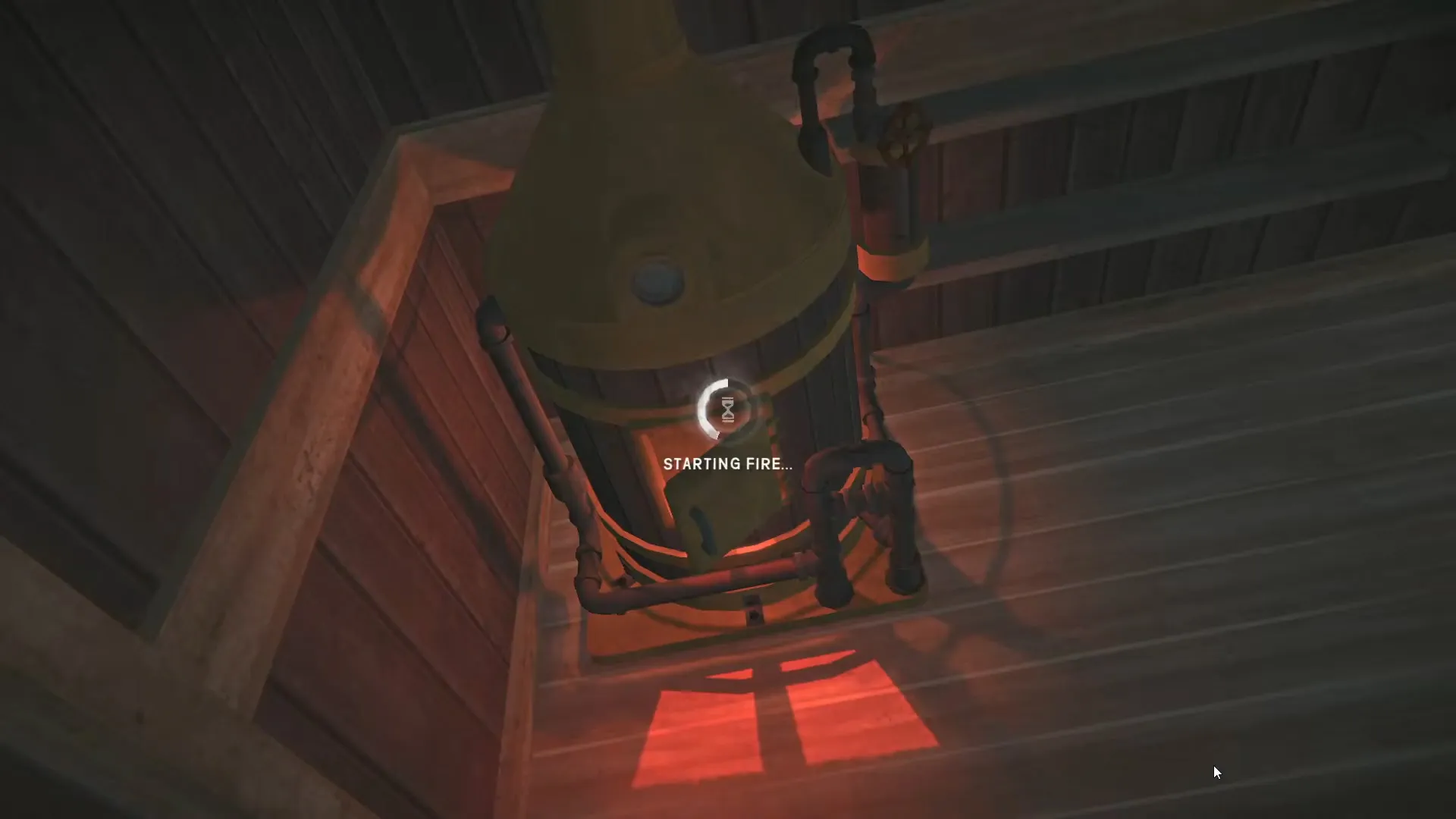
Check the fuel and water gauges and start the engine through the firebox interaction. Then check steam pressure. Release the brake and select a forward gear when ready.
Reversing the Long Dark Iron Road Train
To travel backward, move the gear selector into its R or Reverse position. R is the selector’s displayed state; it should not be read as an instruction to press the R key on your keyboard. On PC, use right-click on the gear shifter to select reverse. This is easy to miss because the normal interaction cycles the forward gears. Check the indicator after interacting so you know which direction is selected.
When backing up, look out the side window to improve your view. I recommend using the cabin windows for visibility while reversing.
Refueling at Fuel and Water Stations
The Prototype Train runs on Whale Oil. Plan around that fuel when preparing the locomotive for travel. At a Fuel or Water station, positioning matters. Look for a small green indicator that tells you when the train is aligned correctly.
- Approach the station and check its position from the cabin.
- Move the train until the small indicator changes from black to green.
- Look for the opened metal flag. It resembles a round light, but it is a small sign.
- Stop at that position and use the station’s transfer interaction.
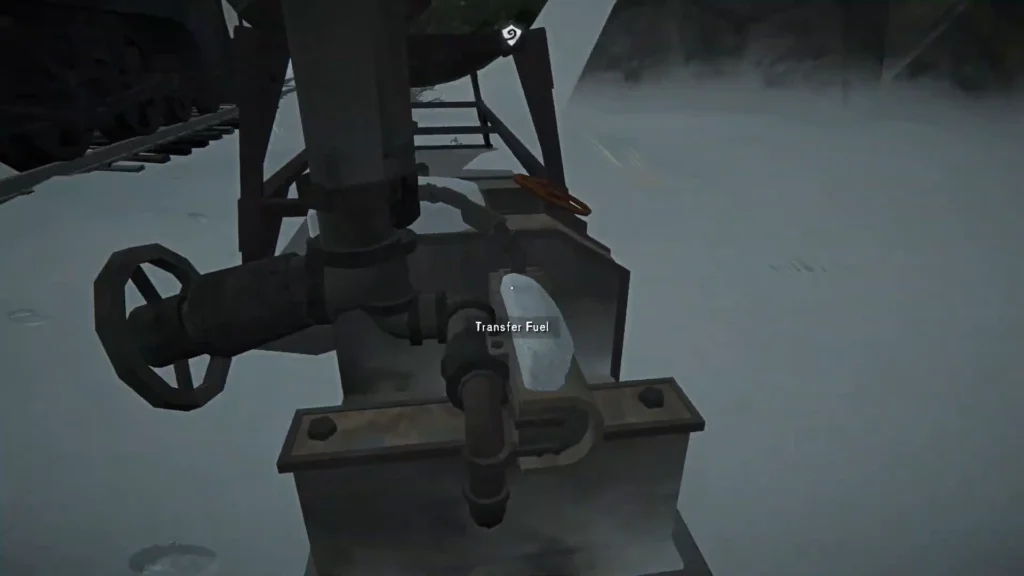
If the transfer option is unavailable and the marker remains black, adjust the train’s position.
Looking close enough from outside is not a reliable alignment check; use the indicator visible from the cabin. Check both resources before leaving. Finding an oil station does not automatically solve a shortage of water. Keeping a short note of refill locations can also make the return journey easier to plan.
Topping Up from Carried Supplies
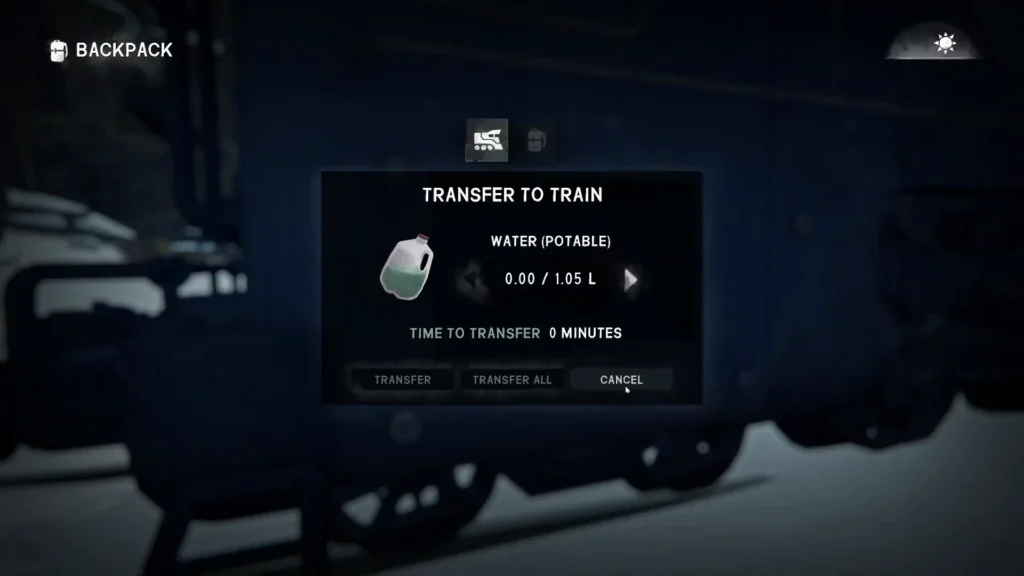
For carried supplies, use the locomotive’s exterior Whale Oil or Water panel and choose Transfer to Train. Confirm that you have selected the intended resource.
Maintaining the Train Between Trips
The Prototype Train is a mobile shelter with components that need ongoing maintenance. Make a condition check part of each departure, especially after a difficult stretch of railway.
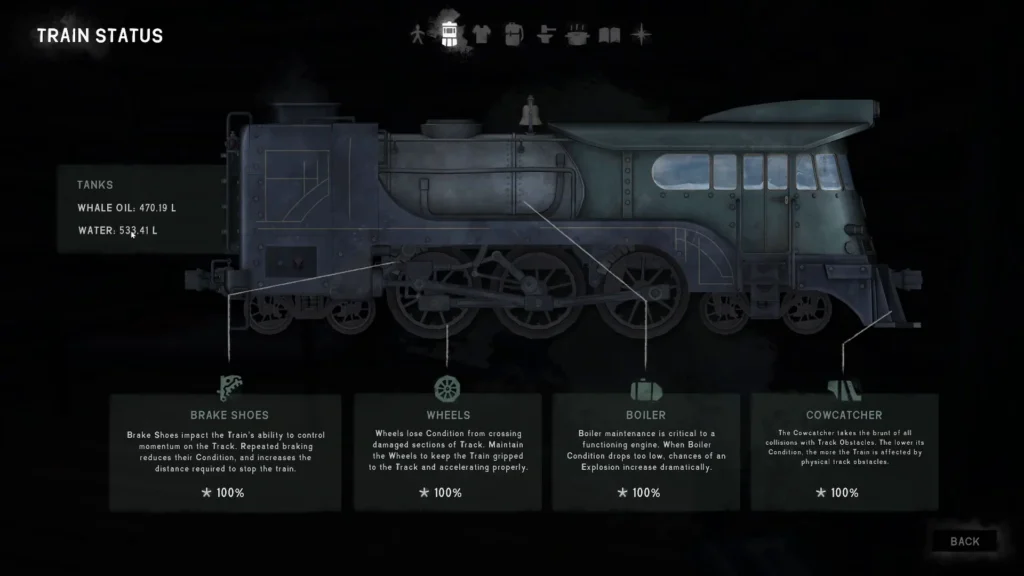
Open Train Status and inspect the Wheels, Brake Shoes, Cowcatcher, and Boiler before a long journey. Carry the Heavy Hammer for track work. Keep Scrap Metal with your repair supplies and store spare Brake Shoes where you can reach them. Check each repair’s requirements before spending anything. Keep routine maintenance separate from upgrades.
Repairing Damaged Track
Carry a Heavy Hammer. Stop before the damaged rail, select neutral, apply the brakes, and leave the cabin. Interact with the track and select the Heavy Hammer. Review the repair time before starting.
Plan that stop around your own condition as well as the train. Repair work takes time, so deal with hunger or thirst before starting a lengthy job. Once it is finished, return to the cab and check the route ahead before moving off.
Using the Train as a Mobile Shelter
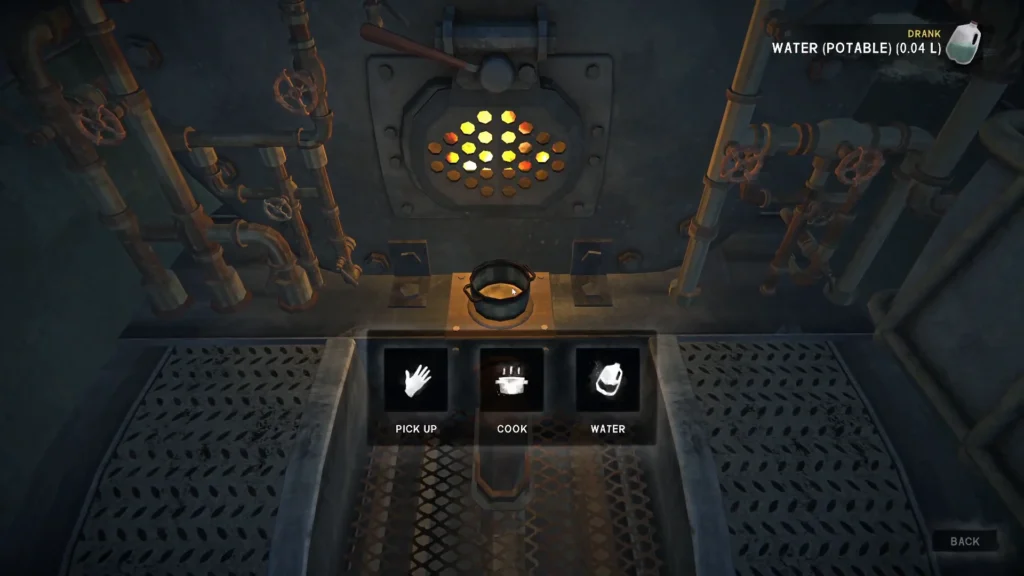
Use the cot for rest and the cupboard for storage. Ordinary item dropping is restricted inside the train; use the placement interaction to position a cooking pot.
Handling Blocked Routes and Future Area Gates
Read any message that appears when you reach a gate. If it says the area will unlock later, reverse away and continue exploring the accessible railway. These gates mark the current content boundary. There is a launch issue in which the train can intersect gates leading to future islands. If the cabin appears to have clipped into a gate, use the gear selector to attempt reversing out. If the train remains physically trapped, report the issue to support.
The launch area contains roughly 30 km of railway. The larger network of more than 100 km belongs to the full expansion plan, so reaching a current boundary does not mean you have overlooked a way to unlock every island.

The Long Dark