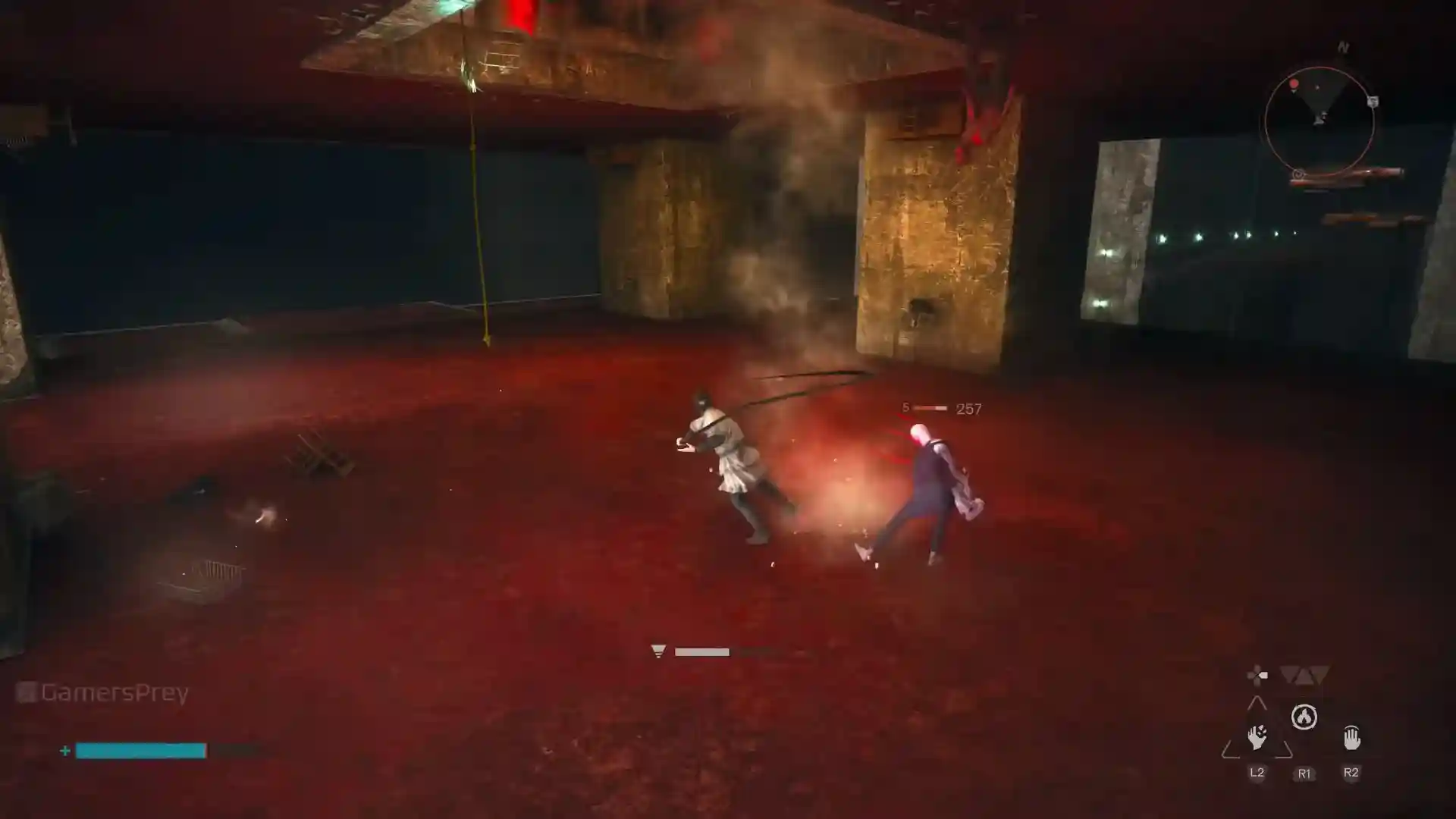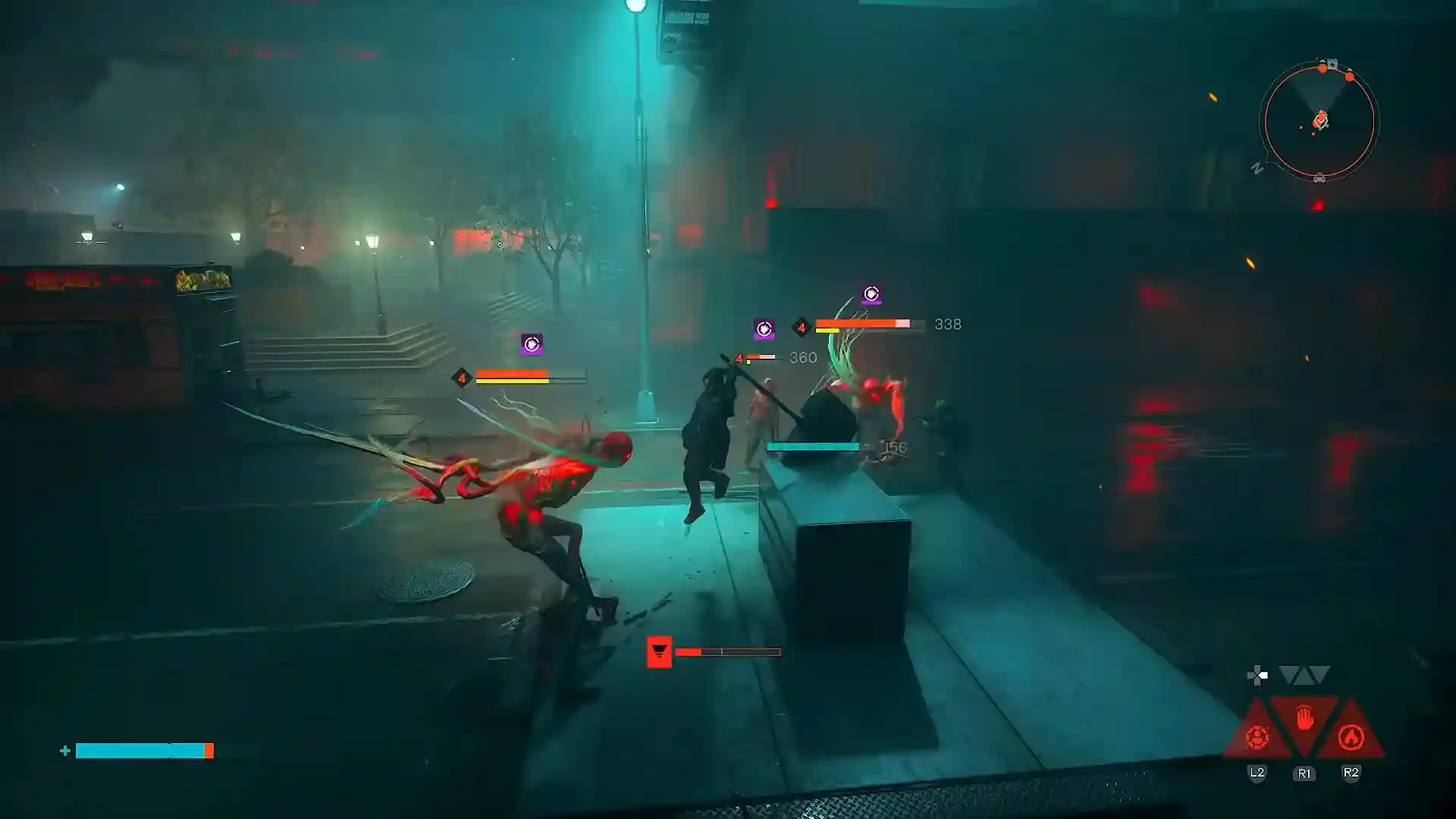


Trying to pull off a Switch Attack in Control Resonant and Dylan just keeps throwing what looks like a plain old heavy attack? You’re not alone, plenty of players have scratched their heads over this, especially with Crush.
Here’s the deal: Unlock the right upgrade for your secondary form, land three primary attacks, then hit the secondary-attack button instead of finishing the combo the normal way. You’re swapping out the Combo Finisher, not just tacking a heavy attack on after it.
Let’s walk through how to check your inputs, make sure the upgrade is actually unlocked and sort out the stuff that makes this move super confusing.
Find What You Want:
How to Perform a Switch Attack in Control Resonant
Start with your primary weapon’s regular three-hit combo. After that third swing, press secondary attack instead of primary again. Boom, your unlocked Switch Attack takes the place of the normal Combo Finisher.
| Controls | Switch Attack sequence |
| PlayStation | Square → Square → Square → Triangle |
| Xbox | X → X → X → Y |
| Keyboard or remapped controls | Primary Attack → Primary Attack → Primary Attack → Secondary Attack |
If you’re on keyboard or you’ve remapped everything, just follow the same actions with whatever buttons you’ve assigned.
Think of it like this: three primary hits, then you get to choose the ending. Stick with primary and you get the Combo Finisher. Flip to secondary and you get the Switch Attack instead.
Check That You Have the Right Switch Attack Upgrade
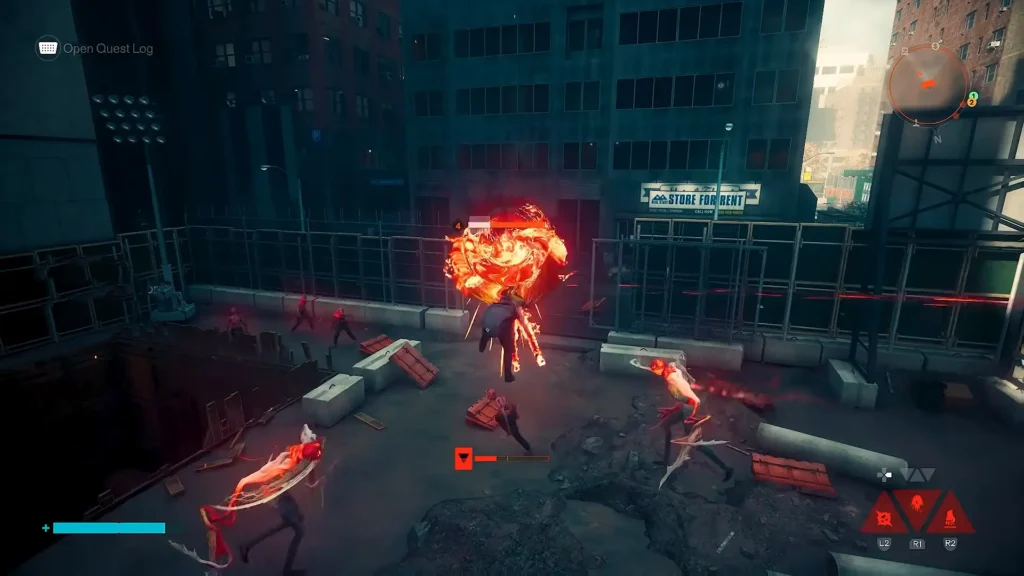
Just unlocking a secondary weapon form doesn’t automatically hand you its Switch Attack. Crush, Extend and Drill each have their own upgrade trees, and the Switch Attack is sitting further down the line.
Double-check the tree for the secondary form you’re actually using, don’t assume it’s there just because you own the weapon.
Here’s what you’re looking for:
| Secondary form | Switch Attack upgrade | Effect |
| Crush | Hammer Shift | Knocks enemies down and deals high Falter. It cannot be charged. |
| Extend | Ritual Comeback | Moves Dylan backward while attacking a wide area. |
| Drill | Suppression | Builds Weakened and knocks the target away. |
For Crush, Hammer Shift costs 4 Aberrant Shard, 8 Edible Glob and 1,250 Source, that’s just the node itself, not the full path to get there. Also make sure the upgrade is still unlocked if you’ve been swapping builds around.
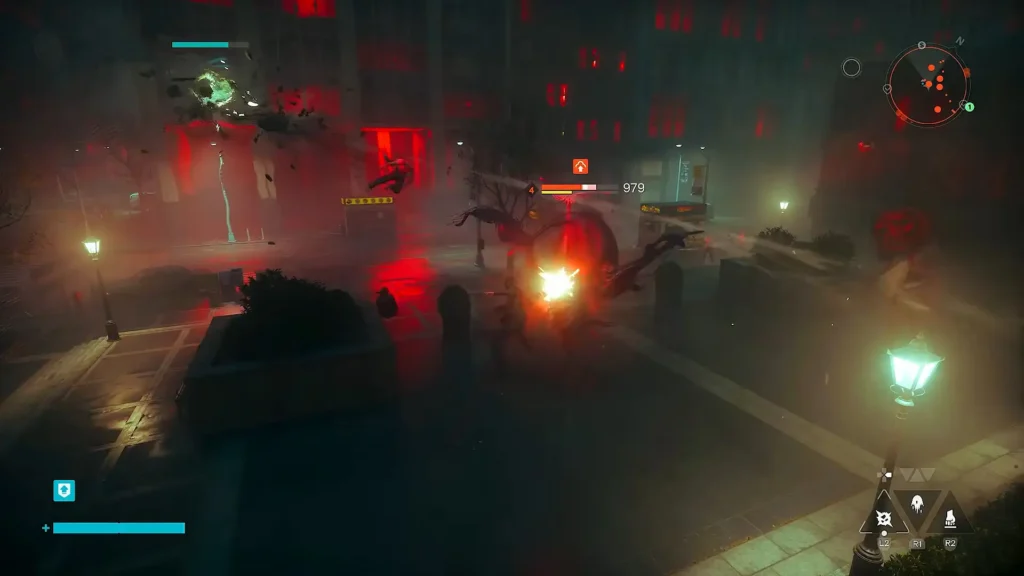
Why Your Switch Attack Looks Like a Normal Hammer Attack
Just because the animation looks familiar doesn’t mean you failed.
Crush’s version looks a lot like the first swing of a normal hammer attack, but it packs serious Falter. Extend’s Switch Attack is way more obvious visually.
For a real-world check, watch the enemy’s reaction and that Falter meter (the yellow bar under their health) instead of only staring at Dylan’s swings. It’s an extra clue when you’re testing, but don’t treat it as the only proof.
What to Check When Switch Attack Still Won’t Trigger
Make sure that you’re performing the combo finisher first. A Switch Attack is an alternative way to end your primary combo. Press secondary right after the three primary hits, don’t finish the normal finisher and then try secondary.
Crush has another upgrade that can mess with your head here: Hard Stop. It makes the next Crush attack charge instantly after a Combo Finisher hits an enemy. That’s a totally different sequence from Hammer Shift. When you’re practicing, count those three primary attacks out loud if you have to, instead of just mashing and hoping.
An Accidental Dodge Attack Is Resetting Your Combo
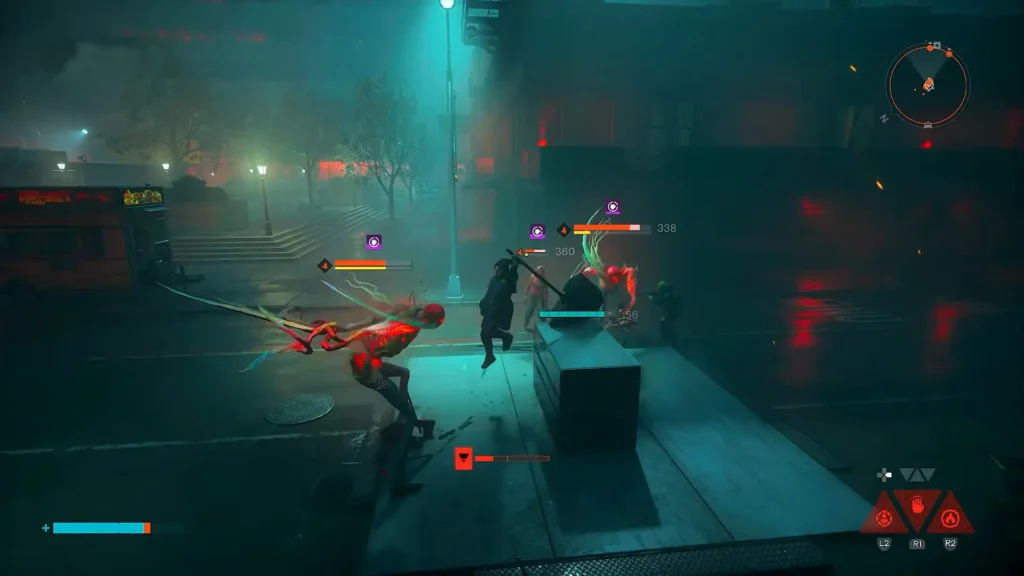
You can dodge mid-combo and pick up right where you left off, a normal dodge won’t force a restart. But if you attack while Dylan is still in the dodge animation (and you’ve unlocked the relevant upgrade), you’ll trigger a Dodge Attack that resets the whole string.
That can totally throw off your Switch Attack count. Three primary presses that got interrupted by an accidental Dodge Attack aren’t the clean three-hit combo you thought you did. For your first tests, skip dodging entirely. Once you’ve got the feel, start adding normal dodges carefully so they don’t turn into Dodge Attacks.
You Are Trying to Charge Crush’s Switch Attack
Regular Crush attacks can be charged, but Hammer Shift cannot. Just tap the secondary input, don’t hold it hoping for a juiced-up version. Keep regular charged heavies and Switch Attacks separate in your head while you’re learning.
How to Test Switch Attacks in the Gap
The Gap’s practice arena is perfect for this. You can use it to try out loadouts and practice combos.
Keep the test simple with your current setup:
- Check the upgrade. Make sure the Switch Attack upgrade for your equipped secondary form is unlocked.
- Do the basic sequence. Three primary attacks, then one secondary, no dodges or extras.
- Compare the result. Throw a normal secondary attack by itself, then compare its animation and effect to the one that ends your three-hit string.
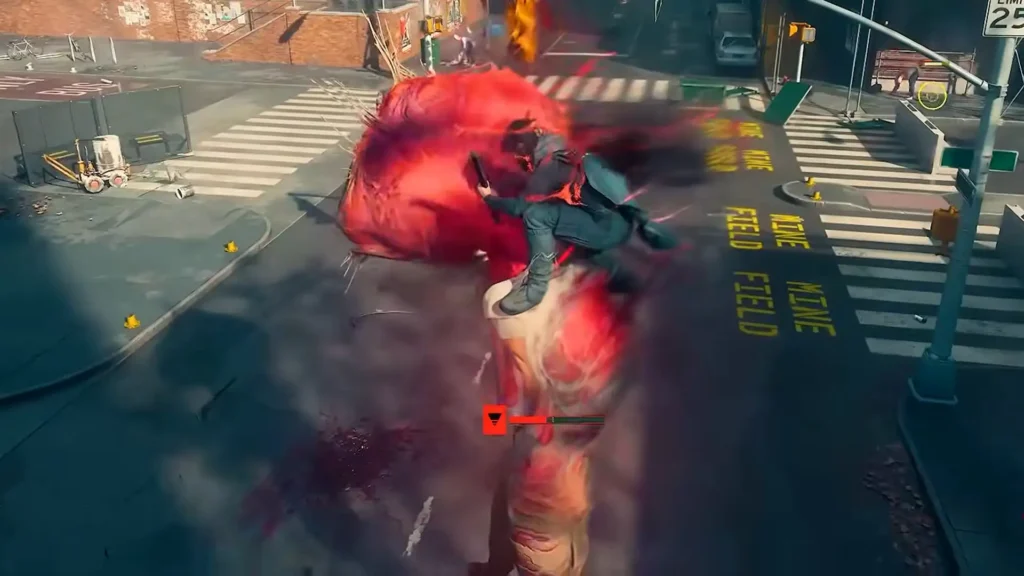
Focus on just that final secondary hit when you’re comparing, not the whole combo’s damage. And no need to burn a Reset Item just to experiment, those are limited.
Is Switch Attack Bugged in Control Resonant?
I can’t say that this mechanic is actually bugged (we call the issue in The Complete Set Quest a bug), it may just be badly designed. The fact is that it mostly looks like a normal hit at first.
Your best bet is still to verify the upgrade, nail the three-primary-then-secondary sequence, and rule out accidental Dodge Attacks before calling it a bug. Those steps cover the official mechanics, but they can’t guarantee a fix for every weird report out there. The game is new, and upcoming patch notes may address this poorly designed (or bugged) mechanic.
CONTROL Resonant