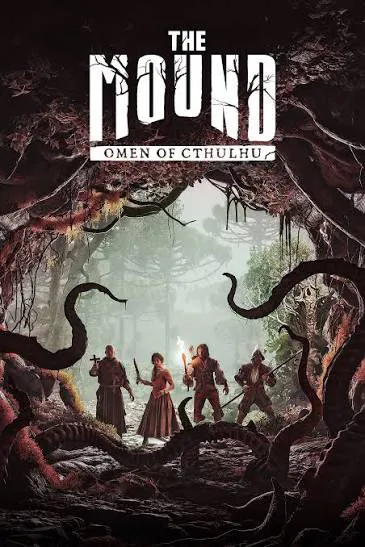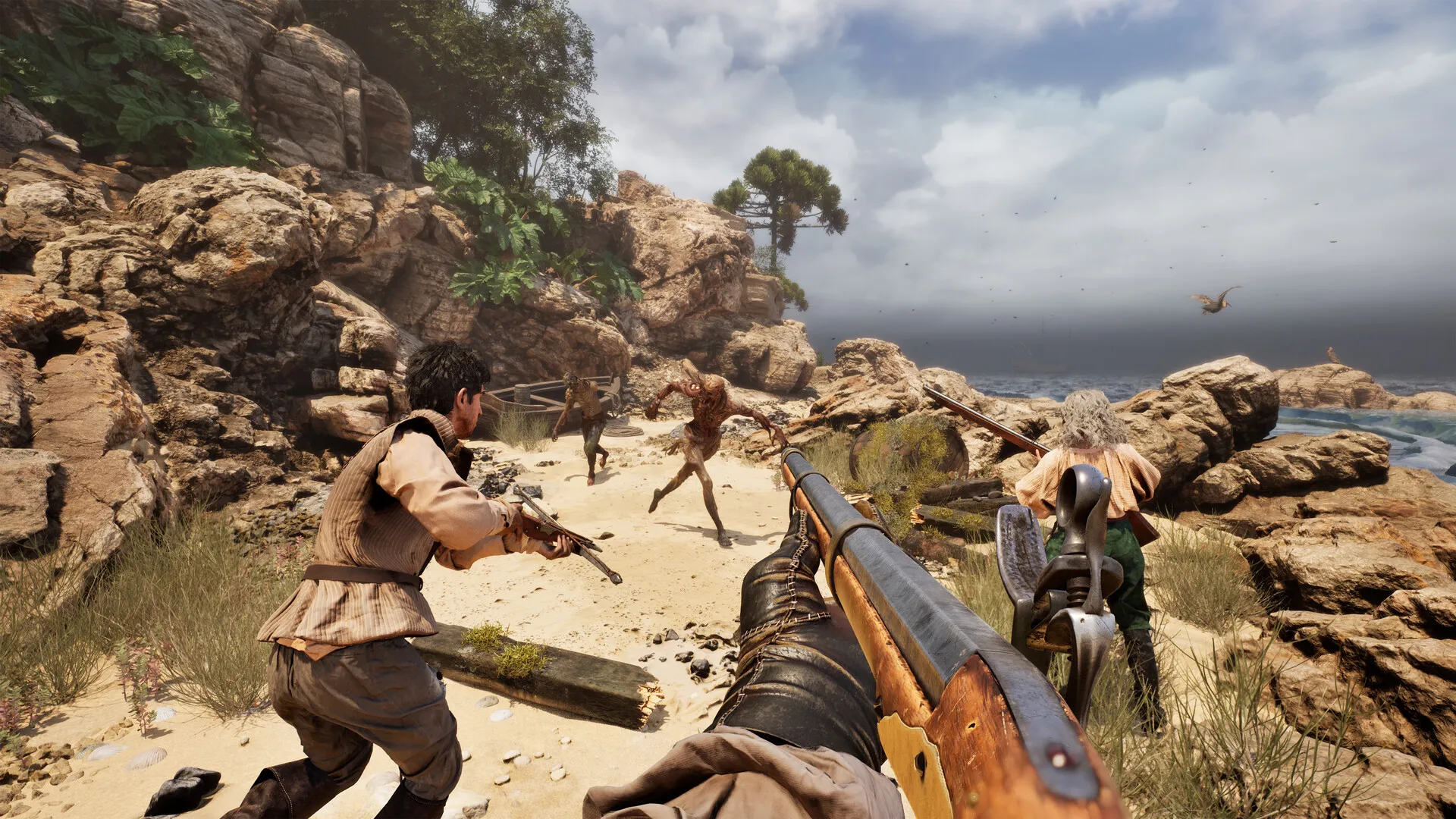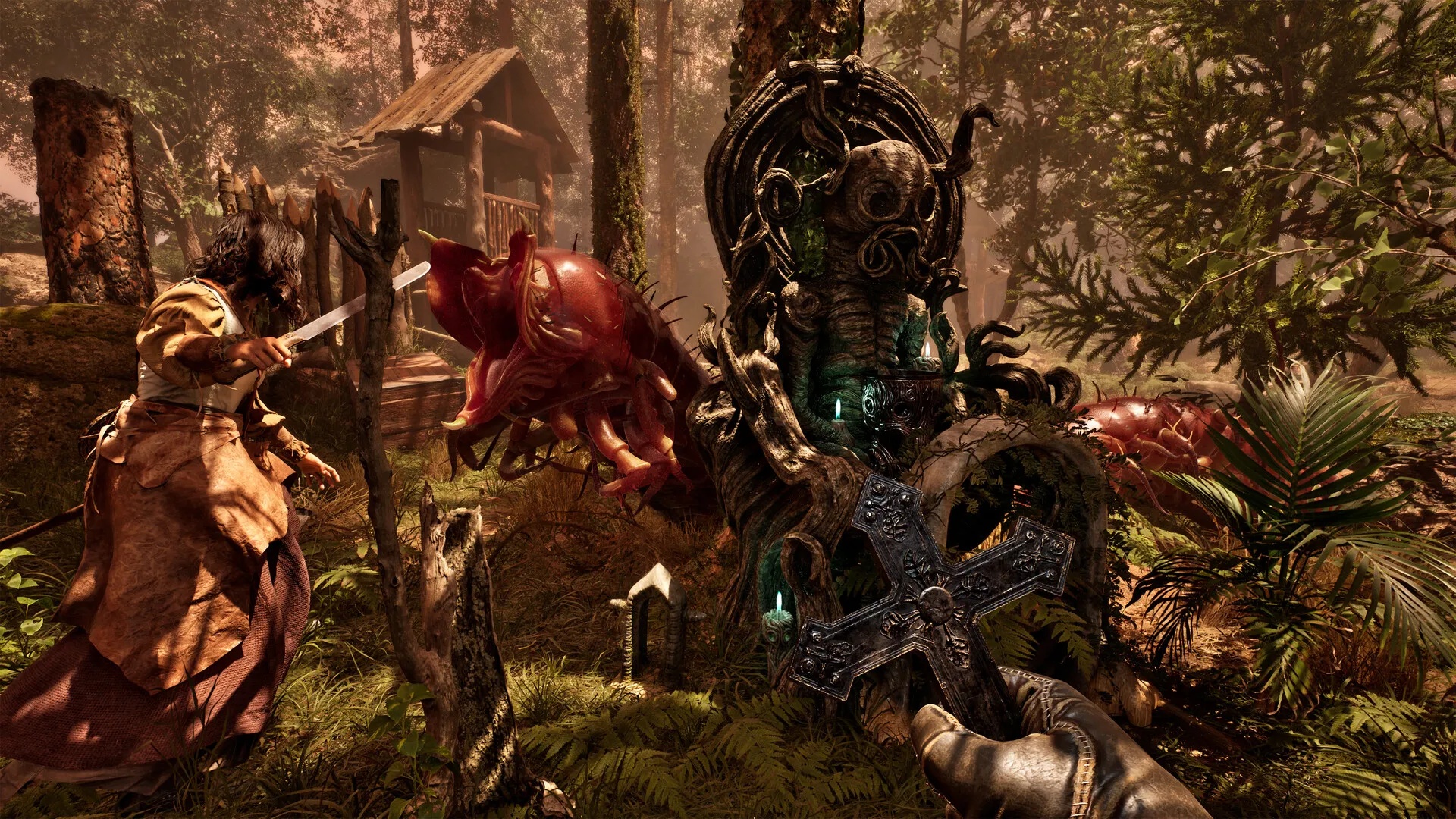


The Mound: Omen of Cthulhu launched on July 15, 2026, for PC, PlayStation 5, Xbox Series X|S, and yes, it supports crossplay. BUT if you’ve already tried inviting a friend on another platform, you know that’s not the whole picture. The invite menu barely works across platforms. Here’s what’s actually working right now, and what’s still broken. Also, we’ll talk about what to do until it’s fixed.
Disclaimer: This guide is based on the latest patch released to date and may change later. Check again.
What You’ll Read:
Which Platforms Support The Mound Omen of Cthulhu Crossplay
The Mound: Omen of Cthulhu runs on PC (Steam and Epic Games Store), PlayStation 5, Xbox Series X/S, and all three can play together. Nacon has confirmed solo play and online co-op for up to four players. So a full squad can mix and match platforms freely once you’re actually in a session together.
That’s the easy part. Getting into that session is where things fall apart, which is the whole reason this guide exists.
How to Actually Join a Friend on a Different Platform
Right now, there’s no cross-platform invite that actually works. A PS5 player testing this reported that the invite friends menu only shows PlayStation friends, nothing from Xbox or PC. The only method players have found is the public server browser: one person hosts, the other searches the list and joins manually.
The more I read players’ experiences on Reddit, the more I realized this whole process is rough and, frankly, dumb. One Steam/Xbox pair took 35 minutes just to find the right session, and a PC player refreshing for a PS5 friend needed about 10 tries before the lobby showed up. There’s no search by player name or lobby name yet. So if you’re scrolling with hope, don’t.
Two things to check before you start refreshing:
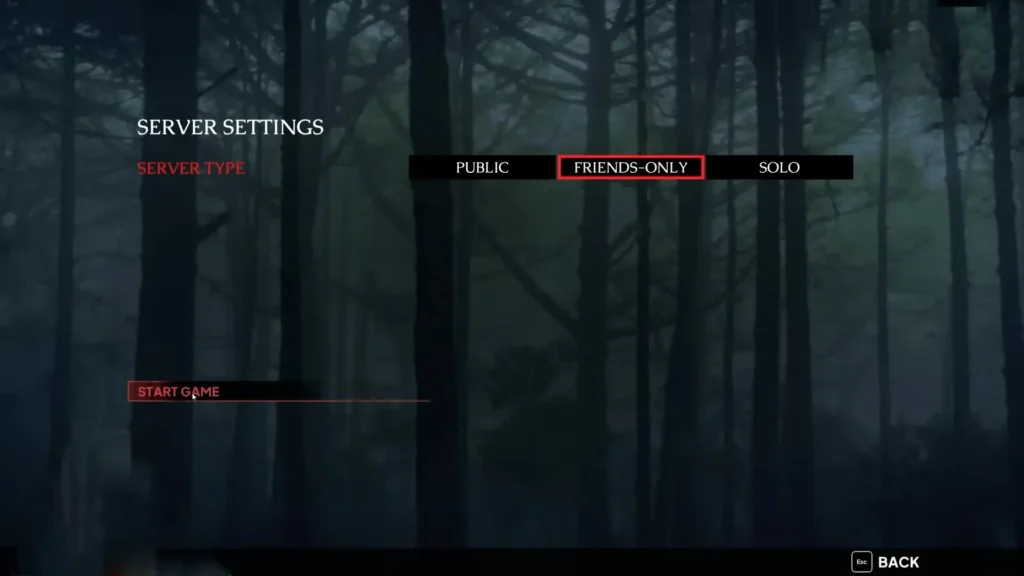
1. Make sure the host’s session is set to public, not friends-only. A friends-only lobby won’t show up for someone who isn’t already on your platform’s friend list.
2. The host should create the session first, then have everyone else search. Joining before the host has actually launched a session just wastes time.
The Mound Crossplay Invite Bug Explained
ACE Team has confirmed what everyone testing this already figured out: crossplay itself works fine, but sending or receiving invites across platforms doesn’t. Their official statement is that they’re aware of the issue and are working on a fix, though no date has been attached to that promise yet.
There’s already a partial fix in testing. A patch adding a password-protected Server Finder went live on Steam’s beta branch as of July 17, and the studio says it’ll reach consoles “early next week.” That password should replace the refresh-and-pray method with something closer to an actual invite code.
There is a catch, though. Joining that Steam beta branch turns crossplay off while you’re on it, since it’s currently Steam-only. If your squad is spread across PC and consoles, jumping into the beta early will cut you off from your console friends, not fix the problem for them.
Voice Chat Across Platforms
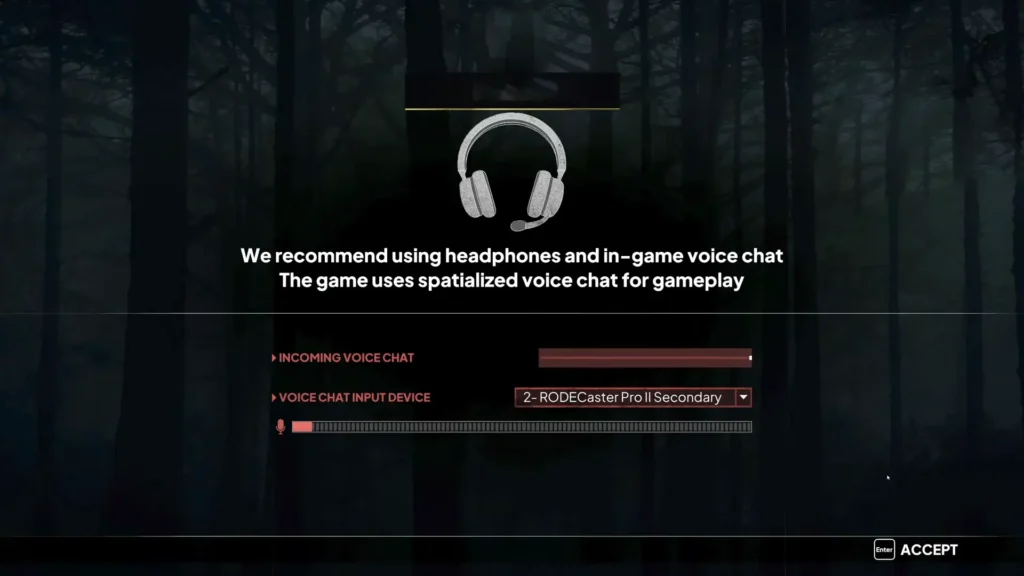
The Mound uses proximity voice chat, and the launch update added a push-to-talk option alongside it. On paper, that should work the same regardless of platform.
In practice, one Steam player testing with an Xbox friend couldn’t get voice working at all, even with both mics and audio devices showing as correctly detected in settings. It’s not clear yet whether that’s tied to the same invite/connection issue or a separate bug. So don’t assume push-to-talk fixes it if your party’s having trouble hearing each other.
Have you found any proper way to play the Mound Omen of Cthulhu crossplay? Let us know in the comments, please. You will have everyone’s blessing.
FAQ
Does The Mound: Omen of Cthulhu have cross-save or cross-progression?
No official confirmation either way. Until Nacon says otherwise, assume your progress stays tied to whichever platform you’re playing on.
Why can’t I find my friend’s server in the list?
Double-check their session is public, not friends-only. Beyond that, the server list itself is known to be incomplete, so repeated refreshing is currently the only fix until the password patch rolls out.