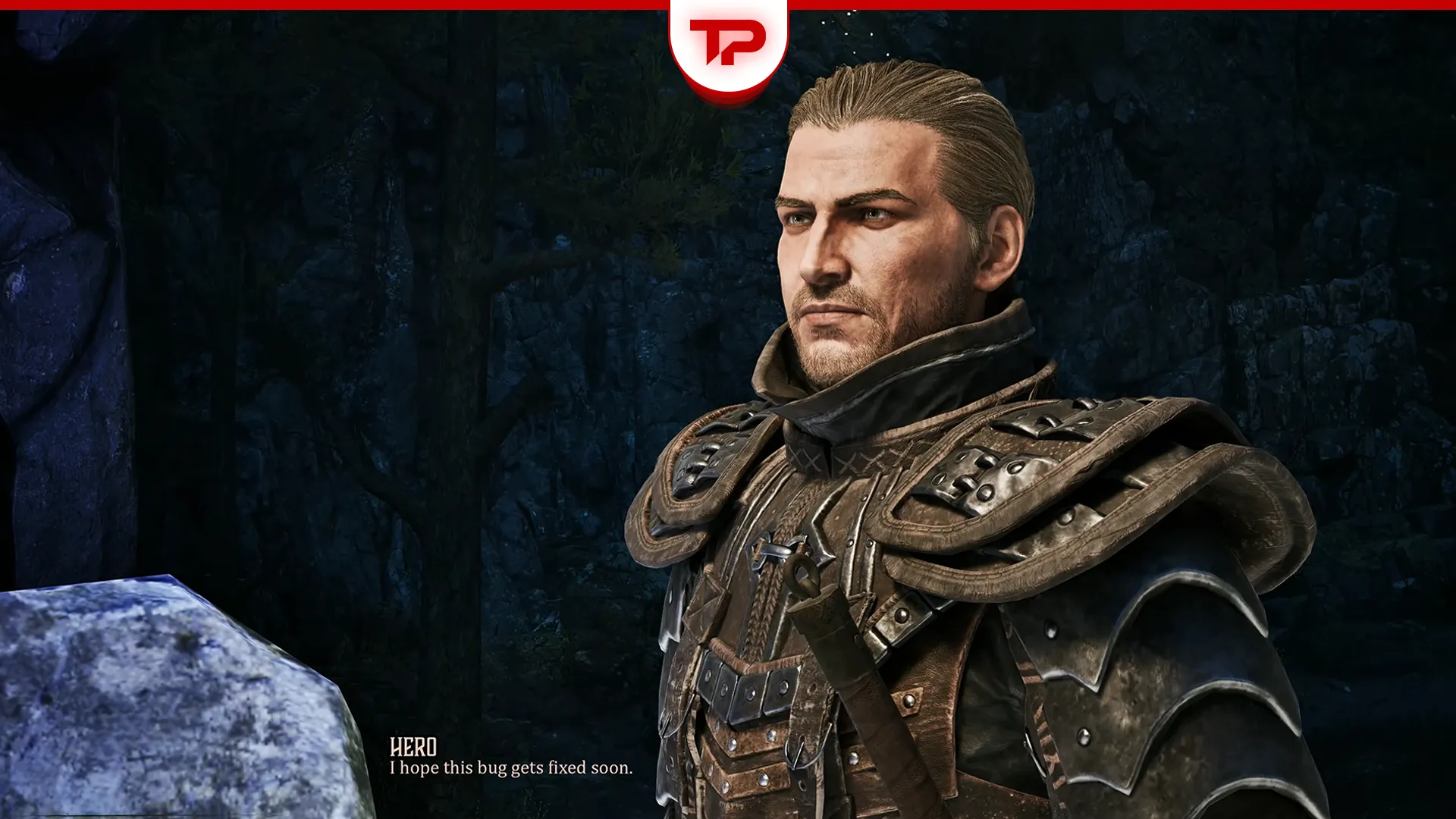


If you updated Gothic Remake to the Version 1.0.3 Hotfix, you may now face frustrating audio problems. There are reportedly missing footstep sounds and audio that cuts out entirely after a short time, which leaves only music audible. This issue appeared right after the hotfix that fixed the Melvin dialogue bug. Let’s see how to deal with it for the time being.
Update (July 14, 2026): The infamous sound bug has been officially addressed in a hotfix. Feel free to update to the latest hotfix to hopefully resolve any remaining sound issues. Let us know in the comments how it worked out for you.
What You’ll Read Here
Gothic 1 Remake Sound Bug: What’s Going On?
The 1.0.3 Hotfix introduced new sound bugs across PC and consoles. There are no footstep sounds now while our beloved Nameless Hero wanders through the Colony. The hotfix successfully fixed the Melvin bug (stuck conversation) during the New Souls for the Brotherhood quest in Gothic 1 Remake.
As of this update, the game’s live build is CL 170775. You can double-check yours in Settings, bottom right corner.
However, you’d think after a hotfix, there shouldn’t be any serious issue that needs to be addressed immediately, but that’s not the case. And that’s not all.
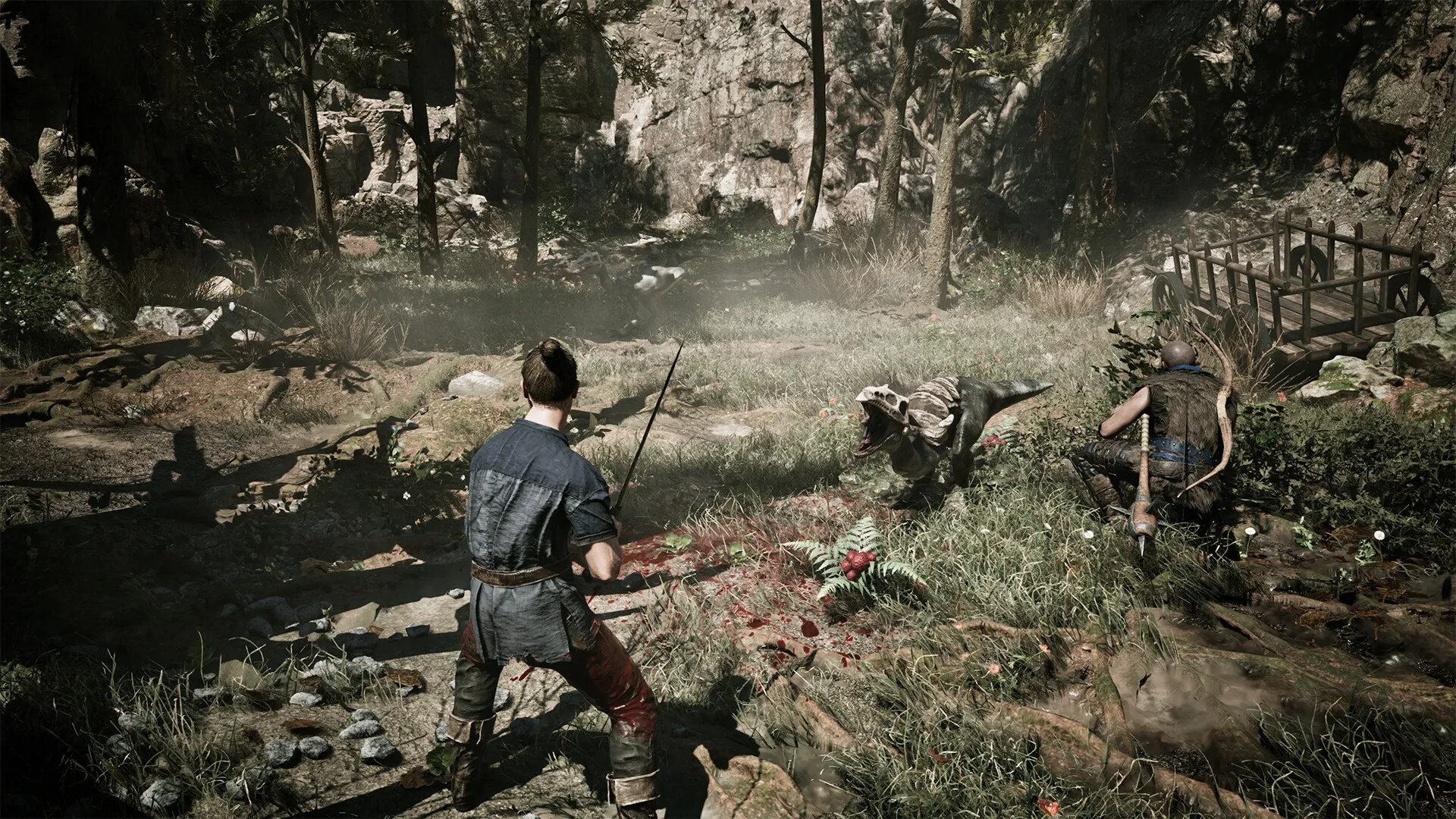
When you engage in combat, there are no weapon unsheathing sounds or impact effects. Not at all. After 10 to 30 minutes of gameplay, audio fades into oblivion. I found that this often happens after area transitions, like when you enter water. I also had it happen right after a checkpoint.
The audio seems to be heavily delayed, like monster noises or ambient sounds, when you pick up any loot. These problems undoubtedly affect immersion and make otherwise smooth gameplay less enjoyable.
How to Fix the Gothic Remake Sound Issues on PC
Alright, PC players, let’s get your sound back. I’ve tested a couple of fixes myself, so you can start with the easier one below before you go nuclear and revert your whole build.
Turn Off the Music First
Check your in-game audio settings. Head into the audio menu and make sure nothing got reset after the hotfix. A few players are reporting that toggling Music off entirely stops the FX/footstep audio from cutting out. It’s not ideal, but it beats losing sound completely.
If Still No Sound, Revert to the Previous Build
The most reliable workaround right now is to revert to a previous game version. This is only possible for players on Steam:
- Right-click Gothic 1 Remake in your Steam library.
- Select Properties – Game Version & Betas.
- Choose the Previous Release (from June 5, 2026) and let it download.
- Load your save and play. Sound should return to normal.
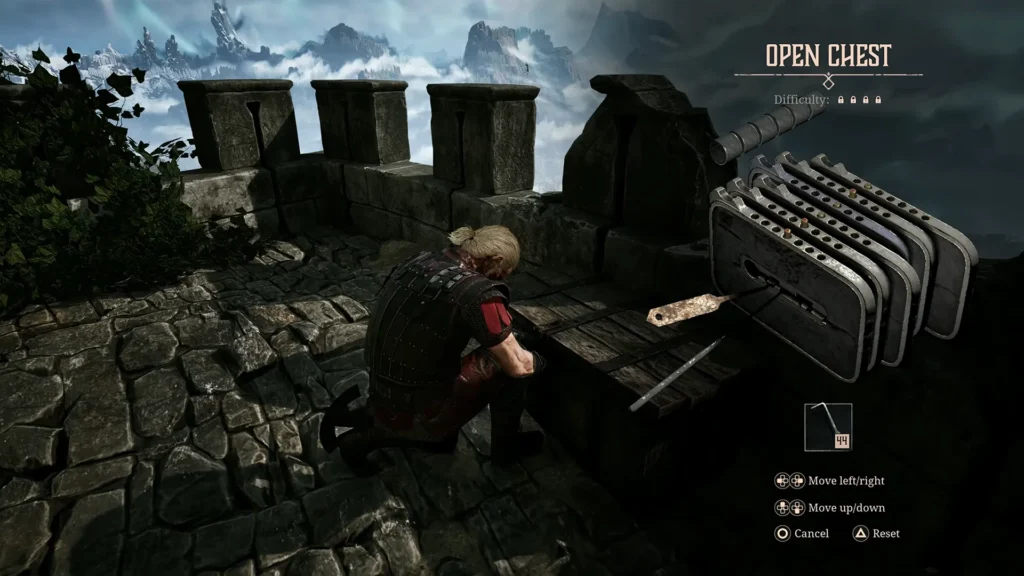
I’m just going to give you a heads up: if you revert, it may prevent access to the Melvin fix until you switch back after progressing past that quest. And remember, always save before important dialogues.
How to Fix the Gothic Remake Audio Bug on PS5 and Xbox
For y’all console players on PS5 and Xbox Series X/S, there are currently no easy rollback options, but you’re not totally stuck either. You can reload your save to temporarily restore sound, though unfortunately the issue often returns and it’s super annoying.
Be sure to check that your console has the latest update installed, as it sometimes lags behind. You can also, go into the in-game audio settings and toggle Music off. This is the very same trick PC players are using to stop the FX sounds from dying out. As a last resort, reload your last save, which will bring sound back for a bit, but it usually creeps back in.
Console patches are lagging behind PC right now, so stay tuned and check for updates regularly.
When Will the No Footsteps Bug Be Fixed?
The developers have been notified, footsteps and all. Yes, I did my part and reported it, and further patches are expected soon. In the meantime, you can do your part and report the bug officially through the THQ Nordic/Alkimia bug reporter.
Stay patient. Alkimia Interactive is actively supporting the game. Let us know in the comments if these solutions worked for you. Once a proper fix lands, and hopefully, footsteps sounds and everything else should be back to normal. Let us know in the comments if these solutions worked for you.