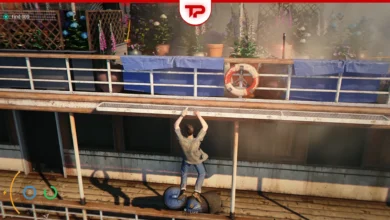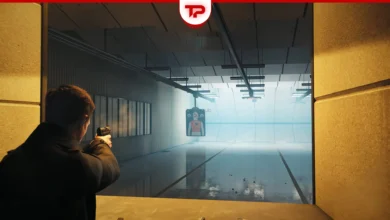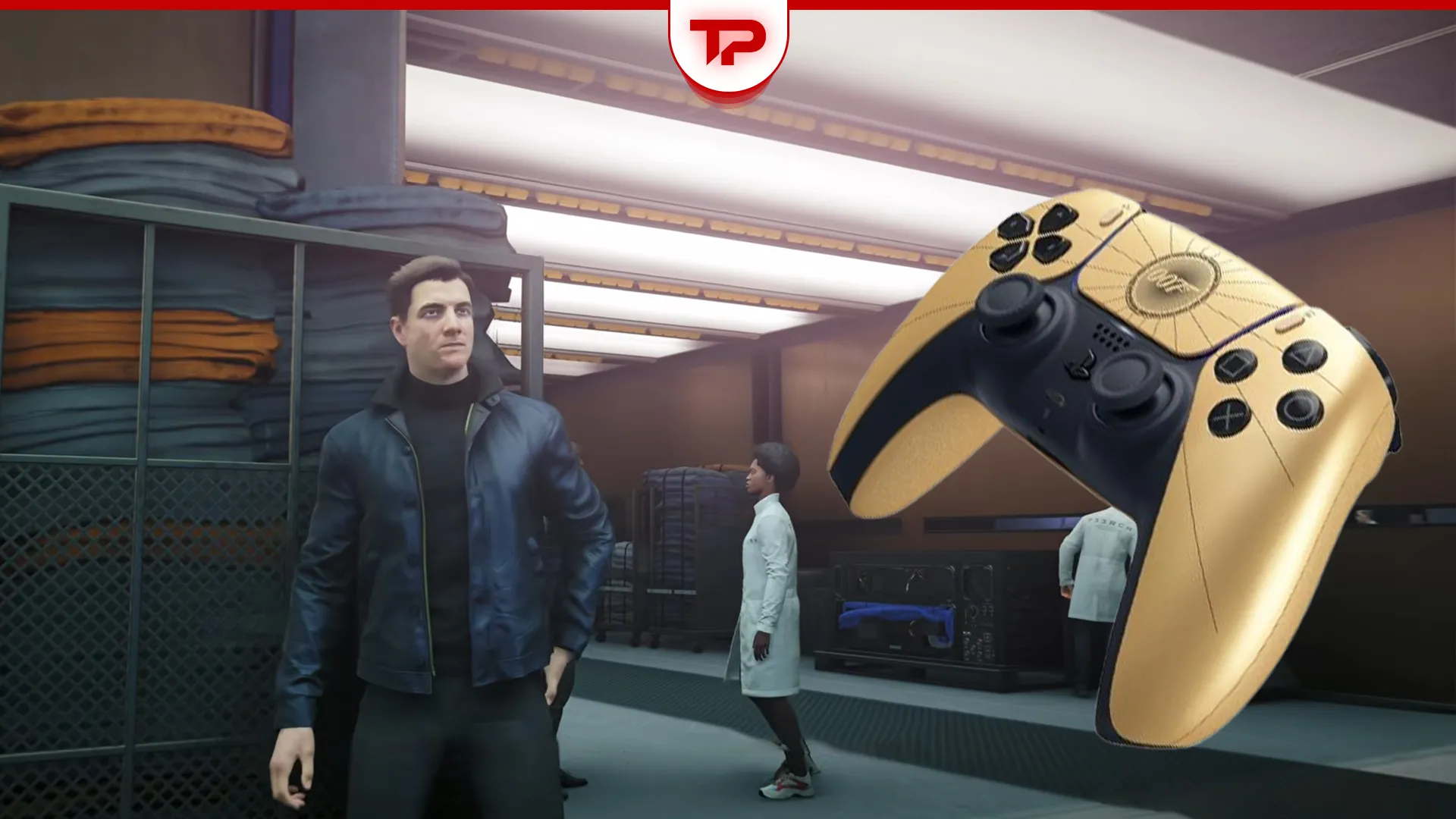


What to choose for 007 First Light: controller or keyboard? You should definitely play it with a controller. The game focuses heavily on melee combat rather than traditional shooting. The movement and driving sections feel much smoother with thumbsticks. On top of that, mouse and keyboard controls feel a bit clunky out of the box.
To help you get the best experience, we will explain the differences, share the best custom keybinds, and show you how to fix a major keyboard bug that stops PC players from starting the game.
What we cover:
Why Controller Offers the Best Experience?
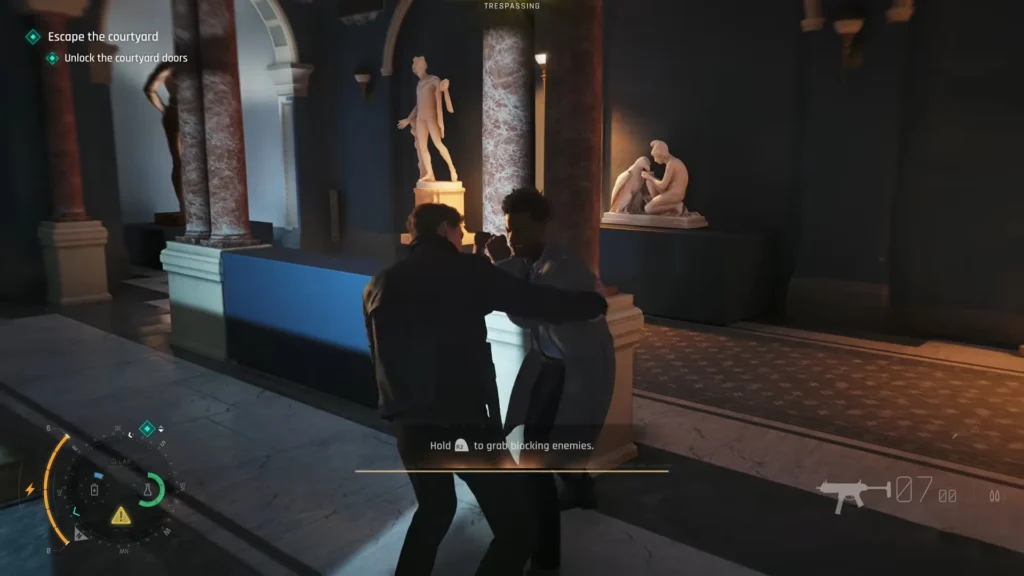
The developers built this game as a cinematic adventure. You will spend hours being a spy, hacking, and fighting hand-to-hand before you shoot a single bullet.
- The focus on melee combat makes a gamepad feel very natural.
- The camera during driving sections is hard to control without analog sticks.
- You get access to a powerful lock-on system and aim assist for the shooting sections.
Play with Mouse and Keyboard
If you prefer to use a mouse, you can absolutely still play the game. In fact, not everyone loves the gamepad. A few players find the controller aiming clunky, especially during heavy gunfights. Also, the game uses an Arkham combat style. Many PC veterans feel that this type of melee is actually easier with a keyboard. However, you should know what to expect before you start.
| Feature | Controller | Mouse and Keyboard |
|---|---|---|
| Combat Style | Perfect for melee combos. | Better for free-aiming and Arkham fans. |
| Driving | Smooth and responsive. | Feels clunky and hard to steer. |
| Default Settings | Natural layout. | Awkward buttons that need changing. |
| Targeting | Strong aim assist available. | Pure manual aim required. |
Recommended Custom Keybinds
Many players find the default keys for MKB strange. You can rebind them in the settings to make combat much more comfortable.
- The watch is bound to Alt by default. You can move this to mouse 4 for easier access.
- The block action is on Q. You should shift this to mouse 5 to react faster during fights.
- The throw gun action sits on G. Moving it to Q makes your setup feel much cleaner.
How to Fix the Keyboard Not Working Bug on PC
A major bug currently stops the keyboard from working for some players. You might get stuck at the title screen because you cannot press F. Other players get stuck later in the underwater scene because the game ignores the W key.
If your keyboard is completely frozen, follow these steps to fix the issue:
- Press Windows+G to open the Xbox Game Bar. This simple trick often makes the F key work instantly on the main menu.
- Disconnect any plugged-in gamepads. The game sometimes tries to read both inputs and cancels out the keyboard entirely.
- Navigate to your steam library. Right-click the game, go to properties, find the controller tab, and set it to Disable Steam Input.
- Close external software like Logitech G Hub or Razer Synapse. You might even need to uninstall your Logitech G512 or Razer Blackwidow V4 drivers completely from the device manager to stop conflicts.
- Try an In-place upgrade for your Windows OS as a last resort. This reinstalls your system while keeping your files, which has permanently fixed the bug for several users.
Advanced Controller Settings for PC Players
PC players have a few extra options to improve their gameplay if they use specific hardware.
Getting DualSense Haptic Feedback to Work
You can use a PS5 gamepad on your PC for this game. To get full features like haptic feedback and adaptive triggers, you must plug the DualSense in with a wired connection. You also need to disable Steam Input so the game shows the correct playStation button prompts.
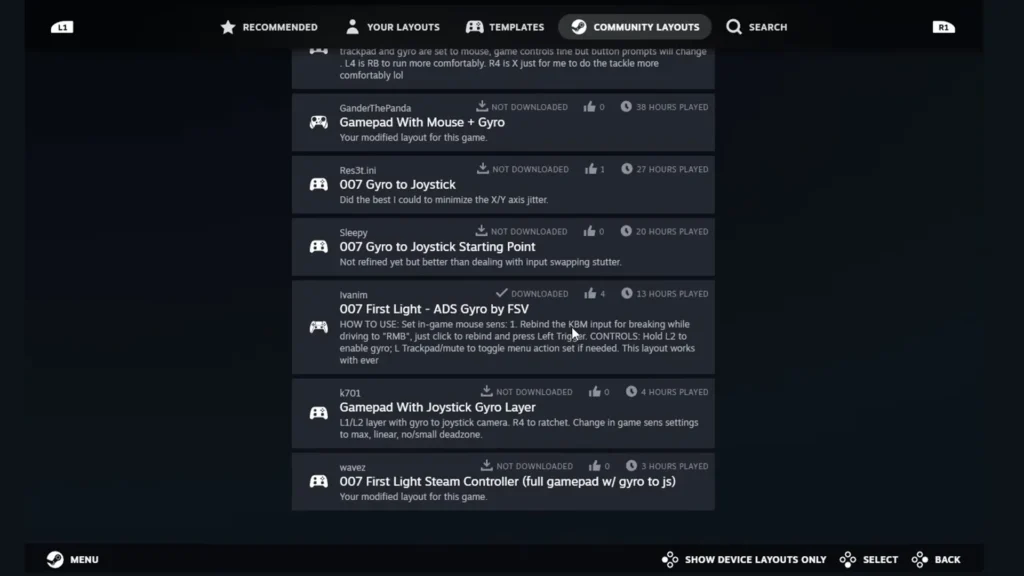
Setting Up Gyro Aiming via Steam
The game has very sticky aim which slows down your crosshair near enemies. Because the game lacks Mixed Input support, you cannot easily aim with a mouse while moving with an analog stick. Instead, you can set up gyro aiming.
- Open steam and click the controller icon next to your game.
- Search the community layouts for the double sentinel first light ADS gyro config.
- Apply the layout to your profile.
- Go into the in-game options, navigate to the driving controls, and change your brake to L2.
At the end, we highly recommend picking up a gamepad for 007 First Light. The entire game flows much better when you use analog sticks. While you can make mouse and keyboard work with custom binds, you will likely have a much better time sitting back with a controller.

007 First Light