

If you are looking for a quick answer about shooting mechanics in 007 First Light: there is currently no official toggle for aim assist in the menus. Your aiming experience actually depends heavily on the difficulty level you choose. PC players also have a temporary fix using external software.
In this guide, we will explain everything you need to know about the aiming system and how to make combat easier.
What we cover:
Where is the Aim Assist Setting?
Unfortunately, IOI did not include a specific setting to enable or disable the aim assist. The game forces a default targeting system on every player.
This missing feature causes a lot of frustration. Players want the freedom to adjust the stickiness or turn it off entirely for manual aim. Currently, you cannot do this directly inside the game. Before we continue, make sure to check out our 007 First Light How to Leave TacSim Guide, since you might be doing this in Tactical Simulator and want to get out of there as soon as you can.
Fans are currently submitting manual aim requests directly through the official Zendesk support portal to push the developers for a dedicated patch.
How to Fix 007 First Light Aiming Issues
Since an official menu option is missing, players have discovered a few ways to improve the combat experience.
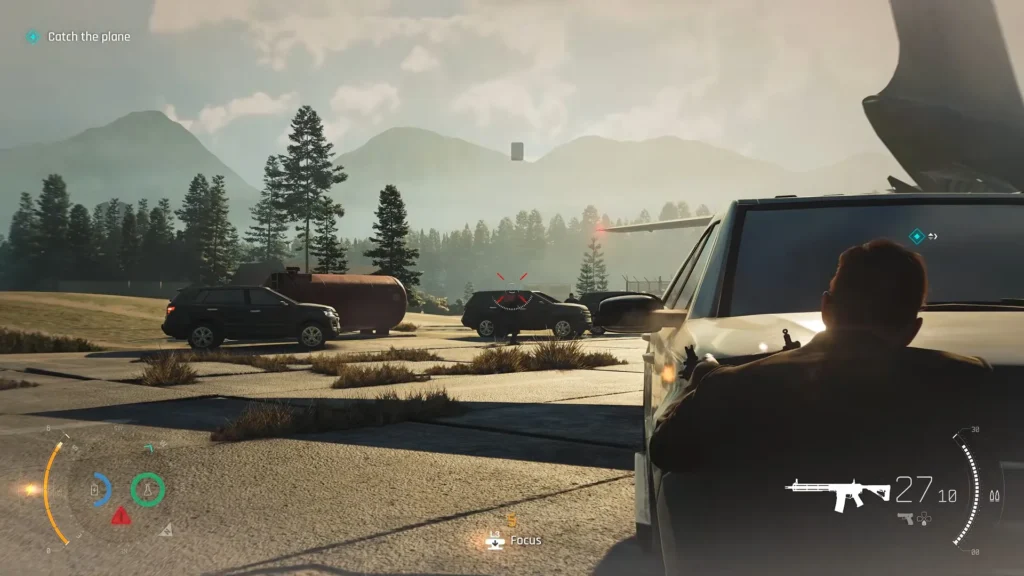
How to Disable Aim Assist on PC (Steam)
If you play on PC, you have a temporary solution to remove the sticky aiming. You can trick the game into reading your controller as a different device.
- Open the steam input settings for your game.
- Navigate to your right analog stick configuration.
- Change the input style to Mouse.
- Save the changes and test your aim.
Keep in mind that this method has a small flaw. Move your character with the left stick, and the game will register a gamepad input again. This action can briefly trigger the sticky targeting system.
Best Controller Aim Settings
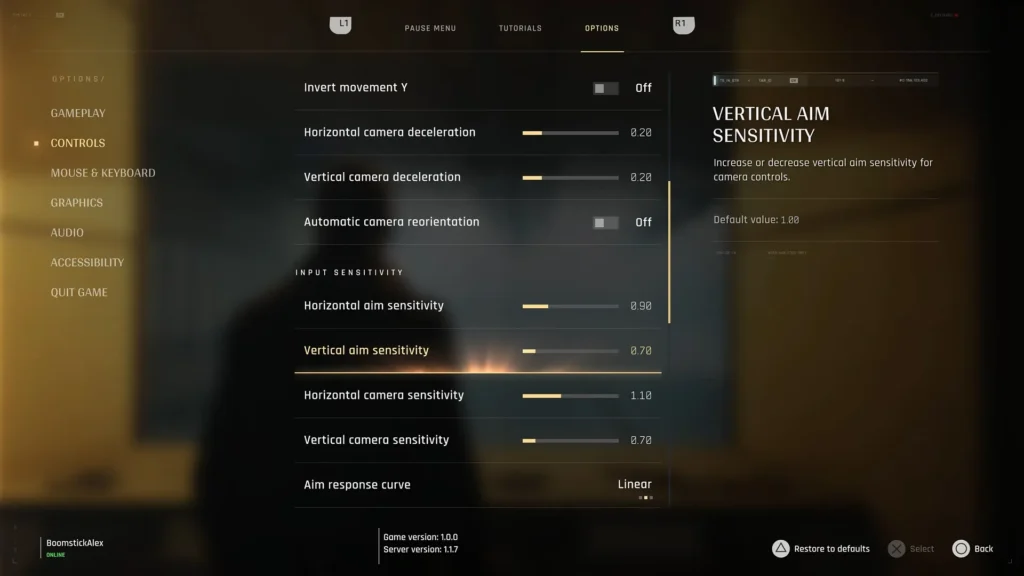
If you play on a PS5 or Xbox Series X, you cannot use steam input. However, you can change your sensitivity numbers to make the aiming feel much less rigid. Some experienced players recommend this specific setup for a smooth baseline:
- Aim response curve: Linear
- Vertical camera sensitivity: 7
- Horizontal camera sensitivity: 1.1
- Vertical aim sensitivity: 7
- Horizontal aim sensitivity: 0.9
- Camera deceleration: 0.2
How to Pre-Aim from Cover
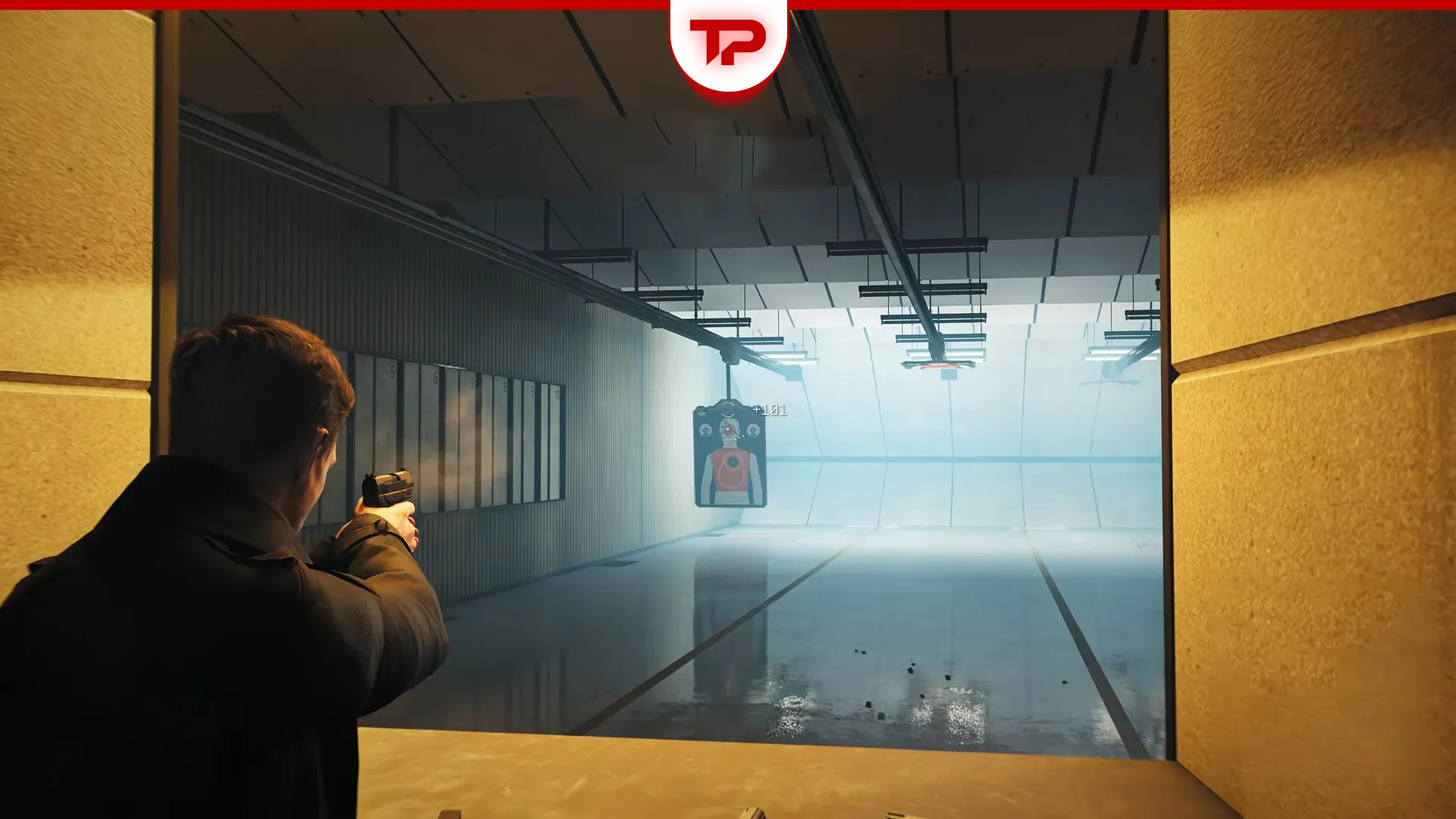
Your screen always displays a center dot. This dot shows exactly where your crosshair will appear when you aim your weapon. You can use this dot to line up your shot while safely hiding behind cover.
Once the dot is on the enemy, quickly aim down your sights and shoot. This quick pop-out trick protects you from enemy fire. It is useful if you play on a higher difficulty level where aim assist is disabled.
Extra Tips for Console Players
You can also use these alternative methods to make shooting easier on consoles.
- Switch your graphics setting from Quality Mode to Performance Mode. This adjustment provides a smoother frame rate and makes the aiming feel much faster and more responsive.
- Use the Slow motion feature during heavy enemy encounters to carefully line up your shots.
- Activate your Focus ability. This specific mechanic allows you to snap your reticle directly to weak points, like an enemy’s legs or the gun in their hands.
- Gyro aiming is unfortunately absent from the console versions.
- To compensate for the unpredictable shooting mechanics without aim assist options, heavily utilizing your “Instinct” tool is highly recommended to manage firefights more effectively.
Why is Aim Assist Not Working or Too Sticky?
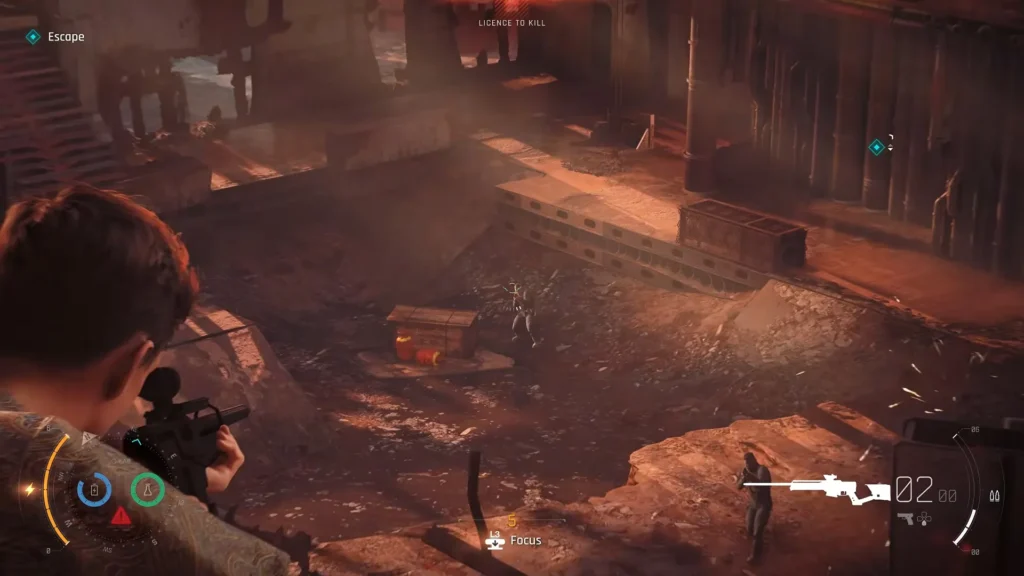
The player community is currently divided on how the aiming actually feels. Some people on PS5 and Xbox Series X complain that the reticle sticks to enemies way too much. They feel like the camera fights back when they try to move it. Other players claim they get zero help from the game and miss all their shots.
The reason for this huge contradiction is tied to your game settings. The strength of the aim assist scales directly with the difficulty level you choose at the start.
| Difficulty Level | Aim Assist Behavior |
|---|---|
| Easy | Very snappy aiming. The reticle locks onto targets easily. |
| Normal | Provides light snaps and standard targeting assistance. |
| Hard | Offers zero assistance. You must rely purely on manual aim. |
You should also note that hand-to-hand combat has no camera assistance. The game will not track enemies for you during melee fights, no matter which difficulty you choose.
Note: This guide is based on initial community reports and the early release version of the game. Features and settings may change in future.

007 First Light