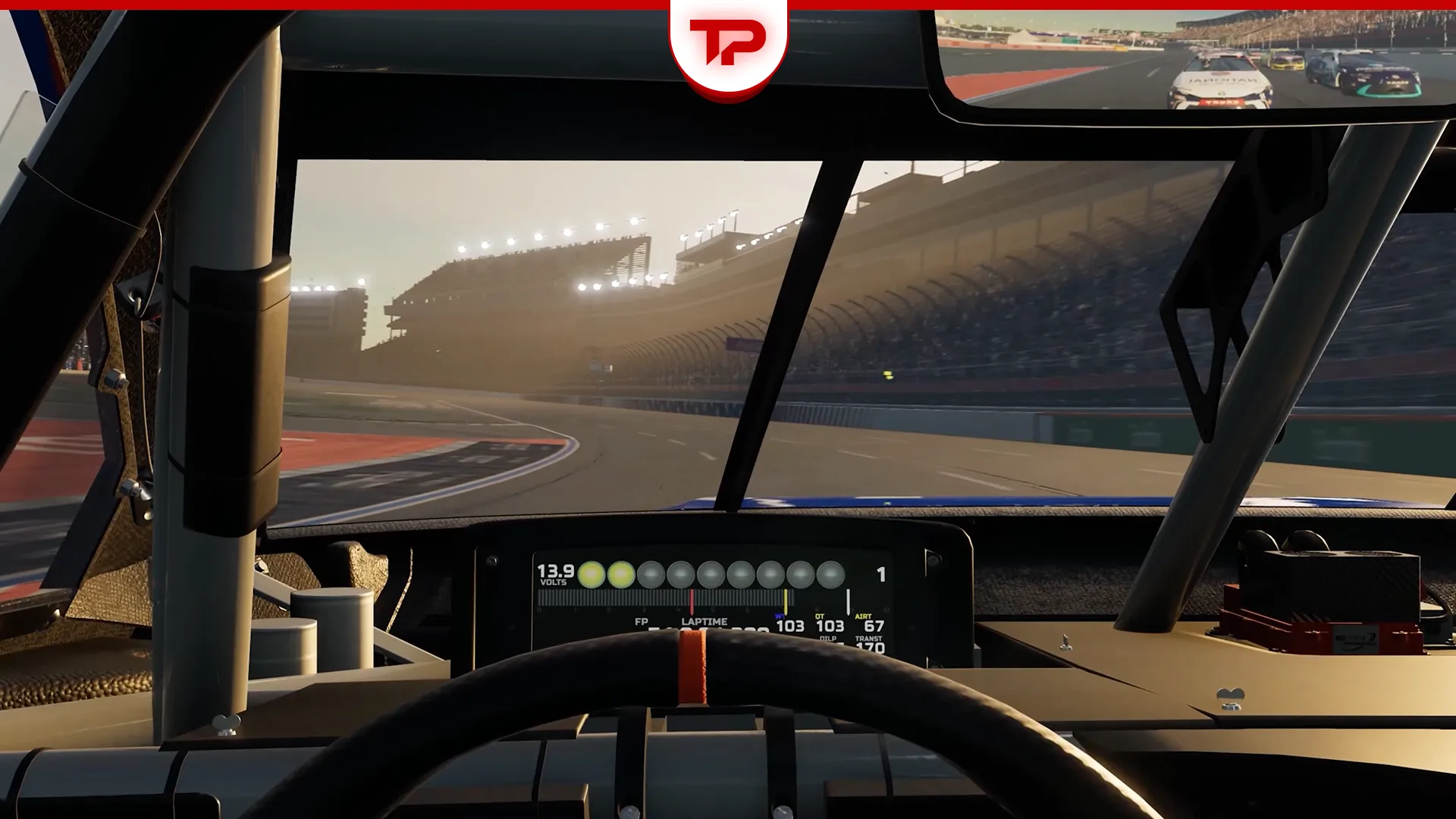


Getting the best NASCAR 26 Wheel Settings makes a big difference. The game now offers expanded force feedback and calibration options. It is time to hit the road and enjoy driving with all its glory!
Based on what I have tested with my own Rig (Logitech G29), here are the wheel settings I prefer:
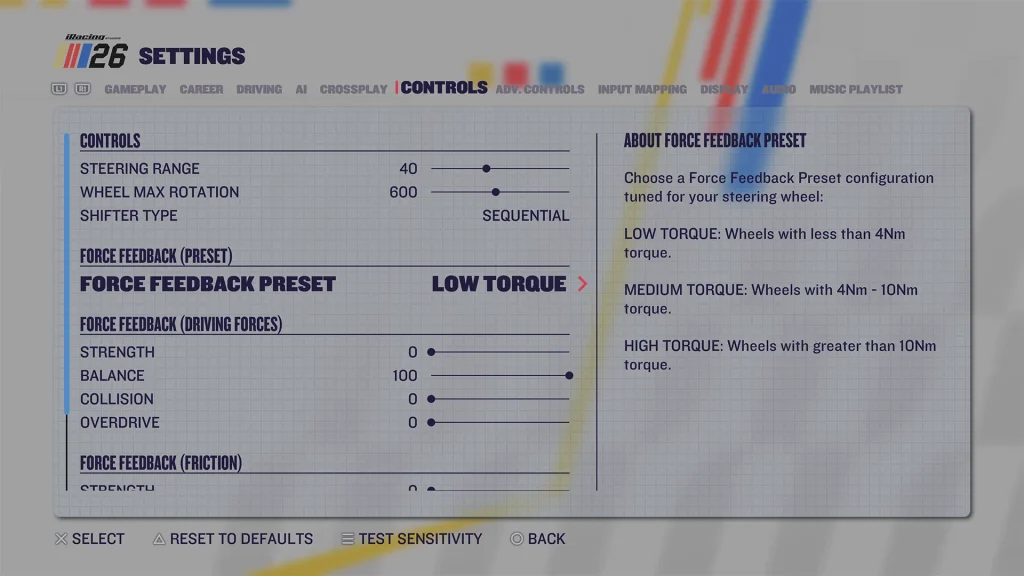
- Force Feedback Preset: Low Torque
- Steering Range: 100
- Driving Force Strength: 95
- Balance: 75
- Friction Strength: 100
- Collision: 50
- Overdrive: 0
- Spring Strength: 0
- Dead Band: 5
Make sure your wheel software is also set to 270° rotation so it matches NASCAR 26.
Note: There are no absolute NASCAR 26 Wheel settings for every rig. However, I tried my best to do deep research on this issue, and in this article I will provide you with my findings, along with my own experience in the game.
Please check the settings and adjust them based on your controller. If you face any issues or find them useless, please let me and other fellow gamers know so we can update the data.
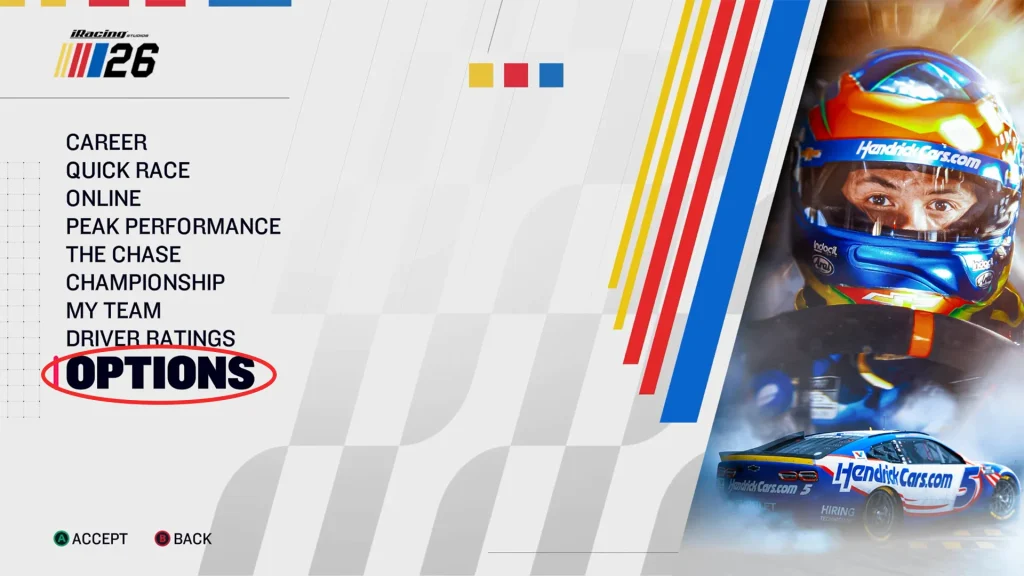
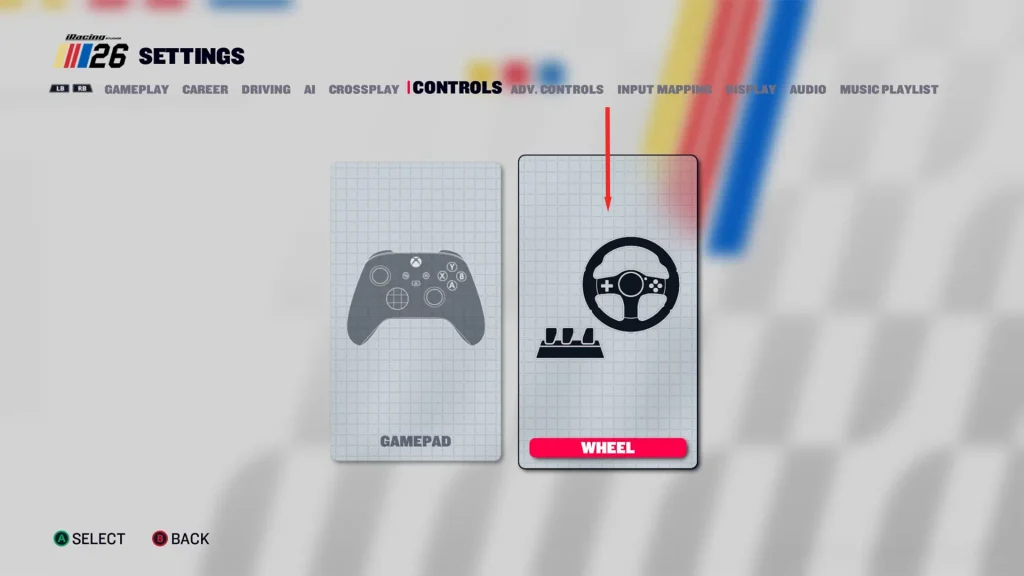
NASCAR 26 Wheel Settings: Best Input for Different Rigs
According to one YouTube video I was watching last night, the best wheel settings for the Moza R12 FSR are like this:
- Steering Range: 30
- Wheel Max Rotation: 900
- Force Feedback Preset: High Torque
- Force Feedback Strength: 100
- Force Feedback Balance: 0
- Collision: 70
- Overdrive: 2
- Friction Strength: 80
- Spring Strength: 0
- Deadband: 0
Thrustmaster TX & T300 Settings
For the rest of the rigs, steering range and Wheel Max Rotation can be set to 100 and 270°, respectively.
For the TX and T300, here are the best settings:
- Force Feedback Preset: Low Torque
- Force Feedback Strength: 100
- Force Feedback Balance: 75
- Collision: 50
- Overdrive: 0
- Friction Strength: 100
- Spring Strength: 0
Thrusmaster TMX & T150 Settings
The TMX and T150 work well with similar settings, but with lower friction:
- Force Feedback Preset: Low Torque
- Force Feedback Strength: 100
- Force Feedback Balance: 75
- Overdrive: 0
- Friction Strength: 70
- Collision: 50
- Spring Strength: 0
Thrustmaster T248 Settings
The T248 needs a slightly different setup because excessive balance can cause straight-line oscillation:
- Driving Force Strength: 100
- Balance: 0
- Force Feedback Strength: 100
- Force Feedback Balance: 75
- Overdrive: 0
- Friction Strength: 80
- Collision: 50
- Spring Strength: 0
Fix NASCAR 26 Wheel Shaking or FFB Problems
Before changing your settings, make sure NASCAR 26 is fully updated.
iRacing released a September 16 patch that fixed some wheels violently shuddering or vibrating. It was followed by a September 17 update fixing center-spring behavior on certain hardware. Install these updates and leave a comment if you face any issues.
Which NASCAR 26 Wheel Settings Should You Use?
For most wheels, 270° rotation, steering Range 100, overdrive 0, and spring strength 0 are good starting points based on what I have learnt. The settings you should adjust most are Driving Forces Strength, Balance, and Friction, since they behave differently depending on your wheel’s motor and force-feedback system.