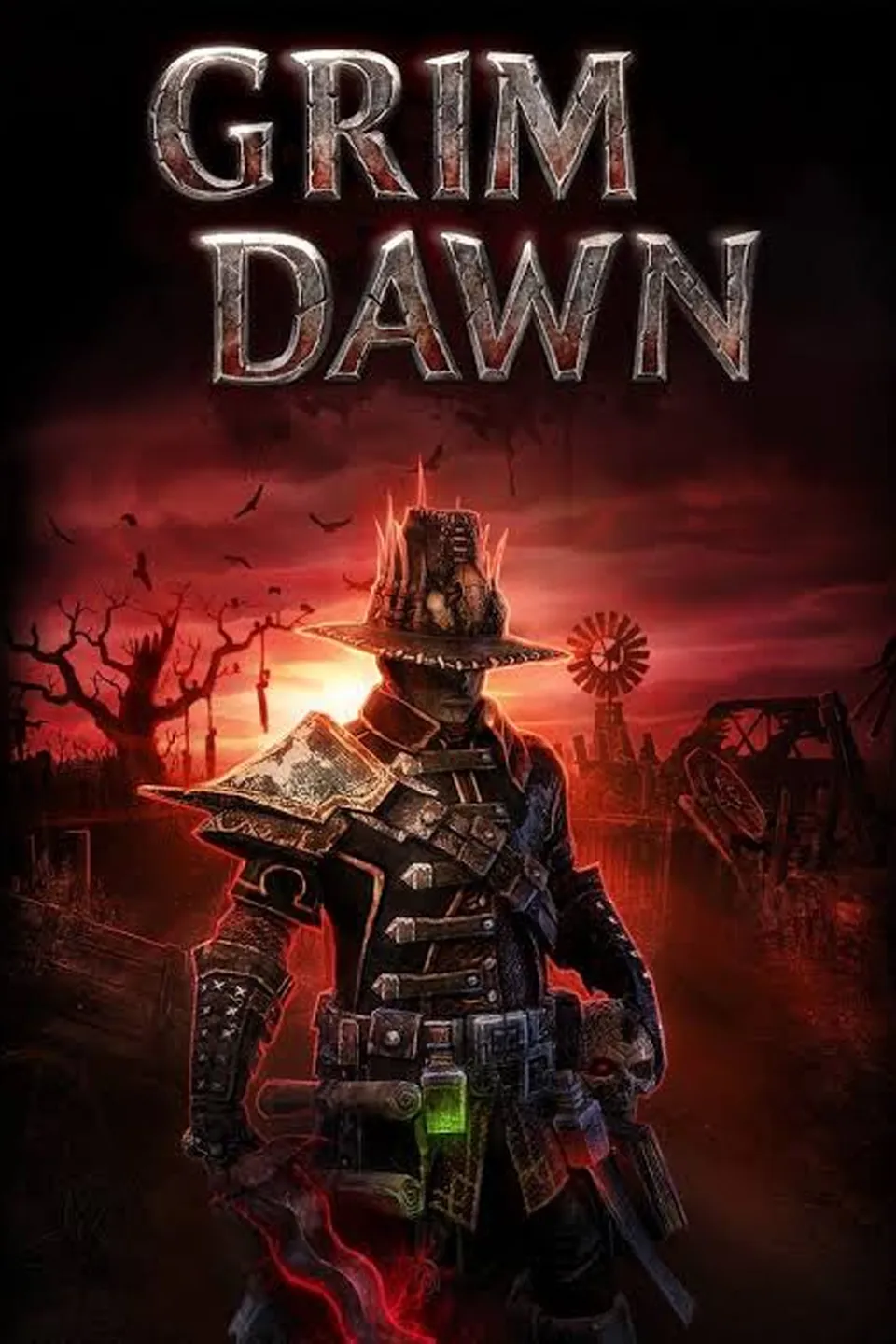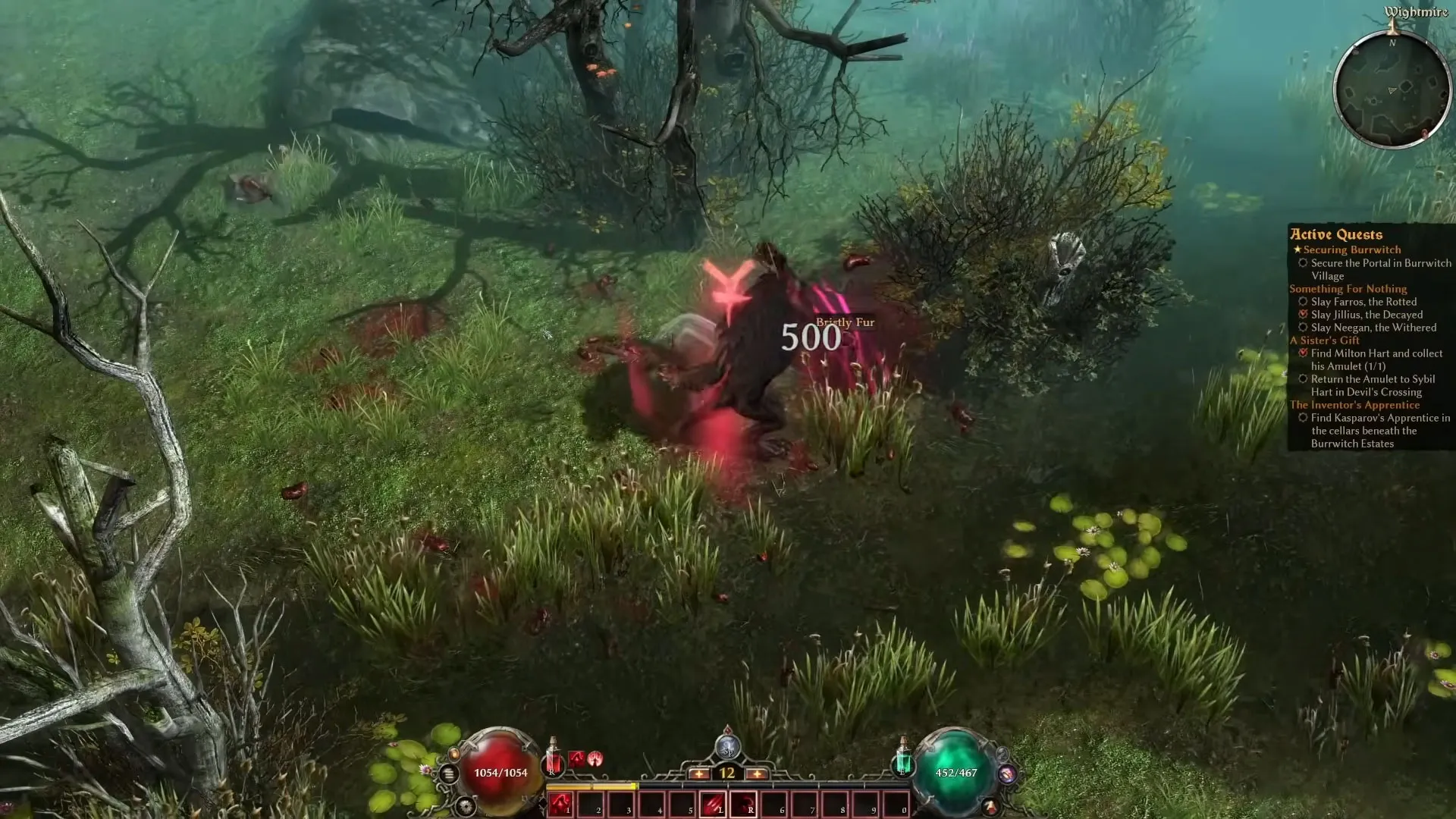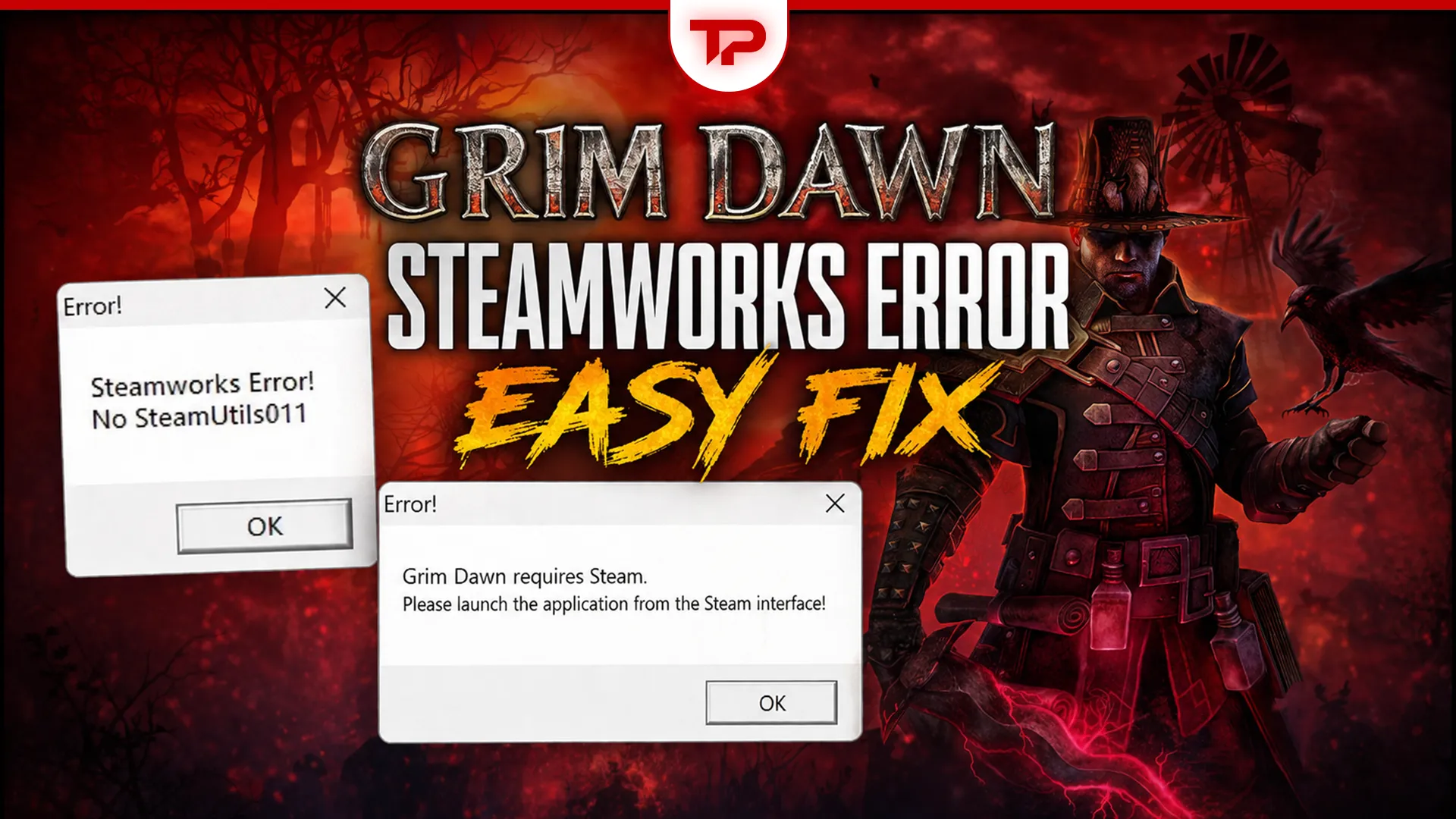


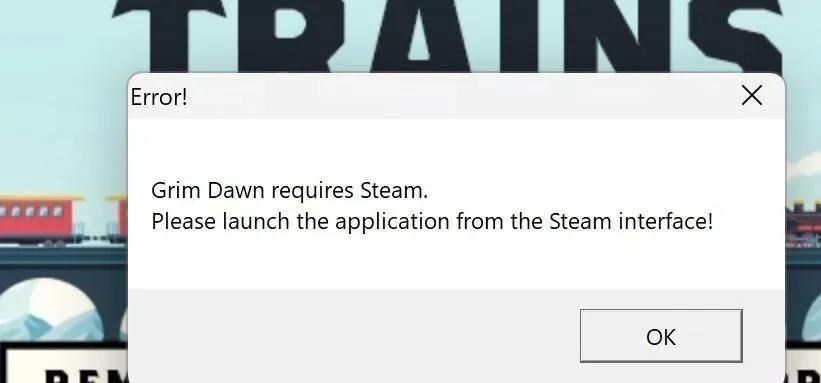
If Grim Dawn suddenly stopped launching and threw a “Steamworks Error! No SteamMatchMakingServers003” or “No SteamUtils011” message at you, you certainly aren’t alone. The error hit a plethora of players right after the recent 1.3.0.1 hotfix update.
Apparently, this hotfix broke the game for some players who had no issues before, preventing it from reaching the main menu. The good news is that the fix is simple for a lot of you. Let’s find out how.
Table of Contents
Why the Grim Dawn Steamworks Error Is Happening
So here’s the short version: Grim Dawn was updated to a newer Steamworks SDK, and that change somehow interfered with Steam’s compatibility layer. Crate Entertainment pushed out a late Sunday hotfix that added a new launch option to deal with it. So, this isn’t a problem with your files or your hardware, of course. For the record, verifying game files won’t fix it.
How to Fix the “No SteamMatchMakingServers003” Error on Windows PC
Right off the bat, close Steam completely and relaunch it. That’s it for most people. If you’ve had your PC or Steam open for a few days, there’s a good chance Steam has a pending update waiting to be installed. When that happens, it can end up causing this error.
So try this: restart your PC and launch the game. It might be the case that Steam installs a pending update after that. The game might start. Closing and reopening Steam might help. Before hitting Play, make sure Steam is fully updated. This is crucial, of course, so you aren’t left hanging.
Steam Deck & Linux: Proton and Compatibility Mode Fix
Things are a bit more complex for players using a Steam Deck, a Steam Machine, or a Linux operating system. The developers upgraded to the latest Steamworks software, but Valve has not updated the default Proton versions to match it yet.
So, to fix this, you must change your launch option to the newly added “SteamOS/Linux” compatibility mode setting. If you prefer using Proton, you need a version built with support for Steamworks 1.65. Currently, the only popular option that works is Proton GE 11-3. You will have to download this specific version yourself because it isn’t available in the standard list by default.
Make sure Steam is completely updated, and your game will run, hopefully, just fine.
Can You Fix the Steamworks Error on GeForce NOW?
Unfortunately, not everyone has a working solution right now. Players streaming the game through GeForce NOW on devices like Chromebooks are still completely locked out. The reason is that because you can’t control the backend operating system on GeForce NOW, you can’t manually update Steam or adjust the compatibility layers. If you use this cloud service, you simply have to wait until the bug is solved on their end.