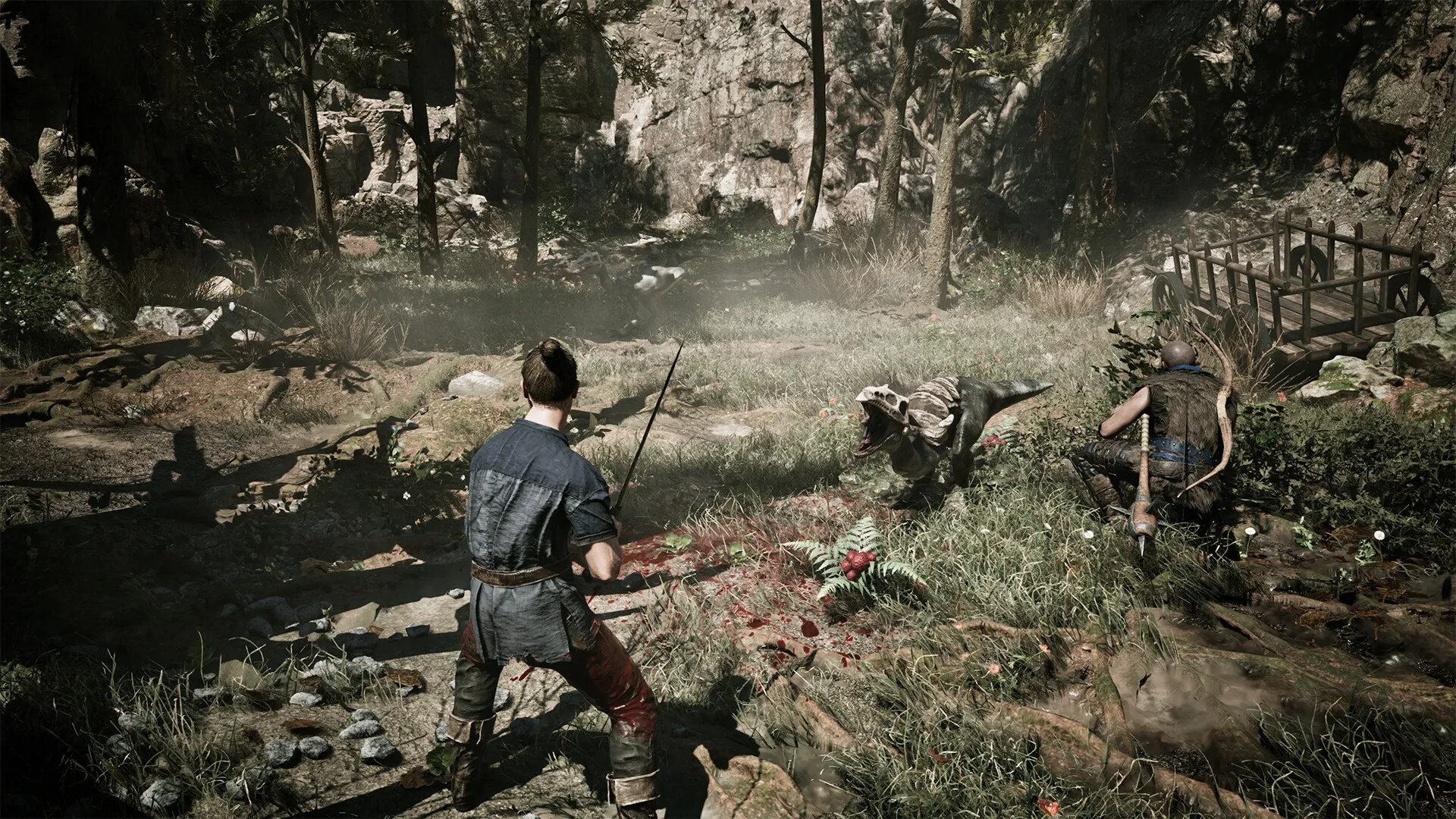
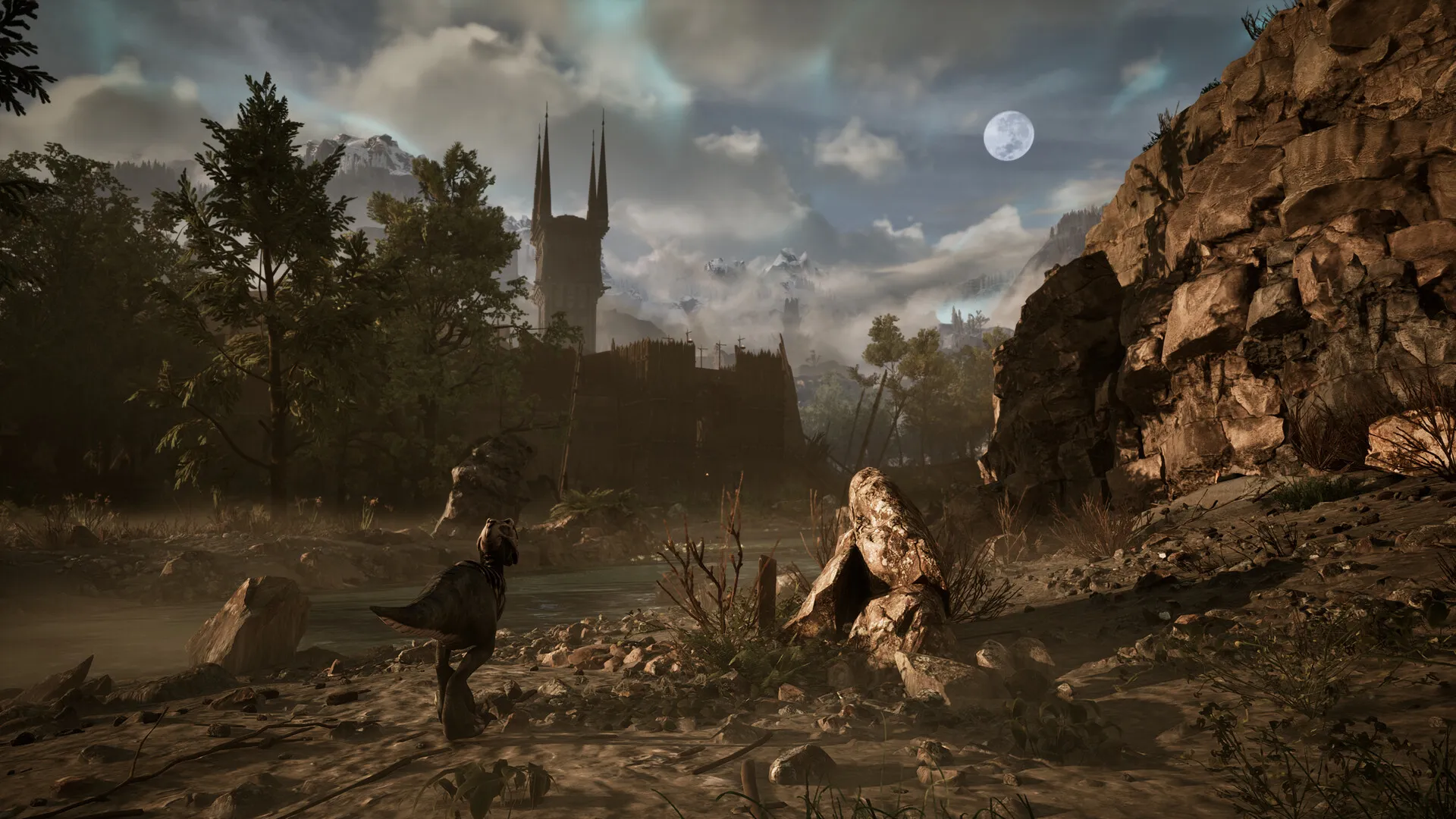
Gothic 1 Remake, built on Unreal Engine 5, delivers impressive visuals and atmosphere. However, it can be demanding on hardware, which means it isn’t well optimized. In this Gothic 1 Remake performance optimization guide, I help you achieve a stable 60+ FPS without the need to sacrifice the game’s good looks.
What you will read
System Requirements
Right off the bat, let’s take a look at the game’s system requirements:
| Component | Minimum | Recommended |
|---|---|---|
| OS | Windows 10 64-bit / Windows 11 64-bit | Windows 10 64-bit / Windows 11 64-bit |
| Processor | Intel Core i7-7700K / AMD Ryzen 5 1600X | Intel Core i7-7700K / AMD Ryzen 5 3600X |
| Memory | 16 GB RAM | 32 GB RAM |
| Graphics | 8 GB VRAM – AMD RX 6700 XT or NVIDIA GeForce RTX 2070 | 12 GB VRAM – NVIDIA GeForce RTX 3070 Ti / AMD Radeon RX 6800 XT |
| DirectX | Version 12 | Version 12 |
| Storage | 60 GB available space | 60 GB available space |
| Sound Card | DirectX compatible | DirectX compatible |
| Additional Notes | Requires a 64-bit processor and operating system Needs an SSD or better NVMe disk | Requires a 64-bit processor and operating system NVMe disk recommended |
One thing’s for sure: 32 GB of RAM and a fast NVMe SSD help reduce loading stutters and micro-freezes in dense areas. The game demands a lot from your GPU at higher settings, especially when you use Unreal Engine 5 features such as Lumen Global Illumination and Nanite.
Many players report low GPU and CPU usage. For example, RTX 4070 and 5070 Ti cards often stay below 70-80 percent utilization. This results in lower frame rates than expected.

Micro-stutters are common while you’re moving through areas like the Old Camp. Frame rates usually improve when you’re standing still. Most players consider DLSS and Frame Generation, or similar options like FSR, essential for stable performance.
Older hardware, such as a GTX 960, can reach around 25 frames per second on low settings with upscaling, although performance drops sharply during weather effects.
Gothic Remake Performance Fix
Start with the Gothic preset. It’s the one the developers recommend. Remember to enable DLSS 4.5 in Quality or Balanced mode, or use similar upscaling options like FSR. This usually gives a big boost to your frame rates.
Secondly, turn on Frame Generation if your card supports it. It can roughly double your FPS, like going from 40–50 FPS up to 75–90 or more on high-end cards.
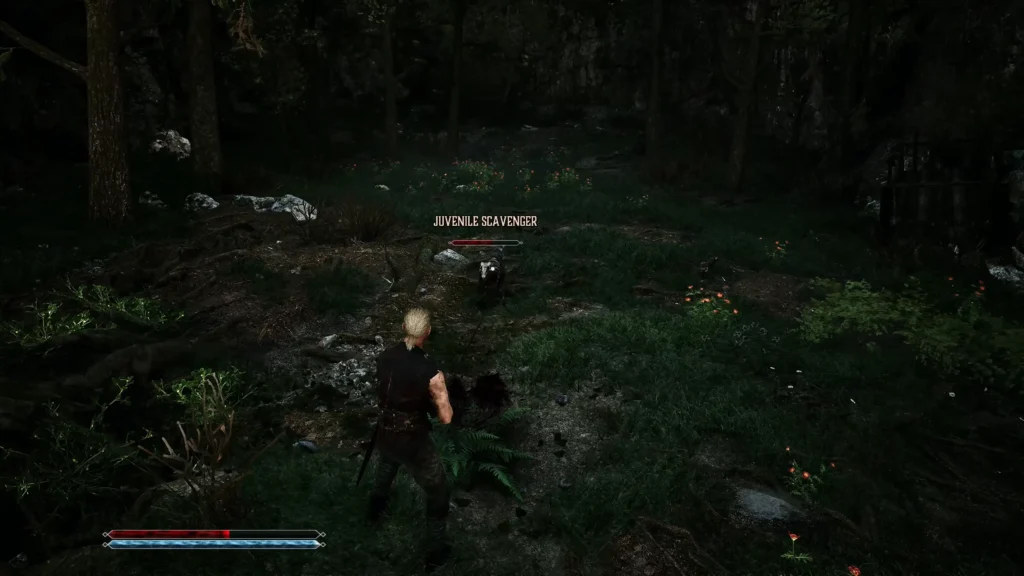
Thirdly, lower Motion Blur and Bloom. This makes the game easier to see and also provides a small performance gain. Lastly, in busy areas, reduce Global Illumination (Lumen) and Shadows to help prevent frame drops and stuttering.
Here are the results you’ll get:
- RTX 3070 (1080p): 45–65 FPS on High/Medium with DLSS. Noticeable drops in the Old Camp.
- RTX 4070 / 4070 Ti: Playable on High/Very High mix with DLSS. Stable for many users.
- RTX 5070 Ti + modern CPU: 60–120+ FPS at 1440p/4K with the Gothic preset + DLSS + Frame Generation.
- High-end (RTX 4080/4090/5090): 75–100+ FPS at 4K with maxed settings and upscaling/Frame Gen.
At the end of the day, don’t forget to update your GPU driver. I know you might prefer older versions to avoid issues in other titles, but it’s highly recommended here. And like always, close background applications and ensure you have, ideally, 32 GB RAM available.