

Dressmaker game lace looks simple until Alice asks for 100 cm of Lace Trim and your counter is at 0. Here’s the catch. Lace Trim is its own accessory, not a fabric. And some items with “lace” in the name don’t count. You need the Lace Trim filter in the Accessories shop. Below, I’ll show you how to make it count and what to do if it’s still bugged. So without further ado, here’s how to get Lace Trim for Alice.
What You’ll Read:
What Is Dressmaker Game Lace Trim
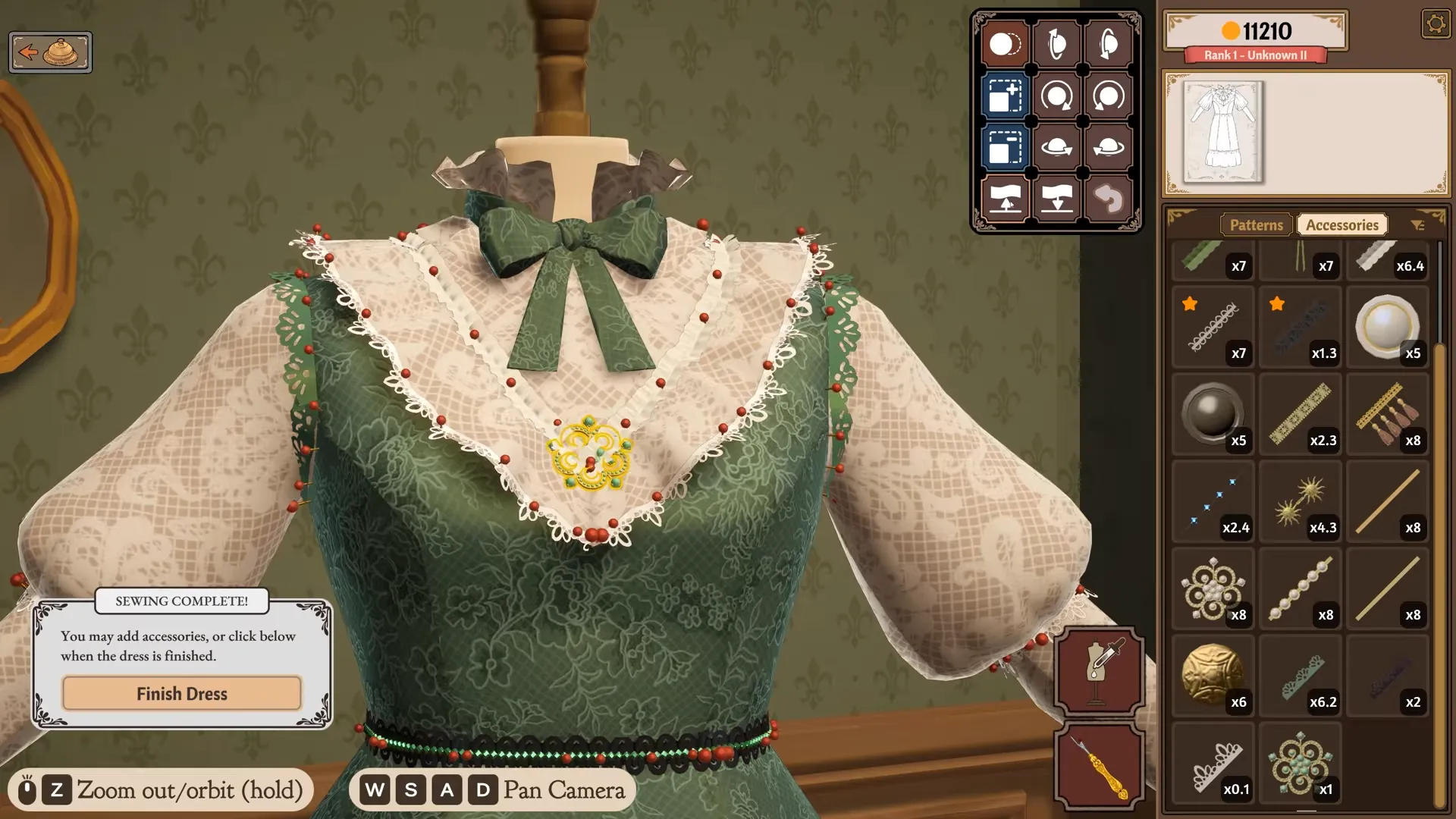
Lace Trim is an accessory. You buy it from the Accessories corner of the shop and pin it onto a finished dress, right next to buttons, bows, and appliqué. Placement is free, so you can put it anywhere.
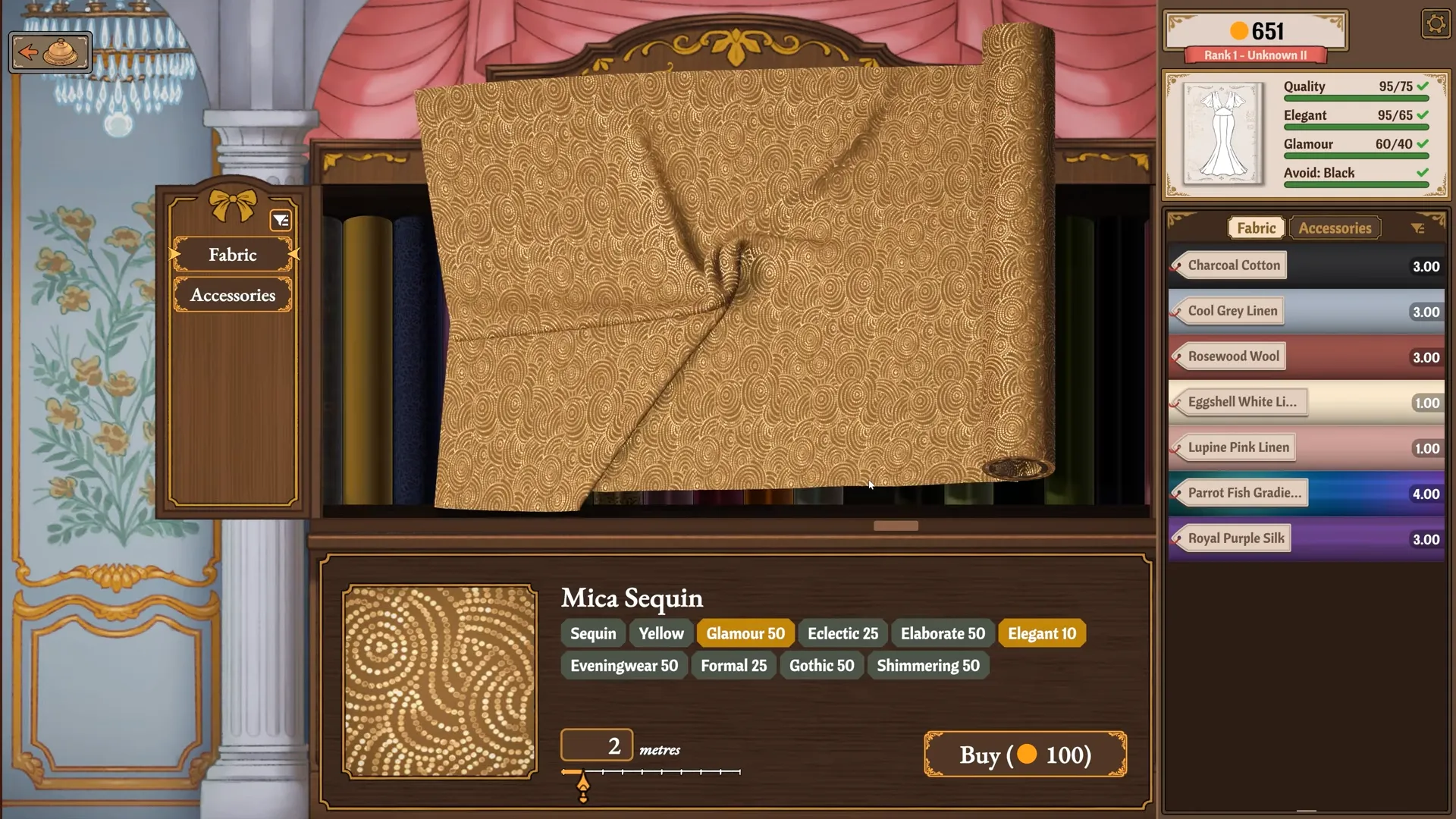
Lace fabric is a different thing. It’s a material you sew the dress from, like Ivory Lace, and it mostly feeds your Gothic and Romantic scores. Some commissions ask for a lace percentage, and that’s about fabric too. A Lace Trim requirement is measured in centimeters, and only trim accessories count toward it.
The naming is a mess, honestly. But hopefully you know the difference now.
Alice Lace Trim Requirements in Studious Motivation
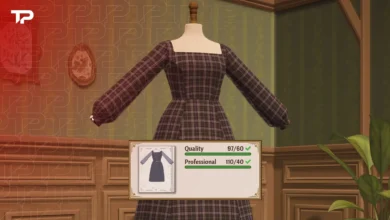
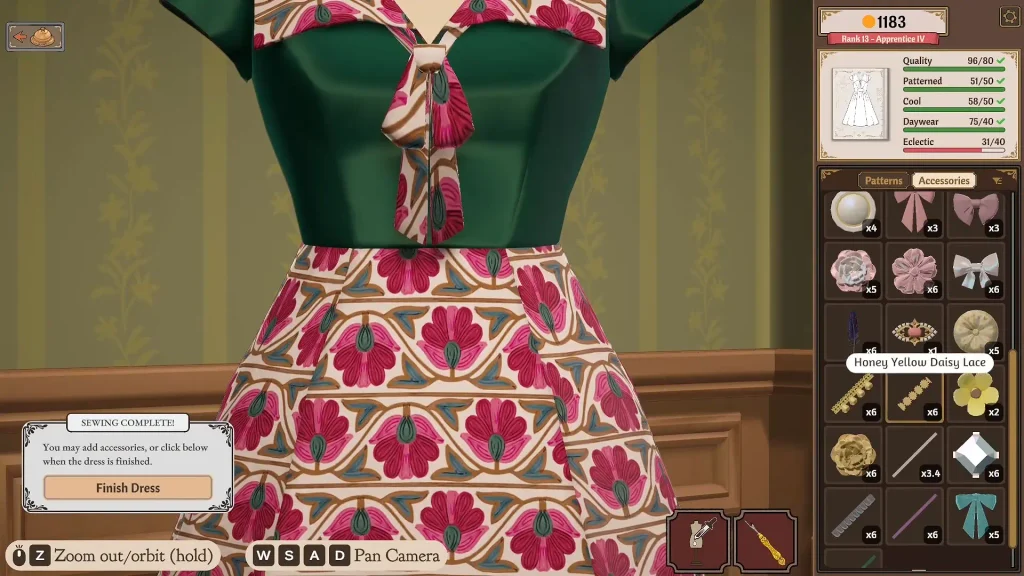
Alice’s Studious Motivation is her first story commission, and it’s where the Lace Trim confusion starts. She wants a Gothic and Romantic dress with plenty of lace. These are the targets:
| Requirement | Target |
|---|---|
| Quality | 75+ |
| Gothic | 40+ |
| Romantic | 25+ |
| Lace Trim | 100 cm |
| Budget | 250 |
Note: One way to hit the style scores is to sew the dress from lace fabric like Ivory Lace. Then add the 100 cm of trim at the end.
How to Get Lace Trim to Count
Finish sewing the dress first. Then head back to the shop:
- Open the Accessories corner.
- Filter by Lace Trim.
- Buy an item that shows up under that filter.
- Pin it on the dress until the counter hits 100 cm.
Trust the filter, not the name. That’s the whole trick. A great choice is Ivory Looping Lace. I wouldn’t call it the only good pick, though. My first run only registered 72 cm, so expect to add a second stretch.
Dressmaker Game Lace Trim Not Counting Fix
Build 403 (Sept 22) fixed some lace trim items that were missing the Lace Trim tag. If your problem comes from a launch-day thread, it’s probably old news. Make sure you’re patched, then check the filter again.
Don’t fall for the “use lace fabric” advice floating around Steam. One player pushed it as the fix, and another tried it and still got 0/100. Black Lace is a mess too. Some players say it counts and others say it doesn’t, so test it before you buy a pile of it.
Some players still report stalled counters after the patch, and Build 410 didn’t list another lace fix. Honestly, nobody has confirmed a universal bug. If an item from the Lace Trim filter still won’t count, email support@freelives.net with the commission name, item name, counter value, and build number if you can see it.
How to Place Lace Trim in Dressmaker
Here’s how to place the perfect Lace Trim step by step:
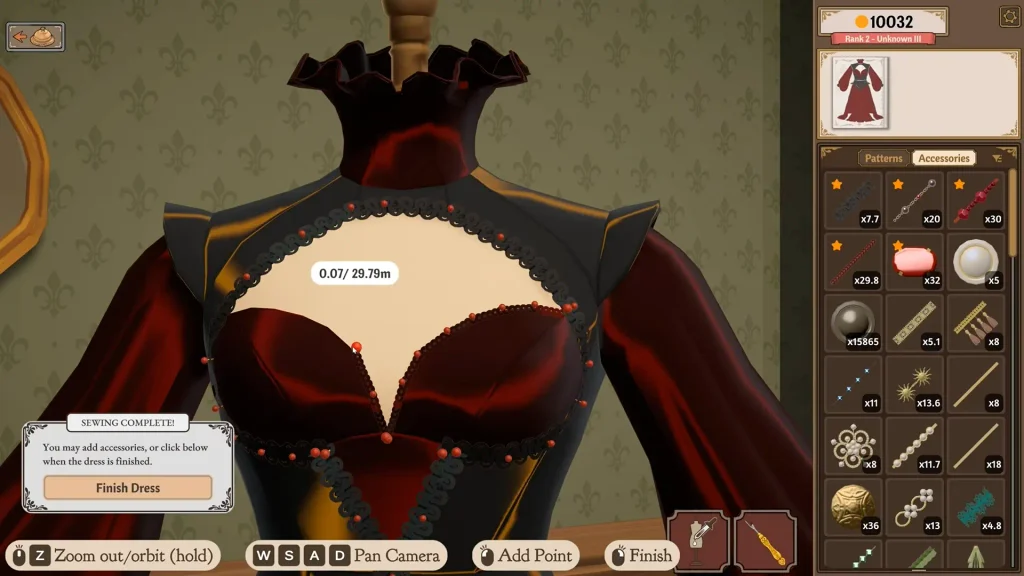
Use Short Pin Runs on Curves
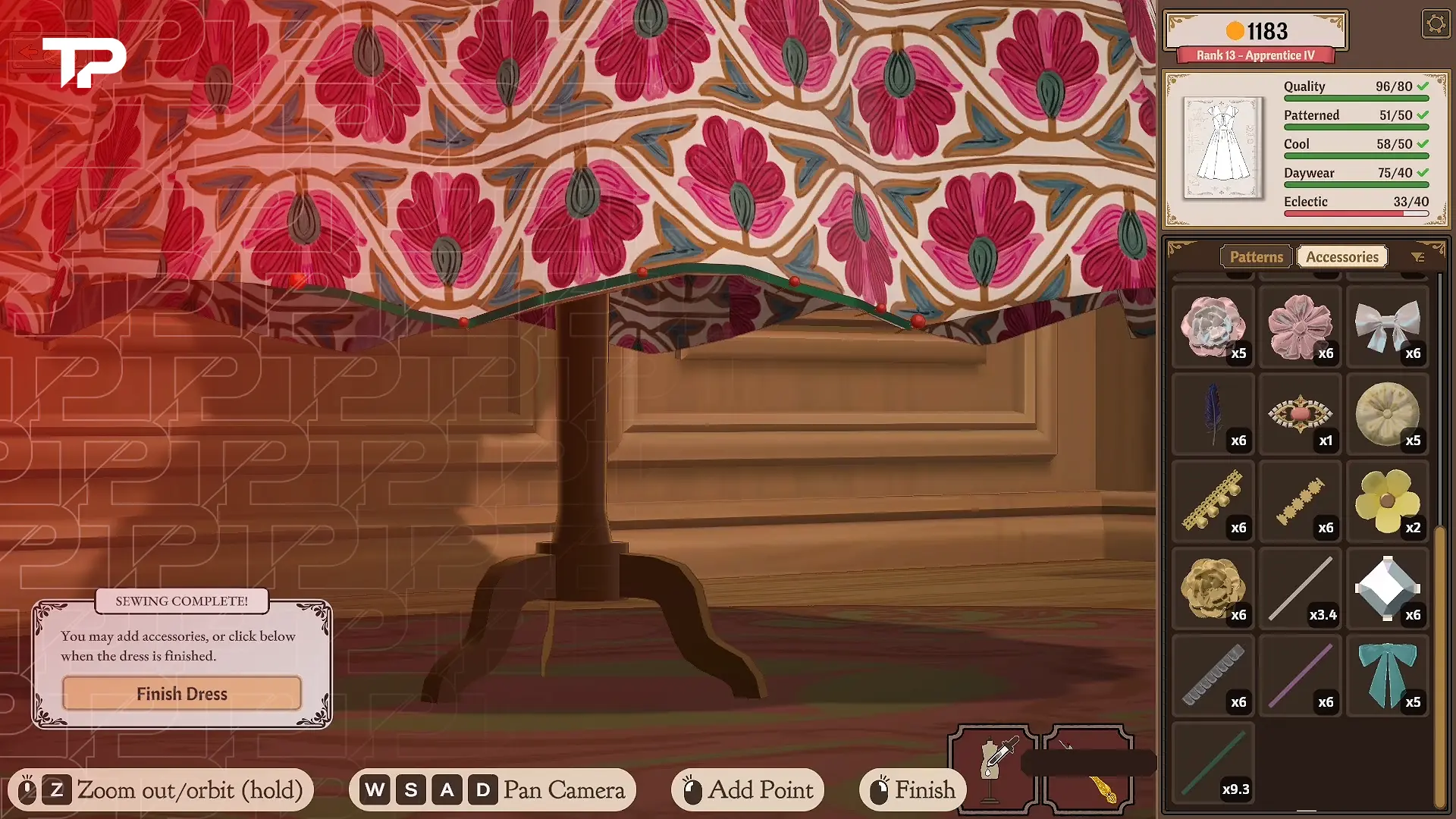
Open the Accessories menu and click to drop pins along your path. Keep each run short, with a pin every few centimeters. More pins mean the trim hugs curves and folds instead of cutting across them.
Zoom in and rotate the camera so you can see the back and sides, especially on cuffs. If a sleeve blocks the view, take it off for now or add the trim later. Start on the hem. One streamer tried sleeves first and gave up, and I don’t blame them.
Fix Clipping or Upside-Down Trim
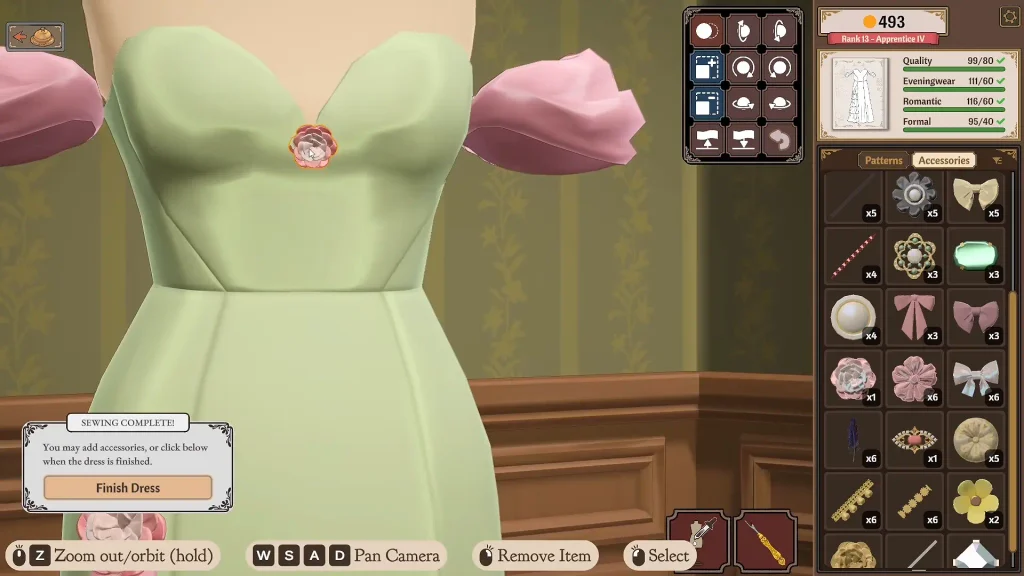
Click a red pin on the trim to bring up the edit panel. It has buttons for rotation, size, and raising or lowering, plus Duplicate and Reset. Hold a button down to change things faster.
If trim clips into the dress, tilt it up a little. If it sinks out of sight, click the last red pin and adjust that point instead of starting over. If it’s upside down, drag the other way, right to left. Want direct 3D rotation? Turn on Accessory Rotation Gizmo in Settings.
Move or Delete Trim
Keep the Accessories menu open, because trim only edits while it’s active. Hover over the trim and click a pin to show the red pins. Drag one to move it. Click one to keep extending the run, which helps after you leave to buy more trim.
The top-right controls delete the whole run. Right-click removes a highlighted accessory in some videos, but it behaves differently depending on what you’ve selected, so stick to the visible controls. If a garment piece won’t come off, check for trim pinned on top of it.
That’s everything I’ve found on Dressmaker game lace trim so far. Honestly, the filter should be a bigger deal in the tutorial. Did it count on the first try, or did you fight the counter too? Tell me in the comments, and I’ll update the guide when the next patch lands.
FAQ
Does any other commission need Lace Trim?
Yes. Fiona’s “Opera Night” asks for 10 cm of Lace Trim. Alice’s “A gift for Alice” wants a lace percentage instead, which is about fabric, not trim.
Does Lace Trim add Gothic or Romantic points?
Sometimes. One tips video shows Black Lace adding Gothic points. Accessories usually add less than fabrics, and some items subtract, so check the gold, red, or grey indicator before you buy.
Can I place lace trim on Steam Deck?
Yes, but expect a learning curve. The devs say the game runs fast, but they still want proper controller support. Players report that using the trackpad as a mouse, remapping zoom, or using a USB-C mouse helps.
Why can’t I find the Lace Trim I need?
You may not have unlocked it yet. Higher renown opens more fabrics and accessories, and you earn renown by turning in dresses. The game has 350+ accessories, so use the filter.