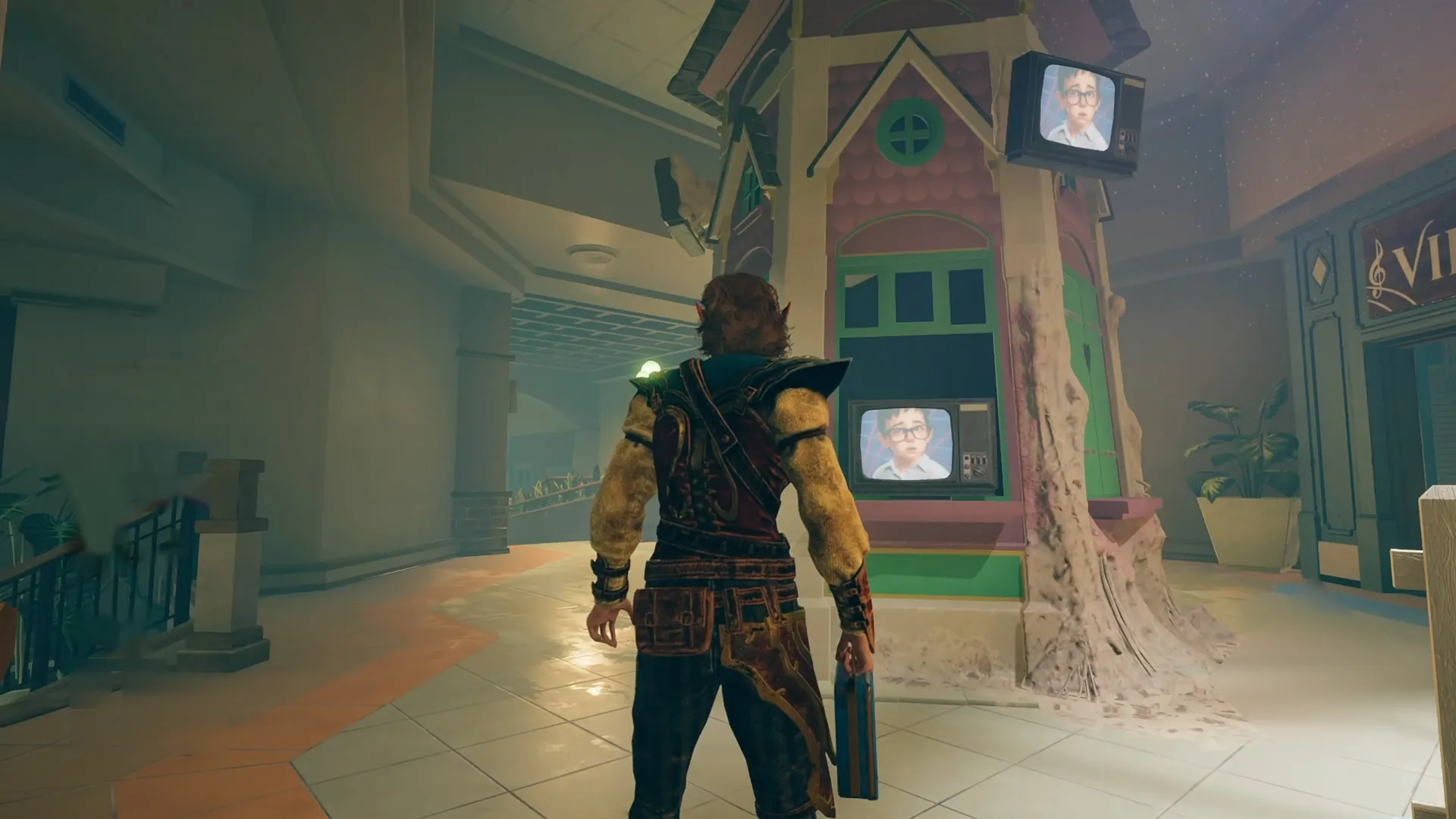


The DBD info desk is the pink and green kiosk with old CRT TVs built into it, on the upper floor of Dead by Daylight’s Hartshorne Mall map, near the Virtuoso music store. To complete Restore Power To, and Investigate, the Info Desk, repair the hallway generator beside it, then stand at the kiosk’s open service window and face it until the quest reads 1/1. Credit can lag, so stay put or come back later.
What You Will Read:
Where Is the Info Desk in Hartshorne Mall?
Despite the name, the info desk is a tall, house-shaped kiosk painted pink and green, with CRT televisions mounted on its sides and a white picket fence around the area next to it. It sits on the upper floor of Hartshorne Mall, along the walkway beside the Virtuoso music store. You may also see it called the monitor tower or the TV pillar, and both names mean the same kiosk.
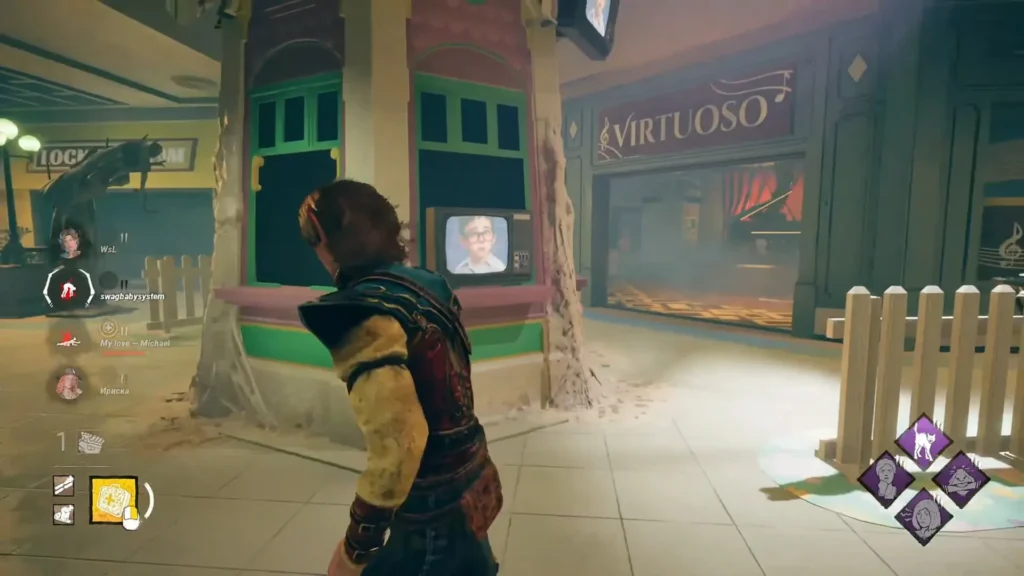
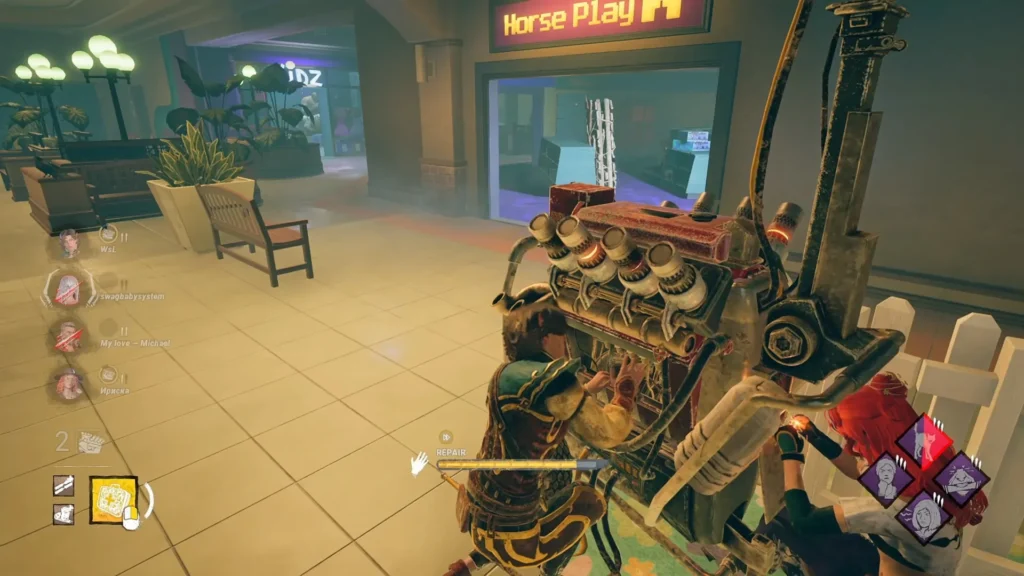
The hallway generator you need is close by, under the Horse Play store sign. If you spot that sign, the kiosk is a short walk away. The info desk is also a separate objective from the Big Store alarm, even though both are in the same quest list. If the alarm is the one giving you trouble, here’s how to trigger the alarm in the Big Store. For everything else on the map’s list, see how to finish every objective in Hartshorne Mall.
Hartshorne Mall is a new Dead by Daylight map in The Subdivisions realm. It arrived in patch 10.3.0 on November 24, 2026, alongside The Terrifier chapter. You’ll find this objective in the Hartshorne Mall section of the quests menu.
How to Complete the Info Desk Challenge
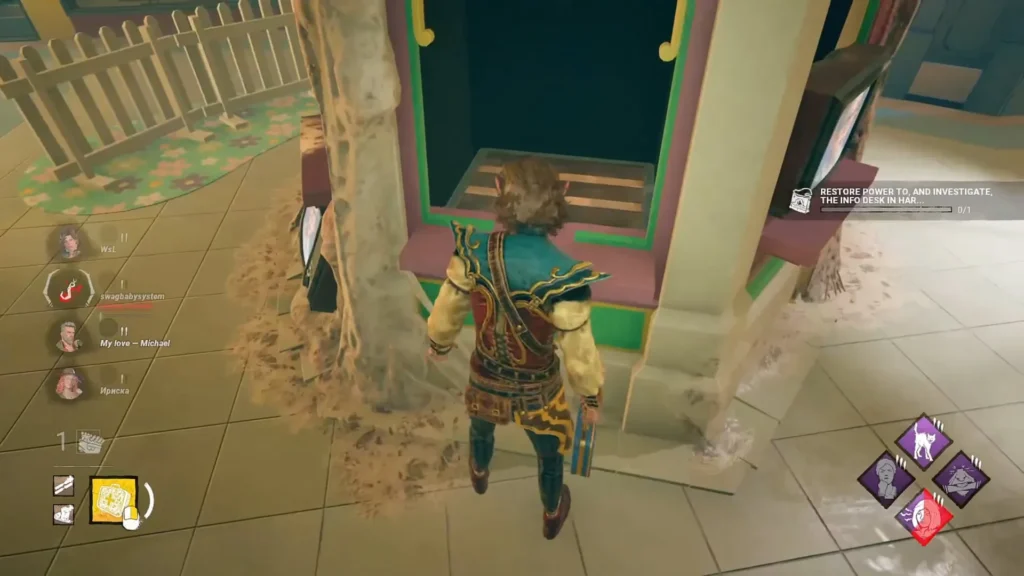
The full quest name is Restore Power To, and Investigate, the Info Desk in Hartshorne Mall, and it tracks as 0/1 until it counts. Both halves of the name matter: power comes from a nearby generator, and the “investigate” part happens at the kiosk itself.
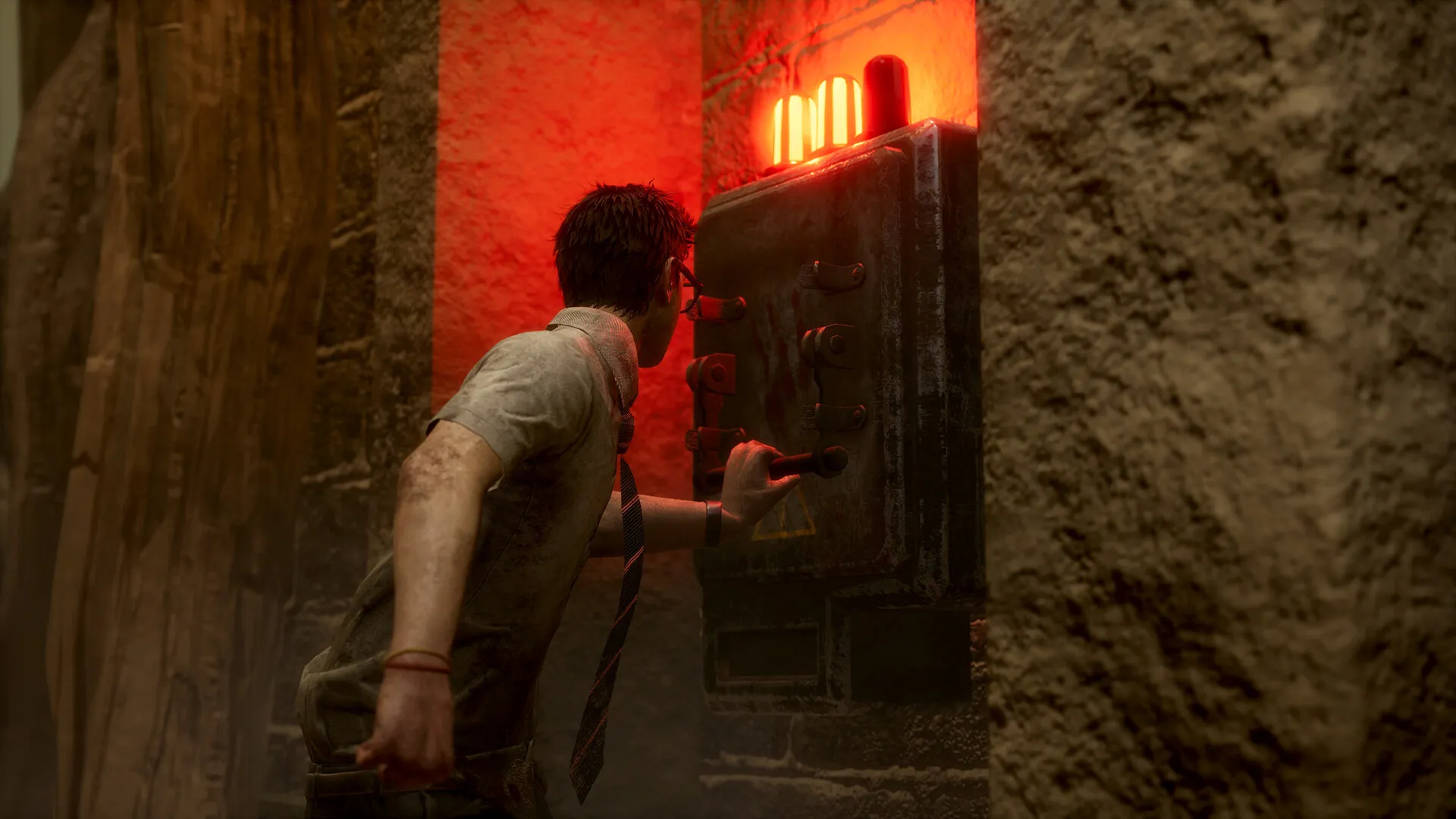
- Repair the hallway generator next to the kiosk. It’s the generator in the hallway under the Horse Play sign, and the TVs on the kiosk light up when it’s finished. Can’t see a generator right beside the kiosk? Check around the corner, since it sometimes spawns a little to the side. You don’t have to repair it alone, either. Helping a teammate finish it works.
- Walk up to the open service window and face it. The front of the kiosk has an empty, dark opening that looks like a ticket window. Stand close and look straight into it. There’s no interact button here, so staying in position is all the game asks for. Aim your view at the window itself rather than at one of the TVs.
- Watch the quest tracker for 1/1. The tracker can stay at 0/1 for a bit after you reach the window before it switches to 1/1, so don’t walk off the moment you arrive.
Power the generator right beside the kiosk, not one elsewhere on the floor like the generator by the fountain. The kiosk TVs lighting up confirms you picked the right one.
Info Desk Quest Not Completing? What to Try
Plenty of players on launch day powered the right generator, watched the TVs turn on, and still sat at 0/1. Behaviour’s 10.3.0 patch notes don’t list a bug or a fix for this quest, so treat the options below as retries, not guaranteed fixes.
| What you see | What it likely means | What to try |
|---|---|---|
| TVs are on, tracker still says 0/1 | Power counted, but the investigate step hasn’t registered yet | Stand at the open window, facing it, for several seconds |
| A deer pops out of the window, still 0/1 | The scare isn’t a completion signal | Return to the window after the scare, or retry later in the match |
| No generator right next to the kiosk | It may have spawned around the corner | Check the hallway on either side of the kiosk |
| Nothing registers all match | Credit didn’t trigger this trial | Repeat the same generator and window in your next Hartshorne Mall trial |
Does the Deer Jumpscare Mean You Got It?
No. A deer can pop out of the kiosk window after the generator is done, but the scare can happen without the quest counting. When that happens, the same generator and window can work right away in a later match. Ignore the scare and go by the tracker. Only 1/1 means you’re done.
Retry Options That Worked for Players
Try these in order:
- Hold your position facing the window. Stand in front of the open window for about 10 seconds. Treat that as a rough guide, not an exact timer.
- Circle the kiosk and return to the window. Walk all the way around it, then stop in front of the empty window again.
- Come back later in the same match. A first visit sometimes doesn’t count while a return trip to the kiosk does.
- Try another trial. If nothing works, power the same generator in your next match on the map. It can take a few matches before it registers.
It isn’t clear whether credit goes only to the player who finishes the generator or the first one to reach the window, so check the window yourself even if a teammate got there before you.