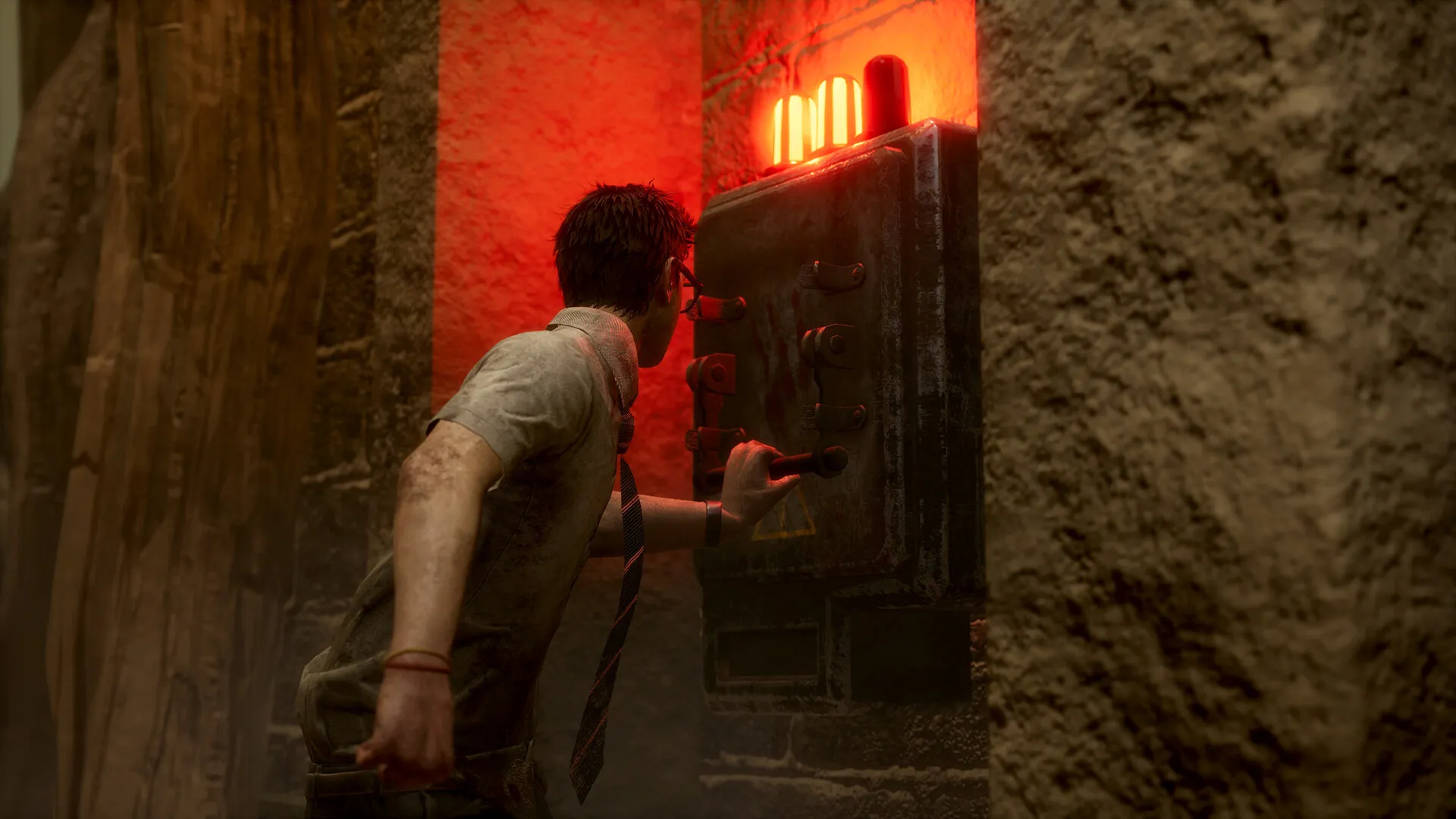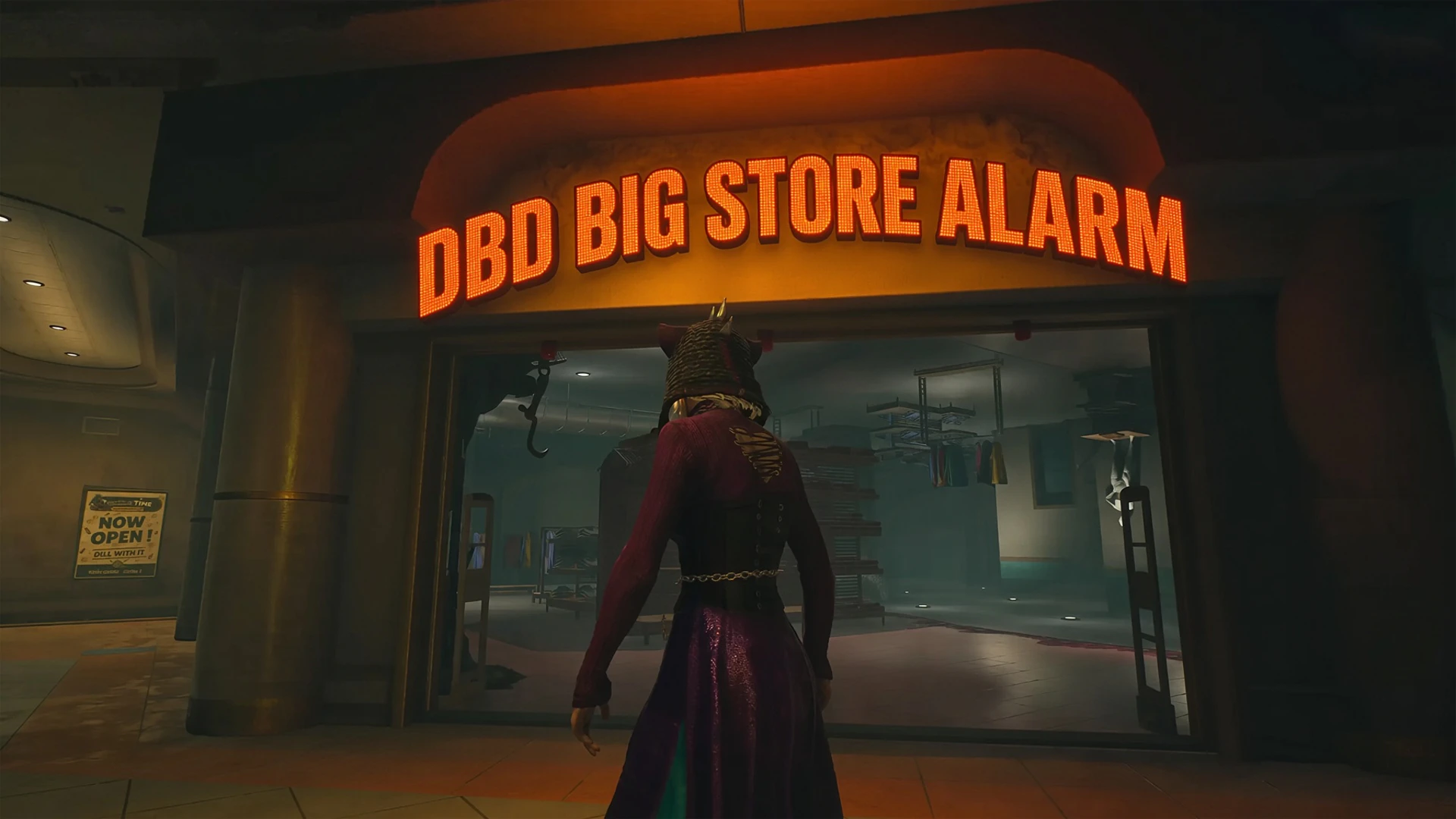


To set off the DBD Big Store Alarm, head upstairs from the central fountain in Hartshorne Mall and then repeatedly run through the two anti-theft security gates (consisting of three pedestals) at the entrance of the large clothing store. That’s the one with the Big Store neon sign. The sensors might not register your character at first, but the pedestals should eventually light up red with some red lamps on top lighting up as well. An alarm sound will also go off simultaneously.
Check out:
Where Is the DBD Big Store Alarm?
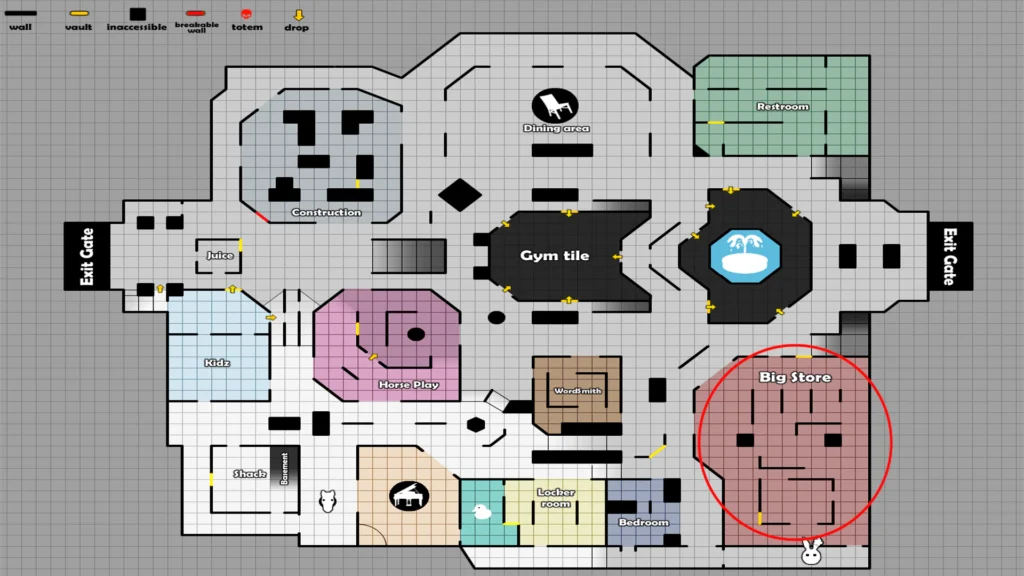
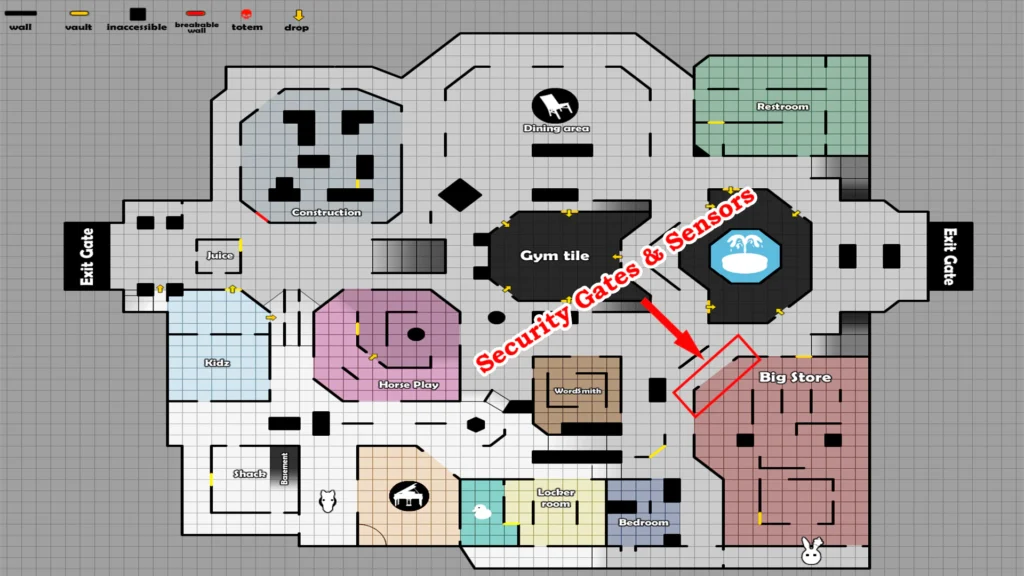
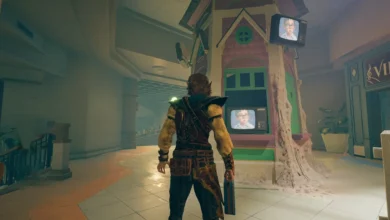
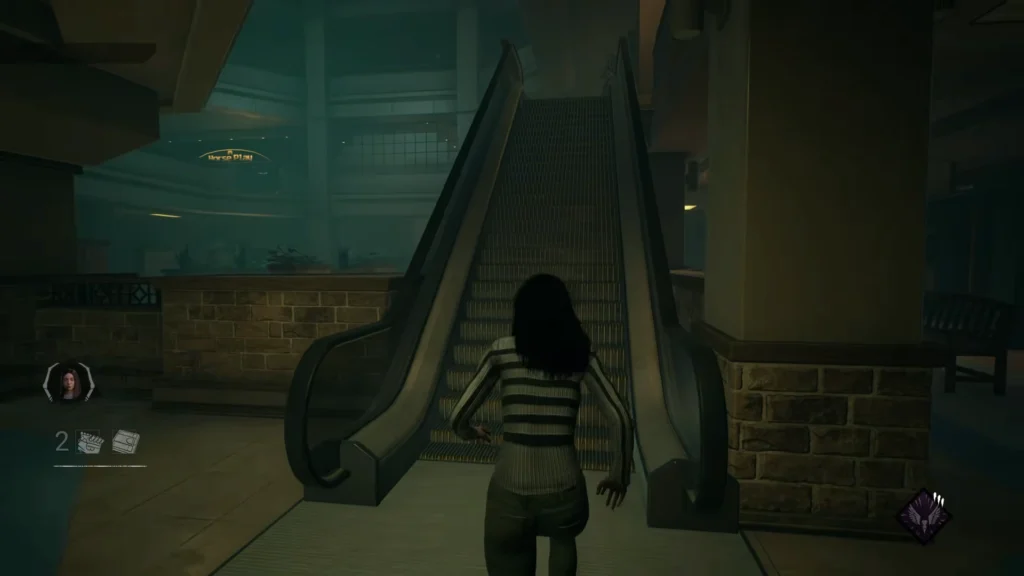
Inside Hartshorne Mall, the new map that was added with the Terrifier expansion, there is one store simply called the Big Store. To make your way to it, head toward the central fountain (the big weird-looking monument) and take the escalator stairs to the upper floor. Look for the large clothing store near Dwight Fairfield’s childhood room. You should see two security gates right at the entrance of the store. Just take note that there are TWO security gates made up of THREE anti-theft pedestals.
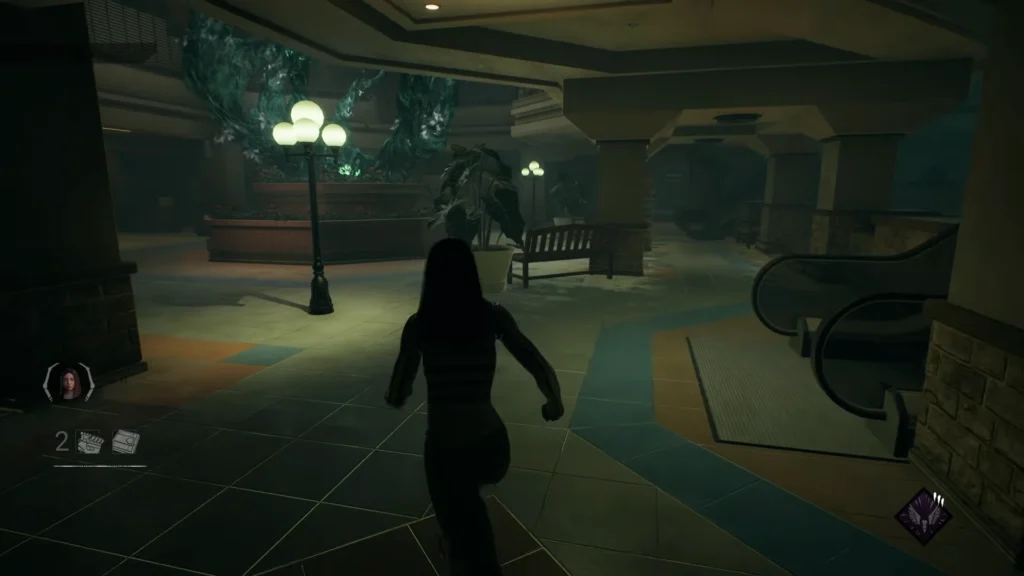
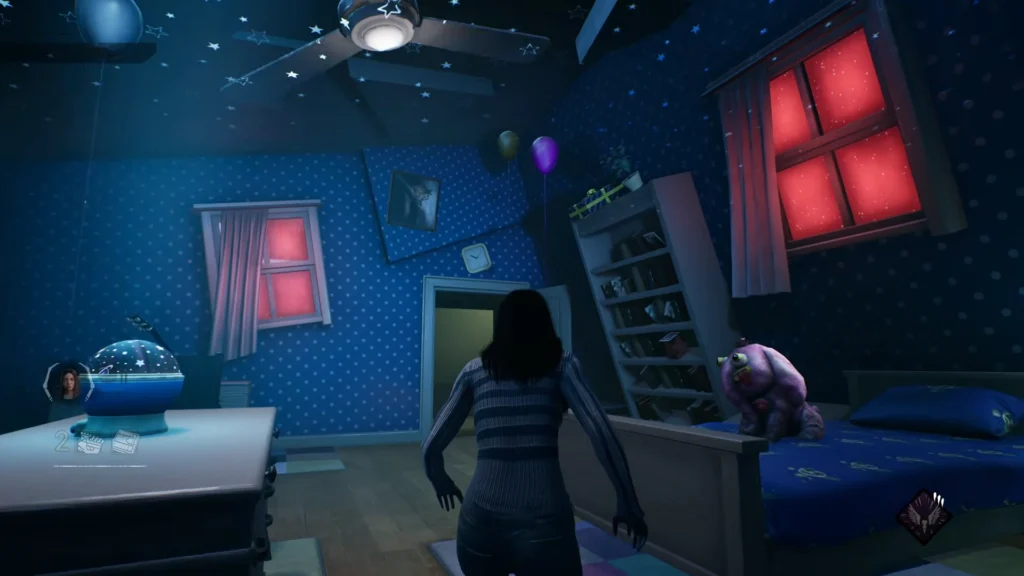
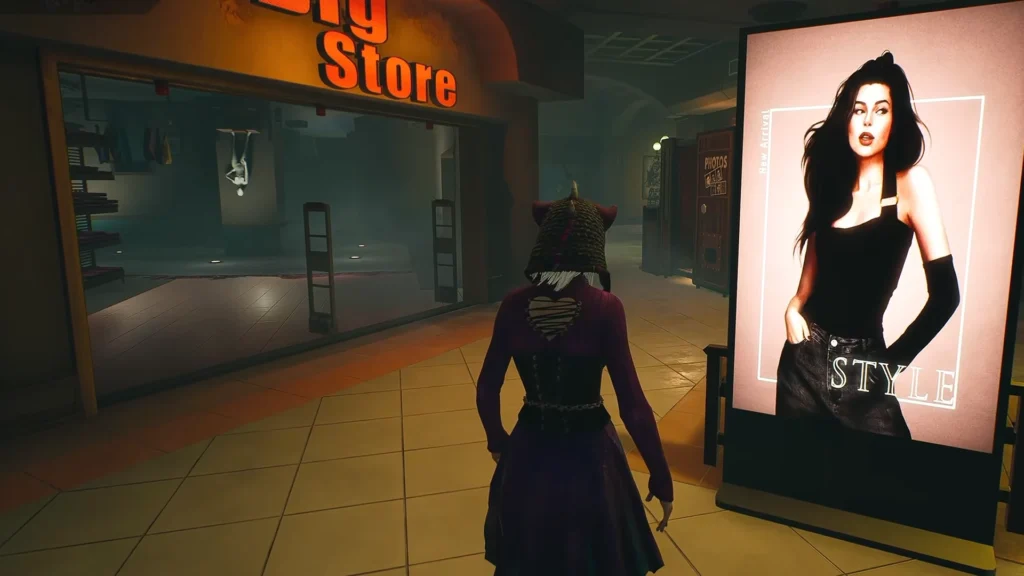
If you’re heading there, that means you’ve probably already done a few of the other quests available in the Hartshorne Mall. If you’re stuck on any of the other ones, check out how you can accomplish all the quests in the area.
How to Set Off the Big Store Alarm in DBD
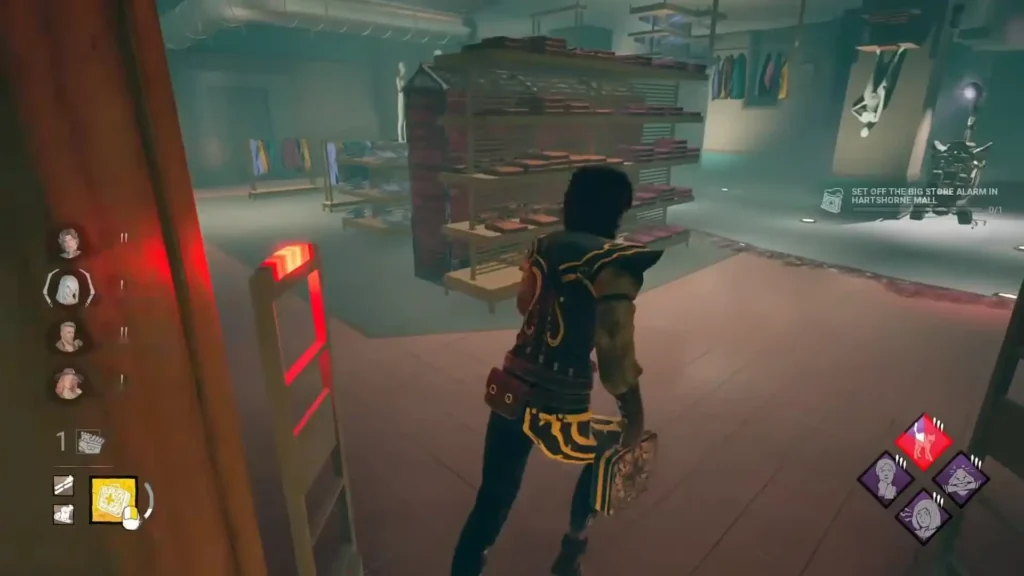
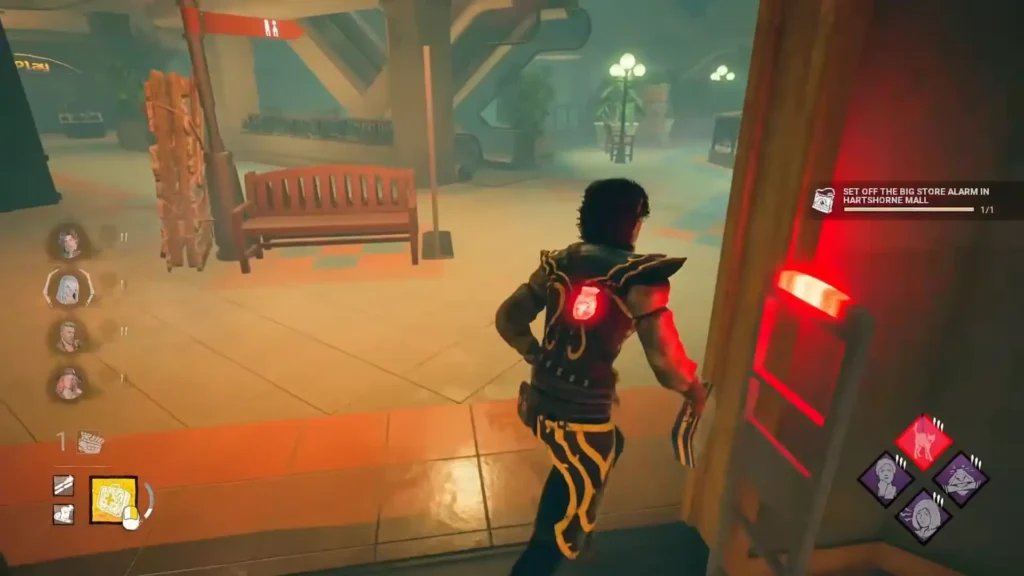
You don’t need to press a button or interact with a security panel somewhere. All you gotta do is move through the anti-theft gates. Here are the exact steps on how to do it:
- 1. Find the central fountain and take the escalator stairs to the upper floor.
- 2. Take a sharp right turn and go forward until you see the large clothing store with the neon sign Big Store on the entrance.
- 3. Run through the security gates at the main entrance.
- 4. If not triggered, turn around and run through them again. You can try spinning in the middle of the gates too.
- 5. Repeat until the security sensors glow red and the alarm goes off.
- 6. You should see a message on the right side of your screen saying “SET OFF THE BIG STORE ALARM IN HARTSHORNE MALL 1/1.”
Just keep in mind that the security alarm and the sensors won’t necessarily go off on your first attempt since the whole thing seems a bit wonky. I had to keep running through the gates at least five times for the alarm to activate.
Do You Need to Repair the Generator First?
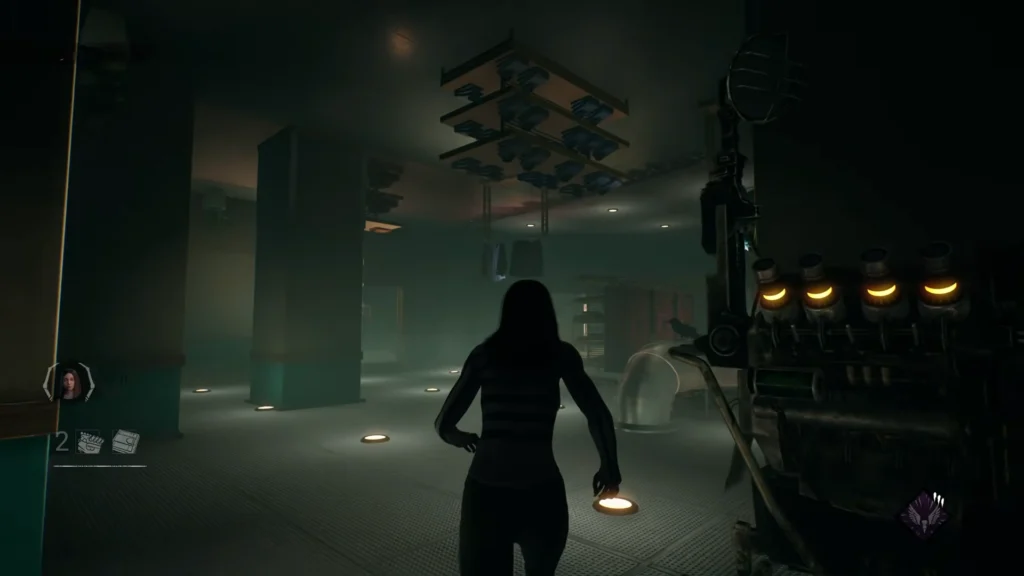
It isn’t really a requirement, but I always try fixing the generator before attempting to trigger the security gates because repairing the generator is reliable, while the security gates might be triggered on your first try or require you to run through them multiple times. Since the killer will likely be on your tail, it’s better to prioritize repairing and then go for the security alarm. If you want to try the map as the new killer, Art the Clown, you HAVE to check out the perfect build for him.
DBD Big Store Alarm Still Not Working?
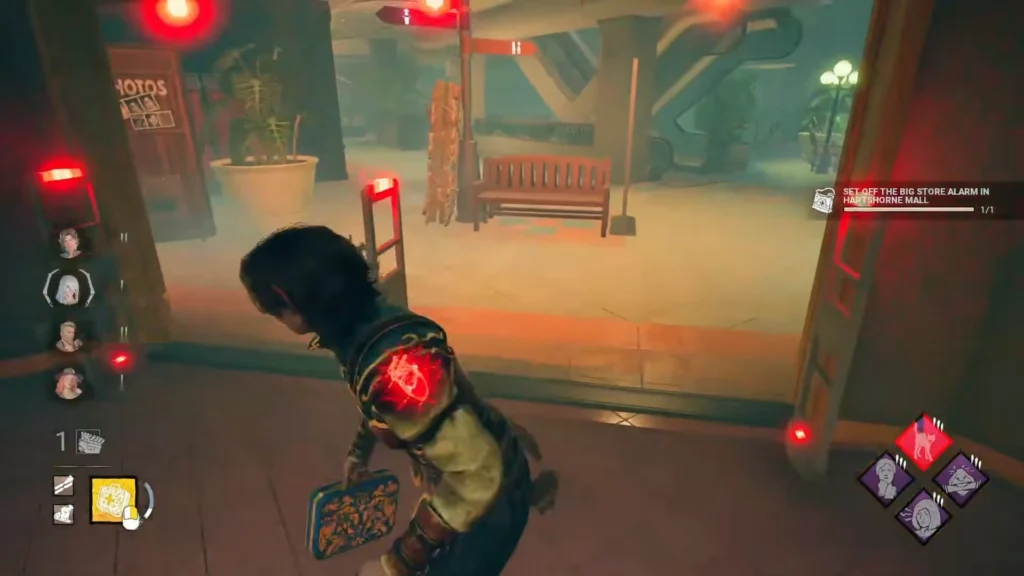
Like I said, since the expansion was recently released, there are bound to be bugs and glitches. Seemingly, one of these bugs appears to be linked to the Big Store Alarm challenge. That’s why I recommended you go through the gates more than one time. There are some other methods you can try if passing through the gates multiple times didn’t work:
| Method | What to do |
|---|---|
| Repair the generator | Complete the generator inside the clothing store if one has spawned. |
| Carry an item | Try crossing the security gates while holding an item. |
| Fast-vault | Fast-vault into the store before attempting the security gates again. |
| Use a locker | Enter and exit a locker before retrying the alarm. |
Oh, and also, don’t confuse the Big Store Alarm with the Info Desk challenge. That’s a whole other ordeal and requires another type of interaction with the environment.