

The ability to fly changes your experience in Witchspire. You start the game stuck on the ground, but eventually, you gain the power to traverse massive gaps, bypass dangerous high-level enemies, and negate fall damage entirely. The sky hides many of the game’s best secrets and rare familiars, which makes the broom an essential tool for your survival.
Our Witchspire flight guide will show you exactly how to unlock your very first broom and take to the skies. We will point out the exact materials you need to gather and the specific boss you must defeat to earn this powerful ability.
Note: Witchspire is currently in Early Access. The steps in this guide are accurate for the current build, but materials and mechanics may change with future updates.
What we cover:
Step 1: Defeat the Al’uunian Golem at Vyr’s Edge
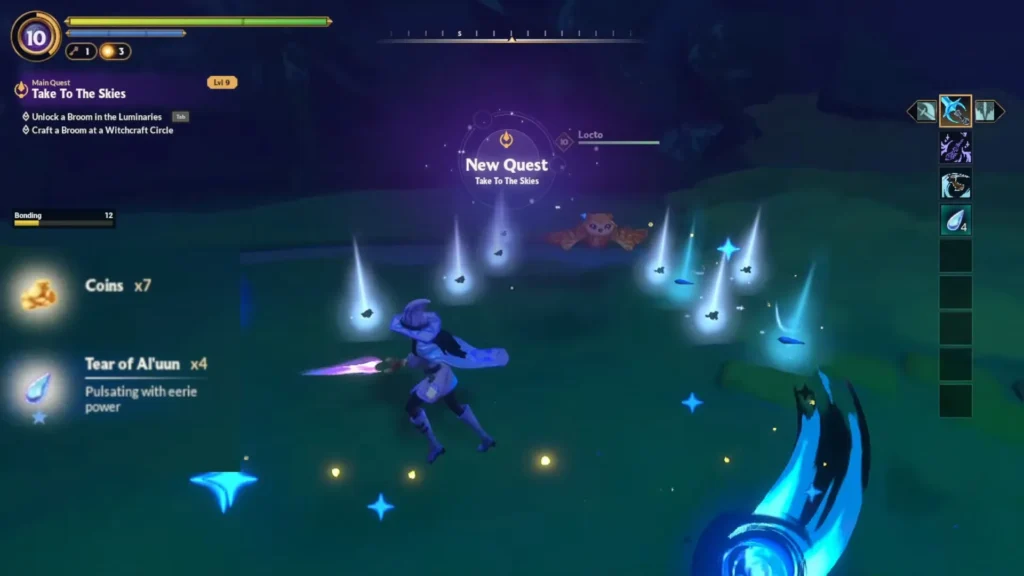
The first thing to do is to fight with a specific boss. If you follow the main quest to the far west side of the island, you reach an area called Vyr’s Edge. You will find a portal here. Go inside this portal to face the Al’uunian Golem.
This enemy is a Level 10 adversary, so you should prepare and level up before you engage. Once you defeat this boss, it drops the Tear of Al’uun. You need three of these specific items to progress your base later.
Step 2: Upgrade Your Hearth to Level 4
You cannot build your broom immediately. Your base needs to reach a specific tier first. To unlock the necessary recipes, you must upgrade your Hearth to Level 4.
You can find the materials for Level 3 in the Chirili Crater area. The final upgrade to Level 4 requires the boss drops from the previous step.
| Upgrade Tier | Required Materials | Location / Source |
|---|---|---|
| Hearth Level 3 | Cinderbloom, Chirili Tuft | Chirili Crater |
| Hearth Level 4 | Tear of Al’uun (x3), Simple Planks | Boss drop at Vyr’s Edge, Workbench |
Step 3: Craft the Basic Broom at the Witchcraft Circle
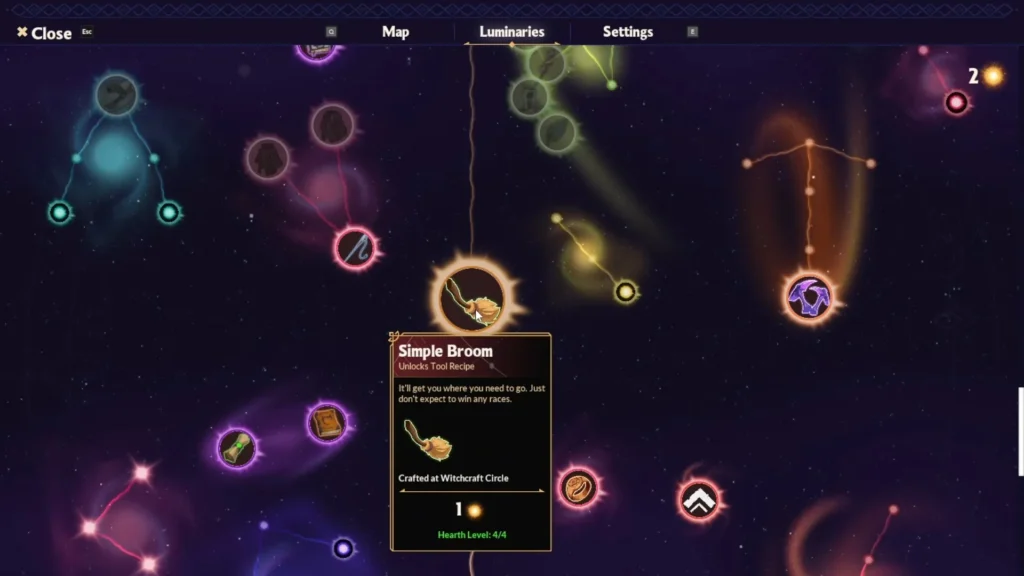
Now that your base is upgraded, you can access new skills. Open your Luminaries menu and unlock the Witchcraft Circle. You also need to craft a Simple Ritual Candle. After you complete these prerequisites, the game allows you to unlock the Spinner and the Basic Broom recipes.
To assemble the mount, you require two final materials. You need 5 Spirit Dust and 3 Fine Wood. You can acquire Fine Wood by taking a Logging Sickle to the thick oak trees scattered around the world. The closest cluster is east of the map center, near the area between the Chirili Crater and the Witchspire. Look for trees with wider trunks that stand out from the regular ones around them.
Take these materials to your Witchcraft Circle to finalize the construction.

Step 4: Activating Flight Pillars in New Regions
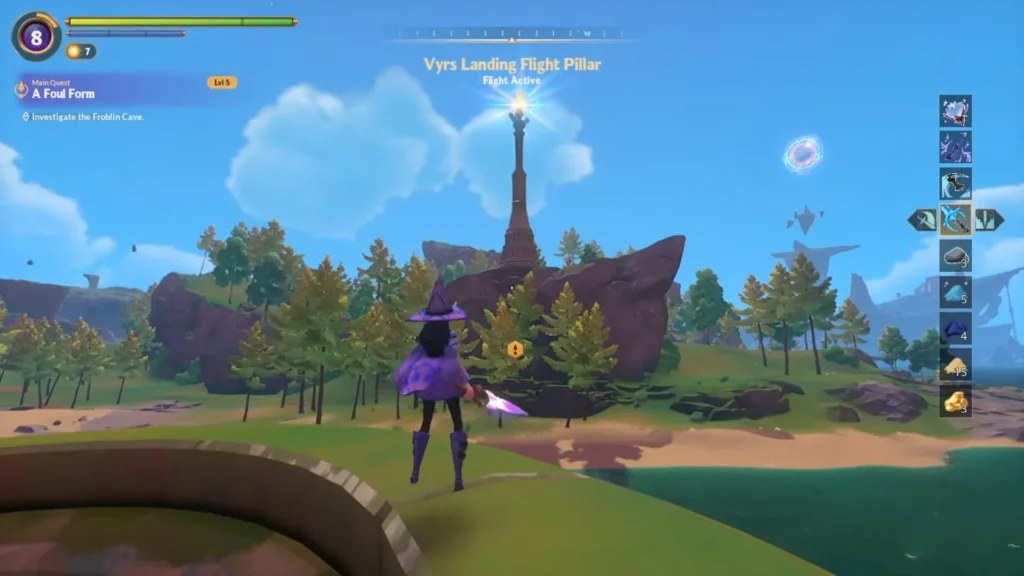
Your new vehicle works differently depending on your location. When you enter a fresh map zone, the skies remain locked. You must locate and activate the Flight Pillar in that specific subregion to enable full aerial movement.
The system requires you to hunt down hidden orbs. These light orbs usually connect to the main pillar via blue spectral lines.
Timberline Basin Orb Locations
The Timberline Basin requires three orbs to power its tower. You can find them in these exact spots:
- Walk down the main path and ignore the enemies until you reach the end. Grab the luminary near the two chests, turn around, and hold the interact button on the first orb.
- Head into the Shard Caverns. Run past the creatures until you find an open room with three pressure plates. Step on all three plates to open the door to the Vagabond’s lair. You can ignore the boss inside and simply grab the second orb.
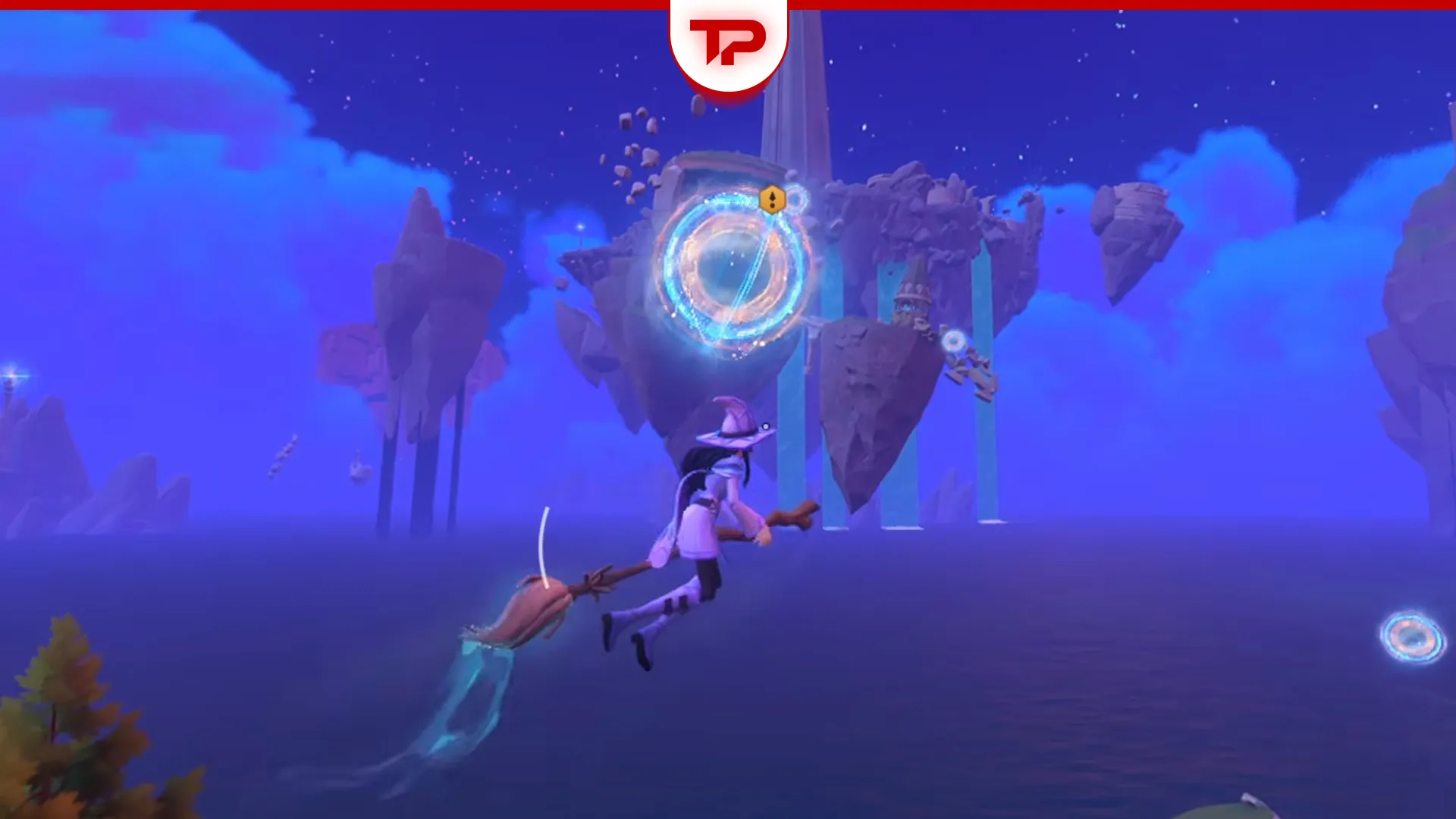
- Look for floating rings in the sky near the High Top ruins. Fly through the first ring with your broom and point your camera up. Bounce through the consecutive rings until you reach the top of the ruins, then drop down to collect the final orb.
Flight Not Working? Check These First
If you crafted the broom but still cannot fly, run through this checklist before assuming something is bugged.
- Recipe not appearing: Make sure you unlocked the Basic Broom node in the Luminaries tree. Building the Witchcraft Circle is not enough on its own. You also need to spend the Luminary Point on the node.
- Spinner missing: The Spinner is a required prerequisite. Unlock it in Luminaries first, then place it manually from the build menu.
- Broom built but flight inactive: You still need to equip the broom in your character menu and activate at least one Flight Pillar. Crafting it does not automatically enable flight.
- Hovering but not flying high: This happens in regions with an inactive Flight Pillar. Track down the orbs in that zone to unlock full aerial movement.
Flight Mechanics and Fall Damage Tips
To ride your new item, open the character menu and drag it into the designated broom slot. On a keyboard, press V to mount up. If you play with a controller, press down on the left joystick (L3). If the prompt is not showing, double-check your keybindings in the settings menu, since controller layouts can vary.
Even if a region has an inactive pillar, you can still equip the mount to hover slightly above the ground. This trick completely prevents fall damage when you jump off tall cliffs.