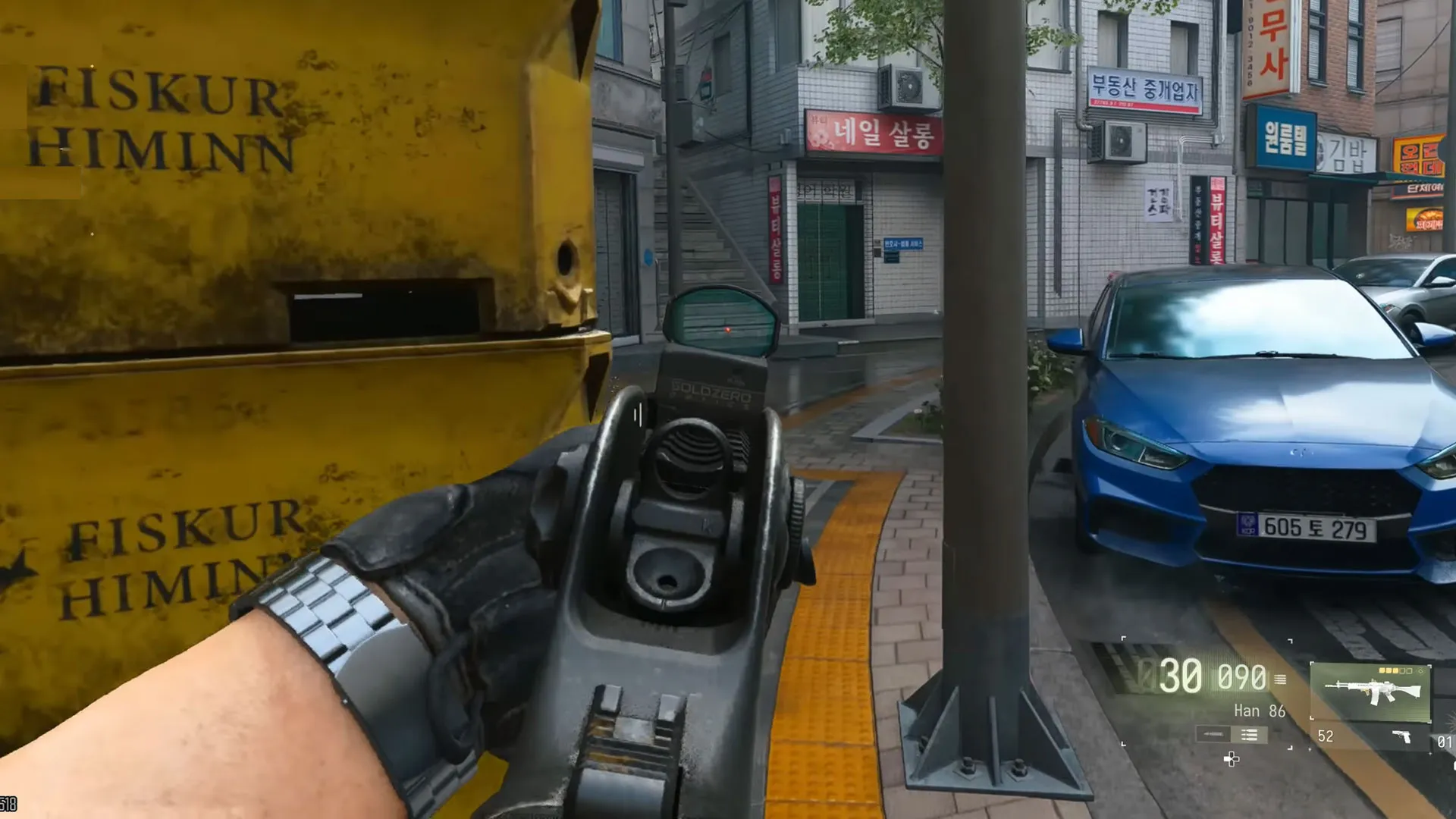


MW4 Aim Assist is weaker than in MW3, but it still works. In one controlled strafing test, the camera turned 11° by itself at 10 meters in MW4, against 18° in MW3. If your aim feels off, try a stick sensitivity of 1.6 to 1.8, set Right Stick Minimum to 2 or 3, drop both trigger deadzones to 0, and keep your left stick moving during fights.
What You Can Read:
Best MW4 Aim Assist Settings
These are the values I would try first. Change one at a time in a private match, since every controller feels a bit different. A few settings have popular alternatives, which the Notes column lists.
| Setting | Starting point | Notes |
|---|---|---|
| Target Aim Assist | On | |
| ADS Sensitivity Multiplier | 1.00 | Keep it here |
| Horizontal Stick Sensitivity | 1.6 to 1.8 | 1.65 is a common pick |
| Vertical Stick Sensitivity | 1.6 to 1.8 | 1.55 pairs well with 1.65 horizontal |
| Aim Response Curve Type | Dynamic | Linear or Standard if it feels odd |
| ADS Sensitivity Transition Timing | Instant | Gradual is the alternative |
| Custom Sensitivity Per Zoom (Low Zoom) | Off (1.00) | 0.95 if you turn it On |
| Left Stick Minimum Deadzone | 0 | Raise it if the stick drifts |
| Left Stick Maximum Deadzone | 75 | 60 is another option |
| Right Stick Minimum Deadzone | 2 or 3 | Players use 1 to 5 |
| Right Stick Maximum Deadzone | 99 or 100 | Leave it alone |
| Left and Right Trigger Deadzone | 0 | New installs can start at 13 |
| Controller Vibration | Off | |
| Field of View (FOV) | 95 to 103 | See the FOV note below |
| ADS Field of View | Affected |
Was MW4 Aim Assist Nerfed?
Yes, compared to MW3. The developers said they reduced Aim Assist for the second beta weekend, and that change apparently carried through to launch.
A quick history helps. Aim Assist stayed the same from Modern Warfare 2019 through MW3. Black Ops 6 cut it only at point-blank range. Black Ops 7 brought the first real nerf. The developers overshot at launch and raised it slightly afterward, but it stayed well below the older games.
A controlled test compared MW4 with those games using a repeatable method. You stand 10 or 15 meters from an enemy and strafe through the Aim Assist Bubble without touching the right stick. The compass heading before and after shows how far the camera turned on its own.
| Game | 10 meters | 15 meters |
|---|---|---|
| MW3 | 18° | 16° |
| Black Ops 7 | 10° | 9° |
| MW4 | 11° | 10° |
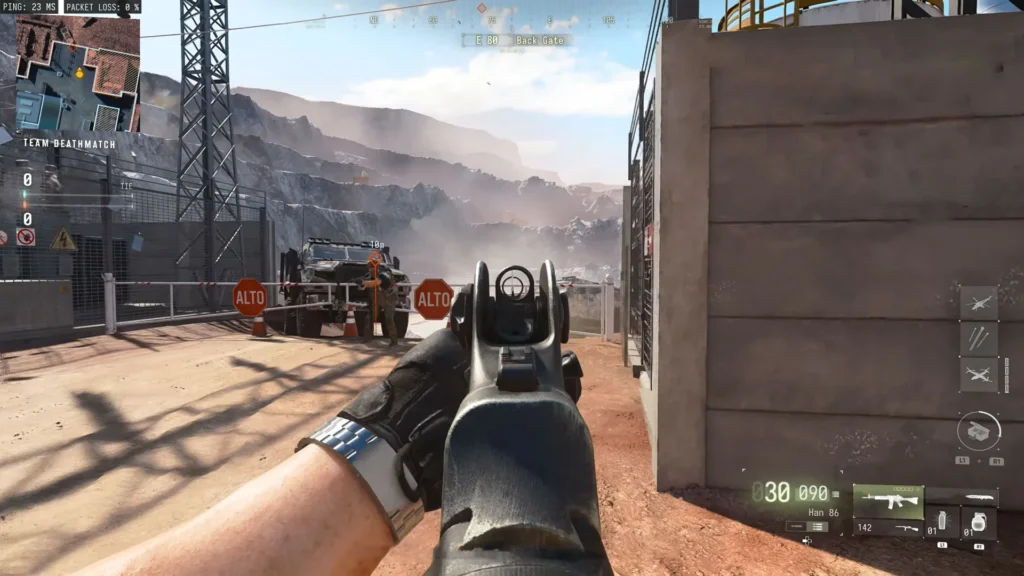
MW4 sits one degree above Black Ops 7 at both distances and far below MW3. At point-blank range, MW4 also turns the camera far less than MW3.
There is a catch. The Black Ops 7 numbers are minimums. In that game, moving the right stick toward the target gives stronger help, but it needs accurate human input, so nobody can test it reliably. The test cannot confirm whether MW4 has the same system. These degrees are also not percentages, and they do not measure total Aim Assist strength.
Basic testing suggests slowdown is unchanged. So the camera pulls less, but your crosshair still eases when it crosses an enemy.
How Rotational Aim Assist Works in MW4
In a gameplay test, both sticks were untouched and an enemy ran back and forth across the screen. The camera did not move. Once the left stick went side to side, the camera followed the enemy with zero right-stick input. The right stick triggers it too, and it works while prone if you nudge the left stick left and right.
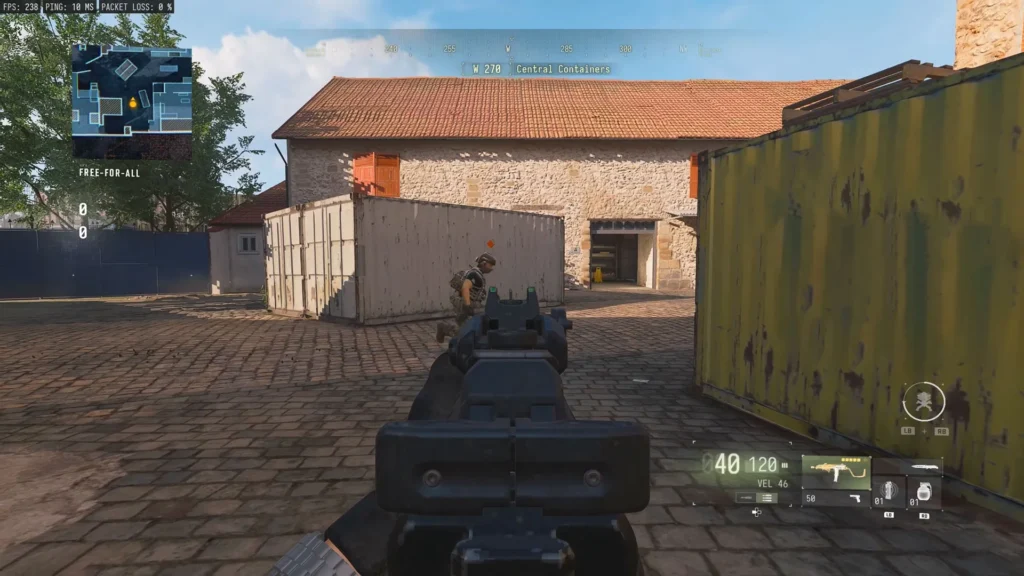
That is why holding an angle at a complete standstill can feel like Aim Assist is missing. It is there, but it has no input to work with.
This is the idea behind Left Stick Aiming. Strafe with your target and let the left stick handle much of the horizontal tracking. Keep the right stick for recoil control and small corrections. If you swing the right stick hard from side to side, your shots get wide and messy. Strafing also makes you harder to hit.
Fine-Tune MW4 Controller Settings
Deadzones: Left Stick Minimum is how far you push before the game registers movement. At 0, movement feels smooth if the stick does not drift. Left Stick Maximum at 75 gives you full speed with less stick travel. That changes movement, not Aim Assist strength.
On the right stick, a Minimum of 0 lets tiny thumb shakes move your crosshair. Try 2 or 3. A value set too high makes aim hard to control and can feel like lost Aim Assist. Leave Right Stick Maximum at its default.
Triggers and vibration: The game can start with a Trigger Deadzone of 13, which means you push the trigger 13% down before it registers. Set it to 0. Turn Controller Vibration off, since a shaking controller shakes your thumb mid-fight.
Sensitivity: Many pros run 1.6 to 1.8, and 1.5 is still workable. Lower values make it harder to keep up with fast targets. If you raise the Low Zoom multiplier far above 1.00 (a 4.0 multiplier, for example), ADS becomes very fast.
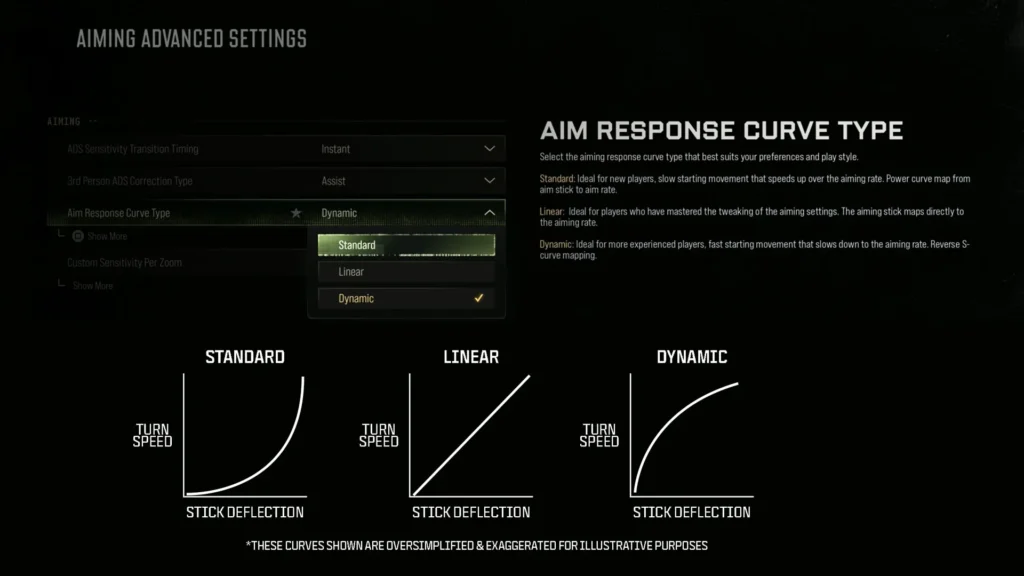
Response curve: Dynamic gives a snappy start. Some players find it feels off and switch to Linear. With Linear, an Aim Slope Scale of 0.80 blends 80% Linear with 20% Standard. At 0.00, it plays like standard 1.00.
ADS timing: Instant applies ADS sensitivity the moment you press aim. After Zoom waits for the scope animation to finish. Gradual slows your sensitivity smoothly as you aim in, which helps if your reticle jerks.
FOV: Players run anything from 95 to 120. Many pros stay at 103 or lower, and some say higher values cost a little Aim Assist, though that claim is unconfirmed. I would start at 103 or lower and go up only if it feels better. Keep ADS Field of View on Affected. Independent zooms the view in heavily when you aim, and the visual recoil looks harder to control.
How to Improve Your Aim in MW4
Aim Assist only helps once your reticle is near the enemy, so centering matters most. Keep your crosshair where an enemy is likely to appear, at body level, before you turn a corner. If you look at the floor instead, you have to react, adjust, aim in and shoot, and gunfights last only milliseconds.
For recoil, go to Graphics > Quality > Advanced and turn Bullet Impacts On. Fire a full magazine at a blank wall. If the shots climb up and drift right before swinging left, pull the stick down and slightly left first, then to the right. Every gun has its own pattern, and horizontal recoil is harder to control than vertical. You can switch Bullet Impacts back Off for normal matches to save performance.
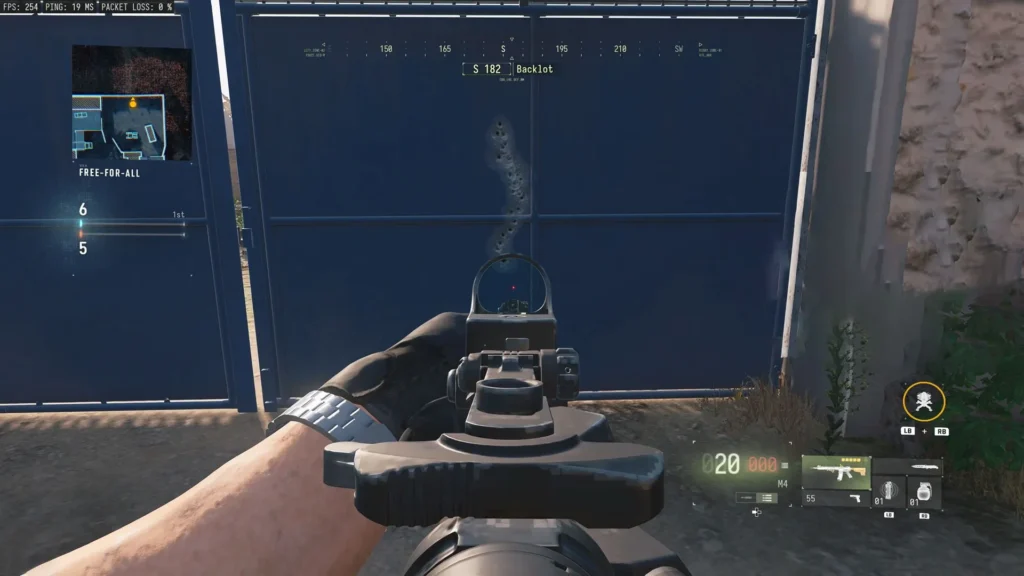
Warm up in a private match instead of in public lobbies:
- Choose Free-For-All on a small map.
- Set Time Limit to Off and Score Limit to Unlimited.
- Raise player health if you want to practice holding recoil.
- Click the plus sign to add bots.
If you turn the Minimap radar on, pick Fast Sweep over Constant, because Constant can bug out in private match.
MW4 Aim Assist on Controller vs. Mouse and Keyboard
Mouse and Keyboard players often say long firefights feel unfair, since flinch and visual recoil have to be corrected by hand. Many of them ask for input-based matchmaking.
Plenty of controller players say the opposite. They miss shots and barely feel Aim Assist. It is still active unless you turned it off, just much smaller than in older Modern Warfare games.
The strafing numbers measure camera rotation only. They do not cover flinch or recoil, so they cannot settle a live argument. They do show that MW4 turns the camera less than MW3, and that it needs stick input to do it.