

Quality in Dressmaker comes from how carefully you cut and sew, plus one thing the game never explains, which is the measurements you took of your client. Get the grain line straight on every piece and sew slowly with Sewing Assist on. If your tape measure numbers were right too, 100% is well within reach.
The frustrating part is when a dress still falls short. You finish a gown you’re honestly proud of, and the score sits at 86 when the client wanted 90. Other times it’s the opposite, and your dress is too good for a client who actually wants a bad one. This guide covers all of it, so your pretty dresses stop getting turned down.
What I Covered:
What Affects Quality in Dressmaker
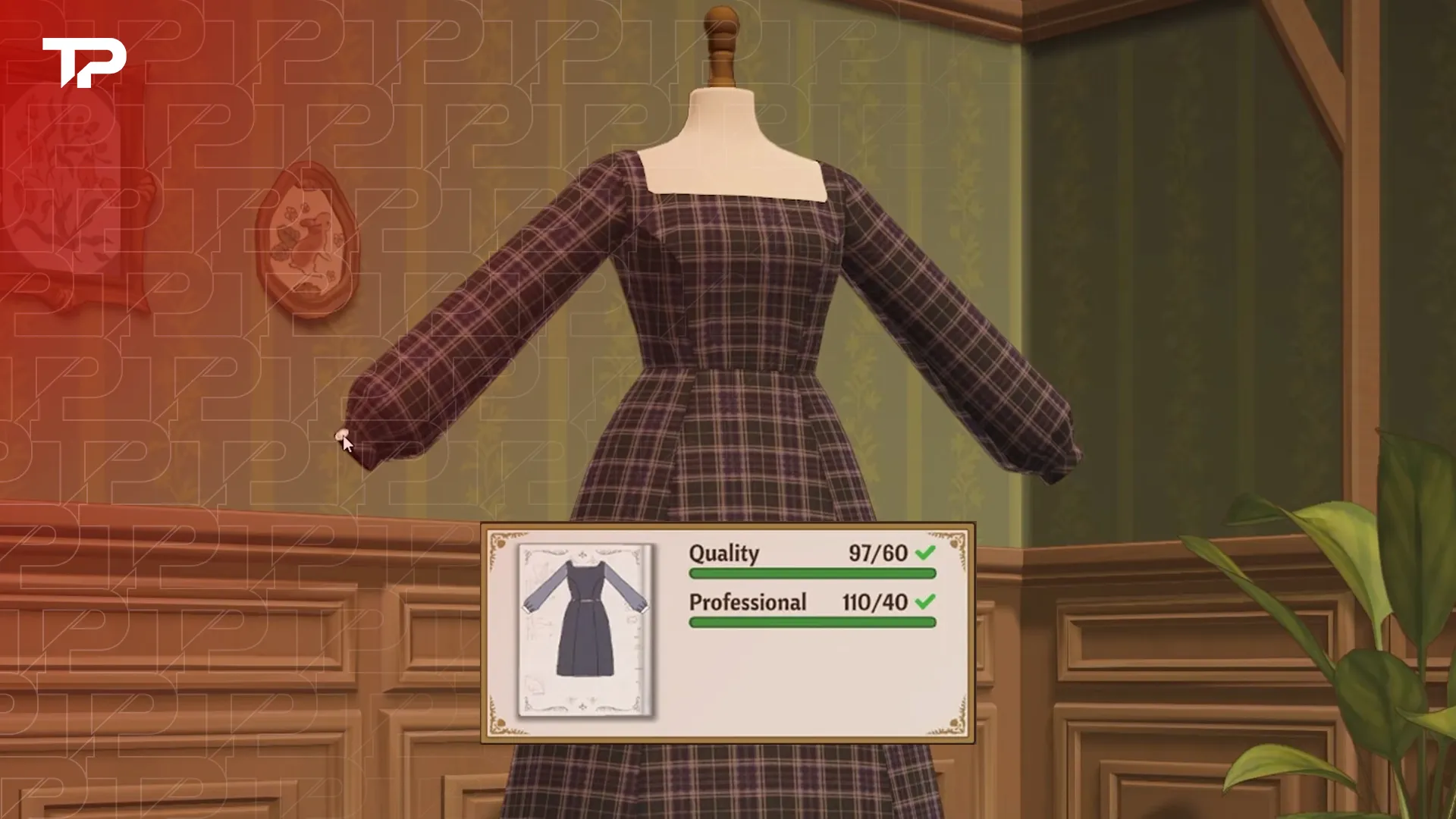
Every commission shows its quality requirement as a pair of numbers, like 61/75. The first number is where your dress is right now, and the second is what the client asked for. That score is built in three stages, and a slip at any of them costs you points.
| Stage | What the game checks | How to get it right |
|---|---|---|
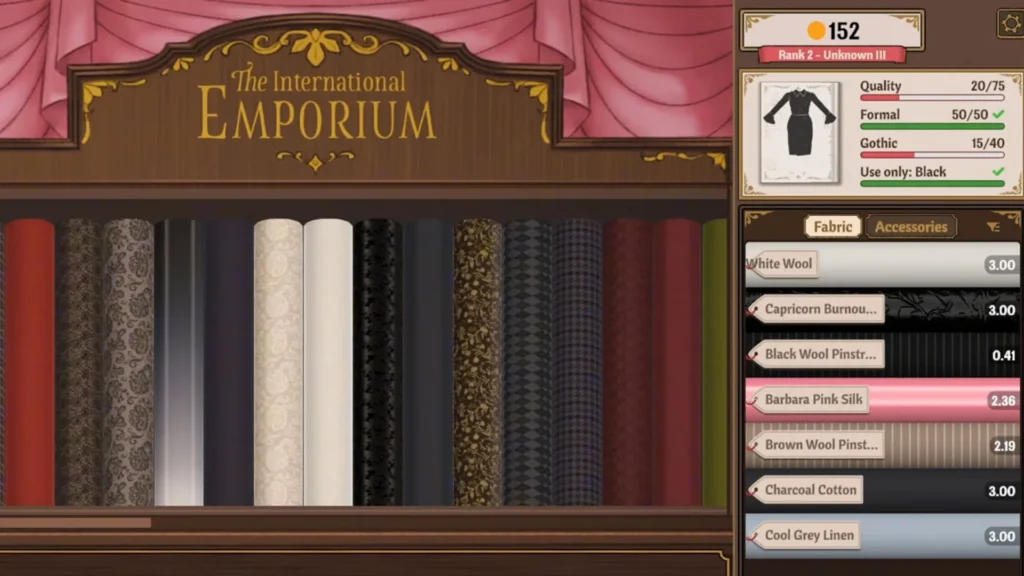
| Measuring | The client measurements you take, then how well the mannequin matches them | Measure carefully, then turn the mannequin’s gears until it shows 100% accuracy |
| Cutting table | How each pattern piece lines up with the grain line (or the bias, if the piece needs it) | Rotate every piece until it shows 100% before you cut |
| Sewing machine | How closely you follow each sewing line | Turn on Sewing Assist and slow down on corners and curves |
Some things don’t matter as much as you’d think. Extra skirt layers won’t pad your score, and I wouldn’t count on lace or buttons to rescue a low number either. A simple dress can reach 100 on its own. The game also skips parts of some seams, and that’s normal, since two pieces only get sewn together once. If you’re stuck around 60 on a 75 requirement, check your grain before you blame your fabric.
How to Get 100% Quality
A perfect dress feels amazing, and it’s very doable once you know where the points hide. Take it one station at a time:
- Measure your client carefully. These numbers follow the dress all the way to the end, so double-check them before you move on.
- Match the mannequin. Turn the gears until it reads 100% accuracy.
- Line up the grain. The game’s own tip is “Aligning the grain line horizontally will result in a higher quality garment.” Hover over a piece and use the scroll wheel to rotate it until it shows 100%.
- Watch the percentage before you cut. Every piece shows its own grain quality. If the number drops while you place it, adjust the piece and only cut at 100%.
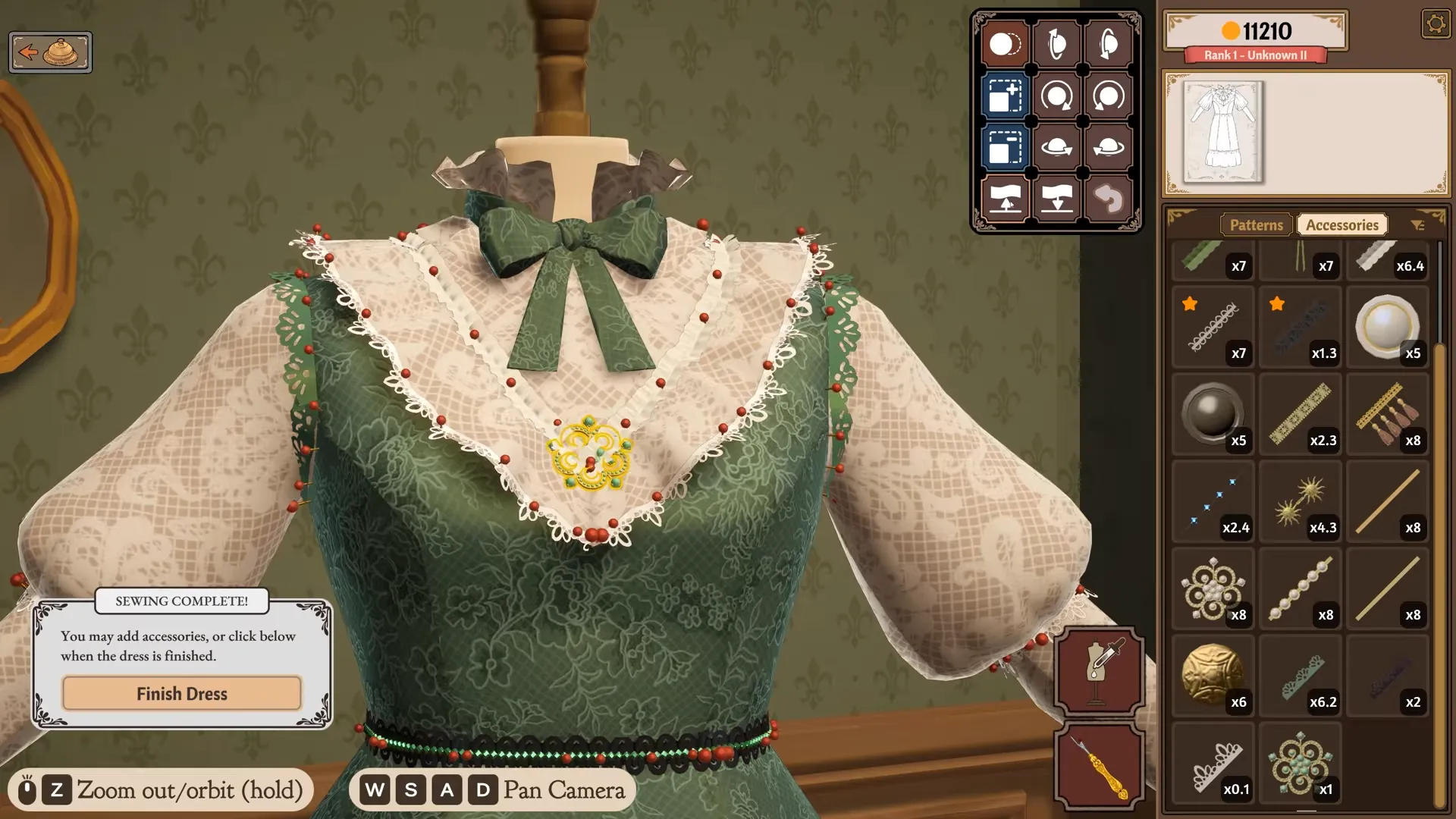
- Turn on Sewing Assist. You’ll find it in the settings. It guides the fabric for you, but you still have to go gently.
- Control your speed. Press W and S to change how fast the machine runs. Go slow around corners and curves, and let yourself speed up on long straight lines.
If a seam goes wobbly halfway through, reset it and start that line again before it finishes. Short dresses with fewer pattern pieces are the easiest to take to a perfect score, since there are fewer cuts and seams where things can slip. A kimono is a lovely pick too, because most of its edges are straight.
Why Your Quality Is Stuck a Few Points Short
This one hurts. You were careful with every single piece, and the dress still sits a few points under the line. It usually comes down to one of three things.
Your Client Measurements Are Off
This is the sneaky one. Quality depends on the measurements you took of the client, not only the mannequin. You can match the mannequin to your numbers perfectly, but if those numbers were wrong to begin with, the dress loses quality anyway. The drop can be around 20%.
The tricky thing is that you can’t fix it on the spot. You only get to measure again when that client comes back. That’s exactly what trips people up on Edith‘s show dress, which needs 90 quality and gets turned down below that. A perfect cut and a perfect sew still top out below 90 if her measurements were off.
One Piece Isn’t at 100%
It only takes one piece cut slightly off-grain or one shaky seam to pull the total down. Once the dress is assembled, the game won’t tell you which piece is the weak one, so check each piece’s grain quality at the cutting table before you put anything on the mannequin.
It’s a Bug
Some dresses get stuck even when everything really is perfect. Scores frozen at 79/80 have shown up, and Adora’s last commission, which needs 95, has left dresses sitting at 94 or even 90. If you’re sure every cut and seam hit 100%, sell the stuck dress instead of handing it in. Then make it again the exact same way. A redo like this has fixed stuck scores before.
How to Redo a Piece Without Starting Over
You don’t have to throw a whole dress away because one panel went wrong. The game lets you take pieces apart and try again:
- On the mannequin, use the Seam Ripper to unsew the panel you want to redo.
- Drag the panel back into your inventory.
- Go to the cutting table and drag the panel toward the bottom-right corner. A recycling basket appears.
- Drop it in to turn the panel back into its paper pattern, then cut it again.
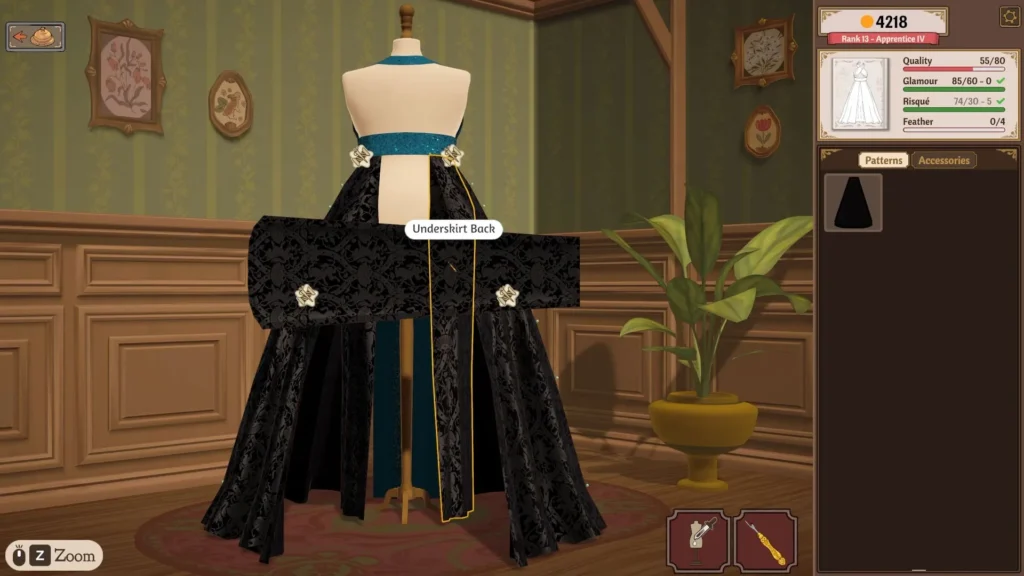
The fabric comes back reliably for pieces you haven’t sewn yet. Once a piece has been sewn, don’t count on getting that fabric back, which is a good reason to pin everything on the mannequin and check your colors before you sew anything.
When a Client Wants Low Quality
Not every client wants perfection, and this catches almost everyone the first time. One of Prudence‘s commissions asks for a dress with no more than 70 quality. If you sew it beautifully, your score turns red and the game warns you that the client might be unhappy with the dress. It feels so wrong to be punished for a lovely dress, but she really does want a bad one.
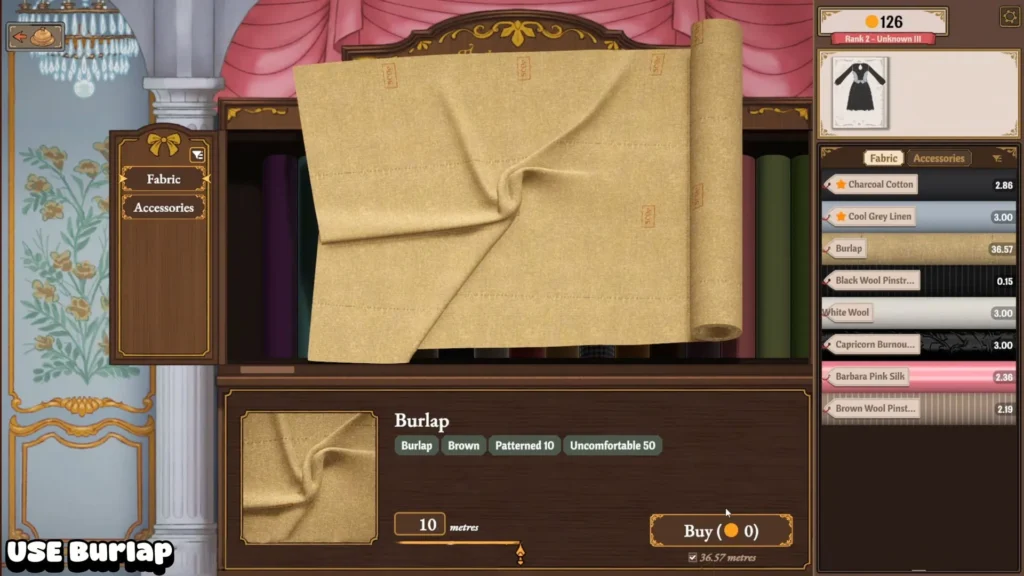
Look at the criteria on the left side of the sketchbook while you design. When a client wants low quality, you’ll see “max” next to the quality line. For this kind of order, I’d reach for Burlap. It costs nothing, so a deliberately rough dress ends up being a free commission.
Is 100% Worth Chasing?
For most commissions, no. You only need to clear the client’s number, and when that number is low you can loosen up on the grain to squeeze more pieces out of your fabric. Fabric gets expensive fast, so saving a meter here and there really adds up.
That said, a 100% quality dress unlocks the “99 Problems But A Stitch Aint One” achievement. Honestly, that little perfect score after a slow, careful sew is one of the nicest feelings in the game.