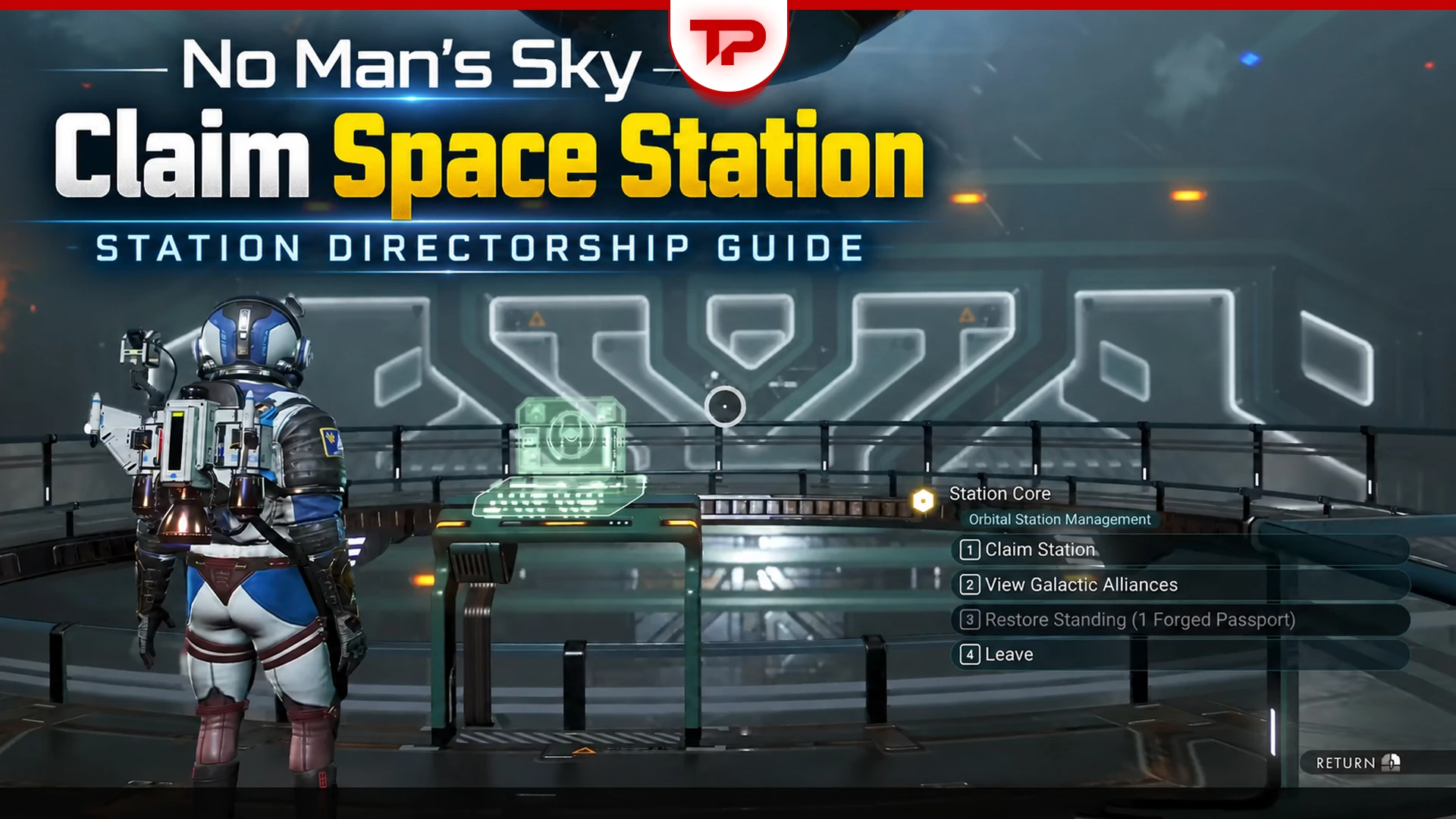


Short version for people who just want the answer: fly to a normal inhabited system, land at its space station, head upstairs to the Station Core, and finish the four things it asks for. On most stations right now that’s 30 local standing with the system’s dominant race, 15 local standing with the station’s Guild, 5 salvage contracts, and 1,000,000,000 Units. Then claim it and you’re the director.
Now the details, because everyone is getting stuck on the same three things.
In This Guide:
What Station Directorship Actually Is
Cosmos (Update 7.0) landed on September 9, 2026, and Hello Games called station ownership their most requested feature since launch.
One thing to get straight before you start: directorship gives you building rights and social perks, not money. No taxes, no passive income, no shop ownership, no control over the system economy.
The Four Claim Requirements
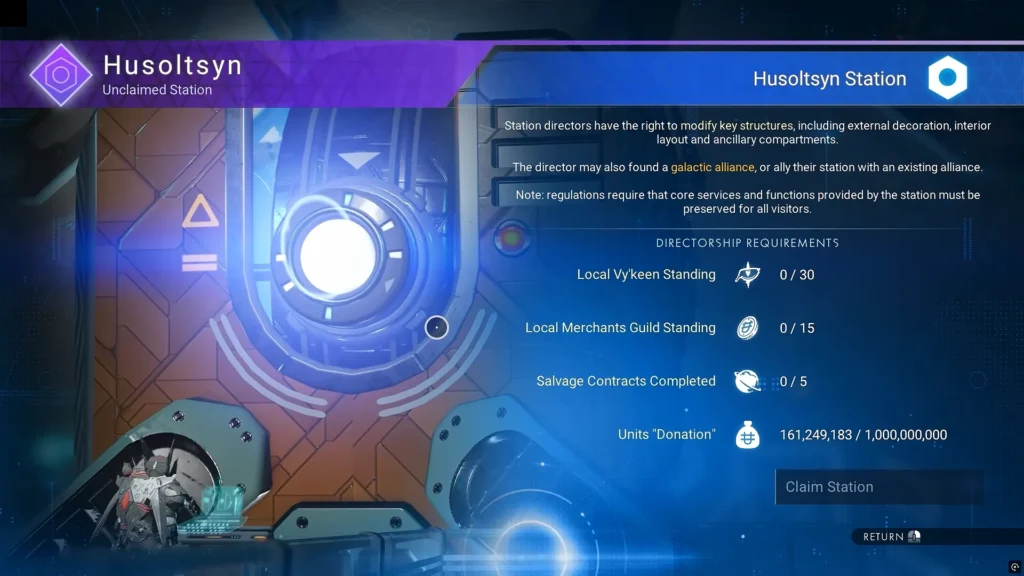
Head upstairs toward the back of the station and interact with the Station Core. It lists your progress:
- 30 standing with the system’s dominant species
- 15 standing with the station’s Guild
- 5 completed salvage contracts
- 1,000,000,000 Units
Raise Local Standing Fast
This is the part that catches veteran players. The standing is local. Your galaxy-wide Gek, Korvax, or Vy’keen reputation does nothing here. You start from zero in every new system.
The fastest method is to buy the local race’s gift items and hand them to NPCs of that species. Gek want Gek Relics, Vy’keen use Vy’keen Effigies, and Korvax use Korvax Casings.
For the quickest farm, use an Economy Scanner to find a planetary Trade Post in the system. Wait for pilots to land and buy their race gifts; each pilot may only carry a small number, so you’ll probably need several ships. Then return to the station and start handing the gifts to local NPCs.
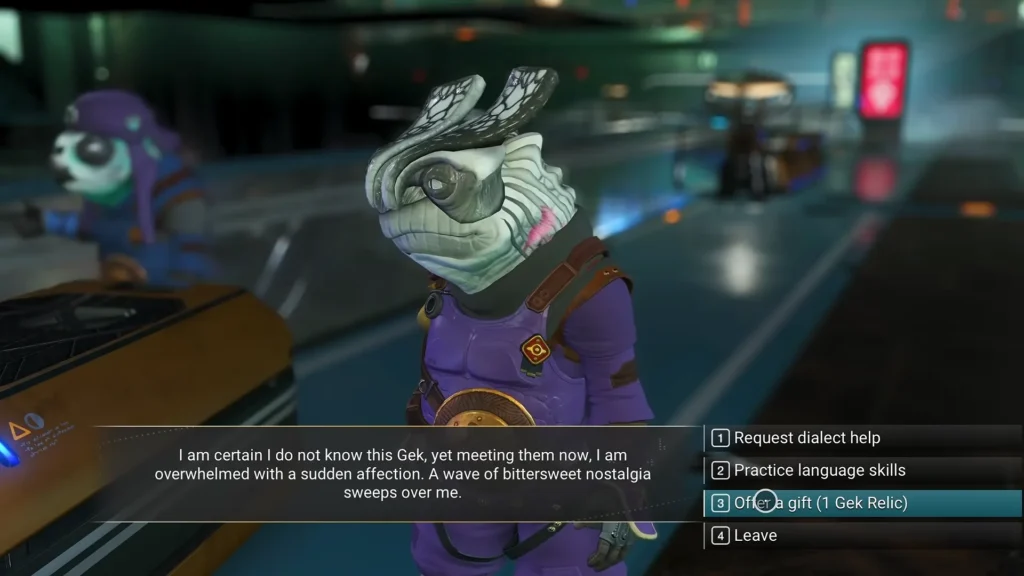
You can give multiple gifts to the same NPC, so there’s no need to run around finding 30 different people.
For the Guild side, skip the missions if you have useful donation items. Talk to the Guild Envoy and donate whatever they currently accept. Some donations move the counter by more than one point, so check the Core between runs rather than assuming you need exactly 15 items.
The 5 Salvage Contracts
You also need to complete five Salvage Contracts before you can claim the station. Open the Star System Map from your Quick Menu and travel to a Deep Space Outpost. Once there, talk to the Quartermaster first, then use the yellow salvage & delivery terminal to pick up your contracts.
To get through five faster, look for contracts asking for the same material, since you can stack them and complete several from one salvage run. Some can even recognize materials you already have.
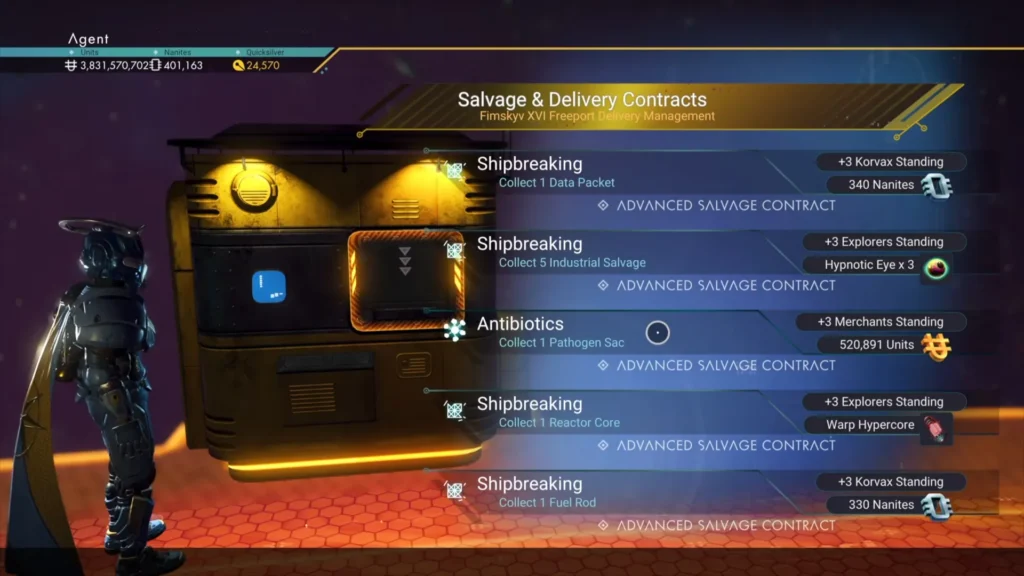
If you’re new to this system, check our NMS Salvage Contracts guide for the full walkthrough, required gear, delivery process, and fixes for contracts that don’t count.
Which Stations You Can Claim
Every system has exactly one station, and if another player already owns it, it’s off the table.
Abandoned stations don’t work. They have no Guild, so the Core never shows a claim option at all.
Outlaw stations are messier. Players can start the quest, but the Core throws out placeholder text (“GLASS GLASS GLASS”) with no trackable goals. That looks like a bug rather than a design choice, so it may get fixed later.
What You Get as Director
You can redecorate the exterior, tear out and rebuild the interior with normal base parts, and add extra rooms onto the main hangar. Decoration modules unlock at the Space Anomaly, and rare blueprints drop from deep-space anomalies.
You can also found a Galactic Alliance, which only directors can do. Other players join by visiting one of your stations, travel to alliance systems by teleporter, and can belong to three alliances at once. Leaderboards rank alliances by activity.
Claim Bugs to Watch For
The 4/5 salvage counter bug is real and common. Contracts get accepted and delivered, then simply don’t tick over. Based on my research one player fixed it by going back to an older Corvette and taking a fresh batch of missions, but couldn’t work out which step actually did it. Patch 7.01 fixed lingering salvage markers, not this specifically.
Also worth knowing: starting the requirements does not reserve the station. You might finished the chores across several sessions and came back to find someone else claimed it first. Patch 7.01 cleaned up the confusing UI when two people claim at once, but there’s no hold system.
If you really want a particular station, finish the job in one sitting.