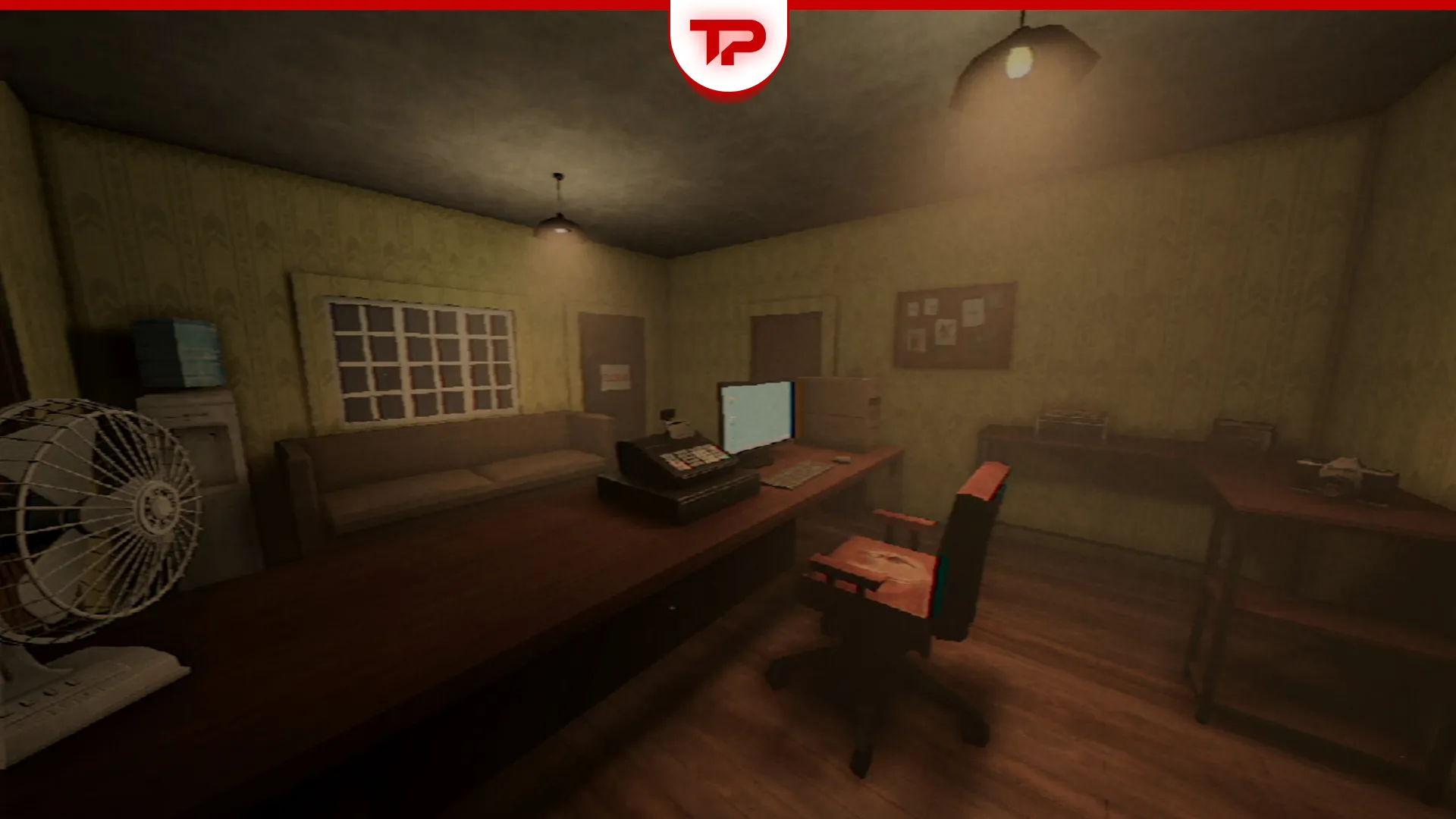


If you are looking for a new horror game, there is a trending title on Steam right now called Photomaly (released in July 21) that is creepy. I was terrified while playing it. It reminds me of No, I’m Not a Human and its weird characters.
Unfortunately, like many new indie releases, the game currently has a few bugs. The developer (Revira Interactive) has already addressed some of them while others are still waiting for a patch. In this guide, I will break down the most common bugs reported by the community and show you exactly how to fix Photomaly Bugs so you can get back to the game.
Table of Contents
How to Fix the Photomaly Microphone Issue
If you think Photomaly is bugged because you do not have a microphone connected, chill out. Photomaly already includes a built-in solution. The microphone sequence does not require a microphone to finish. If the game detects two failed microphone attempts, it automatically unlocks an alternative input method. This feature exists so players without a microphone cannot get permanently stuck.
Some players have also reported that holding the Delete/Backspace key can trigger the fallback “call for help” sequence and let you progress normally.
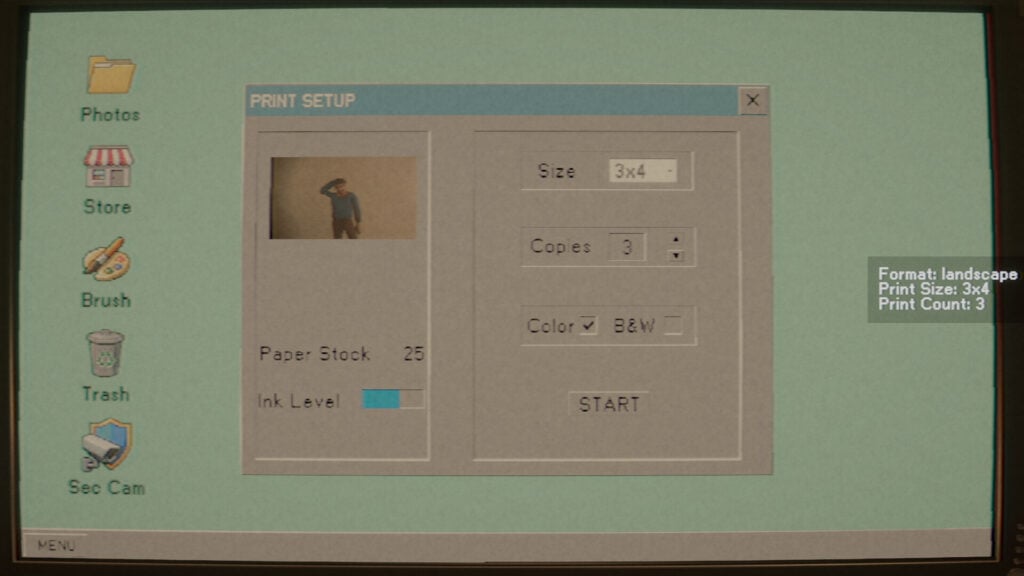
If the microphone section appears to be blocking your progress, simply fail the microphone prompt twice and wait for the alternative input option to become available.
How to Fix the Photomaly Mouse Bug
There is a Mouse bug in Photomaly that makes the cursor to drift away and even makes the mouse and keyboard to stop working. This bug was really annoying and I had to improvise to find a solution.
My mouse and keyboard are Bluetooth input and disconnecting and connecting the whole set solved the bug.
The developer also released a quick fix a few hours ago. The game now prioritizes mouse and keyboard input whenever they are in use, even if Steam Input or a virtual controller is detected. If you were experiencing this bug, make sure your game is updated to the latest version before trying additional workarounds. It is really good that the developer respond to the reports so quickly.
To make sure you have this fix: open Steam and right-click Photomaly in your Library. Let it finish updating before you launch (or select Properties > Updates to check).
Other Reported Issues
A few other issues are being discussed in the Photomaly Steam Community that are not fixed yet. Keep them in mind if you run into them:
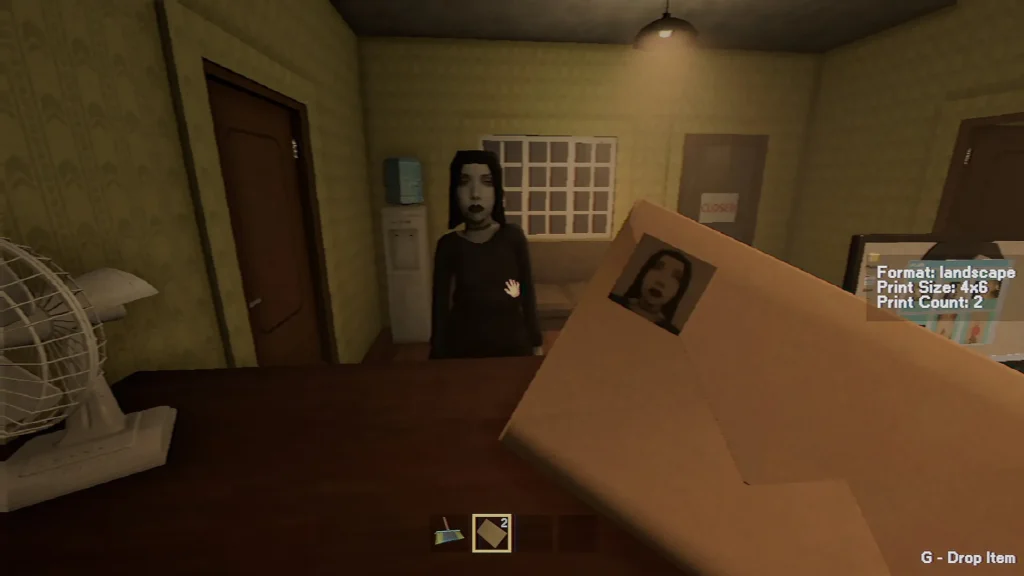
- Some players report getting stuck in the backroom after photographing the hazmat-suited customer.
- A few reports of high CPU usage/overheating on certain setups.
- Occasional reports of a stuck “W” key or keyboard disconnect during play.
These have not been officially confirmed as bugs (some may be puzzle-difficulty issues rather than bugs). However, if you are stuck, it is worth checking the Steam discussions before assuming it is just you. I will keep this guide updated as the developer ships more patches. Photomaly is only a day old, so more fixes are likely on the way.