

GTA 6 flashing lights or shadow flickers can make your screen look broken, especially on Xbox Series S or X. No confirmed fix works for everyone, but a couple of display tweaks are worth a try before you point the finger at your console. You want to know if it’s the game or your display acting up before you start changing any settings.
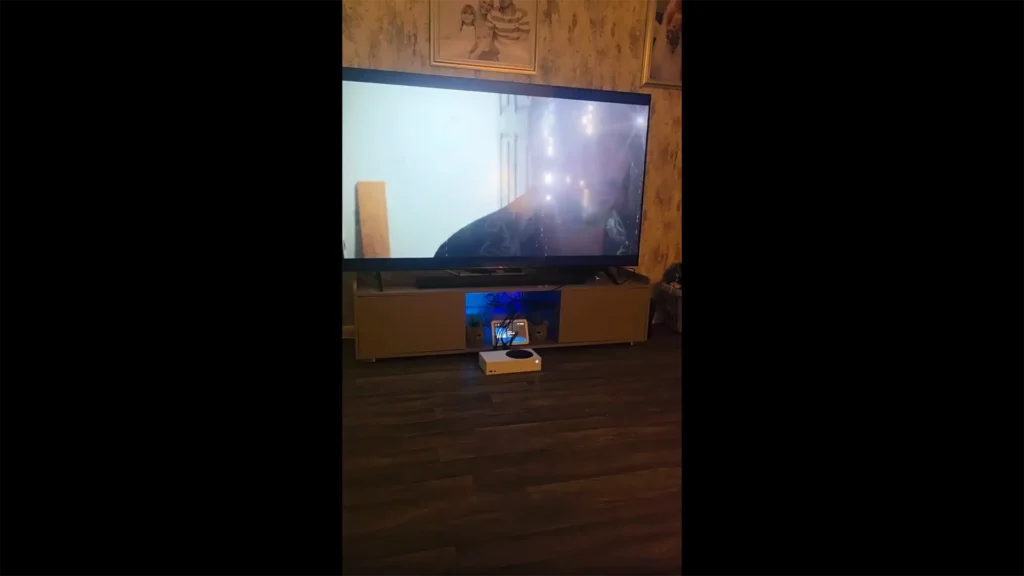
Record a short gameplay clip while those white lights are flashing. Play it back on a different device and see what it looks like.
If the flashes show up in the recording, the issue might be tied to the game’s rendering or the console’s graphics output. If the video looks clean but your TV is still flashing, start by checking your HDR and VRR settings. Also take a close look at the HDMI cable and the ports on both ends.
Neither outcome gives you a definite answer, but it narrows down what to check next. I’ll walk through the Xbox workarounds and explain what each result tells you.
Table of Contents
How to Fix GTA 6 Flashing Lights on Xbox Series S/X
If GTA 6 keeps flashing white lights on your Xbox Series S or Series X, start with the display settings on the console. Turn off HDR or VRR and see if that helps narrow down the cause. You can also clear the Xbox cache as another thing to try.
None of these is a sure fix, so test one at a time and watch to see if the flashing goes away after each one.
Turn Off HDR and VRR
If GTA 6 keeps flashing white lights or shows strange colors, try turning HDR off first. Go to Settings > General > TV & display options > Advanced > Video modes on your Xbox. Turn off Allow HDR10, then see if the flashes still happen.
If the flashes stop, HDR or the way it works with your display might be part of the problem. If nothing changes, restore your previous setting and go to the next test.
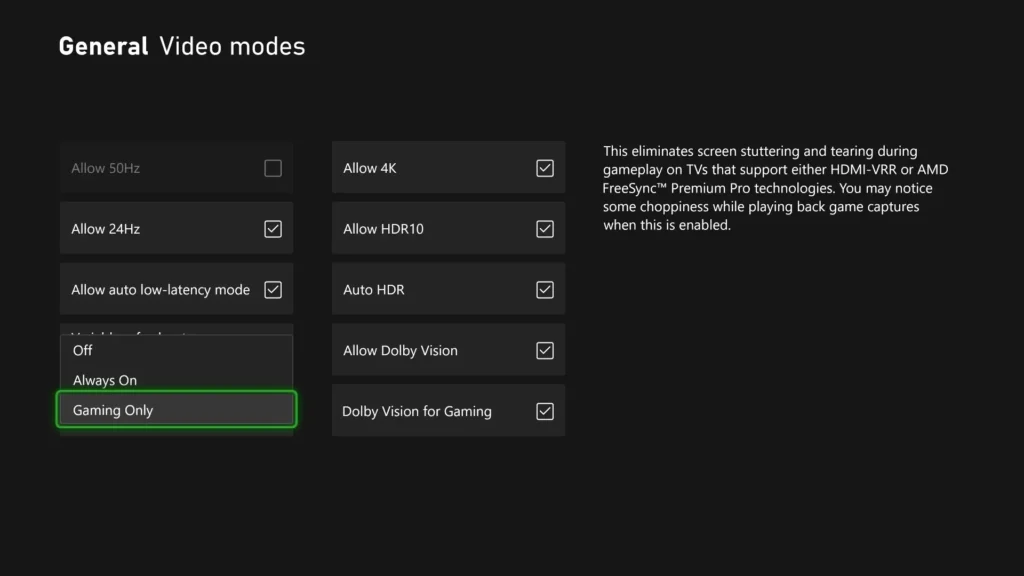
Now, turn off Variable Refresh Rate (VRR). You can also try a 60 Hz refresh rate instead of 120 Hz. If either one helps, it might have to do with display sync or the refresh rate settings. If the flashes keep going, put your preferred settings back and try clearing the cache.
These are general Xbox troubleshooting steps, not proven fixes just for GTA 6.
Clear Your Xbox Cache
A full power cycle is another reasonable step. Here’s how:
- Shut down your Xbox Series S or Series X.
- Unplug the power cable.
- Leave it disconnected for two minutes.
- Reconnect the cable and turn on your console.
This clears temporary cached data without deleting your saved games. If GTA 6 stops flashing after the restart, that probably fixed a temporary glitch. If the flash comes back or never goes away, move on to the HDMI checks.
Check Your HDMI Connection
If the screen still flickers, plug your Xbox straight into the TV. Skip any other devices in between.
Use a reliable HDMI cable and make sure it’s in the right port on your TV. Update the TV’s firmware too if you can, especially when other games show the same problem. If nothing changes, the HDMI connection isn’t ruled out yet. Try another compatible cable if you have one.
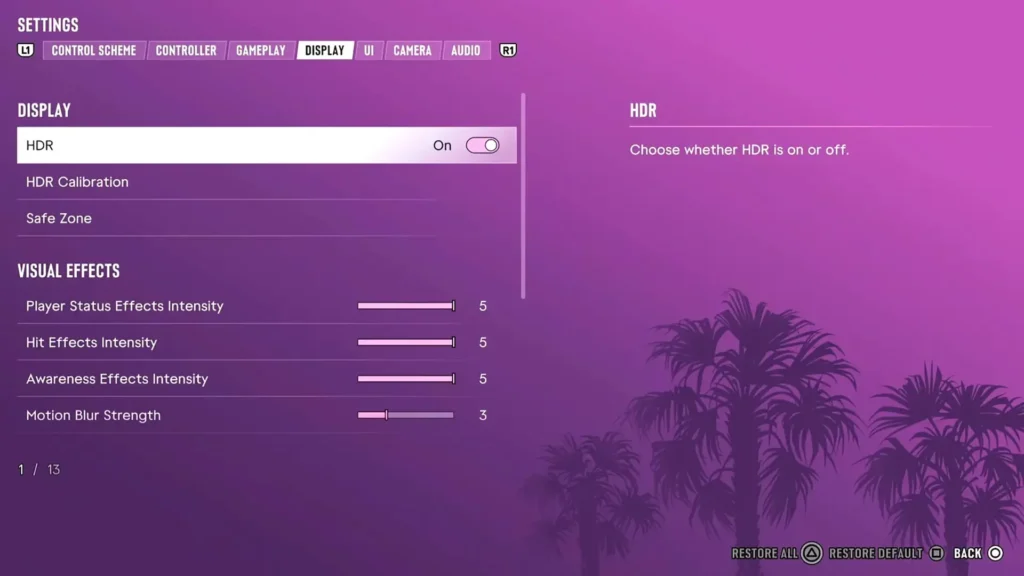
You can also open the Pause Menu in GTA 6, go to Settings > Display and restore the defaults. If that helps, an in-game display setting may have been contributing to the problem. If not, none of these checks pointed to a clear answer.
Is GTA 6 Flashing Because of a GPU Problem?
Not really. Those flashing lights by themselves don’t prove your Xbox GPU is dying. I’d see if the same visual glitches show up in other games or on the dashboard. If they do, the problem goes beyond GTA 6.
If it only hits in GTA 6, a game-specific issue is still on the table. Either way, neither result nails down the real cause.
Why Does GTA 6 Have Flashing Lights?
There’s no official word from Rockstar about this specific flashing problem. For unresolved issues, you can submit a support request.
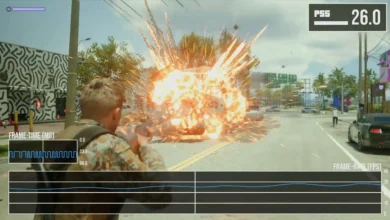
GTA 6 pushes some demanding lighting effects, such as ray-traced reflections and global illumination. Tech analysis also shows the lighting is less precise on Series S than on Series X.
A few people have noticed minor shadow flicker on Series X, but that doesn’t prove it’s the same thing behind the full white screen flashes.
Does GTA VI Have Flashing Lights on PS5?
The glitches aren’t just an Xbox problem. One PS5 report from November 20 mentions white pixels that flicker during play and another covers severe color corruption that ends in crashes.
If your PS5 screen flickers, Sony suggests you go to Settings > Screen and Video > Video Output and test Video Transfer Rate at -1 or -2. Once again, that’s just general display troubleshooting, not a confirmed GTA 6 fix.