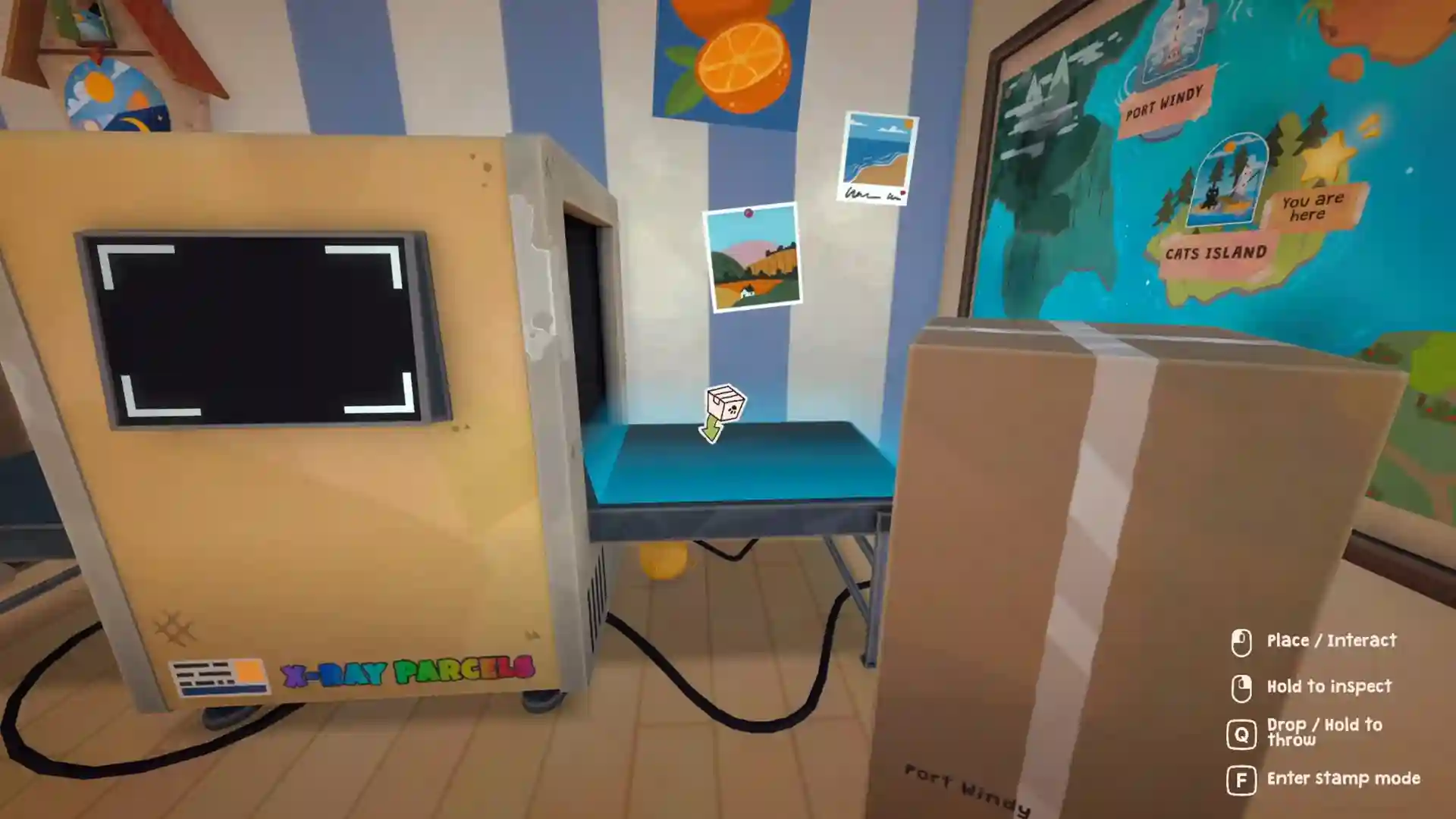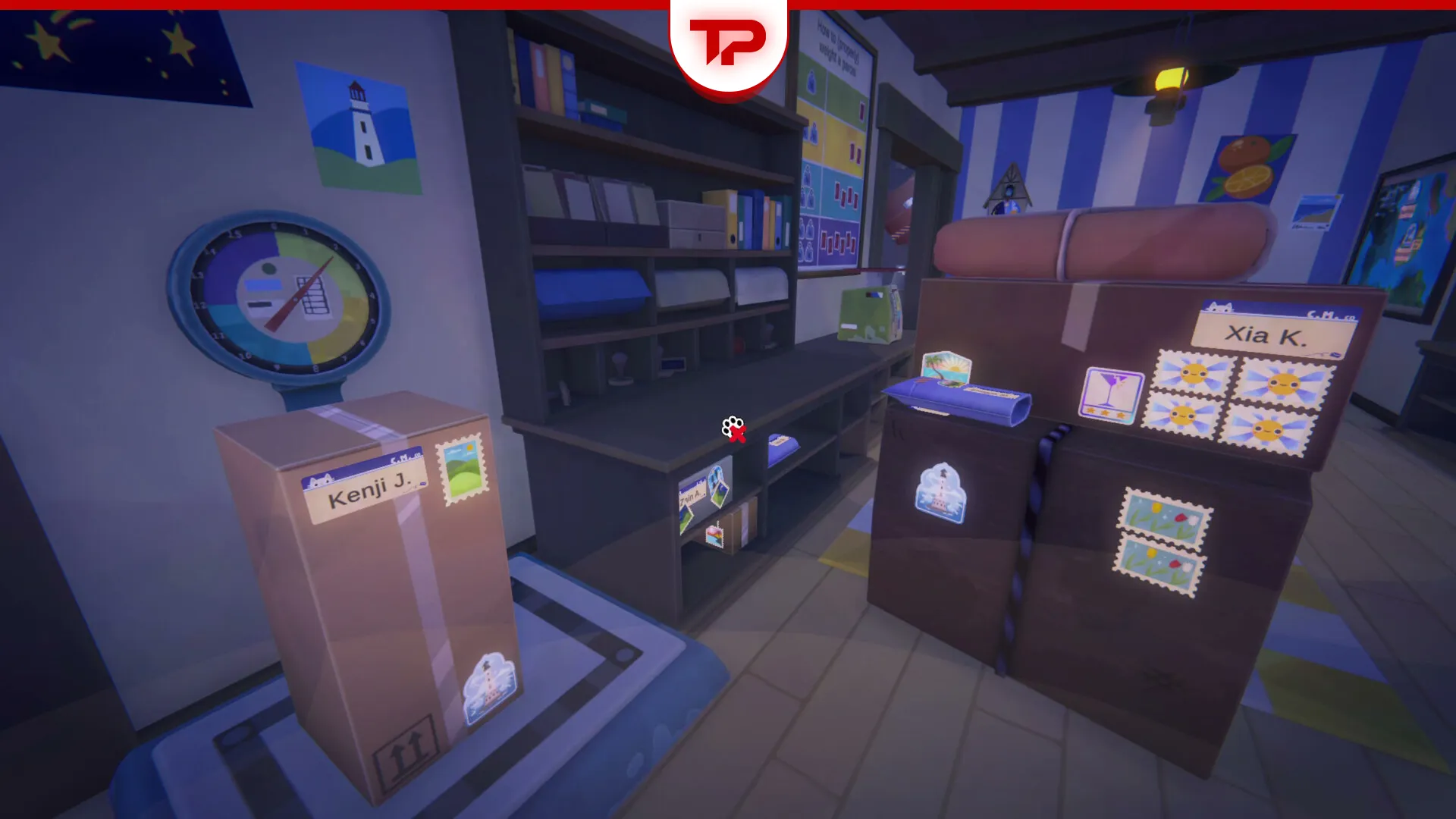


Once upon a time, you had to have a dedicated memory card for saving your games on PlayStation 2. Now, games save your progress and we just wait for the auto-saving icon to disappear.
In Cat Mail Co, we have a similar process. The game has auto-save feature and you should not be worried about saving process. Actually, the game is a stress-free experience and this reflects in its saving process.
Table of Contents
Cat Mail Co How to Save: An Automated Task
Relax, there is nothing you should do. Cat Mail Co has an automatic save system that records your progress in the background as you complete each work shift and deal with each boat.
There is no manual save option in the pause menu, so every completed shift is what gets carried into your next session.
This allows you to continue close to where you left off the next time you play. You never have to worry about hitting a “Save” button while working through the game’s daily routine. The exact technical details of when and how often the game writes to disk have not been officially documented by Maracas Studio yet.
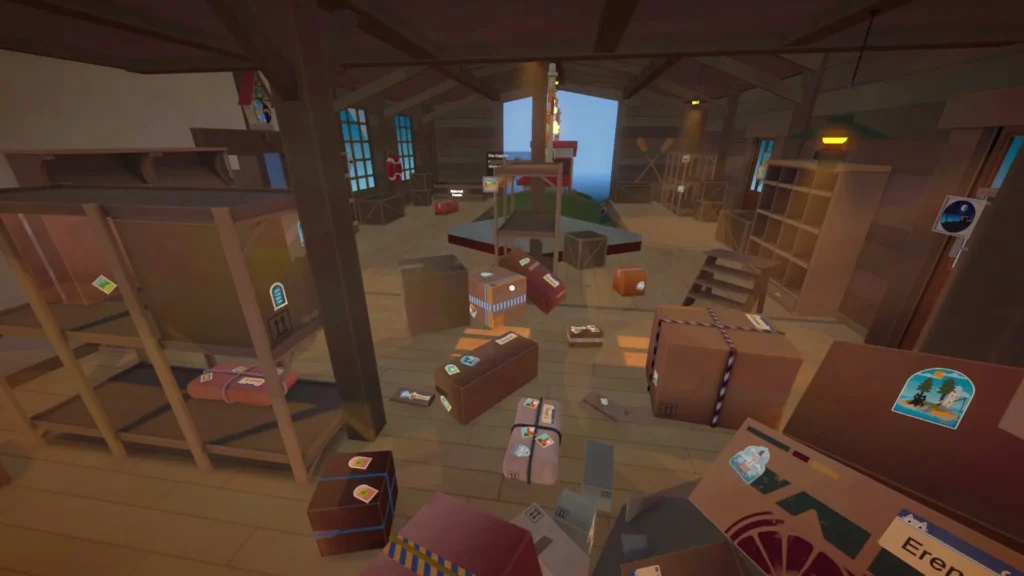
Treat “finish the shift” as your safest checkpoint rather than assuming every single action is saved the instant it happens. Do not forget to check lovers packages, they are waiting eagerly!
As you would expect, there is no manual “Save Game” option in the pause menu. Progress is recorded automatically in the background and when you launch the game again, you will resume close to your most recent checkpoint.
Automatic Save: A Good Or Bad Feature?
For players who face an unexpected problem and must leave mid-shift, Cat Mail Co does not offer a manual save option, which can be annoying if you need to step away suddenly.
Since the game has not published official documentation on its save behavior, the safest habit is to avoid force-closing the game (e.g., ALT+F4) in the middle of a shift.
Instead use the in-game “Quit to Menu” option before exiting whenever possible. Again, I should note that there is no confirmed, official rule about exactly how much progress is at risk.
Is There Any Method for Saving Manually in Cat Mail Co?
As of writing this article, I have not found a confirmed method for saving manually in Cat Mail Co.
I searched through different communities and tested some unofficial approaches, but nothing conclusive turned up. It is also worth noting that Cat Mail Co only launched on July 9, 2026, so official word from Maracas Studio on the finer points of the save system may still be forthcoming. I will update this article as soon as more is confirmed.
If you are playing on PC and want extra peace of mind, the general Windows approach of locating and copying a game’s local save files can work as a rough safety net for many Unity-based titles.
However, I have not yet been able to confirm Cat Mail Co’s exact save file location or file format firsthand. I will add the confirmed path and step-by-step backup instructions once tested.
Let me know in the comments if you have found anything more concrete on your end. I will add verified community findings into this guide.