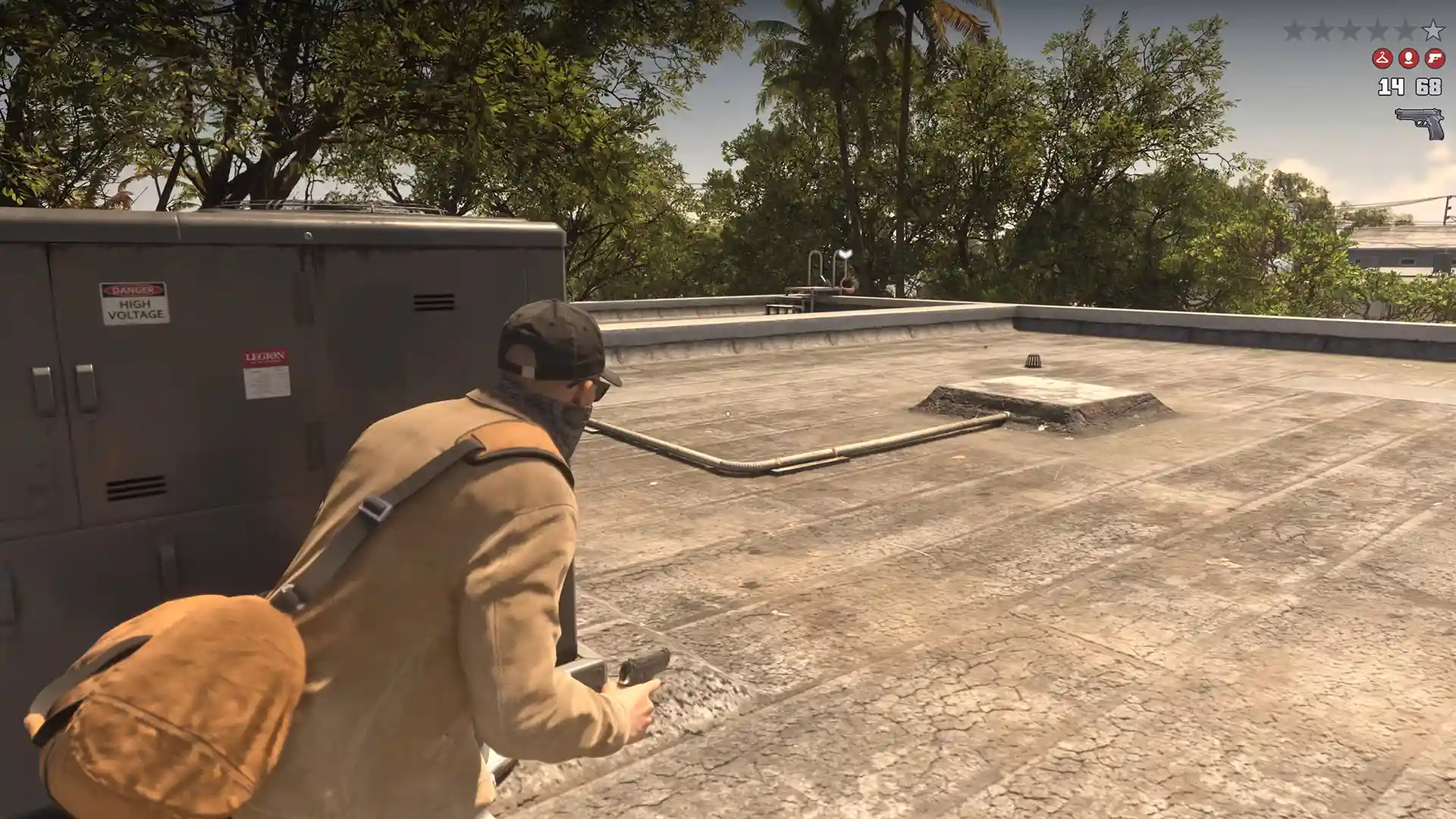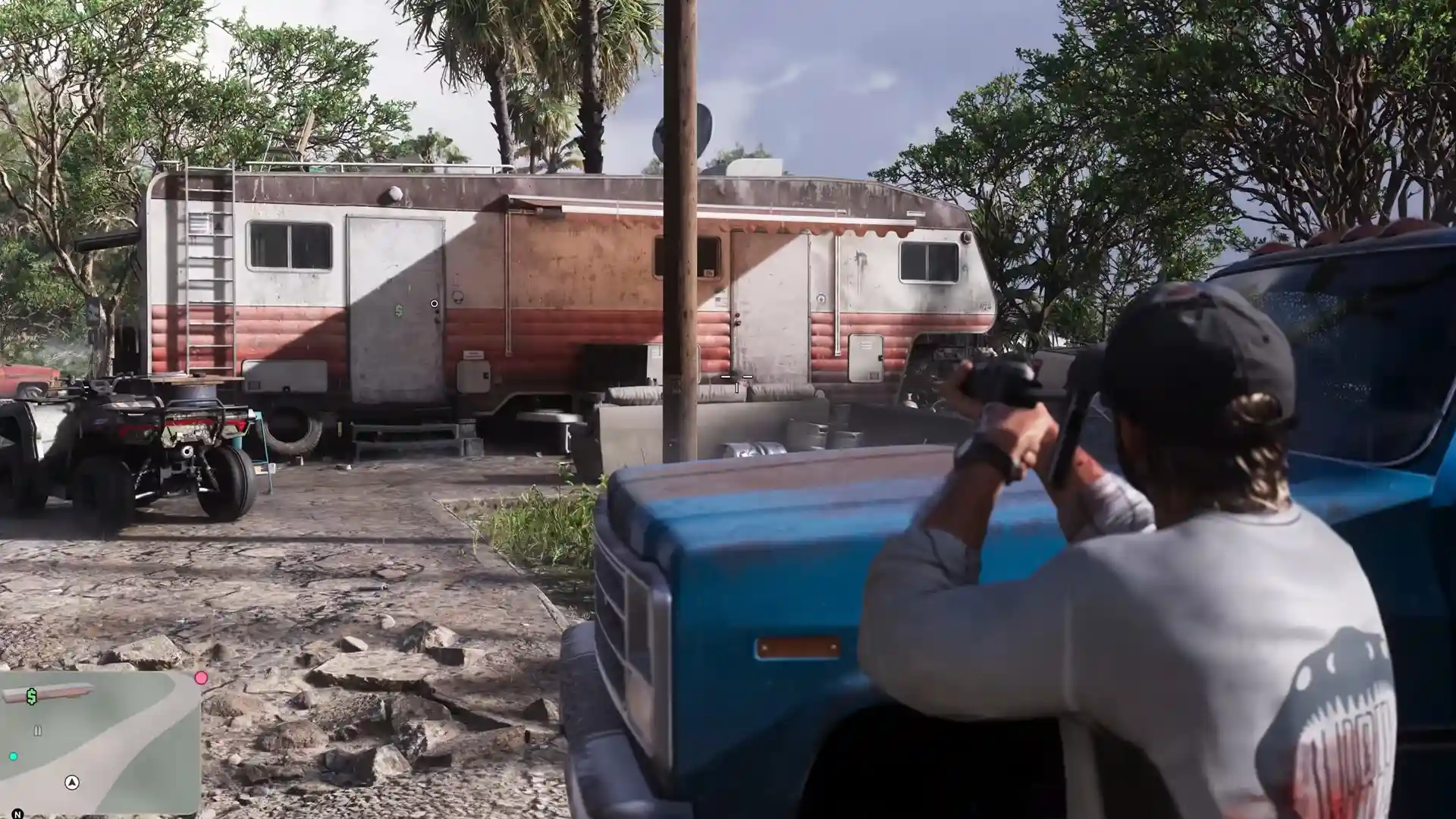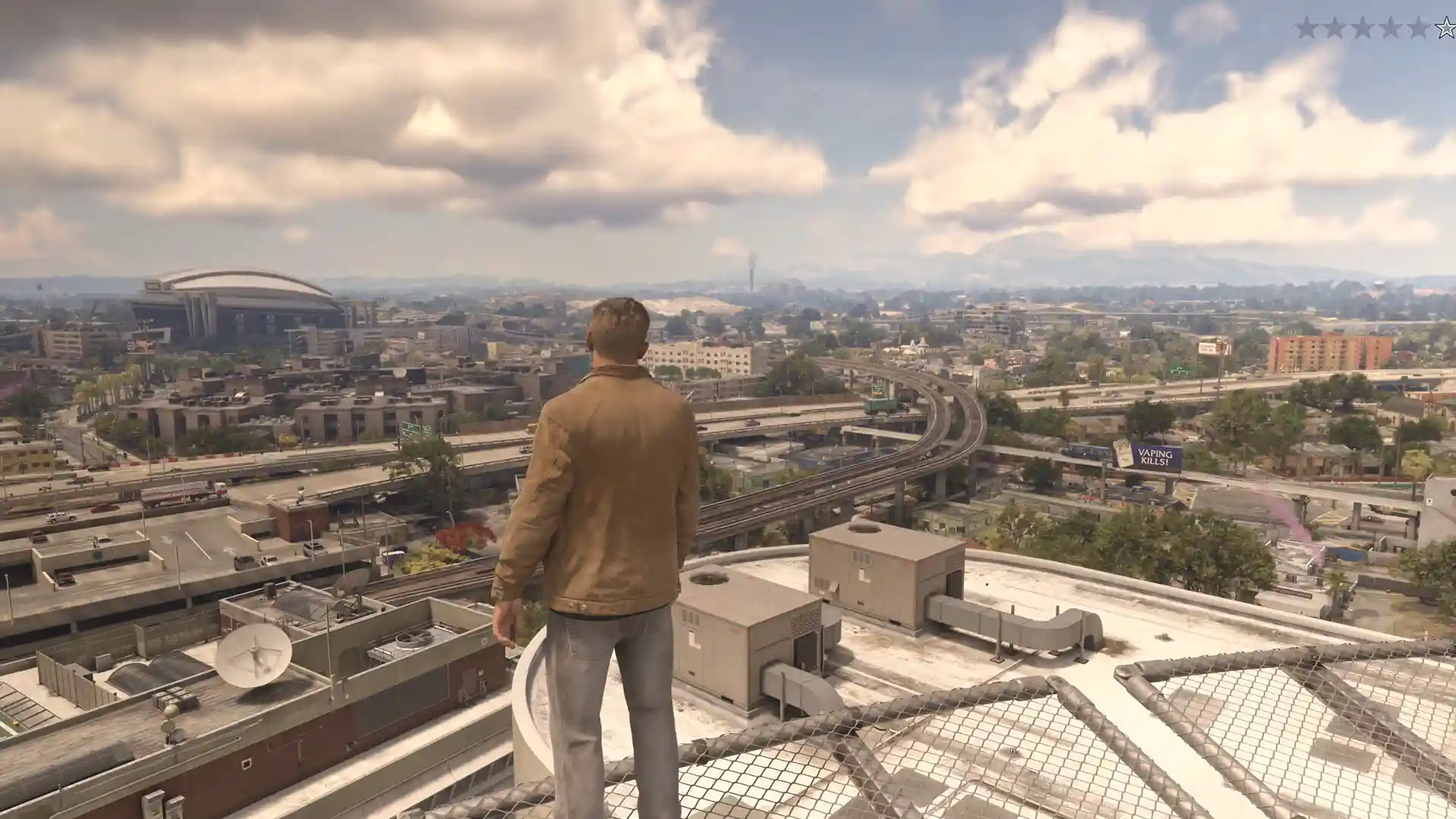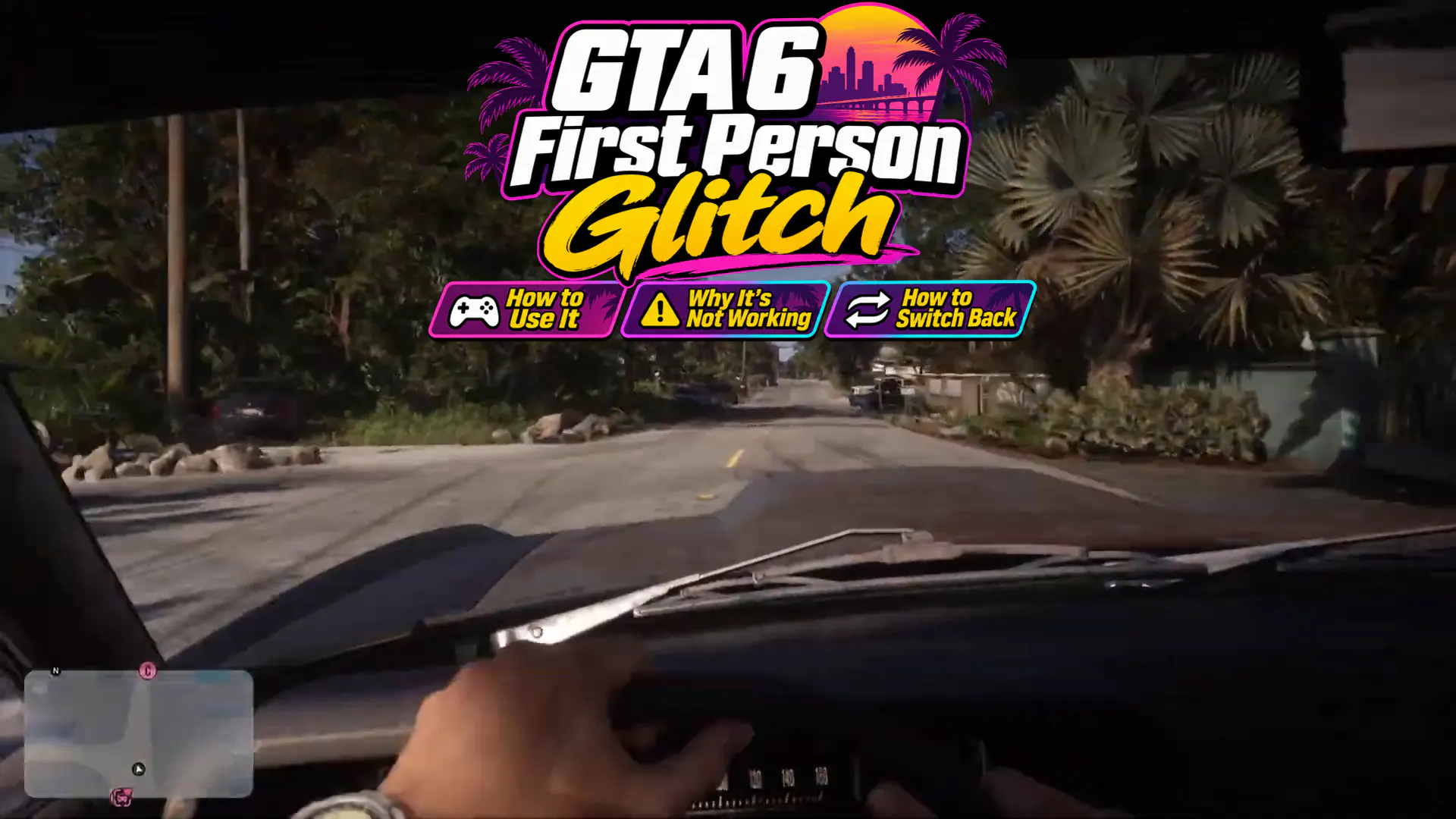


GTA 6 first person glitch lets you ditch the usual third-person camera and see the world through your character’s eyes. The trick works through the phone and camera controls on PS5 and Xbox Series X|S. Get the timing right, and you can walk around in first person instead of staring at the back of Jason’s head.
It’s a neat trick, but I’d make a manual save before trying it. The camera isn’t always cooperative, and you don’t want a cool view to cost you mission progress.
Table of Contents
How to Do the GTA 6 First Person Glitch
You need to change one controller setting before trying the glitch. Here’s how:
- Pause the game and open Settings → Controller.
- Find Touch Pad Button on PS5 or View Button on Xbox. Make sure it’s assigned to Camera instead of Map. If Camera is already selected, leave it alone.
- Get into the driver’s seat of a car.
- Press D-pad Up to pull out your phone.
- Press Circle (PS5) or B (Xbox) to close the phone, then immediately tap the Touch Pad or View button repeatedly.
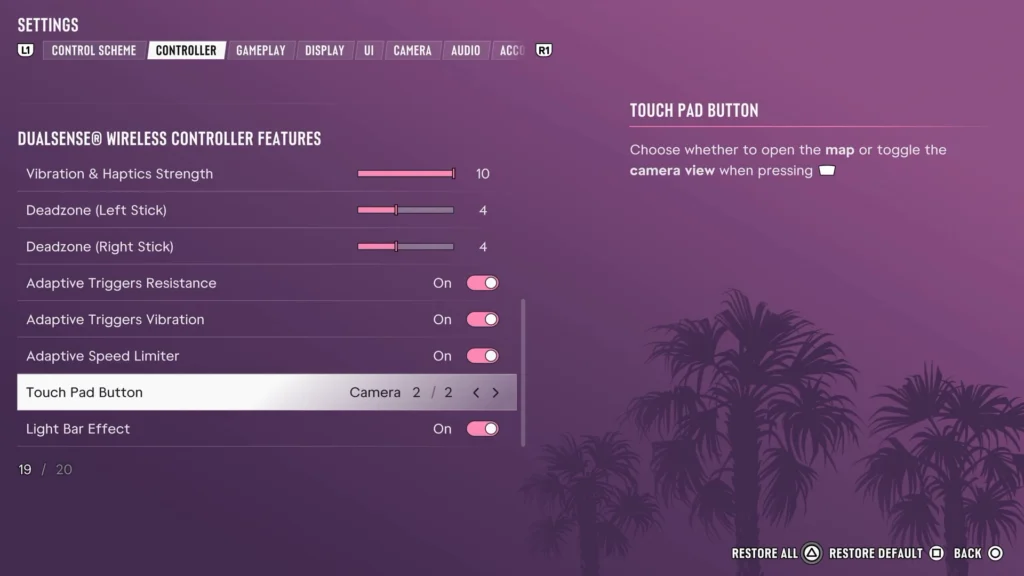
If the trick works, the phone disappears while the camera stays inside the car. You can even step outside without losing the first-person view.
The Map shortcut won’t work as usual while it’s assigned to Camera, but you can still access the map through the pause menu.
Why Is the GTA 6 First Person Glitch Not Working?
The tricky part is the timing. If your camera snaps back to third person after the phone disappears, you probably missed that tiny window between closing the phone and activating the camera shortcut.
Open the phone again and give it another shot. Press Circle or B, then hit the camera button as fast as you can. It might take a few attempts before the view sticks.
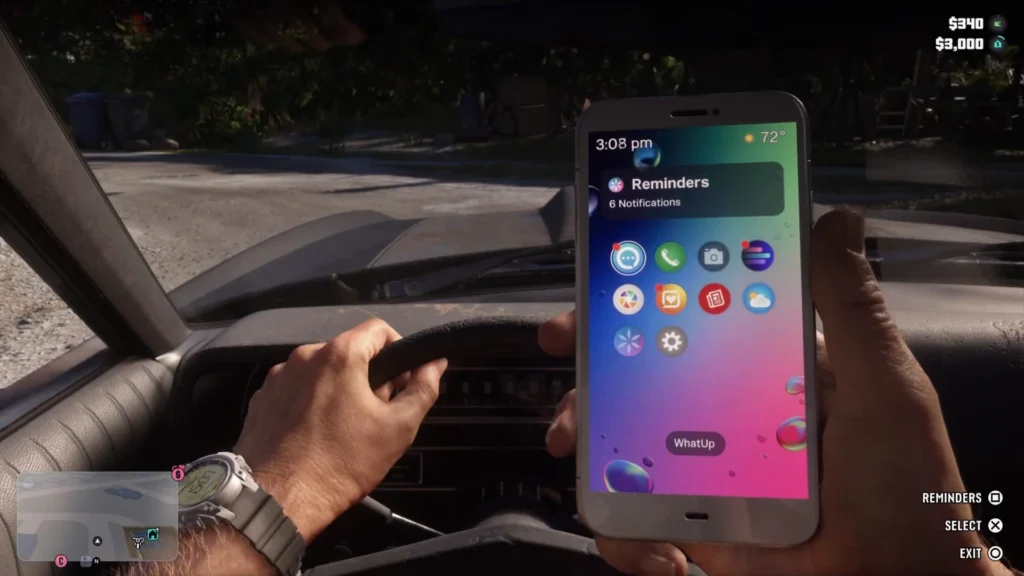
Does the button keep opening the map instead? Check your Controller settings. The shortcut must be assigned to Camera, not Map.
Also, don’t confuse a camera reset with a failed glitch. Some shop menus and vehicle customization screens force the camera back to third person. Character switches may have the same effect.
How to Return to Third Person in GTA 6
The easiest way out is to drive into a vehicle repair shop. The short entrance sequence resets the camera to third person, and you don’t need to pay for a repair.
Another option is to create a manual save while in first person, then reload that same file. This can restore the normal camera without requiring an older save, although keeping your pre-glitch save as a backup is still a smart move.
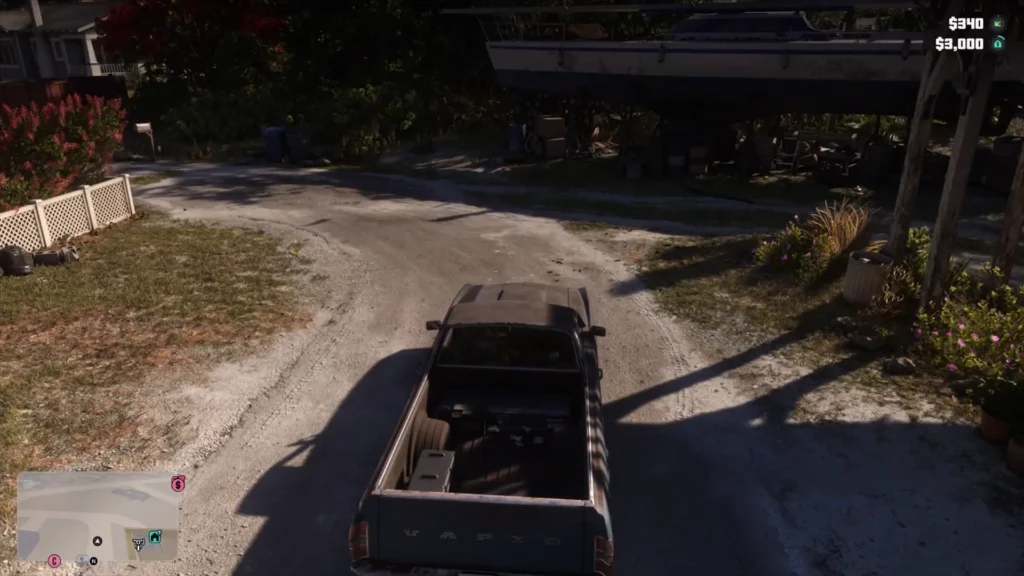
You can also return the Touch Pad or View button to Map afterward. Just remember that changing the shortcut alone isn’t a reliable way to exit first person.
What Works With the First Person Glitch?
The glitch isn’t limited to driving. You can get out of your car and explore on foot without immediately losing the perspective. First-person weapon use also works, including with a pistol.
You shouldn’t expect everything to look perfect, though. Long guns can put your character’s shoulders right in front of the camera. Some car break-in animations also look pretty awkward from this angle.
If you notice faint trails behind objects when you move the camera, that’s a different issue. Our GTA 6 ghosting guide explains how to reduce those visual artifacts on PS5 and Xbox.
Personally, I’d avoid experimenting with it during an important story mission. Not every mission or scripted sequence has been confirmed to work properly, and it’s possible that certain interactions reset the view.
There’s also a normal Inspect View if you just want a closer look at your surroundings. Hold L2 on PS5 or LT on Xbox, then click the right stick. Unlike the glitch, this view doesn’t let you walk around.
Has the GTA 6 First Person Glitch Been Patched?
As of November 22, 2026, the glitch’s compatibility with the latest update is still unverified. The method above worked during the game’s launch period, but that doesn’t guarantee it will survive every patch.
If you can’t activate it, check the Camera shortcut before giving up. The phone timing is easy to miss, so a few failed attempts don’t necessarily mean Rockstar has patched the trick.