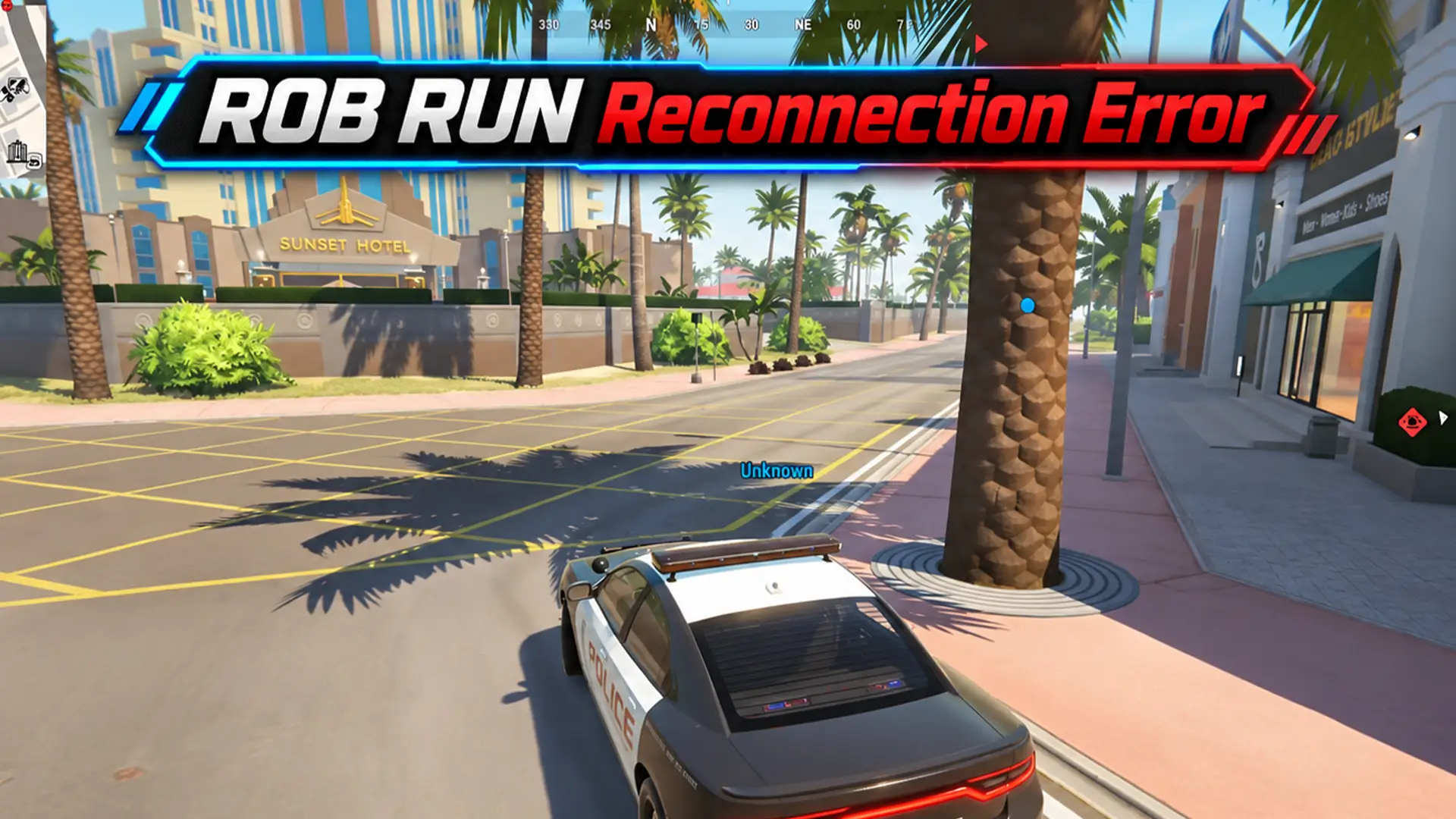


ROB RUN reconnection issues can kick you mid-session. The first thing to try is fully closing the game and relaunching it through Steam. If that doesn’t help, check whether the servers are having problems before you start changing PC settings.
E-0201 is the error that appears when the game loses its server connection and can’t restore it. Restarting the game is the official recommendation here.
I’ll provide all the possible solutions for this problem.
Find the Fix:
Why Does ROB RUN Say Reconnection Required
The message means your connection to the game server was interrupted. It can show up during a session or while you’re trying to enter a location.
Sometimes the game gets stuck on “Getting player data” before the error appears. Other times you can reach the Global Map but can’t load into Looty Bay or Lenny’s Motel.
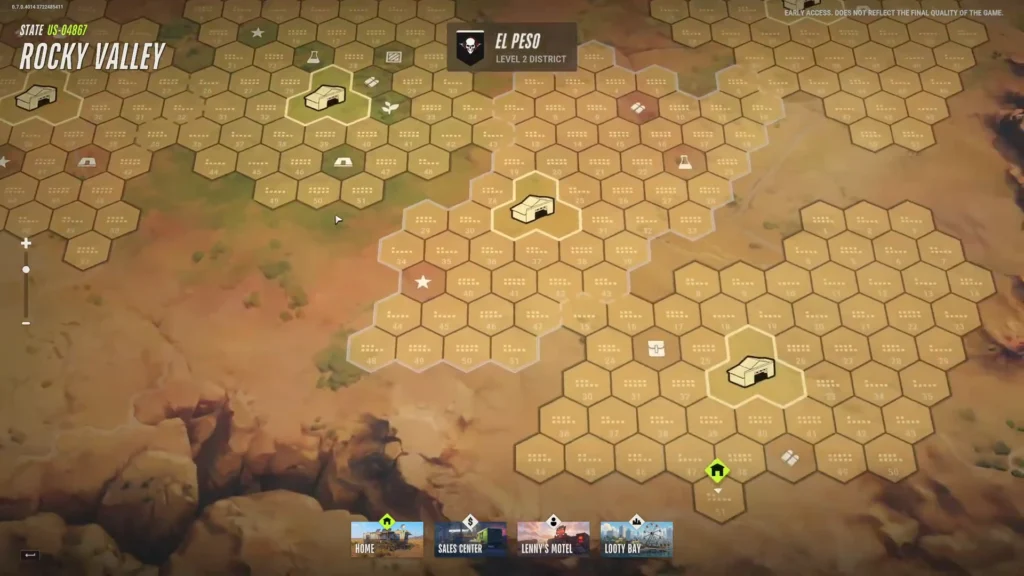
This isn’t always your internet. Unfortunately, ROB RUN has had server instability since Early Access, including DDoS attacks. Server restarts can also drop active sessions. If the error appears right after maintenance, the server may simply not be ready yet.
How to Fix ROB RUN Reconnection Required
Start with a full game restart before touching advanced Windows settings. Repeatedly hitting the reconnect button often doesn’t recover a dead session.
1. Close ROB RUN Completely & Restart It
Quit the game, return to the desktop, then launch it again directly from your Steam library. This is also worth trying if the Global Map keeps bouncing you back instead of loading the location you picked.
Some connection problems happen when people keep trying to enter a location right after a server restart. A full close has helped in those cases, though there’s no confirmed fix for every Global Map loop.
If the problem started during maintenance, restarting right away may not help, the server needs to be back online first.
2. Check ROB RUN Servers
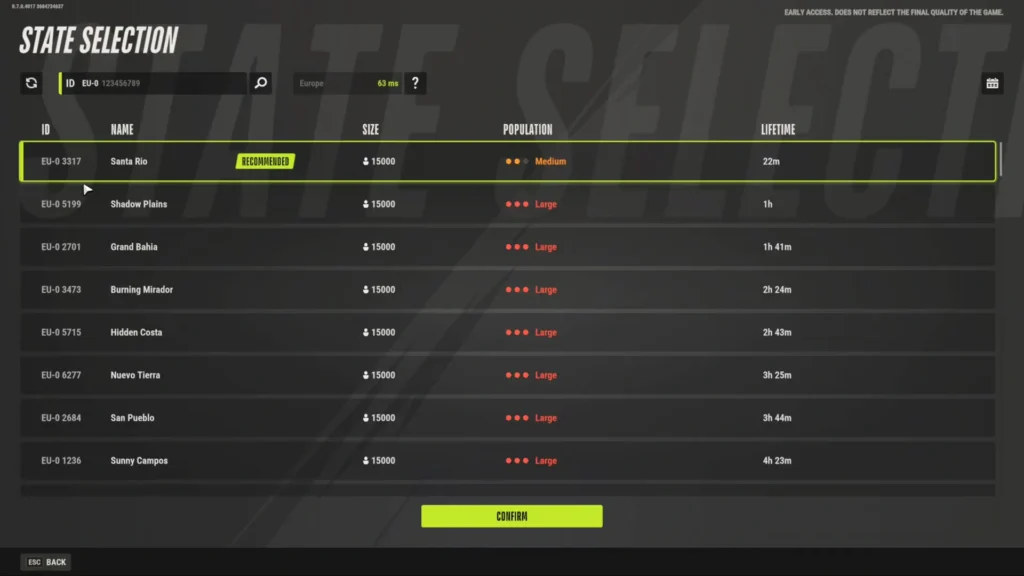
Look at the latest announcements on Steam or the official Discord before troubleshooting your PC.
Kefir has restarted servers multiple times for stability. On November 14 they acknowledged login issues on European servers. Connection improvements landed in the November 17 update, with more network optimizations on November 20. These helped some problems but weren’t presented as a permanent fix for every reconnection error.
If a server outage or restart is happening, local changes won’t do much until the server is available again. Avoid repeatedly changing network settings during confirmed maintenance.
3. Restart Steam & Check for Updates
An outdated client or Steam authentication issue can also block connections.
Close ROB RUN, fully exit Steam, reopen it in Online Mode and check for any pending ROB RUN updates before launching again.
This is especially important if you see E-0301 or E-0302 (outdated game version). E-0401 usually means Steam is offline or you’re on the wrong account.
4. Try Another Connection
If ROB RUN keeps disconnecting while everything else on your PC works, test a different network.
Switch to a mobile hotspot and try the same server. If the game works on the hotspot but fails on your home connection, the problem is likely with the original network or its route to the game servers. Ethernet instead of Wi-Fi is also worth testing to rule out wireless issues.
This has helped me stuck at “Getting player data.” It won’t fix a server-side outage. If the error appears on both connections, check the server announcements again before spending more time on Windows fixes.
5. Verify ROB RUN Game Files
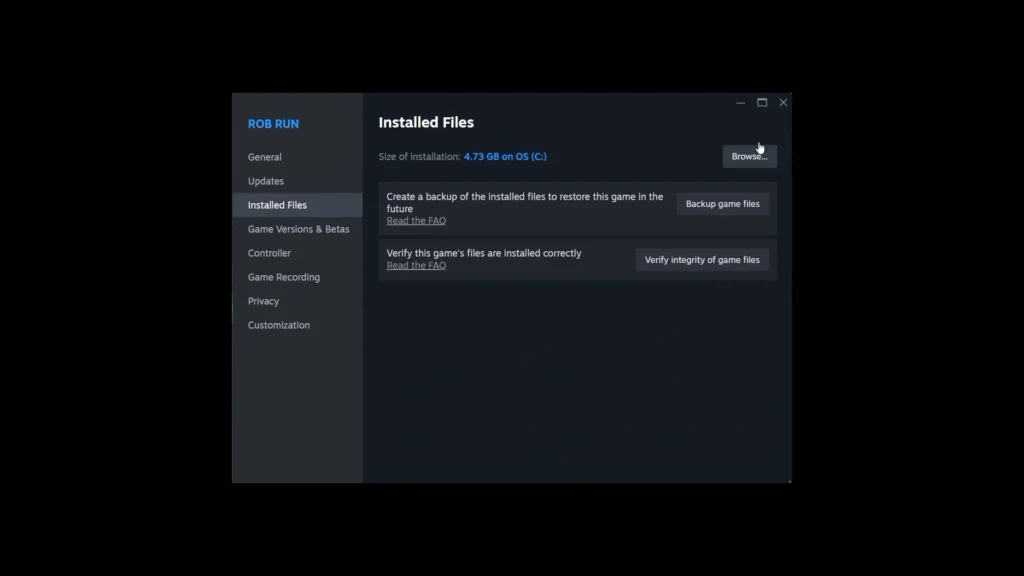
Verifying files is one of the main ways I solve performance issues with. If you’ve ever read any of my bug fix texts before, you should be familiar with it.
If the game still won’t connect (especially after an update), verify the installation.
Steam Library, right-click ROB RUN, Properties, Installed Files then Verify integrity of game files.
Steam will replace any damaged files. This is an official fix for certain file-related errors (including E-0124).
6. Check VPN or Proxy Restrictions
If you use a VPN or proxy, disconnect it temporarily and try launching again.
Kefir lists network restrictions as possible causes of some startup errors (especially E-0102). Security software that interferes with game traffic can also cause authorization problems.
Don’t disable your antivirus or open broad firewall rules just because of a Reconnection Required message. Changing DNS servers or resetting Windows network settings is sometimes suggested in videos, but neither has been established as a reliable fix for E-0201. Save those steps for broader network issues.
ROB RUN Stuck in a Reconnection Loop on the Global Map
Another common version of the problem: you can open the Global Map, pick a location (Lenny’s Motel, etc.), watch the loading screen, and get sent straight back to the map without entering.
A complete restart has worked around this for some players. Try that before repeatedly selecting the same destination.
There’s also an unconfirmed report that reconnecting immediately after a server restart can create an endless loading loop. The behavior has been described, but there’s no solid evidence that the Global Map itself is the cause.
If your game instead stops at “Waiting for Status Information,” that’s a related but slightly different loading issue.
Is the ROB RUN Reconnection Error a Server Problem?
It can be. ROB RUN has a documented history of server-side connection failures.
Kefir confirmed DDoS attacks caused disruptions after Early Access launch and some server crashes led to progress rollbacks. The November 17 and 20 updates improved connection stability and network performance, but reconnection failures still appeared afterward.
If the game stops connecting after a server restart and other players are reporting the same issue, a server-side problem is more likely. If it works on a different network but consistently fails on your normal connection, look at your local network or routing instead.
The error message alone doesn’t tell you which side is responsible.
What If ROB RUN Still Won’t Reconnect?
If you’ve fully restarted the game, confirmed Steam is up to date and tested another internet connection without success, contact support.
Take a screenshot of the complete error (including any code). Note whether it happens during gameplay or at “Getting player data,” and whether it started after an update or server restart.
Submit the issue through the official ROB RUN Help Center.
For now, completely restarting ROB RUN remains the main official recommendation for E-0201. If the game still can’t connect and there’s an active server incident, local troubleshooting may not resolve it until the server side is fixed.