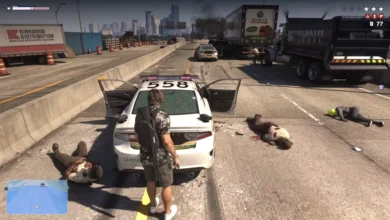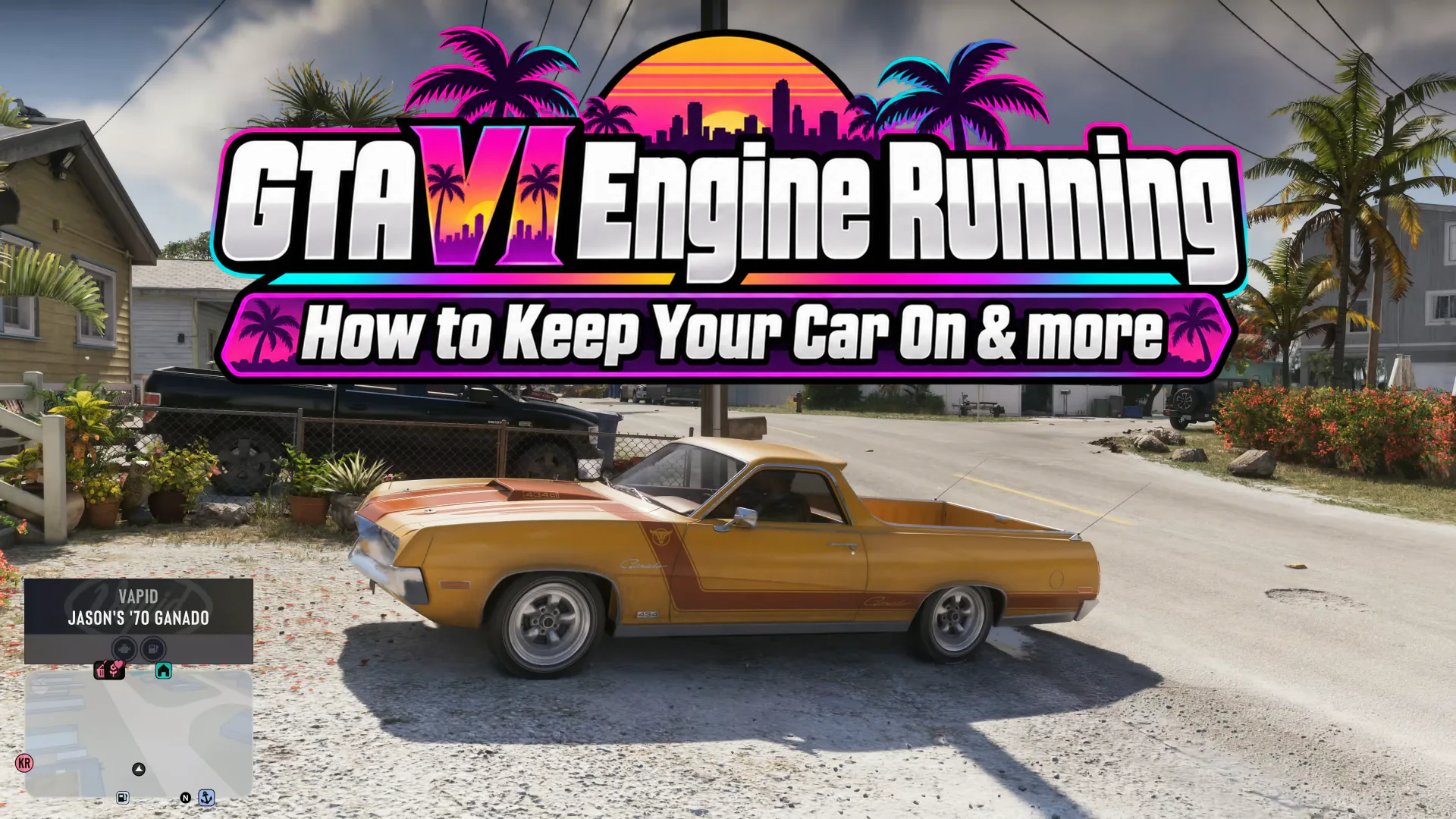


If it’s a high-stakes heist that you are pulling off and need the car to be on and ready for you to run, or you have found a scenic location and you just want to chill with your car radio on for a memorable experience, leaving the car engine on is what you need to do. Push the triangle button twice on PlayStation or push the Y button twice on Xbox to do the trick.
How to keep the engine running with Tposegaming:
How to Leave Your Engine Running in GTA 6
- Enter any compatible car and start driving normally.
- Bring the vehicle to a complete stop in a safe location.
- Double-tap Triangle on PS5 or Y on Xbox to exit.
- Your character leaves the car while its engine remains running. The headlights and radio can also remain active.
- Return to the vehicle when you’re ready to drive again
Note: If you double-tap the exit button while moving, you can jump out of the vehicle with the engine on. Don’t recommend testing this shortcut at speed unless you like to watch Jason and Lucia eat dirt in extended slow motion.
How to Turn the Engine On or Off Manually
- Get behind the wheel.
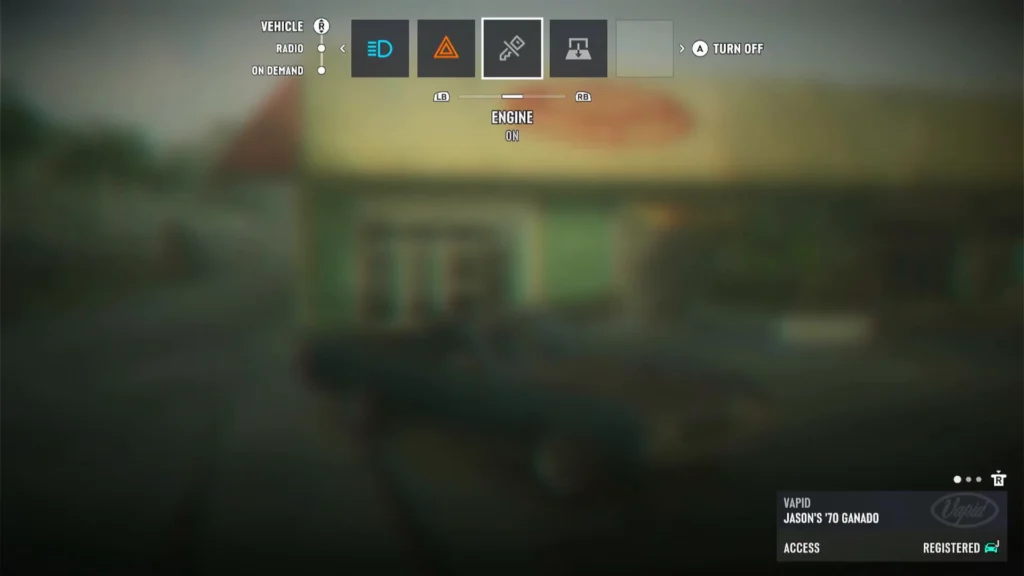
- Hold Left on the D-pad to open the in-car menu.
- Move the right stick upward to switch from Radio to Vehicle Controls.
- Navigate with L1/R1 on PS5 or LB/RB on Xbox.
- Select the Engine option, represented by a key icon, and press Cross/A to toggle it.
Can You Upgrade and Tune Car Engines in GTA 6?
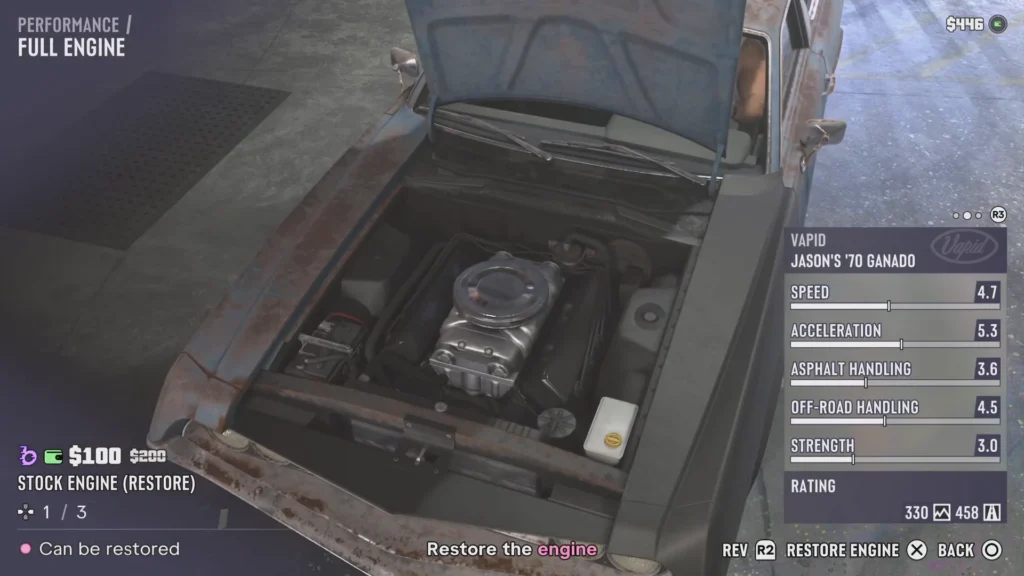
Yep. Just like what you had in previous GTA games, you can go to a mod shop and customize your car. There are a total of 31 categories to go through, which gives you tons of details to play with and personalize your car for yourself.
| Menu | Available upgrades and modifications |
|---|---|
| Pro Builds (2) | Full Kits, Wheel Kits |
| Cosmetics (4) | Respray, Customizable Liveries, Curated Liveries, Plates |
| Bodywork (13) | Hood, Spoiler, Front Bumper, Rear Bumper, Towing, Mirrors, Windows, Rear Bed, Roof, Trim, Lights, Exhaust, Accessories |
| Performance (4) | Full Engine, Intakes, Transmission, Boost |
| Wheels (3) | Tire Style, Rim Style, Rim Colors |
| Interior (5) | Steering Wheel, Seats, Upholstery Material, Upholstery Color, Stitching |
| Total | 31 modification categories |
Out of all of these categories, 12 of these are directly related to the performance of the car.
| Upgrade | Available options or examples | What it changes |
|---|---|---|
| Full Engine | Stock Engine (Restore), Engine Upgrade Stage 1, Engine Upgrade Stage 2 | Torque and top speed |
| Intakes | Stock Intake, Exposed Pan Filter, Exposed Air Filter, Classic Square Air Filter, Pill Shaped Air Filter | Engine airflow; some improve speed and acceleration |
| Transmission | Stock Transmission, Upgrade Level 1, Upgrade Level 2 | Gear-shift speed and drivetrain performance |
| Boost | None, Nitrous Boost | Temporary speed boost |
| Raised Suspension Kit | Wheel Kits → Raised Suspension Kit | Improves off-road handling with an asphalt-handling trade-off |
| Lowered Suspension Kit | Wheel Kits → Lowered Suspension Kit | Improves asphalt handling with an off-road trade-off |
How to Repair or Replace an Engine in GTA 6
GTA 6 gas stations offer a quick Repair option alongside refueling. These repairs are limited, so don’t expect a badly damaged engine to return to perfect condition.
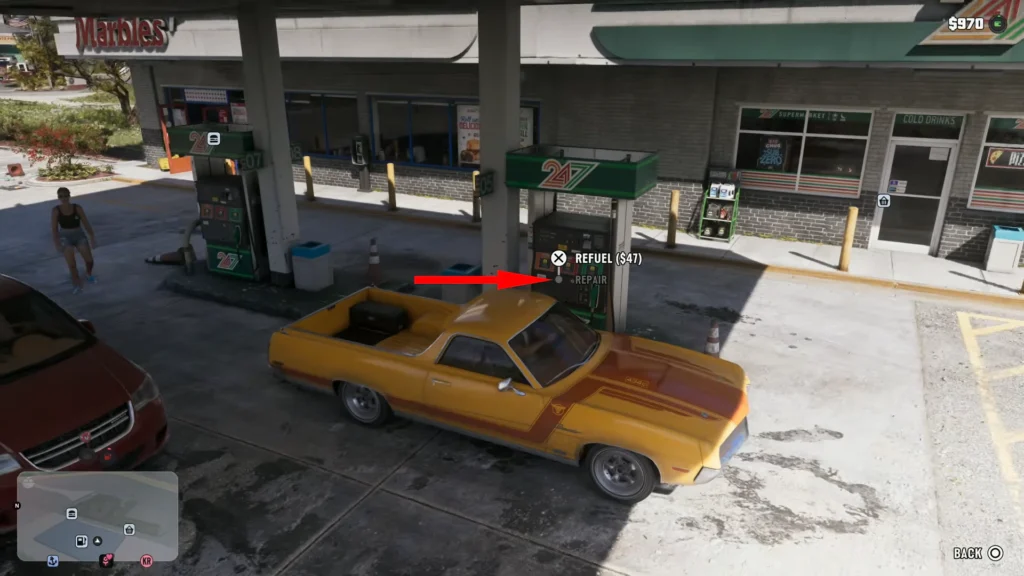
For a complete engine repair, head to a Pay ‘n’ Spray or Mod Shop.