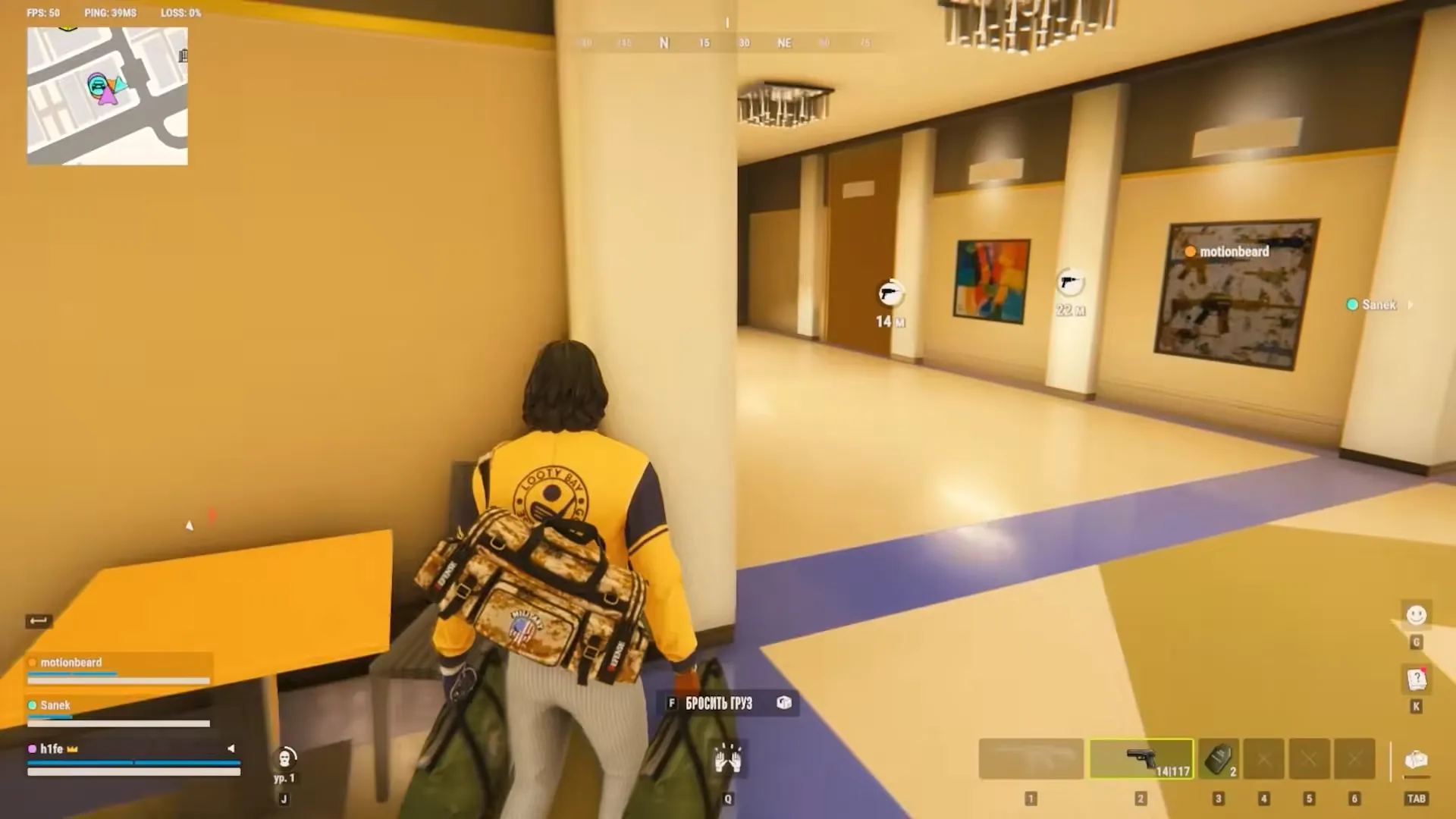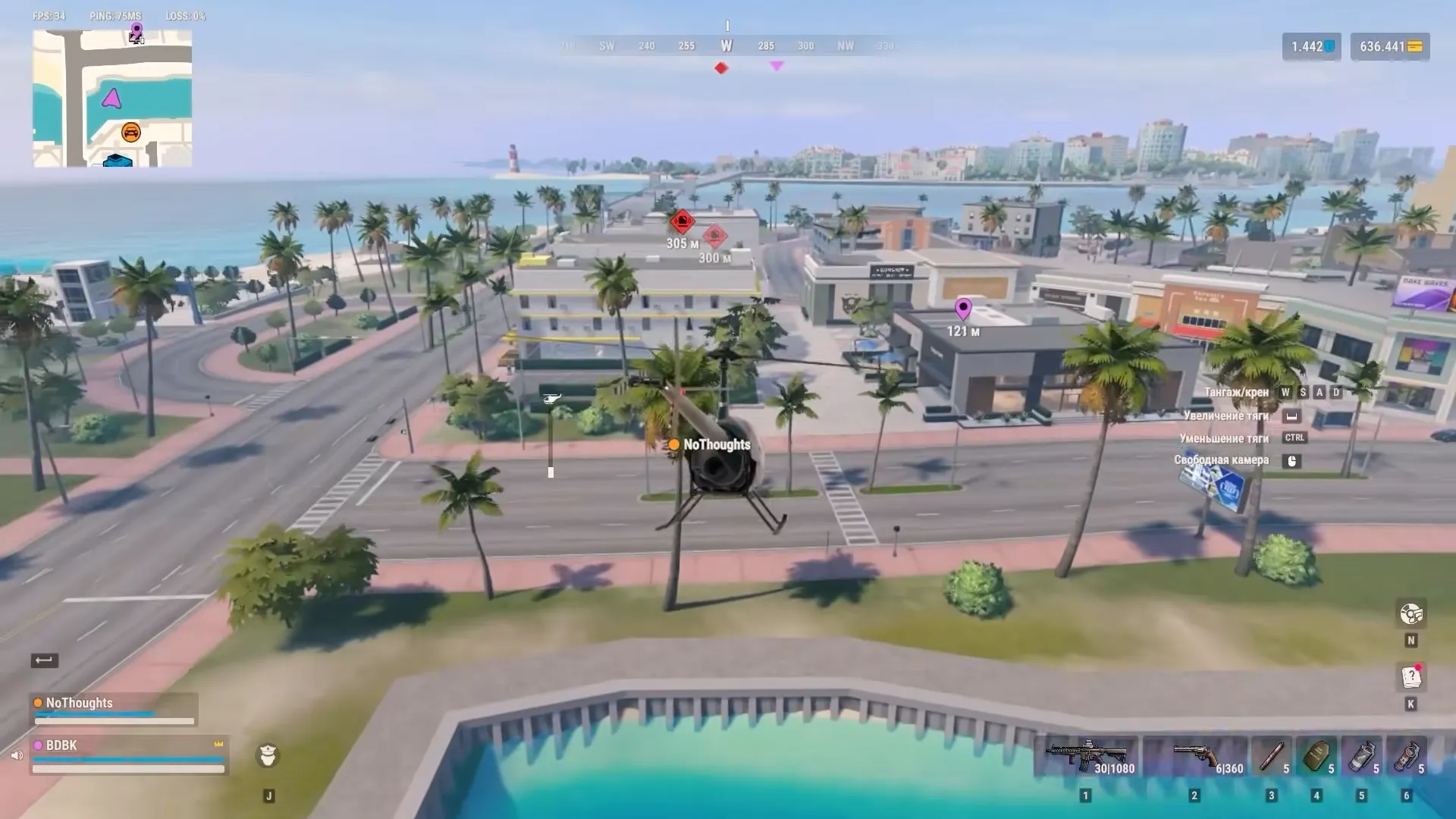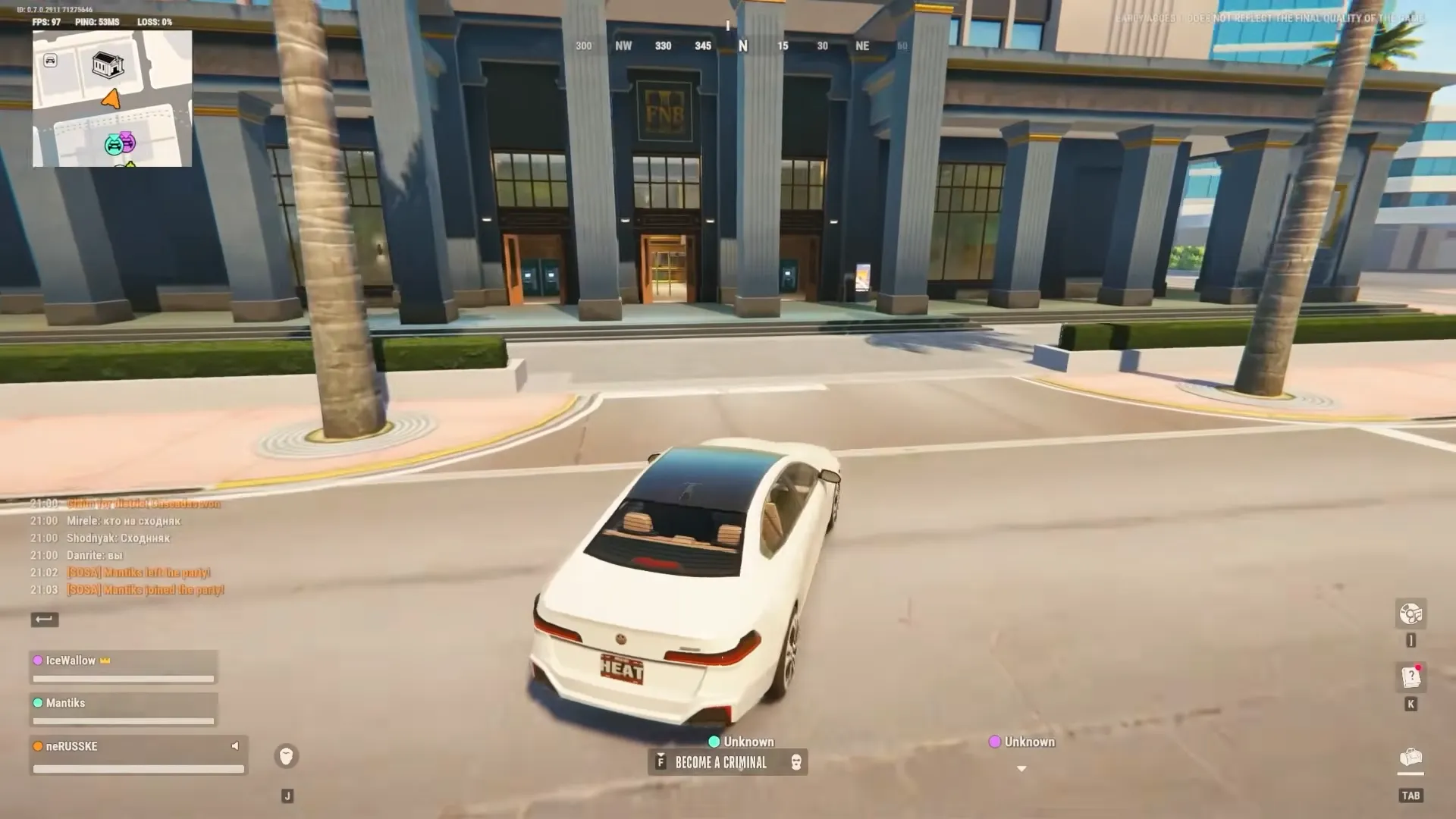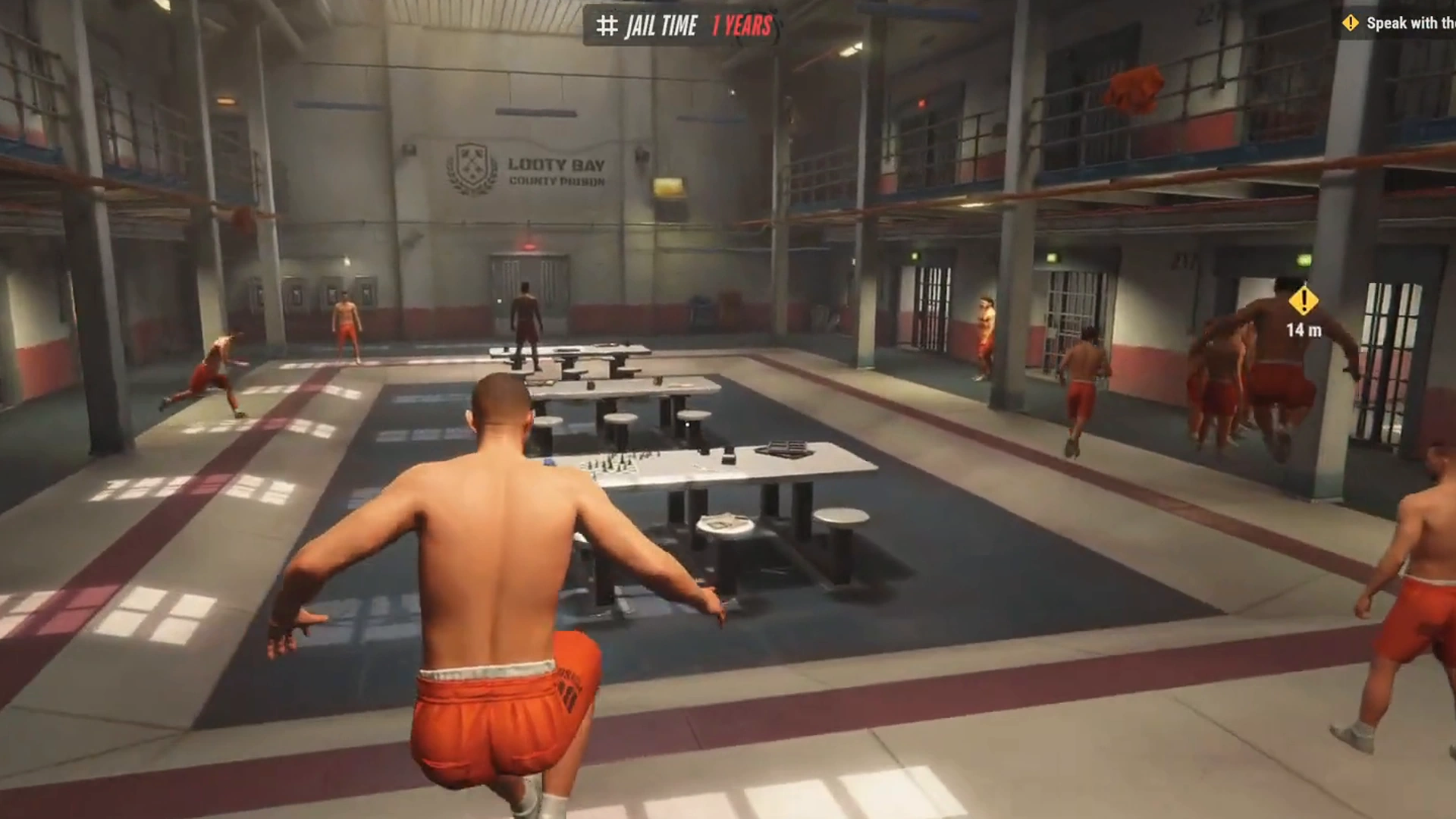


ROB RUN is in Early Access with just two regions right now (EU and East US) and both have been getting hammered.
Kefir confirmed repeated DDoS attacks on top of high player counts. The result is the game often freezes while trying to hand you off to a region or server. You sit on a loading screen that never finishes, or get stuck on “connection to region.” Hundreds of players are hitting the same wall.
This usually isn’t your internet. People on fiber still get stuck. The servers are overloaded or under attack, so the handoff stalls.
The Text You Need:
How to Change Region in Rob Run
The only official way:
- Esc, Settings and then Other
- Hit Surrender to Feds and confirm
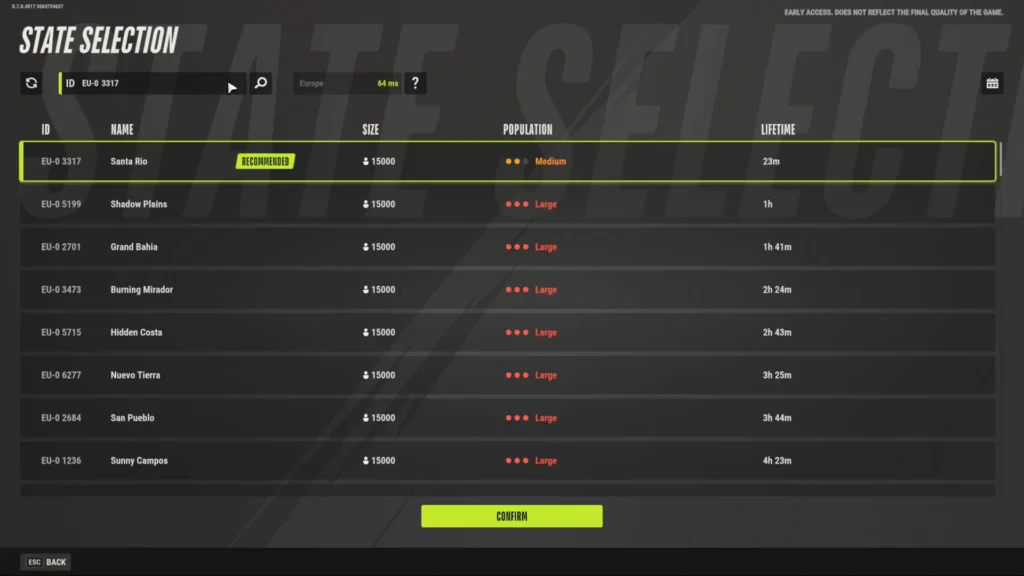
- Once you’re in prison, open Settings again and pick the region (or specific server) you want
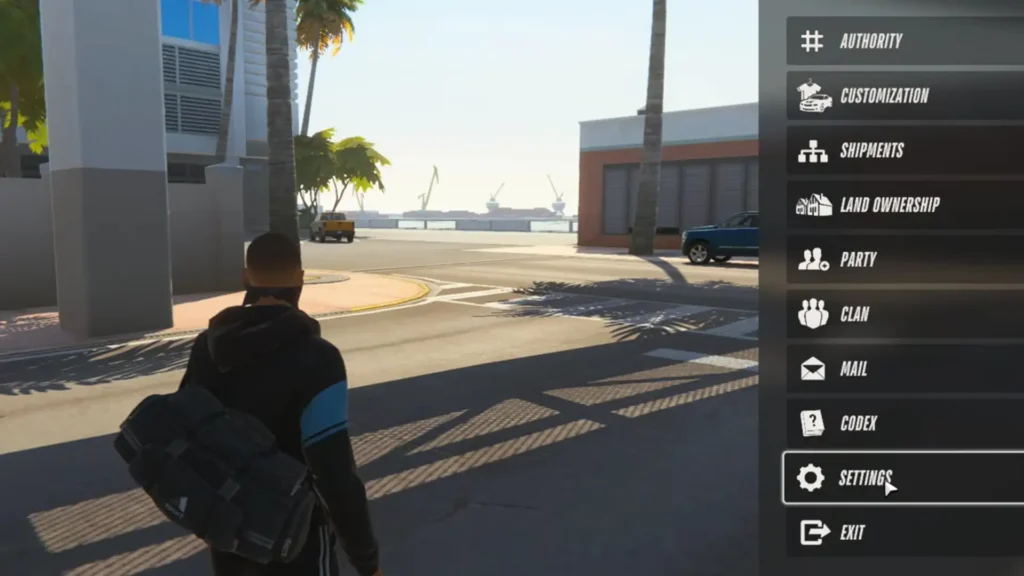
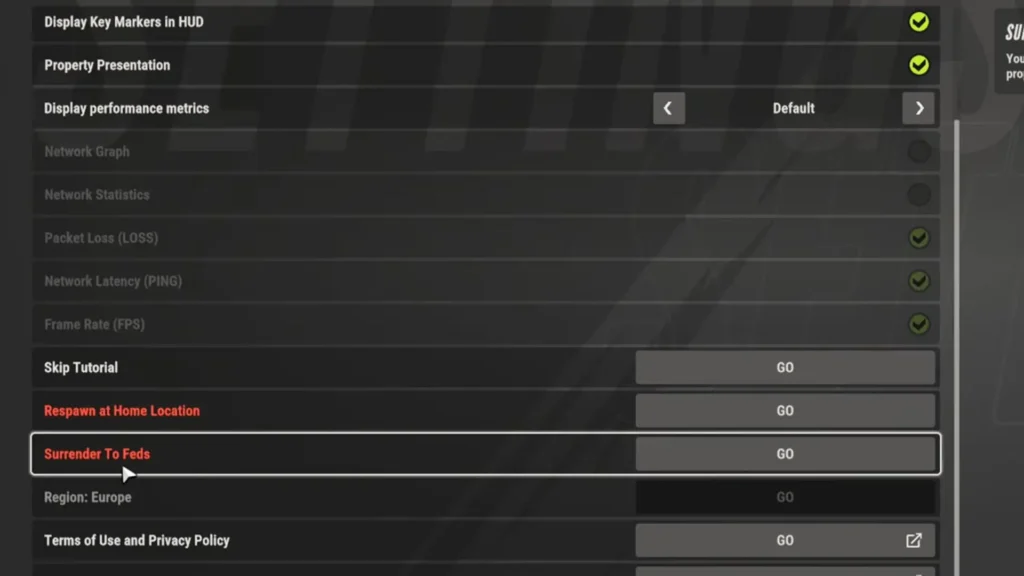
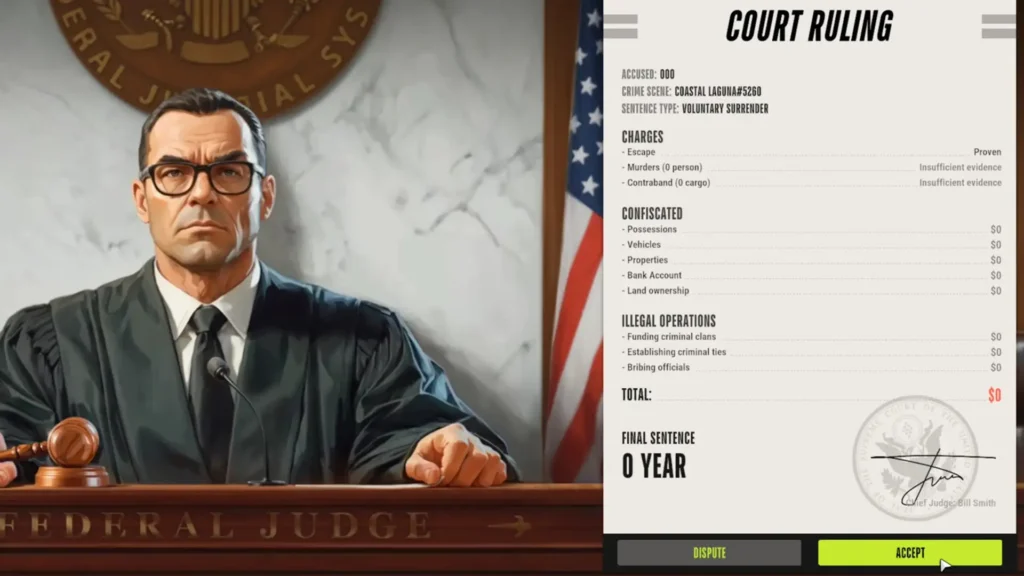
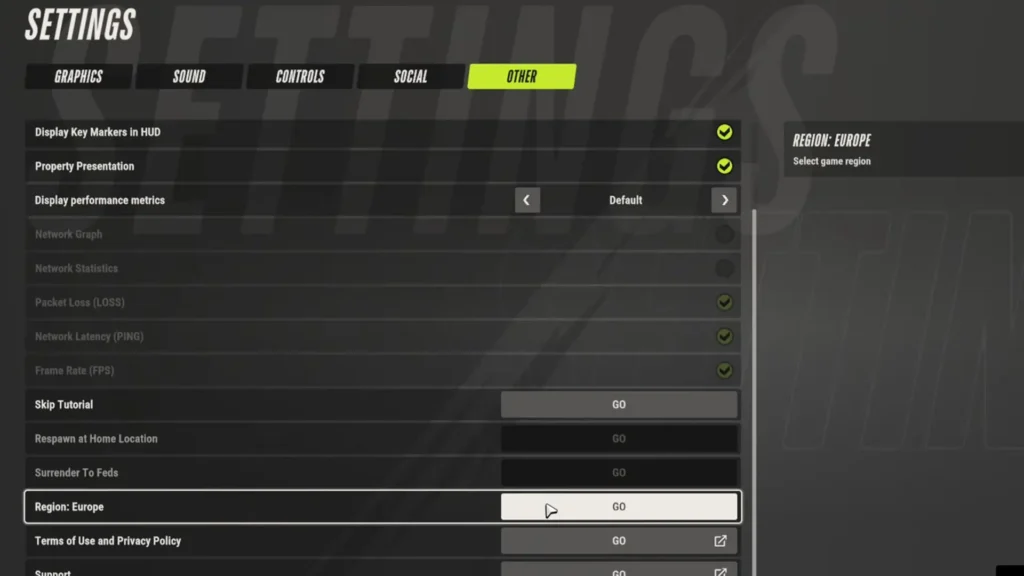
This wipes almost everything on the current server: cash, base, cars. Tattoos and B-Coin usually survive. Only do it if you’re starting fresh or meeting friends.
What Actually Helps
If changing the server could not solve your problem, try these ways:
Check Server Status First
Look at the latest developer posts in the ROB RUN Steam hub. If they’re still dealing with DDoS or just restarted the servers, close the game fully after any restart so it can pick up the new configuration. Local fixes won’t help while the servers are down.
Alt+F4 and Relaunch
Some people leave the stuck screen for 5–10 minutes. The more reliable move for a lot of players is Alt+F4 while it’s hanging, then immediately relaunch from Steam. A surprising number drop straight into the place they were trying to reach.
Verify Game Files
This has helped me multiple times, even launching Rainbow Six sometimes is only possible after verifying the files. Do the following steps to verify the files:
Steam Library → right-click ROB RUN → Properties → Installed Files → Verify integrity of game files.
Network Cleanup
Open Command Prompt as Administrator and run these in order:
ipconfig /release
ipconfig /renew
ipconfig /flushdns
netsh winsock reset
Restart your PC afterward. Switching to Google DNS (8.8.8.8 and 8.8.4.4) also helps some people when their ISP’s DNS is flaky.
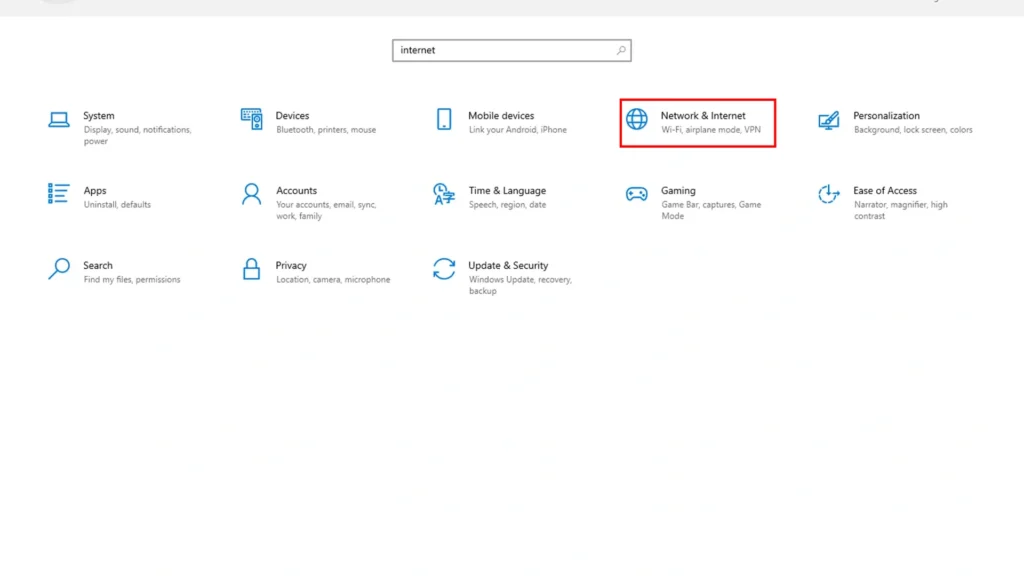
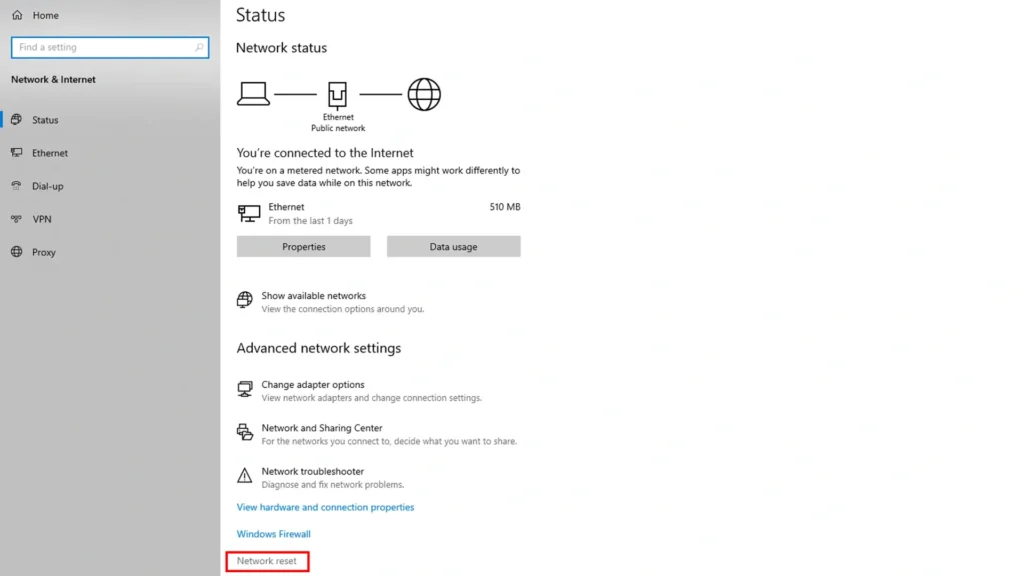
The other similar way is the full Windows network reset. Follow these steps:
Settings → Network & Internet → Advanced network settings → Network reset
Other Stabilizers
Power-cycle the router (unplug for a full minute), prefer Ethernet over Wi-Fi, turn off any VPN and make sure Windows time is synced.
Allow the game and Easy Anti-Cheat through Windows Firewall and Controlled Folder Access.
Updating GPU drivers is another way: try launch options -dx11 or -dx12 if shaders or loading screens are also acting up.
Most of the stuck on changing region problem is server-side. Local fixes mainly improve your odds of a clean connection. Start with the server status check and the Alt+F4 relaunch. If that fails, verify the files and run the network commands. If nothing works, walk away for an hour and try again later.