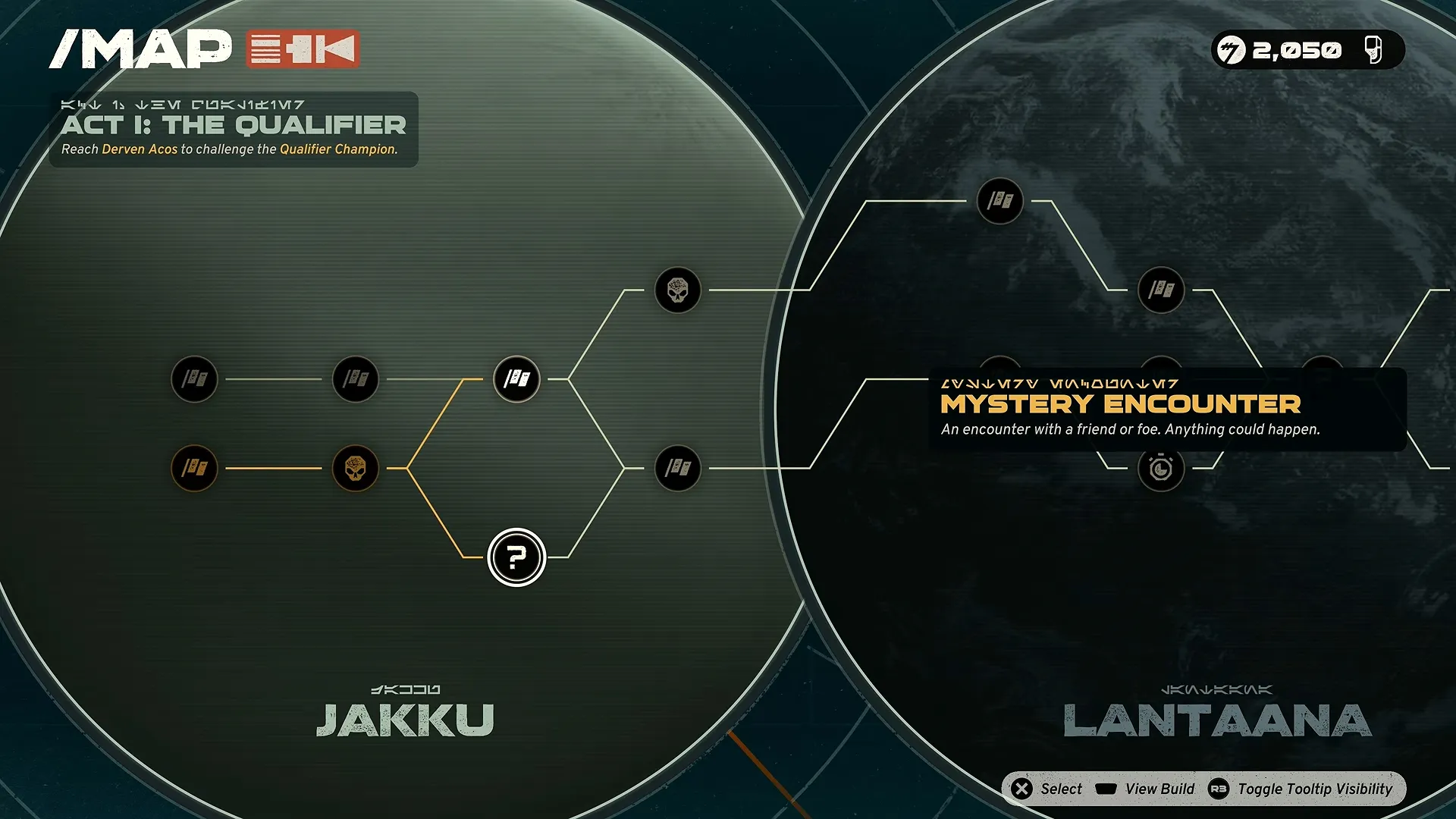


You can’t save manually in Star Wars: Galactic Racer. The game only has Autosave with no save slots, and it saves your result and your place in the Tour every time you finish an event. So you can quit to the main menu between two events in the middle of a Tour and continue the same run later.
I get why players are confused about this. The menu has no Save button, and at least one early YouTube review said you can’t save in the middle of a run. You can. Below I cover how to quit in the middle of a Tour, what happens if you quit during a race, where the save file sits on PC and how to start a new Campaign.
What I Covered:
Quick Answer
Galactic Racer saves automatically after every event, so the safe way to stop is to finish your current event and quit to the main menu.
| Question | Answer |
|---|---|
| Is there a manual save? | No, Autosave only |
| When does the game save? | Right after you finish an event |
| Can you stop in the middle of a Tour? | Yes, between events |
| What if you quit during a race? | You restart that event from the beginning |
| How many save profiles are there? | One |
| Where is the PC save file? | AppData\Local\StarWarsGalacticRacer\Saved\SaveGames |
| Are there cloud saves? | Yes on PC (Steam and Epic), and on PS5 with PlayStation Plus |
Can You Quit in the Middle of a Tour?
Yes, you can quit in the middle of a Tour and lose nothing, as long as you do it between events. You don’t have to finish a whole run in one sitting.
Between events, the menu gives you two options. The first is to quit to the main menu, and the game tells you when it last saved before you leave. The second is to abandon the run, so be careful which one you pick.
To stop safely:
- Finish the event you are in.
- Wait until the game brings you back to the Tour.
- Open the menu and choose to quit to the main menu.
- Check the last saved time it shows you, then close the game.
The next time you start the game, the Tour continues from the same spot. For anyone who only gets 30 minutes to play at a time, this is good news, since a handful of races per session is enough to keep a run moving.
What Happens If You Quit During a Race?
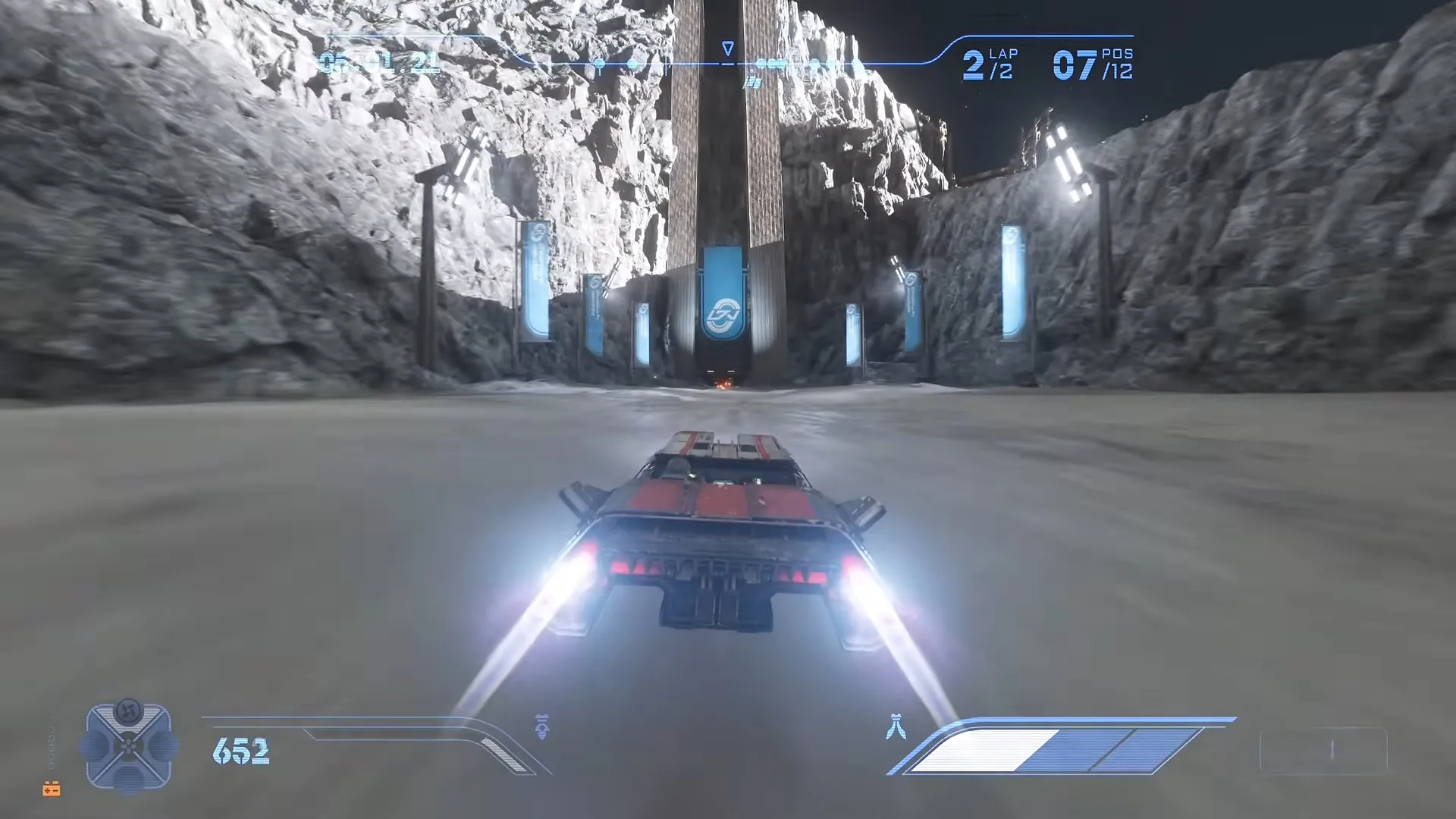
If you quit during a race, you restart that event from the beginning and the rest of your Tour stays safe. You can’t quit or restart from the menu in the middle of a race, so the only way out is to close the game itself. No part of the unfinished race is saved.
A finished event is different. The result is saved the moment it ends, and you can’t undo it with a reload.
Trophy hunters on PS5 use this on purpose. If a race is going badly, they close the game application before it ends and load back in at the start of the race for another try. It works for now, though I wouldn’t be surprised if a patch changes it.
The PlayStation Plus Backup Trick
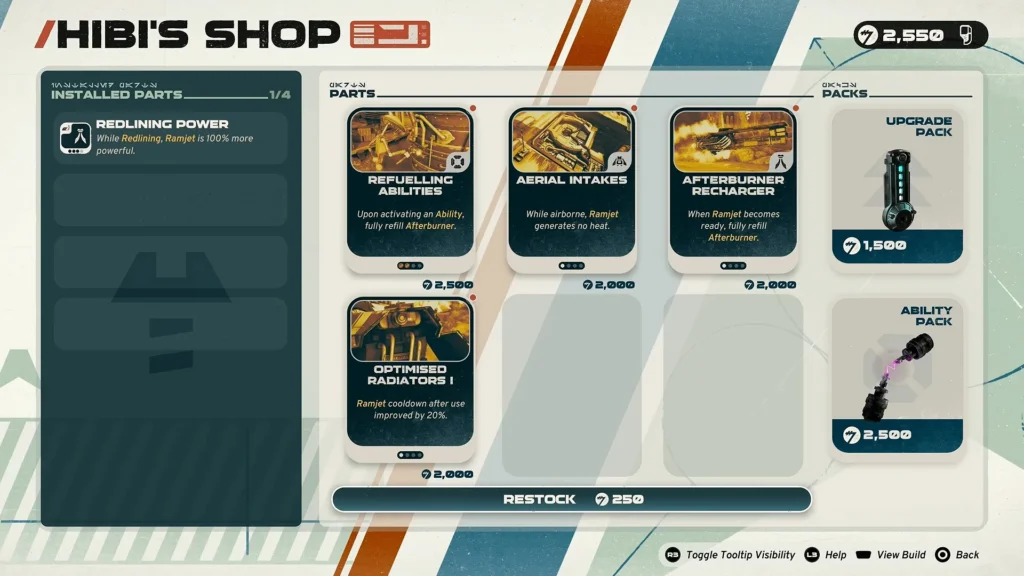
If you have PlayStation Plus, there is a safer way to protect a run. Upload your save to the cloud before an event, or before you buy Parts from Hibi’s Shop at the start of a planet. If you get knocked out after that, download the cloud save and you are back where you were.
It takes a bit of extra menu work every time. For a long Tour that you don’t want to lose, I think it’s worth it.
Why Is There No Manual Save?
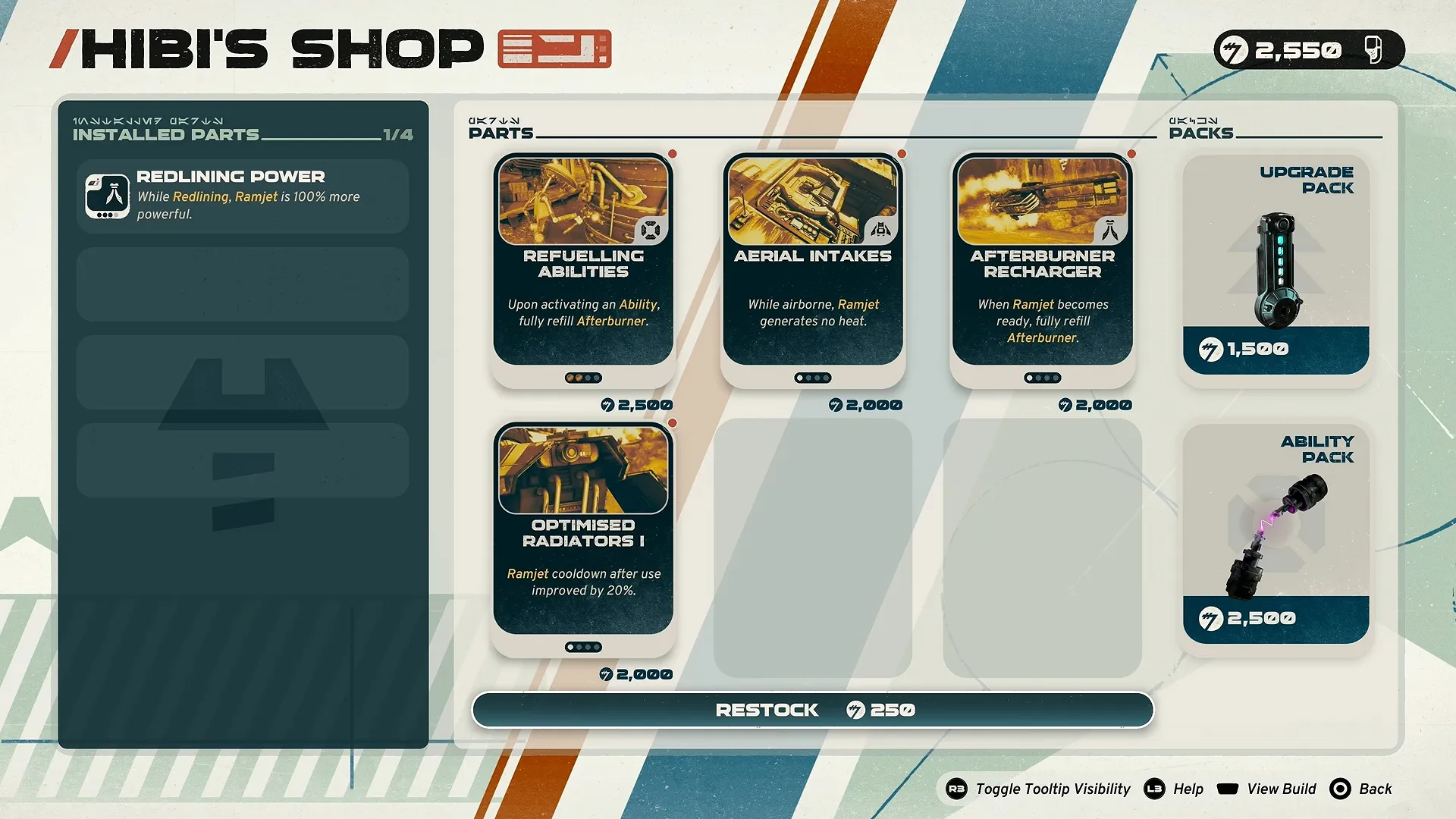
There is no manual save because the Campaign is a roguelite, and save slots would take the risk out of it. The Campaign is split into 3 Acts. If you get knocked out in the middle of an Act, you restart from the beginning of that Act, and the Parts you fitted during that run are gone. Permanent progress like Tuning Points and Favors stays with you.
With a manual save, you could reload before every bad race and never get knocked out. That’s my opinion on why the developers went with Autosave only. I have mixed feelings about it. Every event feels tense in a good way, but one unlucky race can cost you a long run, and that hurts.
Star Wars: Galactic Racer Save File Location on PC
On Steam, the save file is in your local AppData folder:
C:\Users[Windows Username]\AppData\Local\StarWarsGalacticRacer\Saved\SaveGames[Steam ID]
To open it and make a backup:
- Open Windows Run or File Explorer.
- Paste (%USERPROFILE%\AppData\Local\StarWarsGalacticRacer\Saved\SaveGames\) and press Enter.
- Open the folder named with your Steam ID. The save files inside are in .sav format.
- Go back up to the StarWarsGalacticRacer folder and copy all of it to a safe place.
I’d copy the whole folder instead of single files, because it has several subfolders with different progress and user data. Copy it, and leave the originals where they are. The Config folder inside Saved also holds Engine.ini and GameUserSettings.ini.
I haven’t seen a confirmed save path for the Epic Games version yet.
Does Star Wars: Galactic Racer Have Cloud Saves?
Yes, it has cloud saves. On PC they work on Steam and on the Epic Games Launcher. Steam Cloud uploads your progress after you close the game and downloads it again when you play on another device. On PS5, cloud saves need PlayStation Plus.
Keep a local backup on PC as well if your save matters to you. The cloud copy updates every time you close the game, so a local copy is the only way to keep an older point.
How to Start a New Campaign
You can restart the Campaign from inside the game only after you complete it, and the Logbook progress you already made stays. Before that, there is no New Game option, and the game has one save profile.
Players on Steam who wanted a clean start had to delete their save data from the SaveGames folder. That wipes everything, Arcade progress included, so make a backup first. I find this part annoying. A second profile for a friend or a family member seems like such a basic thing to have.

Star Wars: Galactic Racer