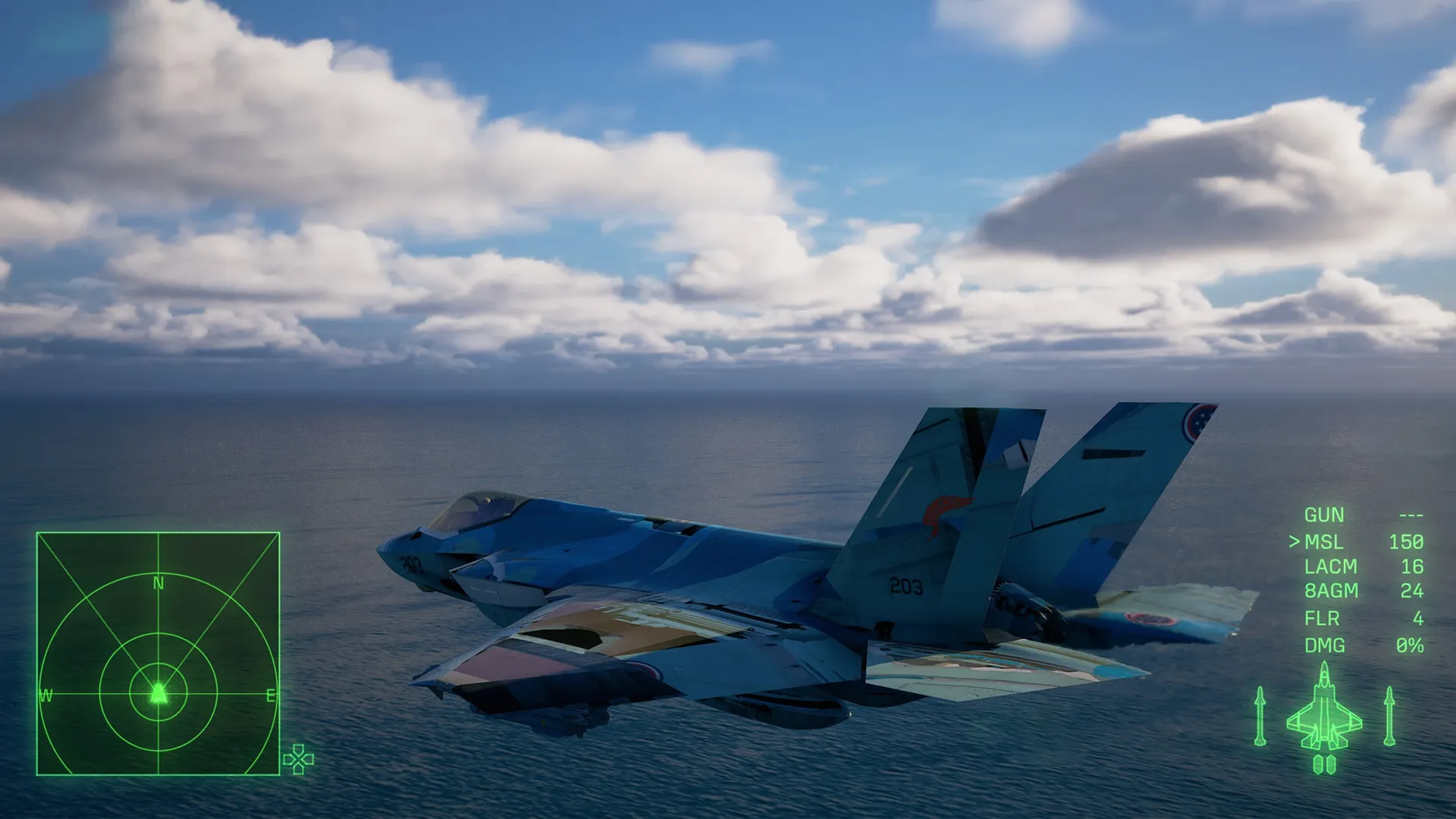


You cannot change skins in Ace Combat 8 until you clear the campaign once. After that, Aircraft Sets appears on the mission menu. Pick a slot there and choose Select Skin.
That lock is why so many players sit on a pile of skins with no way to use them. The game does explain it, but only in a pop-up early in the story that is very easy to click through.
What You Will Read:
How to Change Skins in the Campaign
- Finish the campaign once.
- Open Aircraft Sets on the mission menu.
- Choose a slot. This opens the Edit Aircraft Set menu.
- Choose Select Skin and pick one from the grid.
The grid only shows skins you have unlocked for that aircraft. Press the preview button on any of them and the camera swings around the plane, so you can check the paint from every side before you commit.
Your first swap also unlocks the Plane Coordinator trophy. If you are collecting trophies, Like the Wind is another short one, and our post-stall maneuver guide covers the inputs for it.
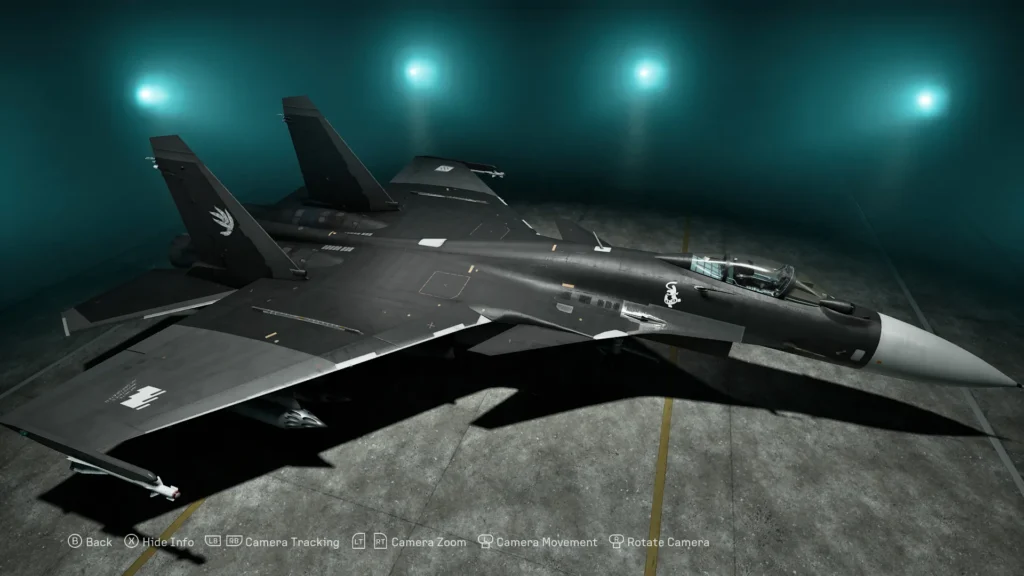
The Quick Way With the D-Pad
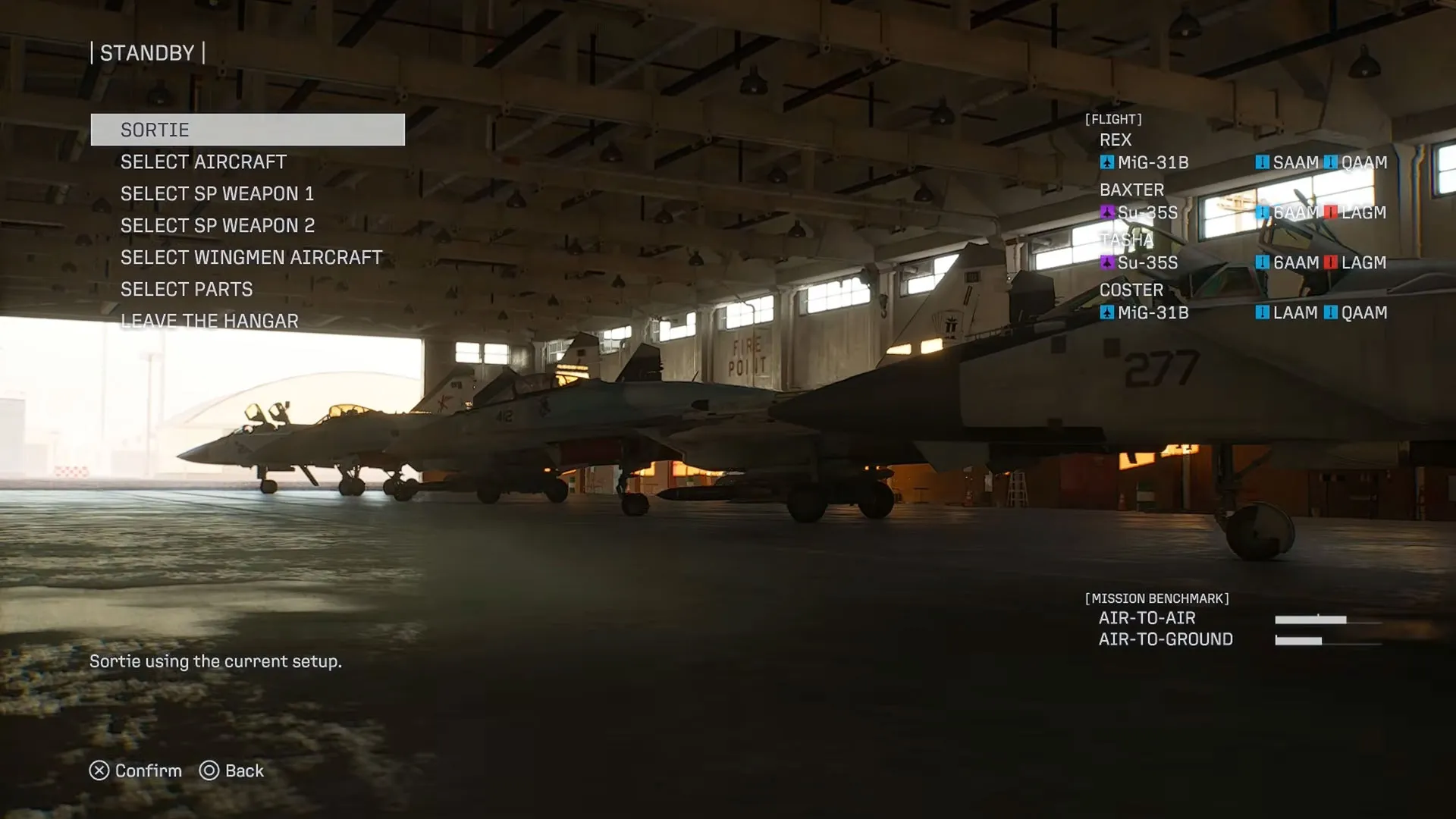
After the campaign is cleared, there is a shortcut. On the hangar screen before a mission, with your plane in view, press left or right on the D-Pad to flip through its skins.
It is fast, but I would not browse with it. The camera sits low on the ground, and the game does not show the name of the skin you are looking at. Aircraft Sets is the better menu for that.
Why You Can’t Change Skins Yet
If Aircraft Sets is not on your mission menu, you have not finished the campaign. Nothing is broken. The game’s own pop-up, titled Aircraft Skins & Emblems, says customization of emblems and aircraft skins is unlocked by clearing the campaign.
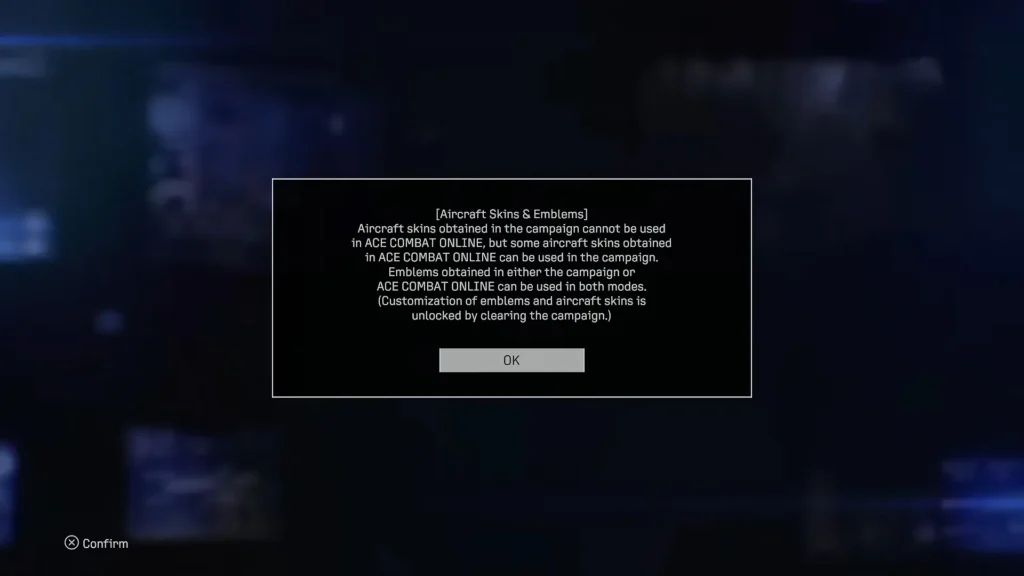
The annoying part is that skins start dropping long before that. You earn them during the story and they just wait. The same goes for the two skins in the Customizable Cosmetic Set, which stay out of the campaign until the story is done.
Which Skins Work in Campaign and Online
That same pop-up sets the rules for moving skins between the two modes.
| Item | Campaign | ACE COMBAT ONLINE |
|---|---|---|
| Skins earned in the campaign | Yes, after the first clear | No |
| Skins earned in ACE COMBAT ONLINE | Some of them | Yes |
| Emblems from either mode | Yes, after the first clear | Yes |
| F-4E Mobius Squadron 25th Anniversary Skin and F/A-18C Team Zvezda Skin | Yes, after the campaign is completed | Yes |
| Online Lobby Avatar Outfit: Tasha and Missile Smoke [Scarlet] | No | Yes |
Character clothes are a different thing. The game calls them avatar outfits, and they only exist in the ACE COMBAT ONLINE lobby.
How to Change Skins in ACE COMBAT ONLINE
ACE COMBAT ONLINE keeps its own progression and its own customization, separate from the campaign. Go to the hangar there and pick an aircraft you own. Its customization options cover the skin and the emblem, plus weathering.
Skins are fixed designs. There is no color editor, and a lot of them are the same pattern in different colors.
How to Get More Skins
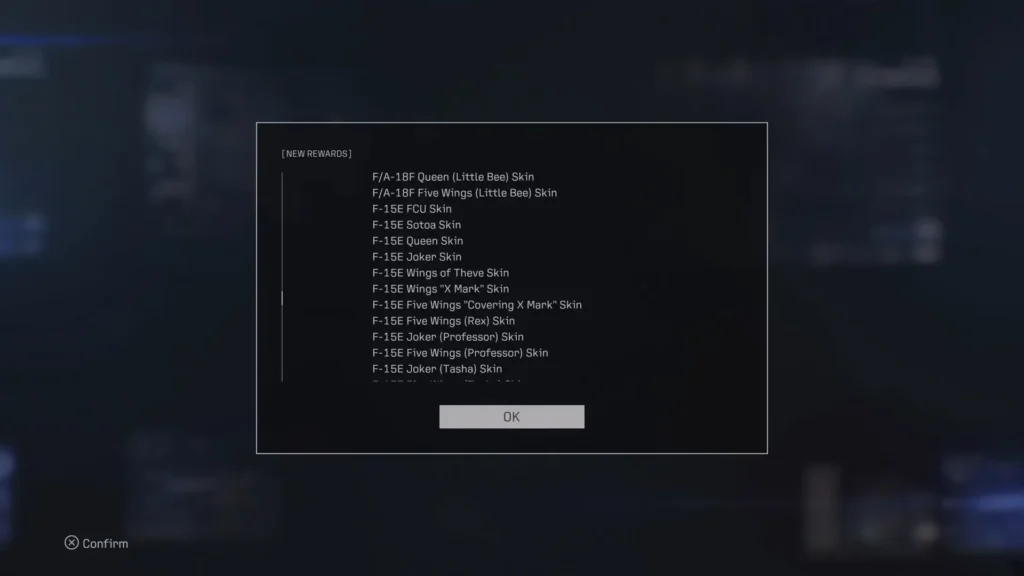
- Clear the campaign. A New Rewards screen hands out a big batch at once, with skins like the F-2A Five Wings (Rex) Skin and the F-4E Sotoa Skin.
- Shoot down named aces. They appear on Veteran difficulty or higher, and each one unlocks a special skin for its aircraft type. Finish the mission or the kill does not count. Our Mission 15 guide covers one of them.
- Play ACE COMBAT ONLINE. The first level cap upgrade on an aircraft gives you a two-tone black skin for it, and supply crates drop more.
- Buy the Customizable Cosmetic Set. It costs $9.99 and is also part of the Deluxe Edition. Inside are the F-4E Mobius Squadron 25th Anniversary Skin and the F/A-18C Team Zvezda Skin.