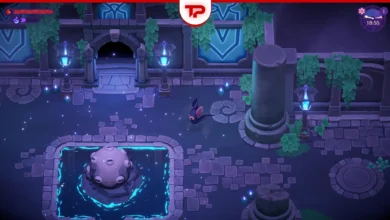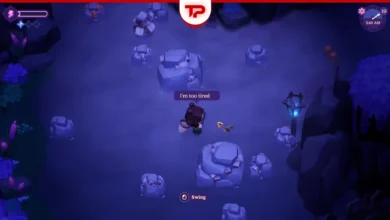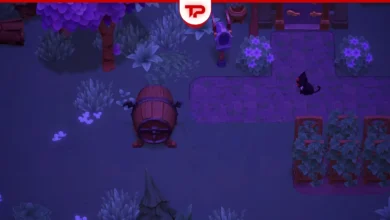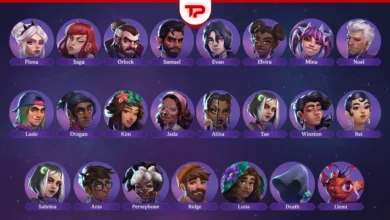


I really like those animations, graphics and purple theme of Moonlight Peaks. But the damn bugs of the game are like a punch to my face while playing.
So before encountering more bugs, I searched the communities and everywhere to know the possible problems and their solutions. I’ll list all the bugs and the fixes I’ve found useful. Hope they help.
Find Your Bug Here:
Optimization First
Some problems are not bugs, you face them simply because the game is not optimized for you. So, make sure that your system works well.
This Moonlight game works better when all your graphic drivers are updated. Another possible problem with this game arise when your antivirus delete the file Moonlight Peaks.exe. Add this file to the exception list of your antivirus.
How to do it?
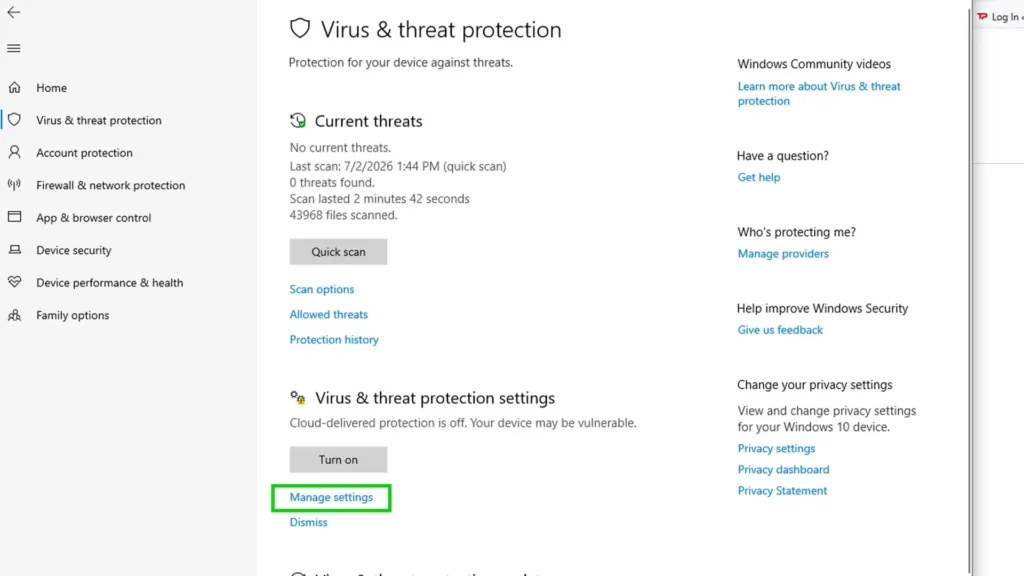
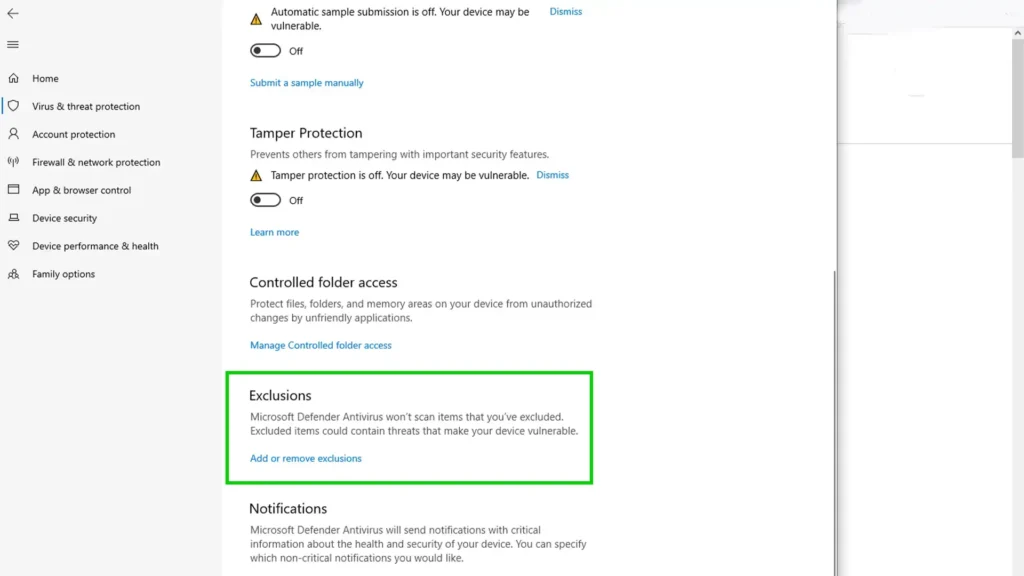
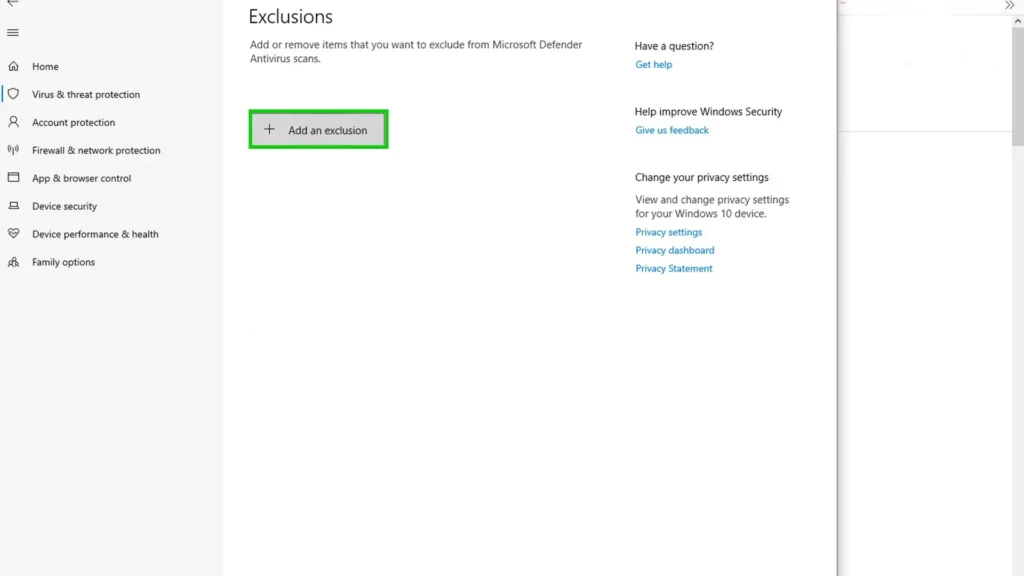
- Go to Windows Security;
- Open Virus & threat protection;
- Click Manage settings under Virus & threat protection;
- Click on add or remove exclusions;
- Add Peaks.exe.
Sometimes the gaming PCs or laptops are set to power saving mode, make sure to turn it off, especially if your system hardware is weaker than required.
Then, if there is any remaining issue, it’s probably the developer’s fault, not you.
Moonlight Peaks Bug Fixes I Learned
Well, here’s the main section of the text. Honestly, I myself haven’t faced all the bugs I’ll talk about, but I found many players have encountered them. Devs say that they’re actively working on these bugs and I hope they try their best.
Moonlight Peaks L and R Not Working
Some Switch players reported that the L/R buttons didn’t work properly. A fix for this has been announced (patch 1.1.41) and is rolling out for Nintendo Switch and Switch 2.
If you’re still seeing it, check that your console actually has the latest patch installed before troubleshooting further.
NPC Interaction Issues
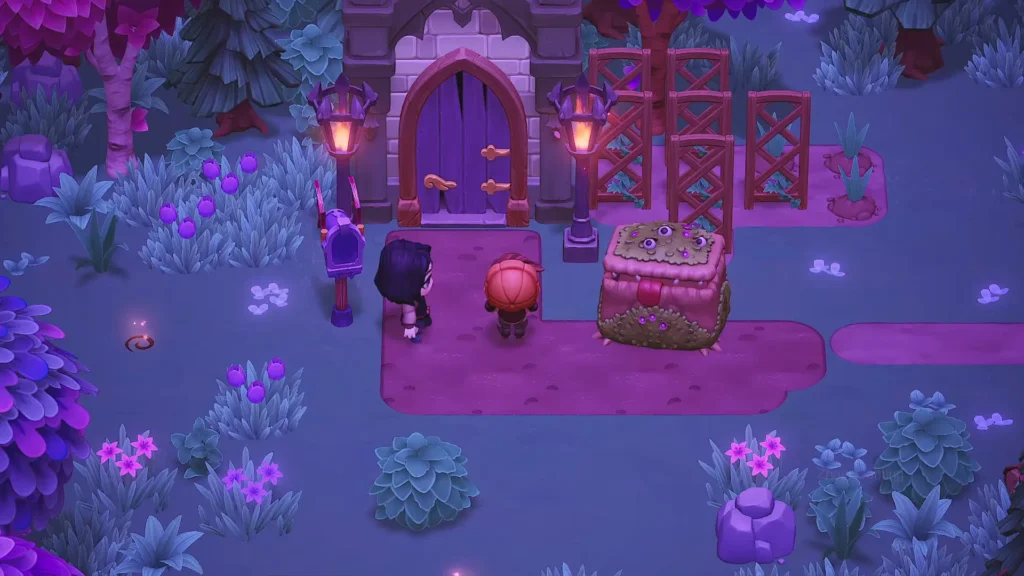
One of the most common problems was players being unable to interact with certain NPCs, especially those sitting (like Orlock on a bench).
This has been fixed in recent updates. If you still run into issues, reposition your character a few times until the prompt appears or restart the area. Mission progression should be much smoother now.
Crashing and Loading Issues
The game used to crash for some players, especially on Steam Deck. Now, updating your device and the game usually resolves it. Long loading times have been significantly improved across all scenes in recent patches.
If crashes persist, verify files and update the game to the latest version.
Performance Issues
This is very common, especially for PC and Switch players. If you play the game on Switch and you encounter black screen or performance issues, the solution is to restart the game or your console.
If the problem persists, close all the background apps and try again. Does it still persist? Reinstall the game completely.
If the problem is on PC, as I said, make sure that all your graphic drivers are updated. Also, you’d better to lower the graphic settings (especially shadow and draw distance) of the game and reduce the FPS.
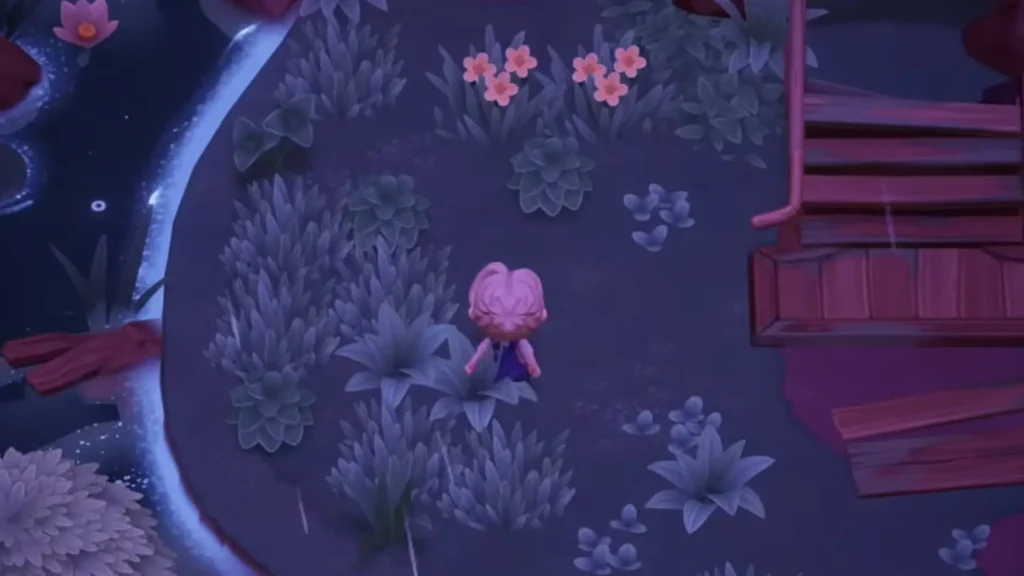
The other solution that helped me multiple times on Steam is to verify the files of the game. Here’s how: Right-click on the game, go to properties and then installed files. Click on verify and wait until it’s done.
If you’ve done all that and performance issues remain, try Run as Administrator option. It may help.
Crash when Leaving the Farm
The game crashes for some players when they want to leave the farm area. First of all, don’t forget to save the process before leaving the farm, so the crash won’t hurt your feelings too much.
The solution for this can be disabling the cloud save. If it didn’t work, verify the files multiple times. In Steam, sometimes a single verification is not enough, believe me (I have to do it even when I want to launch CS2).
Can’t Interact Inside the House
This was one of the most common problems and now has been fixed after the new patches (patch 1.1.41). If the problem persists, try the solutions I provided before:
Restart the game is a way that’s worth trying. Some players try to sleep out of the house and pass some time. With time advancement, the interact system resets.
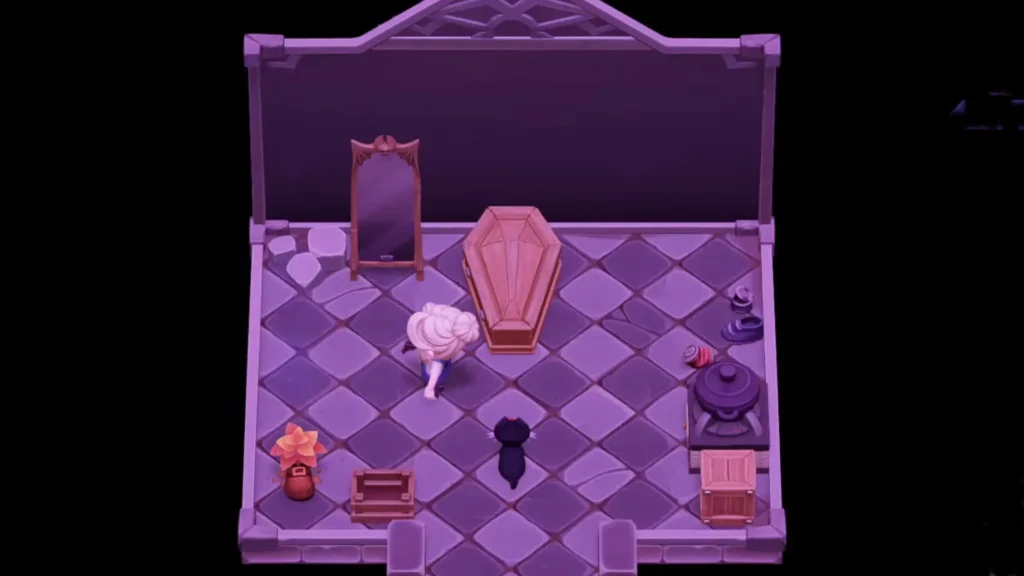
Another simple solution that may work for some players is to exit and re-enter the house multiple times.
The last Thing you can do is switching the interaction key between mouse and keyboard. If it doesn’t work, use a controller if available. On Switch devices, detaching and reattaching the controller may be the way.
Bugs Are Annoying: Help
The game is fresh and bugs are common in a newly released game. Game Devs are trying to be responsible and they promise to fix issues. But we’ll have to wait and see if they are really responsible.
If there is any other Bug that I haven’t covered, write about it on the comment section. If you have any further solution for any of these problems, let us know. I really don’t want to give up on Moonlight Peaks just because some stupid bugs. The game is lovely.
Final Note: When it’s about bugs, you should know that one solution may work for some players and does not work for others. You should also note that some bugs don’t have any available way to pass. You should wait till the Devs do something about it.